Discover resources, tools, and strategies for teaching math. Engage students with activities that build problem-solving and critical-thinking skills.
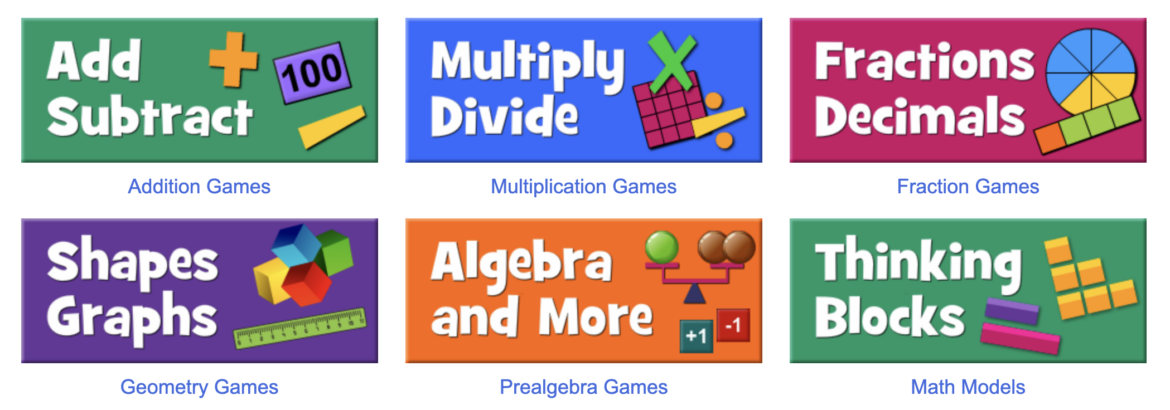
Looking for math games for a center, additional practice, or an answer to the question “TEACHER, I’m done. What do I do now?” Below you will find a list of several math game sites that do not require downloading or an account. These websites work well in a regular old browser. The best of all? They are all FREE! Hopefully, you will find one or two that will meet your needs. Here we go: 3, 2, 1 ADD some fun. (MINUS the login and password headaches.)
1. Numble
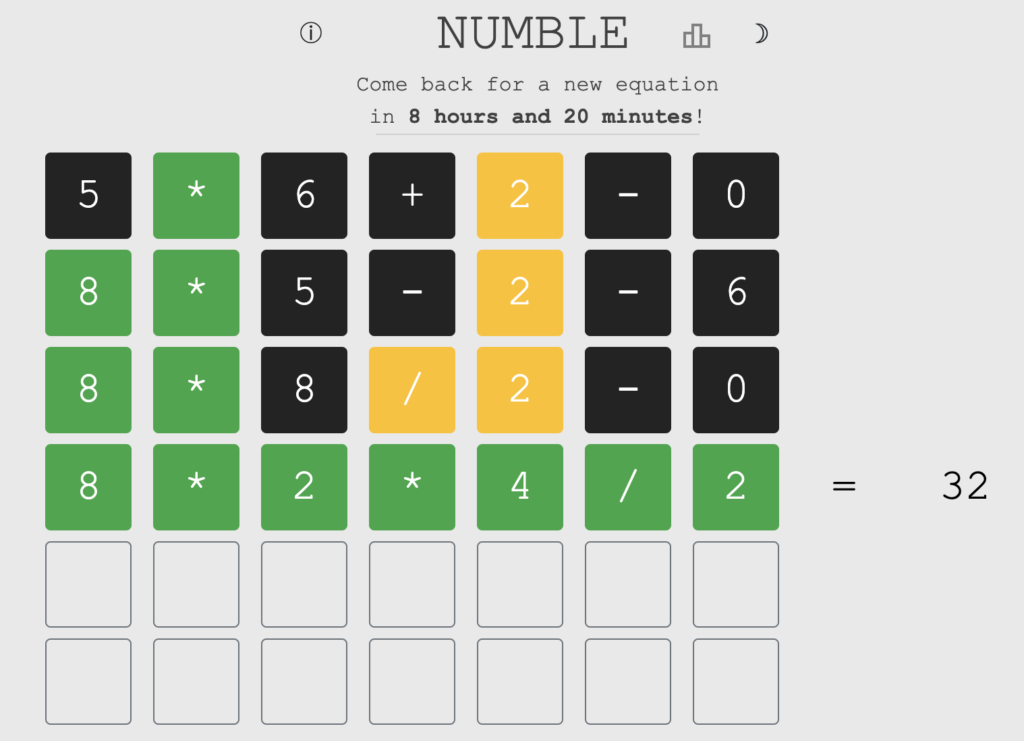
Think Wordle, but for Math. This daily challenge gives you six tries to guess the hidden equation. The only hint you receive is for the value. Just like Wordle, a green number means it’s in the correct spot. Yellow means you have the correct number/sign but not in the correct position. Black means the number/sign is not present. The equation follows the DMAS order of operations.
2. Ooodle
Mathszone is a website from the U.K. that has a variety of math games for students. Oodle is like Numble. This variety consists of using numbers 1-9 only one time each. Green, yellow, and gray give you hints to find the solution.
3. Fun Brain
This website has tons of games. The Math Zone alone has over 75 choices. The best thing about these games, they are all labeled with the appropriate grade levels (K–1, 1–6, 2–8, all grades, etc.). Look for the tiny print in the lower left corner of the game graphic to locate the grade levels.
4. PBS Peg + Cat
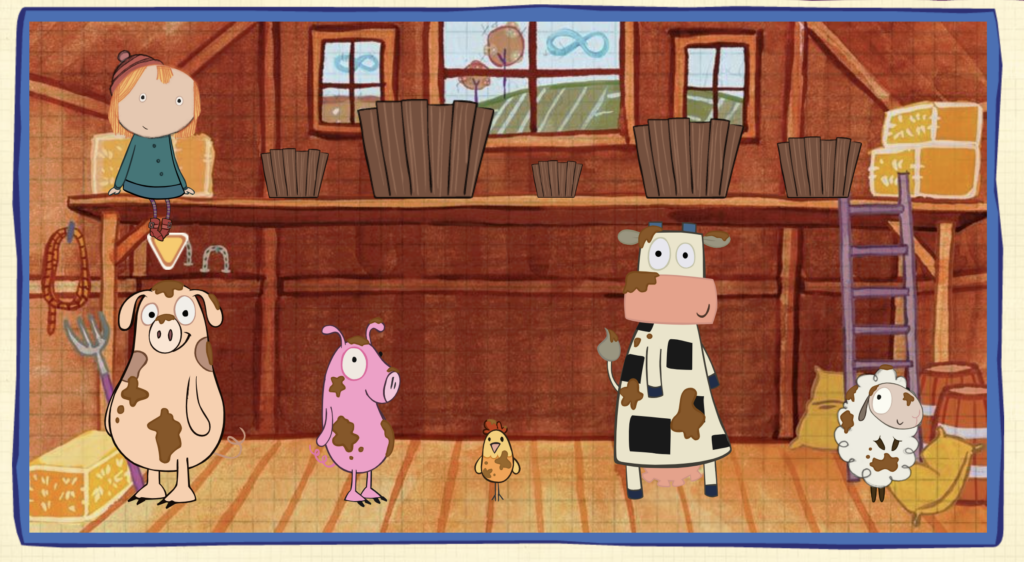
The Fred Rogers Company produced an animated preschool series featuring Peg and Cat which ran from 2013 to 2018. Even though the tv series has been discontinued, the website houses games, stories, and videos that are just so darn cute. Games are centered around arithmetic and problem-solving skills. If you don’t know which one to check out, I highly recommend Scrub-a-Dub. Your job is to match up the sizes of buckets, soap, and water for the cute little farm animals so they will be camera-ready.
5. SolveMe Mystery Grid
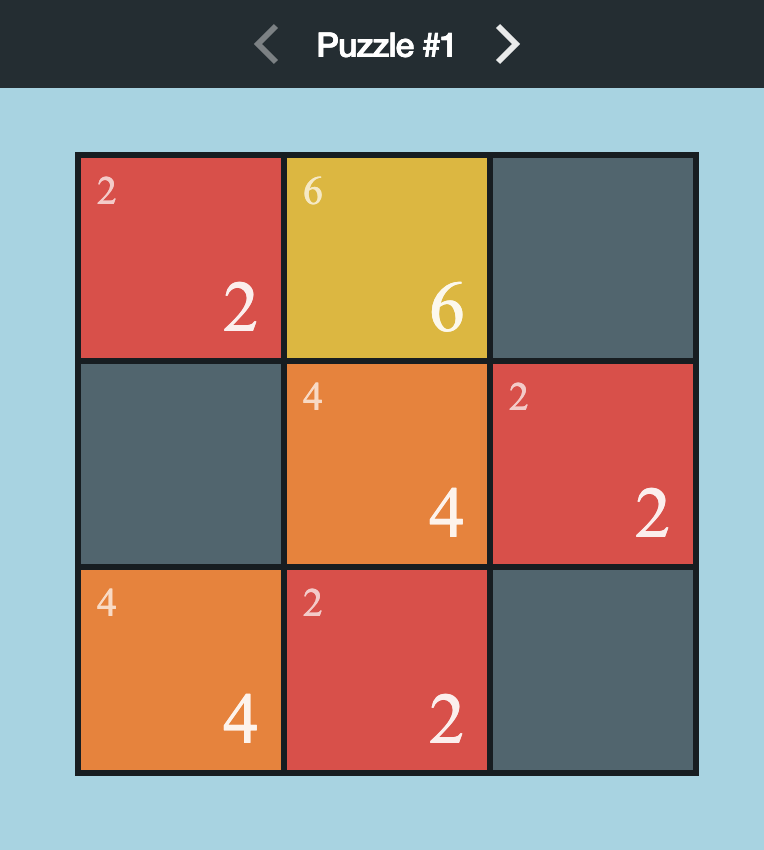
Think Sudoku, but online! This site includes three levels of built-in puzzles:
- Puzzler level – 3×3 or 5×5 puzzles with whole numbers only.
- Explorer level – 4×4 to 6×6 puzzles with integers.
- Master level- Up to 7×7 puzzles with fractions and algebraic equations.
You can also build your own MysteryGrid puzzles. Students do not need an account to play. But if an account is created, their progress is kept and players can also be logged in from another device. Players over 13 can enter an email address, but those under 13 can still create an account as this app follows COPPA.
6. Math Is Fun
On this website, you can find puzzles, games, worksheets, and an illustrated dictionary. The games are geared for K-12. Math Is Fun has several categories: Games, Numbers, Algebra, Money, etc. The site states “we may use cookies,” and there is a button to hide ads.
7. Math Playground
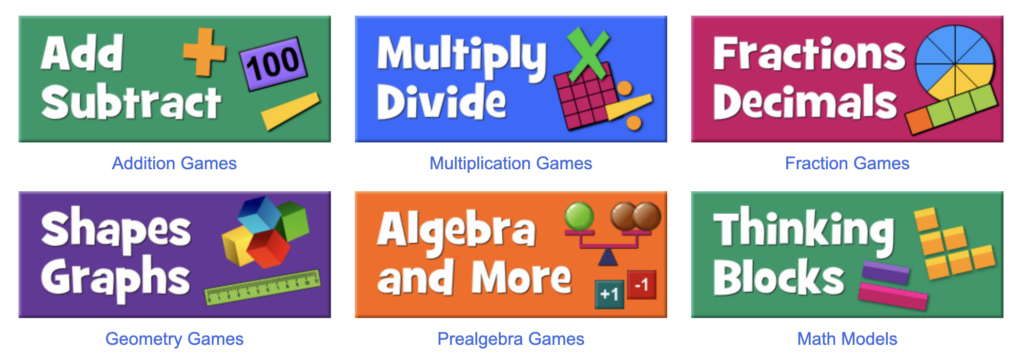
Colleen King created this slick, colorful site in 2002 for students to practice math facts. And wow, has it grown to offer hundreds of free, online math games which include problem-solving, logic games, and number puzzles. The site is kidSAFE COPPA certified and does contain ads. Scroll down on the About page to find the categorization of all the games.
8. Would You Rather Math
This site is so awesome! The activity engages your students in math-based conversations. They do the math and then justify their reasons. The questions are divided into four grade levels: K-2, 3-5, 6-8, and 9-12.
9. Solvemoji
Here you’ve got a free website that makes math puzzles using emojis. There are ten levels of difficulty in classic, grid, or word types. You can create an account to join the leaderboard or just solve puzzles on the website. Solvemoji puzzles are great for Math warmups and bell ringers. You can also follow @solvemoji on Twitter. Note that there are ads throughout the website.
10. Guess My Number
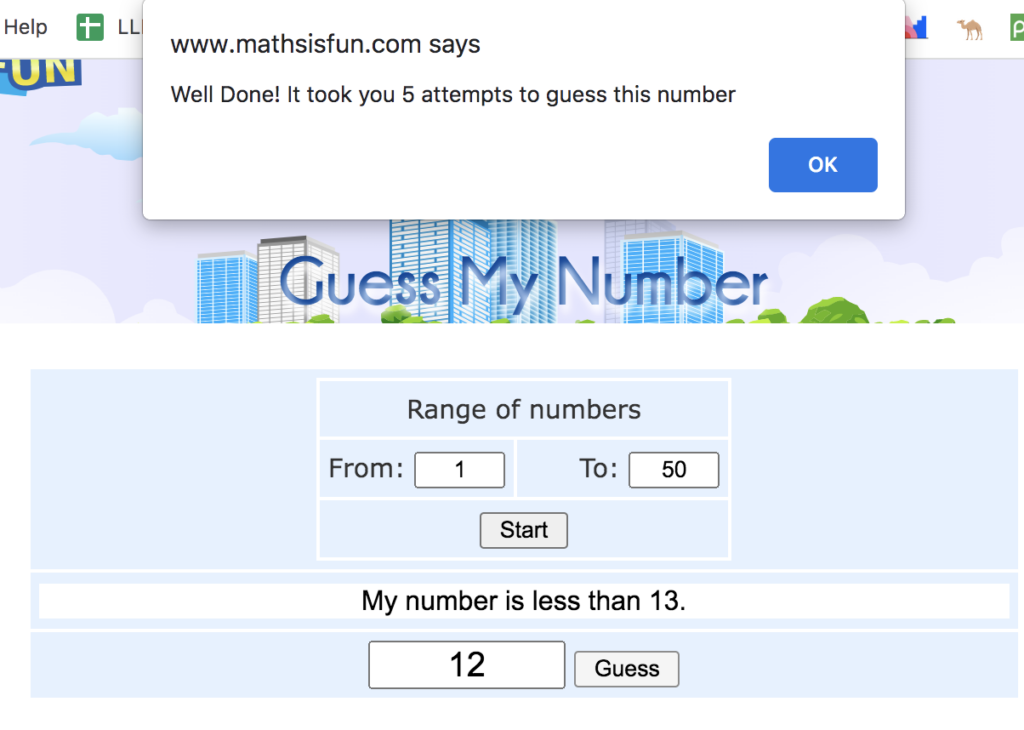
Math is Fun provides a website called Guess My Number. Choose a number between a range of two other numbers: 1–50, 100–200, etc. As you enter your number guess, the computer will let you know if you are too high or too low. Once you have guessed the correct number, the website will let you know how many guesses it took to correctly guess your number.
11. Number Gossip
Tanya Khovanova has designed a website where students can type in a number and up pops all kinds of facts on that particular number. Just for fun, I typed in the 13. And here are two interesting facts on lucky number 13:
- 13 is the smallest emirp (yes, I had to look up the meaning of the word emirp.),
- Irrational fear of the number 13 is termed triskaidekaphobia.
Looking for more math materials? Check out this TCEA blog for digital math tools and here for virtual manipulatives. If I missed a great math game site, please share in the comments below so we can add it to our list.
Featured image screenshot by author.