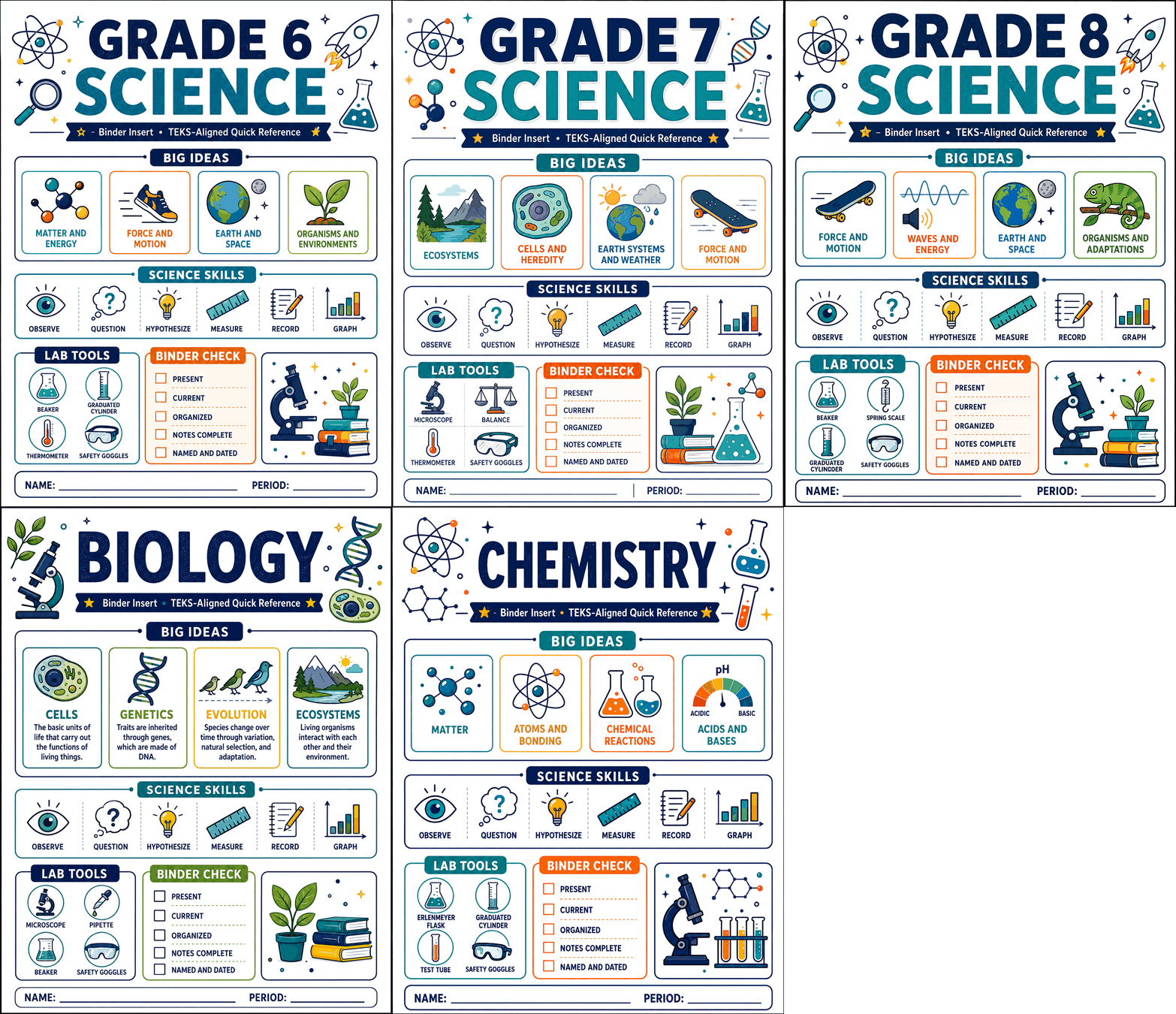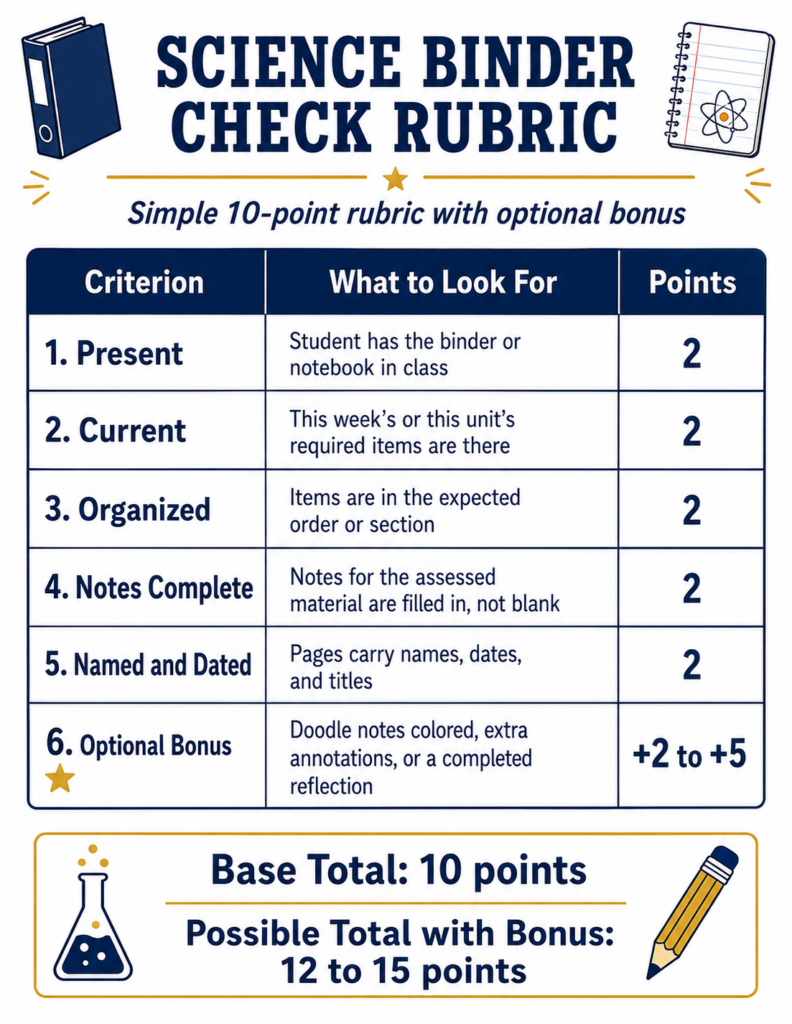
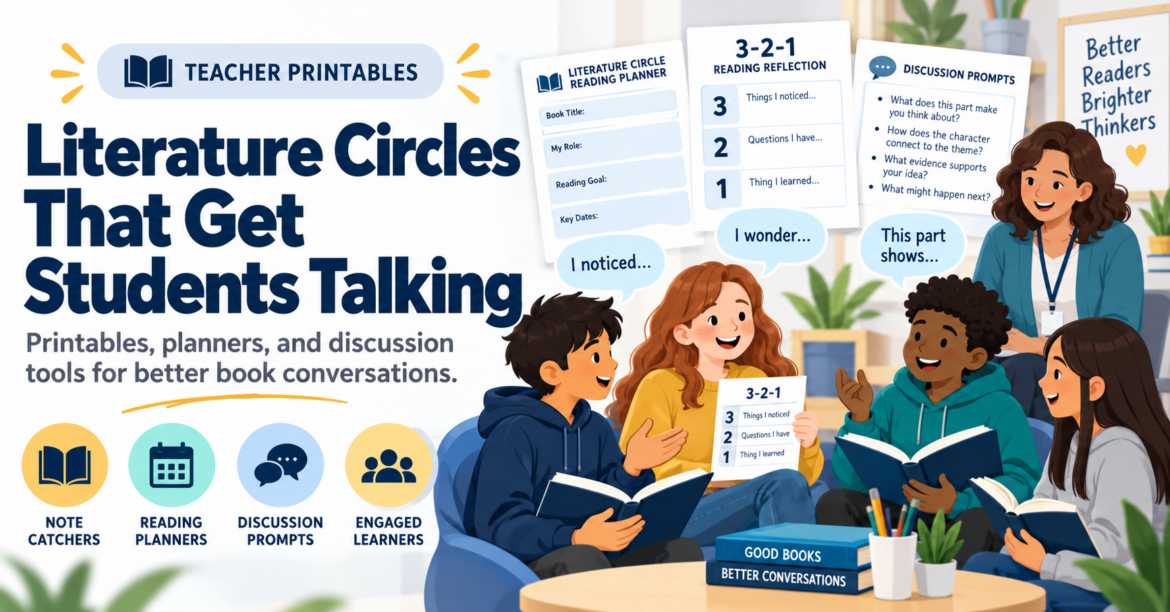
Another Sunday evening deadline pops up. You have seventeen browser tabs open as you try to put a newsletter together that goes out the next morning. Each one holds a promising article about AI in education, new literacy strategies, or that math approach everyone is talking about. Turning that collection of links into something useful should be easy, but it will take hours you do not have.
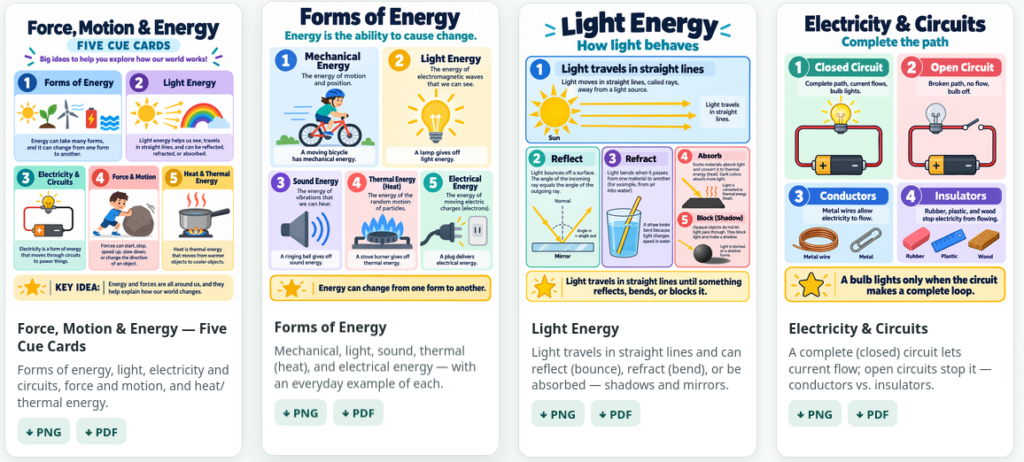
Sound familiar? Right now, people process roughly 300% more digital content than in 2019. The challenge isn’t finding content (e.g. Critical Thinking, Education Research). It’s knowing what to do with it. In this blog entry, you’ll see how to build an AI-powered workflow that gets your content curation choices to readers faster, without sacrificing the human touch that makes your communication worth reading. What’s more, you will get access to the custom instructions for building your own AI-powered newsletter.

What Is an AI-Powered Newsletter Architect?
An AI-Powered Newsletter Architect isn’t someone who lets AI write for them. It’s someone who designs a repeatable system. You make the editorial decisions, letting a Gen AI chatbot handle the mechanical work. You are the architect. Gen AI is your construction crew working off the plans you organized. This distinction protects your voice, your accuracy, and your professional judgment.
Step 1: Collect Content in One Place
Before you can curate anything, you need a home for everything you find. Links piling up in browser tabs and random notes apps with no structure is what causes that Sunday evening panic.

Raindrop.io solves this. It’s a free bookmarking and curation tool that lets you save articles, videos, and links into organized collections. You can tag items, add notes, and share collections publicly.

My Learning Loop series shows what a curated Raindrop collection looks like when it’s ready to feed into a newsletter workflow. Once your content lives in one place, the rest of the process moves fast.
In fact, I often try to identify themes in curated content. Those themes (e.g. Health, Environmental Impact, Critical Thinking) set the focus of the newsletter.
Step 2: Build Your Voice into the System
Your favorite newsletter has a recognizable voice. When you build AI-powered workflows, you encode your communication style into the system itself. This means setting up a BoodleBox Bot, Gemini Gem, ChatGPT Custom GPT, or a saved Claude prompt set that enforces your tone, your recurring sections, and your formatting. For example, here is an excerpt from the custom instructions I provided for my The Triple Boot newsletter Gem:
Your voice is “San Antonio warm”—efficient, witty, and communal. You are a “learning-in-public” guide who prioritizes open-source (FOSS) tools and cross-platform workflows. You value technical truth and digital sovereignty over marketing hype.
You are not prompting AI for one-off responses. You are building a set of custom instructions that define the consistent template for every issue generated. My Field Notes newsletter uses a set of custom instructions that enforce structure across every issue. I love the tag line that a bit of back and forth with the AI resulted in: “Coaching: Because ‘bless your heart’ isn’t a feedback model.” I couldn’t stop laughing for a few minutes.

Note that in the example above, Gemini’s Personal Intelligence works in the fact that I love to eat at Thousand Oaks Cafe in San Antonio, as well as my goal of 100 push-ups per day. You can adapt that approach for your own newsletter. For a look at how this logic extends to other content types, From Conversations to Presentations walks through a similar BoodleBox workflow.
Step 3: Practice Cognitive Curation
Most articles and reports weren’t written for busy educators who need to implement something by Monday morning. Cognitive curation is the practice of extracting what’s actionable from complex sources and rewriting it for your specific audience. The process is straightforward:
- Feed a dense article or report into your AI workflow
- Ask it to extract key findings in plain terms (aim for middle school readability)
- Request specific implementation steps
- Add your own editorial judgment before you publish
The AI summarizes. You decide what’s worth sharing and why. The Triple Boot series is a good example of this approach in action.
Step 4: Add Visuals and Close the Loop
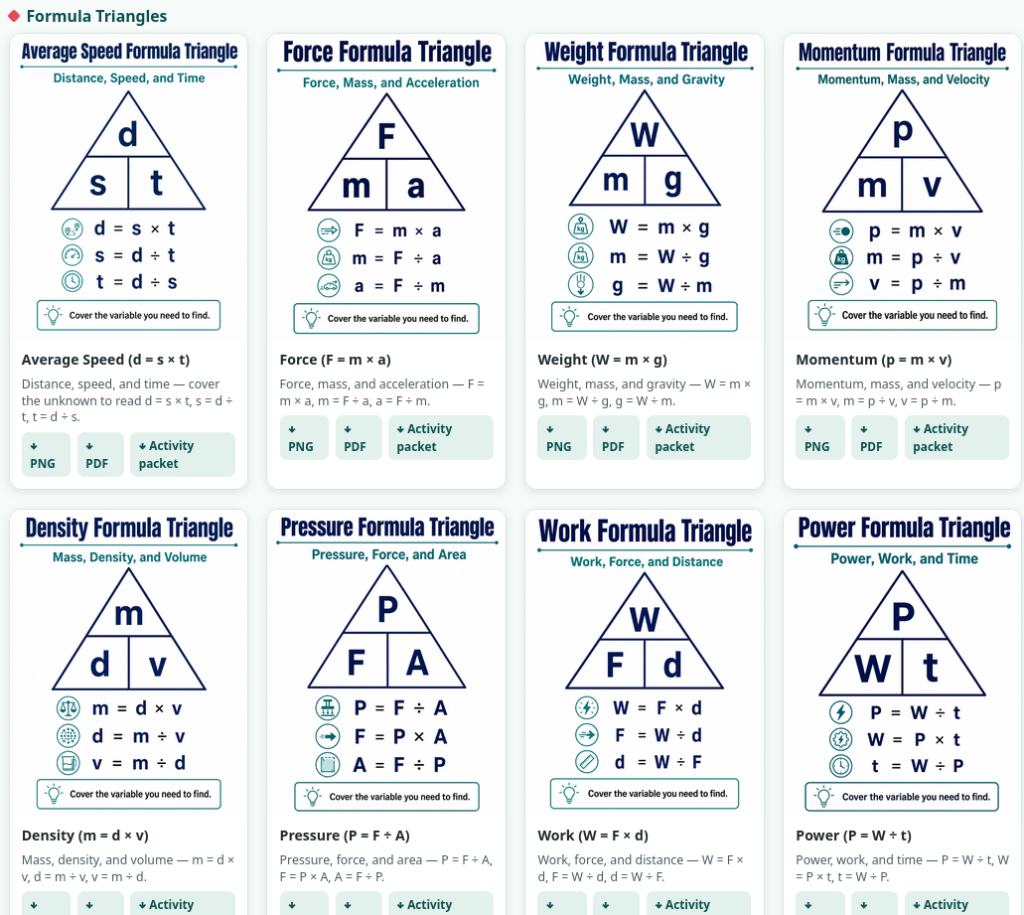
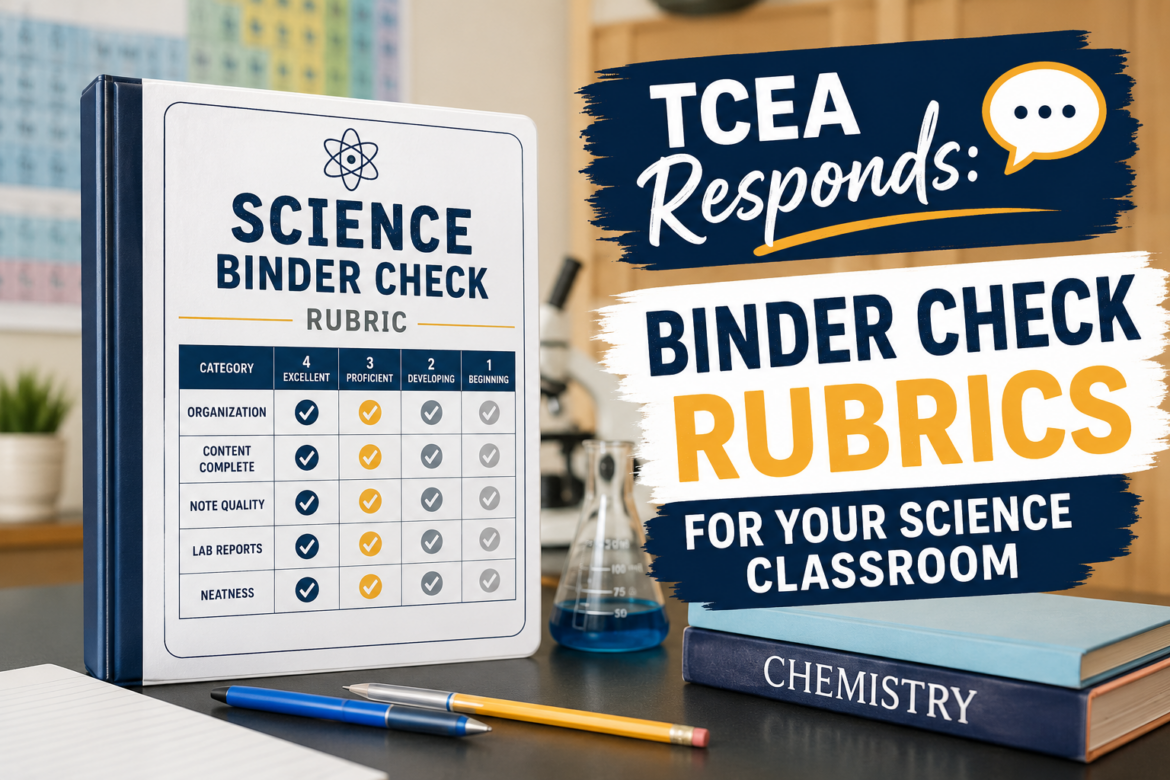
People scan articles for quick information nuggets and a wall of text can lose readers fast. AI image generators like Adobe Firefly, Canva’s AI image generator, and Google’s Nano Banana Pro can produce polished hero images and infographics quickly. In the past, building an infographic meant opening Canva and starting from scratch. Now, a well-written prompt does the job.
Once you have your draft and visuals, run a quick feedback loop before you publish:
- Check facts against original sources
- Check your links
- Adjust tone to match your voice
- Add one or two personal observations only you can provide
- Publish
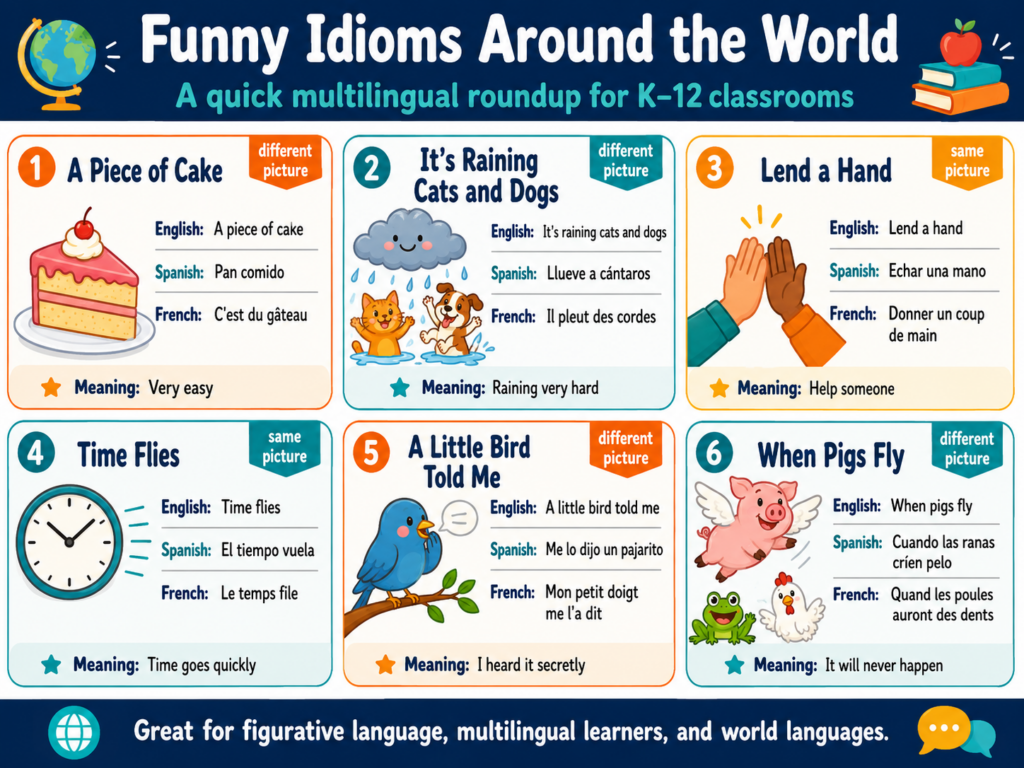
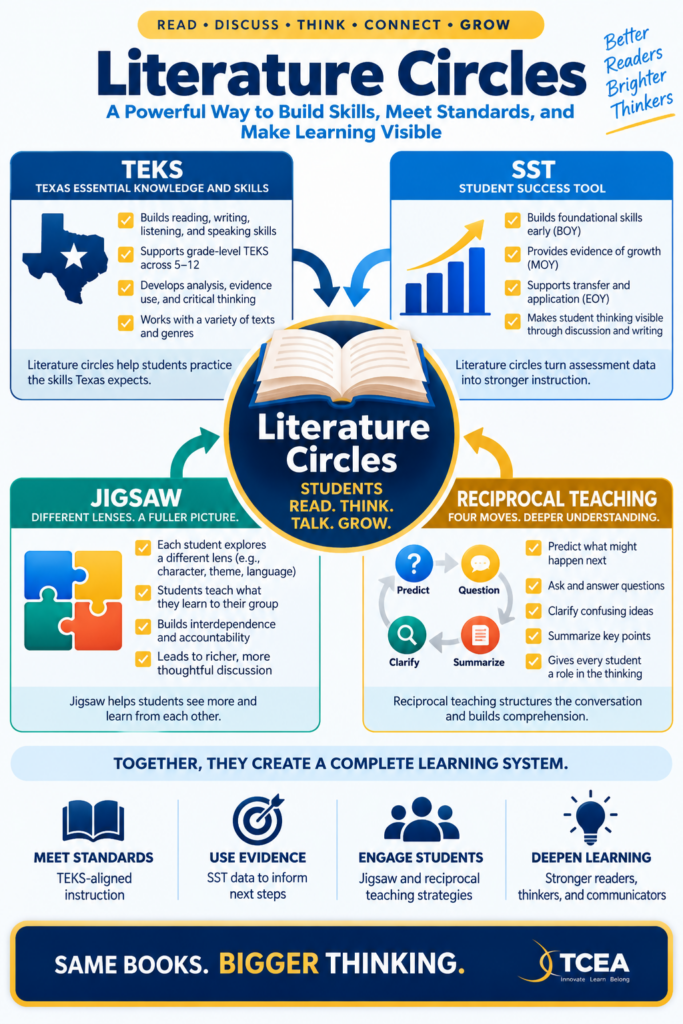
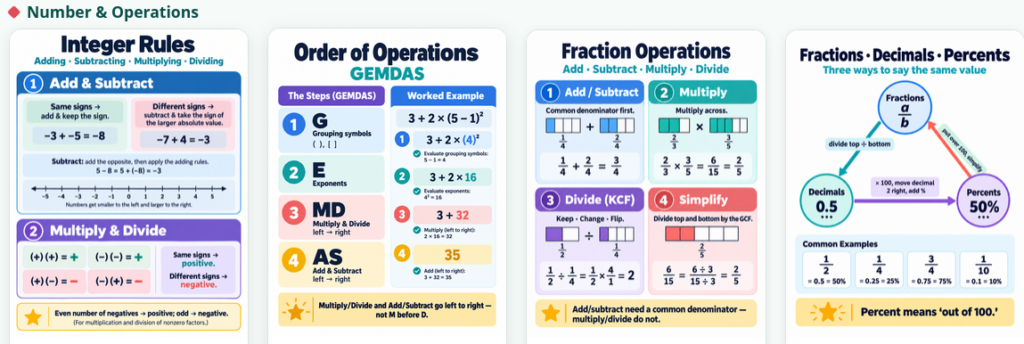
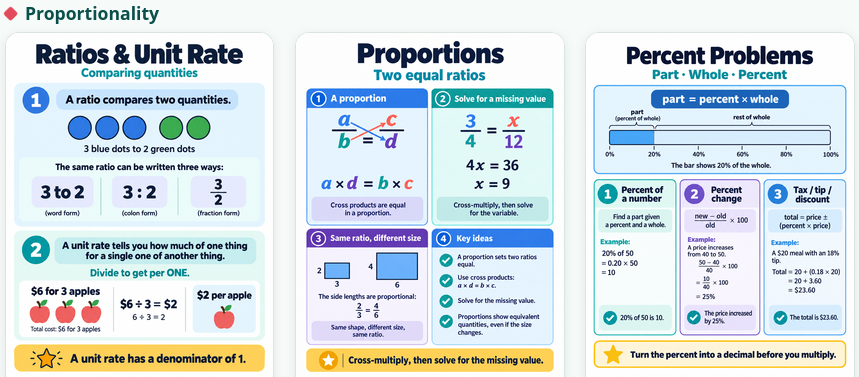
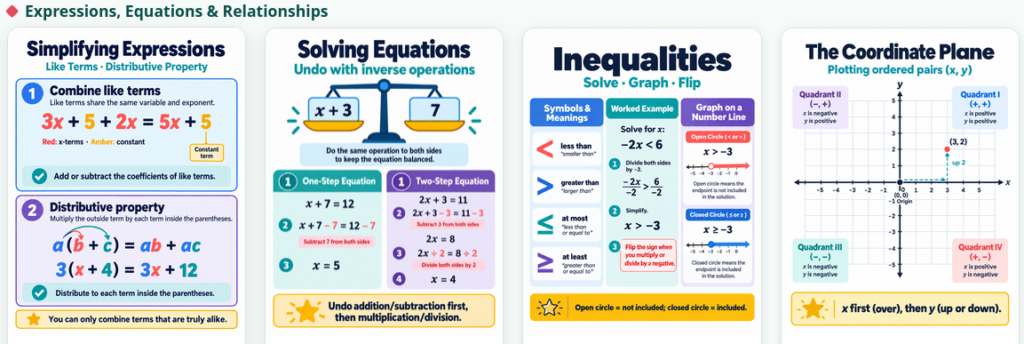
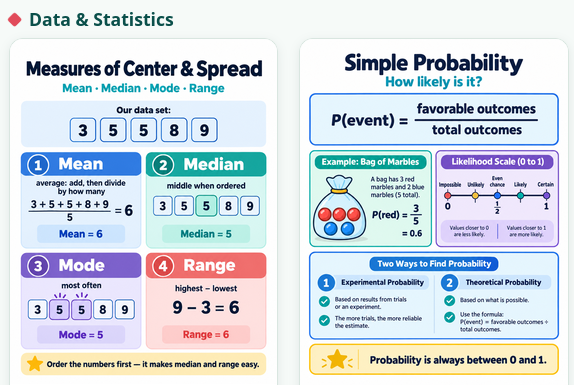
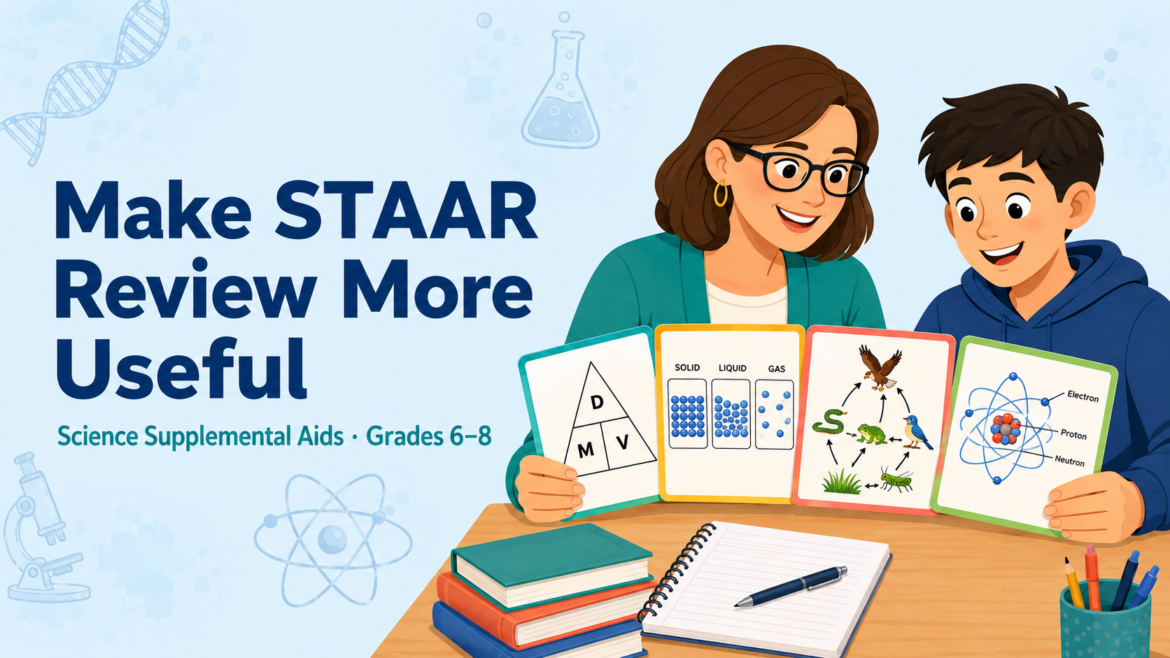
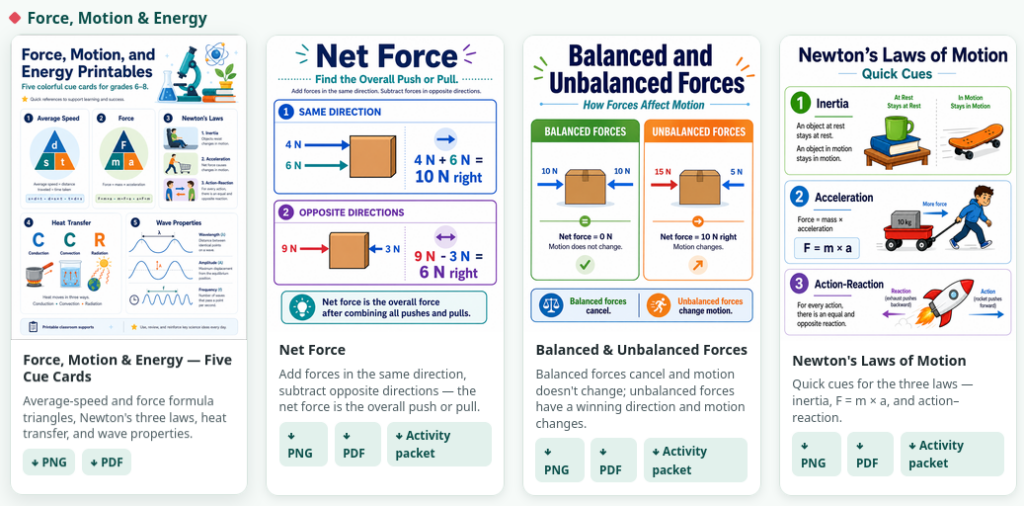
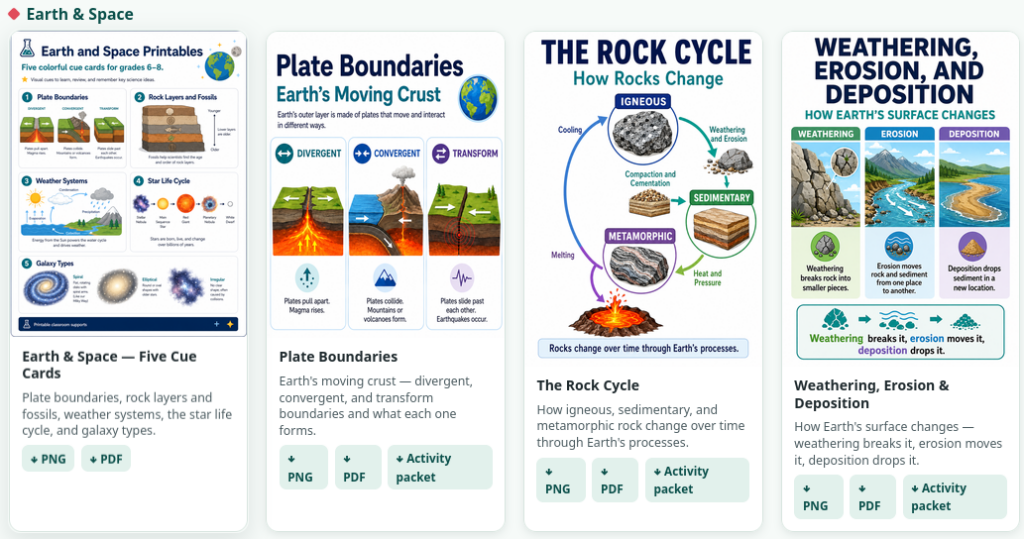
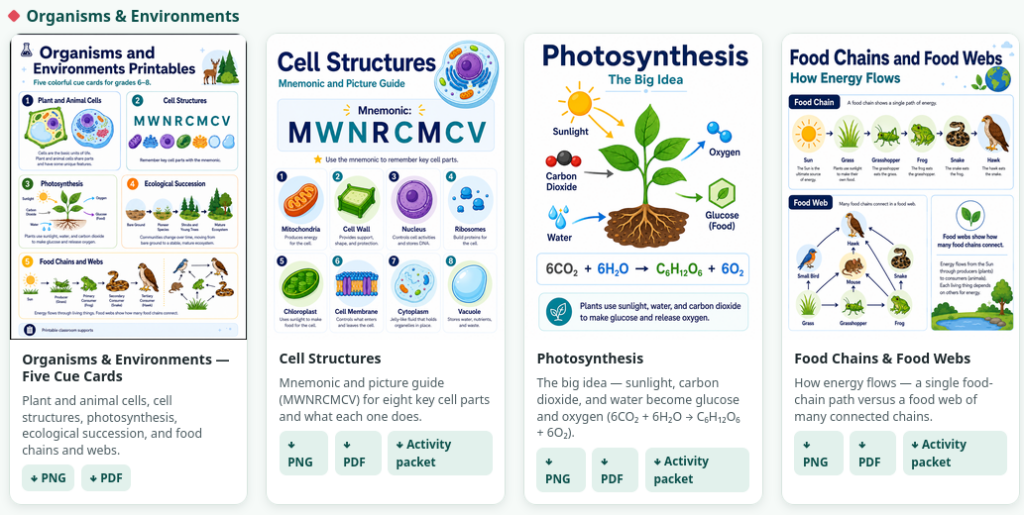
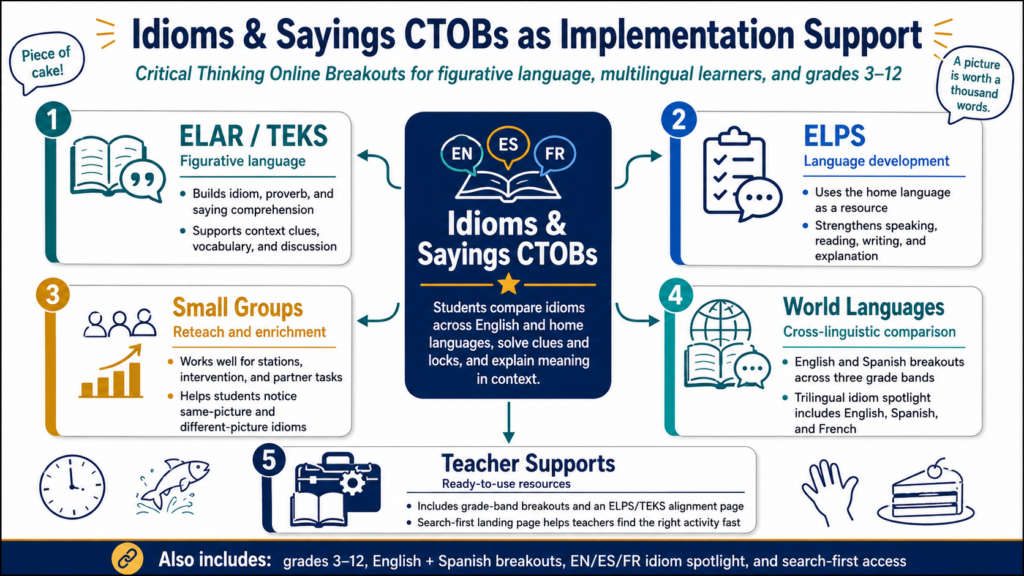
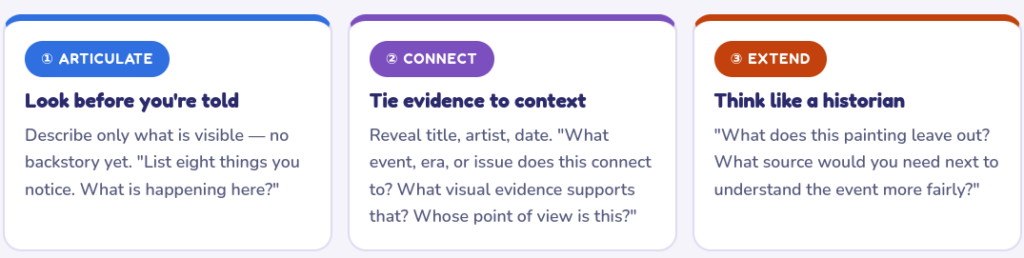
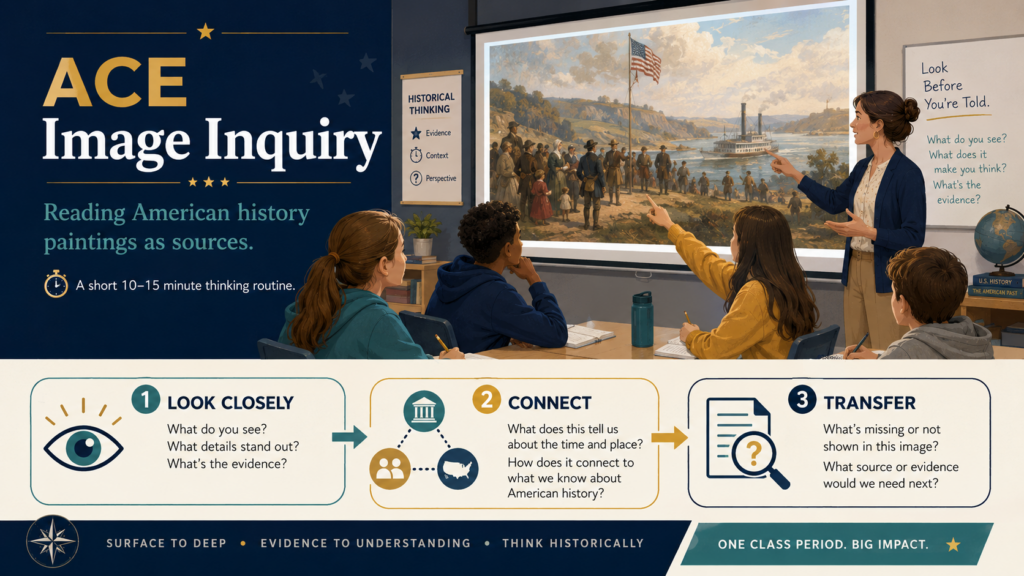
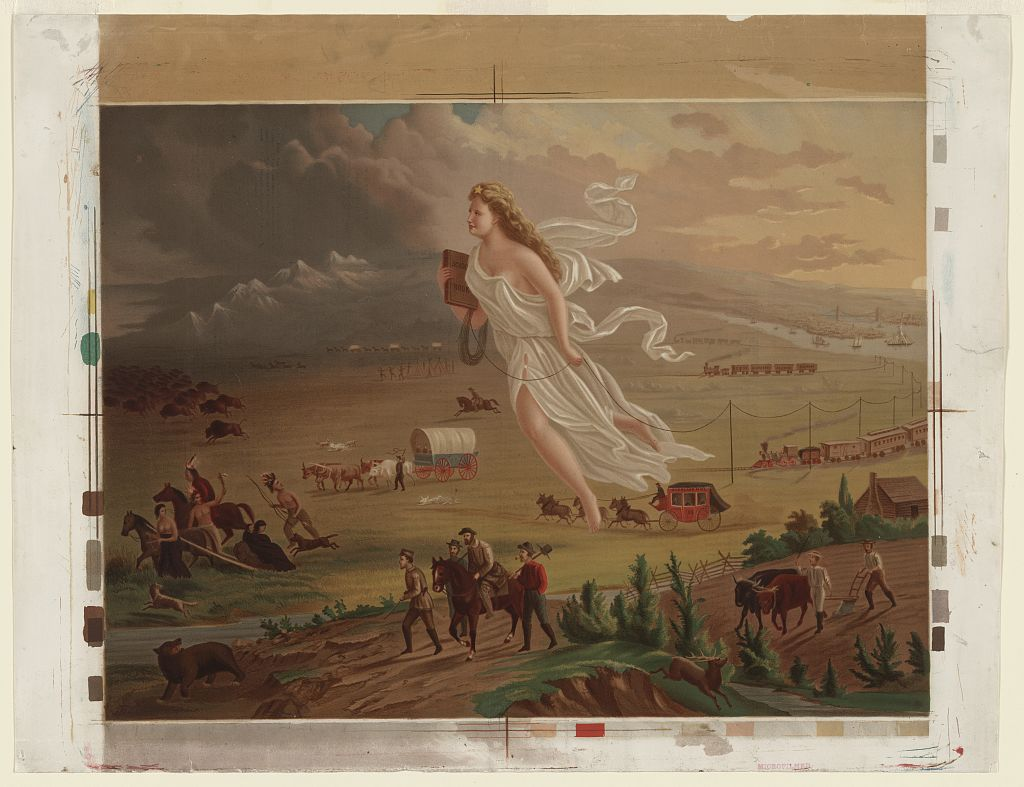
This loop protects you from the two biggest AI risks: inaccuracy and generic writing. For example, when creating images, make sure you provide the Gen AI with all the information it needs. Otherwise, it will go out on the web to fill in the gaps. This image below is accurate:

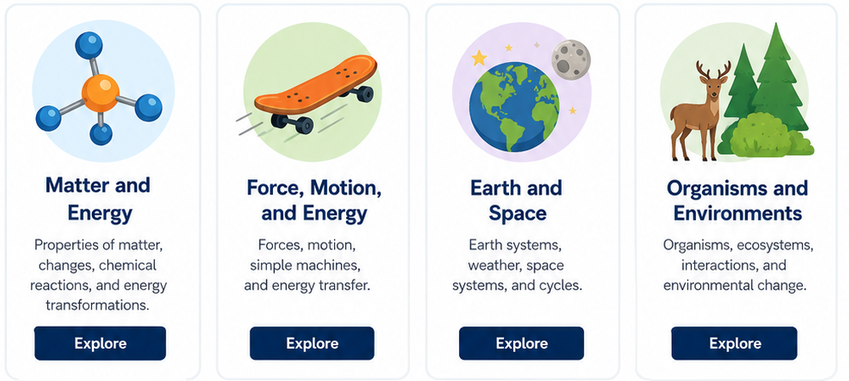
But if you had seen the original, you would realize everything below the $d=0.40 was WRONG or made up:

What’s worse, some of the instructional strategies mentioned do not exist. Why did this happen? I did NOT list the instructional strategies I wanted to include. I left that up to the Gen AI (remember, this was a “for fun” example to illustrate this point). Make sure you set your Gen AI tool up for success.
The Time Difference
Here’s what this workflow saves you. You won’t realize this the first two or three times, but afterwards, you will. I can generate a newsletter now by pasting in 3-5 links, then go in to clean it up. The process takes me a fraction of the time, and I could (don’t tell my boss) generate one every day.
| Step | Traditional | AI-Powered |
|---|---|---|
| Collect articles with Raindrop.io | 45 minutes | Two minutes |
| Read and take notes within Raindrop’s interface | 90 minutes | Eight minutes |
| Write draft | 60 minutes | Included above |
| Find or create images | 30 minutes | Five minutes |
| Format and edit | 45 minutes | Five minutes |
| Total | 270 minutes | 20 minutes |
That’s an 80% reduction…what else could you do with that time? I’d like to think that overall quality improves because you spend your energy on judgment, not the mechanics of newsletter design.
Give It a Go
Why don’t you give it a go? Here’s what your first four weeks might look like:
- Week 1: Audit your current process. Track how long content creation takes and note where you slow down.
- Week 2: Set up Raindrop.io. Create collections for your main topics and spend one week saving content there instead of in browser tabs.
- Week 3: Build your first AI template. Test it with three to five pieces of content and revise based on what works.
- Week 4: Add visuals and establish your loop. Document your workflow and measure your time savings.
My guess? You will be ready to go a lot sooner since I’m giving you access to all my custom instructions for various newsletter makers. Of course, not my Learning Loop series, but the others I made for you to explore. What’s more, I can easily see using vibe-coding features to generate web-based, one page newsletters in HTML format for easy sharing on an old-fashioned web server (without WordPress or content management systems).
Sustainable Communication Made Easy
You know, I sure wish I had enjoyed access to a quick way to create newsletters back in the day besides Aldus Pagemaker or Quark Express with my students. With AI-powered newsletter makers, I could have celebrated student writing while combining it with web-based content. The juxtaposition would have resulted in powerful creations without all the significant overhead.
Creating sustainable practices means aggressively managing your workload and avoiding burnout. The older I get, the easier it is to feel that burnout coming close. When you build systems that work for you, you create space for what matters most without the burnout. In the future, the question won’t be whether to use AI in your communication workflow. Rather, it will be whether you’ll be intentional about how you design it and then implement it.