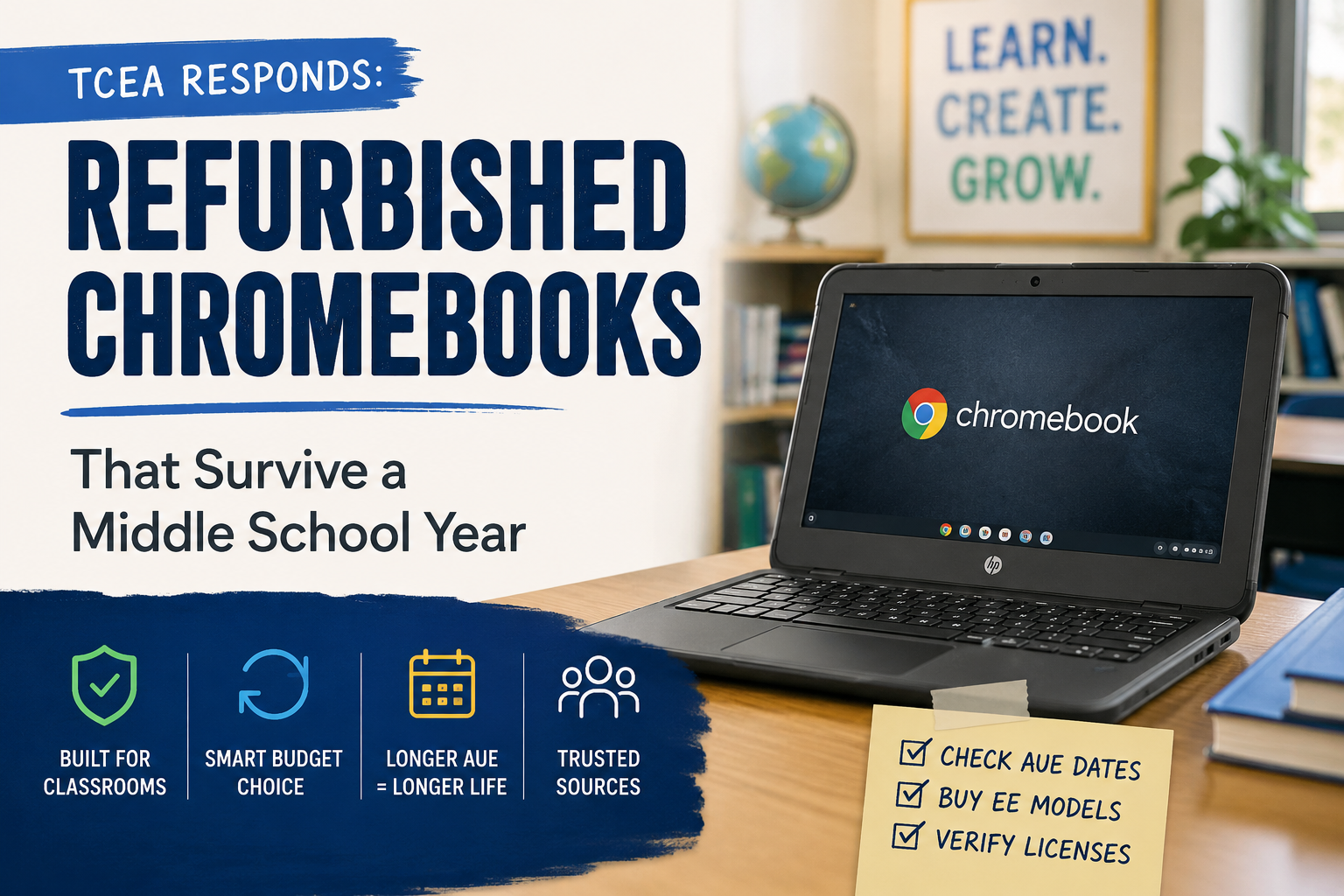
Dear TCEA Responds:
I’m trying to catch up on our Chromebook refresh cycle, but funding is tight, and the way our 6th-12th graders treat their devices makes me reluctant to drop full price on new ones. Where can I find reliable certified refurbished Chromebooks that won’t show up to the help desk by Thanksgiving with cracked palm rests and missing keys?
Thanks,
Stretched Thin in Texas
Dear Stretched:
Thanks for writing. You are not alone. Buying new at retail when devices keep coming back chewed up feels a lot like funding a slow-motion shredder. Going certified refurbished is the right instinct: lower per-unit cost, equipment built for classrooms, and a smaller bite when one of them inevitably gets sat on.
A quick caveat before the vendor list. Treat the names below as a starting shortlist for your own quote process rather than an endorsement. Pricing, warranty terms, and stock change quickly in this market.
Where to Start Your Quote Search
You may want to start your search here, as well as asking in the TCEA Community for CTOs and Technology Directors. Two of the providers are K-12 specialists, one is a high-volume distributor, and one is direct from the manufacturer.
| Provider | What Makes It Worth a Quote |
|---|---|
| Bluum (formerly Trox and Tierney) | One of the largest K-12 technology resellers in North America. Advertises extended warranty options sized for schools, and stock often comes from corporate end-of-lease pools. |
| Chromebooks R Us | Bulk specialist with frequent 50, 100, and 500-unit lots of Dell 3100, HP G8 EE, and Lenovo 100e models. Useful when you want identical units for interchangeable parts. |
| Dell Outlet for Education | Manufacturer refurbished channel. Best route for Dell 3100 and 3110 ruggedized education models with factory testing. |
| Tech to School | Education-focused refurbisher building custom classroom sets. Verify current warranty and grading scales when requesting a quote. |
If you want a fifth opinion in the room, a regional cooperative purchasing organization (Region 20 ESC, BuyBoard, TIPS) often has refurb contracts already negotiated, which can save you weeks.
Did You Know?
TCEA offers a self-paced Chromebook Educator online course (12 CPE hours, badge included). It walks teachers and tech staff through the full device, including the keyboard shortcuts and admin settings that quietly extend a device’s classroom life.
Three Things to Check Before You Sign
It’s easy to get caught up in the excitement. Before you decide to issue that purchase order, review this checklist:
1. Confirm the Auto Update Expiration Date
Google extended the Auto Update Expiration (AUE) window in 2023. Chromebooks released from 2021 onward now receive 10 years of automatic updates from the platform release date. Older devices can sometimes opt in for extensions, but features may be limited.
What that means for you: avoid refurb stock built on pre-2020 platforms unless the price is genuinely amazing and/or you only need short-term loaners. Dig up the exact model on Google’s Auto Update policy page before signing. A target AUE date of June 2030 or later gives your purchase a real shelf life.
2. Buy Education Edition Models Only
Many consumer Chromebooks (if any) do not survive seventh grade. Look for “EE” in the model name: HP Chromebook 11 G8 EE, HP G9 EE, Dell 3100, Dell 3110, Lenovo 100e, Lenovo 300e. These ship with spill-resistant keyboards, rubberized bumpers, and reinforced ports designed for daily classroom abuse. Ask for an evaluation model and let the vendor know you are going to run it through the wringer (e.g. drop it, spill liquid on it, field test it for a day with a middle schooler).
3. Verify the Google Chrome Education Upgrade License
The license that lets you manage devices in the Google Admin Console is separate from the hardware. Some refurb quotes bundle it. Most do not. Make the vendor itemize this so you can plan the real per-device cost, not the sticker cost.
A Quote Request You Can Adapt
Here is a tightened request for quotes (RFQ) you can copy into an email and edit. I shortened the original to keep it on one screen.
Subject: RFQ - Certified Refurbished Chromebooks for [District Name]

[District Name] is collecting volume quotes for certified refurbished
Chromebooks to support our 6-12 device refresh.

Target quantity: [e.g., 250 units], with tiered pricing if applicable
Delivery target: On or before [date]
Response deadline: [date]

Required specifications:
- Education Edition (EE) ruggedized models only (HP G8 EE or G9 EE,
  Dell 3100 or 3110, Lenovo 100e or 300e, or equivalent)
- AUE date no earlier than June 2030
- 4 GB RAM minimum (8 GB preferred), 32 GB eMMC minimum
- Spill-resistant keyboard, co-molded rubber edges, reinforced ports
- Functioning USB-C power adapter included with each unit
- Grade A or A- cosmetic condition (no cracked screens, missing keys,
  or structural damage)
- Battery health at 80 percent or higher at delivery
- Minimum 1-year hardware warranty; please quote optional 2 and 3-year
  extensions separately

Please itemize pricing as follows:
Line 1: Unit cost (device, adapter, warranty)
Line 2: Google Chrome Education Upgrade license, per device
Line 3: Optional asset tagging and Admin Console pre-enrollment

Submit quotes to [email] by [date]. Include exact model name,
AUE date, warranty terms, and shipping cost to [city, zip].
When the quotes come back, compare them. Evaluate them on a cost-per-remaining-AUE-year basis. Make the smart move and pay the extra fifteen dollars more per device. The reason why is that it will give you an extra two years of Google support is almost always the smarter move.
Next Steps For You
Select two of the vendors in the table, then send the Request for Quotes. Allow a one-week deadline for replies. That short timeline may give you some insights about the vendor’s responsiveness.
Have a question for TCEA Responds? Send it to me or drop it in the comments below.