Discover resources, tools, and strategies for teaching math. Engage students with activities that build problem-solving and critical-thinking skills.
My collection of cool websites and resources for ed tech enthusiasts is bursting. So it must be time for another issue of this blog series. Get ready to be wowed!
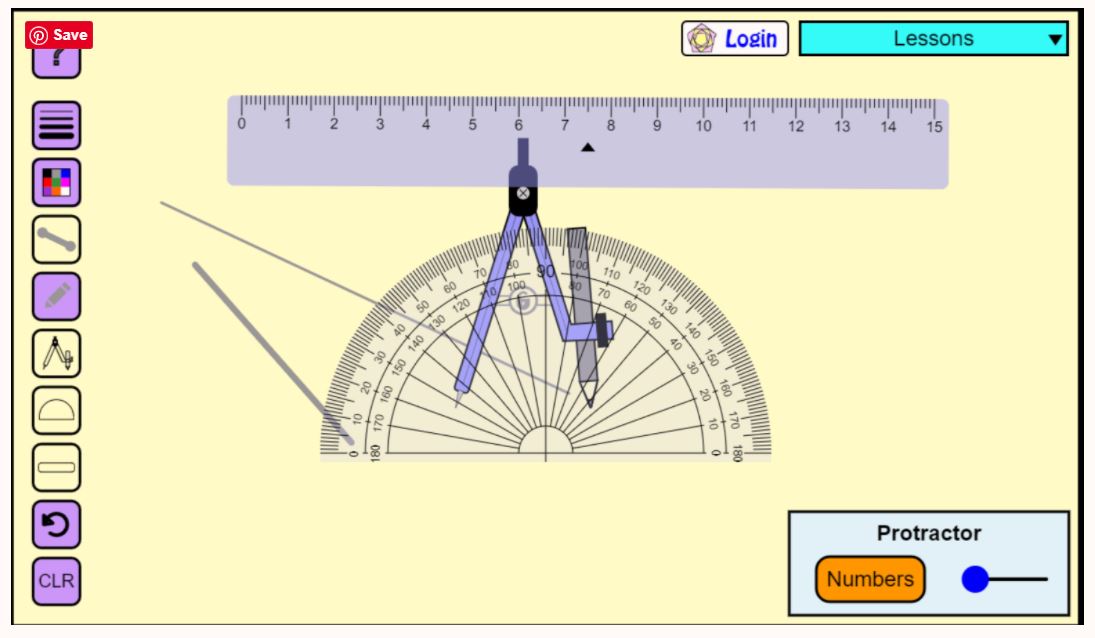
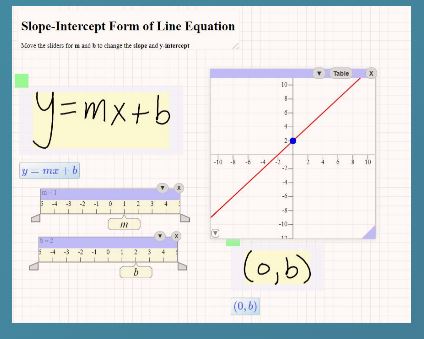
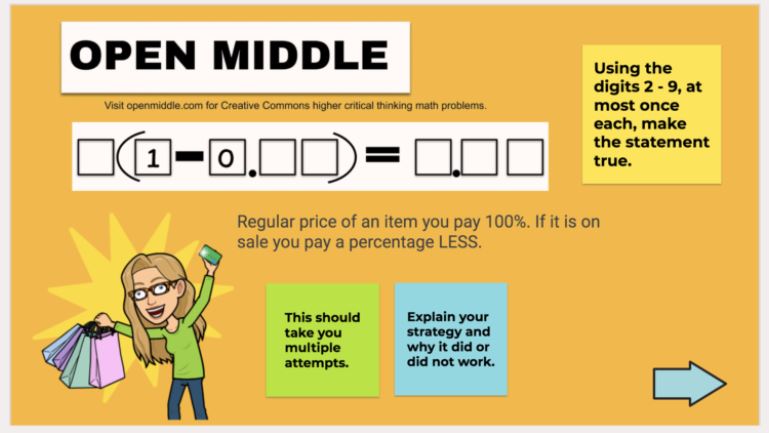
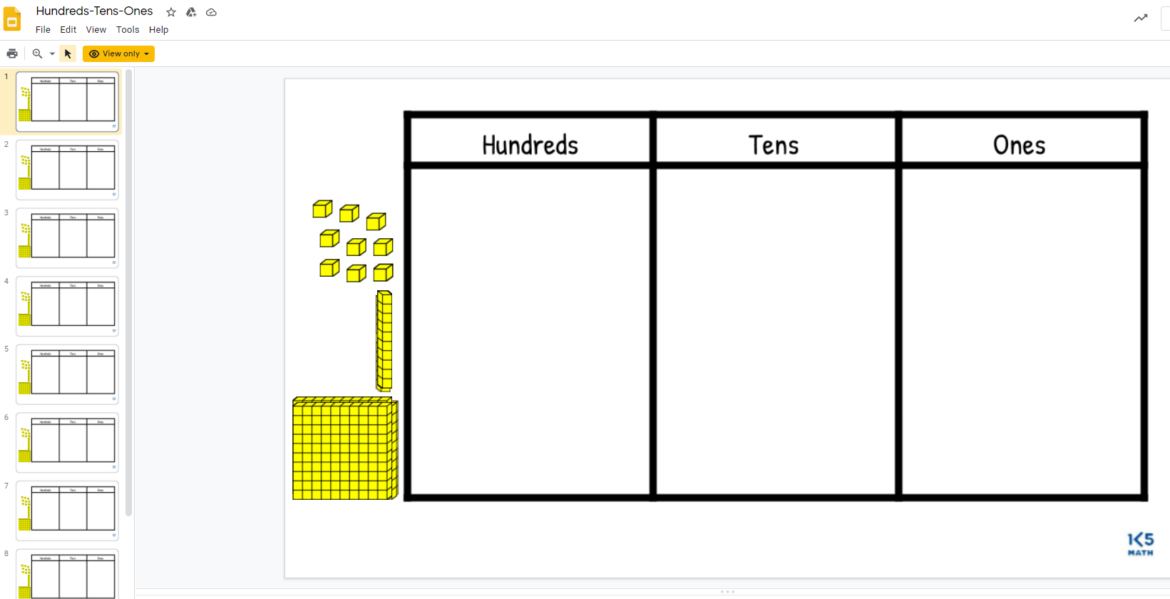
Math Virtual Manipulative Collection
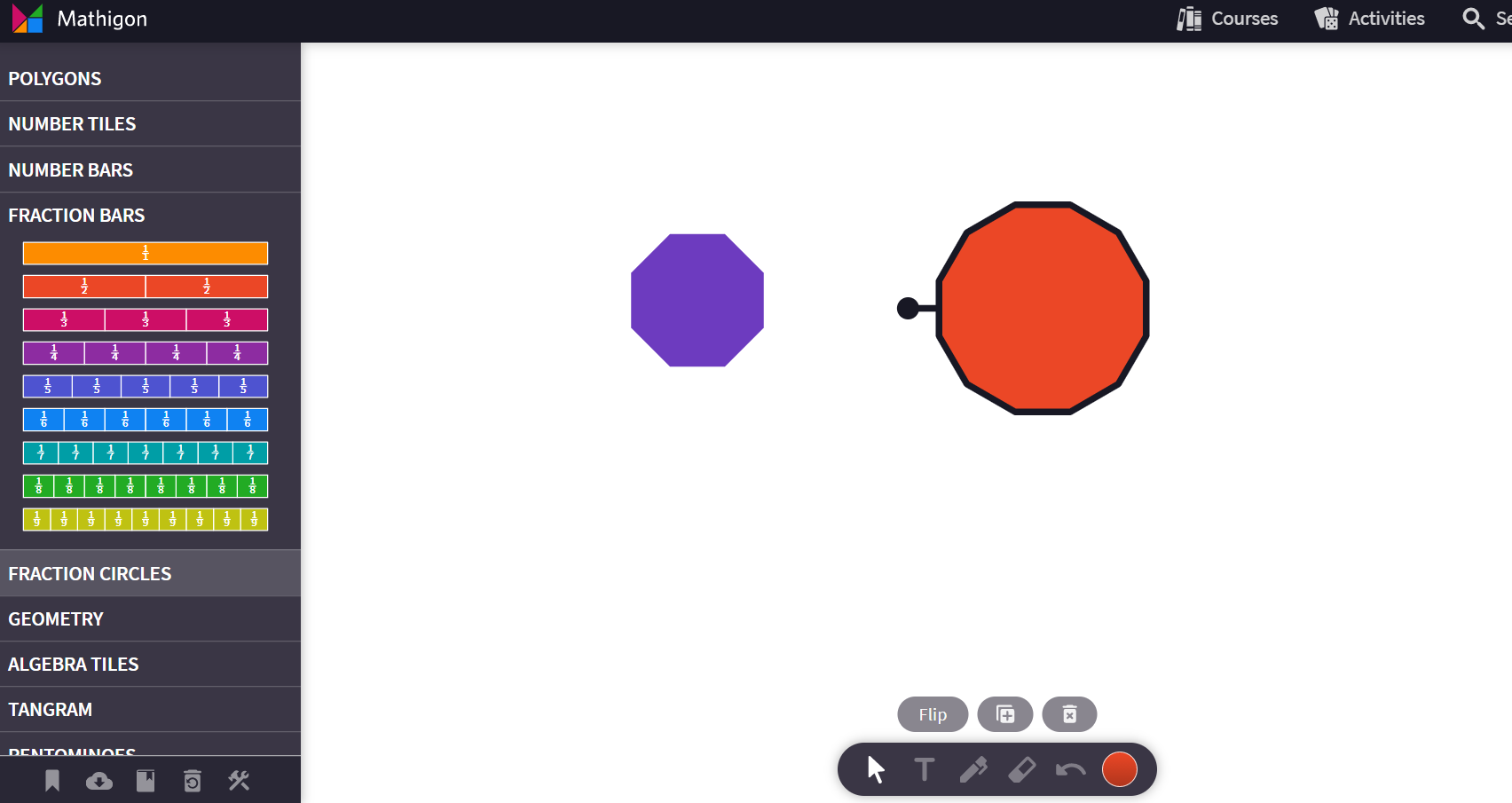
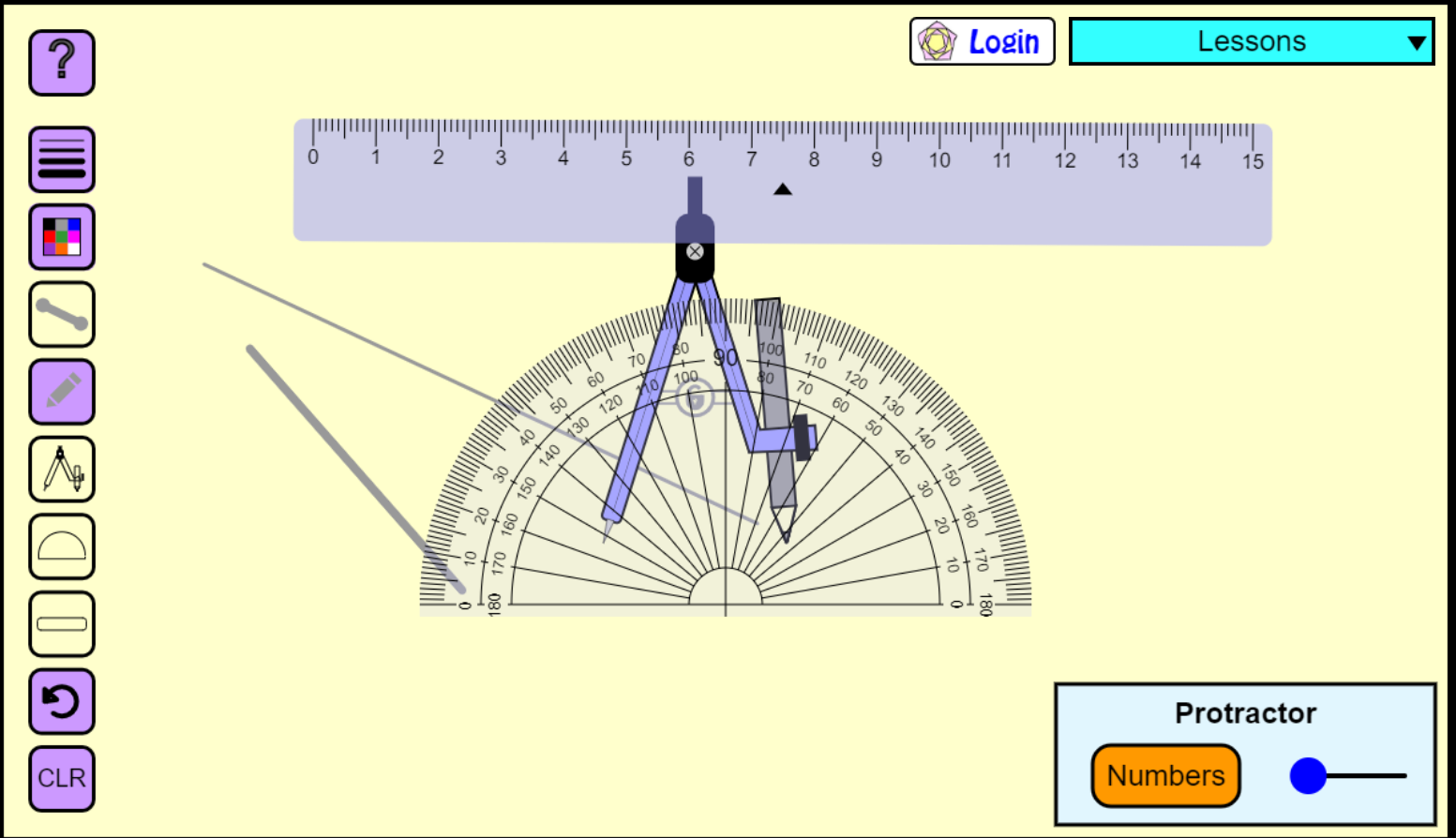
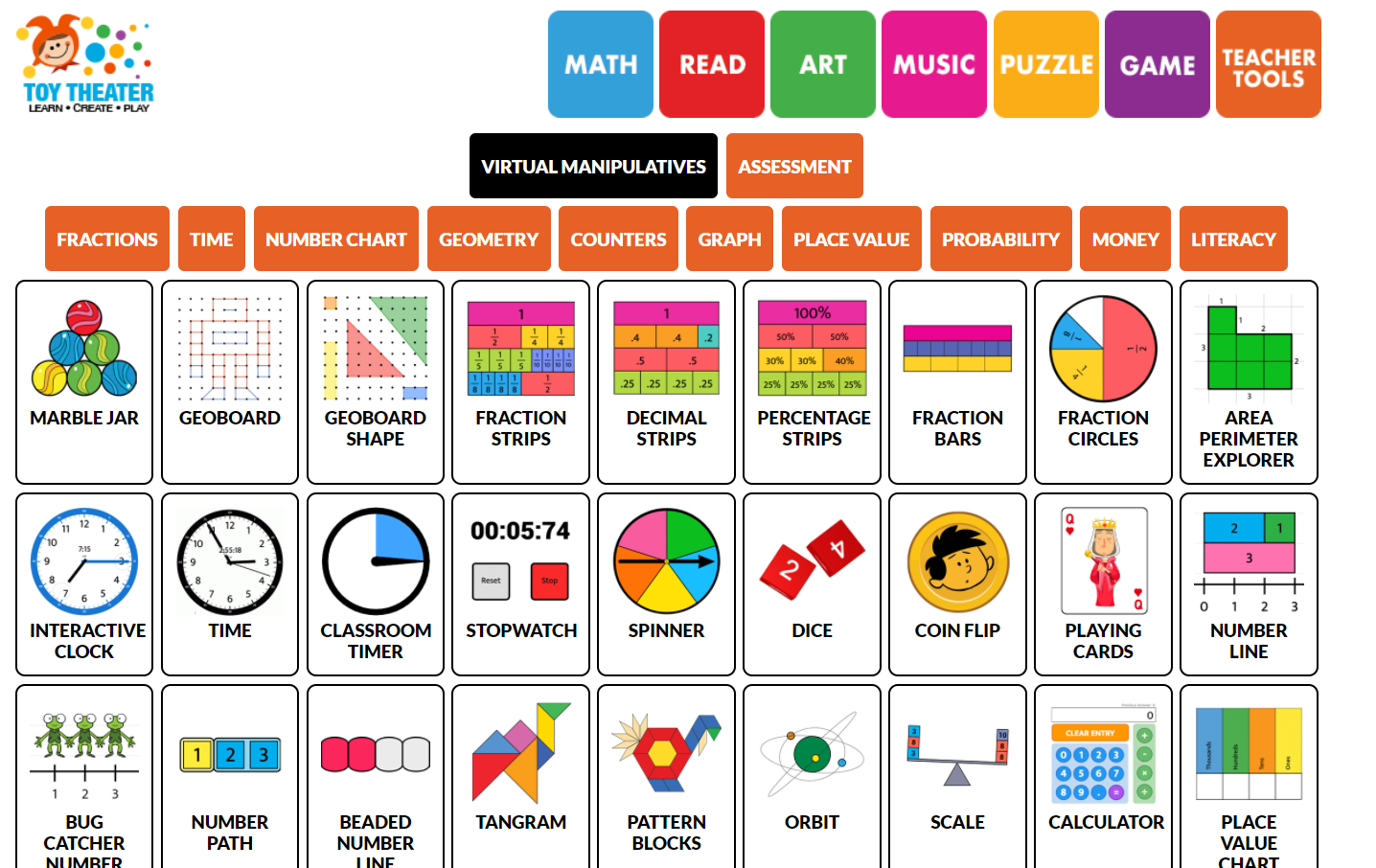
Help your students master critical math concepts using this wonderful collection of free virtual math manipulatives. It’s been put together by Julie Smith, the Techie Teacher, and can be shared with students in Google Classroom, Seesaw, Canvas, or any other LMS you’re using with this link: https://bit.ly/TechieTeacherMath.
Small Shifts in Teacher Talk Make a Big Difference
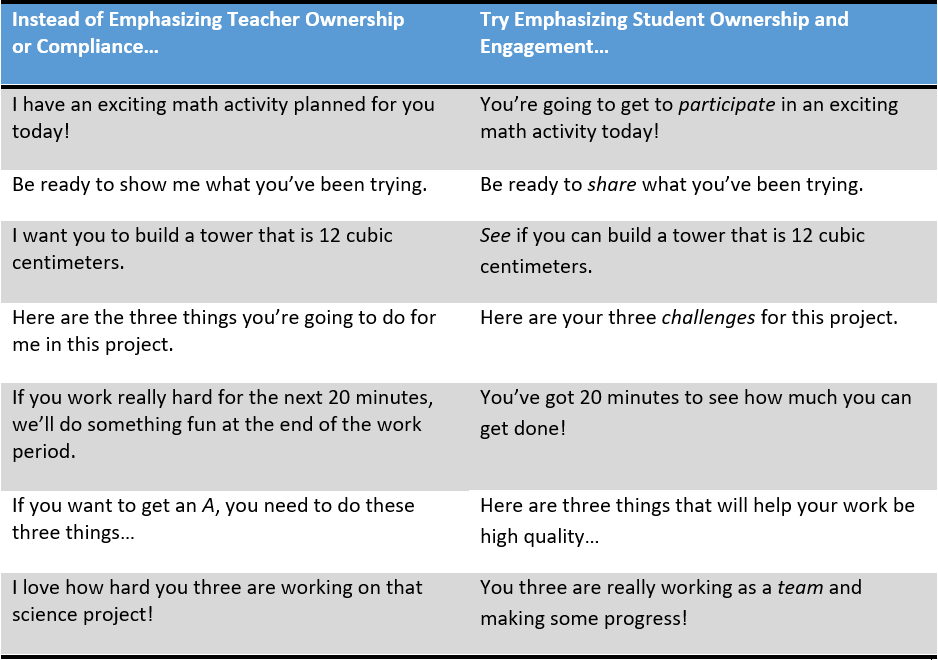
How we phrase things everyday to students makes a big difference in whether they are excited to learn or just wishing the activity was already over with. As this article from ASCD emphasizes: “Do you tend to emphasize student or teacher ownership? Does your language emphasize engagement or compliance?” Check out the table below and then take a look at how you are talking to students.
Learning Styles Is a Myth
Jennifer Fritschi gets it. As she tweeted out: “Data from an analysis of over 15,000 educators showed that over 85% still believe in learning styles. This article explores why this myth is so widespread in education, and how to change it.” Yep, there is no such thing as learning styles.
Free, Online, Interactive Courses in STEM for High School Students
If you are looking for ways to help better engage those difficult high school students in complex content, look no further than Brilliant. They provide free access to more than 60 different courses after the teacher completes an online application. Each courses focuses on stimulating student curiosity through problem solving and interactivity. Students will have access up to six courses at a time and Daily Challenges for free. You can add, remove, and change courses as much as you’d like throughout the year. Some of the courses include:
- Mathematical Fundamentals
- Number Theory
- Joy of Problem Solving
- Algebra Fundamentals, Algebra 1, and Algebra 2
- Geometry Fundamentals, Geometry 1, Geometry 2, and 3D Geometry
- Waves and Light
- Classical Mechanics
- Electricity and Magnetism
- Solar Energy
- Computer Science Fundamentals
- Cryptocurrency
- Machine Learning
Removing Shading from Copied Text
Have you ever copied some text from the web to use (and cite, of course) in a lesson or handout, but the text, when pasted, was shaded and you couldn’t remove the shading? That happens to me all of the time. Tiffany Carey shares that highlighting the copied text while holding down the CTRL key and the space bar will remove the shading.
Computer Science, Coding, and Robotics Unplugged
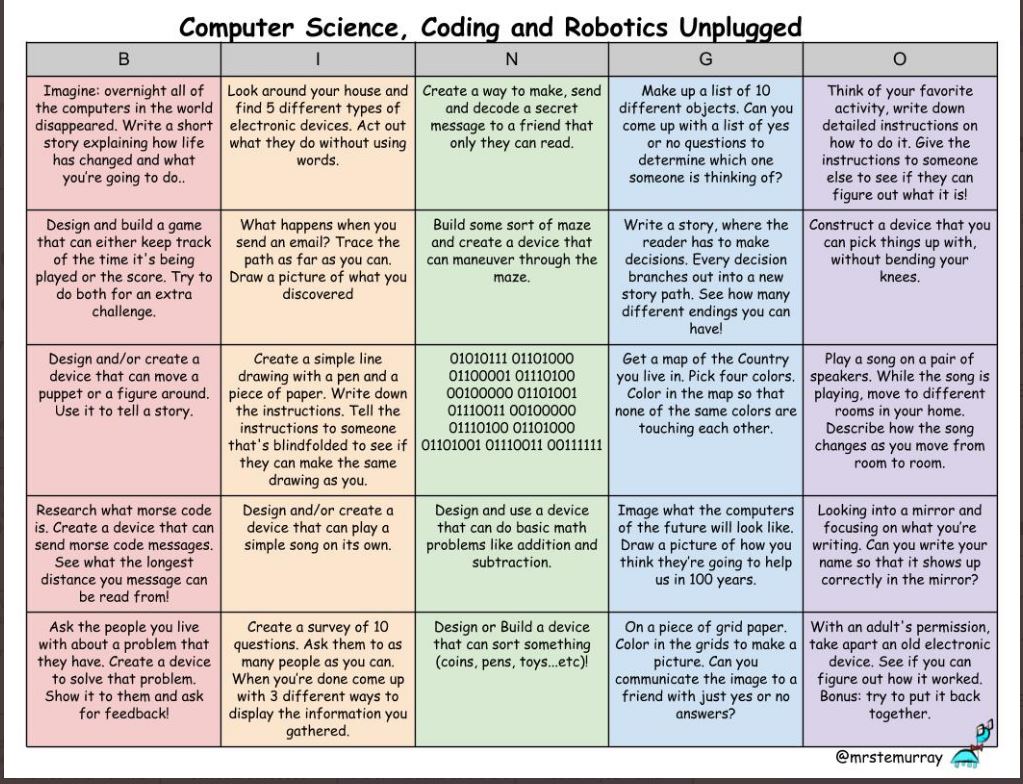
If you teach a STEM subject, you will want to follow Erik Murray on Twitter; he has some great resources. He recently lost power in his classroom and had to teach his tech subjects anyway. So he came up with this choice board of coding and robotics activities for his students to choose from.
Use Immersive Reader on Websites with the Chrome Browser
Immersive Reader from Microsoft is an absolutely amazing tool for students that improves comprehension and encourages independent reading. And it’s free add-on for OneNote and works in the Edge browser. But what if you’re not using OneNote or Edge? Here’s a free extension that adds Immersive Reader’s functionality to the Chrome browser. It can read any open page in the browser as well as PDF files in Canvas, emails, and more.
More Choice Board Templates
Tom Spall offers these five fantastic choice board templates, including the tried and true restaurant one, which I absolutely love!
Another Student Reflection and Sharing Strategy
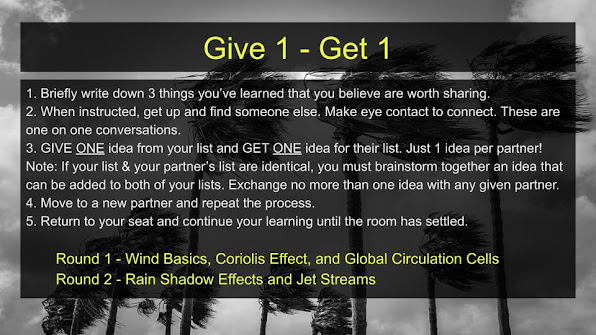
Having students reflect on their learning is critical to ensuring that the learning is sustained. One teacher shares his “Give One, Get One” strategy for accomplishing this, along with some templates and ideas for doing this if you have to go virtual.
I hope that you discovered at least one new resource in today’s blog. You can catch up on past Tidbits blogs here.


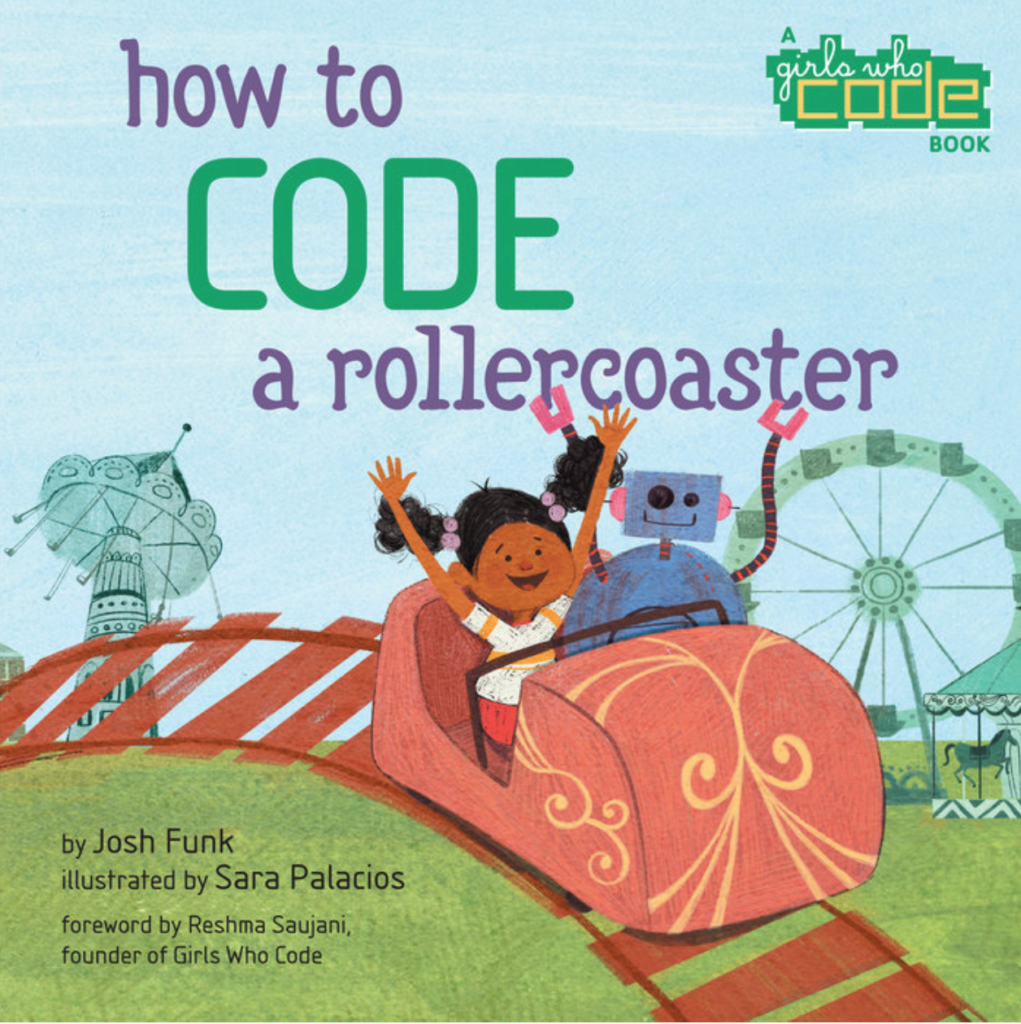


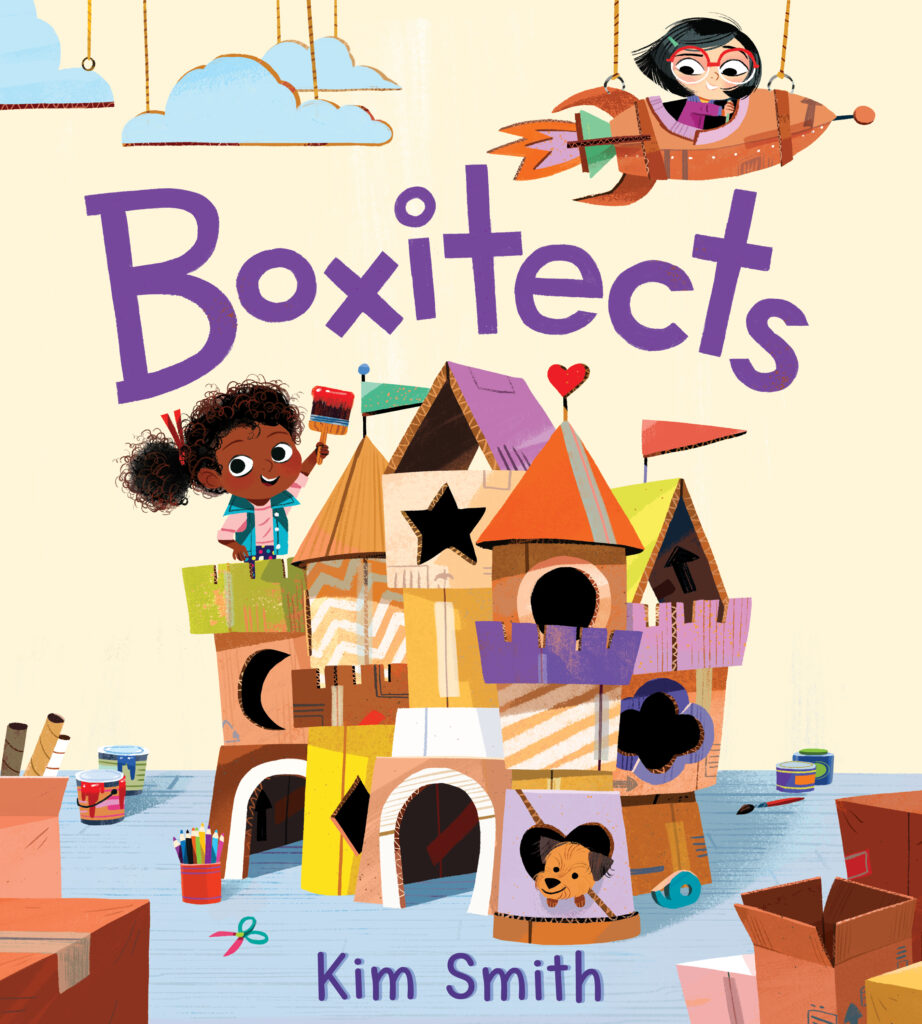

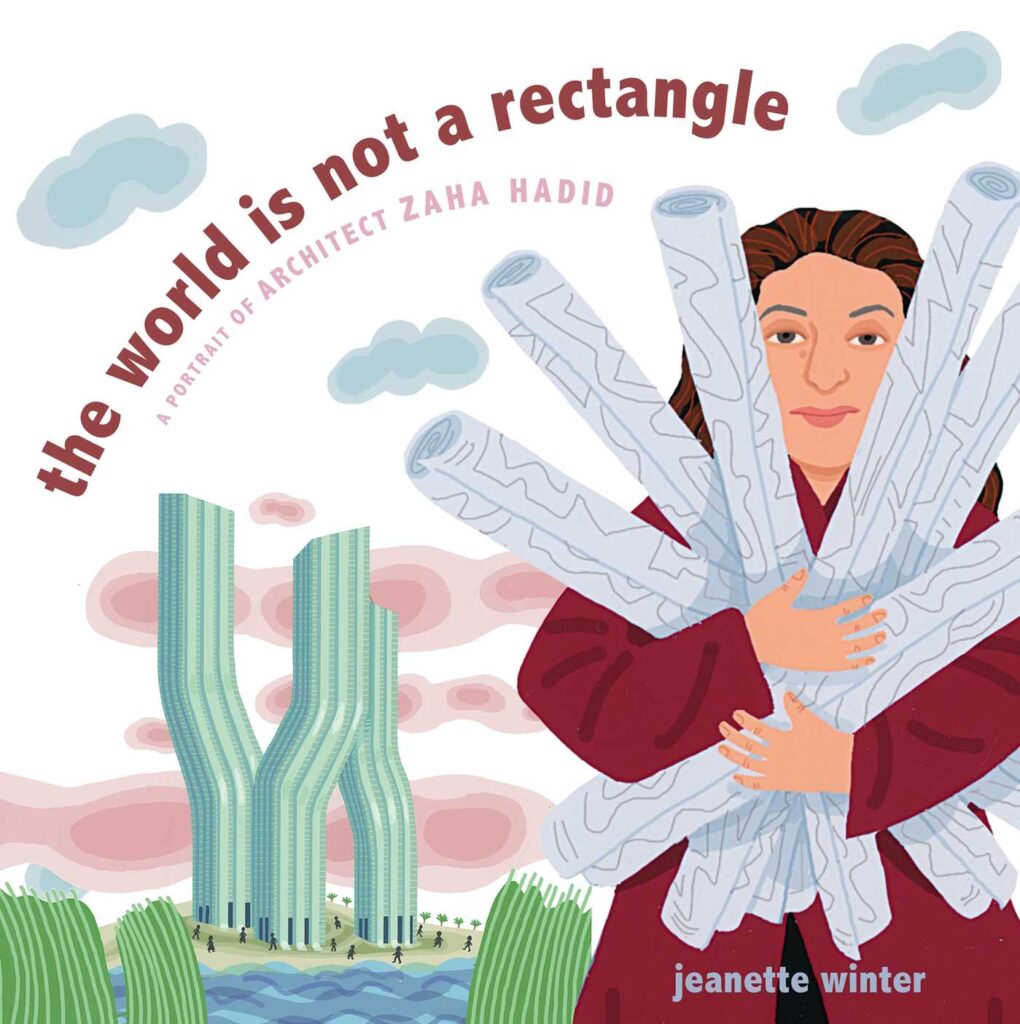
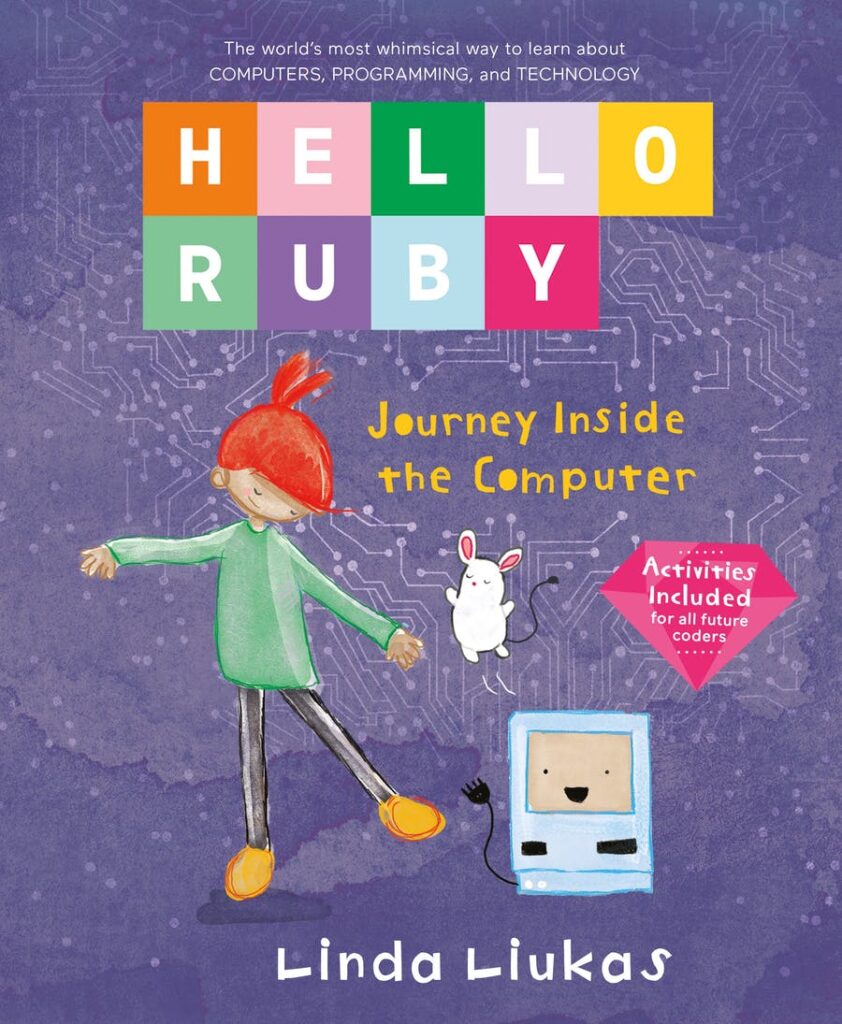





 Another nifty solution is
  Sign up for one of our Google Certified Educator certifications. You’ll learn about more than Google Meet, as well as earn 12 CPE hours per course. Use these courses to get Google Educator certified.
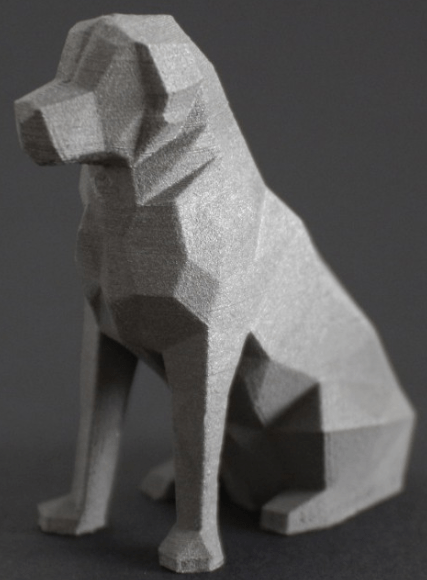
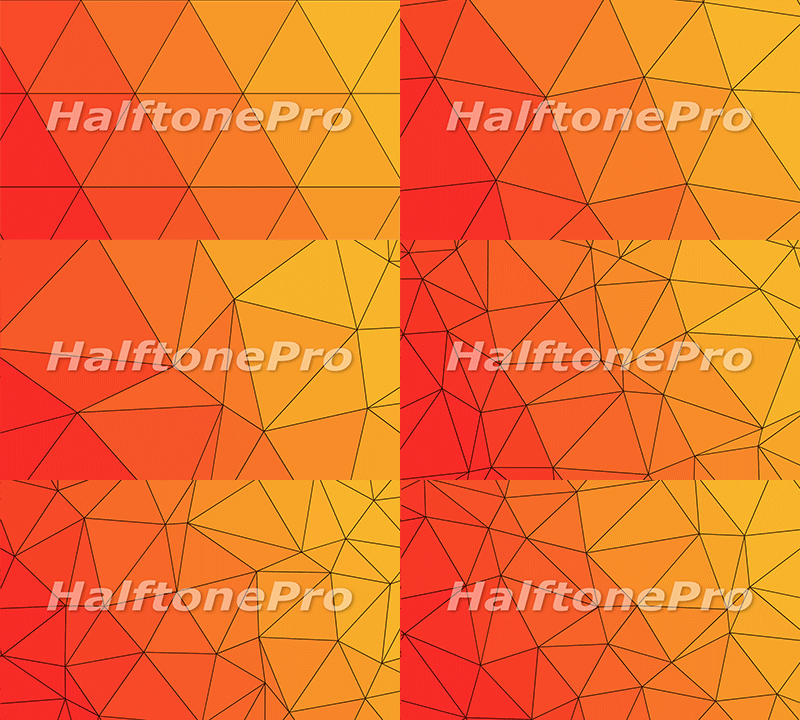 Low poly has been around for decades in the computer industry. As early game designers needed a way to generate images (and later animation) that did not exceed the available memory, they found they could reduce the file size by reducing the amount of information contained in the picture itself. This was achieved by connecting a mesh of dots to form polygons that are filled with a single color. The most popular shape to use is a triangle. This method allowed designers to easily reduce an image to mathematical terms instead of every pixel having its own color. You may have noticed that even current gaming systems are making use of the retro look of low poly. News sites may apply a low poly filter when interviewing a witness that wants to remain anonymous so that their physical features are less likely to be identified.



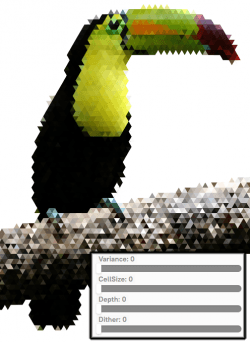
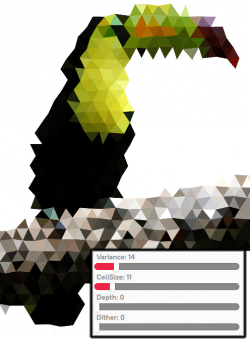
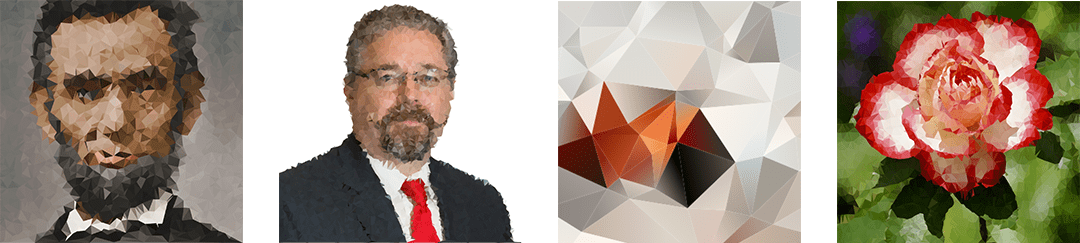


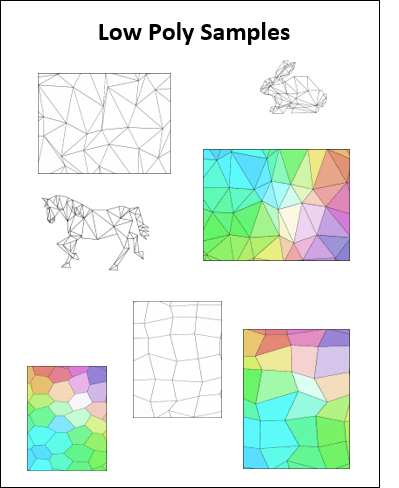
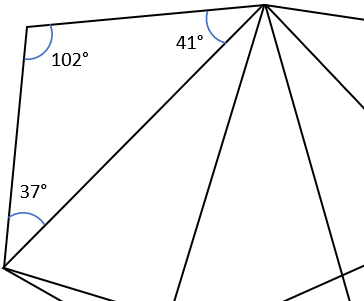 Identifying Angles – Because low poly can be made using only triangles, give students a page from the Low Poly Samples pdf file (link below) and have them identify whether each angle is a right, acute, or obtuse angle by writing r, a, or o in the angle respectively. For older students, have them use a protractor to identify the exact angle and have them write the measurement in each angle. Students can easily check their work by calculating the sum of the angles in the shape. The sum of the angles in a triangle will equal 180°, while the sum of the angles in a polygon with four or more sides is equal to 360°.
 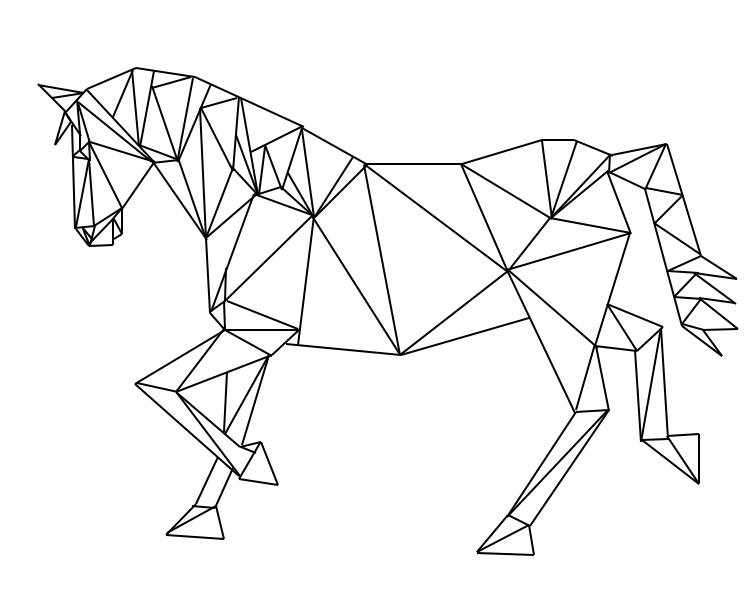 Low Poly Animals – Provide animal shapes for students to use as patterns. Laying a sheet of blank paper over the pattern, students trace the image using only straight lines and fill the image in with line segments to create triangles, squares, pentagons, etc. but no curved lines. The image to the right is my work using this method.