Did you know that blending media into text has a powerful impact on student learning? In this blog entry, we’ll explore an offering that combines Khan Academy with Adobe.

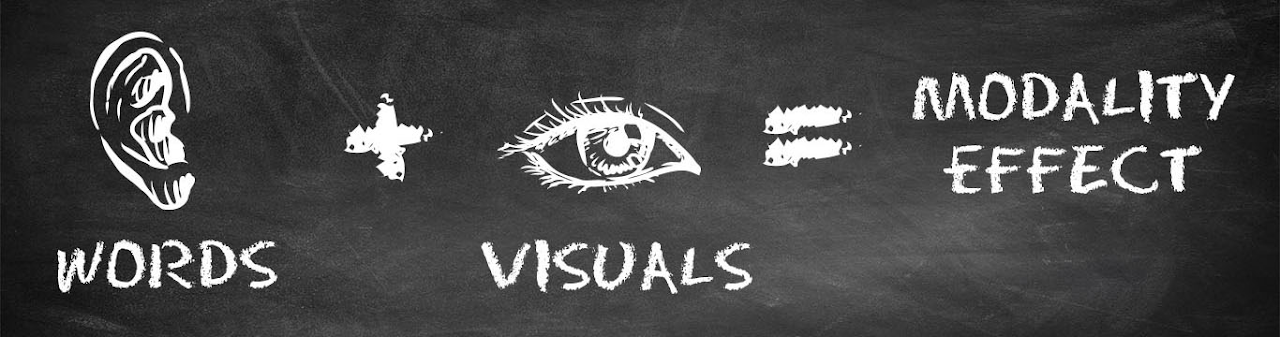
The Modality Effect
John Hattie via the VisibleLearningMetaX database defines this instructional strategy like this:
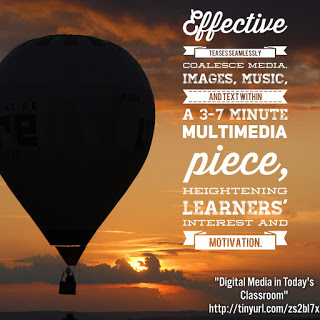
The modality effect refers to how learner performance depends on the presentation mode. That is, how you present studied item with other media aside from text. When you present combine text and media, you improve learning. The media can be auditory with graphs, diagrams, or animations.
The effect size is d > 0.55, which accelerates student growth in one school year (standard growth is d = 0.40). That’s what makes Adobe’s Khan+Create Activities so exciting.
Introducing Adobe’s “Khan+Create” Activities
These free activities build on the non-profit Khan Academy’s work with free educational videos. Adobe’s effort seeks to:
- Extend meaningful instruction and practice Khan offers today
- Use Adobe’s creative toolkit to assist students to create and communicate
- Model the use of writing, images, video, audio, animation, and design
- Assist students to show deeper levels of knowledge, critical thinking, communication, and creativity.
- Enable opportunities for peer- and teacher-feedback
- Make digital creative work easy to share and make collaborative
Adobe partnered with classroom teachers to create activities that they call “Khan+Create.” These activities present students with Khan Academy materials that are paired with guided activities that allow students to create. Students have the opportunity to express themselves and explore new subjects.
Using the Activities
Adobe suggests that you keep the following information in mind. Activities are:
- Available for free and enjoy Creative Commons licensing
- Appear as editable Google docs
- Present as activities anyone can take, copy, and adapt to suit their own context, needs, and goals
- Are easy to customize for purposes to align to the content
Teachers will need to use cross-platform tools like Adobe Spark. Remember, you can get Adobe Spark for free as an educator.
Let’s take a quick look at the activities, which fall into three categories:
- Elementary School
- Middle and High School
- Higher Education
Activities at the elementary level are a nice mix of language arts, math, and social studies. Middle and high school focus on several subjects, including language arts, science, math, social studies, careers, and art history. Higher education activities fall into the careers space in some way or another.

Elementary School Activities
You can find a list of activities online, but here are a few that jumped out at me:
- Tell a story with memory and perspective (literature and language)
- Primary ratios (math)
- Building arrays (math)
- Modern art in 2020 (social studies)
- Common and proper nouns (literature and language)
Let’s take a closer look at one of them.
Activity Example: Tell a Story with Memory and Perspective
This activity gets students to:
Tell a story from memory answering the big question: How can you tell a story with pictures and words?
The activity starts with a Khan Academy video. The goal is to scaffold students creating a story from memory. At the end, they respond to reflection questions and end up in an activity.
Excerpt of the Activity
Create a Spark Post that answers the following questions:
- In one sentence: How do you describe your memory?
- In one sentence: Why do you think you remember it so well?
- In one sentence: What feelings does it bring up?
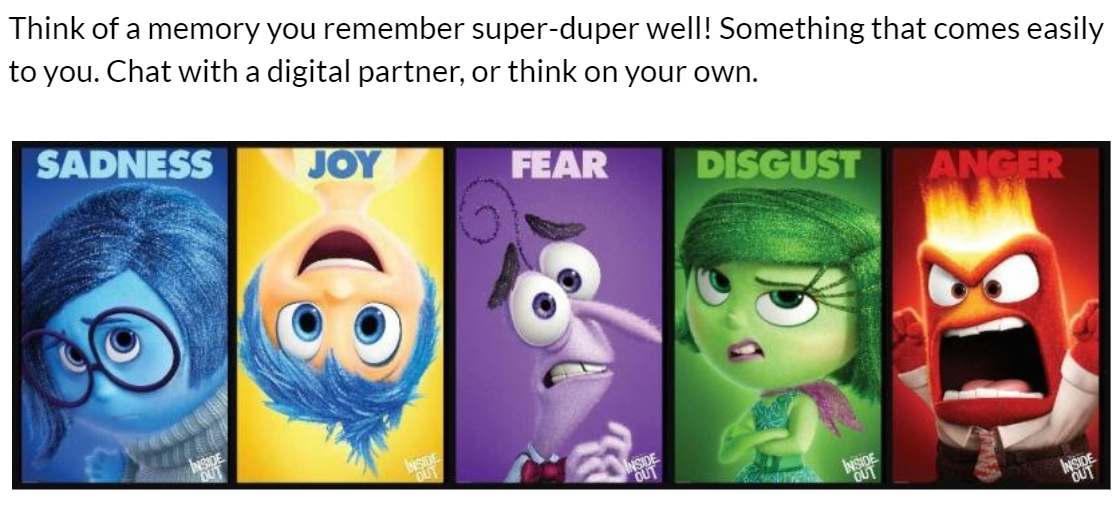
- Look at the colors in the image above. Does your memory trigger colors? If so, what colors?
*Extension: If you want to go further, you can add more description!
Take a look at this student sample if you want some inspiration. Use the tutorial to guide you if you are new to Spark Post.
The Google Doc offers a step-by-step guide for every aspect of the lesson.
More to Learn and Do
As you might imagine, there are many more activities for middle and high school. Take a moment to explore these. Adobe’s “Khan+Create” makes it easy to get started with Adobe Spark and Google Docs-based activities are adaptable for G Suite EDU schools.
This article was updated with new content on October 19, 2021.
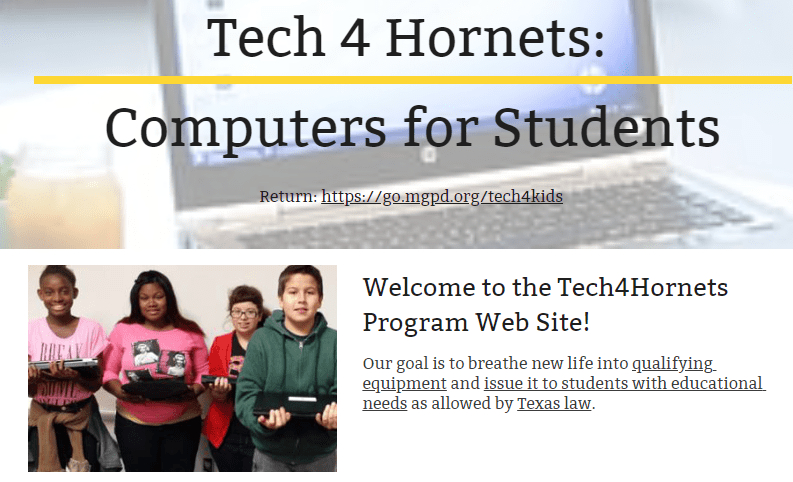
 “We get to keep the computer?” asked the grandmother. Her granddaughter had not said a word as she stared in rapt attention at the laptop. I could see her trembling with excitement, silent. When I responded in the affirmative, a smile broke out on the young woman’s face. Her grandmother gave me a mute look of appreciation that said so much. It is a memory I treasure from my time as a technology director.
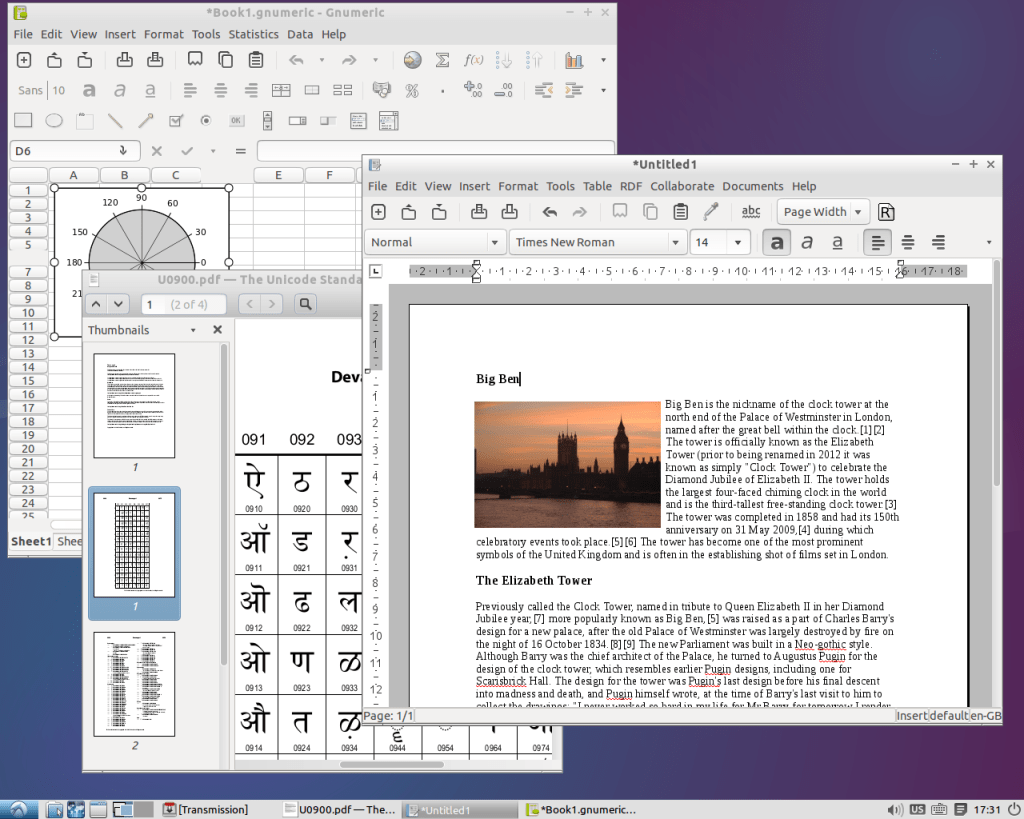 Some of the software that comes free on GNU/Linux includes:
 As I look back on my career as a technology director, one of the initiatives I am most proud of is the Tech4Hornets program. Providing under-privileged children with technology that could expand their opportunities touched my heart. In time, I hoped that the district would provide ongoing learning opportunities for Tech4Hornets students.

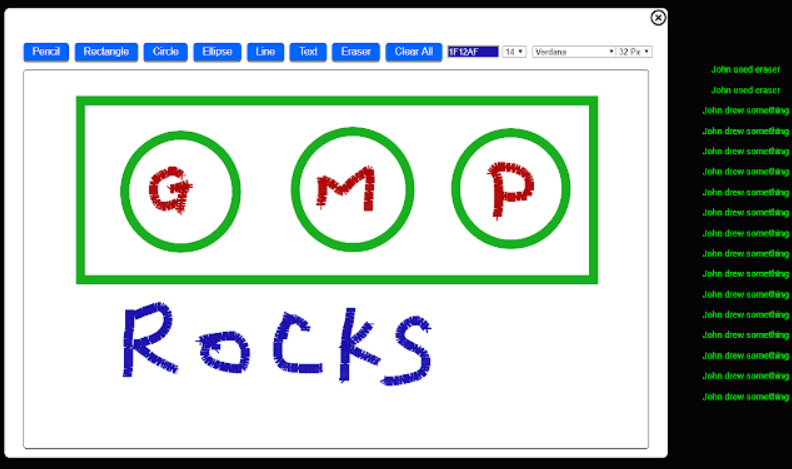
 Another nifty solution is
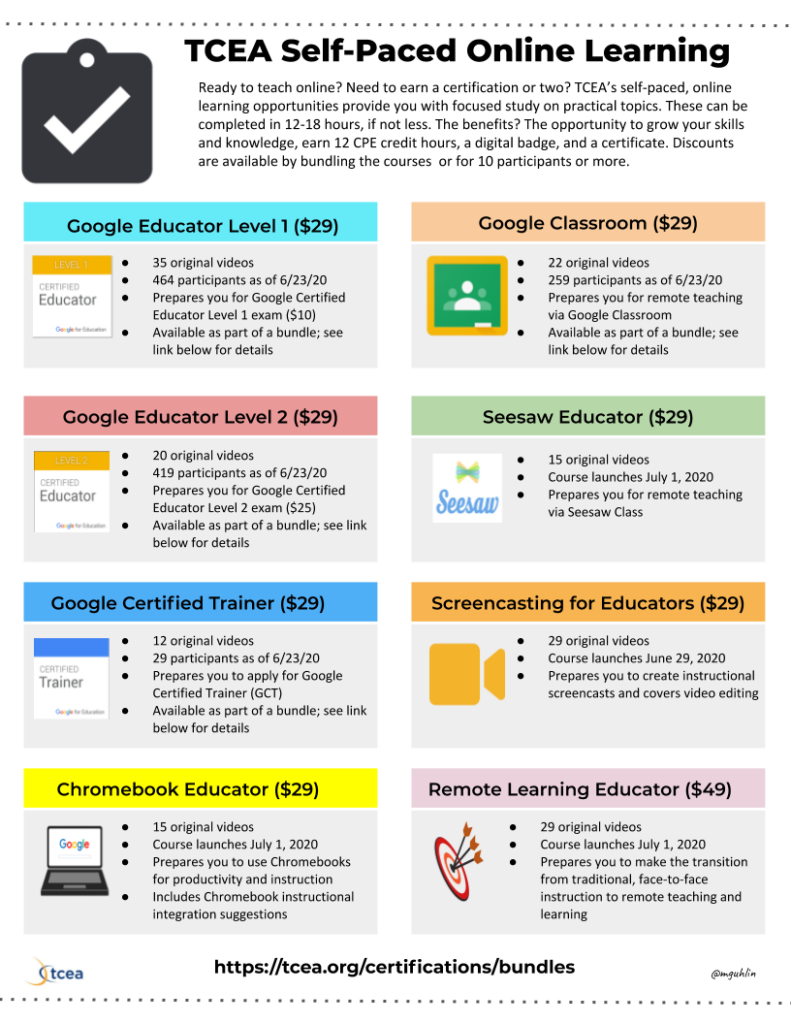
  Sign up for one of our Google Certified Educator certifications. You’ll learn about more than Google Meet, as well as earn 12 CPE hours per course. Use these courses to get Google Educator certified.


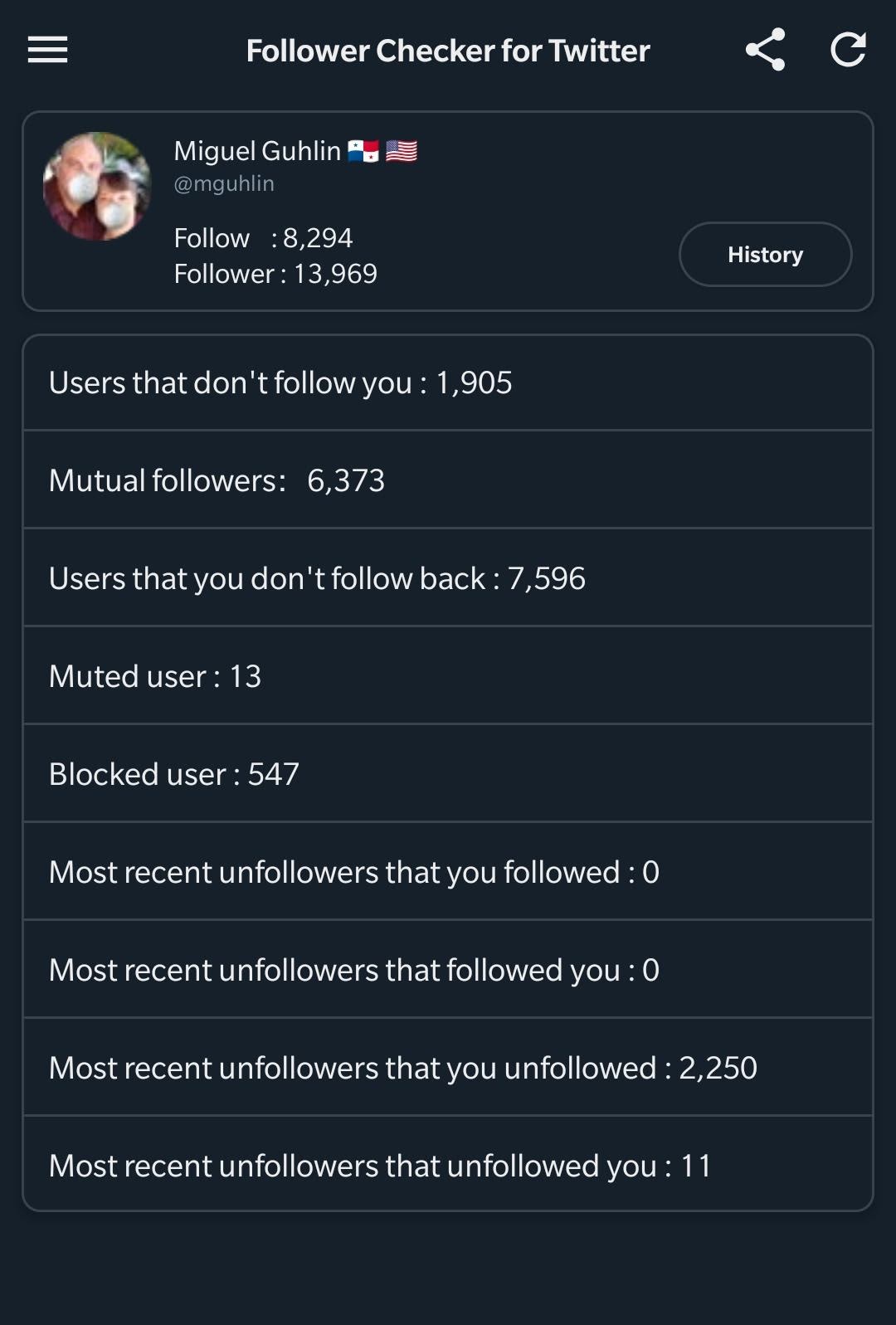
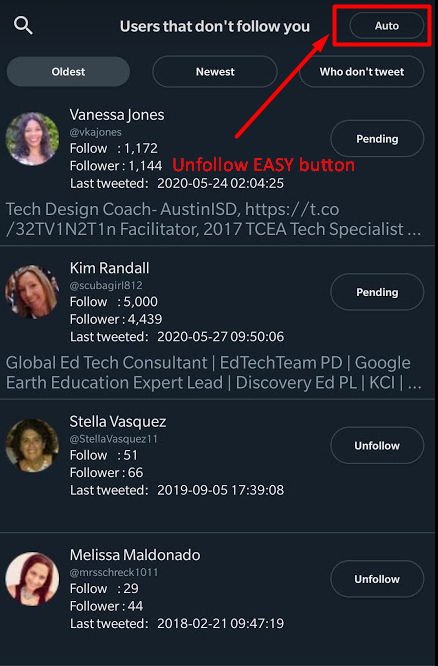
 Follow Back is another tool that does the exact same thing as Follow Checker. The interface is a bit different and you have to suffer through boring ads (which you can turn off after three seconds). Aside from that, the app works in a similar manner. In spite of the ads, I found Follow Back to be a bit more endearing. One of its distinguishing characteristics is the timer.
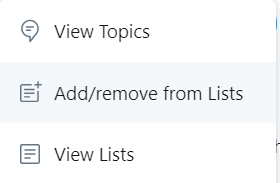 Earlier, I mentioned that there are people you want to follow who will NEVER follow you back. Those could be news organizations, magazines, non-profit organizations, and others. Instead of following them, add them to a Twitter List. Here’s
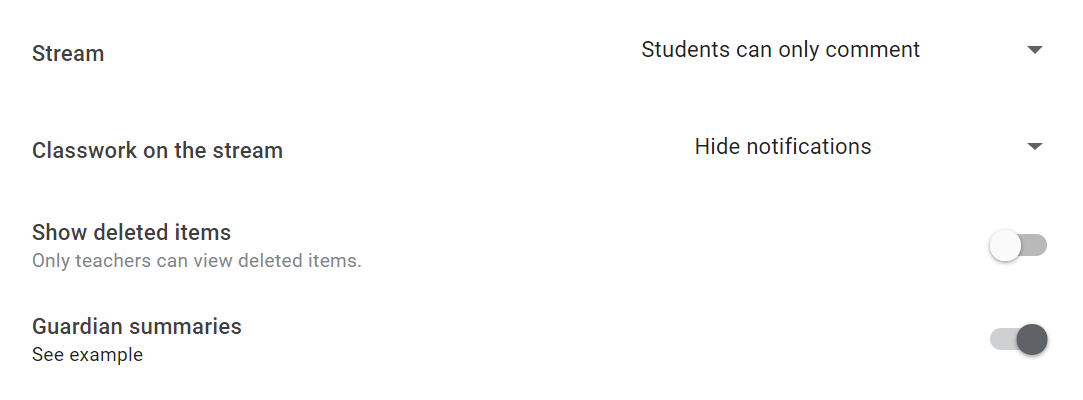
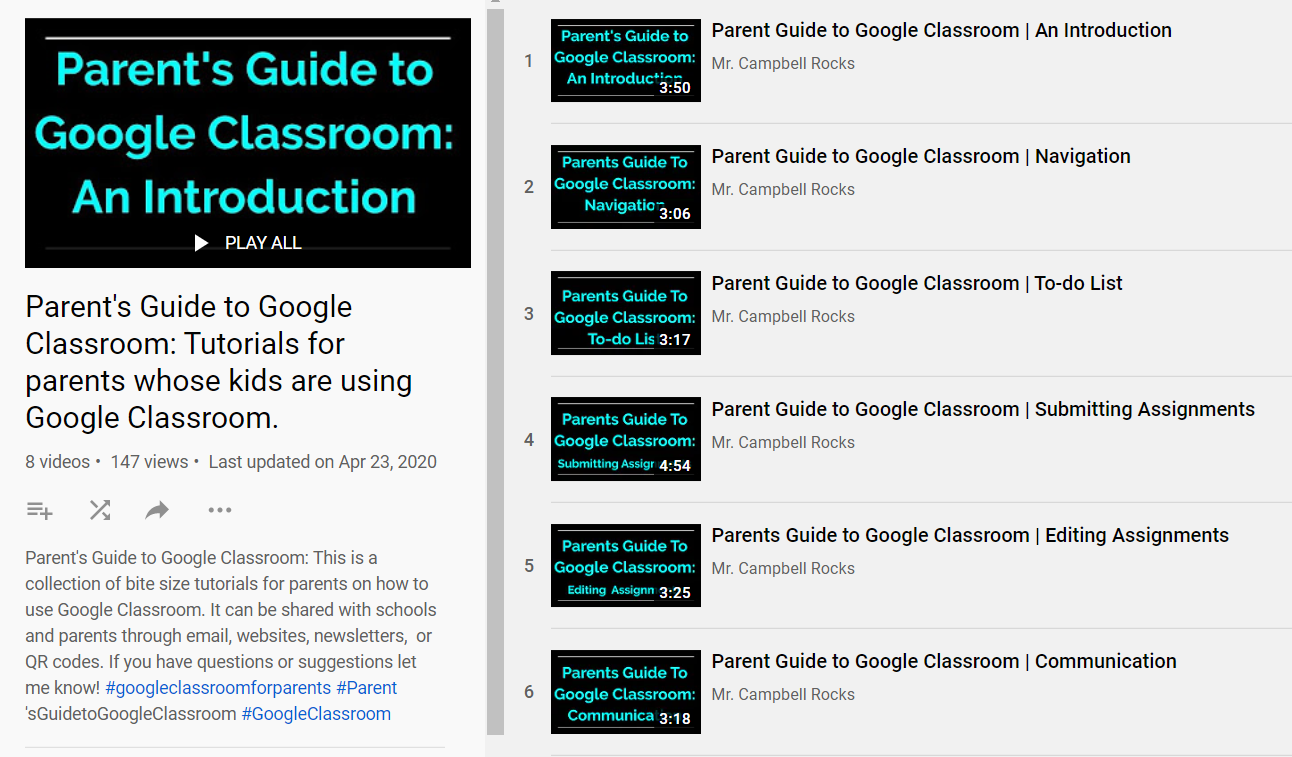
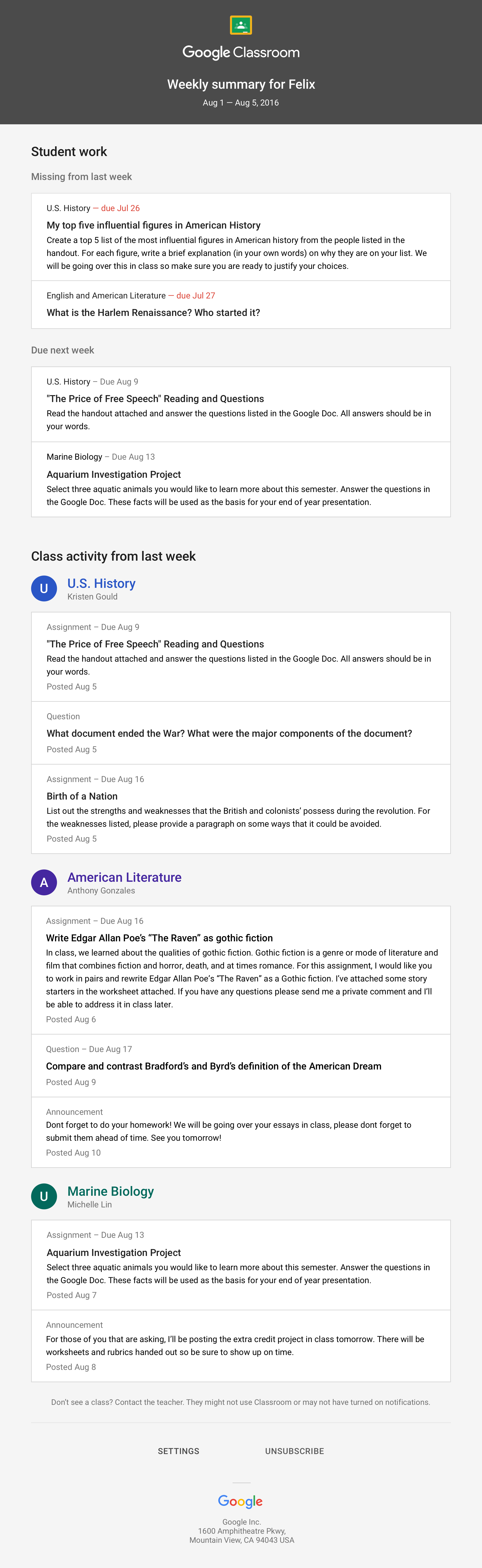 When guardians join Classroom, they receive regular, automatic email summaries. They get these for each of their children. Guardians choose the frequency of the emails (daily or weekly). They can unsubscribe at any time.