Discover tips, tools, and strategies for using Google in education. Explore resources to enhance teaching, learning, and productivity.

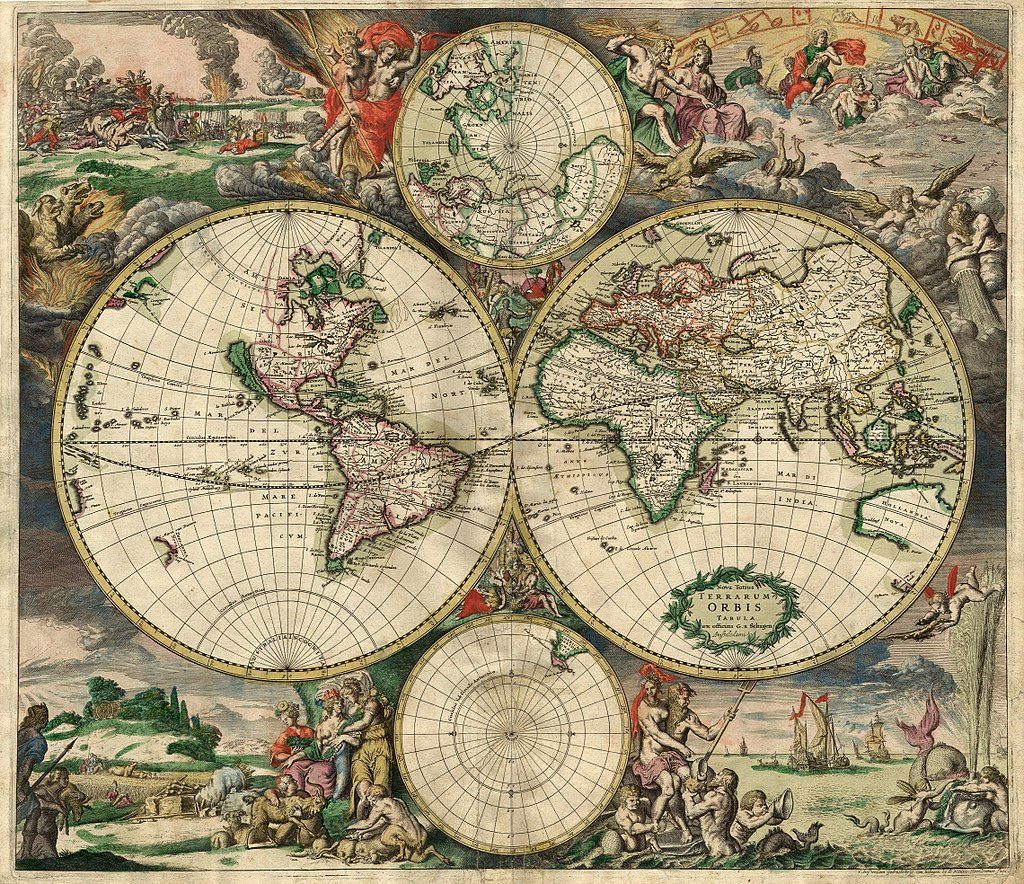
Ready to create your amazing digital journeys, illustrated with pictures, text, and video? Google Tour Builder presents you, as both teacher and learner, the opportunity to create digital voyages of discovery. In this blog entry, we’ll explore a variety of elements, as well as a short how-to. Special thanks to my colleagues (Eric Curts, Ryan Bradford, and Jered Martinez) for sharing their resources online.
About Google Tour Builder (GTB)
When I explain what Google Tour Builder is, I describe it as a way to create a multimedia-rich digital trail of breadcrumbs, a learner-annotated digital map that anyone can access. Eric Curts describes it in this way:
Google Tour Builder allows you and your students to create virtual tours on a map, including locations, images, videos, descriptions, hyperlinks, and more. These tours can be used in any subject area such as retelling the events from a novel, tracing the locations of a historical event, visiting different biomes or landforms around the world, and more. Tours can be viewed by others in Tour Builder, or even imported into Google Earth for a full 3D experience (source).
Tour Builder enables students to create a virtual tour of their research data, adding photos, text, and video as needed. This map-based approach enables students to organize their research according to location and impact, which is appropriate for a topic like African immigration in colonial America. They can combine research, life stories, images, and video to make a compelling case for their research thesis.
GeoSpatial Importance
With Google Tour Builder, students can interact with research data in a different way. They can learn to situate research within a geospatial context. Understanding the geospatial is important. Why? Consider the following points:
The scientific community has hailed geospatial technologies as one of the three leading technologies…that will shape the development of science, technology, and society in the years to come. Geospatial technologies are an amalgamation of several technologies, including but not limited to remote sensing, GIS, GPS, and related fields such as computer mapping, spatial modeling, and data visualization. (Source: Daniel Z. Sui, Editor, JSTOR, 2007)
As a result of the impact of geospatial technologies, we have seen increased use of these technologies (e.g. location-based services). Now you can’t go anywhere without your mobile device. The device knows where you are. Assisting students to understand how to map media to location can break the ice of confusion when it comes to these technologies. What’s more, Tour Builder offers learners a phenomenal way to organize resources.
Examples
There are a variety of wonderful examples for Google Tour Builder. Here are a few from Eric Curts. Be sure to visit his site for more.
- Lit Trip – Small as an Elephant – Tour Builder link
- Grade K – 3D Shapes in the Real World Tour – Tour Builder link
- Grade 5 – American Revolution Tour – Tour Builder link
- Tour Ancient Egypt – Tour Builder link
- The American Revolution – Tour Builder link
Create a tour for a faraway journey or for your local community, identify famous scientific discoveries in your country or around the world, or make a tour of the settings of a story or narrative. The power for globe-trotting creativity can be yours.
Try It on Your Own
For fun, I put together two quick Google Tours. The process was incredibly easy, but required some advance planning. Before you try it, you may want to put together an outline like the one shown below.
- I. Introduction
- A. Descriptive paragraph with links
- B. A photo that captures the overall impression of the Tour
- II. Location #1
- A. Descriptive paragraph with web links
- B. Multiple photos or video links that describe the location
- C. Custom images for location icon or use one of the existing ones.
- III. Location #2
- A. Descriptive paragraph with web links
- B. Multiple photos or video links that describe the location
- C. Custom images for location icon or use one of the existing ones.
- IV. Location #3
- A. Descriptive paragraph with web links
- B. Multiple photos or video links that describe the location
- C. Custom images for location icon or use one of the existing ones.
Repeat as needed for each location.
Give Tour Builder a Try
Ready to give it a try? Check out the illustrated step by step. Or watch Eric Curts’ hour presentation. Creating voyages of digital discovery is only a few fun steps away.
 Adobe users unite! You’ll find this the perfect academy if you use any of the Adobe products yourself or if you teach your students how to use them. Innovative uses, clever work-arounds, and new features will be shared to give you the solutions and steps you need. And, if you are new to Adobe, you will find several sessions that will help you get up to speed and boost your confidence. Adobe pros haven’t been left out; our presenters have clever ideas that are worth listening to and taking note of.
 Make a point to attend our first annual Microsoft Academy to boost your skills in Microsoft products including Office365 and Minecraft. This is going to be a great gathering! You’ll also be introduced to mobile coding with Creative Coding through Games and Apps and gain a deeper understanding into Microsoft Makers projects and 3D Builder. You will definitely find this packed full of topics that you can’t get at other learning opportunities.
 Even if you don’t have a Chromebook, but use Google Suite for Education, you will find these sessions filled with new and great ideas that you can take back to transform the way your students learn. Be sure to bring a friend so you can divide and conquer on the sessions and then share with each other at the end of the day!
 Did You Know? You can
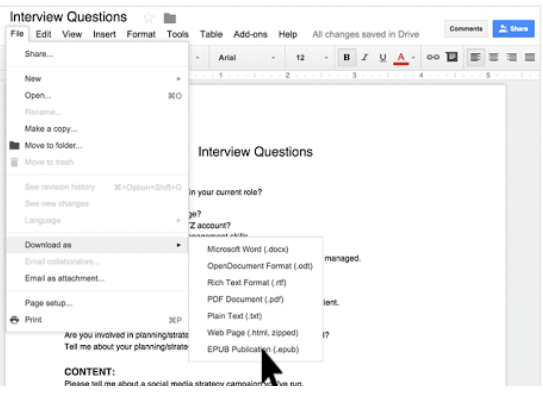
  EPUB is an ebook file format with the extension .epub that can be downloaded and read on devices like smartphones, tablets, computers, or e-readers. It is a technical standard published by the International Digital Publishing Forum.
  MOBI is an e-book file format with the extension .mobi that can be downloaded and read on devices that support the Amazon Kindle app. The format, customized by Amazon, is often used by Amazon’s ebooks and on little else. There are various programs for making a .mobi ebook file and Amazon provides some tools you can take advantage of. “You can upload and convert your eBook manuscript file from several supported formats. Before you publish, browse the topics below to learn more.”
  PDF is not an ebook format. Rather, it is a format that seeks to capture the printed version of a document, capturing the look-and-feel of the printed item as if it had appeared on the author’s printer. A large percentage of documents presented as ebooks appear as Adobe Portable Document Formats (PDFs).
 Need to convert ebooks from one format to another? Use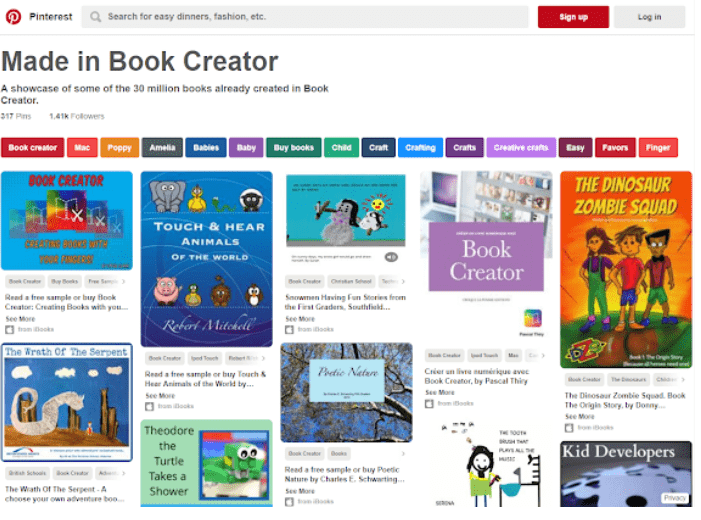

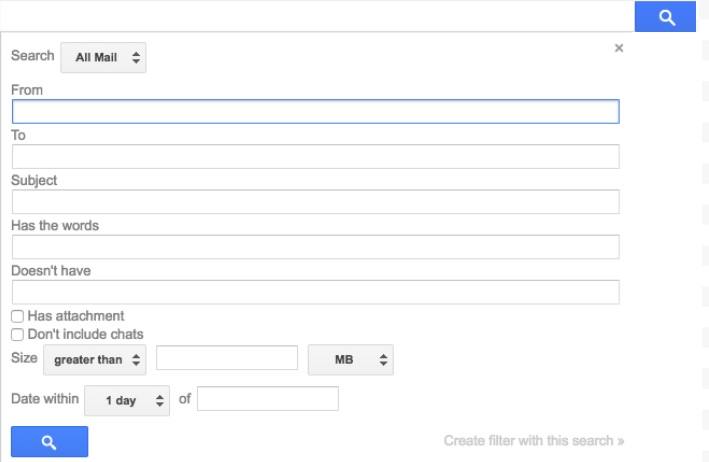
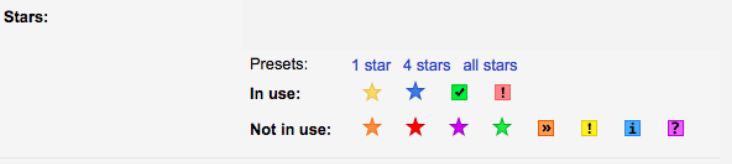
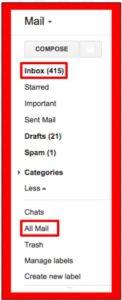 email. Your inbox is what you see when you open up your email. You can remove an email from your inbox, but not delete it from your account. This way you can declutter your inbox but still keep important or useful emails. You do this by archiving the email which removes it from your inbox and places it in your All Mail. The easiest way to archive an email is to open the email and then click on the icon that looks like a folder with a downward pointing arrow. This is called archiving.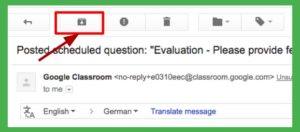
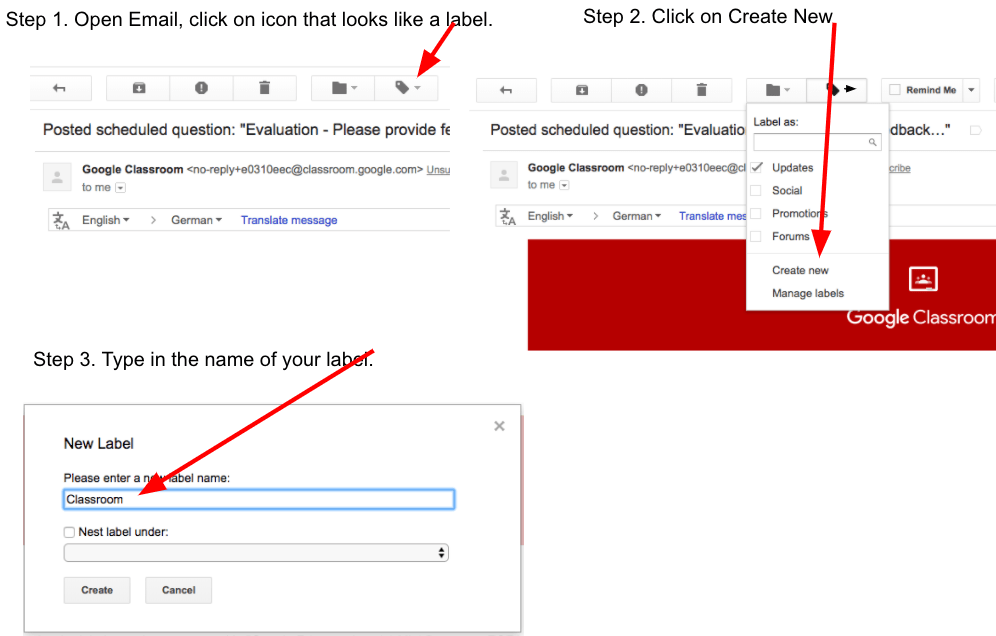
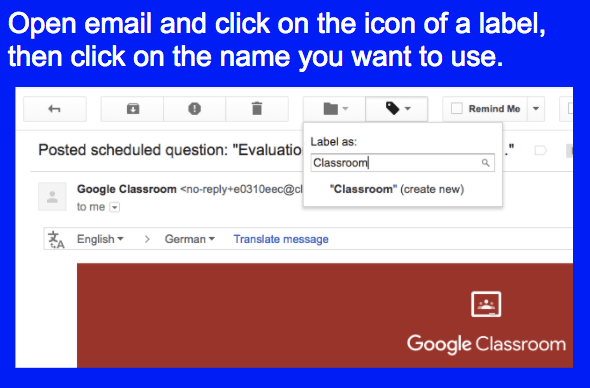
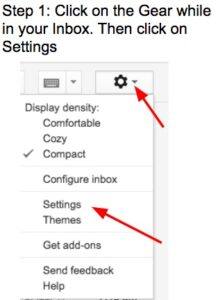


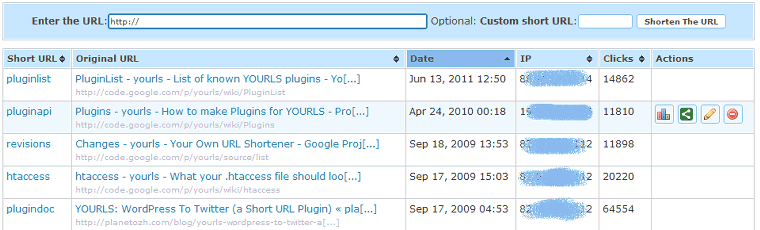
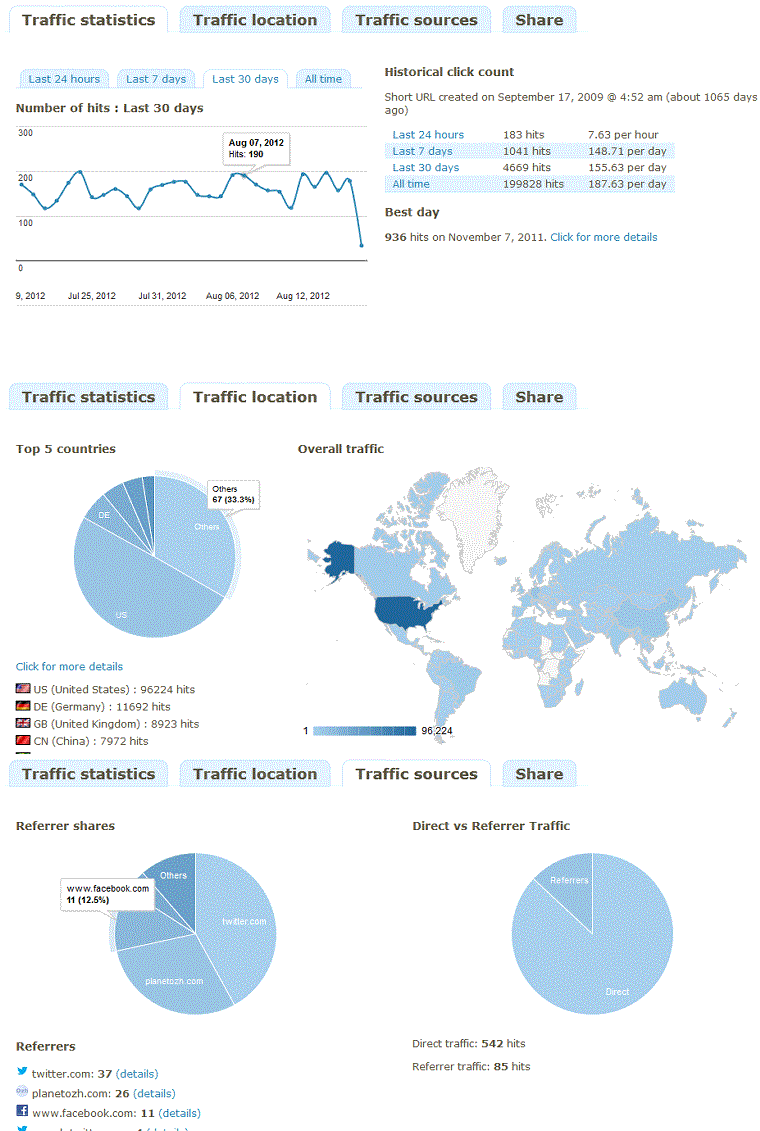
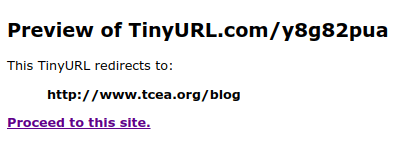 You can take any TinyURL and get a preview of where it might go. To do so, adjust your TinyURL to include the word “preview” in it. For example, consider these two shortened website addresses:
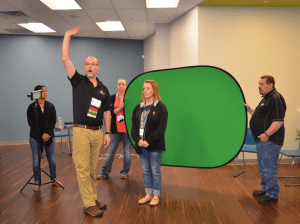 Do you teach any of the Technology Applications or Career and Technology Education courses where students learn to use Adobe products such as Photoshop, Illustrator, InDesign, Lightroom, Premiere, etc.? Or do you want to enhance your creative Adobe skills for personal projects and enjoyment? If either of those are true, then you definitely want to attend the Adobe Academy on June 19-20! Besides networking with other creative educators, you’ll have concurrent sessions to choose from in order to gain fresh ideas, polish your Adobe skills, and take your curriculum to the next level. You’ll learn from other Adobe-using educators in this hands-on event. For more information about this academy go to
  If you are one of the many Microsoft-using educators, you will find the Microsoft Academy a perfect fit. On July 12-13, you can experience a wide array of Microsoft tools to help you extend your learning and gain fresh ideas of how to use the tools with your students and fellow educators. Whether you are using Office365 in the cloud or are using a not-quite-so-new version, join in on the active sessions and take away new ideas. For more information about this academy go to
 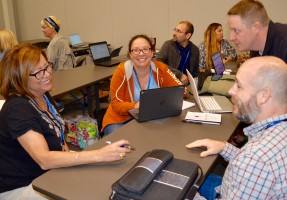 Calling all Googlers! Learn from some of the Googliest educators around at our interactive Chromebook Academy on July 26-27. There will be great sessions for Google Suite administrators as well as for teachers integrating Google Suite in their classroom. You’ll learn about the most current features and how you can use them to maximize your impact with students. Add-ons, scripts, hyperdocs, Slides, Forms, and more will be explored so that you can get what you need to take your students to the next level! To learn more about the Chromebook Academy, go to
 With all of the amazing information that’s currently available to each of us on the internet, it can sometimes be very hard to find the real gems. To assist with that, I’d like to share what tens of thousands of educational blog readers thought was most valuable via our Top 20 Blog Posts list. See if any of these resources resonate with you!