Discover resources and strategies for teaching core content areas. Explore tips, tools, and activities to enhance learning across all subjects.
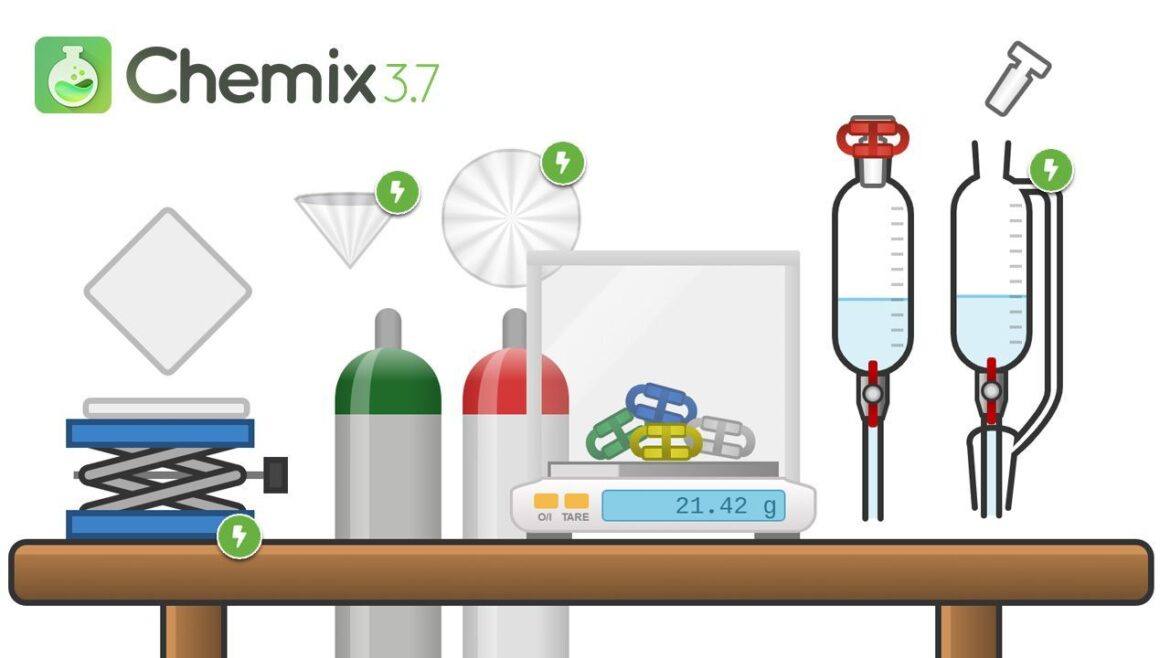
Are you a science teacher needing a quick way to explain lab procedures? Mr. Casanova, my high school chemistry teacher, would have loved this new digital tool. Chemix Lab Diagrams (@chemixlab) makes it easy for teachers to draw lab diagrams. You can then share those in a variety of formats. As of February 11, 2020, Chemix Lab Diagrams was still in beta, so you can look forward to improvements.
Why Chemix Lab Diagrams?
“I would use [Chemix Lab Diagrams] at the beginning of the school year. It would get students to recognize the lab equipment and how to use them,” says Efren Rodriguez (@EfrenR). Chemix is “an online editor for drawing science lab diagrams. It can be used for drawing school experiment apparatus. The app provides for easy sketching for both students and teachers.”
Listen to the creator of Chemix, Hai Mac, and Julia Winters (interviewer) share about Chemix:
- Website for creating diagrams of labs
- Show students how to set up an experiment
- Create diagrams for lab reports
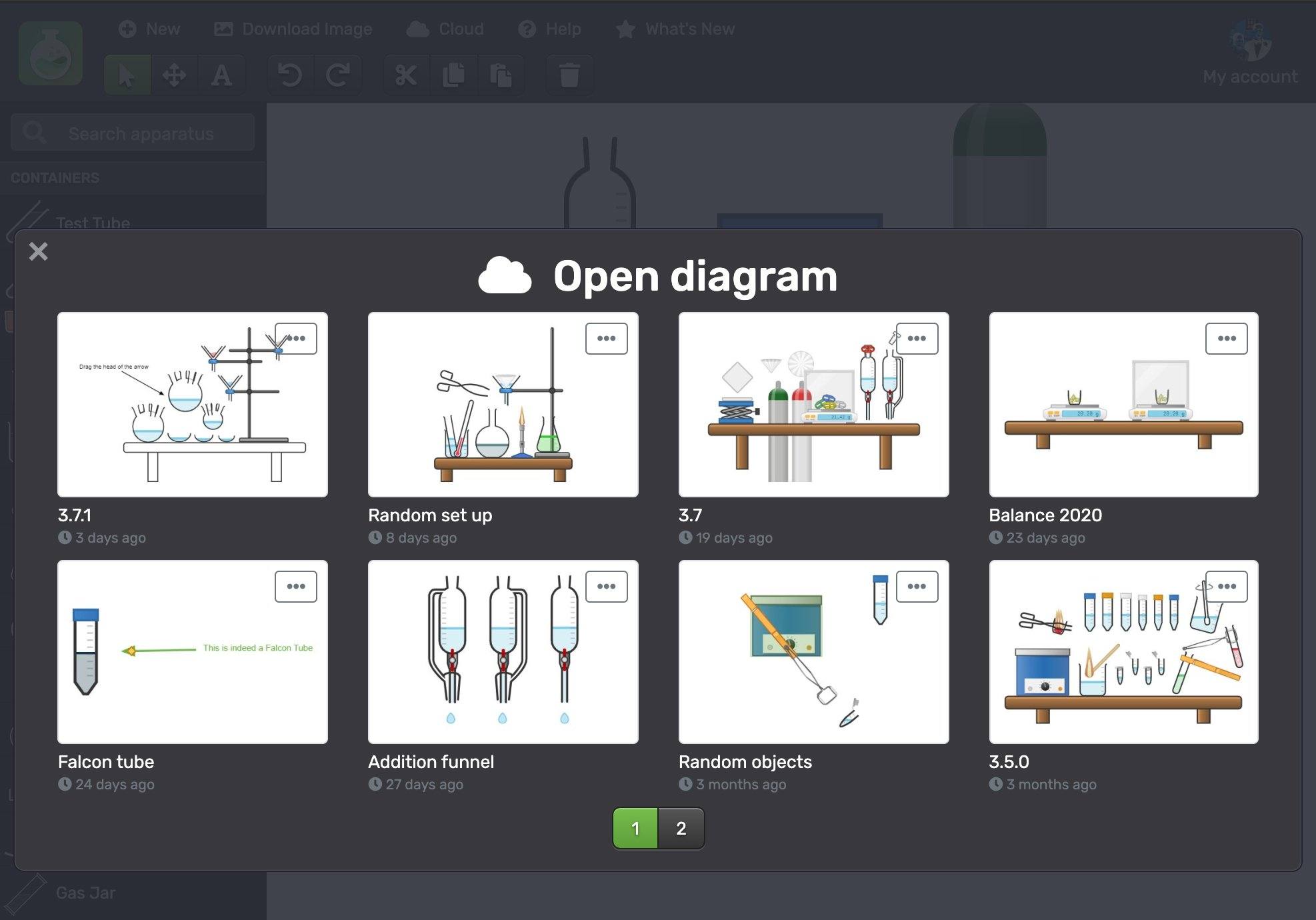
- Save diagrams to the cloud
- Arrange images in Google Slides, then export the images to make an animated GIF
Check out this example from Dustin Draughn on a basic setup for an enzyme lab:
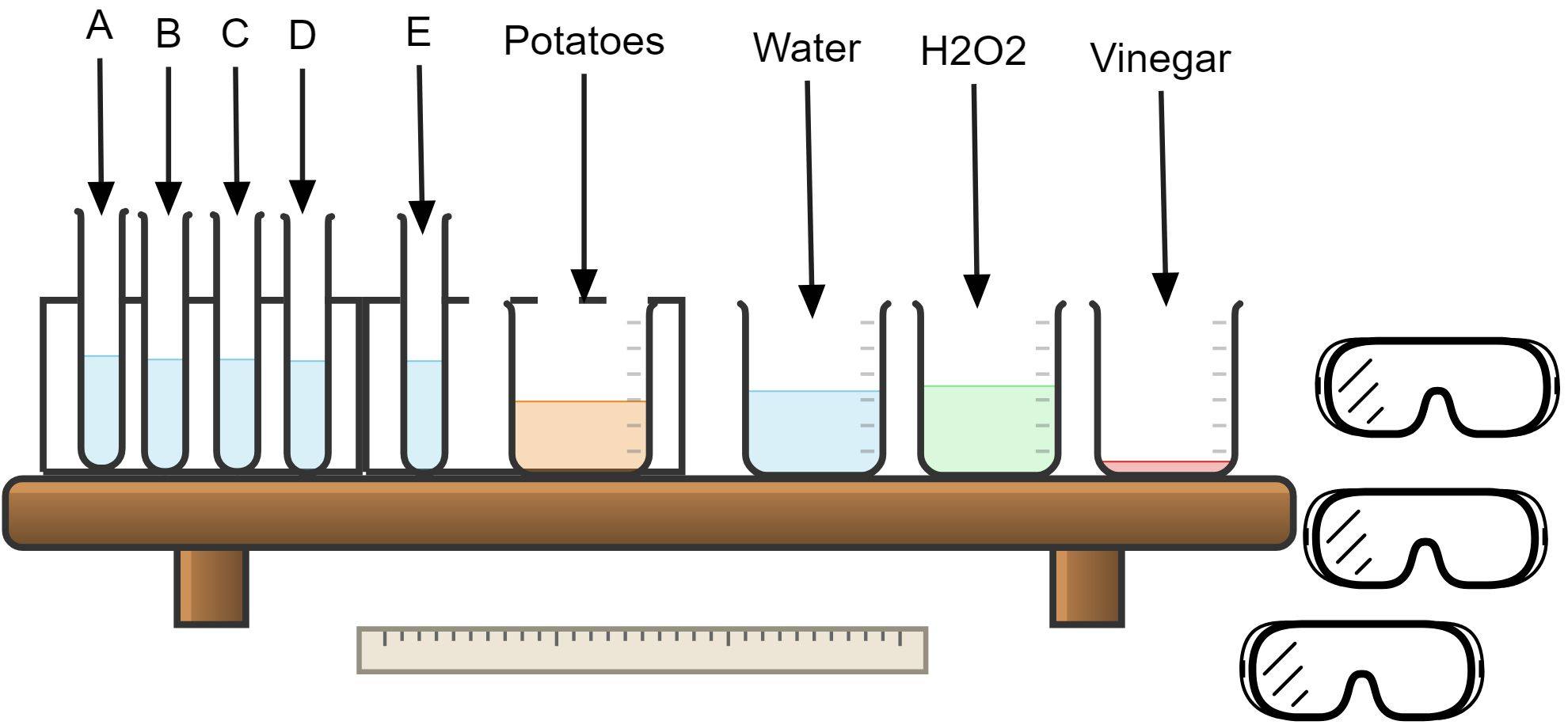
Some are already using it, such as @MrsWBio1, to illustrate worksheets:
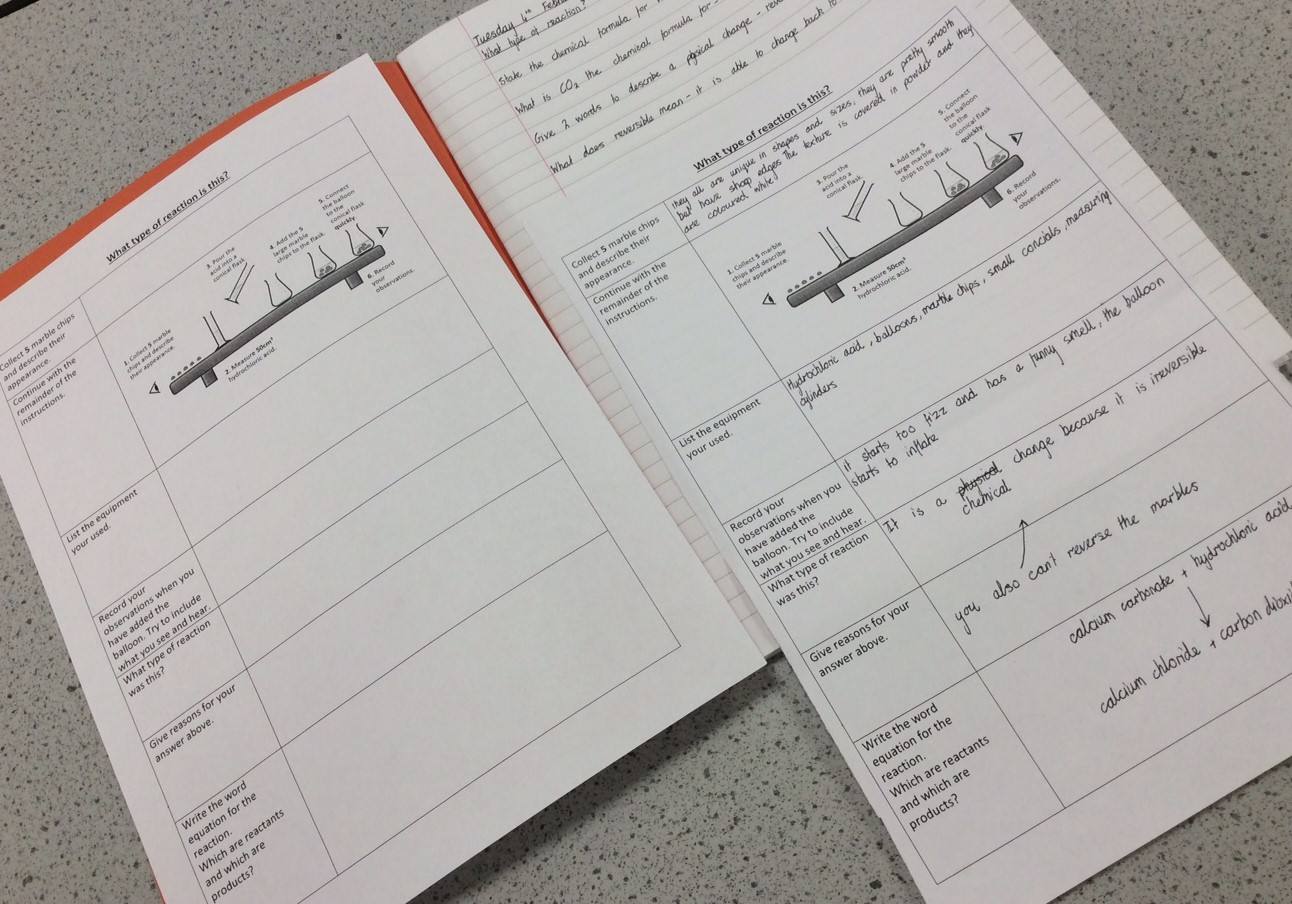
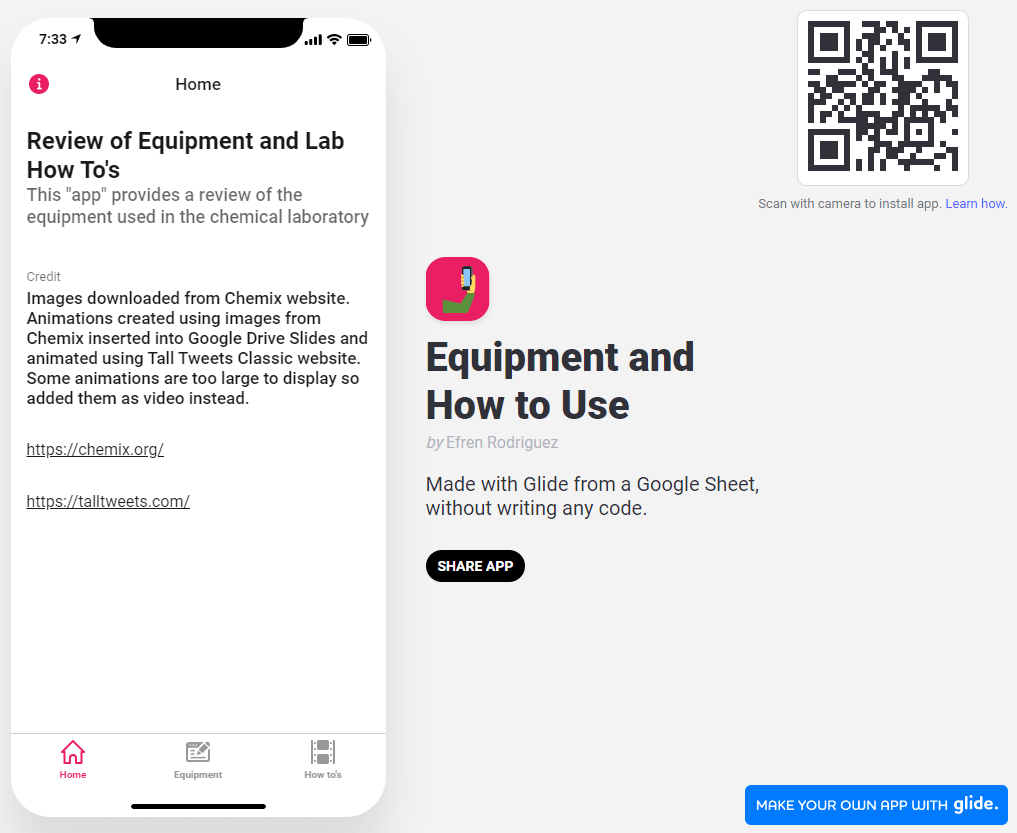
Do you think this is amazing? If so, you’ll love this collection of animated diagrams Efren Rodriguez put together. And you can learn more about how to create animated GIFs of Chemix diagrams via this blog entry.
How Does Chemix Lab Diagrams Work?
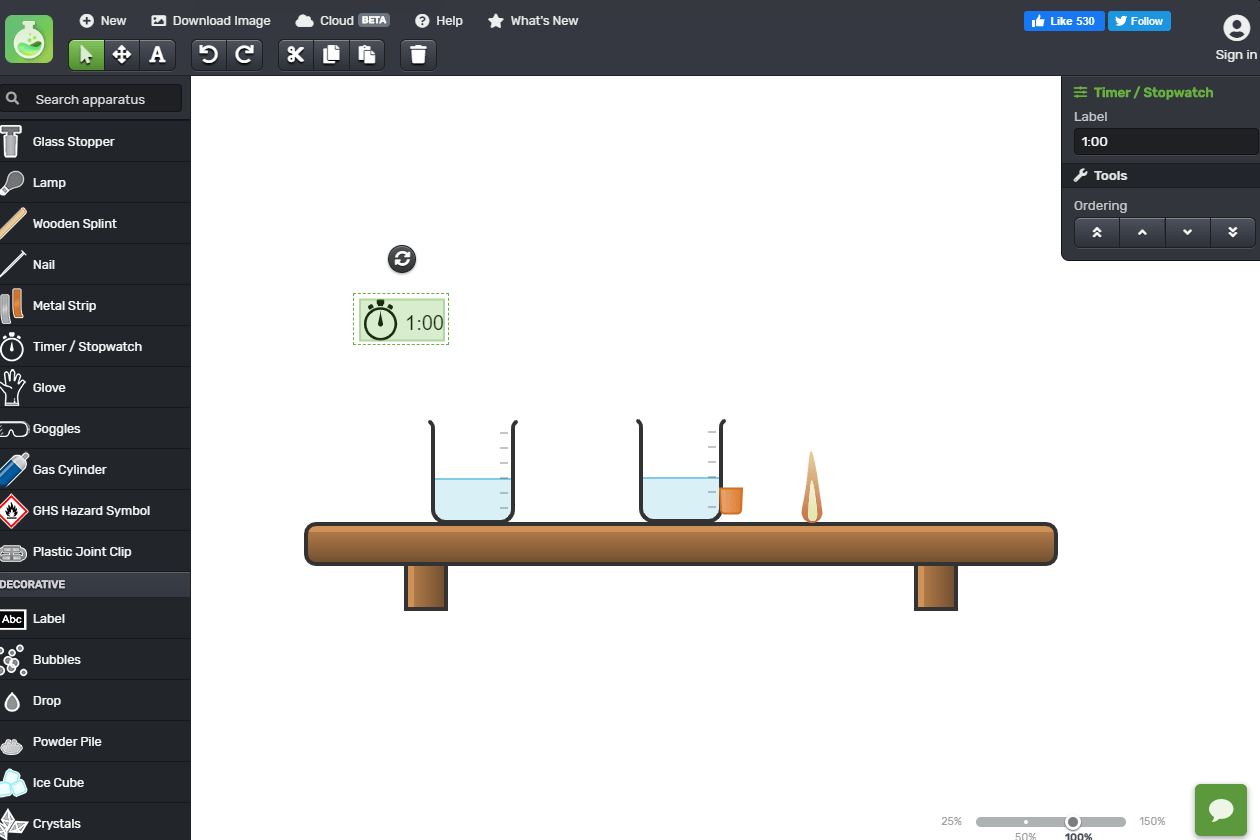
Using Chemix is an easy process. When you go to their website, you’ll see a blank canvas with a beaker on a shelf. A left hand sidebar features a wealth of containers. If you know your way around a lab, you’ll recognize many of the items, such as test tubes, bung/stopper, and more. Want to use a boiling flask? A thiele tube or calorimetry cup? Chemix has you covered.
Just a quick trial… Still working on it… pic.twitter.com/6H5ejdT7YW
— EfrenR (@EfrenR) January 21, 2020
Source: @EfrenR
Save images as JPGs, then convert them into animated GIFs. You can use a website like Gifmaker.me to make the animation. EfrenR has created a few animated GIFs which you can see in his Glide app (watch his Glide tutorial). Be sure to click on his “How To’s” tab in the app to see what Efren has come up with.
Students and teachers can explain what is happening in a lab. How can this be of benefit to students? Expecting students to create their own diagrams and to fine-tune them builds deeper conceptual understanding.
Deepening Conceptual Understanding
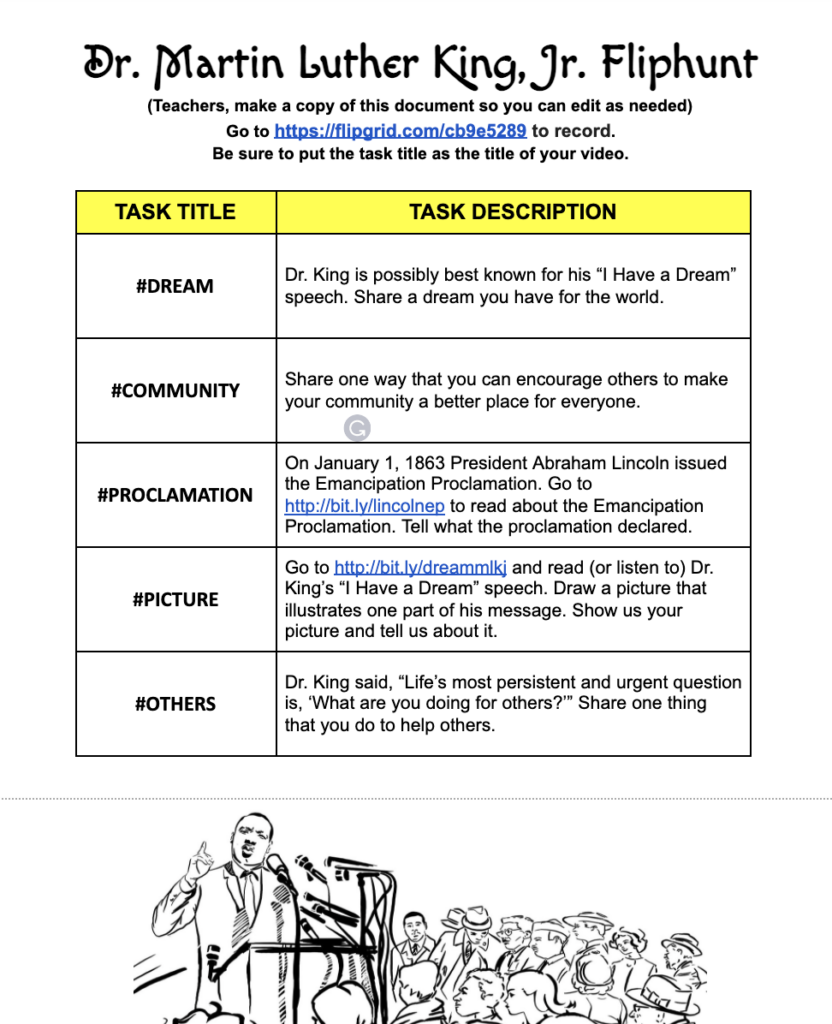
 “We come to know ideas, and then we can be asked to relate and extend them. This leads to conceptual understanding, which can in turn become a new idea. These conceptual understandings form the ‘coat hangers’ on which we interpret and assimilate new ideas, and relate and extend them” says John Hattie. Teachers can create diagrams, illustrations, and animated GIFs that walk through concepts.
What leads to deeper learning is how students are able to use Chemix to teach themselves and others. It gives them control over a process they could only imagine before and makes their thinking about lab procedures visible. Teachers can check their students’ creations to verify understanding. This may assist them in deepening their learning as they transfer it to “multiple, fact-rich contexts.”
Getting students to map out their own lab experiments empowers students. With Chemix, students can create their own lab materials and worksheets. This is important because it gives students control and mastery.










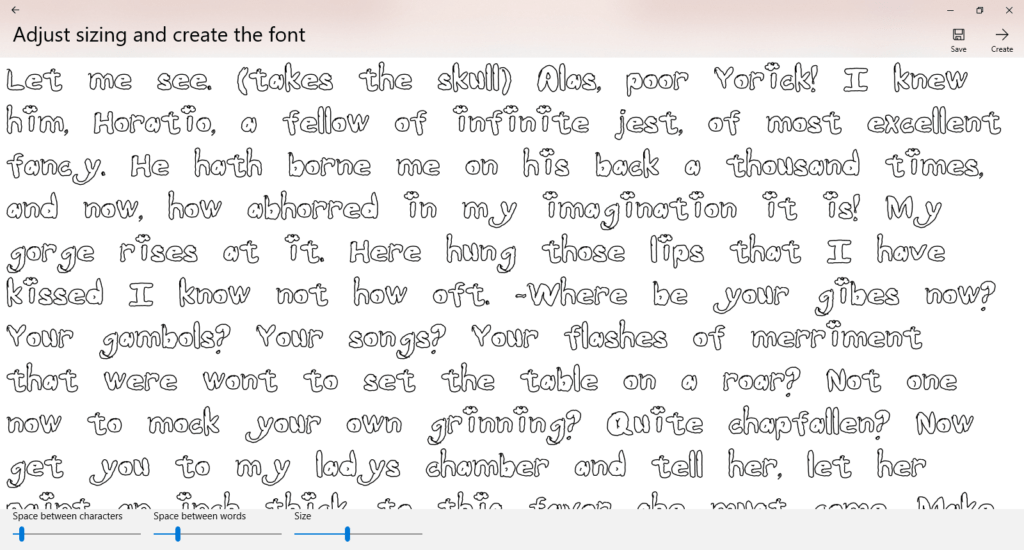
 You may be a person who has hoarded fonts on your computer in the past, only to use the basic 10 fonts that came installed … but you have those other 300 specialty fonts just in case the perfect occasion arises.
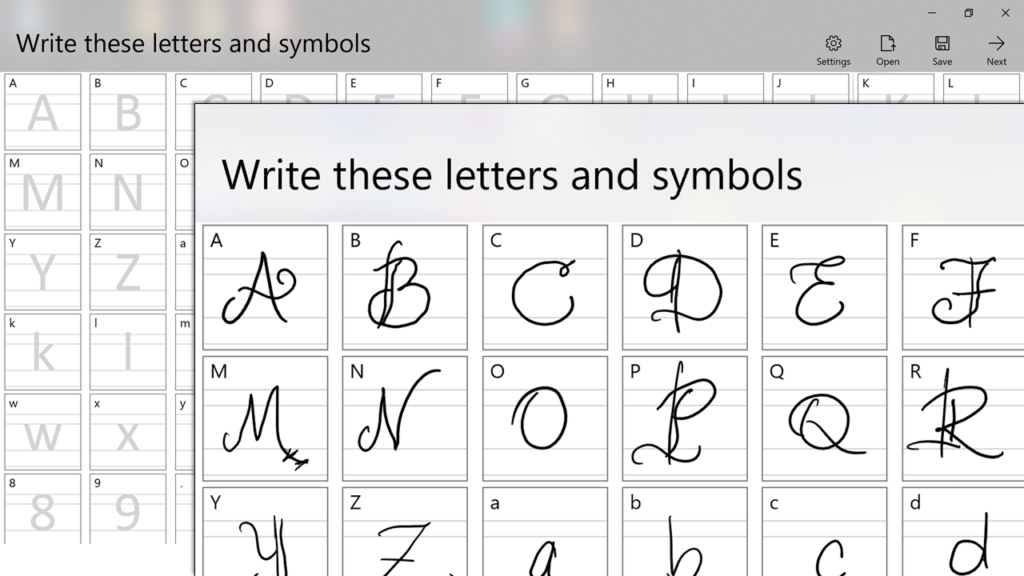
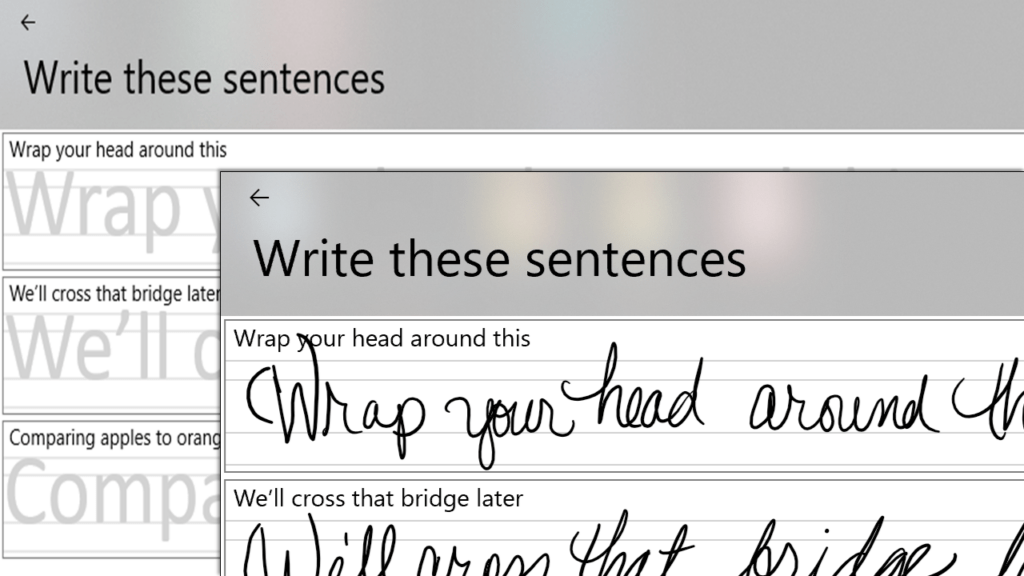
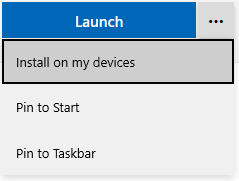 On a Windows 10 computer or tablet (that has a stylus), locate