Discover resources and strategies for teaching core content areas. Explore tips, tools, and activities to enhance learning across all subjects.

In learning to read, many “experts” have long told us that students must use printed books and stories so that their brains process the coding/decoding skills correctly. But a recent study may prove that to be not quite accurate.
Researchers from the Gallant Lab at UC Berkeley scanned the brains of nine participants while they read and listened to a series of tales from “The Moth Radio Hour.” After analyzing how each word was processed in the brain’s cortex, they created maps of the participants’ brains, noting how the different areas helped interpret the meaning of each word. They reported their findings in The Journal of Neuroscience.
What was most interesting about the results was that the stories stimulated the same cognitive and emotional areas of the brain, regardless of the medium being used. The subject’s brains were creating meaning from the words in the same way, whether they were listening or reading. In fact, the brain maps for both auditory and visual input they created from the data looked nearly identical.
What This Means
While the printed story should not be replaced strictly by audio (for lots of good reasons), this study does point to the fact that listening to a story can help students better learn to read and to create meaning from the words they hear. So, don’t be afraid to read out loud to your students or to have them listen to recorded books themselves.
Free Audio Books
Here are some resources for audio books:
- From Google Docs to Audio Book
- Finding Free Audio Books for Educators
- Storynory: Audio Stories for Kids
- Storyline Online
Next Research Steps
Now, admittedly, nine subjects does not a meta-analysis make. Much more research is needed before we can believe this as gospel or completely change the way we teach reading. But it does offer some possibilities for the use of technology with reading.
Fatma Deniz, a postdoctoral researcher at the Gallant Lab and lead author of the study, wants to take the experiment even further by testing on a broader range of subjects. She wants to include participants who don’t speak English, speak multiple languages, or have auditory processing disorders or dyslexia. Finding out exactly how the brain makes meaning from words could fuel experiments for years.
For now, Deniz says “the results of this study could make a case for people who struggle with reading or listening to have access to stories in different formats. Kids who grow up with dyslexia, for example, might benefit from audio books that are readily available in the classroom.”
 What Is Flip?
 Students begin learning observational skills in science starting in kindergarten. Though the skill is not as robust or refined as what a high school student may demonstrate, there is still great value in having them engage in observing the world around them to start taking notice of how things work. Observation is a foundational science skill that leads to communication, classification, measurement, inferencing, and predictions.
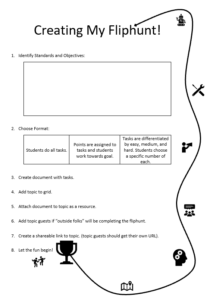
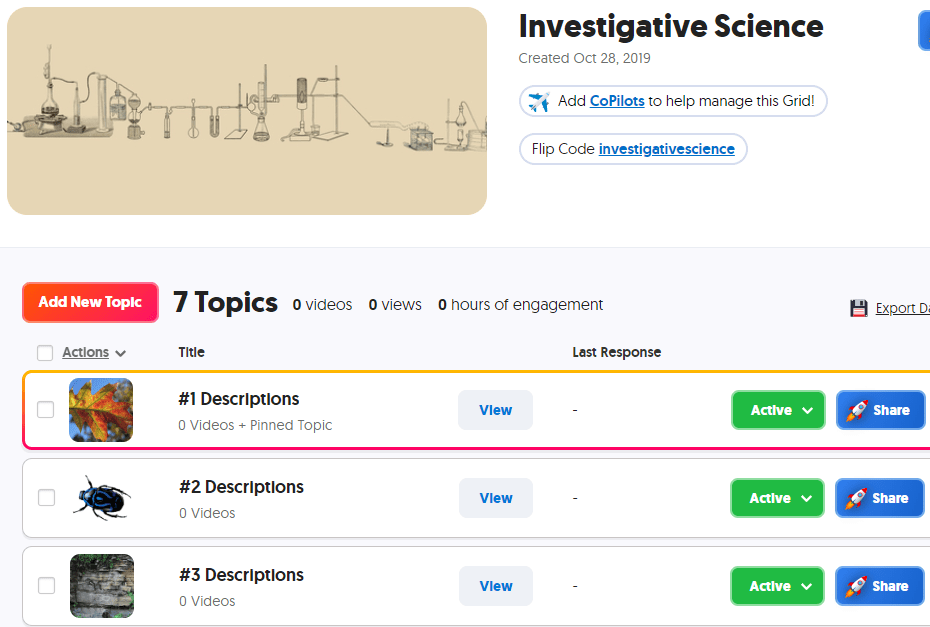 In Flip, create a grid for observations. Each topic in this grid will show a photo or video that the student is to observe and describe. Depending on the level of skill, you can require students to use previously learned vocabulary in their responses. If you want students to use words from a given word bank that you have developed for them, create the document and add it as a topic attachment to the topic. You can reference this word bank in multiple topics by adding the link to each topic. If you have a rubric to guide the students in their work, add the rubric as another topic attachment; for younger students, you may need to record a video showing the rubric while you are reading it aloud.
 Go to
Go to 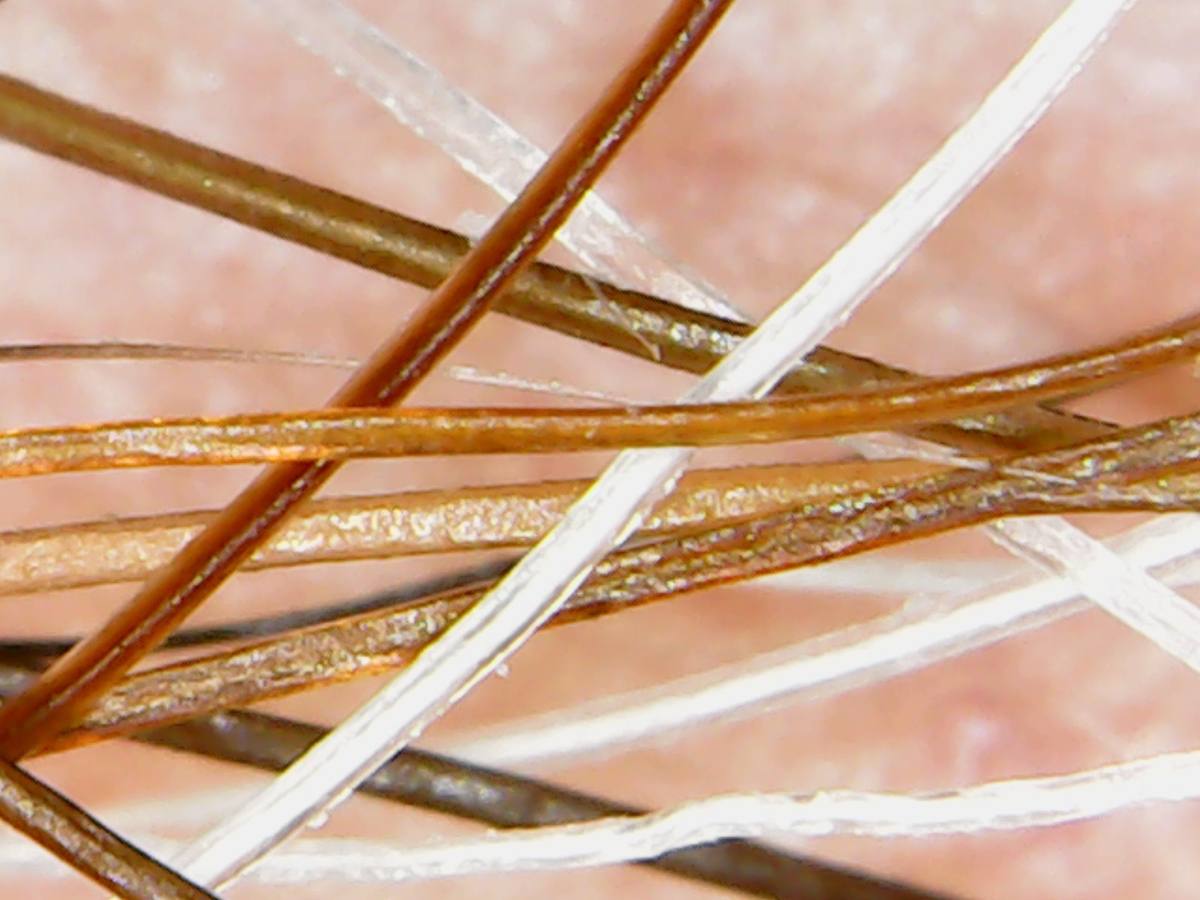 Begin by creating a grid to hold your inferencing topics. As done above, create a standard set of instructions for your students. You can go to ,
 Pixabay -(
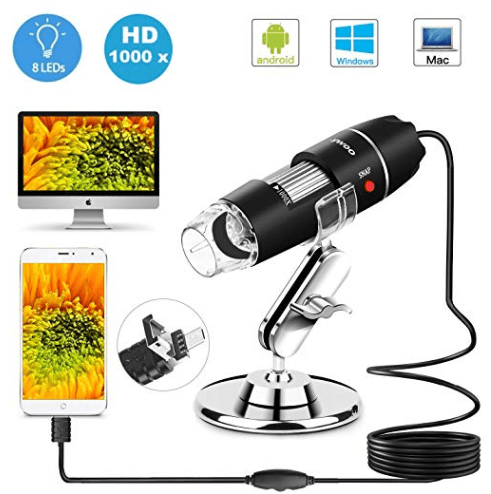 USB Microscope – Consider purchasing a USB microscope that you can connect to your device in order to take photos and videos of actual materials in your classroom…or on fieldtrips! Read the details carefully as some microscopes will work with some devices but not all…such as Android phones/tables, PC computers, and Mac computers but not iPhones or iPads. If you need a microscope that connects with your iPhone or iPad, be sure that it explicitly states that it connects. Likewise if you are wanting to connect the microscope to a Chromebook. If it is not clearly stated, look for a link in which you can ask the seller or locate that microscope on another seller’s website to see what information they provide.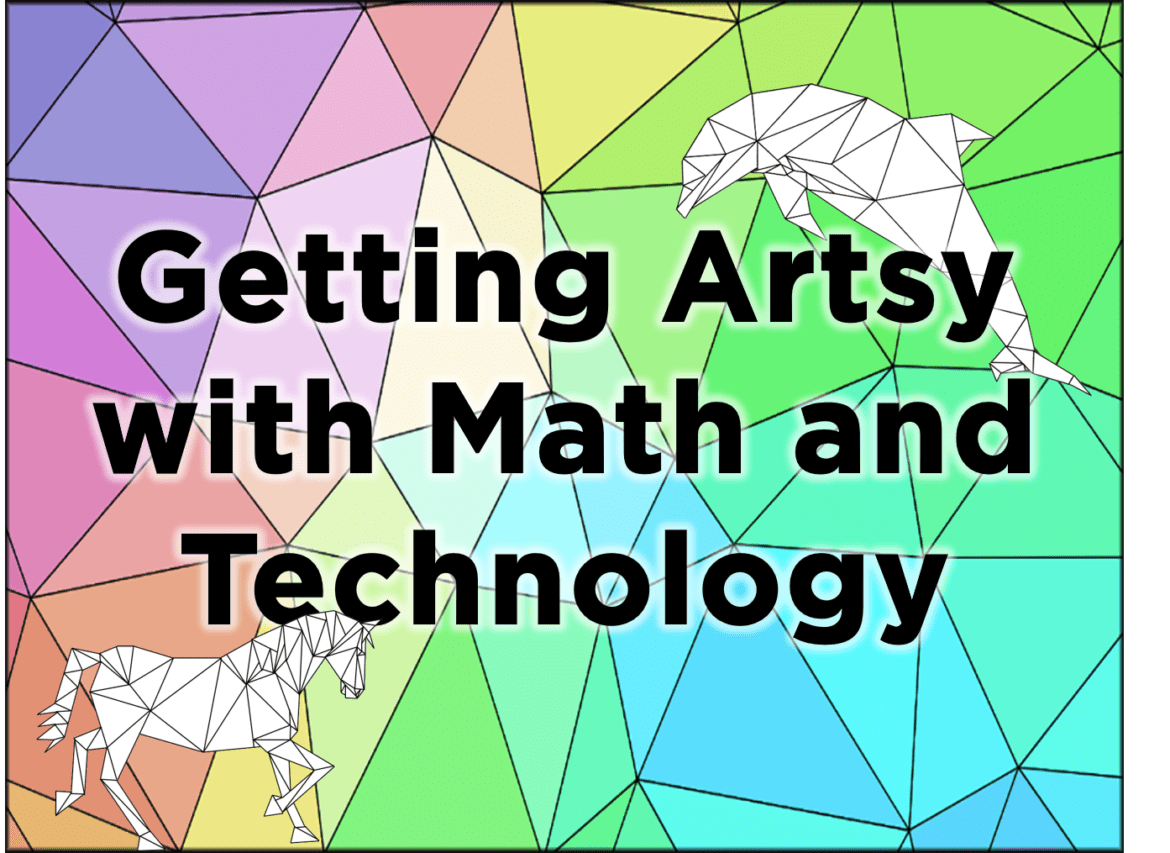
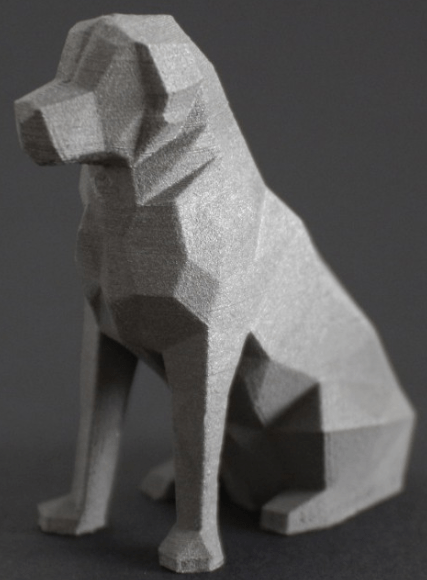
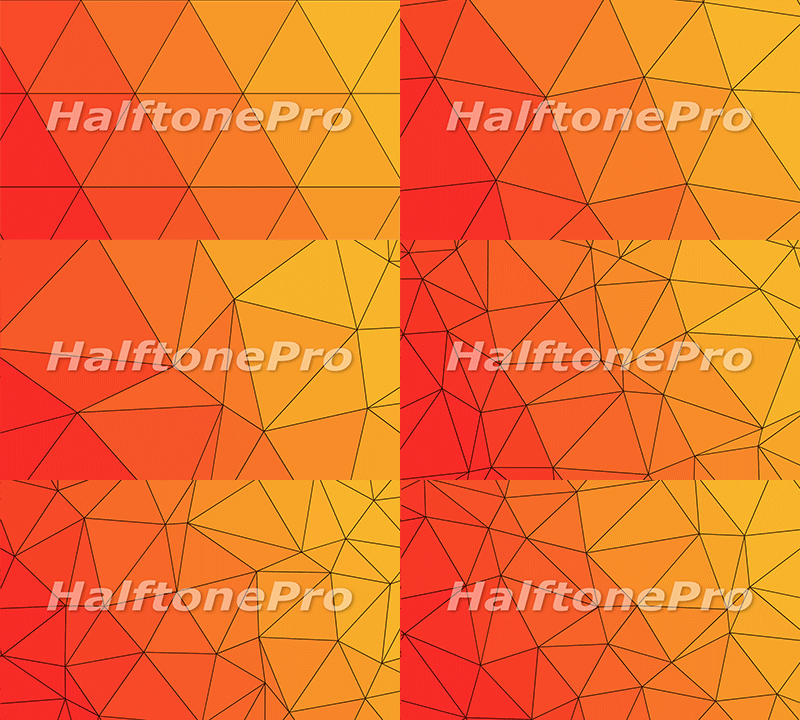 Low poly has been around for decades in the computer industry. As early game designers needed a way to generate images (and later animation) that did not exceed the available memory, they found they could reduce the file size by reducing the amount of information contained in the picture itself. This was achieved by connecting a mesh of dots to form polygons that are filled with a single color. The most popular shape to use is a triangle. This method allowed designers to easily reduce an image to mathematical terms instead of every pixel having its own color. You may have noticed that even current gaming systems are making use of the retro look of low poly. News sites may apply a low poly filter when interviewing a witness that wants to remain anonymous so that their physical features are less likely to be identified.



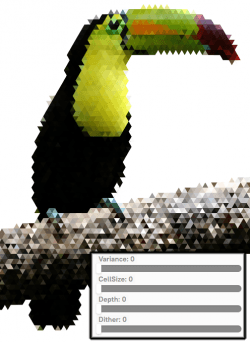
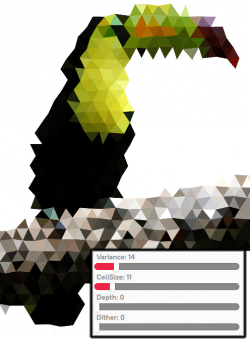
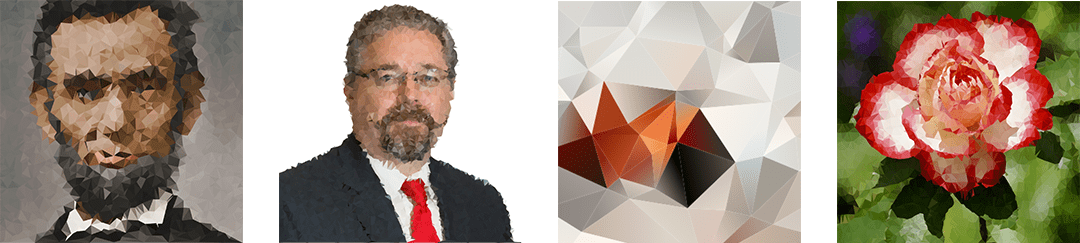


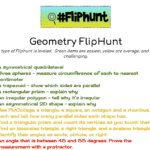
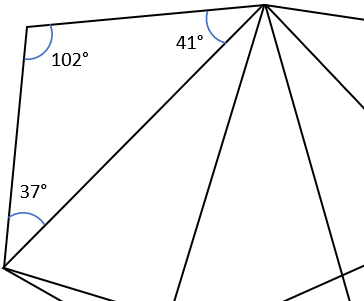 Identifying Angles – Because low poly can be made using only triangles, give students a page from the Low Poly Samples pdf file (link below) and have them identify whether each angle is a right, acute, or obtuse angle by writing r, a, or o in the angle respectively. For older students, have them use a protractor to identify the exact angle and have them write the measurement in each angle. Students can easily check their work by calculating the sum of the angles in the shape. The sum of the angles in a triangle will equal 180°, while the sum of the angles in a polygon with four or more sides is equal to 360°.
 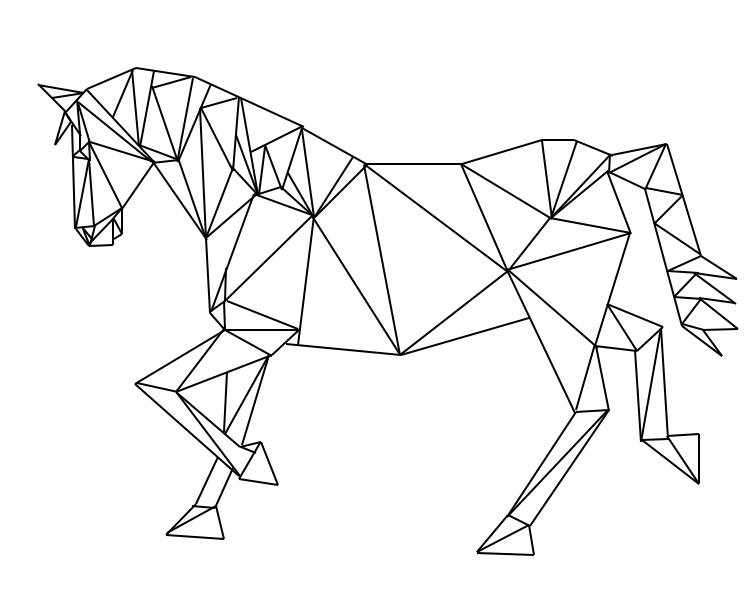 Low Poly Animals – Provide animal shapes for students to use as patterns. Laying a sheet of blank paper over the pattern, students trace the image using only straight lines and fill the image in with line segments to create triangles, squares, pentagons, etc. but no curved lines. The image to the right is my work using this method.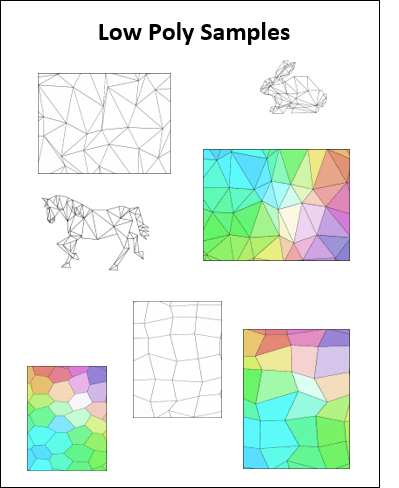

 If you weren’t able to join us this year, be sure to put