
Discover tips, tools, and strategies for using Google in education. Explore resources to enhance teaching, learning, and productivity.
Dear TCEA Responds:
My name is Raquel. My principal has given two of us the job of trying to find and upgrade our school’s technology. I was hoping I could reach out and maybe find out where a great place where I may start this journey. I am a member of TCEA. So, I know that you all have great resources.
First – is there a school or classroom where we might can visit that is already technologically advanced? We are a primary school, kinder through second grade. I was hoping you all would be able to direct us to a school that we can see technology being really used.
Next – our principal has asked us to find grants for technology. Where do we need to go look for some of these? Do you all have any ideas? Any help that you all might give, we would really appreciate it.
Dear Raquel:
First of all, thank you for approaching TCEA Responds with your questions. Let me start responding with the grant question first.
Question #1 – Grant Writing Resources
The TCEA PD Team has pooled its resources to provide you access to information available online in the Grant Writing Tips section. You will find a host of resources relevant to grants, including collaborative grant writing and grant writing tips. Some of the tips include:
- Celebrate people and gather stories. In order to be funded, a grant must make the reader feel a deep emotion.
- Develop a powerful, data-rich narrative.
- Build a writing team.
- Get your budget straight.
- Define success in measurable terms.
In addition to more information about these tips, you’ll find links to websites that provide lots of tips about grant writing and more. Also, be sure to check out this great blog post on Looking for Dollars in a Haystack. And keep checking the TCEA blog; when we hear about new grants being released, we always post them there.
Question #2 – Technologically-Advanced School
As to your first question about a model school for technology, I’d recommend reading this blog entry on Basic Tech Skills and how new expectations from Generation Z learners impact that list. Note that this blog entry is intended to focus on key ways we need to change our teaching to match Generation Z students (those students we have in our classrooms now). “New” basic tech skills teachers need to have can be accomplished with a wide variety of technology tools, whether they are (in alpha order) Apple, Google or Microsoft.
With these points in mind, the school you are looking for is probably using a combination of devices in schools. If you’re starting out as a technology director/CTO in a school district and wondering how to spend precious district funding, here’s how it might be done:
Device Choice
For the masses, the device of choice is probably an inexpensive, easily-managed touchscreen Chromebook or Windows 10 cloud laptop for students and mobile cart checkout. For high stakes testing labs, Windows is your best choice. For teachers/staff, one recommendation would be the Microsoft Surface tablet.
Scaffolding this multi-device environment is an embrace of no-cost Google Suites for Education to facilitate email, cloud storage, and productivity tools. (Although you have the freedom to rely on MS Office for staff, you can also give out LibreOffice free and compatible to MS Office) Again, if you are firmly entrenched in the Microsoft environment, you can definitely get Office 365 Pro Plus licensing.
If you have iPads, rather than raise costs by deploying them in a 1:1 configuration for students, disperse them two to three devices per classroom or grade level available for checkout. Apple iPad devices provide some great free apps for video editing, and those videos can be saved to Google Drive.
If you’re a Microsoft district, try this instead. For students, take a look at the Lenovo N23 Win10 laptops. For staff, SurfacePro tablets or SurfaceBooks can be a good choice.
Learning Management System
You will also need to nail down the learning management system (LMS) that will help to handle all of the amazing content your students and staff will be creating. You can use Google Classroom if you have adopted Google Suites for Education or Microsoft Classroom with OneNote Class Notebook. You may want to take a gander at this Classroom Smackdown blog entry.
Single Sign-On
On the back end, single sign-on (SSO) needs to also be set up. I wouldn’t roll out a wide variety of devices unless you first nailed down Active Directory with some type of account management solution that makes single sign-on a reality. (Enboard, ClassLink, or EST Group/Identity Automation are three top solutions.) In fact, this is probably your most important consideration.
About The TCEA Responds series: Have a question? Don’t hesitate to submit your question via this online form and we’ll get our team of educators to research possible solutions for you.

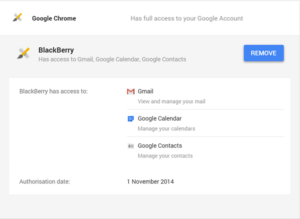
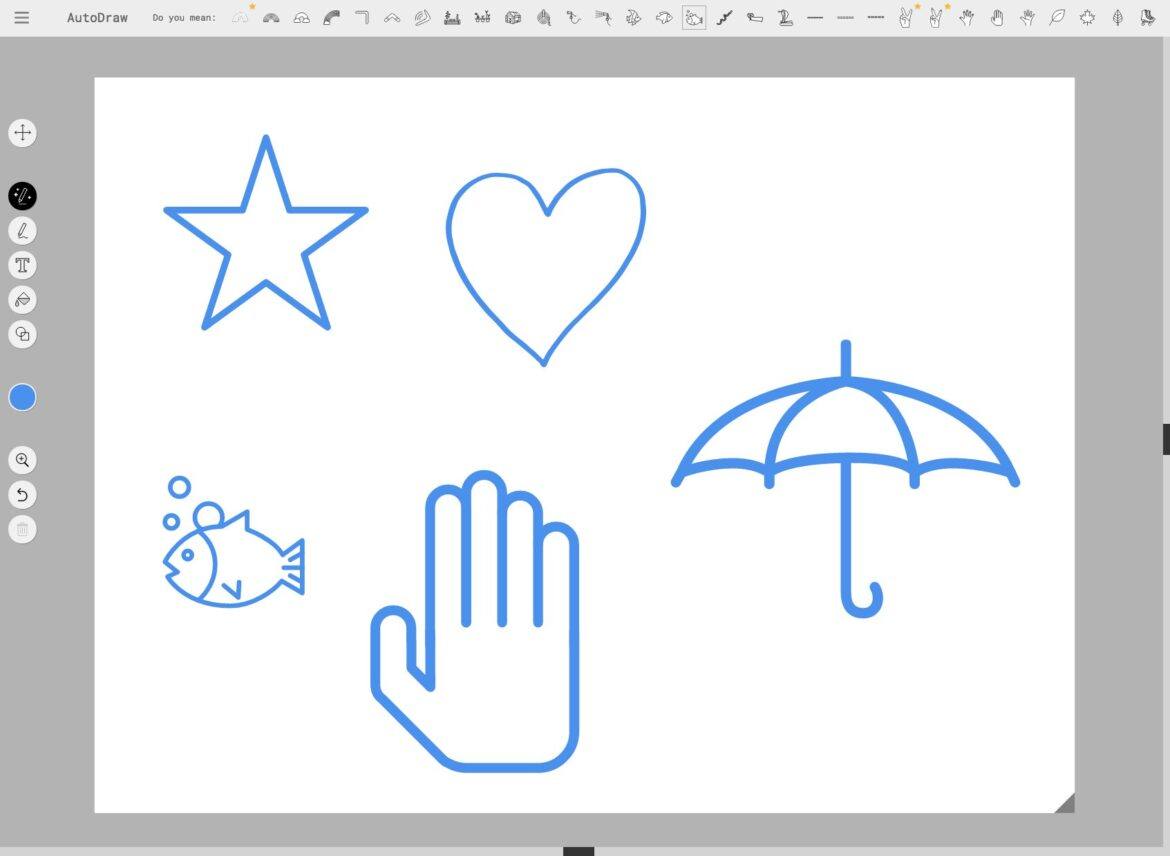

 (correct). Its choices for me to select from were presented across the top of the screen. I simply clicked on the sun icon and here is what I was given as Google corrected my poor work into something more recognizable.
 The purpose of this certification is to help educators build foundational skills in using their Chromebook as an effective learning tool in the classroom. As you go through the course, you will also be introduced to several of the Google Suite of tools to promote collaboration and critical thinking, and you will be provided opportunities to apply it to your content area or grade level. The capstone project for this certification is a lesson plan implementing some of the learned skills and tools within the grade level and content area of your choice.
 The purpose of this certification is to help educators build foundational skills in using the iPad as an effective learning tool in the classroom. As you go through this course, you’ll learn how best to use the features of the iPad to differentiate and support student learning. The capstone project for this certification is a lesson plan implementing some of the learned skills, features, and apps within a grade level and content area of your choice.



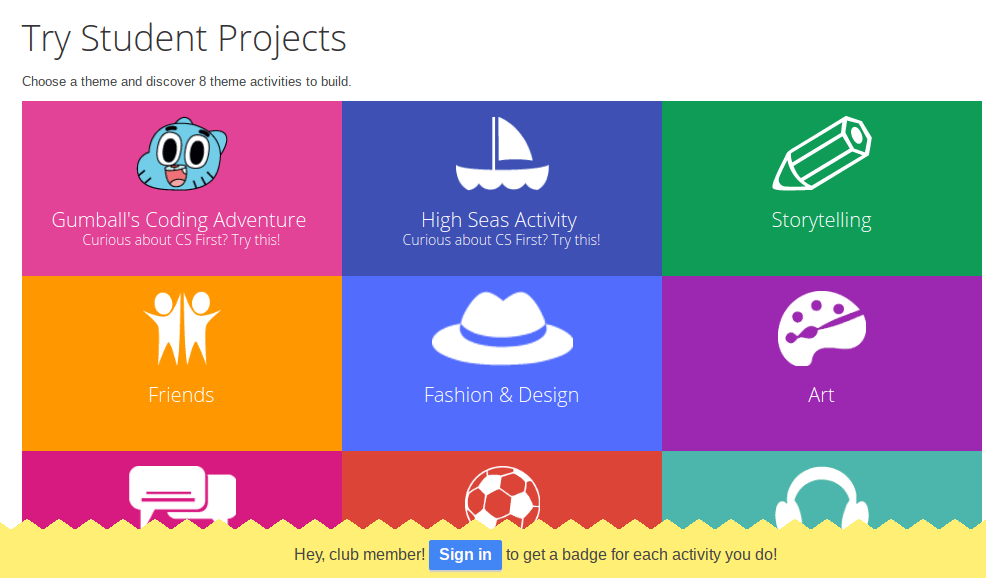
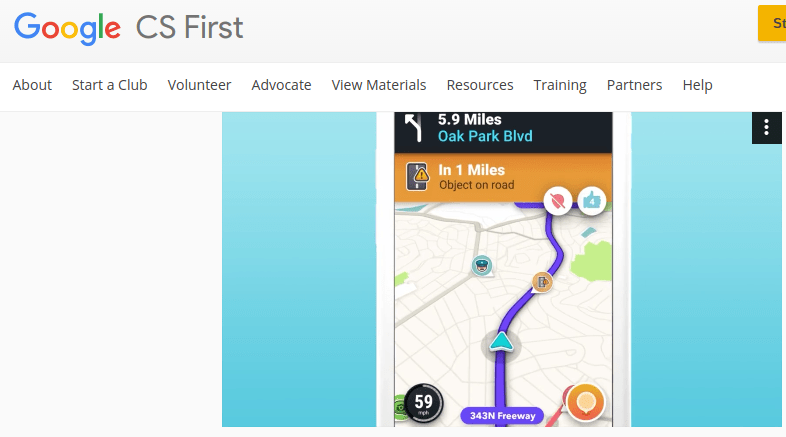 tools. Some of the creative projects include If/Then Adventures, which are reminiscent of the Choose Your Own Adventure print stories many of us grew up seeing on bookshelves. The If/Then Adventures video provides great examples that highlight coding connections. They also emphasize real-life connections to apps many of us may be familiar with, such as the
 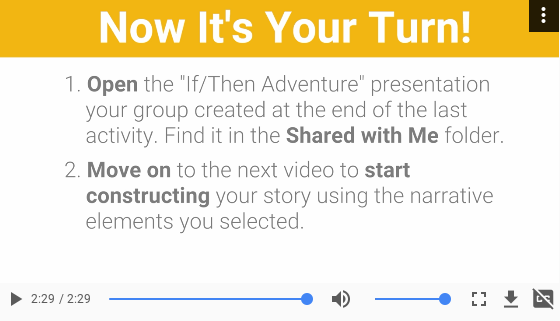 Relying on activities that feature communication, collaboration, and research, students are able to work on projects and create together. This collaboration provides rich opportunities for joint and independent communication and research. What’s more, students are able to earn badges for activities they engage in.