Discover tools, tips, and strategies for technology applications in education. Explore resources to enhance teaching, learning, and productivity.
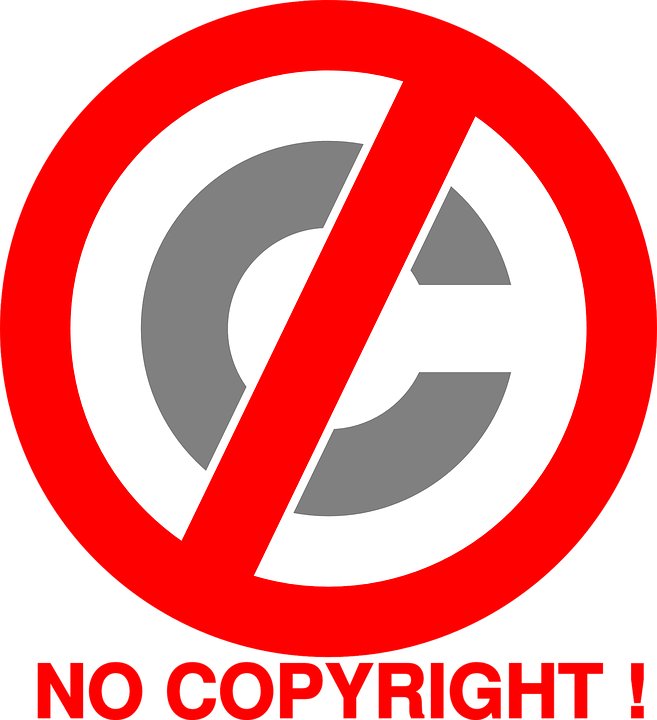
Finding copyright-free images for students, or teachers, to use in their digital projects can be a challenge. And yet we know that the addition of images to any project is important for learning and retention. TCEA members and staff had some recommendations recently in the Community for where they go to find exactly the right, free, legal picture.
Copyright-Free Images from the Staff
Here are a few of our favorites:
- New Old Stock Photos – This site has a number of vintage images that are great for use in history, sports, and science. The images from WWII and NASA are particularly wonderful.
- Unsplash – If your students need beautiful, artistic images and photos, they’ll love this site.
- Photos for Class – This is a free website that allows students to search for and download images that are safe to use in schools with the Creative Commons license. And it has an automatic citation tool that comes with each photo.
- PxHere – While a terrible name for a site, the photos in this collection are stunning!
- Google Advanced Image Search – Teach your students how to use this powerful tool. It gives you enormous flexibility in tailoring your search results. In addition to specifying the image’s color, size, and file type, you can choose Filter Explicit Results to block inappropriate pictures. You can also specify the usage rights to include various levels of reprint permissions. Once you have set the parameters, a search bar will appear. Fill in your search terms and note that the toolbar at the top of the window shows your image preferences for that search. You can easily adjust these settings for a new search using the toolbar’s drop-down menus.
- FindaPhoto – Rob Lora from ChamberofCommerce.org describes their tool as a ” free tool for easily searching through millions of stock images.”
- Freepik– This is a great website that offers free stock photos and other images, icons, templates, banners, clip art, etc. you can use all year long.
Copyright-Free Image Sites Recommended by Our Members
TCEA members are a brilliant, sharing, collaborative group of educators. And they had some great recommendations for sites to find just the right illustration or photo.
- Kristin Robinson of Palmyra-Macedon Central School District recommended Pixabay. Not only does it offer stunning photos, but it also has copyright-free videos.
- Amy Gwizd of Dearborn Public Schools offers Pexels, another site with both images and videos.
- “The Metropolitan Museum of Art has released 375,000 images from the Met Museum for free… I imagine some of these will not necessarily be appropriate for all ages, though,” says Jonah Juarez of Hudson ISD.
- From Randy Rodgers of Seguin ISD comes the site Creative Commons and their search engine.
- Matthew Kitchens of Burleson ISD offers this advice: “NASA content – images, audio, video, and computer files used in the rendition of 3-dimensional models, such as texture maps and polygon data in any format – generally are not copyrighted. You may use this material for educational or informational purposes, including photo collections, textbooks, public exhibits, computer graphical simulations and Internet Web pages. This general permission extends to personal Web pages.” Read the specifics from NASA Media Guidelines here. Here is NASA’s Image and Video Library.”
And finally, if you’re looking for even more sites that are usable by your students, our own Miguel Guhlin has an exhaustive list of not only photos, but also audio, fonts, videos, and editing tools. And he’s created a Wakelet that you can add to, or, if you have a free Wakelet account, you can make a copy of.


 Screencast on iPad
 Voice Memos
 Photo Grid
 Adobe Spark Video
 We had some huge wins in the area of computer science and computational thinking this session. Our six-year goal of providing weighted funding for the 9-12 Technology Application courses has finally been achieved. In HB 3, the school finance legislation, the weighted funding for CTE was changed from grades nine through twelve to grades seven through twelve. In addition, the
  There are two pieces of legislation that are going to impact educational broadband. The first is HB 1960 which creates a Governor’s Broadband Council that will advise the governor on issues related to broadband access to unserved areas. This is progress, but not as much as we hoped for. There are few, if any, areas of Texas that are unserved. The original bill included underserved areas, but heavy lobbying by the large telecommunication companies eliminated that language from the bill. However, we consider this progress because we finally have some entity at the state level that will look at the state’s needs for broadband from a strategic perspective. For too long, all state entities have tried to provide affordable, scalable broadband for their own purposes when it would be much more cost efficient to survey the needs across agencies and entities and design a plan to meet all the needs. HB 1960 at least establishes a council that could do this in the future, if given the authority.
 There are several opportunities in the bills mentioned above that will provide professional development in digital learning. The Blended Learning Grants are largely designed to provide professional development for educators in blended learning, not to mention the funding provided to UTeach to continue to provide this type of training to Texas teachers. Also, this is a good chance to remind districts that the TIMA may be used to provide professional development on the use of technology. In addition to these bills, the legislature passed HB 2424 that requires the SBEC to establish rules to create microcredentials in fields of study related to an educator certification class. This was one of TCEA’s legislative priorities, so we are excited to see this bill pass.