Discover resources and strategies for teaching core content areas. Explore tips, tools, and activities to enhance learning across all subjects.

It was only a week ago that a teacher reached out to me about typing mathematical symbols. Lonnie, a math teacher, expressed the challenge:
I’ve avoided using Docs for a long time because it does not allow me to take a snapshot. As a math teacher, I often need to take a snapshot. It’s less tedious than trying to find all the mathematical symbols to type something out. And another thing…I’m not sure why I would use Google Sites or YouTube.
In this blog entry, we’ll explore a few responses to these questions.
Mathematical Symbols
Solution #1: Lightshot
You can use several tools to take snapshots and then copy-and-paste or insert them into Google Docs. I rely on Lightshot, a Chrome extension and/or program you can load on your computer. It makes it easy to snap pictures of my screen and annotate them. You can see it reviewed in this video. It’s also mentioned in my TCEA Remote Learning support page for the video. Find it online.

Solution #2: Equatio
Equatio is a Chrome extension that takes the pain out of making equations or math expressions. You can dictate equations as well. Teachers can use Google Forms to create quizzes and students can add diagrams, sketches, and more to make their thinking visible.
Get Equatio in a free or premium version. Want to see more math tools? See this blog post.
Digital Whiteboards
Need a digital whiteboard? Most of us do when we’re trying to explain mathematical concepts. One way to do that is with a digital whiteboard that makes connecting with students easier.
Here are three digital whiteboard solutions you can take advantage of. The question is, which one does what you need?
Tool #1: Google Meet Plus
If you’re looking for the Swiss army knife of Chrome extensions for Google Meet, then this is it. Google Meet Plus has a built-in whiteboard that offers a few extra features that come in handy during a Google Meet. One of them is showing you a running record of who added what to the whiteboard.
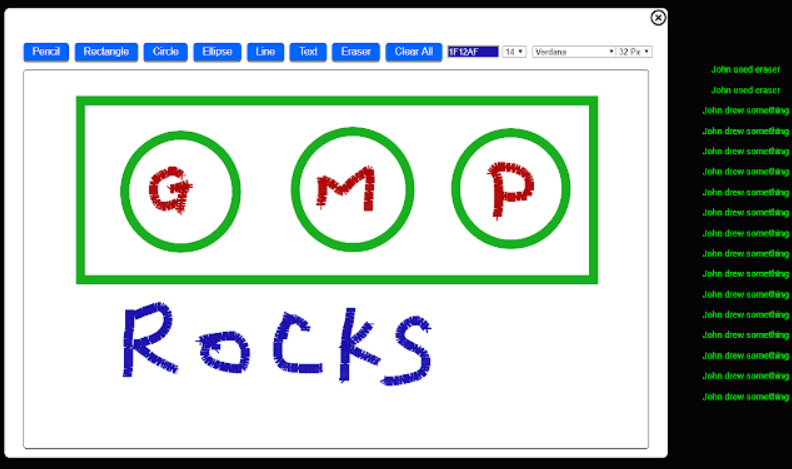
Google Meet Plus makes it simple for participants to do the following:
- Share and collaborate on a whiteboard in the meeting
- See the drawing in real-time
Get simple and powerful tools in a Google Meet session with Google Meet Plus.
Tool #2: JamBoard
Jamboard is a great whiteboard solution, and it’s collaborative. Since it’s a G Suite solution, which means you can use it with your students. But you will still need math tools for typing. “You can also write on it with your mouse/touchpad,” says Shari Hiltbrand. She goes on to say:
Access it by going to your 9 dots/waffle. That is at the top right of your Gmail or Drive page. Scroll through the apps and you’ll find JamBoard.
You may find Sarah Kiefer’s Wakelet Collection about JamBoard worth exploring:
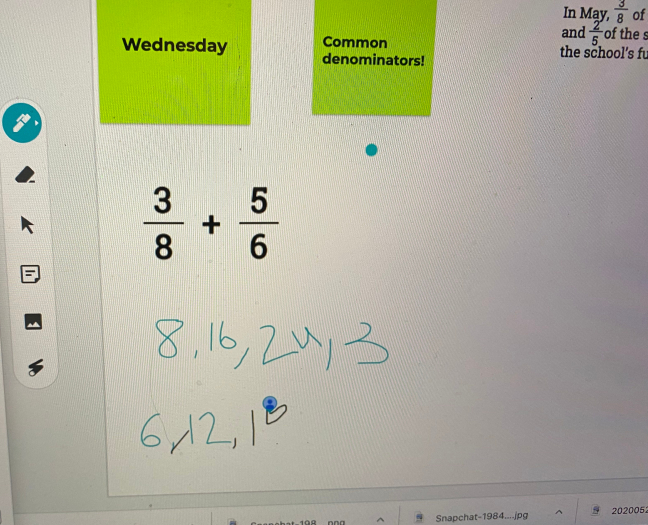
If in Google Classroom, you can assign a JamBoard to each student. You can use a laser pointer, and create an unlimited series of blank pages (whiteboard screens) that can be saved. You can also embed GIFs in JamBoard (video). Unlike Google Meet Plus’ whiteboard, there is no revision history. Here’s how one teacher reported using it in her classroom with two remote learning students:
Eric Curts (Control Alt Achieve Blog) has put together an amazing video on using JamBoard and Google Meets:
Tool #3: Whiteboard.fi
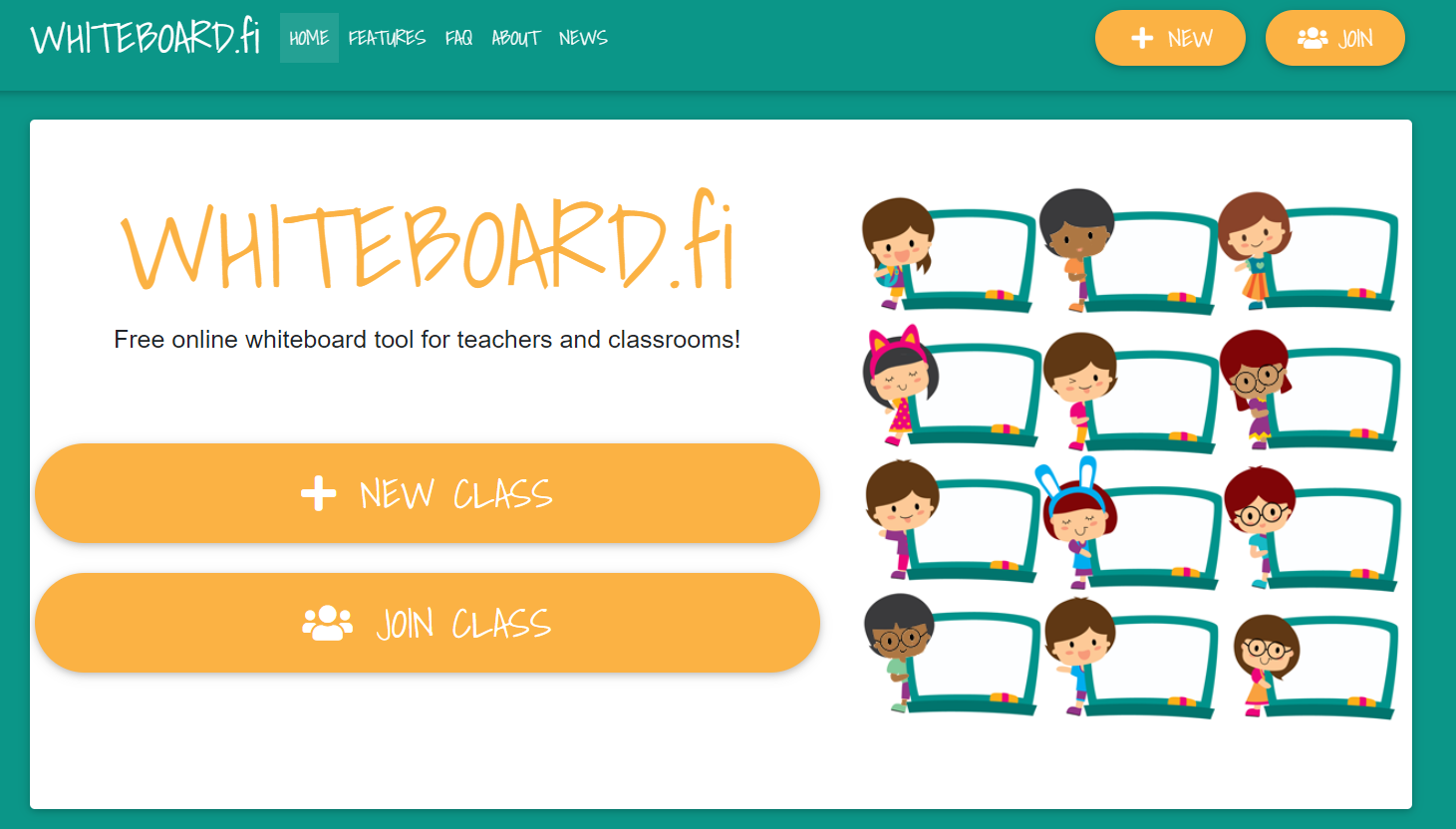 Another nifty solution is Whiteboard.fi. From their website:
Whiteboard.fi is a simple tool that you can put into instant use. Create a class and invite your students. When they join, all will get a digital whiteboard.
As their teacher, you see all your students’ whiteboards in real time, so you can follow their progress. The students only see their own whiteboard and the teacher’s.
Imagine your students creating a concept map while you are sharing a new idea or concept. Whiteboard.fi makes it easy for students to make their thinking visible while you provide live feedback.
Virtual Online Space
One of the tough problems we encounter in teaching math is finding ONE place to put everything we want to share with students. A great tool for that is Google Sites. I put all my stuff that I share with others in Google Sites like a simple bulletin board. Here’s an example or two you may find of interest:
As wonderful as Google Docs is, having a space you can refer to online like Google Sites can be a lifesaver.
Did You Know?
Sign up for one of our Google Certified Educator certifications. You’ll learn about more than Google Meet, as well as earn 12 CPE hours per course. Use these courses to get Google Educator certified. Find out more online.
Sharing Video Playlists
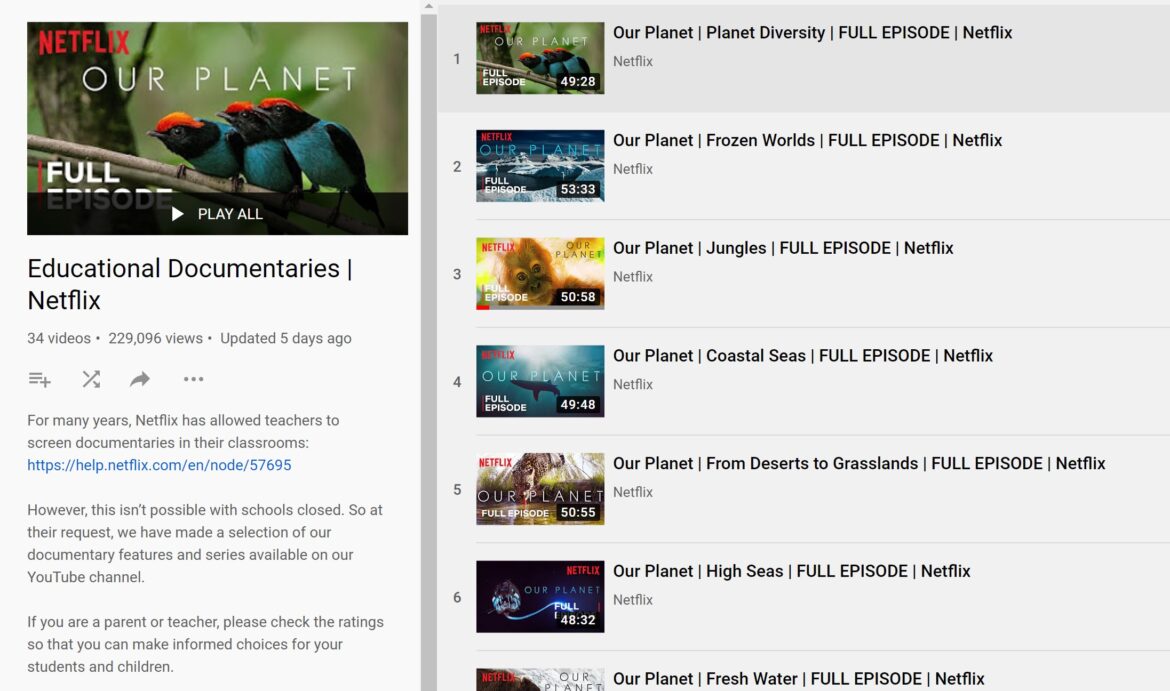
One of the reasons you would use YouTube is to share playlists of educational videos with students (or colleagues/parents). For example, you could make a playlist of supplemental videos for a particular math lesson. Watchinga video can assist learners in visualizing concepts from a different perspective.
For example, check out this YouTube playlist Algebra Made Simple. Imagine using it to reinforce algebraic concepts covered in class today.
Equations, Whiteboards, and More
When you consider how many tools are available, it can be overwhelming. That’s why I like to have two or three to refer to when working. I hope this blog entry has provided you with a few ideas you can build on. If not, here are some more ways to Empower Your Math Lessons with G Suite for Education.

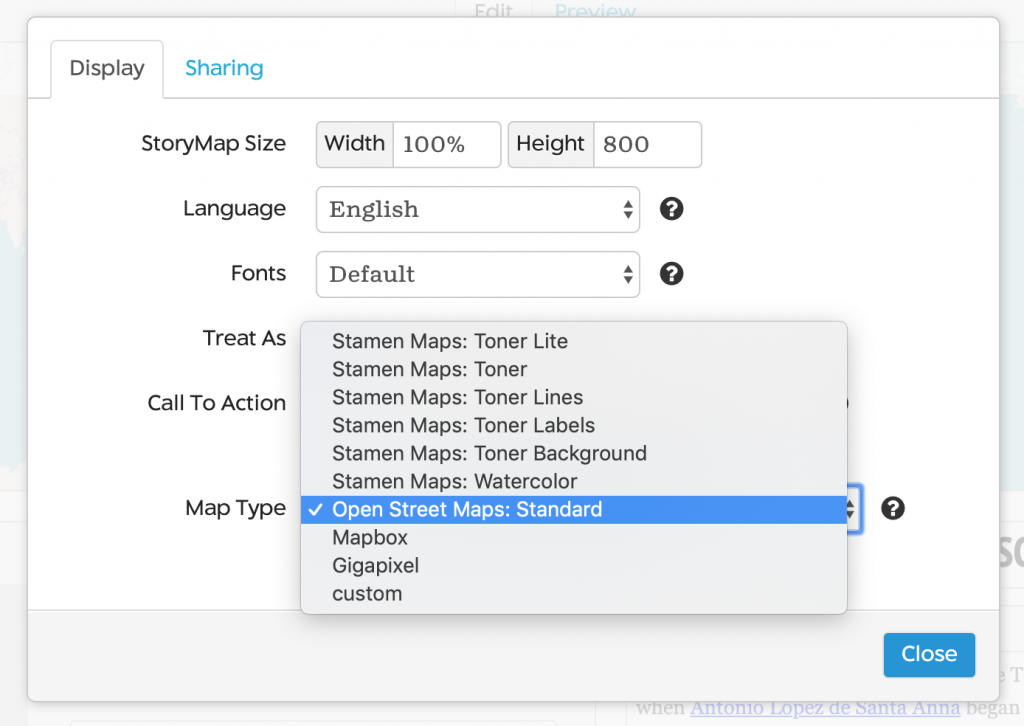
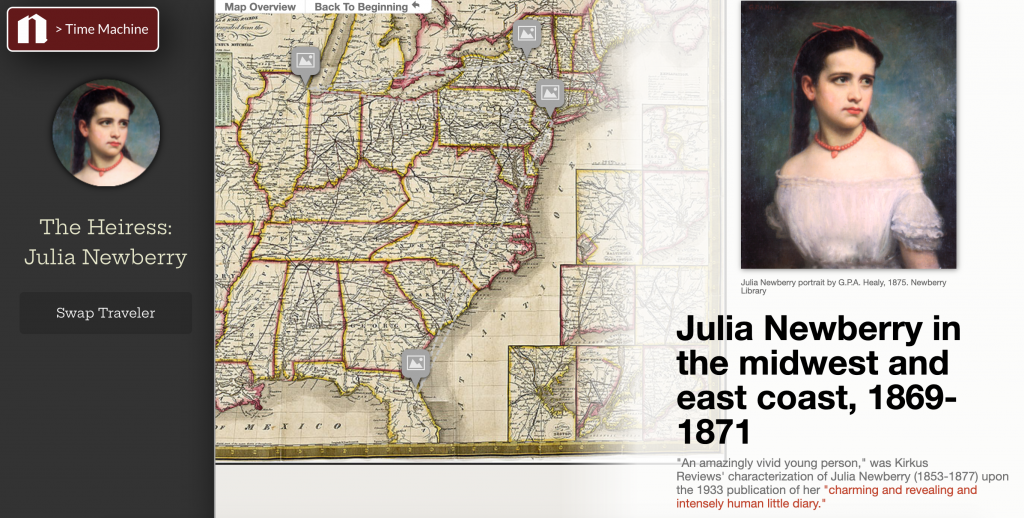

 One of the first steps you need to take is to select a blogging platform. This is an online space to share content. Avoid getting caught up in the strict definition of a blog (e.g. RSS feed or an online space with content you can subscribe to). Another point you need to consider is that you need something you can control as the teacher. Students are often blocked from using tools like Blogger because they are for students older than thirteen years old. As a teacher, you need an online platform that makes it easy for you to manage content online and student posting.
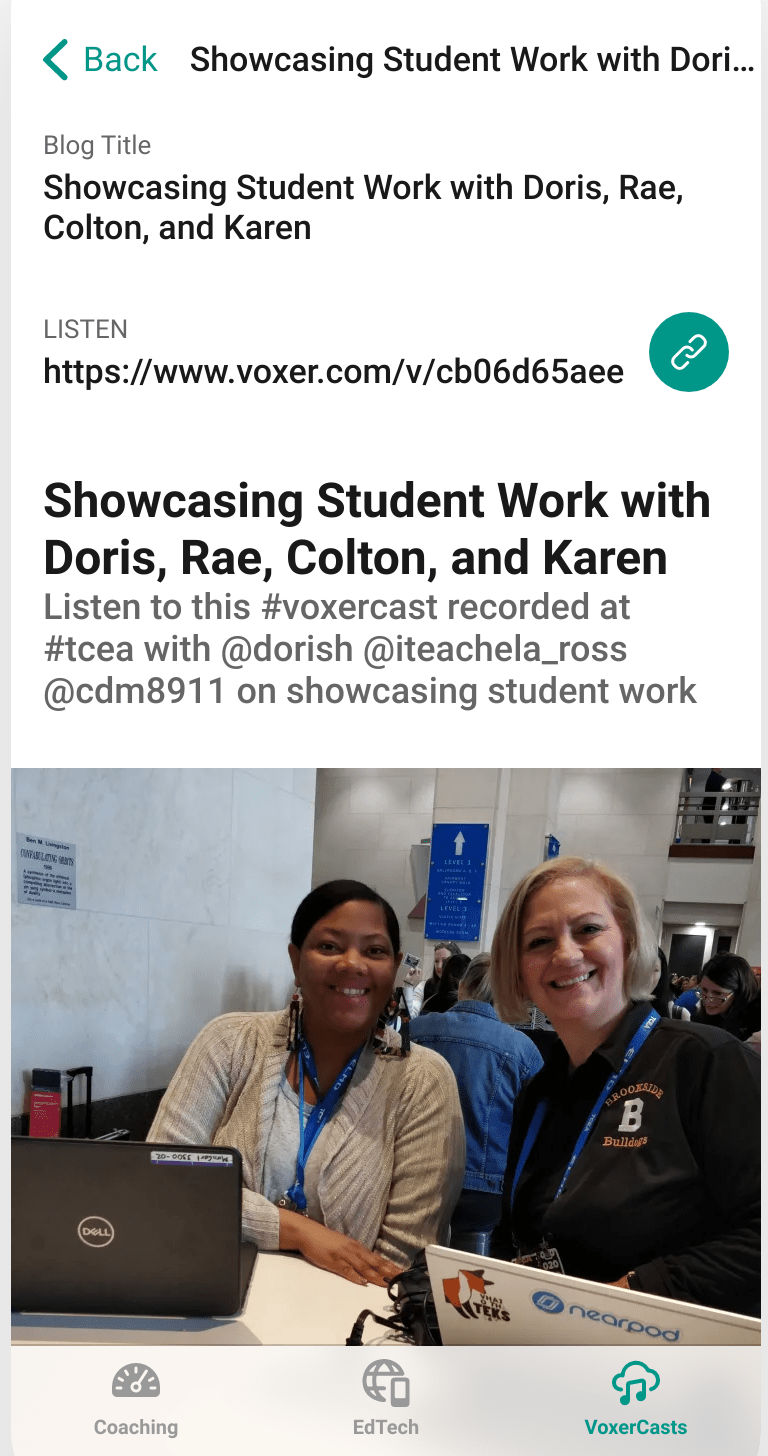 Unless you’re engaging in full-blown podcasting which involves scripts and audio editing, use Voxer to record interviews of less than 15 minutes and then post to social media (e.g. Instagram, Twitter). Be sure to combine your media shares online via Instagram, Twitter, Facebook and Tumblr. In the meantime, here are some suggested tools for working with podcasts:





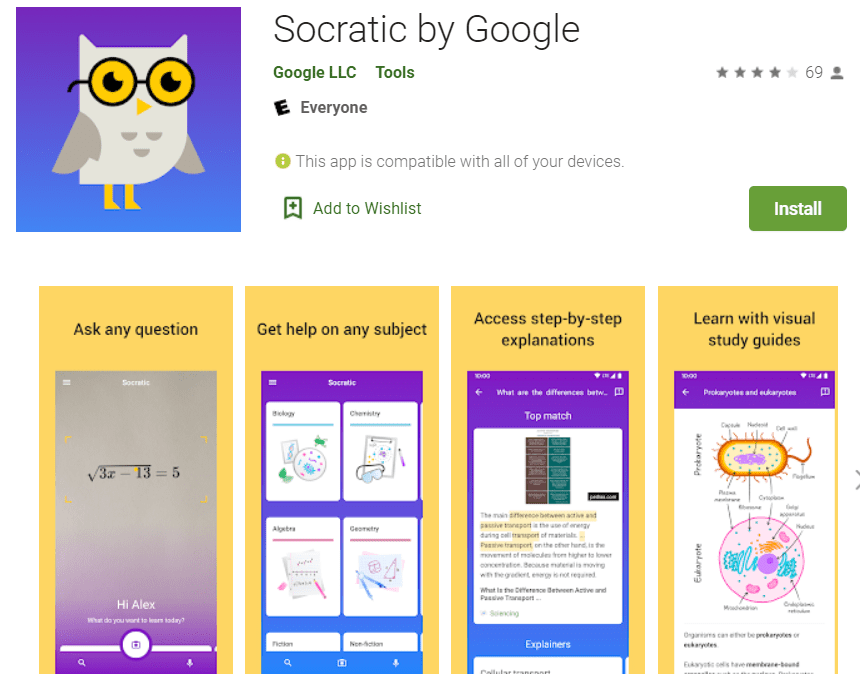
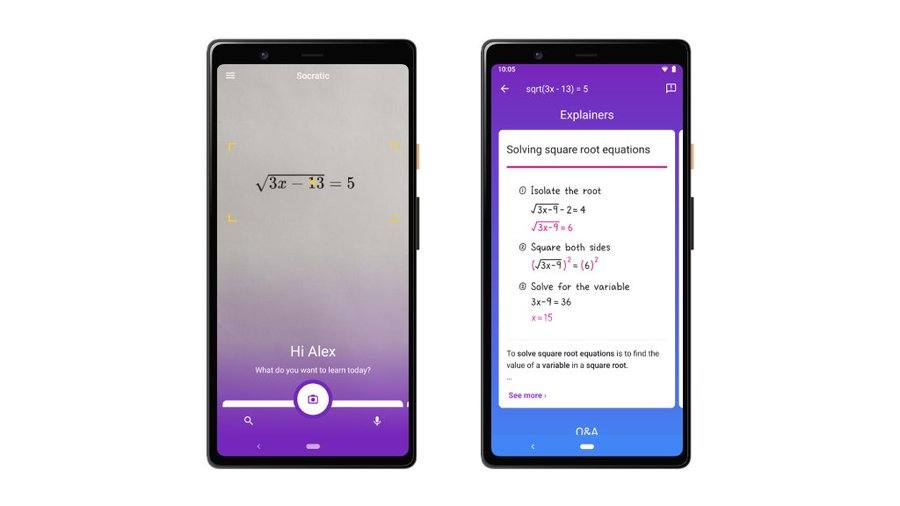
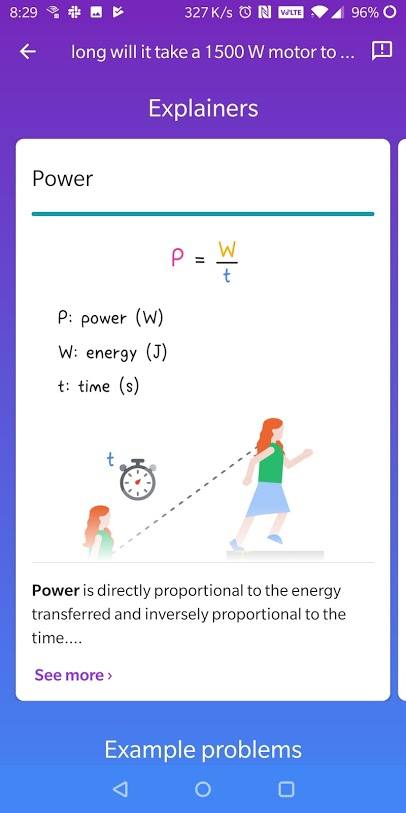 Socratic makes over one thousand high school and college-level subject guides available, relying on artificial intelligence to find and simplify answers to questions. The questions answered come from subjects like Algebra, Biology, Chemistry, Geometry, History, and Literature. Believe it or not, it can also answer questions about Physics and Trigonometry.
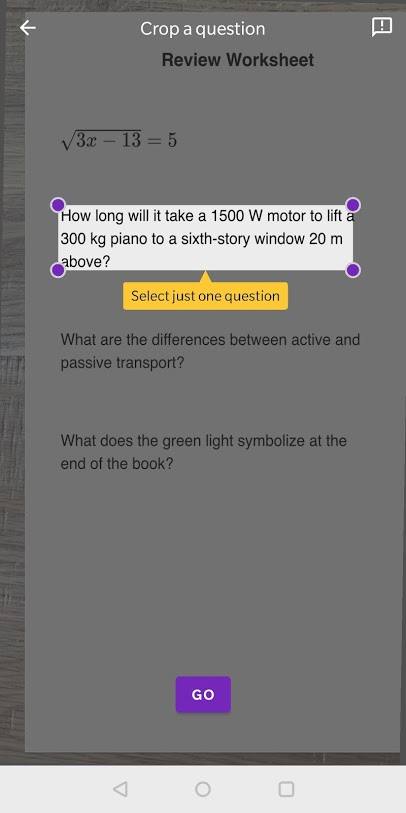


 Photo Credit: