Discover resources and strategies for professional learning. Explore tools, tips, and opportunities to enhance educator growth and development.

As spring turns into summer and lessons plans take a back seat to both adventure and relaxation, it’s a great time to think about perfecting your craft through personalized learning. Whether you’re attending onsite professional development events or looking for the best online, anytime learning opportunity, TCEA has the resources to perfect your skills and provide you with the tools you need to enhance student learning through our popular webinar series: Lunch and Learn and Get Your Google On.
TCEA’s Online Webinar Series
Geared to connect and share in real-time with educators across the country, our online library of recorded webinars has a broad array of information on technology and teaching topics. As a member, you have access to over 80+ hours of free professional development through our on-demand webinar series accessible to you through the TCEA Member Benefits Community Group, 24/7. That way you can learn on the schedule that’s right for you.
Lunch and Learn
 These short tutorial webinars are offered every Wednesday from 11:45 a.m. to 12:15 p.m. CDT and can be watched live through May. Or you can access them in our online library of recorded webinars in our Social Community. They provide innovative ideas on how to best reach learners using a variety of technology and teaching subjects. Some of this year’s webinars have focused on topics like alternative apps and tools to extend assistance for students, helpful ideas and activities to make learning fun, and useful resources to increase productivity. Explore the archives or check out the schedule of upcoming webinars to find the resources that will most benefit you.
Get Your Google On
 Offered the first Thursday of each month from 11:45 a.m. to 12:30 p.m. CDT, these webinars allow you to build your knowledge of Google products and services to enhance your classroom curricula. Topics have ranged from how to use Google Cast for education to how to create eBooks using G Suite for Education to how to use Gmail with ease, to name a few. You can participate live in the discussion through the end of this school year or access the recordings at your convenience in our online community.
This summer, kick back with a glass of lemonade in your hand and engage in anytime, anywhere learning through our Lunch and Learn and Get Your Google On webinar series. Simply log into your TCEA account and access the on-demand webinars in the Social Community at your convenience. Don’t miss the opportunity to develop your skills further and increase your knowledge of the latest ed tech resources and tools for your students.
Not a member? Click here to begin your journey to advancing teaching and learning with TCEA.

 historic features of the city, combined with the architectural beauty, really do make this one of my favorite destinations. If I had to encourage you to make one stop outside the convention center, it would be to
 Adobe users unite! You’ll find this the perfect academy if you use any of the Adobe products yourself or if you teach your students how to use them. Innovative uses, clever work-arounds, and new features will be shared to give you the solutions and steps you need. And, if you are new to Adobe, you will find several sessions that will help you get up to speed and boost your confidence. Adobe pros haven’t been left out; our presenters have clever ideas that are worth listening to and taking note of.
 Make a point to attend our first annual Microsoft Academy to boost your skills in Microsoft products including Office365 and Minecraft. This is going to be a great gathering! You’ll also be introduced to mobile coding with Creative Coding through Games and Apps and gain a deeper understanding into Microsoft Makers projects and 3D Builder. You will definitely find this packed full of topics that you can’t get at other learning opportunities.
 Even if you don’t have a Chromebook, but use Google Suite for Education, you will find these sessions filled with new and great ideas that you can take back to transform the way your students learn. Be sure to bring a friend so you can divide and conquer on the sessions and then share with each other at the end of the day!


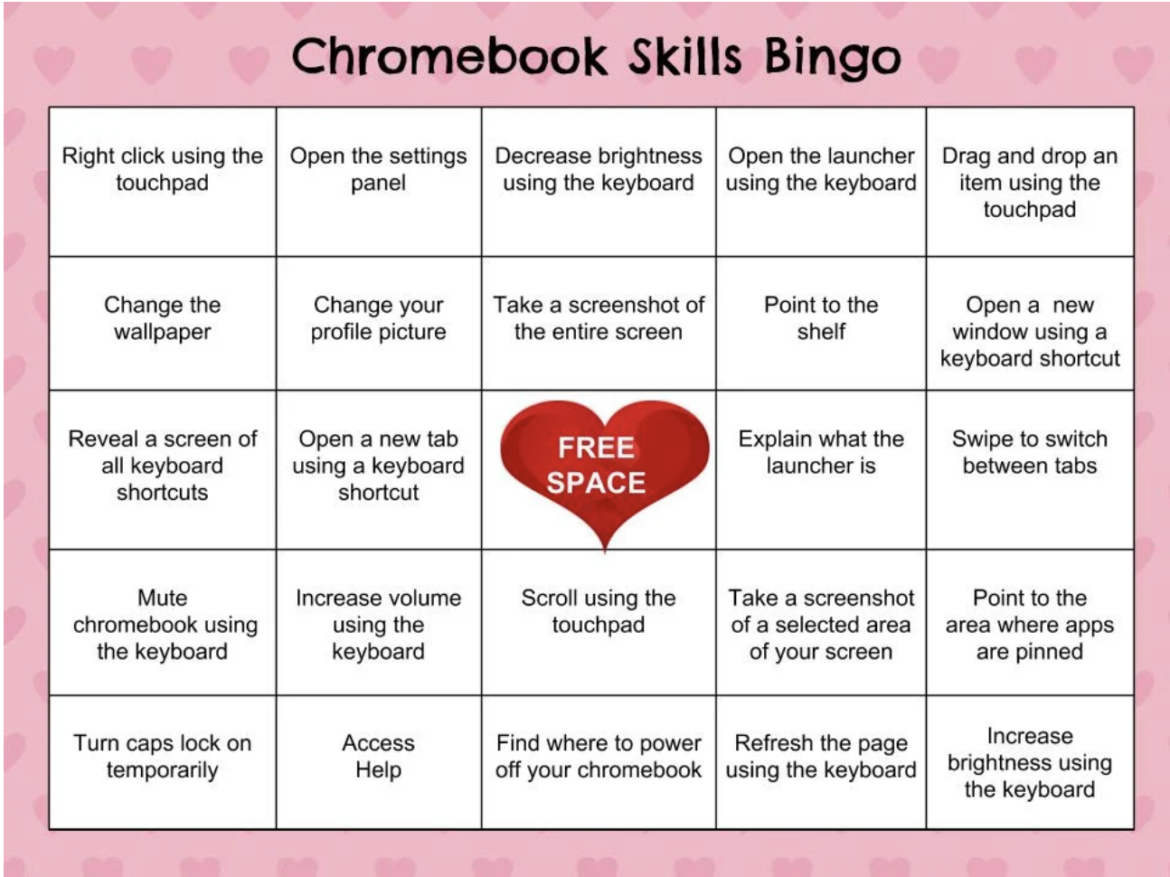
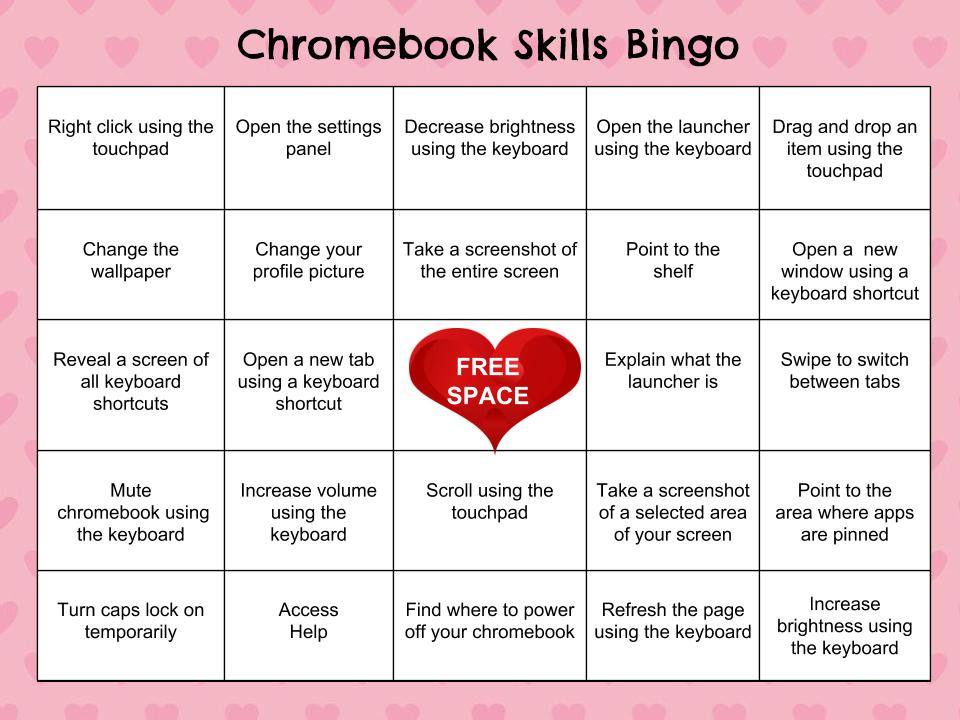


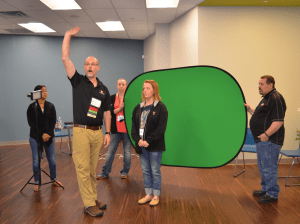 Do you teach any of the Technology Applications or Career and Technology Education courses where students learn to use Adobe products such as Photoshop, Illustrator, InDesign, Lightroom, Premiere, etc.? Or do you want to enhance your creative Adobe skills for personal projects and enjoyment? If either of those are true, then you definitely want to attend the Adobe Academy on June 19-20! Besides networking with other creative educators, you’ll have concurrent sessions to choose from in order to gain fresh ideas, polish your Adobe skills, and take your curriculum to the next level. You’ll learn from other Adobe-using educators in this hands-on event. For more information about this academy go to
 If you are one of the many Microsoft-using educators, you will find the Microsoft Academy a perfect fit. On July 12-13, you can experience a wide array of Microsoft tools to help you extend your learning and gain fresh ideas of how to use the tools with your students and fellow educators. Whether you are using Office365 in the cloud or are using a not-quite-so-new version, join in on the active sessions and take away new ideas. For more information about this academy go to
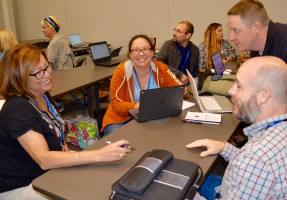 Calling all Googlers! Learn from some of the Googliest educators around at our interactive Chromebook Academy on July 26-27. There will be great sessions for Google Suite administrators as well as for teachers integrating Google Suite in their classroom. You’ll learn about the most current features and how you can use them to maximize your impact with students. Add-ons, scripts, hyperdocs, Slides, Forms, and more will be explored so that you can get what you need to take your students to the next level! To learn more about the Chromebook Academy, go to