
Discover resources and strategies for professional learning. Explore tools, tips, and opportunities to enhance educator growth and development.

Finding ways to support professional learning specialists can be tough. In this blog entry, we will explore several ways you can build up your trainers. Put these ideas in place to maximize the learning opportunities your team has access to.

Find talent within your city.
New ideas are old ideas in other districts. “How do your trainers approach teaching technology integration?” asked one colleague. But she didn’t stop there. She went on to ask, “How are you bridging curriculum and technology silos?” Another question to pose is “How do you your digital coaches build instructional, content area capacity?”
Did You Know?
TCEA area directors are available to facilitate and coordinate meetings within their areas. Check with your local TCEA area director to find ways to build bridges between your team and others. Curious about how it works? Connect with Jeannine Freeman (TCEA Area 20 Director) for some ideas.
Develop a program in which you share your trainers with others. While fearful supervisors may want to put their candles under a basket, do better. Pool your ideas as part of area meetings. For example, in Area 20, technology directors meet to discuss problems and share solutions. Instructional technologists do the same. Avoid the pitfall of “We’re too busy to connect.” Use digital, collaborative editing tools to share what works (e.g. Google Docs, MS Word Online).
Find materials on the web.
What can’t you find online? More districts than ever share how they get digital education done. A simple Twitter DM, Appear.in, Skype, or Google Meet can give you a springboard to start from. Newbies often ask, “Where can I find a digital coaching meeting plan?” An internet search reveals many solutions. A powerful professional learning network (PLN) does it better. Build a network of people who will respond to your questions.
Did You Know?
TCEA (@tcea) can help you build your professional learning network (PLN). One way to start involves following TCEA’s professional learning directors, Diana Benner (@diben), Dr. Bruce Ellis (@drbruceellis), Miguel Guhlin (@mguhlin), and Peggy Reimers (@preimers). Each has an area of expertise and they can point you in the right direction.
Short, focused searches on topics can save you a lot of work. Avoid the fallacy that you have to make everything from scratch yourself. Curate content, ask for permission, and cite your sources. Those three points will save others time and effort. Stand on the shoulders of your peers around the world.
TCEA Responds: Take advantage of this blog series that takes frequently asked questions and finds Texas-specific responses. Or jump into the TCEA Community and learn from your peers around the world there.
Learn with and from each other.
When I worked as a young teacher, I laughed at the idea of a veteran educator showing me how to use technology. I stopped laughing when I saw how she organized the class. I took notes on how she heightened group discussions. When students used technology, it had a deep impact. How we teach each other goes beyond what we know to how we learn. You can build on this knowledge by focusing less on content (how to…) and more on the technique used.
Did You Know?
A wealth of activities for engaging students is available online. Why not explore a few that you can adapt for use in a classroom with K-12 and/or adult learners?
Share what you know.
“Are you presenting at that conference in Houston?” my wife asked. Preparing to present helped me learn more. I came in contact with people that I wouldn’t have met walking the exhibit floor or sitting in a lecture hall. Engage others in a dialogue may help you rethink or reevaluate what you do.
Did You Know?
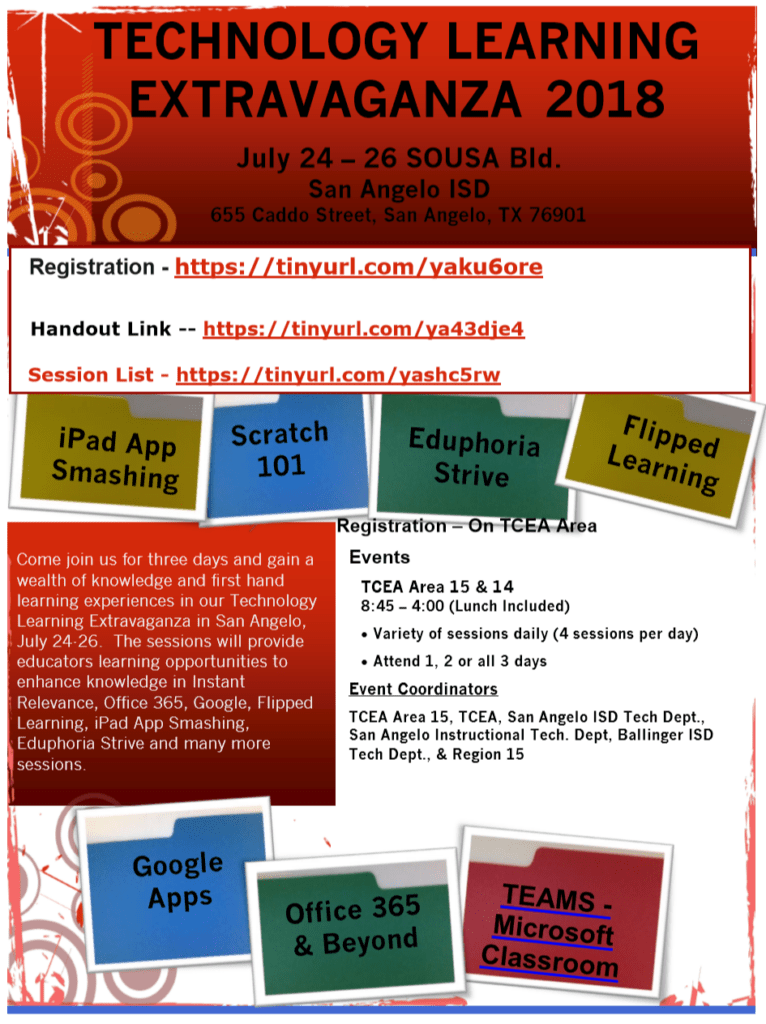
TCEA has several amazing events taking place this summer. Learn more about the Elementary Technology Conference, as well as academies focused on Adobe, Chromebook, and Microsoft. Technical support staff should mark their calendars now for the System Admin Conference in October 2018.
Tap into your technicians.
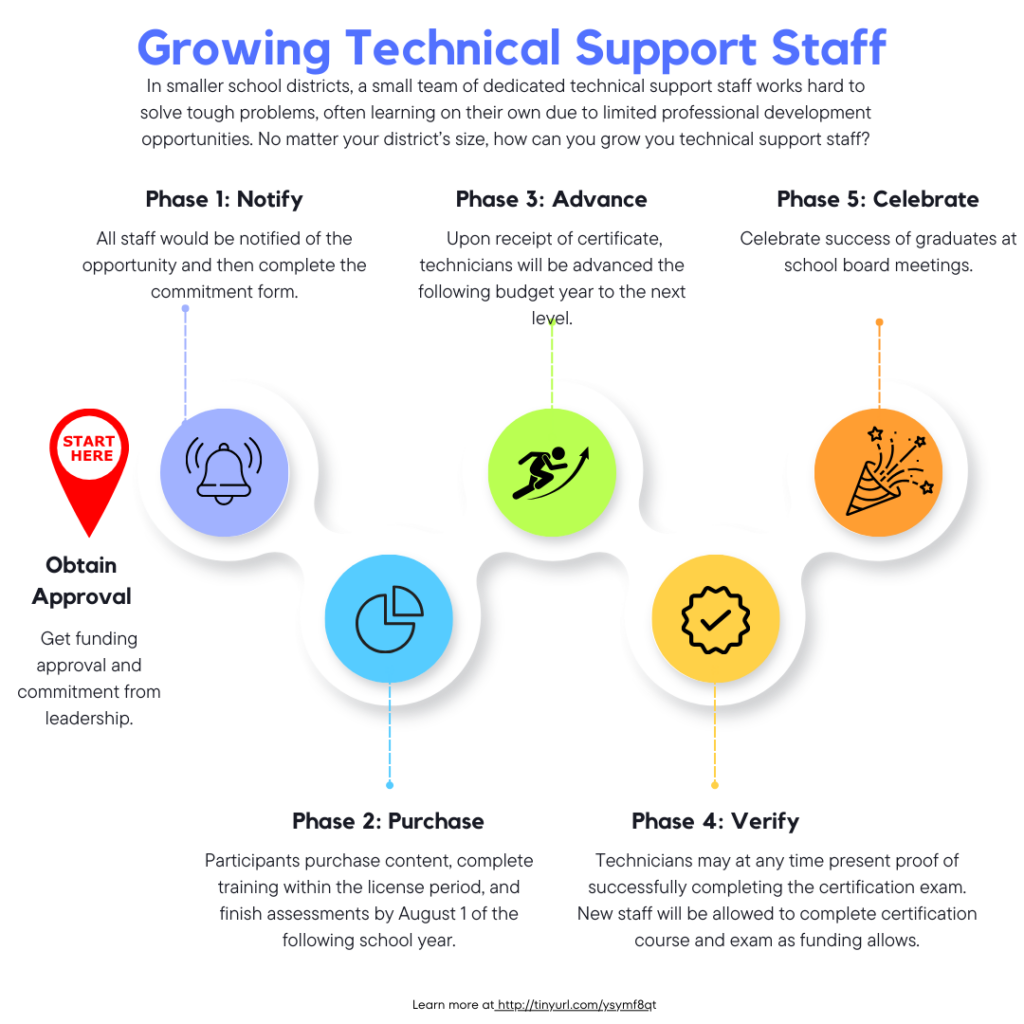
School districts divide their technology support staff into two distinct groups. One district decided to upgrade their technicians’ skills. The district recognized the enthusiasm of technicians to be more. To tap into that enthusiasm, they invited their technicians to become digital coaches. This allowed them to solve problems and model how to solve those to both students and staff.
Make Innovation Possible
Are you a school district leader? Make sure that you support professional learning within and outside the school district. Empower your team to connect and learn with others. The more permeable your district professional learning is, the greater the speed at which creativity and innovation will flourish. This will only benefit students, staff, and community.
 Mix up learning for your students. Create engaging and relevant learning experiences for students with




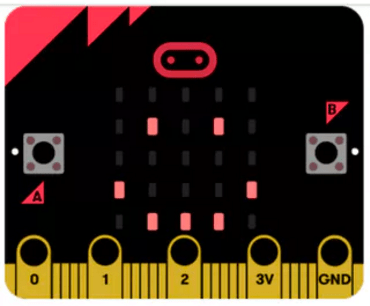 . You will also learn how to use MakeCode to control the Agent in Minecraft: Education Edition. This is a Bring Your Own Device (BYOD) hands-on session for all levels (no prior computer science experience required). Location: Austin, TX
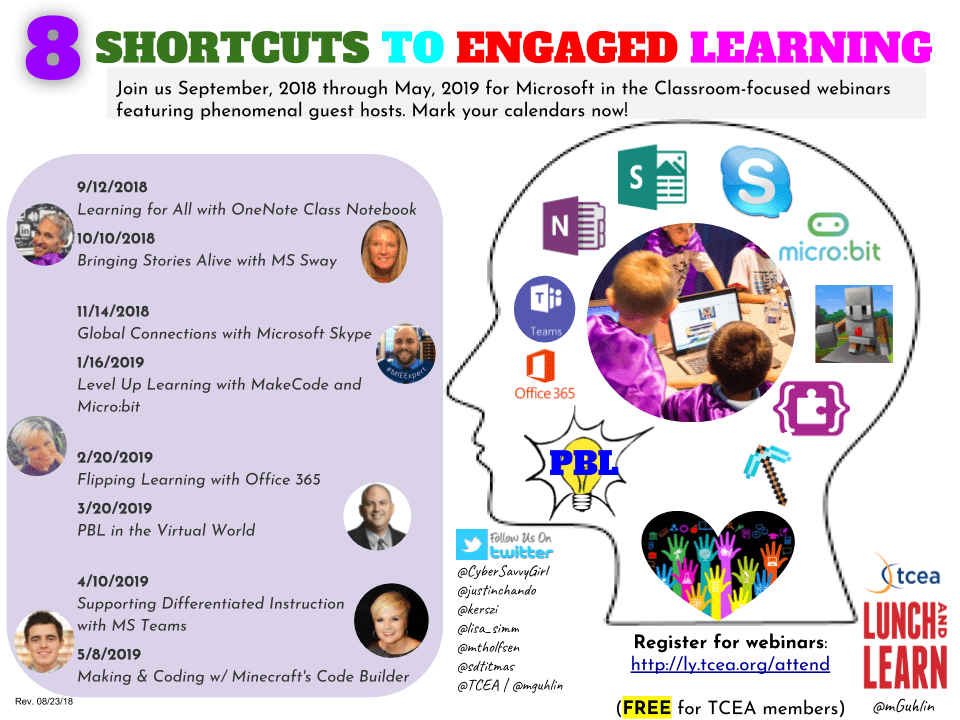
 These short tutorial webinars are offered every Wednesday from 11:45 a.m. to 12:15 p.m. CDT and can be watched live through May. Or you can access them in our online library of recorded webinars in our Social Community. They provide innovative ideas on how to best reach learners using a variety of technology and teaching subjects. Some of this year’s webinars have focused on topics like alternative apps and tools to extend assistance for students, helpful ideas and activities to make learning fun, and useful resources to increase productivity. Explore the archives or check out the schedule of upcoming webinars to find the resources that will most benefit you.
  Offered the first Thursday of each month from 11:45 a.m. to 12:30 p.m. CDT, these webinars allow you to build your knowledge of Google products and services to enhance your classroom curricula. Topics have ranged from how to use Google Cast for education to how to create eBooks using G Suite for Education to how to use Gmail with ease, to name a few. You can participate live in the discussion through the end of this school year or access the recordings at your convenience in our online community.
 historic features of the city, combined with the architectural beauty, really do make this one of my favorite destinations. If I had to encourage you to make one stop outside the convention center, it would be to
 Adobe users unite! You’ll find this the perfect academy if you use any of the Adobe products yourself or if you teach your students how to use them. Innovative uses, clever work-arounds, and new features will be shared to give you the solutions and steps you need. And, if you are new to Adobe, you will find several sessions that will help you get up to speed and boost your confidence. Adobe pros haven’t been left out; our presenters have clever ideas that are worth listening to and taking note of.
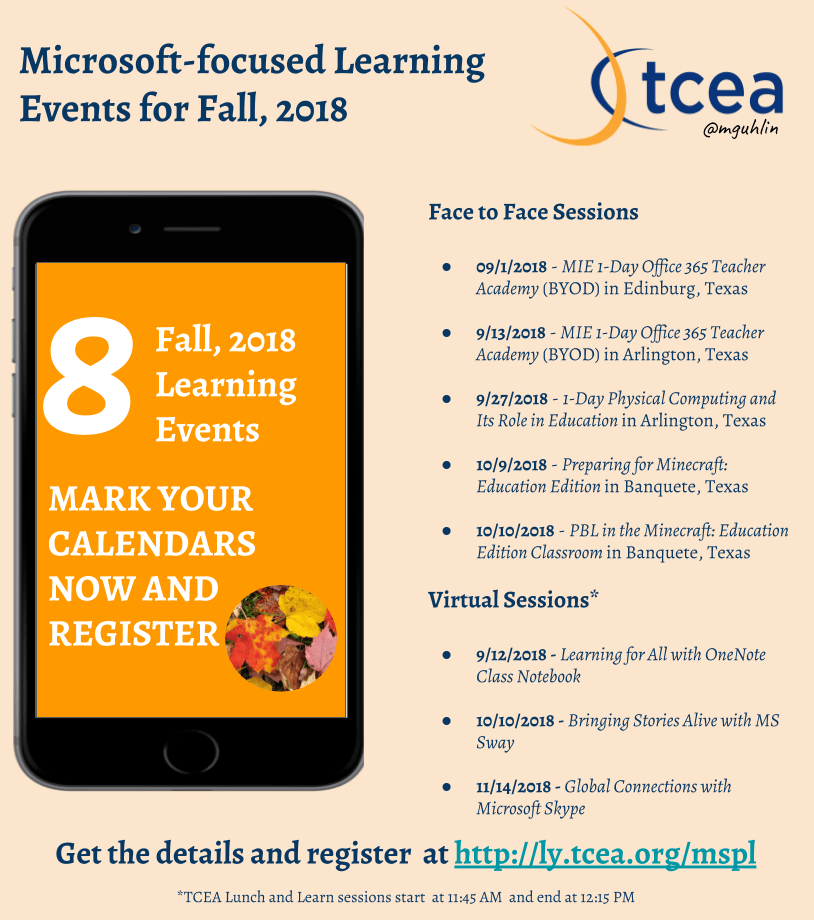
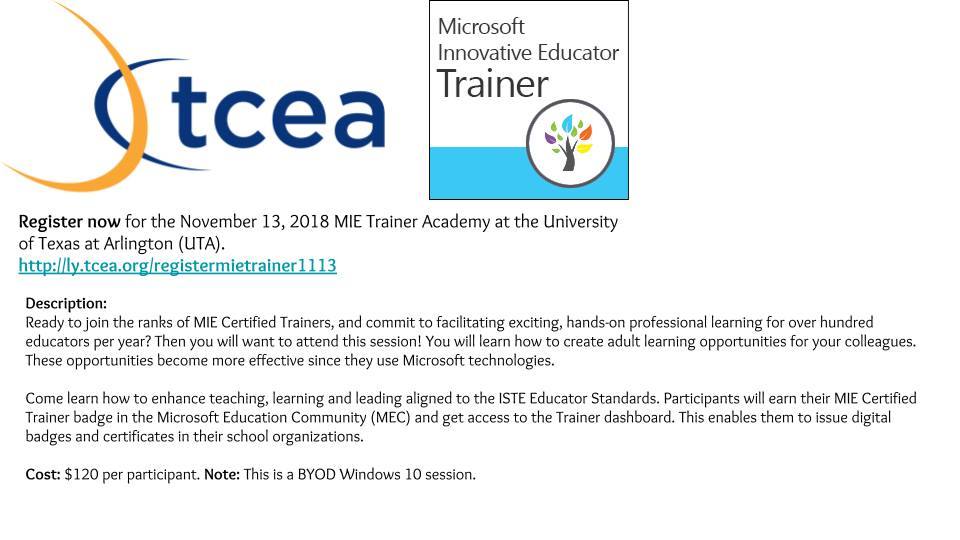
 Make a point to attend our first annual Microsoft Academy to boost your skills in Microsoft products including Office365 and Minecraft. This is going to be a great gathering! You’ll also be introduced to mobile coding with Creative Coding through Games and Apps and gain a deeper understanding into Microsoft Makers projects and 3D Builder. You will definitely find this packed full of topics that you can’t get at other learning opportunities.
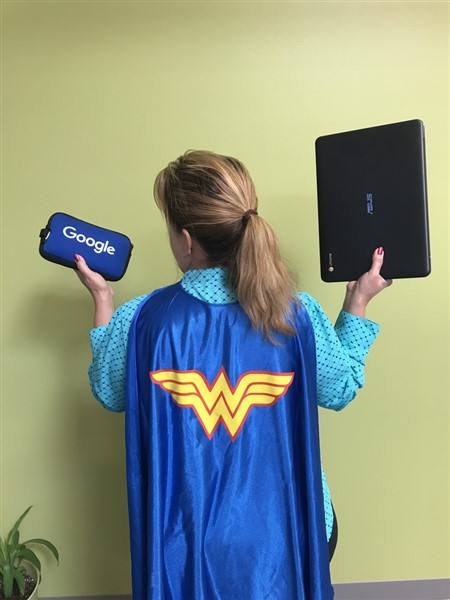
 Even if you don’t have a Chromebook, but use Google Suite for Education, you will find these sessions filled with new and great ideas that you can take back to transform the way your students learn. Be sure to bring a friend so you can divide and conquer on the sessions and then share with each other at the end of the day!