Discover tools, tips, and strategies for teaching digital literacy. Equip students with skills to navigate and evaluate the digital world effectively.
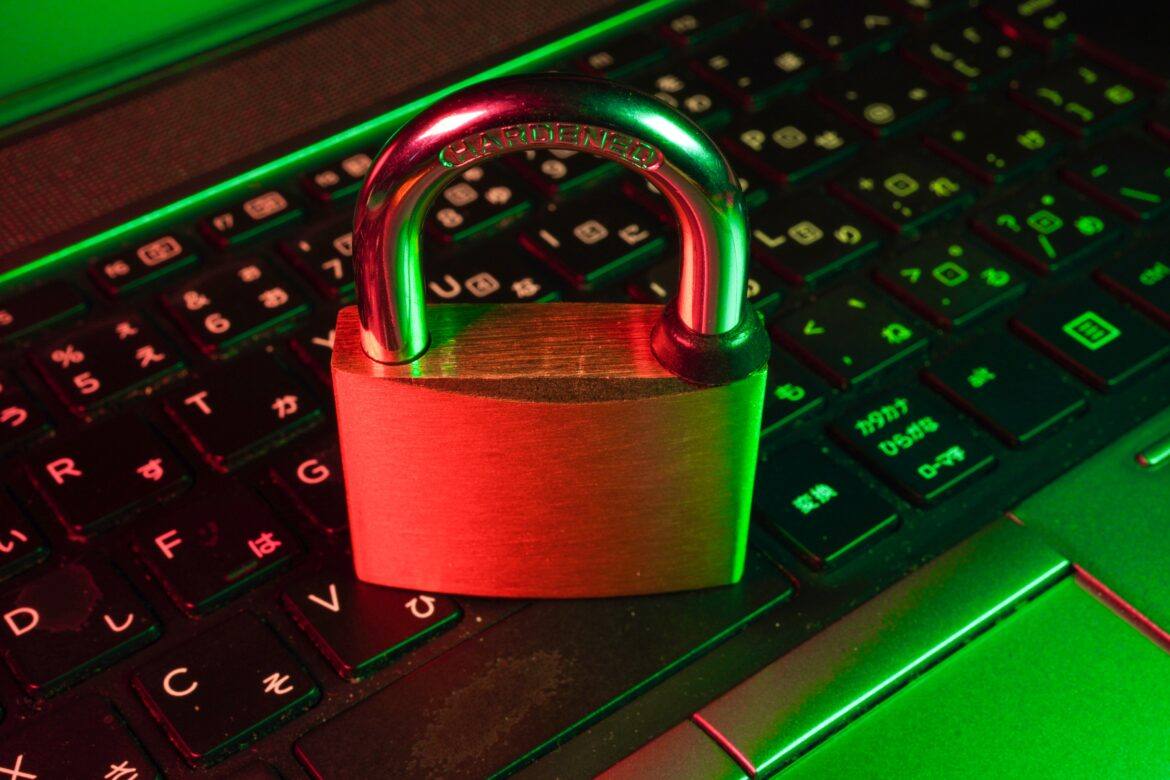
A topic that remains evergreen is National Cybersecurity Awareness Month’s (NCSAM) “Own it. Secure it. Protect it.” While NCSAM offers this nice toolkit in portable document format (PDF) for you, I thought I might share a few more tips.
In this blog entry, you get access to two Wakelet documents full of information on encryption tools and cybersecurity concerns. Before I share those, let’s revisit one of the reasons why cybersecurity is so important.
Set Yourself Up
“I don’t take the time to change my passwords, filter through my subscription lists and my unused apps, etc. My degree has a focus in computer security, so it is a little disappointing that I do not take the time to have a better digital footprint,” shared one educator in an online forum. If you’re not taking the time to secure and protect what you own online, you are inviting malicious use of your data.
As educators, it’s easy to imagine that we safeguard student data. The truth is, we fail our students when our own practices fall short of modeling cyber-secure practices. Set yourself up for protected use of your data, not for theft by others.

Encryption Tools for Educators – https://wke.lt/w/s/FZz-UX
View Wakelet featuring Encryption Tools for Educators and Students
Tips for Securing and Protecting YOUR Data
Let’s review a few tips that you can take as an educator to better protect yourself, and in turn, model appropriate strategies to students.
Tip #1 – Switch from debit cards to protected credit cards.
“Where did you use your credit card, sir?” asked the bank attendant. “Well, I stopped to get gas in that small town south of the city.” His short nod confirmed that was the location where unauthorized purchases were made. Gas station fraud due to skimmers is on the rise. Don’t be a victim.
Make a decision to NOT use your debit card or write print checks with your routing and account number on them. A few short years ago, I had to close all my accounts at a credit union that didn’t offer me better protection. I would also recommend setting up a separate email for financial accounts. An encrypted email (e.g. ProtonMail) works even better. Never use the same Yahoo/Gmail account you use for signing up for Netflix or Disney Plus for banking and medical accounts. Keep that for common use, but rely on your encrypted account for financial and medical transactions.
You will want to set up two-factor authentication for all email, cloud storage, digital accounts. You will need to have your smartphone with you to receive text messages or run a simple, easy authentication app that will give you a number that changes every 60 seconds for the digital account. This works, as I’ve had attacks on my accounts and seen it action.
Tip #2 – Freeze your credit reports to prevent new accounts.
Want to stop new accounts being opened in your name? With the Door Dash, Equifax, and other data security breaches recently, it’s not hard to imagine someone having all they need to create an account in your name. Prevent others from opening new accounts as if they were you by freezing your credit unless a special PIN# is used. These approaches aren’t foolproof, but they do help.
Quick Alerts: Get alerts via your bank mobile app for all transactions. I love knowing when funds come out of my bank account. Even if it’s my wife buying me a gift for my birthday.
Be sure to check your credit frequently. Annual Credit Reports provides a free service, but you may need to pay to get that more often. Here are a few credit freeze sites:
- Equifax Credit Freeze Site
- TransUnion ($10)
- Experian ($10)
You’d be surprised at the peace of mind you get from securing your credit report. Before you freeze your credit reports, you may want to sign up for Experian and Credit Karma apps on your device. What’s nice about these is that they give you quick updates on your credit report status. Also, be sure to notify credit agencies of potential identity theft if you know your personally identifiable information (PII) has been stolen.
Tip #3 – Online Social Security account.
Create the account before the bad guys do. Problem is, if you froze your credit reports, you’ll have to go in person to the Social Security Admin building. Be sure to file your tax return early, otherwise others may do it and get your tax return check.
Bonus Tip: Give the Password Checkup extension for Chrome a try. It will check your passwords as you use them against the list of passwords resulting from data breaches. Some may not want to do this because it means Google is checking every password you type. Fortunately, no passwords are sent out. Learn more.
Tip #4 – Manage your usernames and passwords.
You may be comfortable using the same password on all websites, but know that hackers are comfortable with your decision to do so as well. Here are some ideas to better manage your usernames and passwords.
- Use secure passwords. I like to use secure password generator and then add my own twist to it. I end up with a secure password that I keep track of using a password manager (e.g. Keepass, Bitwarden).
- Add a password or pin number to all bank account transactions. It takes an instant, but without it, it may make it difficult for bad guys to access your accounts. And, of course, change these from time to time.
If you are carrying a paper notebook with all your usernames and passwords, you’ve set yourself up for disaster. If you are trying to remember them and using cues from your life (e.g. middle name, birthdays, pet’s name), be aware that these are easy to get. Get Bitwarden and access your confidential data on the go.

Cybersecurity Concerns – https://wke.lt/w/s/OYHnn
Tip #5 – Encrypt confidential data.
If you’re not protecting medical records in a locked safe, then chances are you have yet to encrypt your cloud data. Make every effort to encrypt confidential data documents you have saved in cloud storage (e.g. Google Drive, OneDrive, Dropbox), as well as when they are “at rest” on your laptop, USB external drives, smartphone, and tablet. Doing so is easier than ever. Note that cybersecurity concerns often arise from unencrypted data (view Wakelet on Cybersecurity Concerns).
Another aspect involves encrypting data when it is in transit, that is, when you’re sitting at Starbucks working on your bank account or reviewing LabCorp medical test results. For goodness sake, use a virtual private network (VPN), such as Mullvad VPN. Take some time to secure your on the go connections.
Wish there was more you could do? Read the NCSAM toolkit and make securing paper and digital resources of your life and work a top priority. You can never do enough to protect yourself.
Updated with new password management, VPN tool, and new content on July 25, 2023.

Kyle Ivey is the Instructional Technology Director in Central ISD.


We had some huge wins in the area of computer science and computational thinking this session. Our six-year goal of providing weighted funding for the 9-12 Technology Application courses has finally been achieved. In HB 3, the school finance legislation, the weighted funding for CTE was changed from grades nine through twelve to grades seven through twelve. In addition, the
There are two pieces of legislation that are going to impact educational broadband. The first is HB 1960 which creates a Governor’s Broadband Council that will advise the governor on issues related to broadband access to unserved areas. This is progress, but not as much as we hoped for. There are few, if any, areas of Texas that are unserved. The original bill included underserved areas, but heavy lobbying by the large telecommunication companies eliminated that language from the bill. However, we consider this progress because we finally have some entity at the state level that will look at the state’s needs for broadband from a strategic perspective. For too long, all state entities have tried to provide affordable, scalable broadband for their own purposes when it would be much more cost efficient to survey the needs across agencies and entities and design a plan to meet all the needs. HB 1960 at least establishes a council that could do this in the future, if given the authority. 
There are several opportunities in the bills mentioned above that will provide professional development in digital learning. The Blended Learning Grants are largely designed to provide professional development for educators in blended learning, not to mention the funding provided to UTeach to continue to provide this type of training to Texas teachers. Also, this is a good chance to remind districts that the TIMA may be used to provide professional development on the use of technology. In addition to these bills, the legislature passed HB 2424 that requires the SBEC to establish rules to create microcredentials in fields of study related to an educator certification class. This was one of TCEA’s legislative priorities, so we are excited to see this bill pass.