Discover tips, tools, and resources for using Chromebooks in education. Enhance learning and productivity with strategies tailored for classrooms.
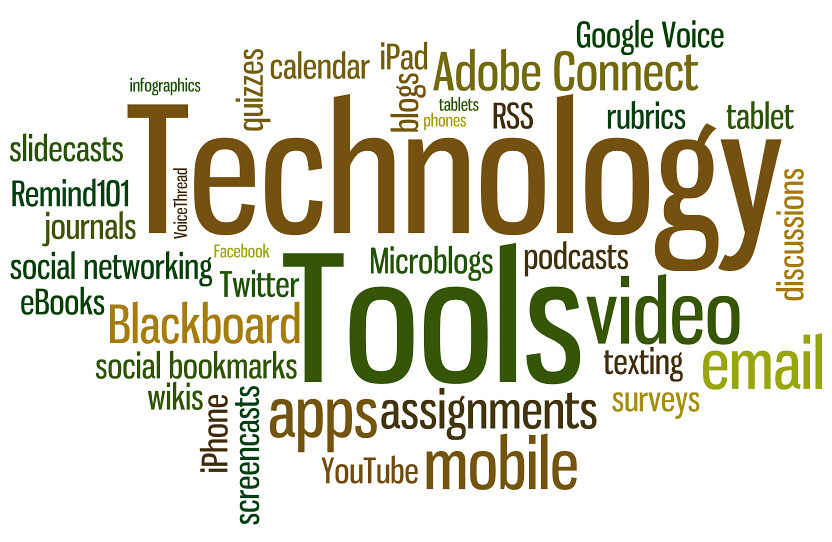
A recent Zoom Discussion with TCEA members found us sharing the technology apps, websites, programs, and tools that we simply couldn’t live without. It was such a powerful list that I thought I would share it with you. Big thanks go to all of those members who joined the discussion and shared their favorites!
By the way, did you know that you, too, can join in our free-to-member discussions and webinars? You can join TCEA now for absolutely free through May 8, 2020. Stop missing out!
Productivity Tech Tools
- RescueTime free for 14 days; after that $6/month
- Greenshot
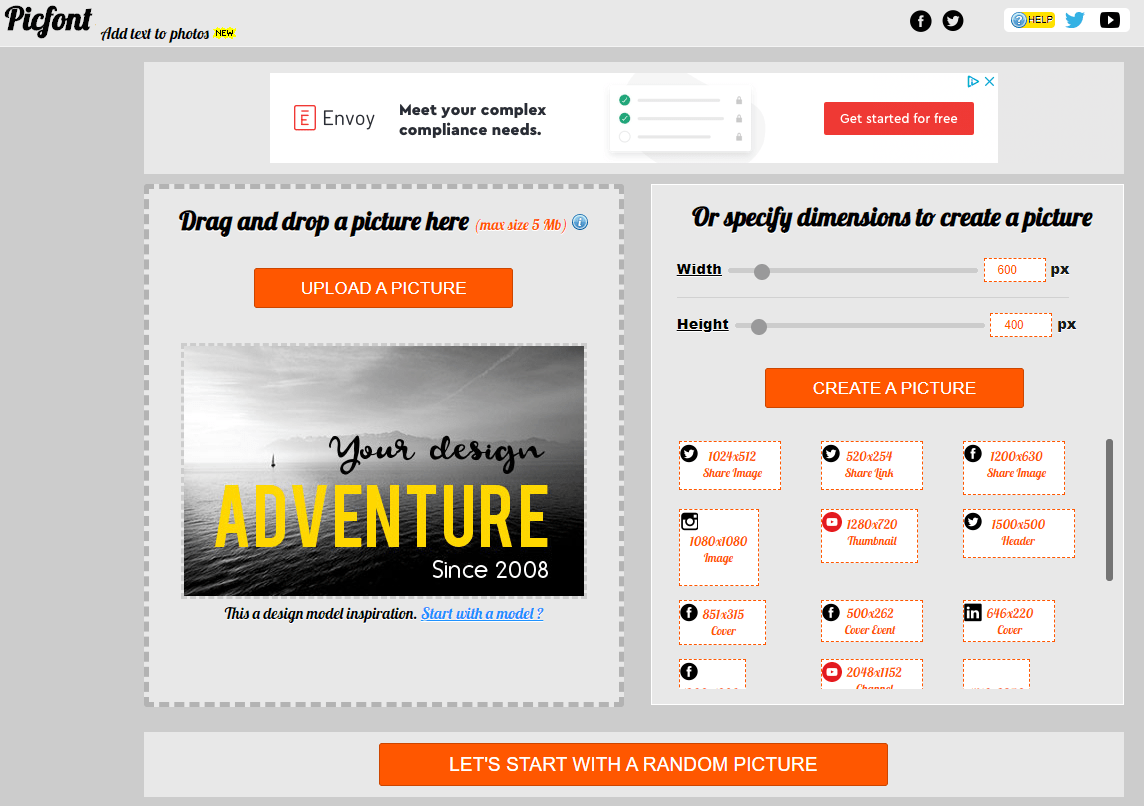
- LunaPic
- Toggl free tool for capturing time on different projects
- Scan Docs with iOS Notes
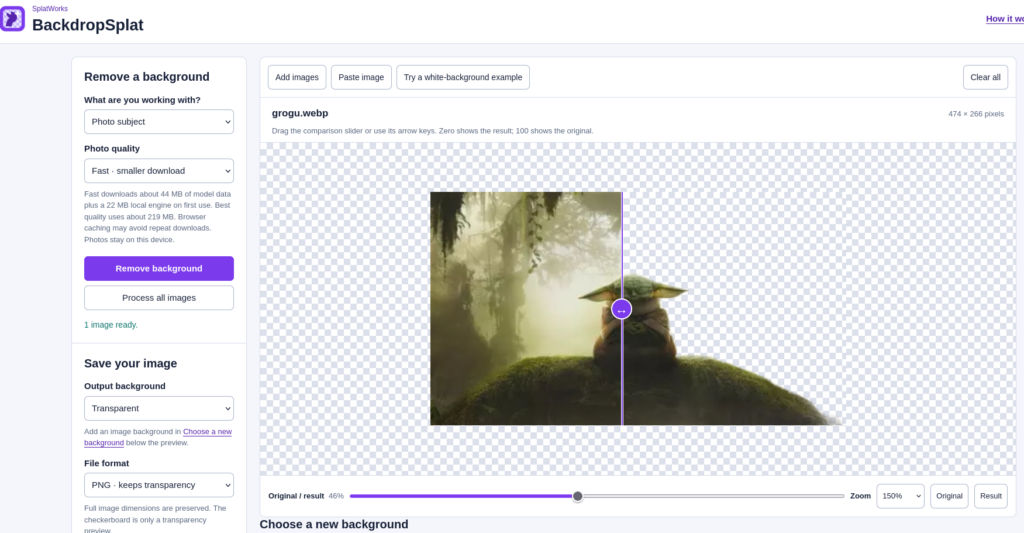
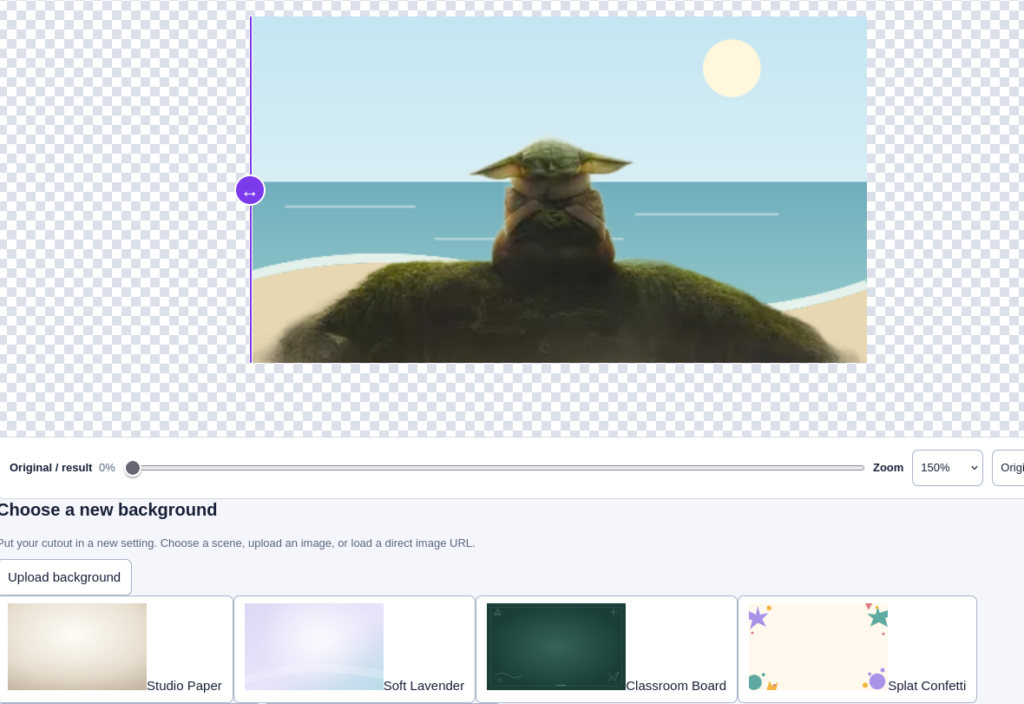
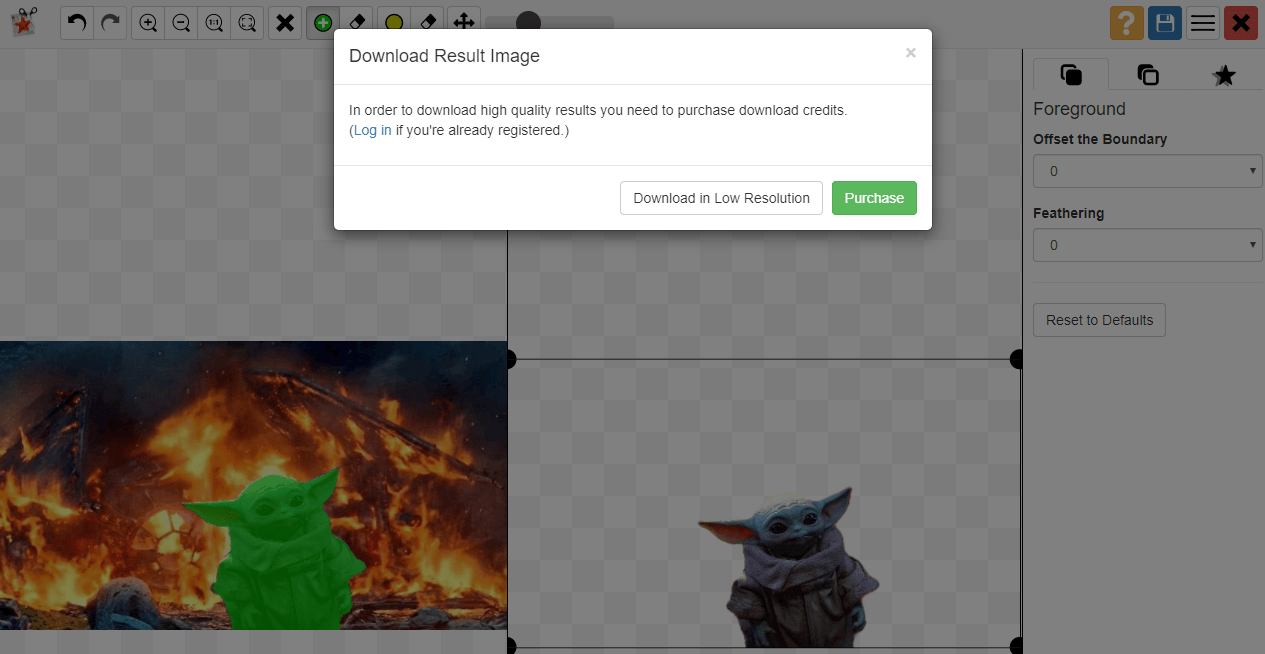
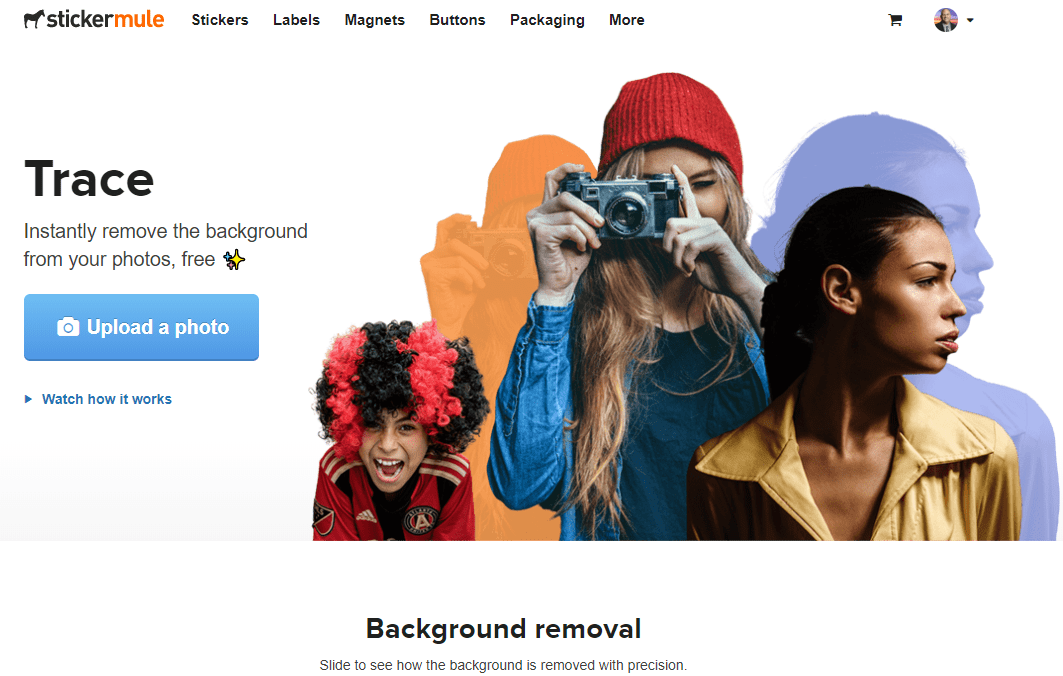
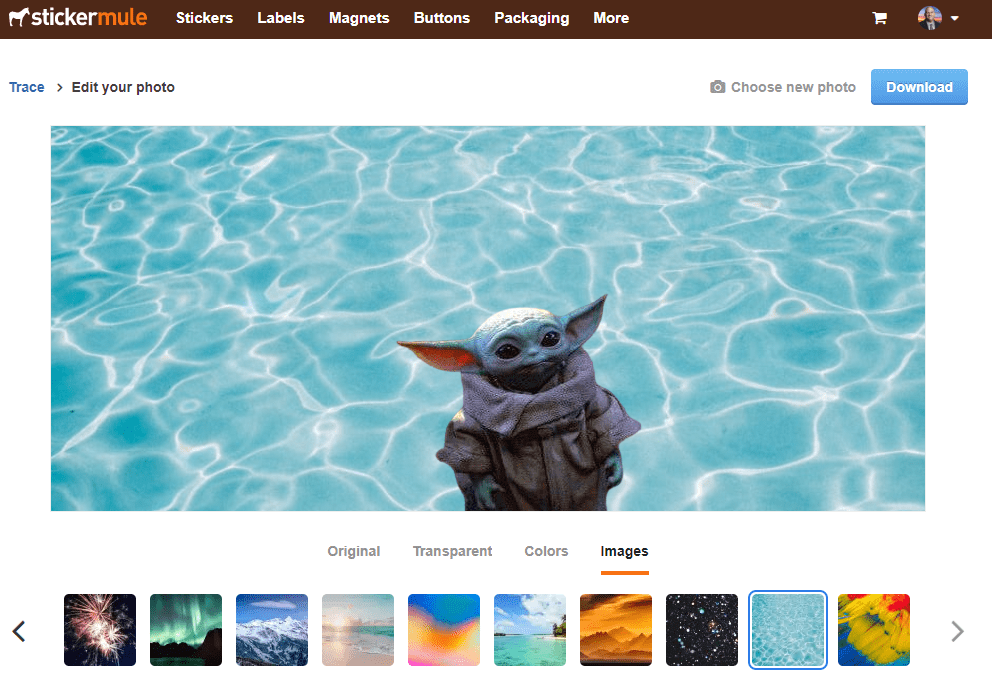
- BackdropSplat remove the background from any photo
- Calend.ly is a great way to set a date that works for everyone
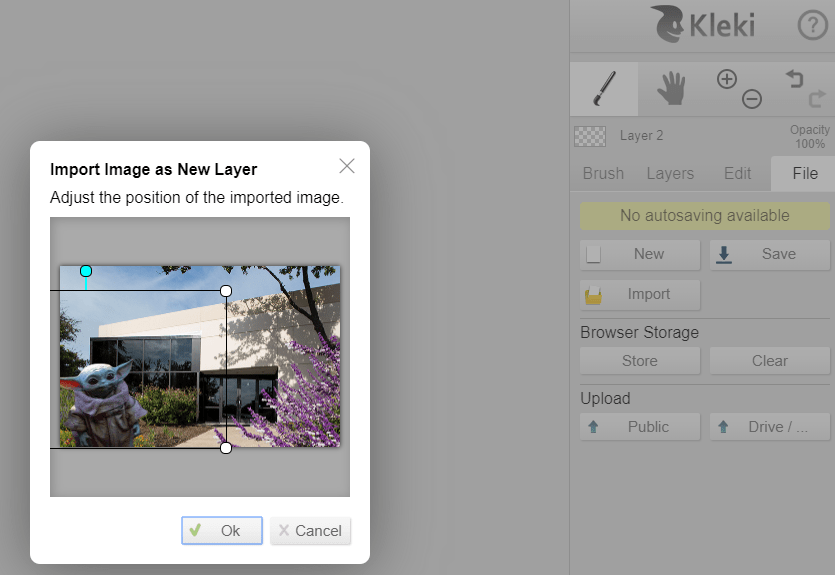
- Kleki is a simple paint tool that allows you to combine images in layers
- Wakelet – curate resources of all kinds; fabulous free tool for teaching and learning
- Classroomscreen
- Loom – free screen and video recording
- Whiteboard.fi – online whiteboard tool
- Wolfram Alpha – great computational thinking and research tool
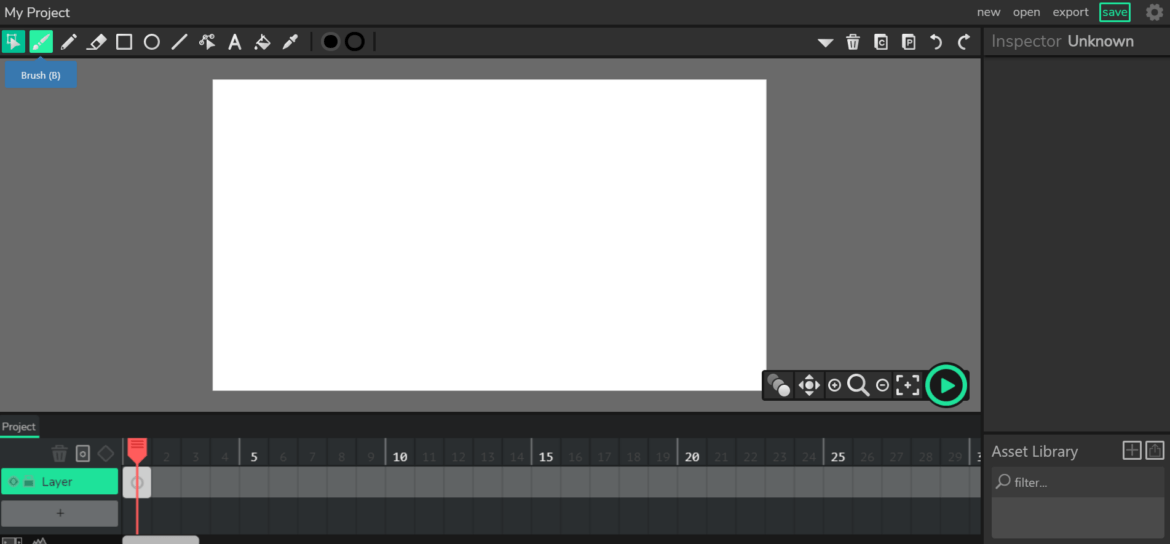
- Doodly – whiteboard animation software
- Toonly – create animated explainer videos
- Canva – design tool
- Adobe Spark – design tool
- Smore – create beautiful e-newsletters
- Buncee – remote learning tool
- Noun Project – free icons
- Answer Garden – feedback tool
- Noisli – great for creating background sound for you to work to
Leisure Websites and Apps
- House Party – allows you to bring in a video with one, two, or more people and then they have several games you can play together
- Word Stacks
- Hamster House
- Free Rice – play vocabulary games to send rice to those in need
- Skillshare – fabulous videos for learning art, graphic design, painting, photography, etc.
- Pocket Frogs
- Libby – read ebooks and listen to audio books from your public library
Add-Ons and Extensions
- OneTab – reduce tab clutter
- ColorPick Eyedropper
- Session Buddy – manage tabs
- Remote for Slides – control Slide on any device
- Emoji Keyboard by JoyPixels – emoji icons in Google Classroom
- Google Meet Grid View
- Print Friendly & PDF – Print Friendly is great for generating a PDF from a web page to mark up with Kami
- Sir Links-A-Lot – Google apps link modifier
- Extensions Manager (aka Switcher)
- Move It – get you up and moving
- Share to Classroom
- Extensity – good for managing extensions
- PushBullet – lets you easily share files, text, photos from one device to another
- Slides Timer
- Timify.me – timing and tracking of Google Forms quizzes
- Classwork Zoom – takes information from the revision history and visualizes it in a timeline
- Draftback – good for seeing revisions and spotting copy and paste
Smartphone Apps
- PicCollage
- Snapseed
- Mobilize (TCEA Community)
- MyFitnessPal
- Spark email app by Readdle
- Genius Scan
- Seeing AI – good for sight impaired; describes what it “sees”
- Band – Remind on steroids
- Venmo
Did we leave off one of your favorite tech tools? Add it in the comments below.




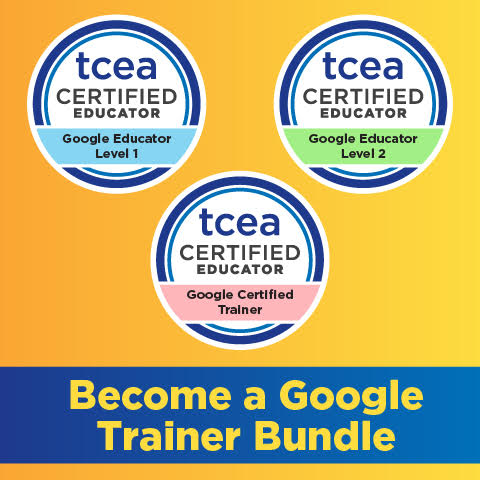 Sign up for one of our Google Certified Educator certifications. You’ll learn about more than Google Meet, as well as earn 12 CPE hours per course. Use these courses to get Google Educator certified.