Ask anyone who’s ever attended a TCEA Convention & Exposition and they will tell you that there’s nothing like it. The crowds of dedicated educators, the amazing presenters, the exhibitors with the latest learning technologies — all of that creates an excitement and an energy that you won’t find anywhere else.
But what if, for whatever reason, you simply can’t attend the convention this year? Is there any way to gain at least a little of that knowledge and recharging without being there? The good news is yes.
Ways to Learn with Us Without Being at Convention
First, follow us on Twitter. The presenters and attendees are fabulous about sharing the amazing things they’ll be learning at convention. The official hashtag is #TCEA. So grab your favorite Twitter tool (mine is TweetDeck) and input the hashtag to join in. You can start following along now as we always have great tools and resources.
During the week of convention, we will be blogging out some of the things we see that really impact us. So check out the blog each  day to virtually experience those. (By the way, did you know that you can sign up to get the TCEA blog emailed to you each day? Just go to the blog site and scroll down until you see the red box. Enter your email address and you’ll start getting powerful resources emailed to you daily. And this works for members and non-members.)
After convention is over, we will be blogging out some of the content shared in our Solution Circles this year, peer-to-peer collaborations about some of the big issues in education right now. So be sure to be on the lookout for those resources. (Again, if you sign up to receive the daily blog email, you’ll get them automatically delivered to your inbox.)
Next, register for the webinar “Lunch and Learn: Convention Gems.” It’s free to members and on February 14 from 11:45 to 12:15 p.m. Central. This fast-paced session will highlight some of the best of the best that our PD staff discovered at convention. And there will be time for everyone else to share their favorites as well. If you can’t attend the live session, register anyway and receive a link to the recorded webinar to listen to at any time. If you’re not currently a member, join for just $49 for a year and get access to this webinar, as well as more than 80 others. That’s a lot less than what it would cost to attend the convention!
Finally, keep an eye on our website for when we post all of the handouts from our unbelievable presenters. It usually takes two to three weeks after convention is over before they are all uploaded. But once they are, you will have full access to them. It’s not quite the same as being in the room with them, but it’s a close second.
Next Year in San Antonio
Take advantage of all the learning that you can participate in without being at convention this year. But start making plans for how you can join in for the live excitement in San Antonio February 4-8, 2019. Tell your supervisor about the tremendous learning you’ll experience and ask him to budget for you attending next year. I look forward to seeing you there!







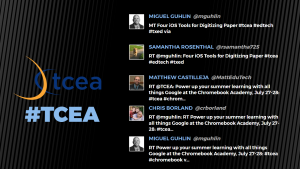 This has to be the easiest Twitter wall to set up. You have multiple themes available, can upload your logo, and identify one Twitter keyword, username, or Instagram keyword on the free version. There are four layouts (text, text and images, images, and instructions) which you can use in any combination or use all four (my preference) set on timers.
 Though not quite as extensive as The Wallrus, Activity Walls does do a nice job of showing the most recent tweets. Just identify your hashtag, set the colors (which can be a little quirky, depending on what browser you are using), and your wall is instantly created. Using Chrome, I can quickly jump to full screen for a nice projected view; using Internet Explorer, I can customize the accent, background, and text colors.
 Tweet Monsters is simple and focused. The free account is for personal use; you’ll need to contact them for pricing on corporate and other uses. Begin by identifying your hashtag. Customize text and background colors as well as the font, transition type, and transition speed. If needed, you can use the custom word filter to identify words to be filtered out and to either not show the tweet or substitute the bad word with an *. The downside of Tweet Monsters is that you only see one tweet at a time.
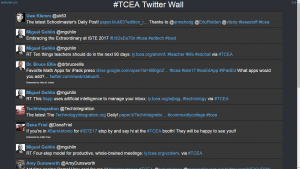 This Twitter wall has the most options available without a cost. You can add lists, searches, tweets by geolocation, exclude specific hashtags or words, and color code your timeline, mentions, and direct messages if needed. You do have a variety of setting to change regarding the speed, fall size, language, font size, and whether or not to show retweets. When finished tweaking your wall, you will want to click on the Presentation Mode link for easier viewing for your attendees. Though not the most professional looking wall, it does give the most flexibility. And, when I’m in a Twitter chat, I use this wall to follow the exchange and participate.
 Now that you have a few Twitter walls to choose from and some tips to get you started, we’d love to see what you do with them. Share the link to your Twitter wall in the comments below.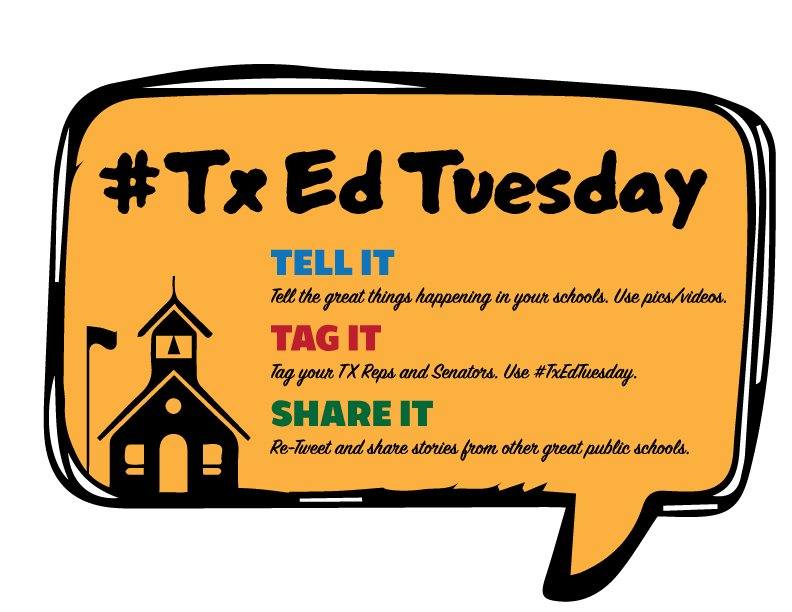

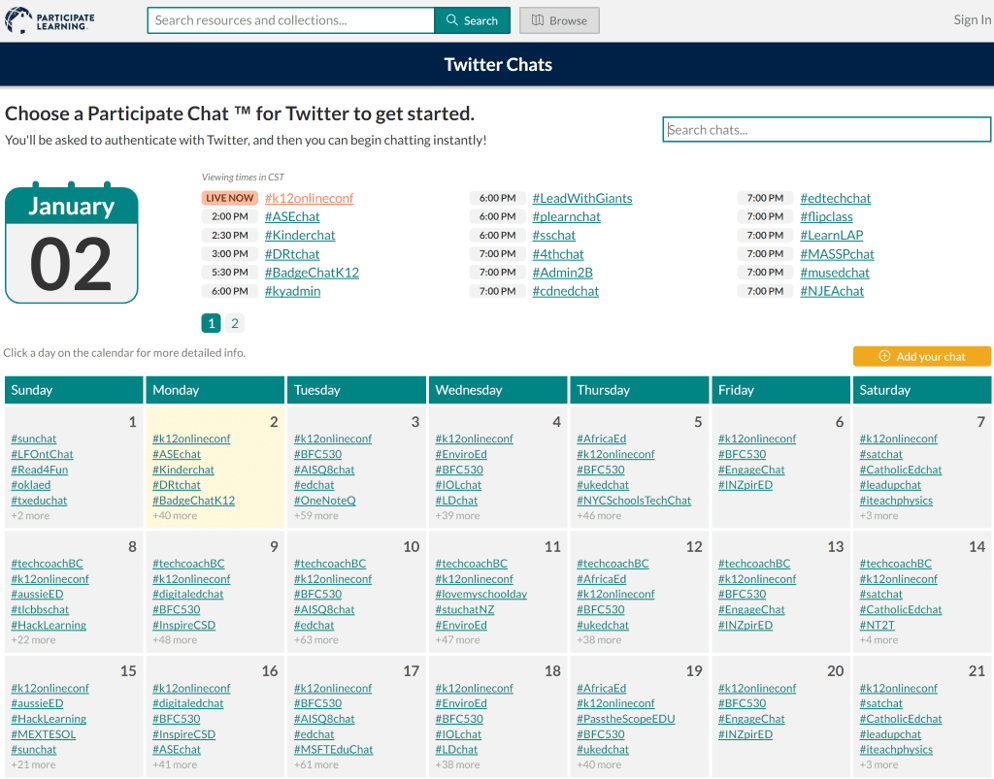 Every day, there are thousands of educators like you connecting and learning from each other. This network of professional learners, open to anyone and everyone willing to learn, is known as a “professional learning network” or PLN for short. You can find a wealth of hashtags, such as #tceachat, that boast robust conversations on days or nights. Here are several tools you can use to make navigating and participating in Twitter chats easier:
 Decided to facilitate a Twitter chat for your school or district? Create a landscape flyer with