Some ideas sit in the back of your brain for years. Then one summer workshop finally nudges them into action. This summer, my colleague Dr. Bruce Ellis and I traveled to Arlington ISD to facilitate Launch_K5 Computer Science, a free professional learning experience focused on computational thinking for elementary students and educators. While we worked through the four parts of computational thinking, I kept thinking about a colorful poster set I had seen years back. It focuses on decomposition, pattern recognition, abstraction, and algorithmic design.
That set inspired me to create a new version for elementary students. And because I cannot seem to create just one resource and stop, I also vibe-coded a Halloween-themed debugging activity for grades 3–5.
A Quick Computational Thinking Refresher
Computational thinking may sound like something that belongs only in a computer science class, but elementary students use it throughout the day.
💡 Decomposition means breaking a large problem into smaller pieces. Students use it when they plan a project, separate a story into sections, or organize jobs for a class celebration
💡 Pattern recognition means looking for similarities, differences, or things that repeat. Students practice it with number patterns, story comparisons, and science observations.
💡 Abstraction means focusing on important information and setting aside details that are not needed. Students use it when they identify the main idea or pull key facts from a word problem.
💡 Algorithmic design means creating clear, step-by-step directions. Students practice it when they explain a math process, write directions, or program a robot.
The Original Computational Thinking Posters
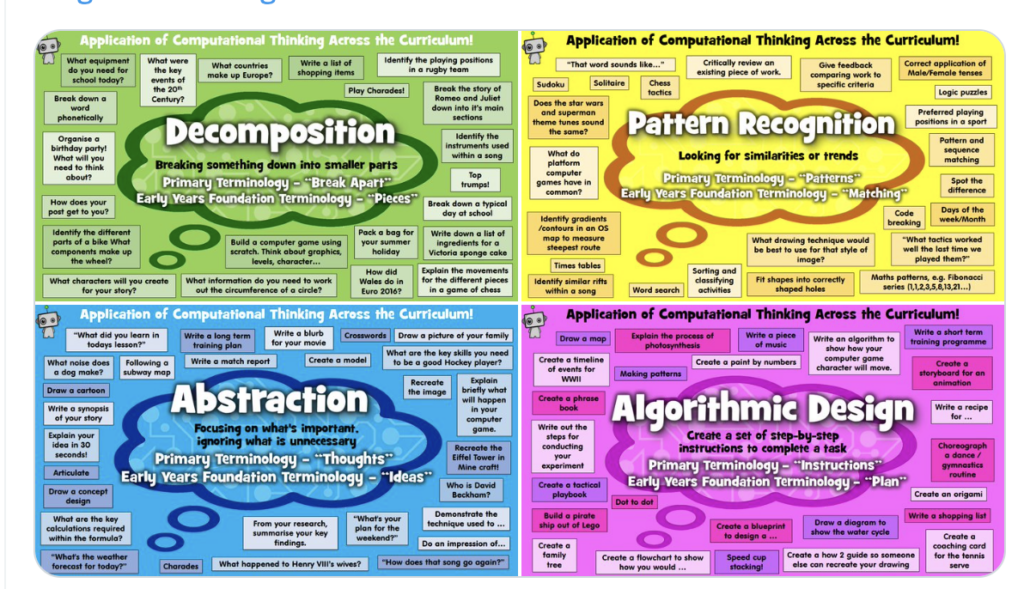
Before creating my elementary version, I wanted to track down the source of the poster set that inspired me. The original four-panel graphic was created by Robbot Resources and features the four computational thinking concepts across the curriculum. The complete resource is available as a free download on Teachers Pay Teachers under the title “Computational Thinking Ideas.”
Four Free Posters for Elementary Classrooms
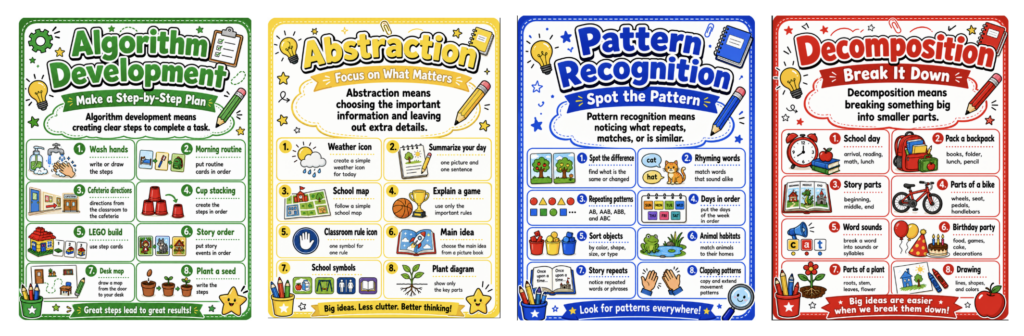
I wanted a set that spoke directly to younger students, so I created four elementary-friendly posters using familiar classroom tasks. Display all four together or introduce one at a time in a classroom, computer lab, library makerspace, or STEM center. They can help students put a name to the thinking they are already doing.
Debug the Haunted House
Posters are helpful, but students also need a chance to practice.
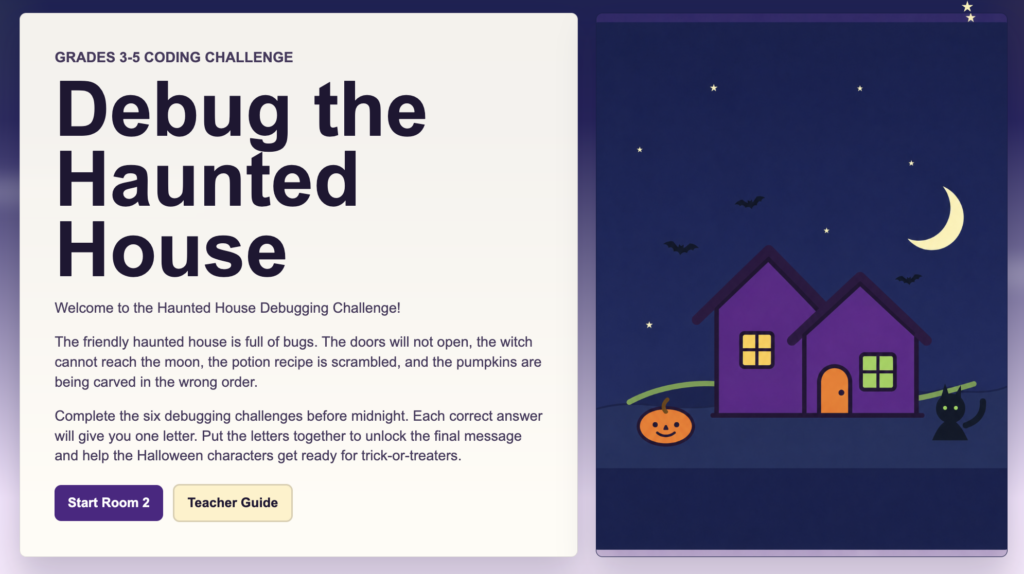
I vibe-coded Debug the Haunted House, an interactive activity for students in grades 3–5. Students fix six friendly Halloween coding bugs while practicing sequencing and conditionals. Each correct answer unlocks part of a secret word. Use it with the whole class, partners, at a technology station, or as an early finisher option. Ask students to explain what went wrong and how they would fix it. No jump scares here. Just six coding bugs that need a little elementary problem-solving.
Free Launch_K5 Computer Science Professional Learning
Educators who want to dig deeper should explore Launch_K5 Computer Science from TCEA. October 20–21, @ TCEA HQ in Austin, Texas.
This free, three-day hybrid workshop helps K–5 educators integrate the Technology Applications TEKS into lessons they already teach. Participants explore computational thinking, cybersecurity, artificial intelligence, block-based coding, and physical computing while discovering ready-to-use plugged and unplugged lessons.
Participants also receive physical computing tools for their classrooms. K–2 educators receive two VEX 123 robots, and educators in grades 3–5 receive a set of 10 micro:bits.
Computational thinking is already part of story sequencing, math patterns, science investigations, and everyday problem-solving. The posters name the skills, Debug the Haunted House puts them into practice, and Launch_K5 CS helps educators bring it all together.


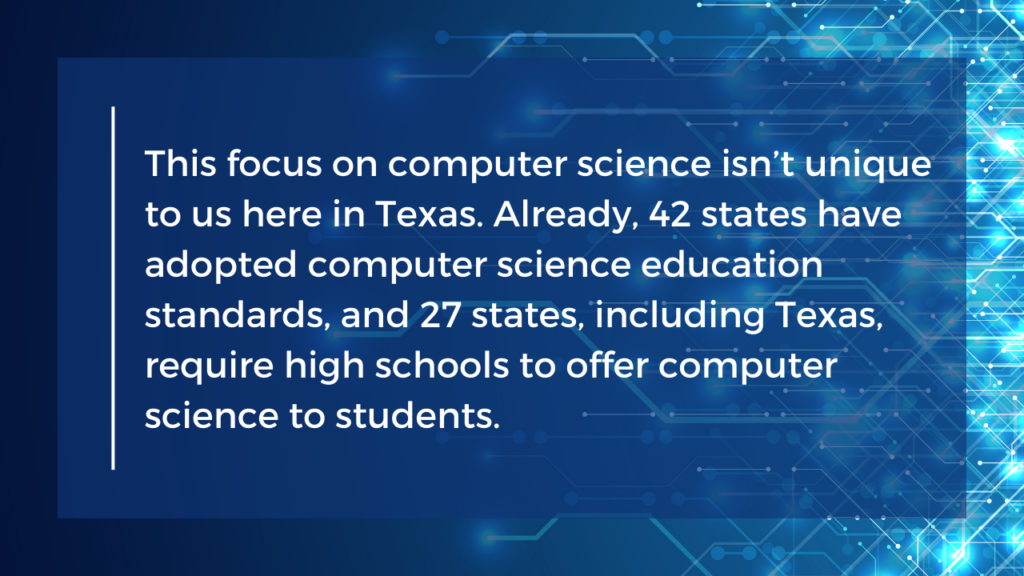


 We had some huge wins in the area of computer science and computational thinking this session. Our six-year goal of providing weighted funding for the 9-12 Technology Application courses has finally been achieved. In HB 3, the school finance legislation, the weighted funding for CTE was changed from grades nine through twelve to grades seven through twelve. In addition, the
  There are two pieces of legislation that are going to impact educational broadband. The first is HB 1960 which creates a Governor’s Broadband Council that will advise the governor on issues related to broadband access to unserved areas. This is progress, but not as much as we hoped for. There are few, if any, areas of Texas that are unserved. The original bill included underserved areas, but heavy lobbying by the large telecommunication companies eliminated that language from the bill. However, we consider this progress because we finally have some entity at the state level that will look at the state’s needs for broadband from a strategic perspective. For too long, all state entities have tried to provide affordable, scalable broadband for their own purposes when it would be much more cost efficient to survey the needs across agencies and entities and design a plan to meet all the needs. HB 1960 at least establishes a council that could do this in the future, if given the authority.
 There are several opportunities in the bills mentioned above that will provide professional development in digital learning. The Blended Learning Grants are largely designed to provide professional development for educators in blended learning, not to mention the funding provided to UTeach to continue to provide this type of training to Texas teachers. Also, this is a good chance to remind districts that the TIMA may be used to provide professional development on the use of technology. In addition to these bills, the legislature passed HB 2424 that requires the SBEC to establish rules to create microcredentials in fields of study related to an educator certification class. This was one of TCEA’s legislative priorities, so we are excited to see this bill pass.

 activities are self-guided so you don’t have to know how. You can learn to code at the same time as your participants! All you have to do is select a
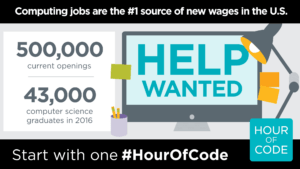 Now that you are all jazzed about hosting an Hour of Code, you want to make sure others know about it. Hour of Code has all types of