Explore tips, tools, and strategies for using iOS devices in education. Discover resources to enhance teaching, learning, and productivity.
“Makers Gonna Make” is my new motto, and so every chance I get, I write, talk, and dream about making. So I am very excited when I get to combine making and iPads. Here are some apps and ideas to get iPads makin’ in your makerspace.
Let’s get started with an oldie but a goodie – Faces iMake – Right Brain Creativity This app encourages kids to be super creative by designing faces using collage materials. The app design is very kid-friendly and fun. The built-in bonus is an introduction of symbolic elements of art for kids. The last update includes a SAFE community for Faces iMake users to share their creations. The app is $2.99.
The go-to app for the TCEA Makers Visual Arts Makerplace is Green Screen by Do Ink. Green Screen allows students to create a video using an image or video for the background. The idea for a green screen is simple: shoot a video with a single colored backdrop and then replace the background with any other video clip or image you want. Jeannine Freeman, Fort Sam Houston ISD and one of my favorite makers, created a five-step document on how to use this app. Access it here. The app is just $2.99.
Swift Playgrounds by Apple is a new, free app to learn and experiment with code. Interactive puzzles are provided to learn the basics of coding, explore coding challenges, and create unique programs. This app is geared for 12 and up. No coding knowledge is required. Note: You will need iOS 10.0 or later to run this app.
Draw and Tell HD is a crazy good free app just right for the 3 to 9 year-old crowd. This app encourages imagination, story telling, and open-ended play with tools to draw, stickers to decorate, and a microphone to record voice. For those of you who know my love for Doodle Buddy, this app is on the same level.
The number one reason to get acquainted with the free Tickle app is the ability to use the drag and drop programming on SO many devices. In the TCEA makers, we use the Tickle app to program Dash & Dot, Rolling Spider drones, Sphero, and Ollie. You can also program the LEGO WeDo 2.0, Arduino Bean, and the Philips Hue lights, all for free.
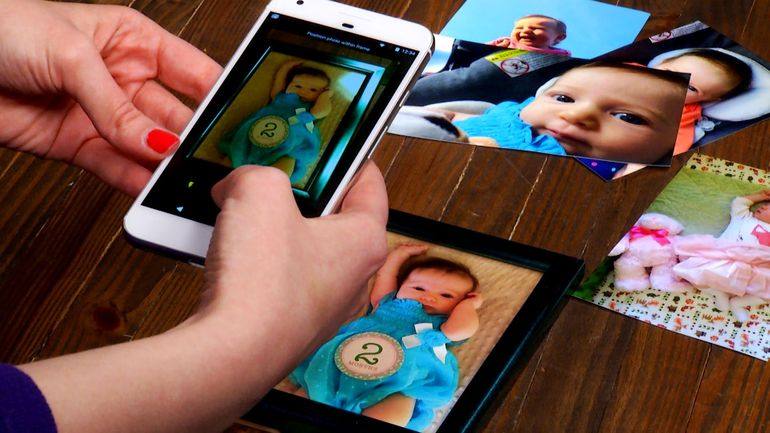
Kids always do amazing things, so I would definitely give this app go. Who knows what will happen? The free Post-it® Plus app allows you to take a picture of your Post-it notes and turn them into electronic Post-its. You can capture up to 50 square Post-it notes at a time. Off the top of my head, I could see using this for organizing a project, storyboarding, collaborative poetry, or a mosaic.
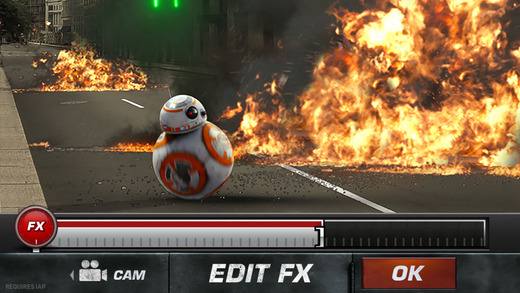
TeleStory is a TV studio in an app. The free app comes with 30 animated scenes and 50 digital costumes with face tracking. Students can easily use this app to record a music video, travel to a foreign land, or teleport to outer space.
For the ultimate in maker apps, check out Rube Works: The Official Rube Goldberg Invention Game. At $2.99, it is one of the least expensive ways to create some of these amazing machines. And it’s tons of fun, too!

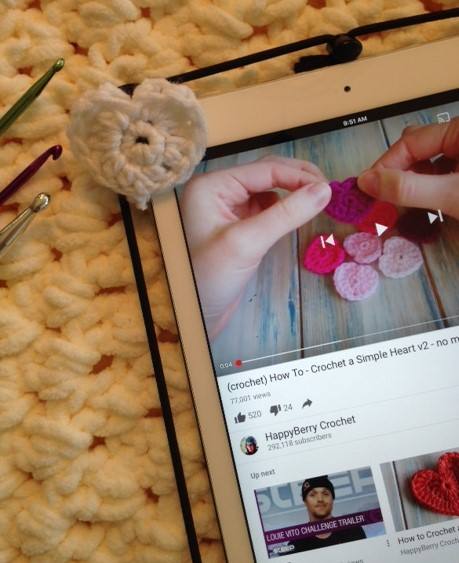
No longer do you have to try and find an owner’s manual to make, fix, or repair something; instead, turn to YouTube. This app will allow a teacher to create a playlist for student DIY videos. I have been a crocheter for many years and I decided to branch out from straight lines and crochet a heart. The video ”How to Crochet a Heart Using Magic Ring” sounded promising. But after three attempts, I just didn’t get it. YouTube to the rescue, I searched YouTube again and found “Crochet a Simple Heart – no magic circle.” That’s the added bonus of YouTube: if one video tutorial doesn’t work, there are ten more you can try to experience success.
Interested in getting your hands on the making experience? The next TCEA Makers workshop is Wednesday, January 25, 2017. Register here and spend a day learning to make and create an engaging makerspace.
Featured image: iPad App artwork

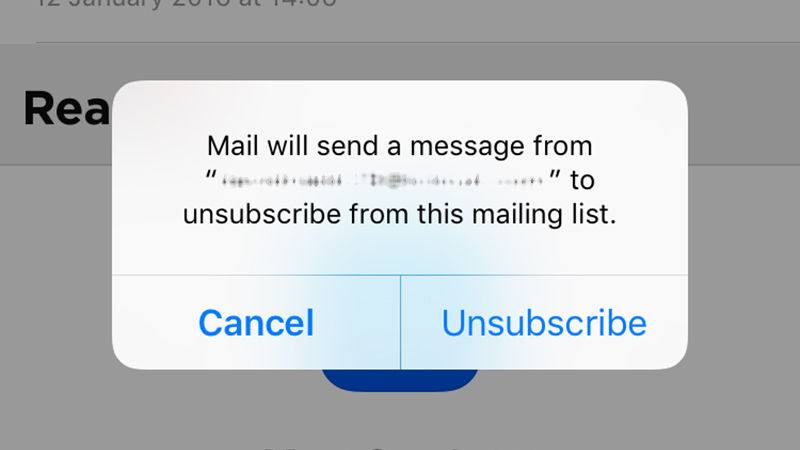
Get Rid of Unwanted Email Subscriptions – iOS 10 attempts to identify emails for which you have subscribed and now gives you an unsubscribe banner that’s easy to see (no more searching for the Unsubscribe link at the bottom of the email). Just tap the banner to automatically unsubscribe. (Of course, you wouldn’t want to do that with any email coming from TCEA!)

Virtual FieldTrips and More with Sherrie Berry and Shelley Kozma (Lampasas ISD)
Coding in the Language Arts Classroom with Kelly Hong
Digital Learning Centers with Crystal Flores and Jeanine Freeman
(
I am not a selfie kind of person. But even I couldn’t resist taking my photo over and over again once I got this free app. (You can see one of my photos as a cat to the left.) MSQRD uses your app’s camera to add masks and live effects to a selfie. You can even swap faces with a friend in the same photo. It is so much fun and incredibly easy. Really, you have to try this app!
you’ll be teaching adding fractions to your students. In the past, they have had difficulty with this concept. So you want to add an activity with an app for them to use. How do you find the right one? Try
others may not have. Perhaps they are special education and need to use an app with a switch. Perhaps they are needing help with their emotions or learning a second language. The