Stay updated on the latest education trends. Explore tools, strategies, and insights to keep your teaching and learning practices innovative.

Recently, I have noticed that some of my favorite skincare brands are coming out with products that protect against blue light. Therefore, I began to investigate if blue light is damaging my skin.
What Is Blue Light?
Blue light is a high-energy, short-wavelength light. It not to be confused with UVA or UVB rays. The main source of the blue light we are exposed to is the sun and indoor lights. However, we also get exposed to blue light from our computer screens, cell phones, and other digital devices.
Effects of Blue Light

During the COVID-19 pandemic, many of us are spending more time indoors and in front of our screens. Therefore, it is important to understand the effects of blue light. According to Dr. Sheri Marchbein, blue light has been reported to contribute to eye strain as well as cataracts, glaucoma, and other eye diseases. In addition, in this blog post by Lori Gracey, you can see how blue light can contribute to sleep disorders.
For adolescents who use a device in the hour before bedtime (and what teen doesn’t?), they are three times more likely to get less than five hours of sleep, which can be greatly detrimental to their mood and learning.
Lori Gracey, “Blue Light Bad“
Your Skin
So, does blue light damage your skin? Research is ongoing, but what dermatologists know so far doesn’t look good. According to Marchbein, blue light we get from the sun does contribute to brown spots and hyperpigmentation such as melasma, and possibly the breakdown of collagen, which leads to wrinkles and skin laxity.
However, getting brown spots on your skin cannot be really laid at the feet of the blue light we get from screens until further research is done. The bottom line is that blue light’s effect on your skin needs more research before we can determine any solid conclusions.
It’s Better to Be Safe
Skincare companies are doing their own research when it comes to the effect of blue light on your skin. They are taking a better-safe-than-sorry stance since so many of us are spending more time in front of screens. Dermatologist predict that we will see more blue light-protecting ingredients emerge as more research comes out.
In the meantime, I will continue to wear sunscreen daily, even when I’m indoors, and I might even invest in some blue light skincare products just to be safe.



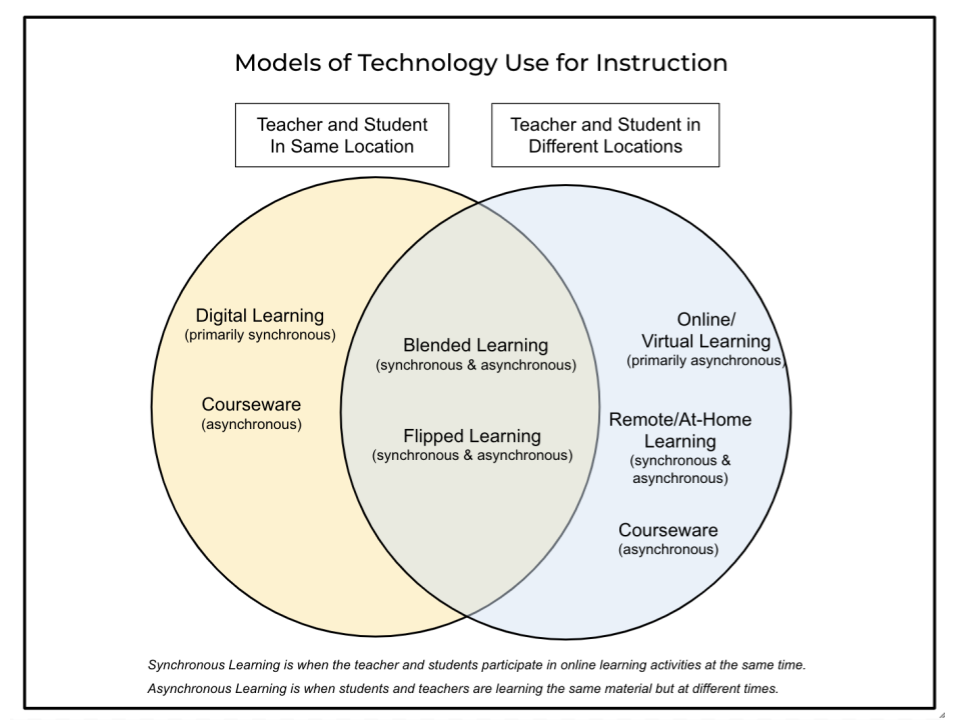





 One of the first steps you need to take is to select a blogging platform. This is an online space to share content. Avoid getting caught up in the strict definition of a blog (e.g. RSS feed or an online space with content you can subscribe to). Another point you need to consider is that you need something you can control as the teacher. Students are often blocked from using tools like Blogger because they are for students older than thirteen years old. As a teacher, you need an online platform that makes it easy for you to manage content online and student posting.
 Sign up for one of our Google Certified Educator certifications. You’ll learn about more than Google Meet, as well as earn 12 CPE hours per course. Use these courses to get Google Educator certified.
 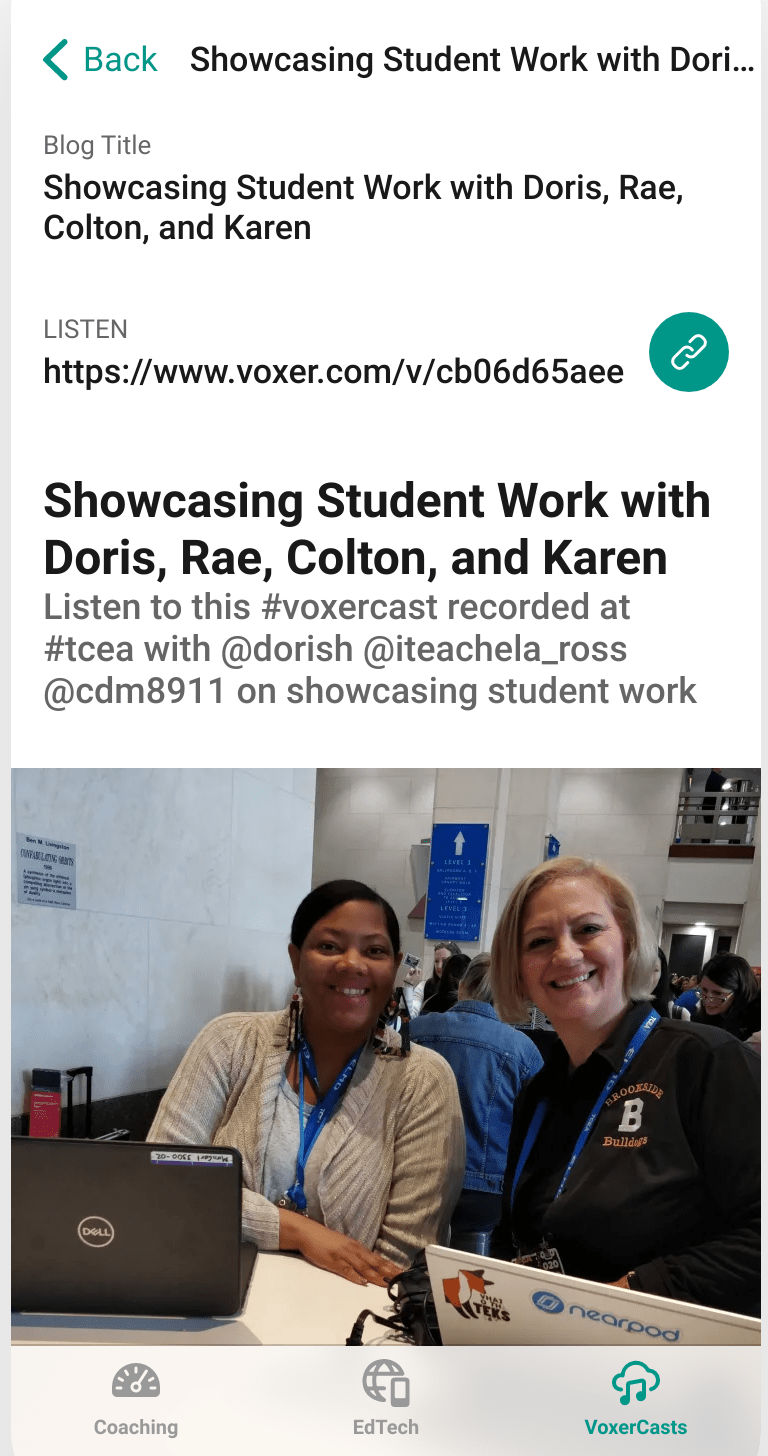 Unless you’re engaging in full-blown podcasting which involves scripts and audio editing, use Voxer to record interviews of less than 15 minutes and then post to social media (e.g. Instagram, Twitter). Be sure to combine your media shares online via Instagram, Twitter, Facebook and Tumblr. In the meantime, here are some suggested tools for working with podcasts: