
Looking for quick ways to customize Microsoft Classroom so that it better fits your teaching style or how your students learn? Or just looking for things a teacher needs to know how to do in Microsoft Classroom to be successful? Either way, I hope you find this infographic a quick reference to Classroom’s main features and possibilities.
Note: An Adobe PDF version is also available.
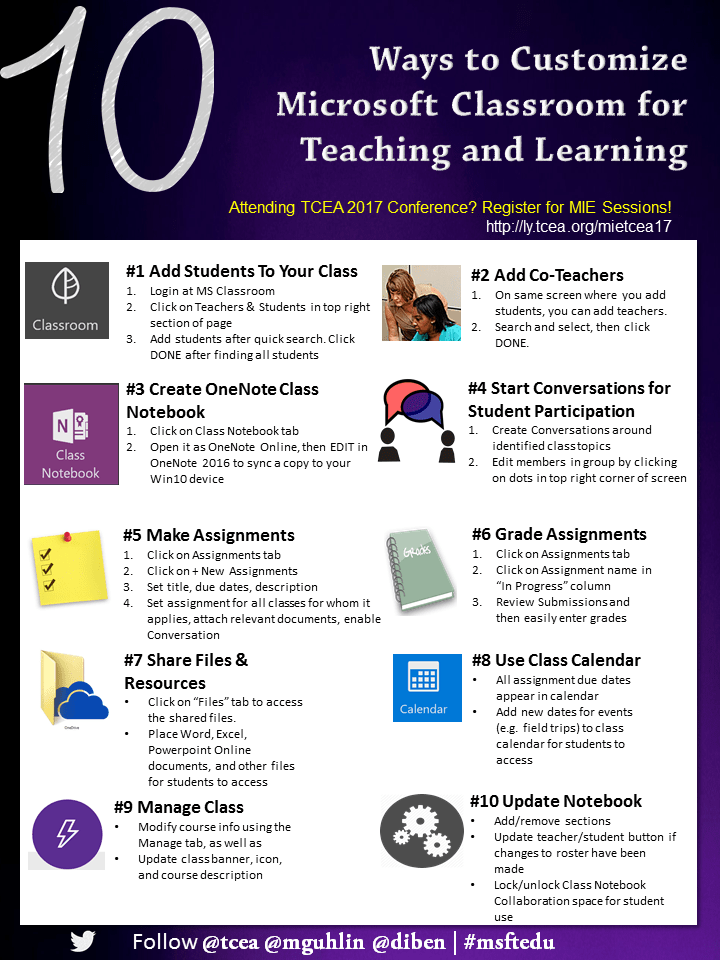
#1 – Add Students to Your Class
- Login at MS Classroom.
- Click on Teachers & Students in top right section of page.
- Add students after quick search. Click DONE after finding all students.
#2- Add Co-Teachers
- On the same screen where you add students, you can add teachers.
- Search and select them.
#3 – Create OneNote Class Notebook
- Click on Class Notebook tab.
- Create Class Notebook with desired settings.
- Open it as OneNote Online and then EDIT in OneNote 2016 to sync a copy to your Windows 10 device.
#4 – Start Conversations for Student Participation
- Create Conversations around identified class topics.
- Edit members in the group by clicking on the ellipsis in the top right corner of the screen.
#5 – Make Assignments
- Click on the Assignments tab.
- Click on + New Assignments.
- Set title, due dates, and description.
- Set assignment for all classes for whom it applies, attach relevant documents, and enable Conversation.
#6 – Grade Assignments
- Click on the Assignments tab.
- Click on the Assignment name in the “In Progress” column.
- Review “Submissions” and then easily enter grades, assigning comments as needed.
#7 – Share Files and Resources
- Click on the “Files” tab to access the shared files for the class.
- Place Word, Excel, or Powerpoint Online documents and other files for students to access.
#8 – Use Class Calendar
- All assignment due dates appear in the calendar.
- Add new dates for events (e.g. field trips) to class calendar for students to access.
#9 – Manage Class
- Modify course info using the Manage tab.
- Update class banner, icon, and course description.
#10 – Update Notebook Settings
- Add/remove sections.
- Update teacher/student button if changes to the roster have been made.
- Lock/unlock Class Notebook Collaboration space for student use.
Attending the TCEA 2017 Convention & Exposition?
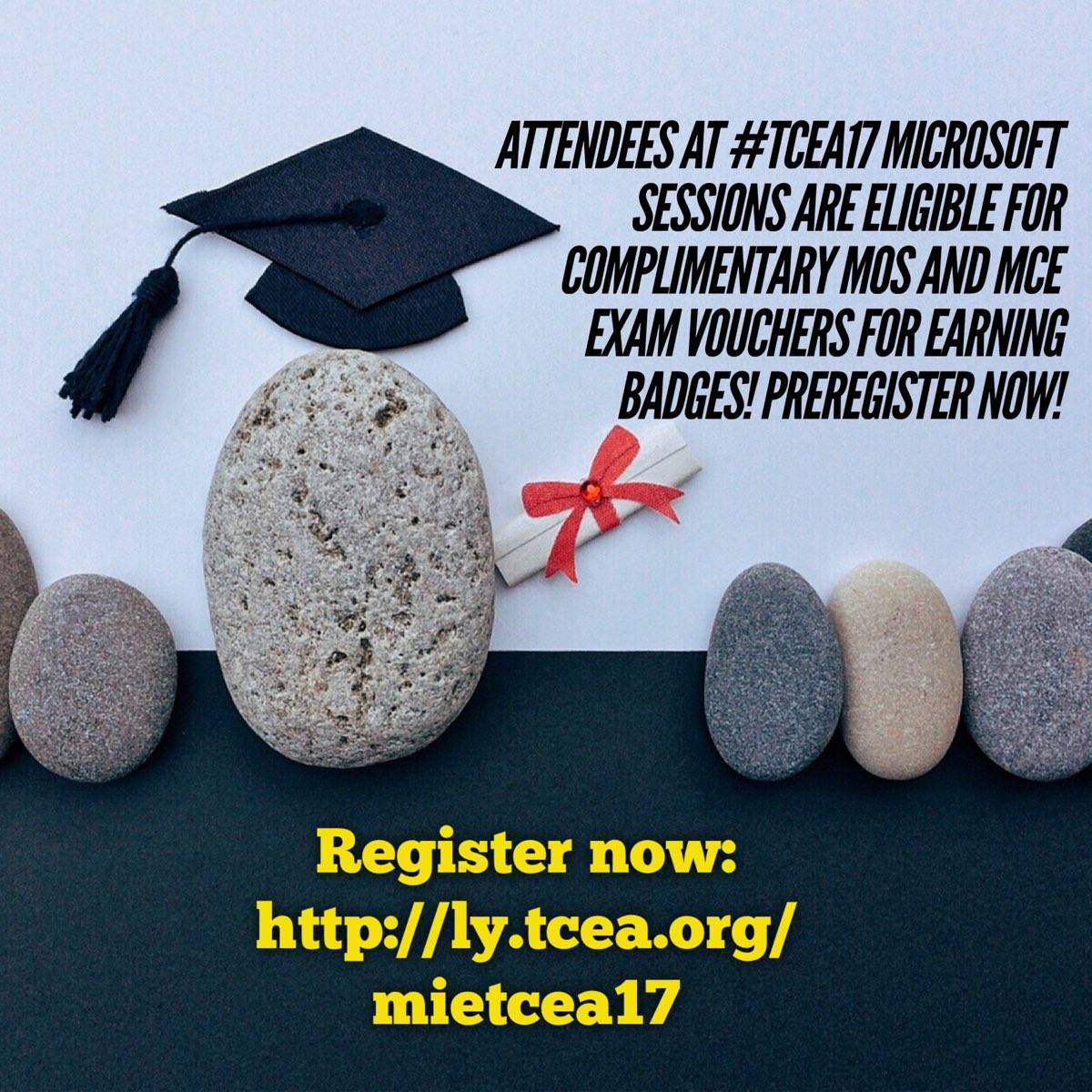 Microsoft believes in empowering every student to achieve more. In our mission to support educators in guiding and nurturing student passions, we are offering pre-conference professional learning to TCEA convention participants. Attendees at these sessions will be eligible to receive a complimentary Microsoft Office Specialist (MOS) and Microsoft Certified Educator (MCE) exam voucher for attending and earn badges on the Microsoft Educator Community to recognize their achievements.* Preregister to secure a seat.
2-Day MIE Trainer Academy
- Monday, February 6 and Tuesday, February 7 | 8:30AM-4:00PM Register Here
1-Day MIE Teacher Academy
- Monday, February 6 | 8:30AM-3:30PM Register Here
1-Day MIE Teacher Academy: Minecraft Education Edition
- Tuesday, February 7 | 8:30AM-3:30PM Register Here
Visit aka.ms/TCEAresources to find session schedules and other information about Microsoft’s presence at TCEA.
 Once you have your focus planned, then it’s time to do some research. The TCEA convention offers in-depth learning opportunities on almost any topic in the edtech world that you might be interested in. But you have to know how to search out exactly what you need. To do that, you’ll need your computer and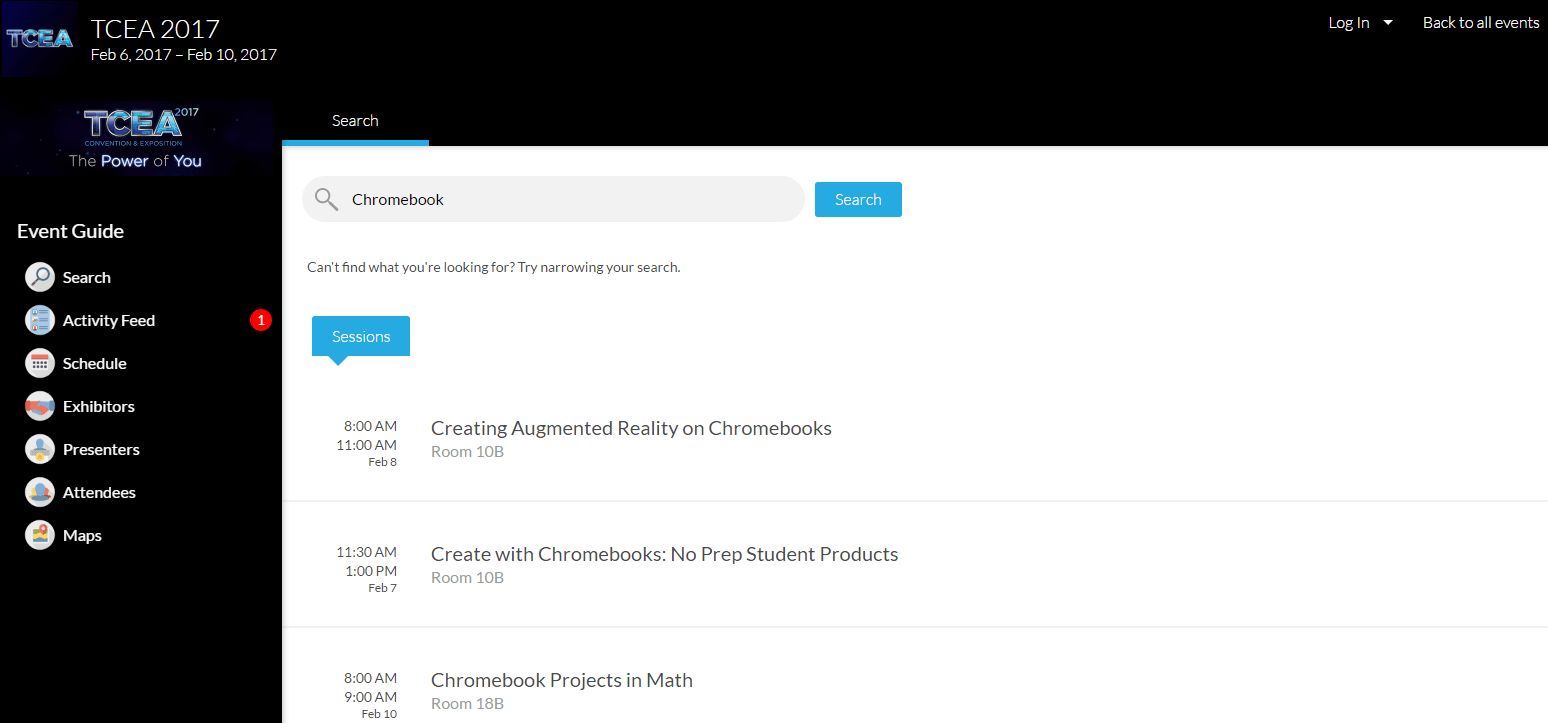
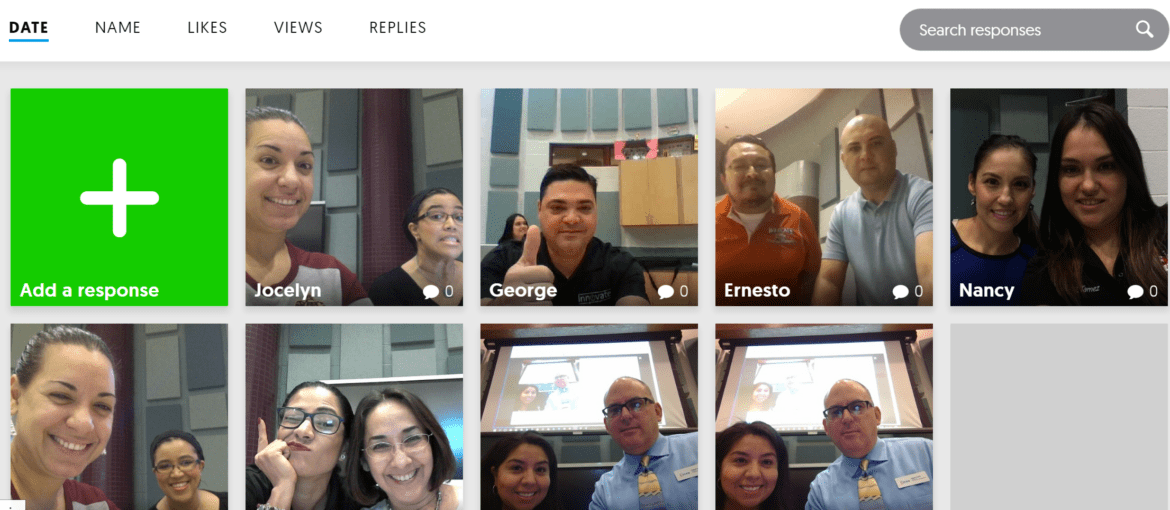

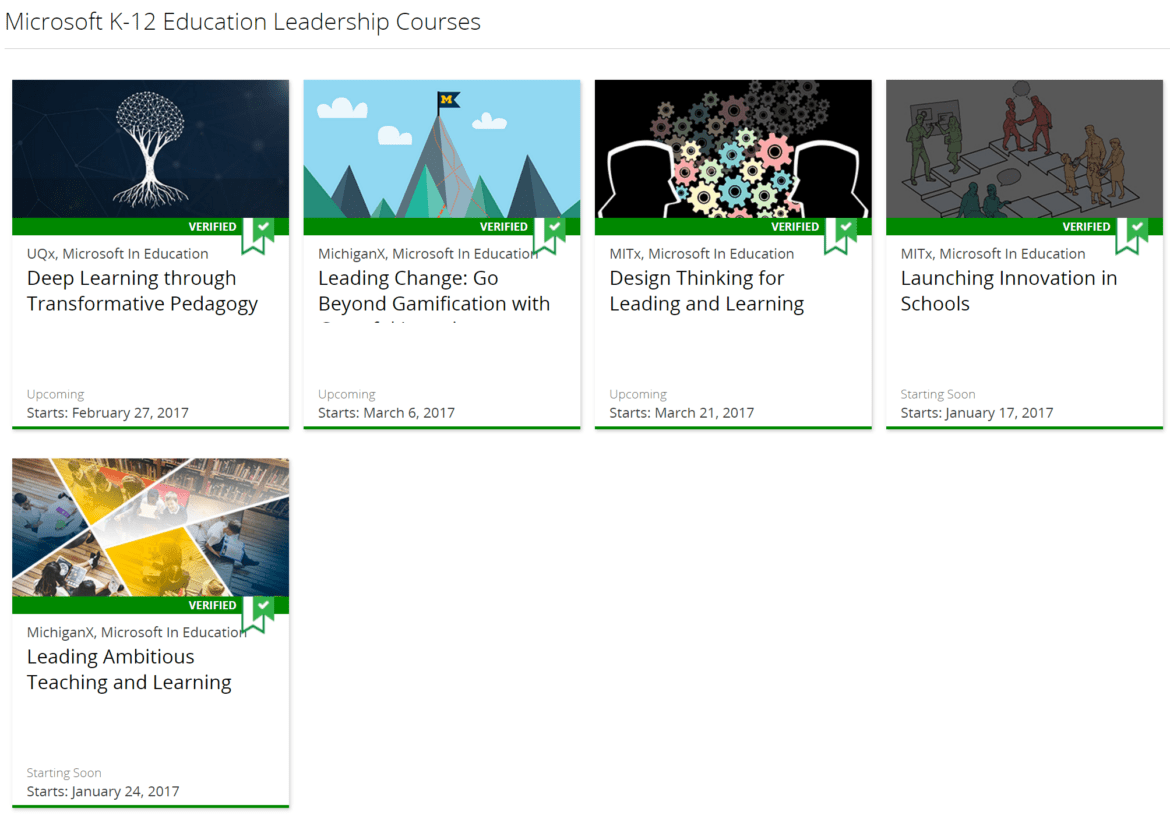
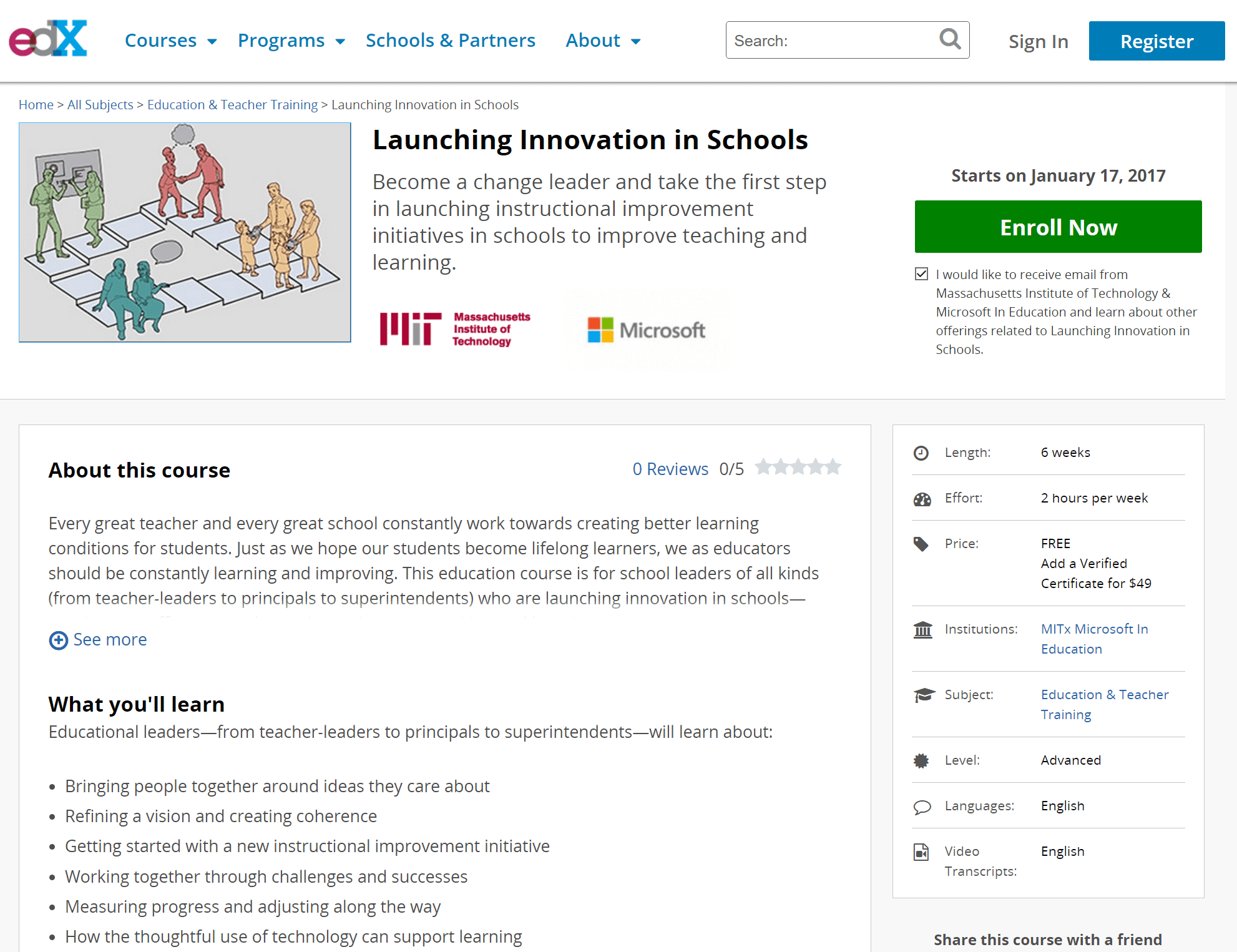
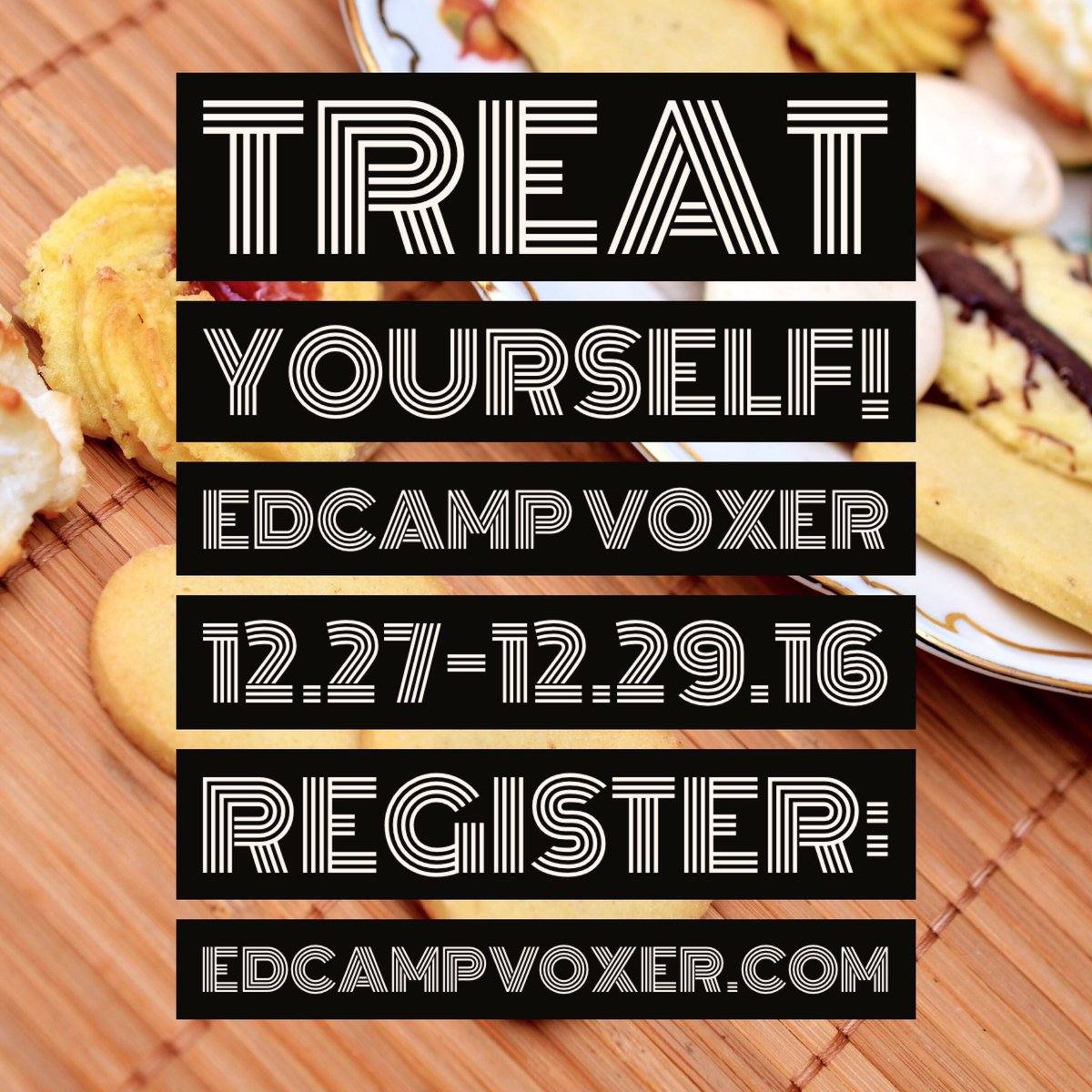 Did you know? Join the December 27-29, 2016 EdCamp Voxer event, 100% audio and mobile, available for free!
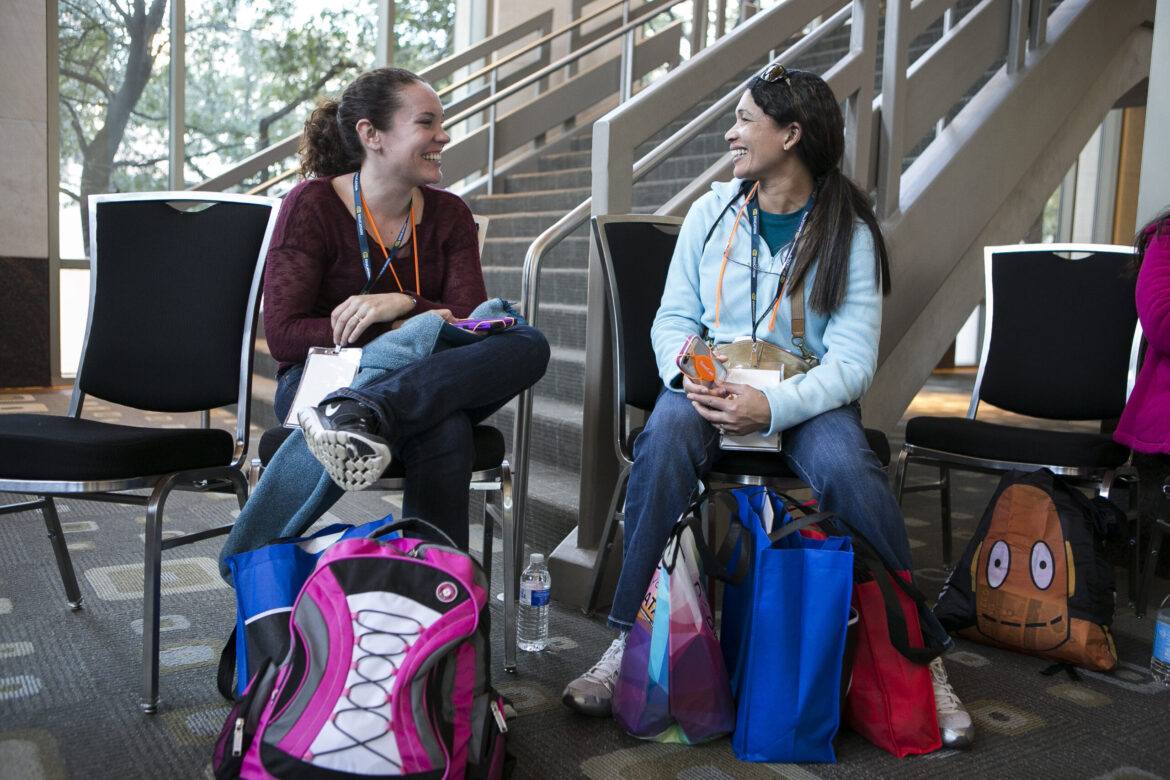
 Enjoy the excitement and energy of the exhibit hall in a whole new way this year. Tuesday’s Opening Reception is the ideal way to kick off your convention experience. Dedicate some time for exploration and inquiry, discover the latest and greatest in edtech solutions, and pick up great schwag from over 450 education and technology vendors.
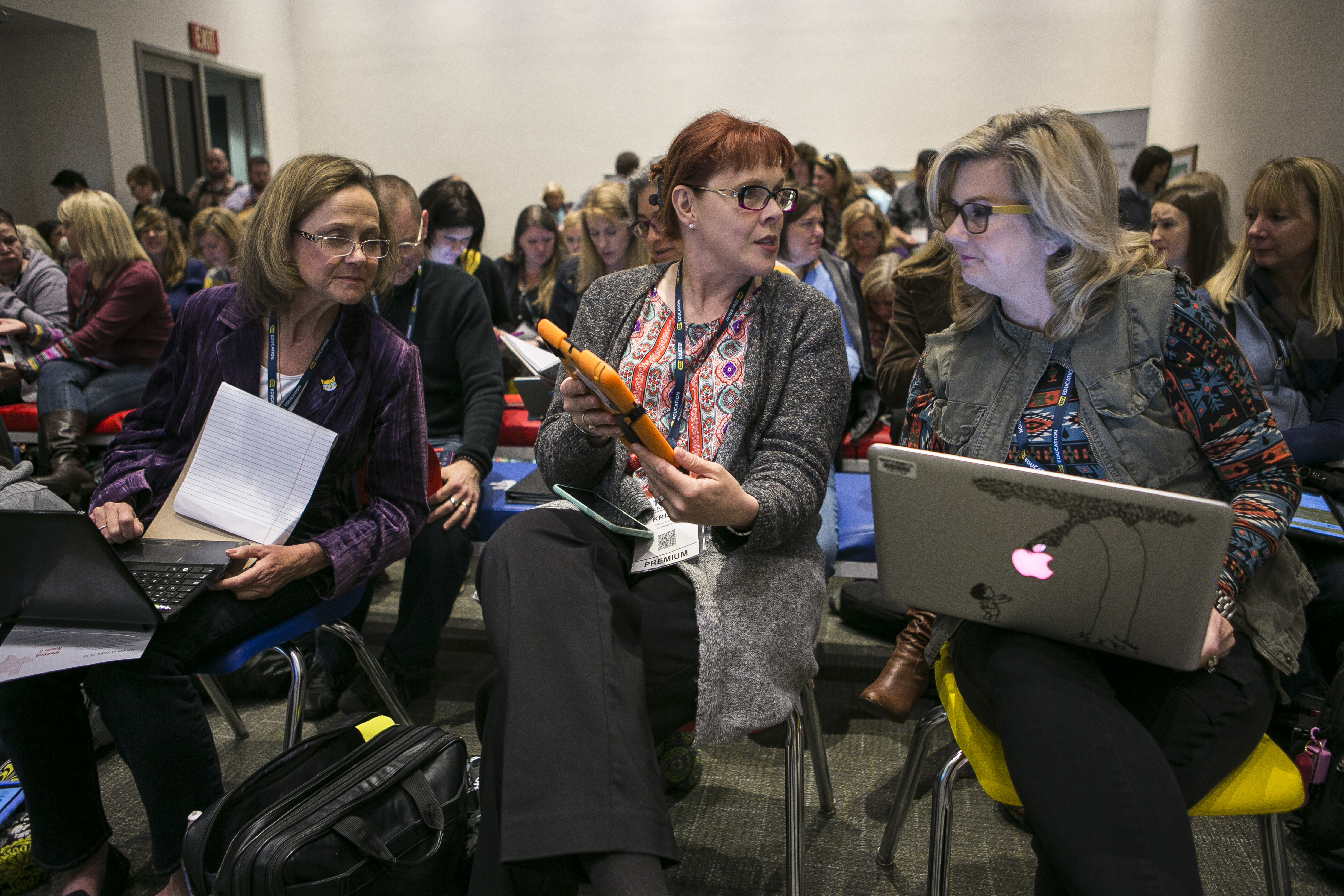 Explore the Power of You in this interactive learning area. Spend lots of hands-on time exploring makerspaces, breakout rooms, and programming. Discover activities and approaches that enhance learning by sharing in this peer-to-peer, network-rich presentation area.
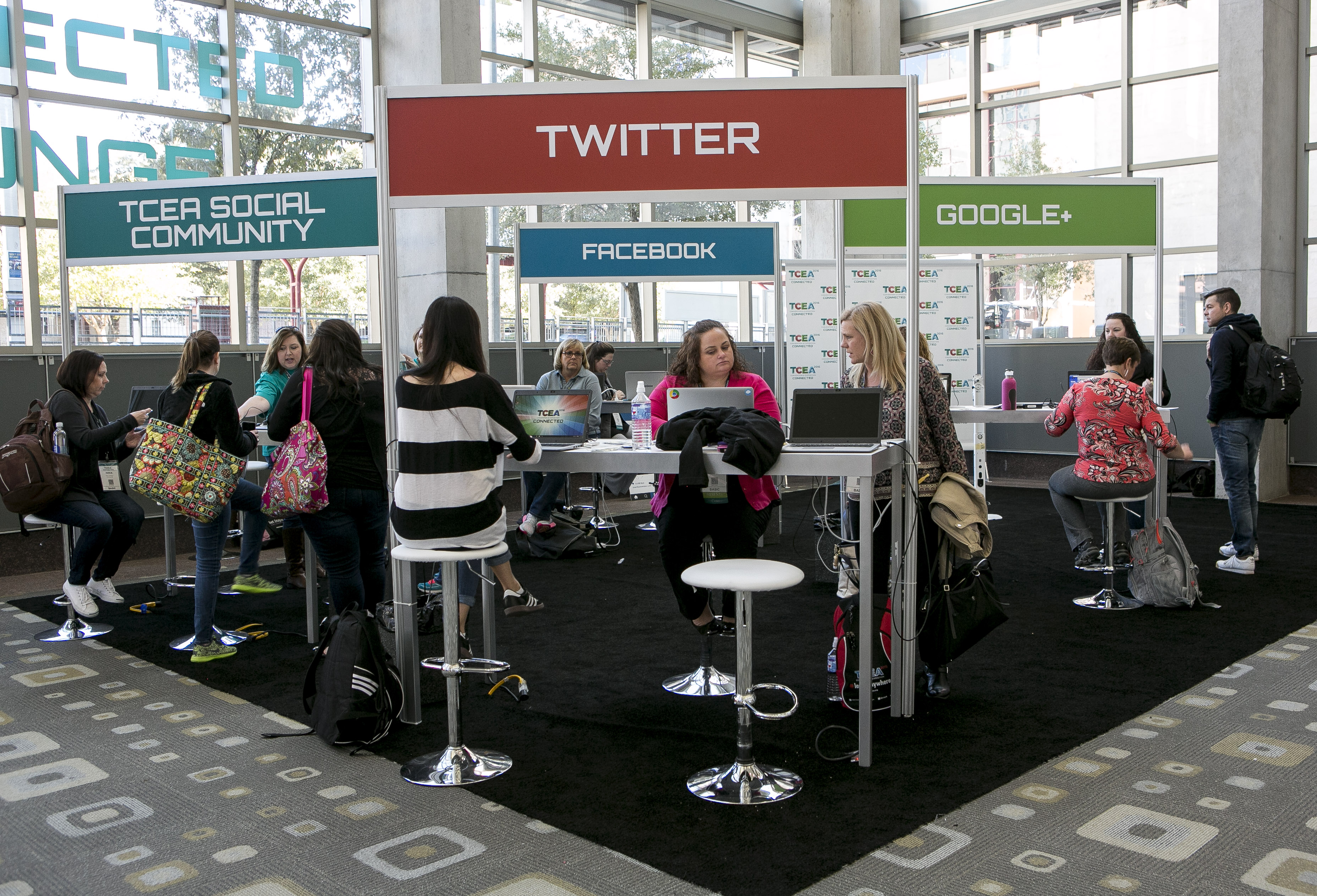 Meet other edtech enthusiasts in the social media and connection Hub of TCEA 2017. Featured presenters and edtech experts are scheduled throughout the week to share their favorites tools, techniques, tips, and tricks. Whether you’re new to social media or have more followers than Justin Bieber, this is the spot for integrating social media into your repertoire.
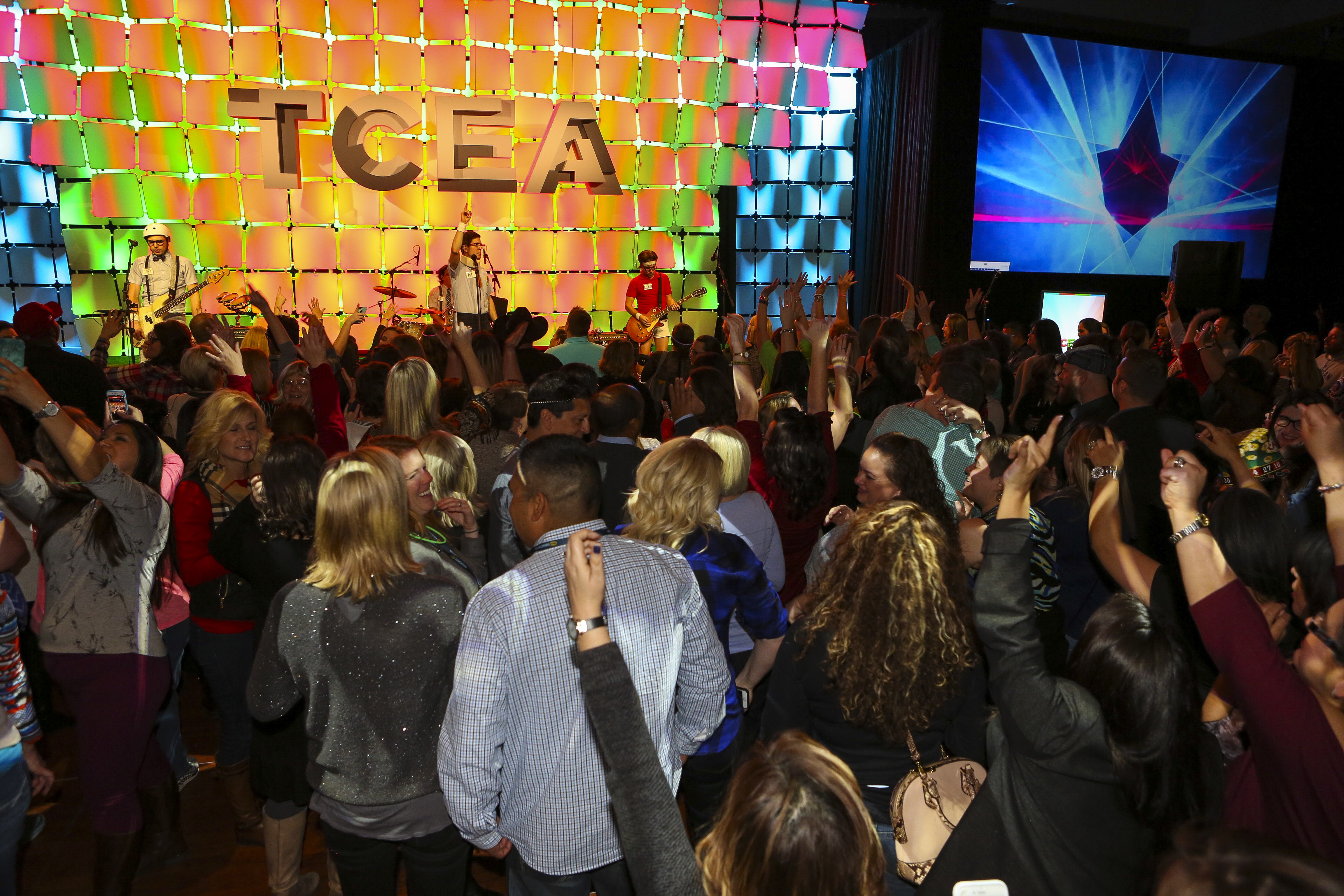 The Thursday social is the must-attend event at the convention, and this year we’ve moved it to a new, more convenient time. Let your hair down and power up with live music, great fun, and fabulous door prizes. There will be games, contests, and energetic tunes, all from the Live Music Capital of the World – Austin, Texas.