
Explore resources, tools, and strategies for teaching STEM and STEAM. Discover innovative ideas to engage students in science, technology, engineering, arts, and math.
In just nine years, the calendar year will be 2030! What will the job market look like for today’s students? Listed below are the top jobs in 2030.
- Software Engineer
- Automated & Robot System Repair
- Augmented Reality and Virtual World Creator
- Autonomous and Electrical Car Engineer
- Green Power Creator
- Technology Tutor and Trainer
- Drone Technician
- Space Exploration
- Future Farmer
- 3D Printing Engineer
- Data Manager
- Senior Wellness Manager
- Streamcaster
- Biotech Engineer
- Science Ethicist/Technology Advocate
- Chronocurrency Broker
- Digital Enforcer
- A.I. Trainer and Technician
- Climate Analyst and Weather Moderator
Source: https://www.idtech.com/blog/futuristic-stem-jobs-and-career-list-for-students
Those nineteen jobs are a mix of Science – Technology – Engineering – Mathematics. The best way to prepare our students for the future is to make sure they have a strong foundation in STEM and future-ready skills. Teachers need to embed the following skills into their daily curriculum: creativity and innovation, critical thinking, and problem solving. Communication and collaboration are also essential. Read on for tips to make your STEM action plan.
STEM/STEAM Action Plan
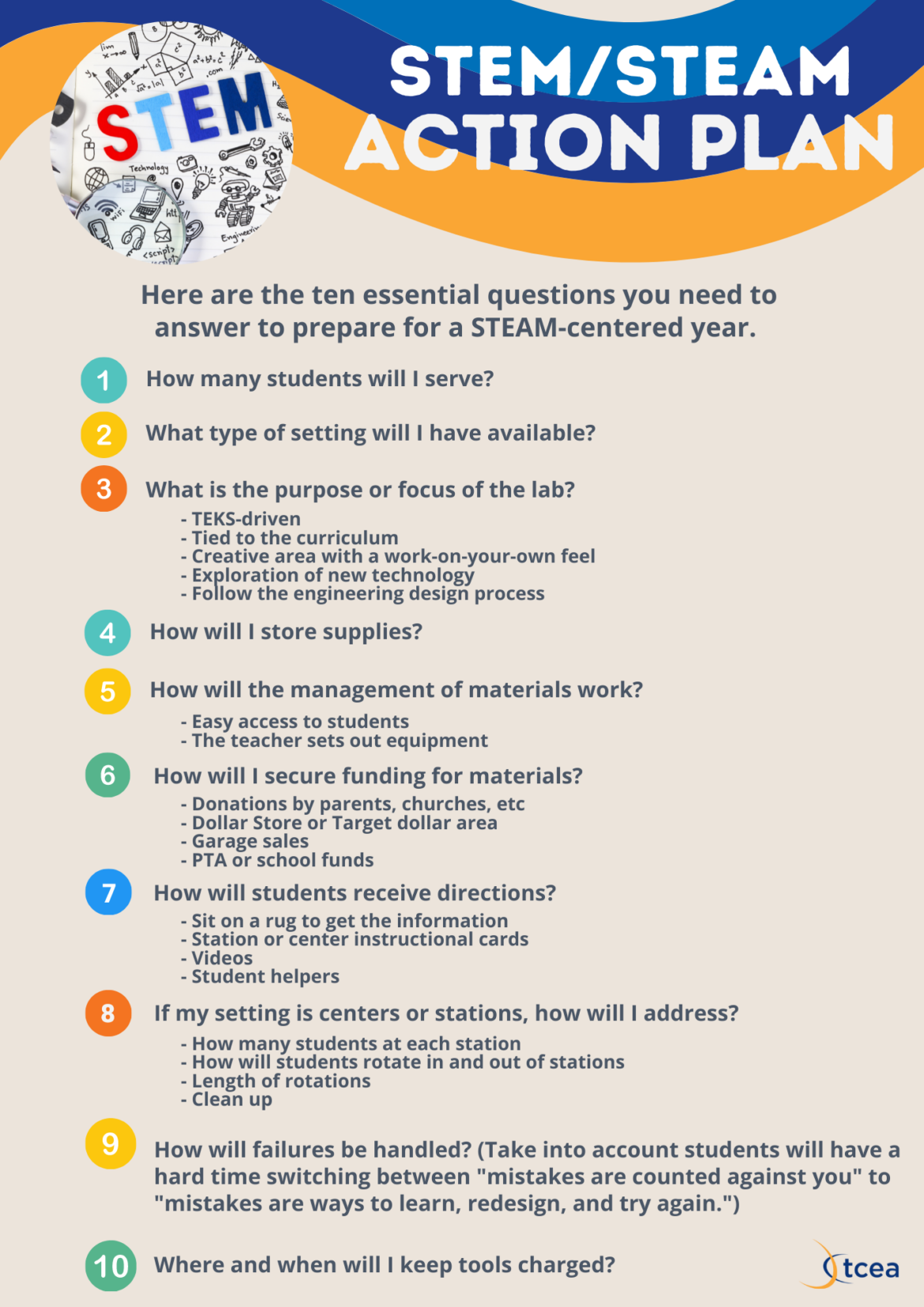
I asked Kathy Sleeper, STEM Lab teacher at Bullard Elementary School, the following question: What do teachers need to know in order to prepare for a STEAM-centered year? Here are the ten essential questions you need to answer:
- How many students will I serve?
- What type of setting will I have available?
- What is the purpose or the focus of the lab?
- TEKS-driven
- Tied to the curriculum
- A creative area with a work-on-your-own feel
- Exploration of new technology
- Follow the Engineering Design process
- How will I store supplies?
- How will the management of materials work?
- Easy access to students
- The teacher sets out equipment
- How will I secure funding for materials?
- Donations by parents, churches, etc.
- Dollar Store or Target dollar area
- Garage sales
- PTA or school funds
- How will students receive directions?
- Sit on a rug to get the information
- Station or center instructional cards
- Videos
- Student helpers
- If my setting is centers or stations, how will I address?
- How many students at each station
- How will students rotate in and out of stations
- Length of rotations
- Clean up
- How will failures be handled? (Take into account students will have a hard time switching between “mistakes are counted against you” to “mistakes are ways to learn, redesign and try again.”)
- Where and when will I keep tools charged?
Back to School STEM/STEAM Resources
- Cue Cards for STEAM and Makerspaces – 56 design prompts for engineering, technology, the arts and wearables/textiles. These cards do not provide detailed instructions for the projects. Each card is focused on students designing their own solutions.
- LEGO Building Cards – 48 building cards with LEGO bricks or can be used with any building materials.
- Silent Jenga – An inexpensive and quiet on the ears alternative to the original Jenga game. I found this on Facebook by Teach it DIY, and a post mentioned friction would make this impossible. But building block out of sponges – genius!
- Three Stem Ideas to Grow On – Miguel Guhlin’s blog entry offers some options and resources you can use to grow your STEM program.
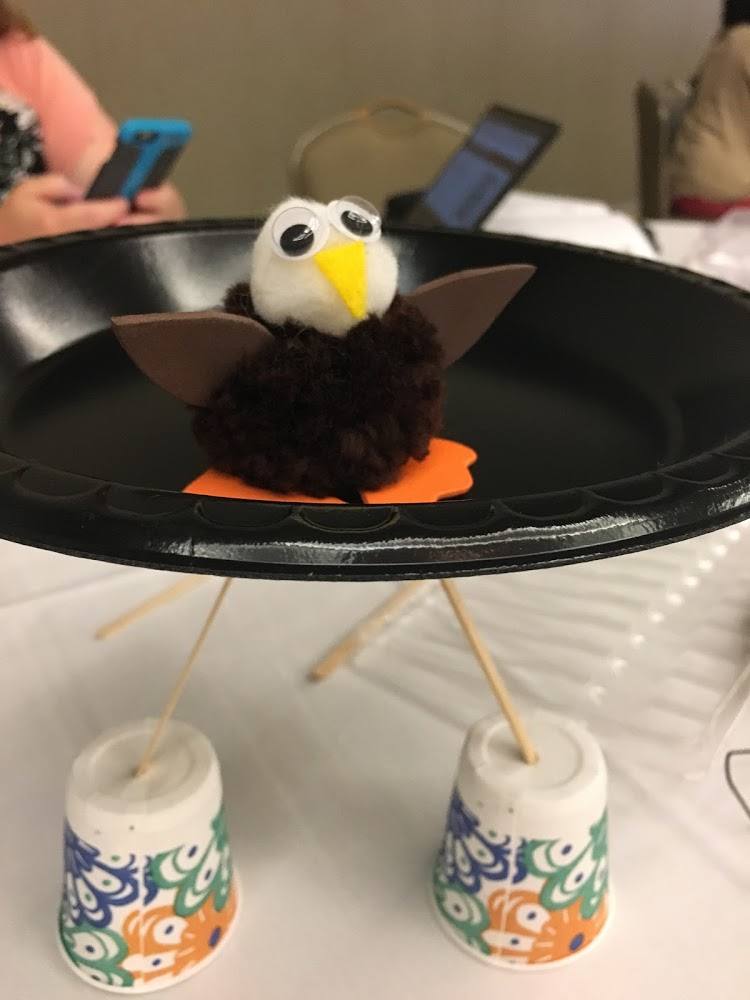
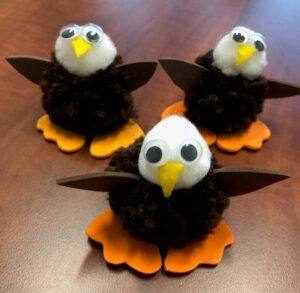
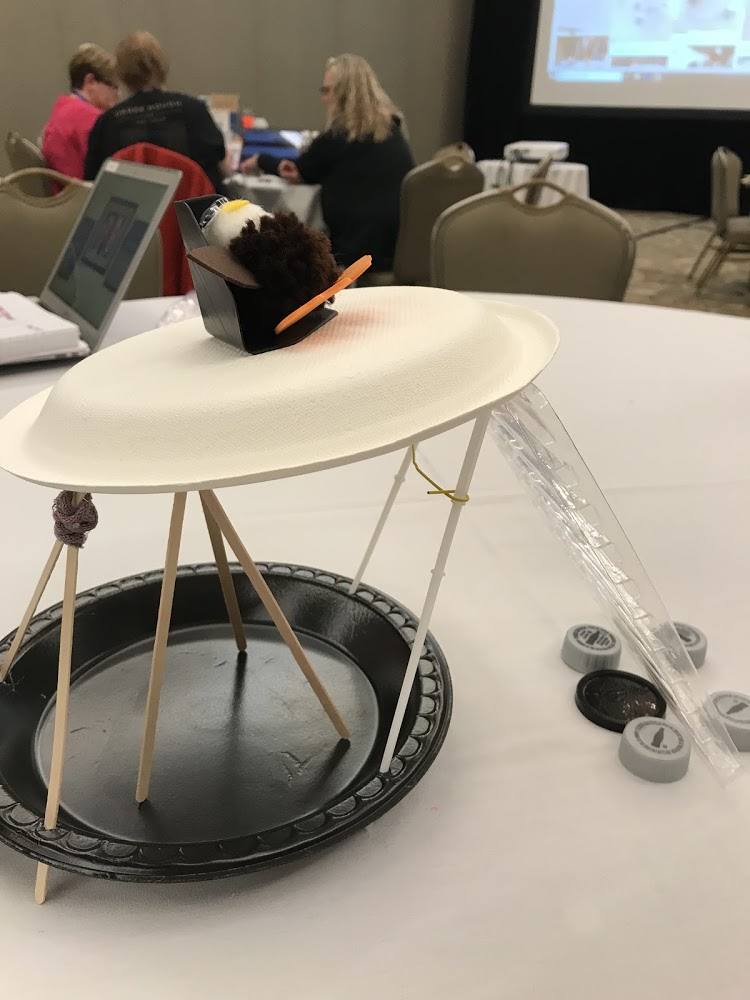
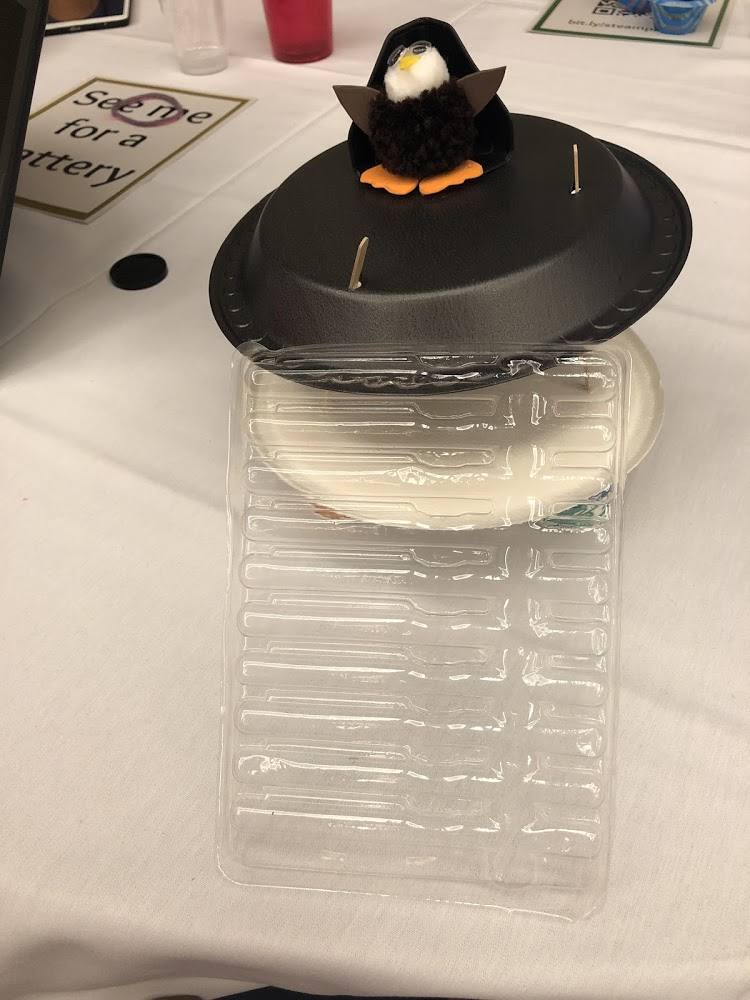
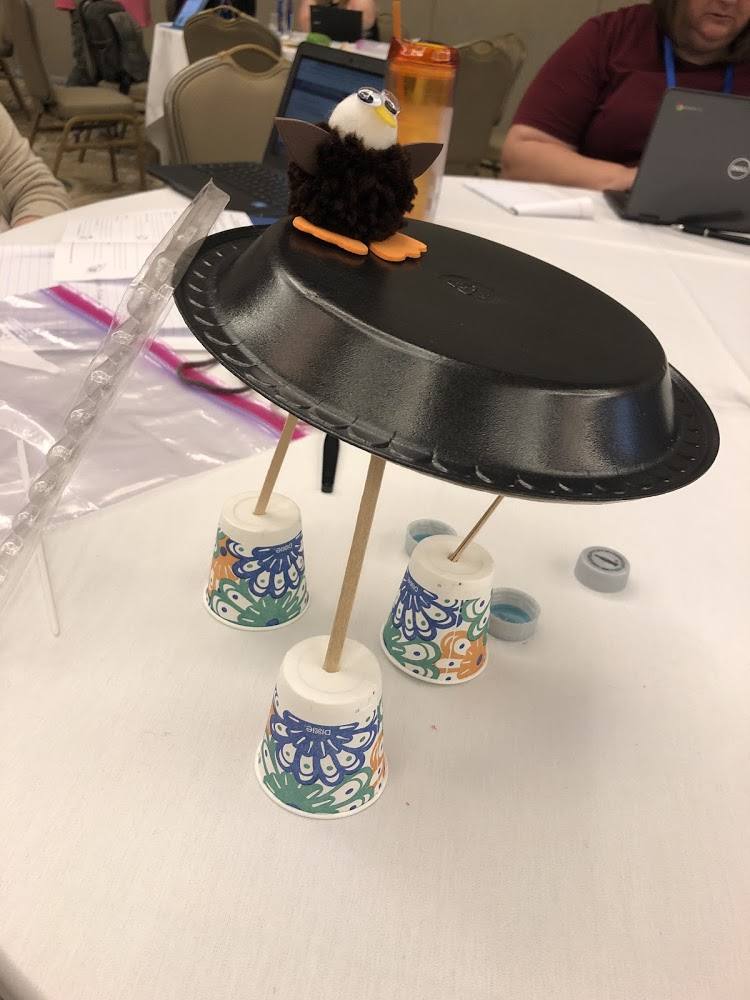
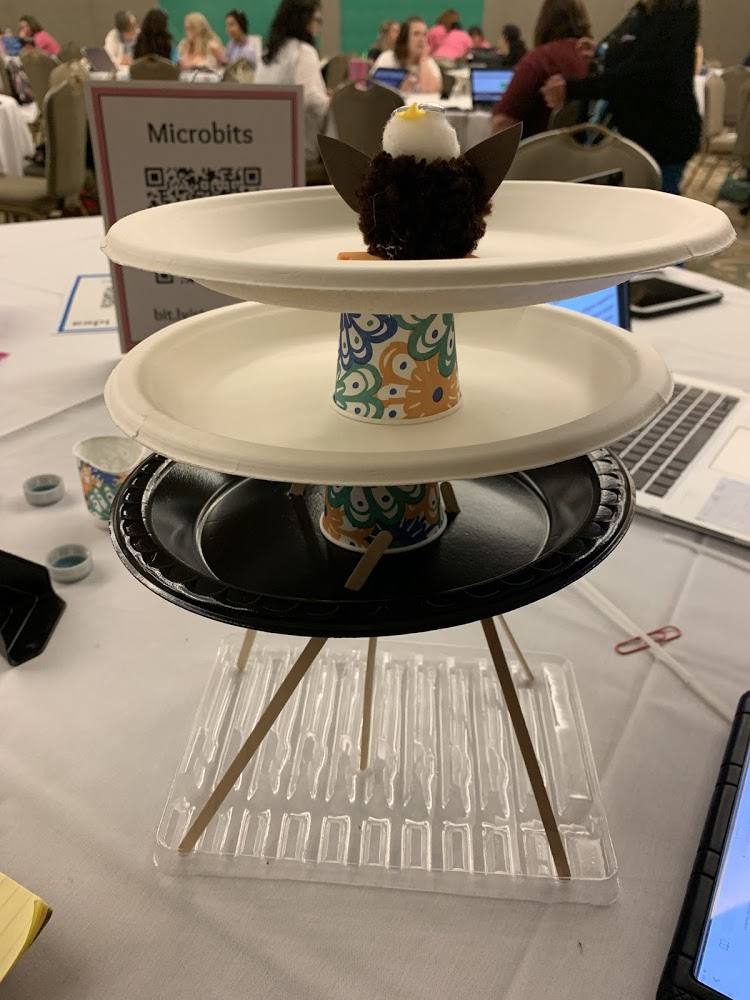
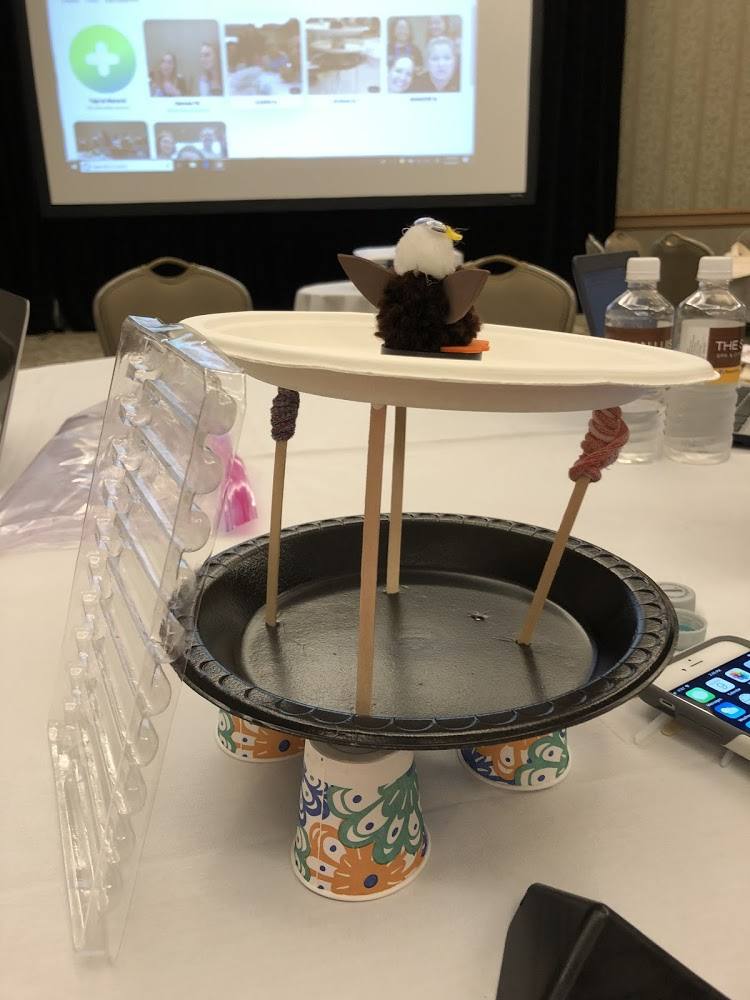
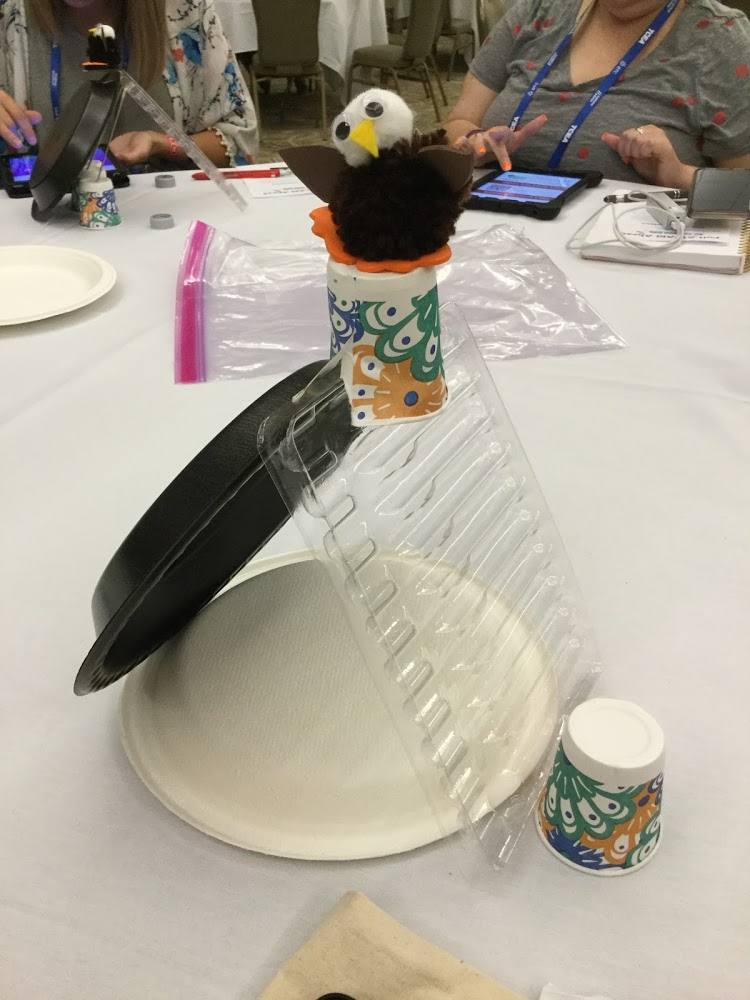
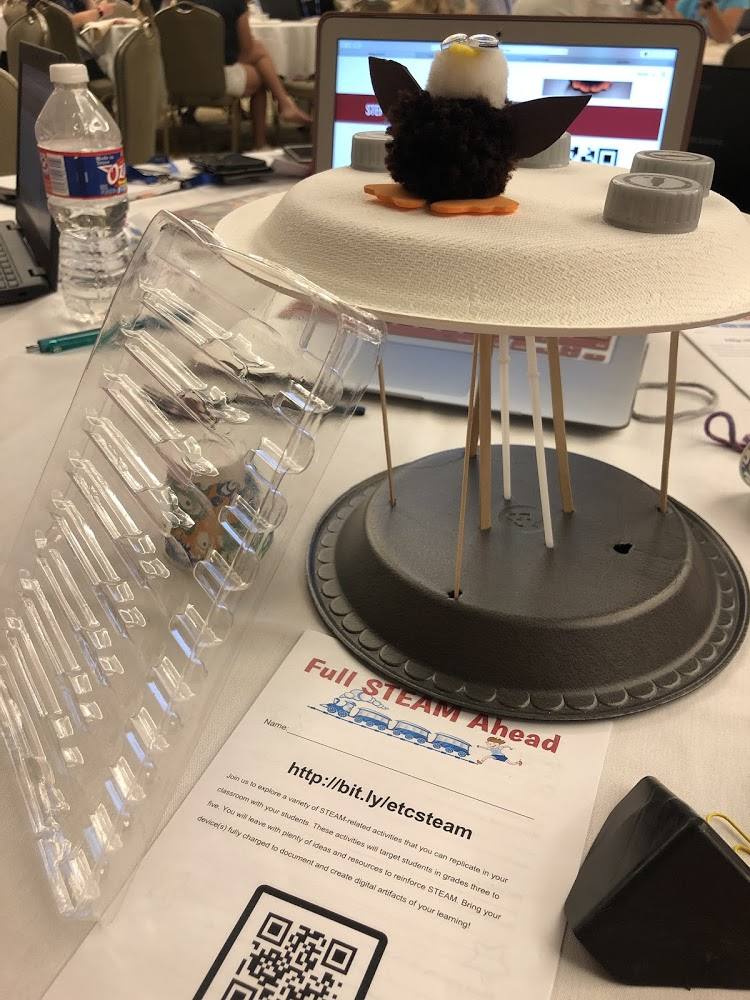
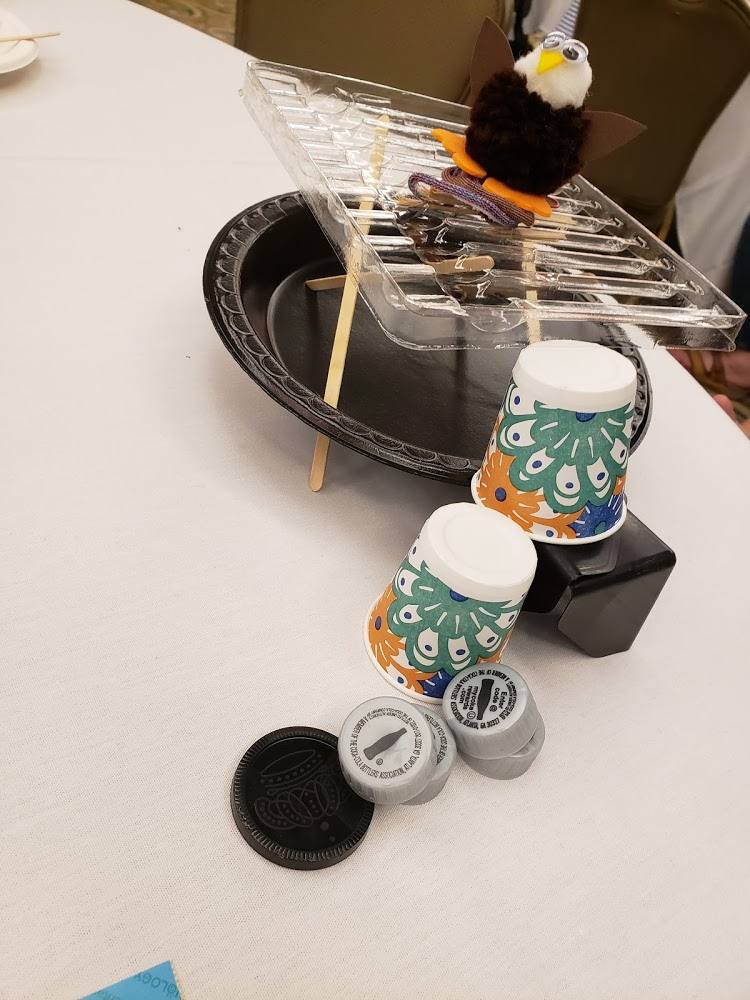
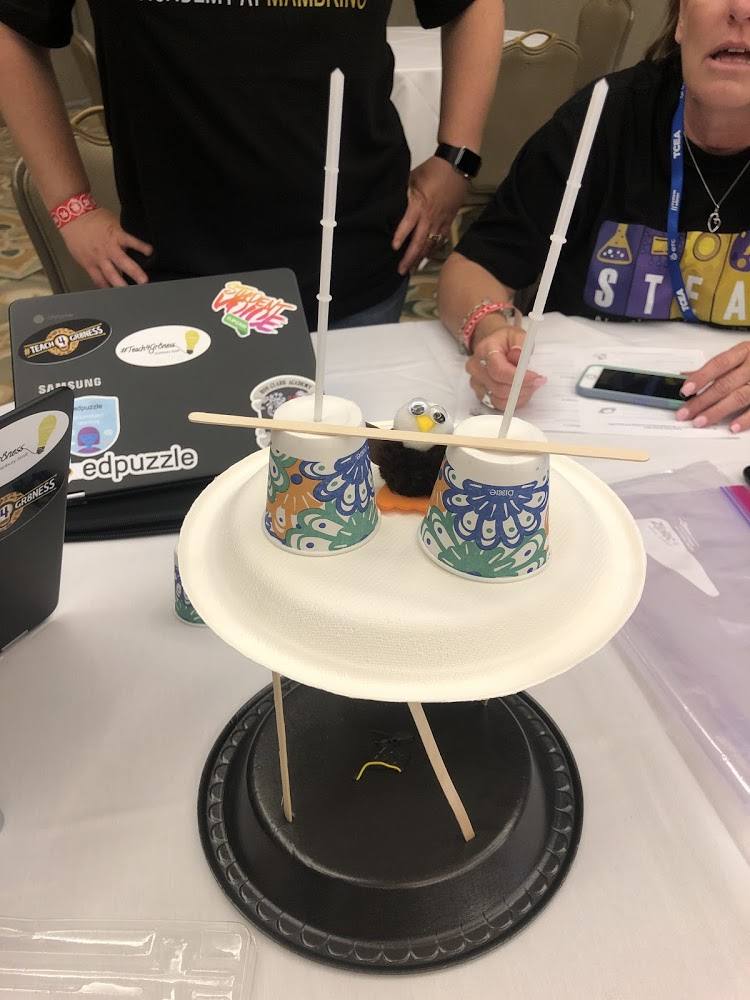
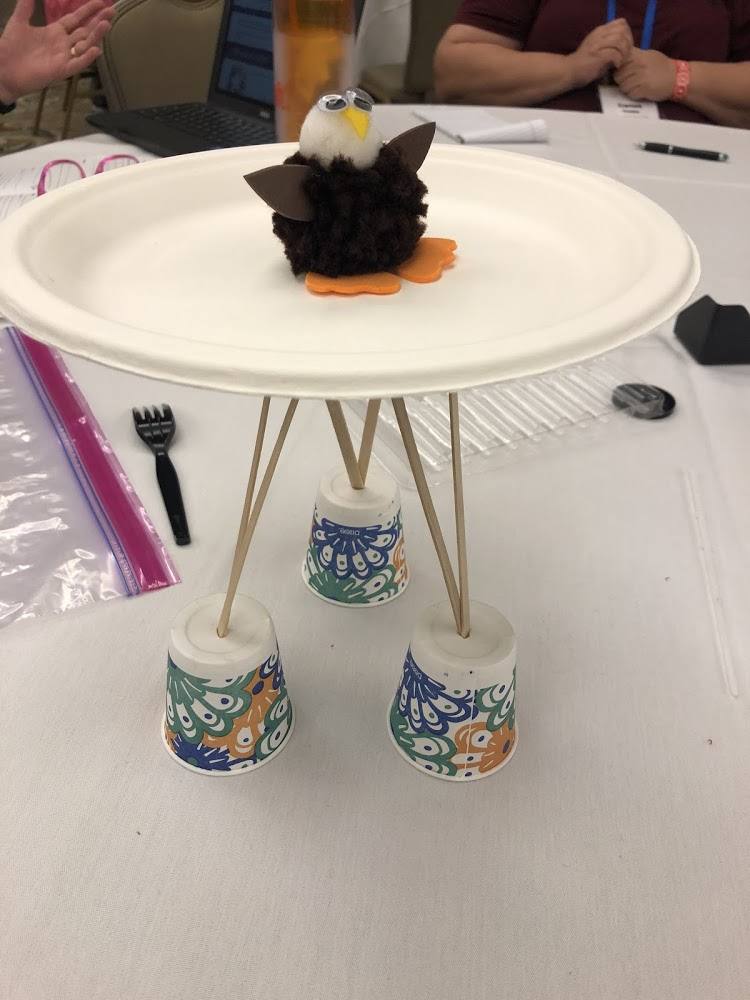
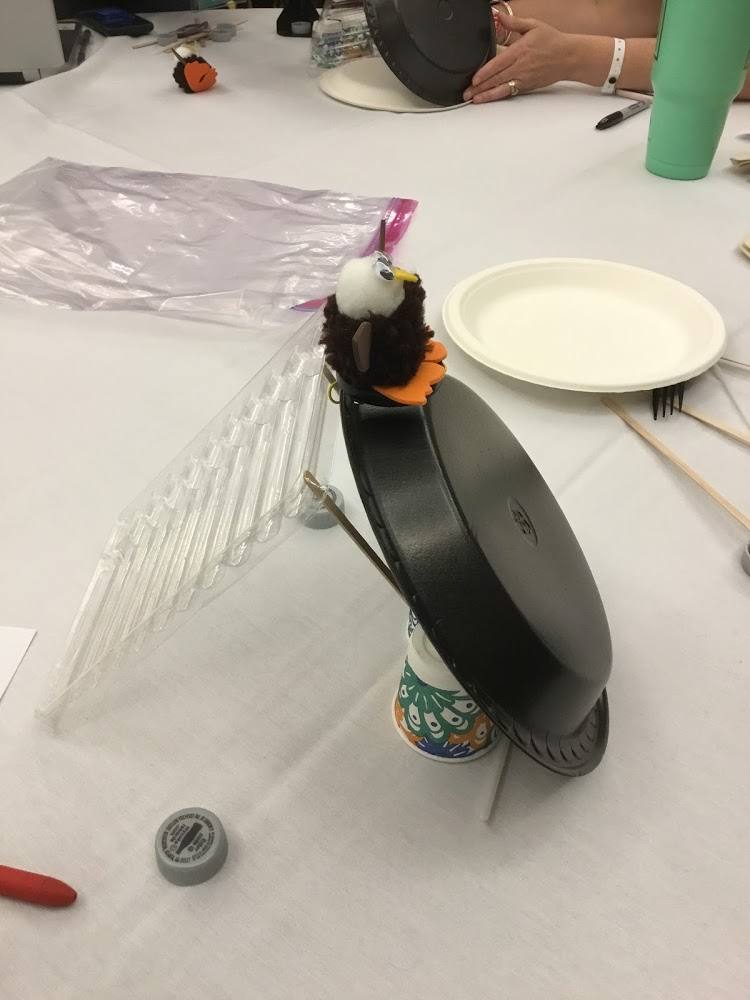
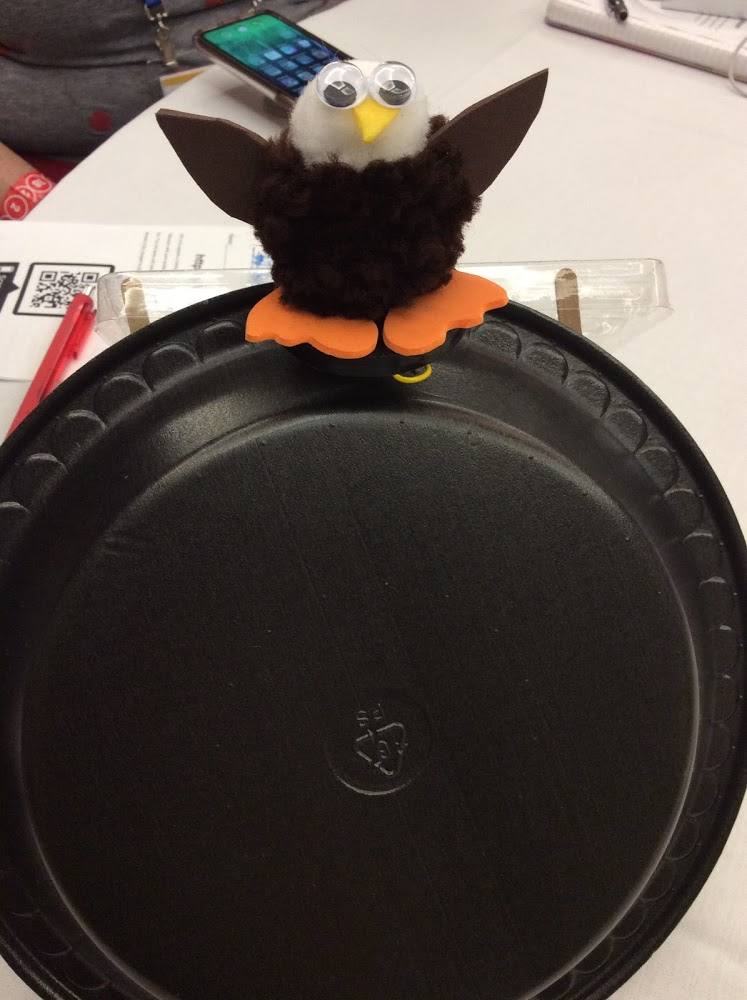
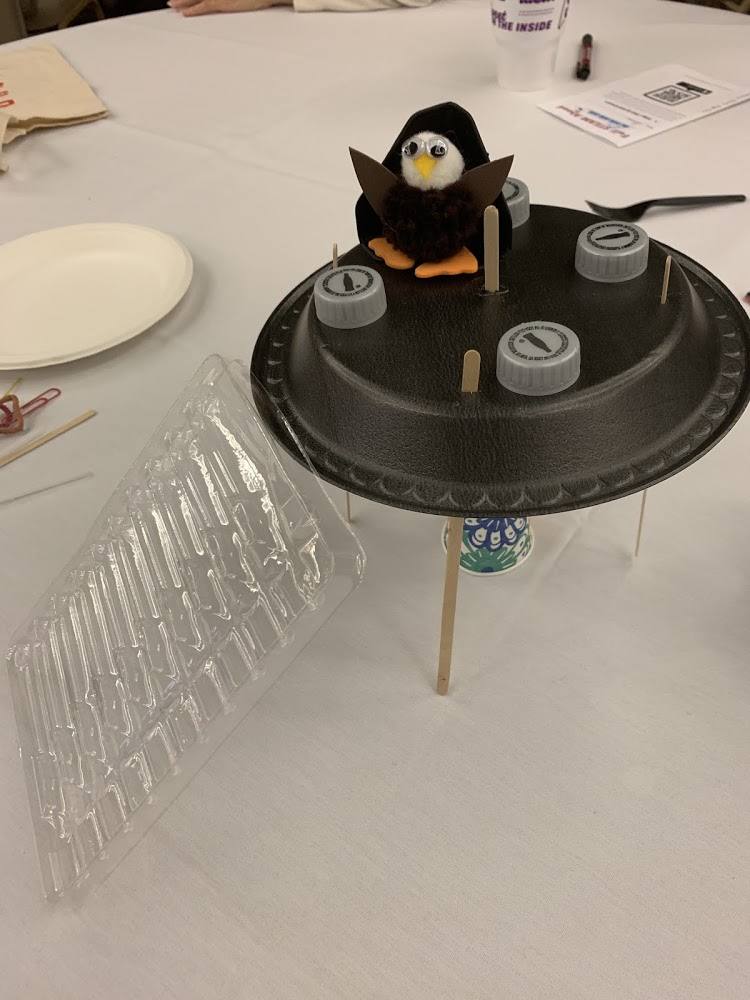
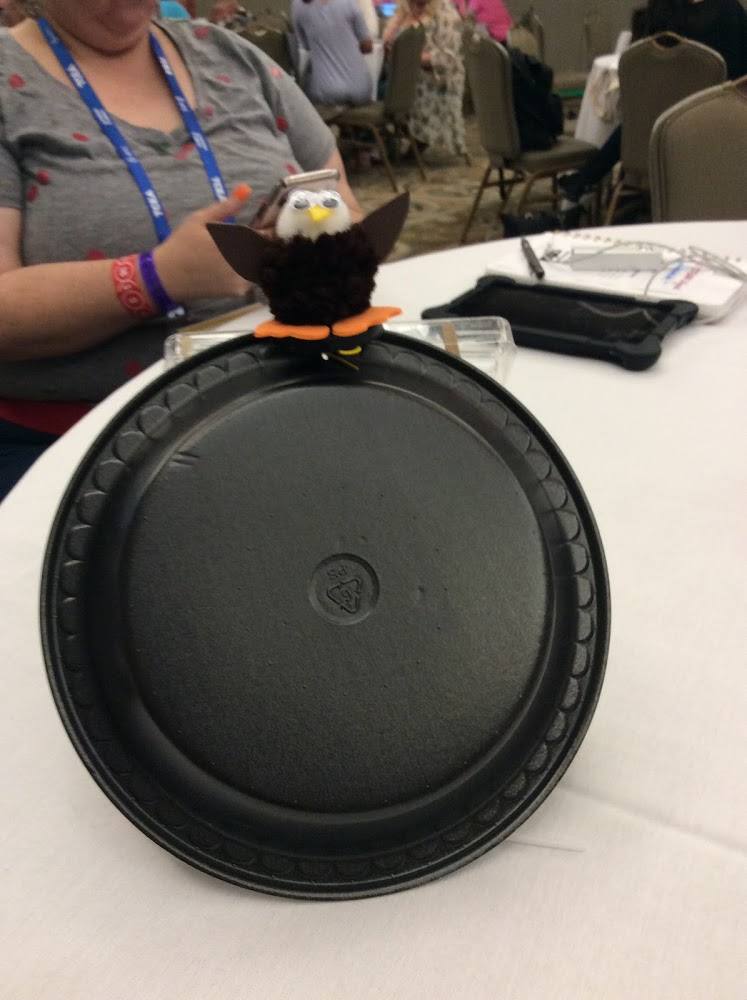
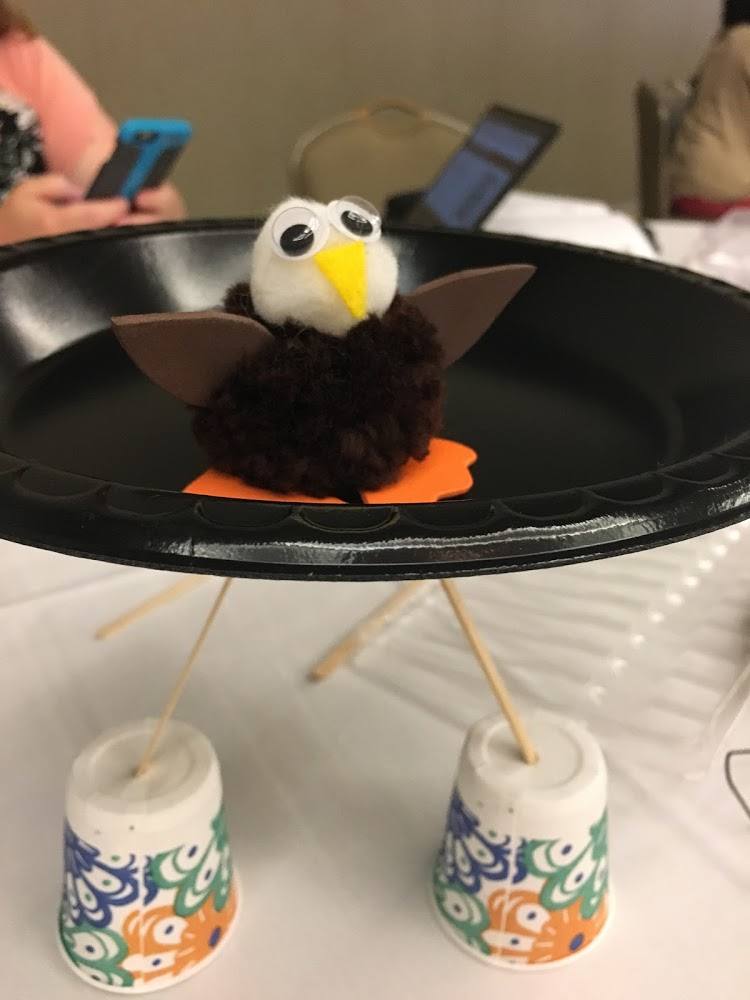
- The Helping Harriet STEAM Challenge – October ramps up the time to check out the Southwest Florida Eagle Cam where you and your students can watch a pair of bald eagles lay their eggs and raise their eaglets. Try out this STEAM Challenge to go along with the live animal webcam.
- STEAM Learning with the Paper Chain Challenge – Fantastic group challenge with minimum supplies: construction paper, glue stick, and scissors.
- Fall STEM Activities and Science Experiments – Little Bins and Little Hands brings a plethora of cool seasonal fall activities which includes themes such as apples, pumpkins, Halloween, and Thanksgiving.
- Back to School With STEM – Check out more fantastic resources to pack STEM learning in the new school year.
STEM/STEAM Videos
How to be an Inventor by Kid President – By Soul Pancake (4:59) Kid President visits GE Aviation and shares his own inspiration to finish his own project. He wants to help his cat come to terms with a vacuum cleaner.
11 Kid Inventors Break Down Their Greatest Inventions – By the New Yorker (11:30) Students between the ages of six and twelve tell their invention story. Each kid offers advice at the 2017 National Invention Convention on solving real-world problems. Inventions include: Blackberry Picker, Storibot, and the ChemotheraPop.
Boy gets Prosthetic Hand Made by 3-D Printer – By CBS Evening News (2:55) The story of a father, Paul McCarthy, began searching for an inexpensive yet functional prosthetic hand for his son Leon, who was born without fingers on one of his hands. McCarthy came across a video online with detailed instruction on how to use a 3-D printer to make a prosthetic hand for his son. This is a great story that intertwines STEM and collaboration across the world.
Whatever your STEM/STEAM program shapes up to be, always remember to build habits of mind:
- Persevere
- Be not afraid of failing – treat every failure as another opportunity to learn
- Encourage creativity
- Debrief and reflect on every activity
Featured image designed by TCEA Staff.







 We had some huge wins in the area of computer science and computational thinking this session. Our six-year goal of providing weighted funding for the 9-12 Technology Application courses has finally been achieved. In HB 3, the school finance legislation, the weighted funding for CTE was changed from grades nine through twelve to grades seven through twelve. In addition, the
  There are two pieces of legislation that are going to impact educational broadband. The first is HB 1960 which creates a Governor’s Broadband Council that will advise the governor on issues related to broadband access to unserved areas. This is progress, but not as much as we hoped for. There are few, if any, areas of Texas that are unserved. The original bill included underserved areas, but heavy lobbying by the large telecommunication companies eliminated that language from the bill. However, we consider this progress because we finally have some entity at the state level that will look at the state’s needs for broadband from a strategic perspective. For too long, all state entities have tried to provide affordable, scalable broadband for their own purposes when it would be much more cost efficient to survey the needs across agencies and entities and design a plan to meet all the needs. HB 1960 at least establishes a council that could do this in the future, if given the authority.
 There are several opportunities in the bills mentioned above that will provide professional development in digital learning. The Blended Learning Grants are largely designed to provide professional development for educators in blended learning, not to mention the funding provided to UTeach to continue to provide this type of training to Texas teachers. Also, this is a good chance to remind districts that the TIMA may be used to provide professional development on the use of technology. In addition to these bills, the legislature passed HB 2424 that requires the SBEC to establish rules to create microcredentials in fields of study related to an educator certification class. This was one of TCEA’s legislative priorities, so we are excited to see this bill pass.
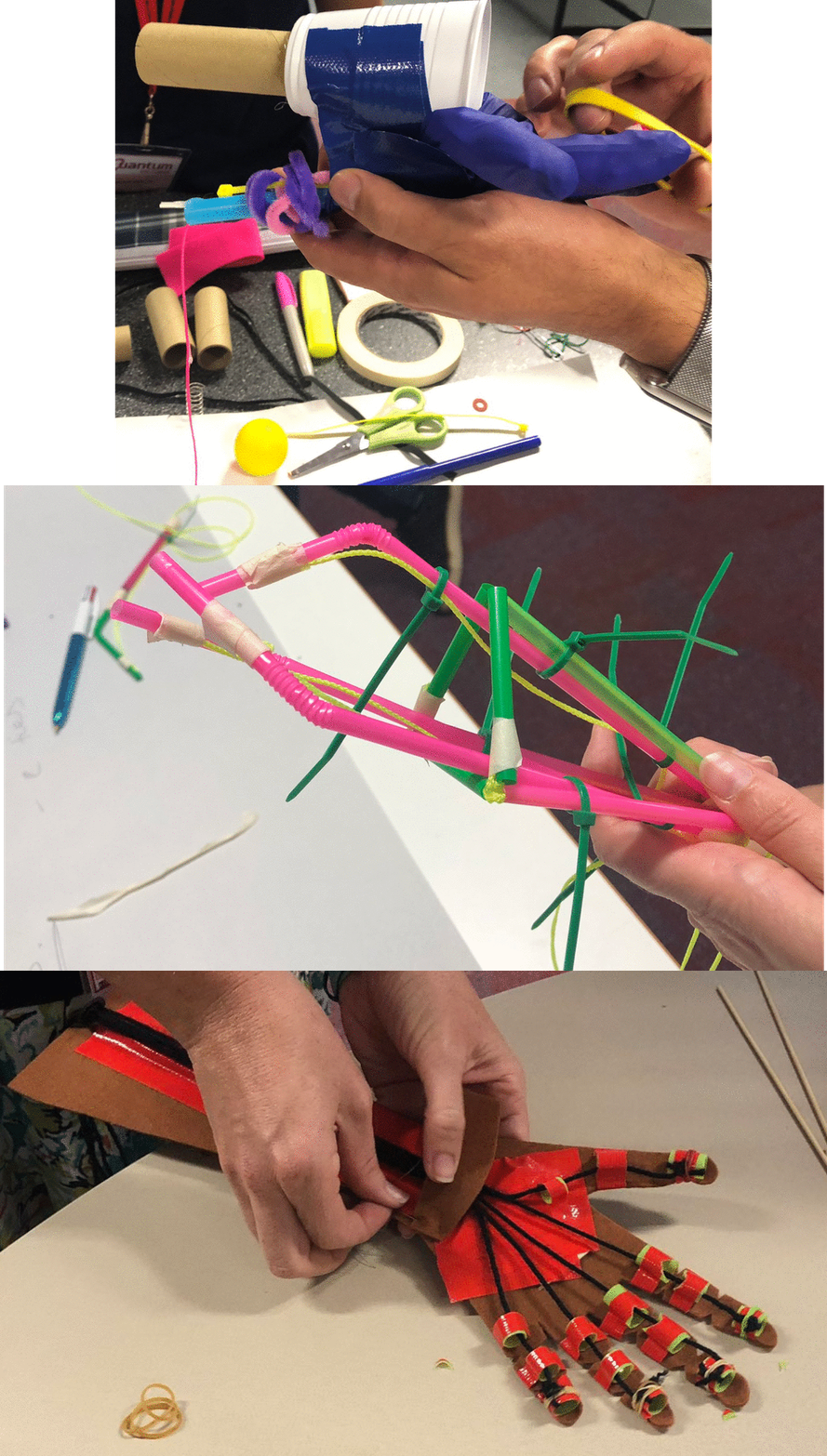 (Image: Design robotic hands to pick up a ping pong ball in an hour. Source: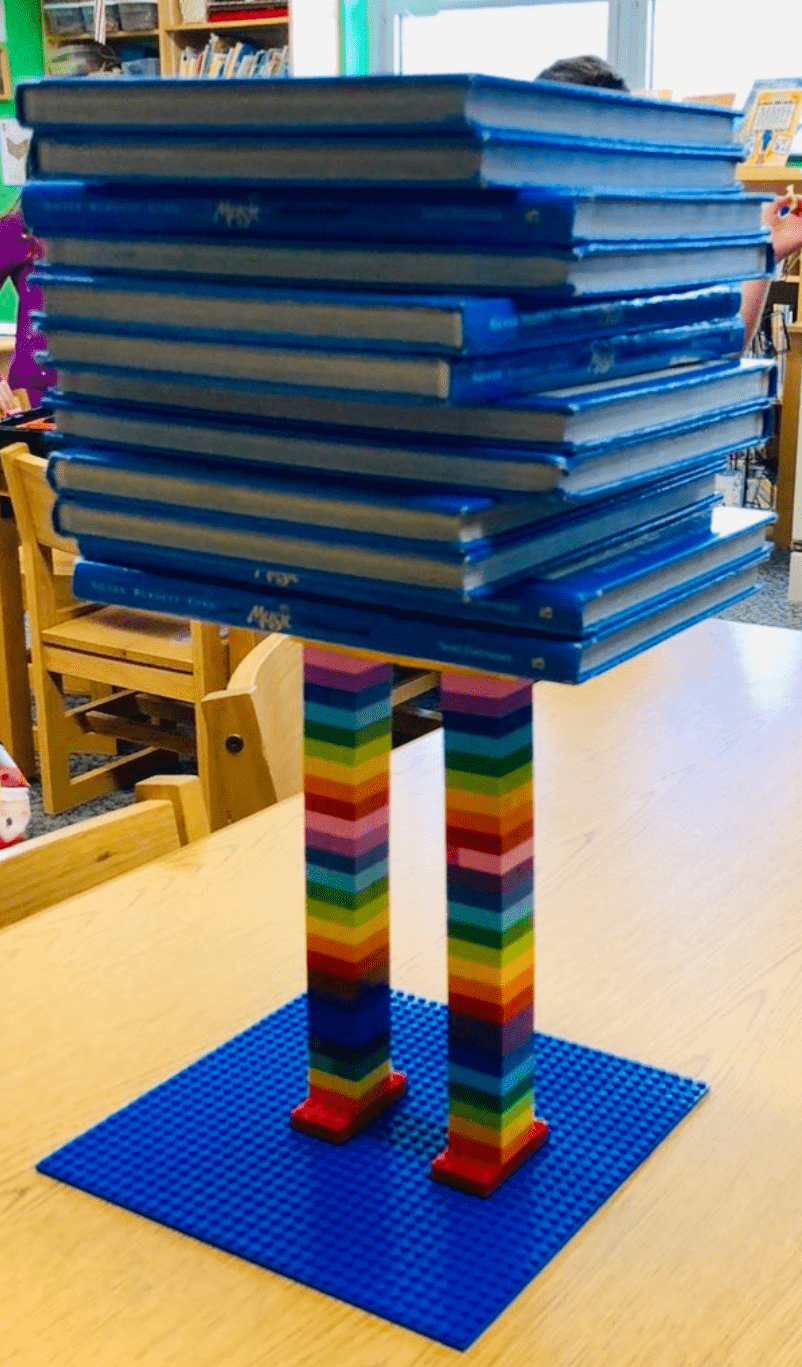


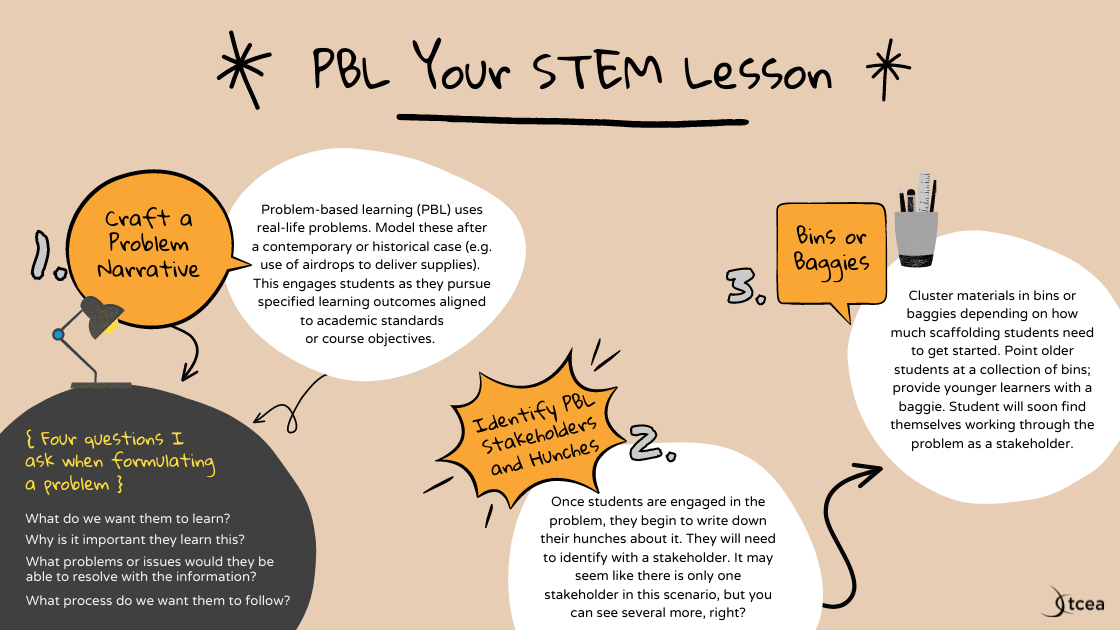
 Once students are engaged in the problem, they begin to write down their hunches about it. They will need to identify with a stakeholder. It may seem like there is only one stakeholder in this scenario, but you can see several more, right?