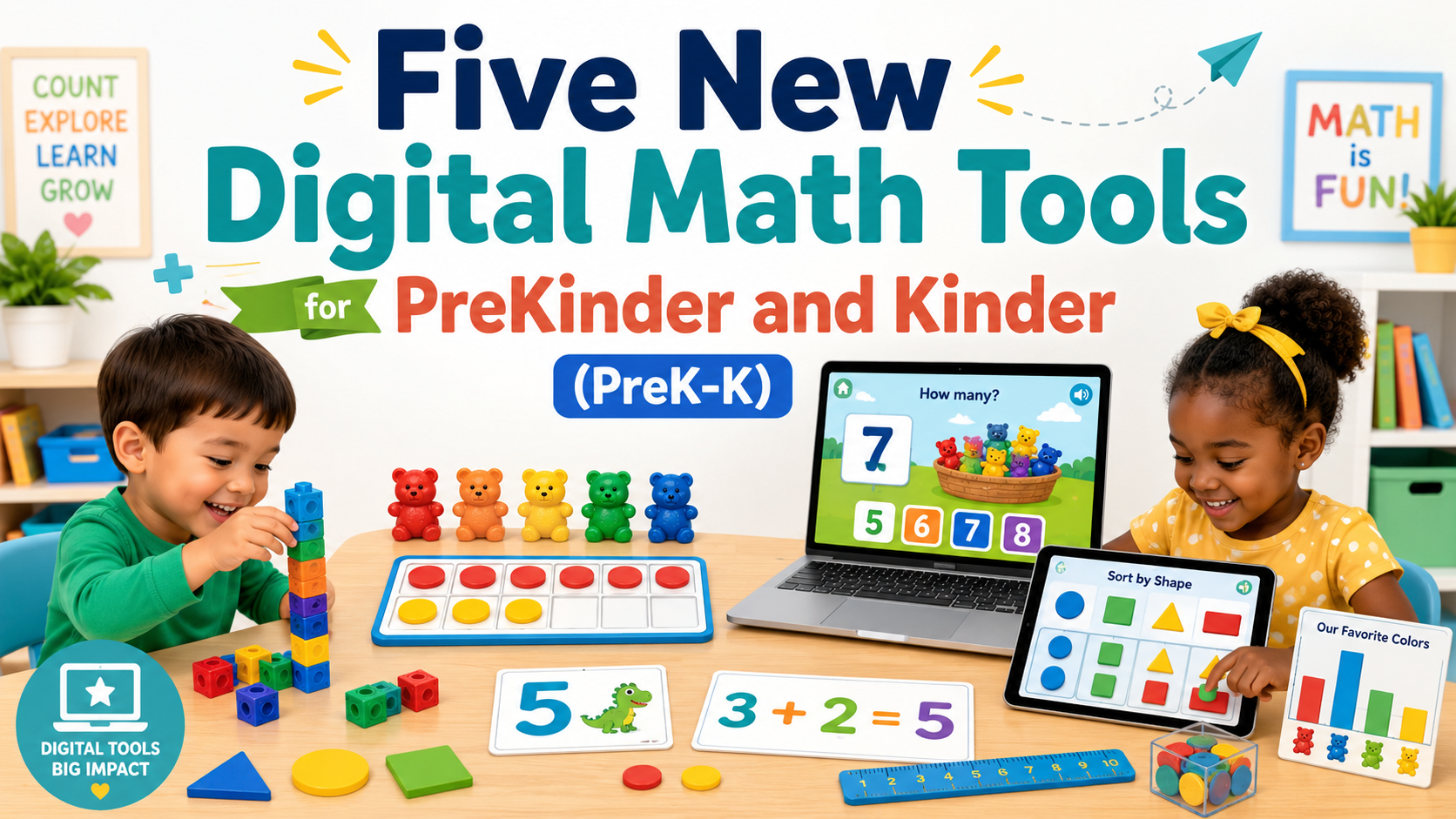
As a former Bilingual/ESL third, fifth, and sixth grade teacher, math instruction challenged me. Before every math lesson, even scripted math curriculum, I had to work the problems myself. This always made me laugh since my mother, a veteran mathematics teacher in the Rio Grande Valley and Edgewood ISD loved mathematics teaching. I simply found it a pain. But one thing that I definitely appreciate is how to introduce a digital math manipulative to younger students. More of our children need that kind of “hands-on” support. In today’s classroom, digital math tools can make first contact with mathematical concepts a supported first step for learners. In this blog, I share some math resources that you may not be familiar with.
Become a CyberSmart Educator with a practical, self-paced course designed to help you protect sensitive data, secure accounts and devices, recognize social engineering attacks, respond appropriately to cybersecurity incidents, and build stronger digital safety habits. Or, learn AI Essentials for Educators. Each course is $49 at full price or $34 at the discounted rate. Register online through TCEA Courses.
Digital Math Tool Benefits
That is where digital math tools (read this old blog entry with examples for older students) can help young learners. The screen gives you a large, flexible model. The cubes, counters, blocks, fingers, and classroom objects give children something they can touch. You need both.
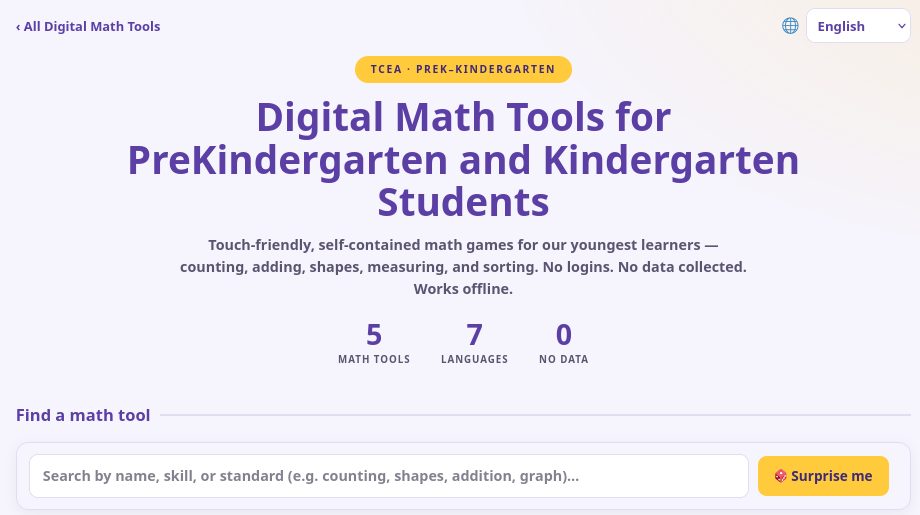
In this blog entry, you will see a variety of suggestions, and get access to a Digital Math Tools for PreKinder and Kinder students aligned to the TEKS and Common Core (when possible). This is a free, interactive you can use today that complies with data privacy agreements (DPA), FERPA, COPPA, and GDPR. What’s more, these are available in seven different languages. You can switch languages using the drop-down in the top right-hand corner.
Start with Real Objects
Before I show those Digital Math Tools to you, let’s review some key ideas about working with prekindergarten and kindergarten students. These younger learners learn math through play, talk, movement, and hands-on exploration.
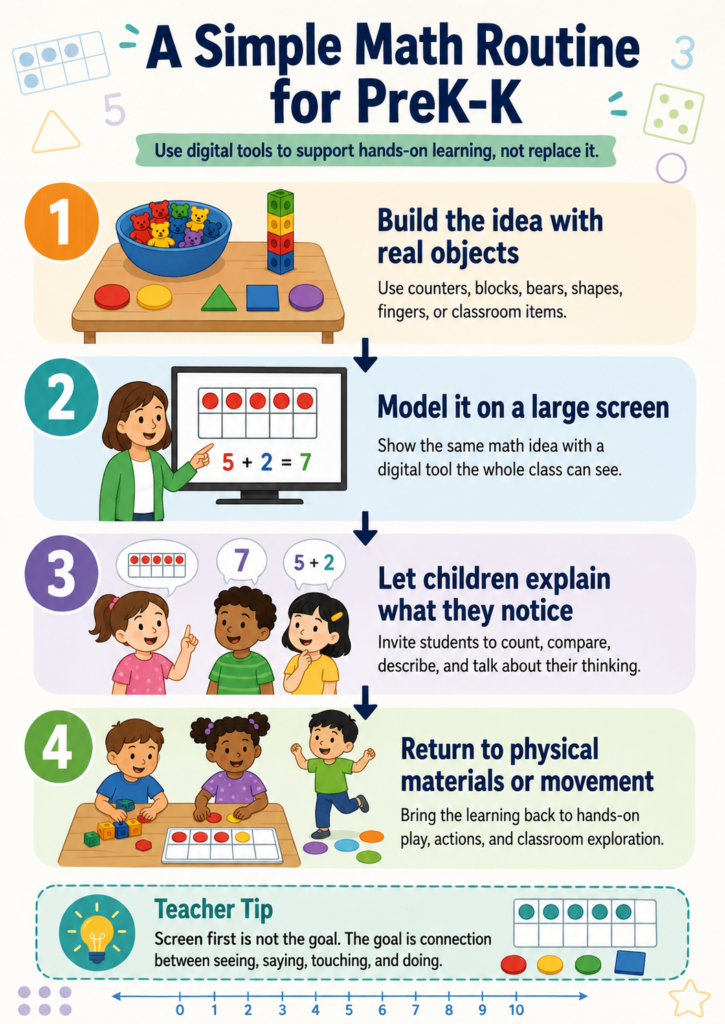
A digital tool works best when it supports those experiences rather than replacing them. Try this simple sequence:
- Build the idea with real objects
- Model it on a large screen
- Let children explain what they notice
- Return to physical materials or movement
Here’s a simple math routine infographic for quick reference:
For example, children can place five toy animals in a hoop, show five counters on a digital frame, and then hold up five fingers. They are seeing the same quantity represented in several ways.
Let’s take a look at some math tools you may not be familiar with, and a brand new one with ten fun, interactive learning activities for PreK and Kinder students.
Introducing TCEA’s Five Digital Math Tools for PreK – Kinder
TCEA’s new Digital Math Tools for PreK-Kinder collection brings five touch-friendly activities together in one place. The tools focus on counting, addition and subtraction, shapes, measurement, sorting, and graphing. They require no student login, collect no data, and can work offline. The collection does not try to turn early math into a long sequence of quizzes. Each tool gives children a way to manipulate objects, test an idea, and talk about what they notice.
Match the Tool to the Goal
| Learning goal | Digital math tool | Hands-on follow-up |
|---|---|---|
| Count and compare quantities | Count the Critters | Build matching groups with counters |
| Model joining and separating | Snack Shop Stories | Act out a story with toy food |
| Identify and compose shapes | Shape Builder Town | Rebuild the design with pattern blocks |
| Compare measurable attributes | Playground Measurement Quest | Measure classroom objects with cubes |
| Sort and interpret data | Pet Parade Sort and Graph | Create a class picture graph |
Tool #1 – Count the Critters
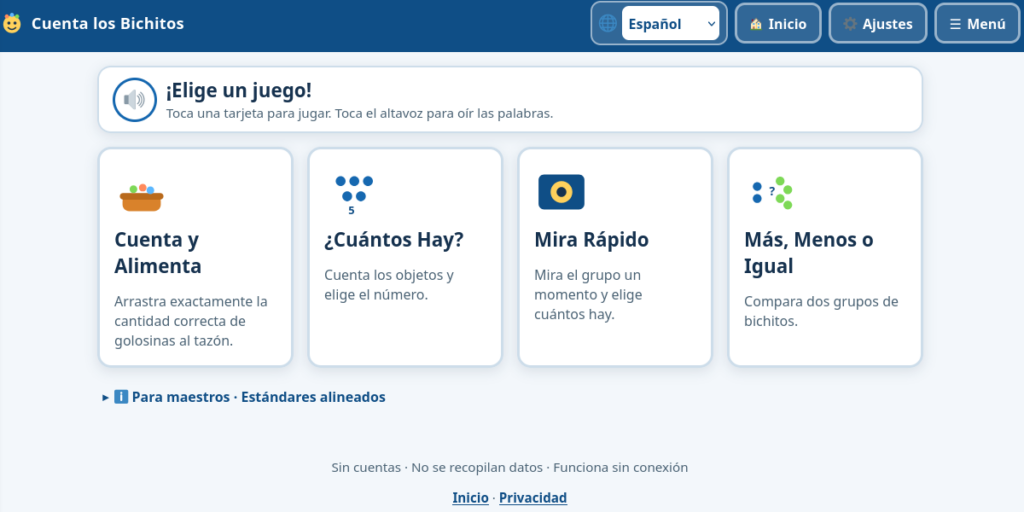
Count the Critters focuses on counting, numeral matching, cardinality, subitizing, and comparing groups.
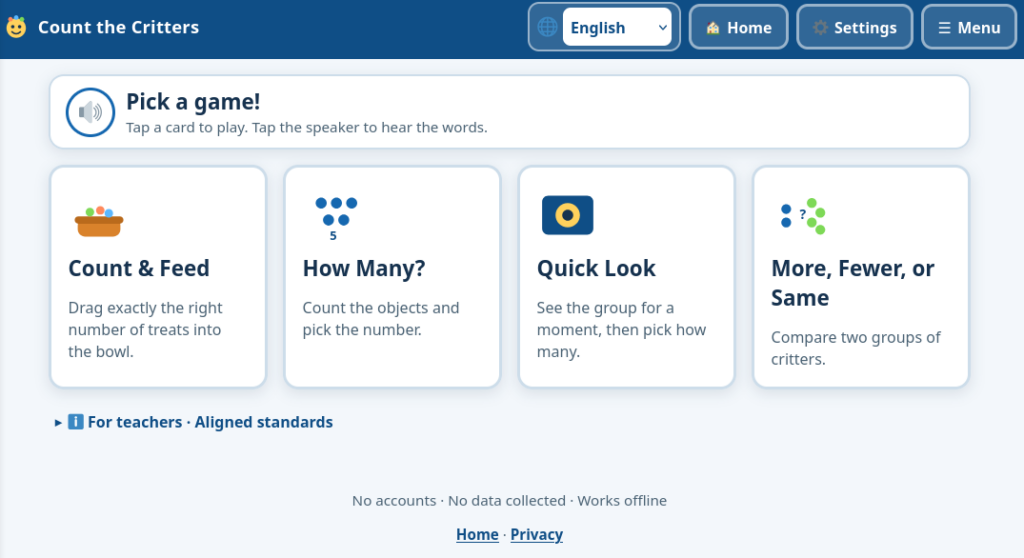
Children can count animals, match numerals to quantities, and decide which group has more, fewer, or the same number. These tasks support early number sense because children are doing more than reciting the counting sequence. They must connect a spoken number, a written numeral, and an actual quantity.
Try asking:
- “How did you keep track of the animals?”
- “Can you show that number with your fingers?”
- “How could you make the two groups equal?”
Note: Your browser can only use voices installed on your device. On a machine that only has eSpeak, the voice will still sound somewhat synthetic. If your device has a good natural voice (e.g. Chrome’s Google voices, Windows Natural, macOS/iOS Siri voices), your students may have a better experience with the voice. You can either mute the browser, turn off sound on your device, or have students use the sound off switch for each activity.
Tool #2 – Snack Shop Stories
Snack Shop Stories introduces addition as joining and subtraction as separating.
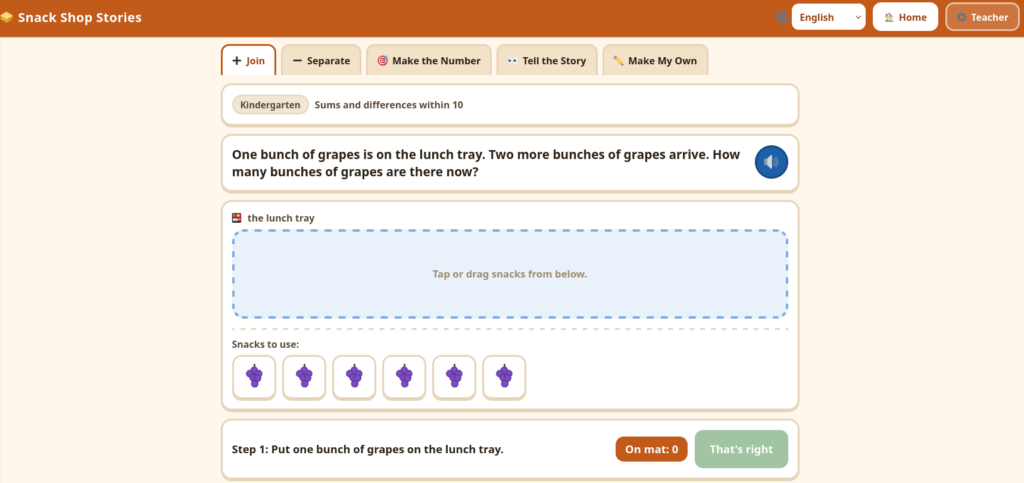
Instead of beginning with equations, children move objects as a story unfolds. Two apples sit on a plate. Three more arrive. The child joins the groups and counts the total.
This approach keeps the mathematics connected to an action children can see. Kindergarten students can later connect the action to a number sentence, but the story and objects come first.
After using the tool, give children counters and invite them to create their own snack story for a partner.
Tool #3 – Shape Builder Town
Shape Builder Town gives children a digital construction space for working with two-dimensional shapes and three-dimensional solids.
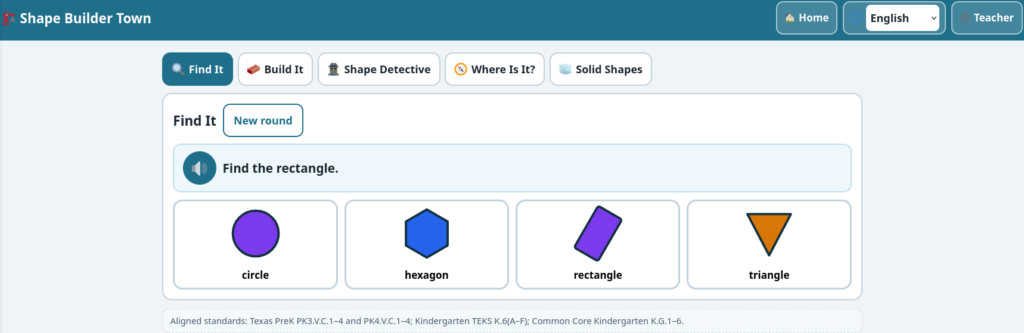
Students can identify, describe, compare, move, rotate, and combine shapes while building houses, robots, playgrounds, animals, or their own creations. A triangle remains a triangle when turned sideways, which is an important idea for young learners who may associate shapes with only one familiar position.
Children can also explore attributes:
- Number of sides
- Number of corners
- Straight or curved edges
- Similarities and differences
- How smaller shapes form larger ones
Follow the digital activity with pattern blocks or a classroom shape hunt.
Tool #4 – Playground Measurement Quest
Playground Measurement Quest focuses on length, height, weight, capacity, and measurement with nonstandard units.
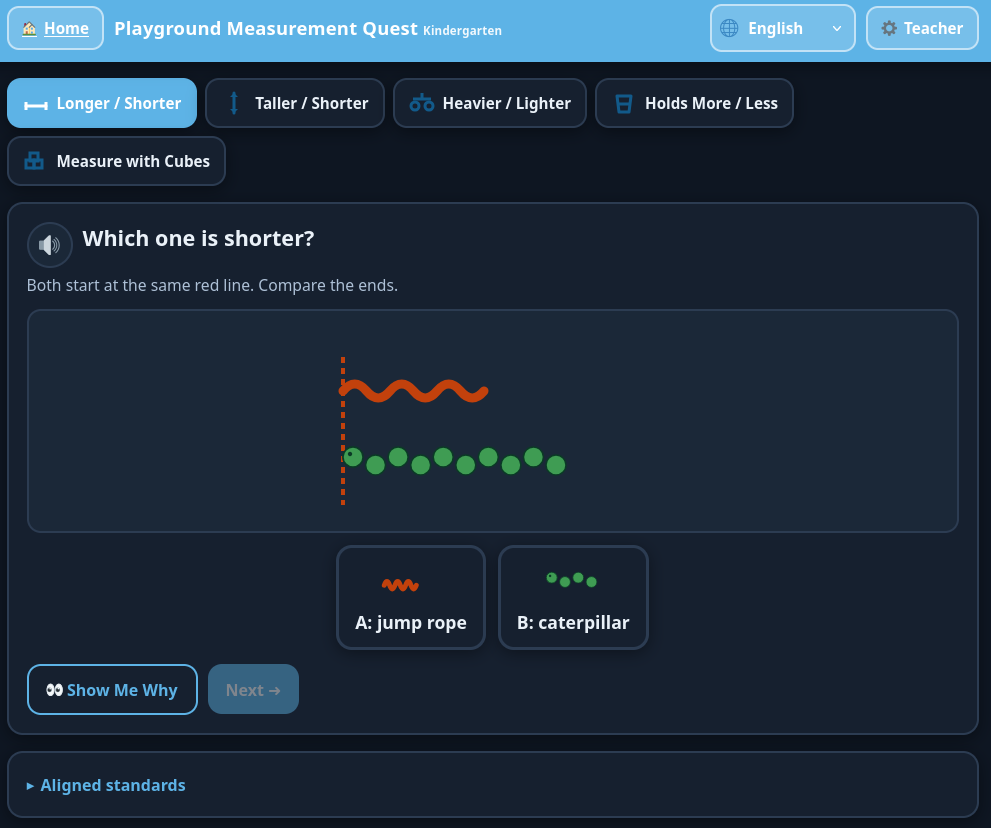
Children compare objects using language such as longer, shorter, taller, heavier, lighter, more, and less. They can also measure objects with equal-sized cubes and explore why objects must begin at the same starting point for a fair comparison.
This tool works especially well as a bridge to classroom investigation. After comparing two digital objects, children can compare crayons, books, block towers, containers, or classroom furniture.
The screen starts the question. The room provides the evidence.
Tool #5 – Pet Parade Sort and Graph
Pet Parade Sort and Graph helps children classify objects, explain sorting rules, build picture graphs, and interpret data.
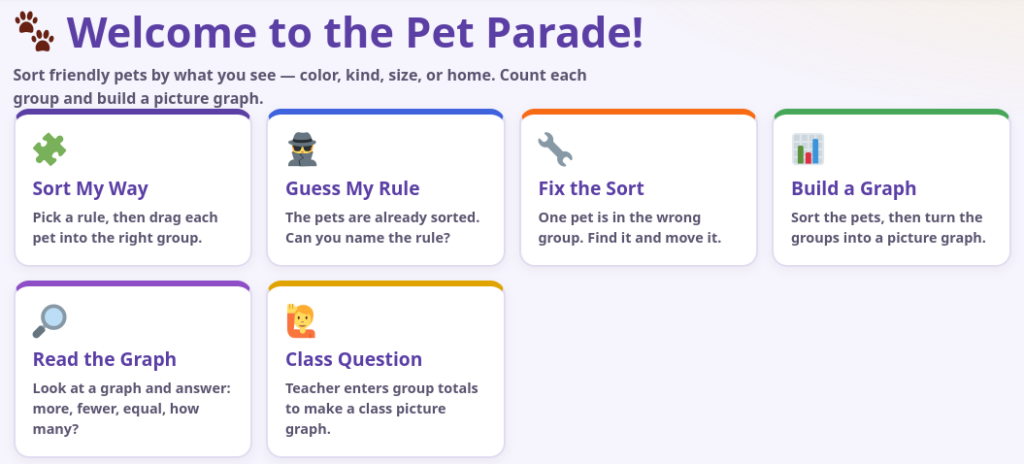
Students can sort animals or classroom objects by color, size, type, habitat, or another visible attribute. They then organize the results into a picture graph and answer questions about which group has more, fewer, or the same number.
Sorting is more useful when children explain the rule they used. Two children may sort the same objects in different ways, and both answers may make sense.
Other Math Digital Tools to Explore
Tool #6 – Explore The Math Learning Center Apps
The Math Learning Center Apps collection includes Number Frames, Number Rack, Pattern Shapes, Geoboard, Number Line, and other virtual manipulatives. Number Frames offers five-frames and ten-frames, while Pattern Shapes provides movable pattern blocks. The site also has ready-to-use app activities that can be filtered for prekindergarten and kindergarten. Activities include repeating movement patterns, counting shapes, building with triangles, and comparing groups.
Try these prompts:
- “Show four in two different ways.”
- “What do you notice about the empty spaces?”
- “Can you build a shape that looks different but uses the same pieces?”
- “Make a pattern. What should come next?”
Do the activity on an interactive display first. Then have children recreate it with counters, blocks, or their own movements.
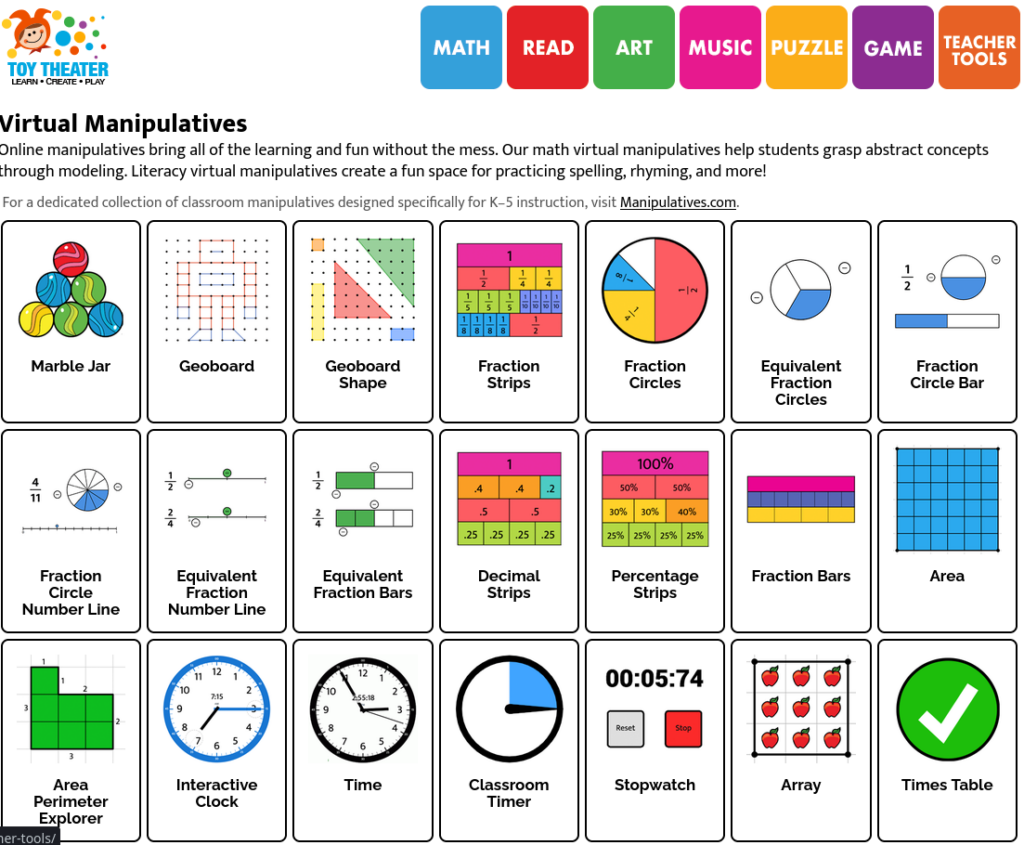
Tool #7: Sort and Count with Toy Theater
Toy Theater Virtual Manipulatives (screenshot from their website shown above) includes five-frames, ten-frames, counters, dice, pattern blocks, geoboards, and shape tools. The bear counters are especially useful for sorting, counting, comparing, and making simple graphs. Young children may know the answer before they know the words to explain it. Give them time to point, move objects, draw, and talk.
Tool #8: Build with Didax Manipulatives
The Didax Virtual Manipulatives collection offers free Unifix cubes, ten-frames, a twenty-bead rekenrek, two-color counters, pattern blocks, dice, spinners, color tiles, and other tools. The Unifix cubes work well for building towers to match a numeral, comparing taller and shorter towers, copying color patterns, joining two small groups, and showing one more or one less.
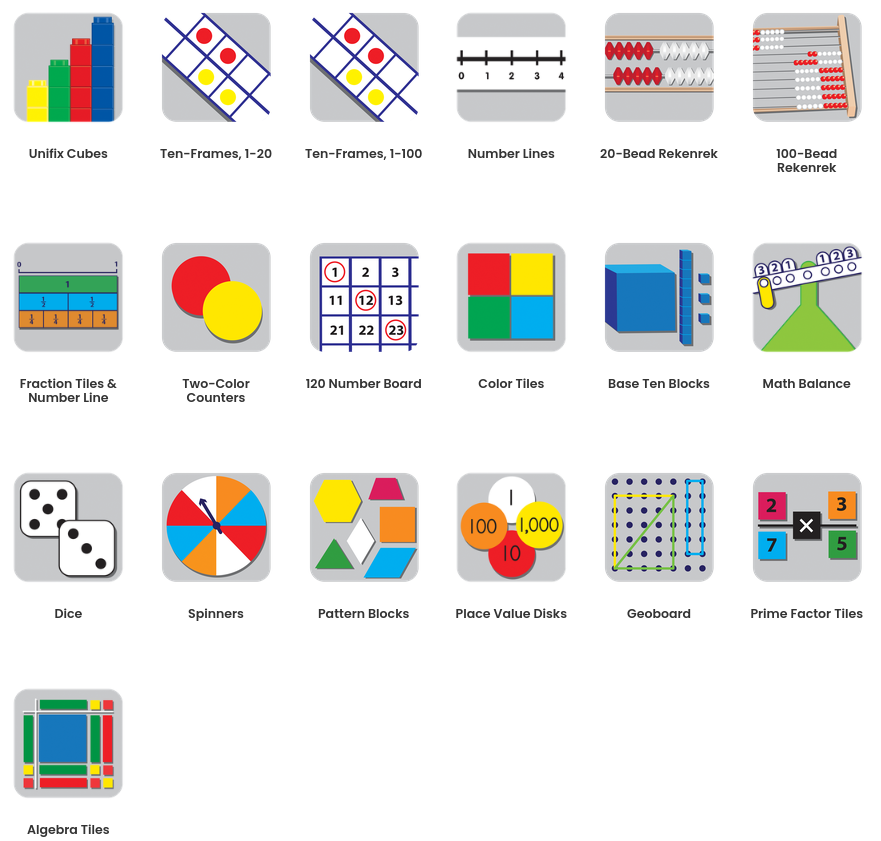
Tool #9: Add Brief Counting Games
For short center activities, Topmarks Counting Games includes games designed for children ages three to five. Activities address counting, matching quantities to numerals, number formation, ten-frames, subitizing, and comparing values. Use a game after children have explored the idea with physical materials.
Tool #10: Consider Khan Academy Kids
Khan Academy Kids is a free, ad-free app for children ages two through eight. It includes early math activities, books, videos, and teacher tools for assigning lessons and reviewing progress. This can work well for targeted independent practice.
Tool #11: Find Play-Based Ideas at NRICH
Not every digital math resource needs to be a student game. The NRICH Early Years Activities collection gives teachers activities for developing early mathematical thinking and problem solving. Its age three-to-five resources include estimation jars, number books, sorting during cleanup, sharing objects, voting, number rhymes, and games involving hidden toys.
Pick the Tool by the Math Goal
The best digital math tool is not necessarily the one with the most animation, prizes, or cheerful noises. It is the one that gets a child counting, building, comparing, noticing, and explaining. Use the screen briefly. Then bring the math back into the room.
| Math Goal | Digital Tool | Best Use | Hands-On Follow-Up |
|---|---|---|---|
| TCEA Digital Math Tools | |||
| Count, match numerals, subitize, and compare quantities | Count the Critters | Building one-to-one correspondence, cardinality, and number sense | Build matching groups with counters, toy animals, fingers, or linking cubes |
| Model addition and subtraction with stories | Snack Shop Stories | Showing addition as joining and subtraction as separating | Act out a new story with toy food, counters, plates, or classroom objects |
| Identify, describe, compare, and compose shapes | Shape Builder Town | Exploring shape attributes, position words, and shape composition | Rebuild a digital design with pattern blocks, craft sticks, or classroom shapes |
| Compare length, height, weight, and capacity | Playground Measurement Quest | Making predictions and comparing measurable attributes | Compare crayons, block towers, containers, books, or classroom furniture |
| Sort, classify, graph, and interpret data | Pet Parade Sort and Graph | Explaining sorting rules and reading picture graphs | Sort real objects or create a class picture graph with counters or sticky notes |
| Additional Early Math Resources | |||
| Represent numbers with frames, racks, shapes, and number lines | Math Learning Center Apps | Teacher modeling and guided exploration with virtual manipulatives | Recreate the model with counters, beads, pattern blocks, or a floor number line |
| Count, sort, compare, build patterns, and explore shapes | Toy Theater Virtual Manipulatives | Quick whole-group demonstrations and math-center practice | Sort bear counters, roll real dice, build patterns, or copy a ten-frame |
| Build quantities, compare towers, and compose numbers | Didax Virtual Manipulatives | Working with Unifix cubes, rekenreks, counters, dice, and ten-frames | Build the same quantity or pattern with linking cubes and compare constructions |
| Practice counting, number recognition, subitizing, and comparison | Topmarks Counting Games | Brief independent or partner practice after hands-on instruction | Show the answer with fingers, counters, a ten-frame, or a quick drawing |
| Practice early number, shape, pattern, and problem-solving skills | Khan Academy Kids | Targeted independent practice with teacher-selected activities | Ask children to rebuild or explain one completed problem with manipulatives |
| Explore counting, sorting, sharing, patterns, estimation, and problem solving | NRICH Early Years Activities | Planning teacher-led investigations, classroom games, and playful math conversations | Complete the investigation with real toys, jars, classroom objects, movement, or outdoor play |
Choose one tool, pair it with a basket of real manipulatives, and listen to what your youngest mathematicians have to say.