Discover tools, tips, and resources for school libraries. Explore strategies to support literacy, research, and technology integration.
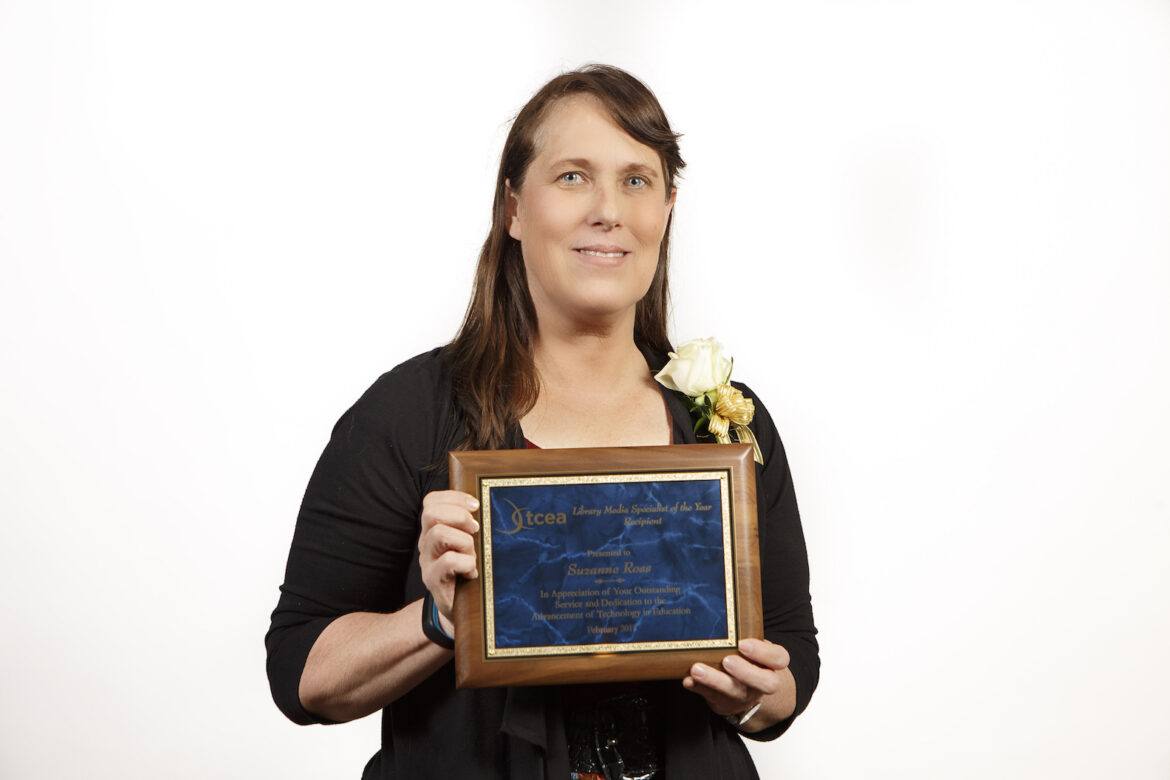
Time is running out to nominate an exemplary educator you know (or yourself!) for a 2018 Educator Award. Educators don’t often get celebrated for all their hard work, which is why we like to bestow these awards on those who are doing an incredible job integrating technology in their schools.
I had a chance to chat with one of our 2017 Educator Award winners to learn a little bit about her work and how winning the Library Media Specialist of the Year award impacted her. Suzanne Ross is a Library/Media Technology Specialist in Keller ISD. Those who know her best say that she “exemplifies the Future Ready librarian.” Read on to learn more about Suzanne, how the award has impacted her, and what she’s working on now.
What work have you done with TCEA in the past?
I have attended and presented at the TCEA conference for multiple years. I first became aware of the award when one of our district technologists received the award a few years ago. However, I did not really learn of the details of the Educator Awards until the Library Media Technology Specialist, Diana Colby, that I collaborate with and co-present with said she had nominated me for it
What was the nomination/award process like for you as a whole?
I was honored, humbled…thinking I am just doing my job. It was a unique experience. The nomination process was easy since Diana Colby (who nominated me) did all the work and just mentioned in passing that she nominated me for a TCEA award. As for the award process, it was a big honor and I realized that all who were nominated had one thing in common: we are lifelong learners and risk takers.
How has winning the Library Media Specialist of the Year impacted you?
Being named the Library Media Specialist of the Year has made me more aware of the importance of sharing and supporting others to embrace and integrate new knowledge and devices into our learning spaces, which are within and beyond our four walls.
What exciting projects are you working on now?
Basically, I chase (work on) many tech “squirrels” at once. I am always exploring how to better use the technology I currently have, as well as looking for new technology to integrate into my school community, which includes my staff, students, and parents. Currently, I am still expanding our iCentre (makerspace) and transforming our library space more into a learning commons area.
Recently, Diana Colby and I collaborated on creating a Hyperdoc summer reading program for our students, along with three presentations (Google/Chrome “Tools I wish I knew about!”, Google Expeditions “Connecting Virtual Reality to Curriculum,” and “Diving Deeper into Chromebooks”) for summer PD sessions. We are also developing a program to teach design thinking using puppets this fall, as well as making improvements to our STEM Boxes to Go program. I have a lot of “squirrels”(things I am working on), but my philosophy is my library will always be in “beta” mode…always transforming!
Do you know our next Library Media Specialist of the Year?
There’s still time to nominate someone you know for a 2018 Educator Award. Nominations are open from now until October 27. Winners are honored at a reception at the TCEA convention and also receive $1,000. For more information on how to honor a deserving educator you know, go here.
 What would you add to the list? Has your school or department created a parody of a song to showcase the work that you do? If so, share it in the comments below and let others enjoy your production. In the meantime, if you hear singing while you are waiting for the elevator, it might just be me.
 Most free books are in the public domain, but that doesn’t mean that they are not relevant for our students. But that’s not the only place to find free books. Some parents and students may benefit from signing up for a free month with a particular service even if they don’t plan to extend their usage beyond the complimentary time.
 Many text-to-speech readers are available that can assist with ebooks. Your device and platform may determine which works best for you.
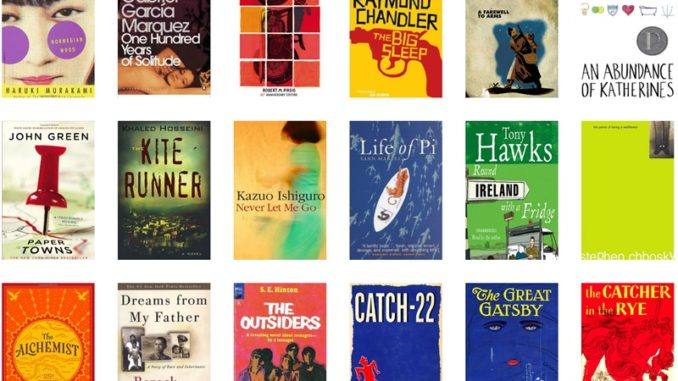
 Hot off the press, these updated lists can give you and your students some direction of what author to check out, the next series to explore, and possibly a new genre to try out.
 Making a book more enjoyable can easily be done by including some after-reading activities. Here are few to get you started. These are great to share with parents as well!