Explore tips, tools, and strategies for using iOS devices in education. Discover resources to enhance teaching, learning, and productivity.
Hot off the press just in time for back to school, here are three website resources that can be used by both parent and teacher Apple users, resulting in enhanced productivity, organization, and engagement.
30 Time-Saving Tips for Teachers
Discover 30 fun and simple tips highlighting various iPad apps and the built-in features of the iPad. Designed for teachers, you’ll find a wealth of ideas to help you stay organized, manage tasks, gather instructional resources, and more.
For example, you’ll learn how to:
- Eliminate distractions on web pages and create PDFs of any web page to share with students using Safari.
- Quickly digitize a printed handout you already have using Notes.
- Create animated GIFs to use as engaging lesson starters and for visual demonstrations with Keynote.
- Design interactive handouts to engage your students with Pages.
Quick Guides for Learning with iPad and Mac
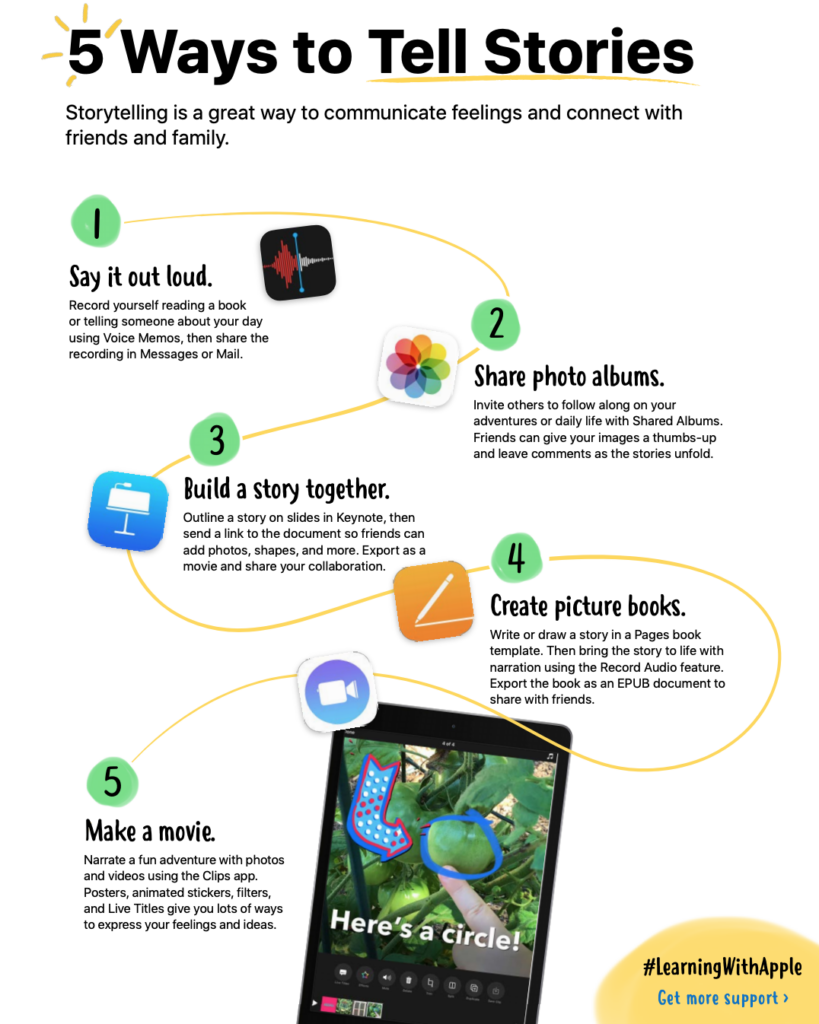
From managing schedules and screen time to building a story, these five “quick guides” make the most of the built-in iPad and Mac features. Above all, they help with creating productive learning environments. With busy K–8 teachers and parents in mind, the “five tips to…” format of these guides makes device set up quick and easy.
I especially appreciated the quick guide about connecting with friends and family through shared storytelling. Engaging students in higher-level thinking skills such as creation and production while also using Apple features for collaboration is a big win-win.
Creative iPad Activities for Kids
Have fun finding shapes in nature, storyboarding a daily routine, and so much more. Here you will find two resources with 30 activities each that can be easily tailored to the whole family. They are also available in more than 20 languages.
Just a few of my favorites include:
- See Color in Slow Motion
- Make Skip Counting Fun
- Leaning Tower of Pillow
- Personalize a Portrait
Stay Up to Date
Stay up to date on using Apple products and services by following Apple on Twitter @AppleEDU. And if you want more Apple deliciousness, join the Apple Teacher Learning Center or enroll in TCEA’s iPad Educator online, self-paced course.
Here’s to making this school year as productive, organized, and engaging as possible.
Featured image created in Canva by author.


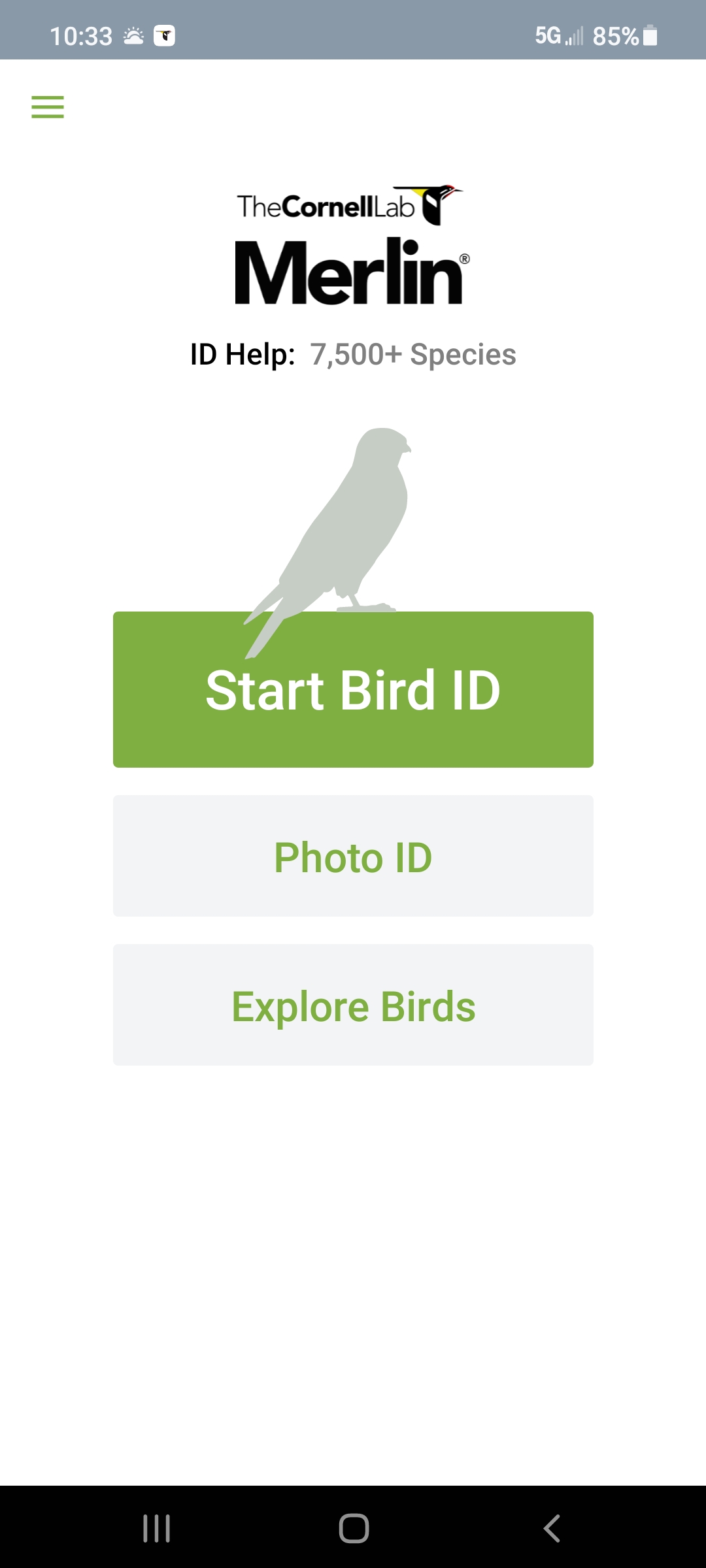
 #2 – Audobon Bird Guide
 Need to name that tune, er, bird? Use Song Sleuth! It listens to bird songs and then identifies them for you. And it’s available for iOS and Android at no cost.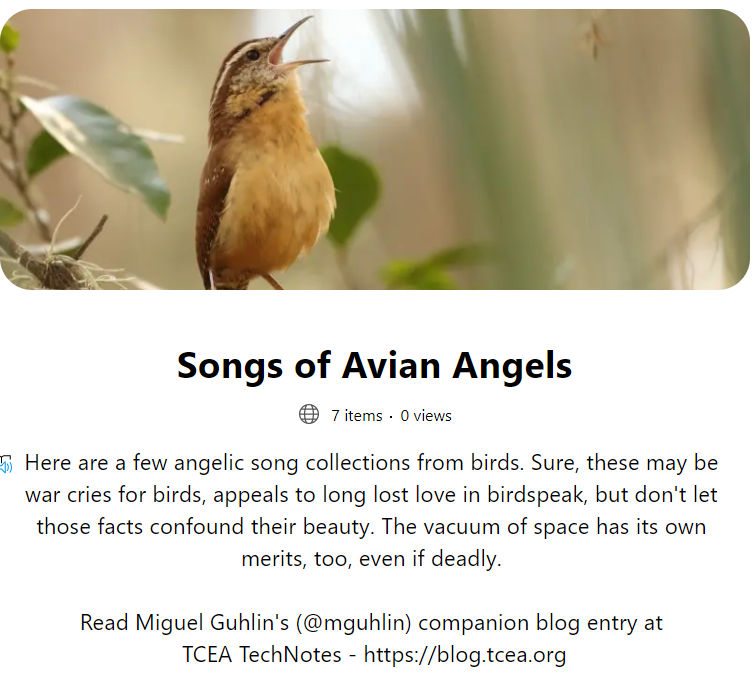
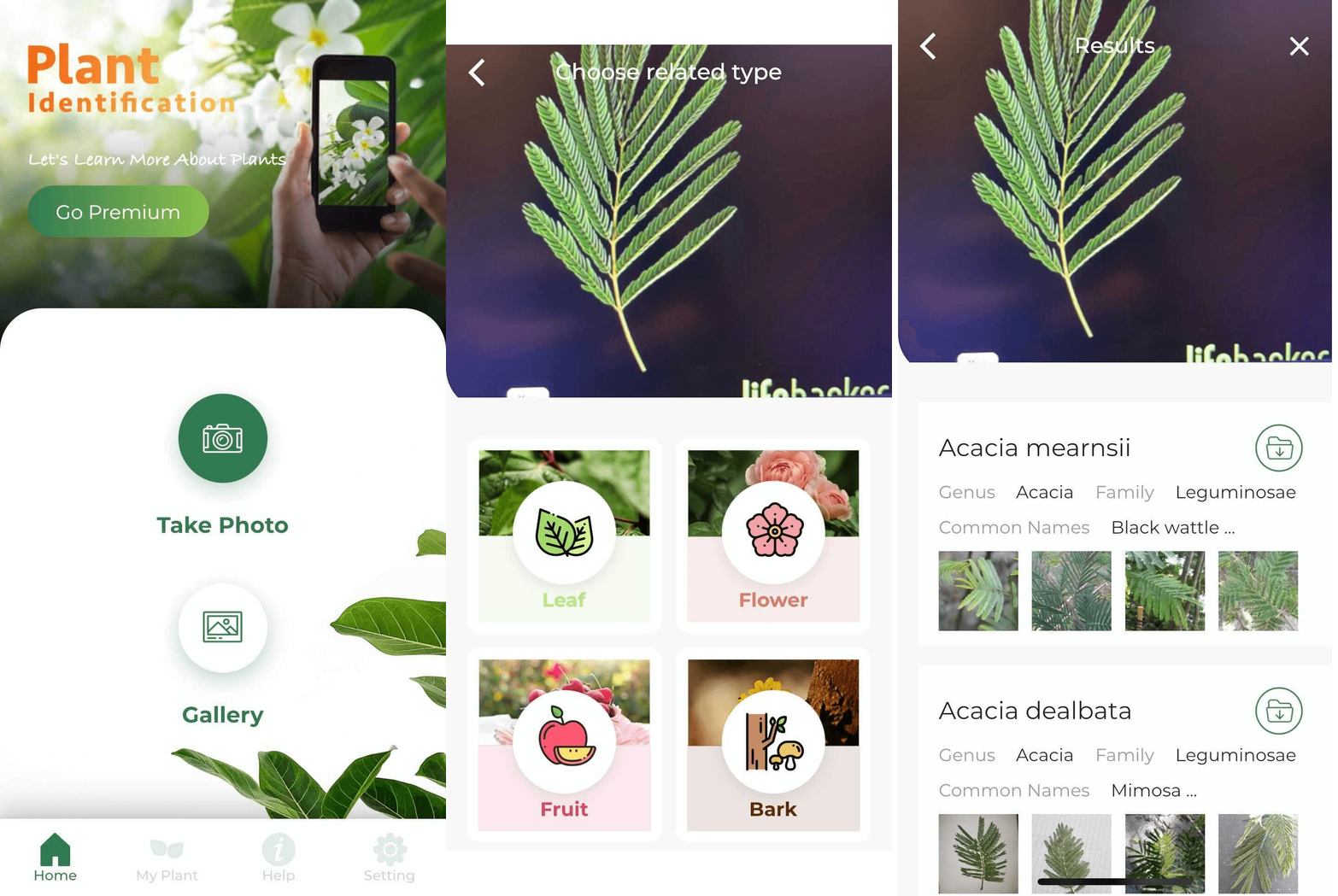 Need a quick way to identify trees? Take a close look at their leaves, snap a picture, then let LeafSnap do the rest. LeafSnap offers a handy interface to identifying plant life around you.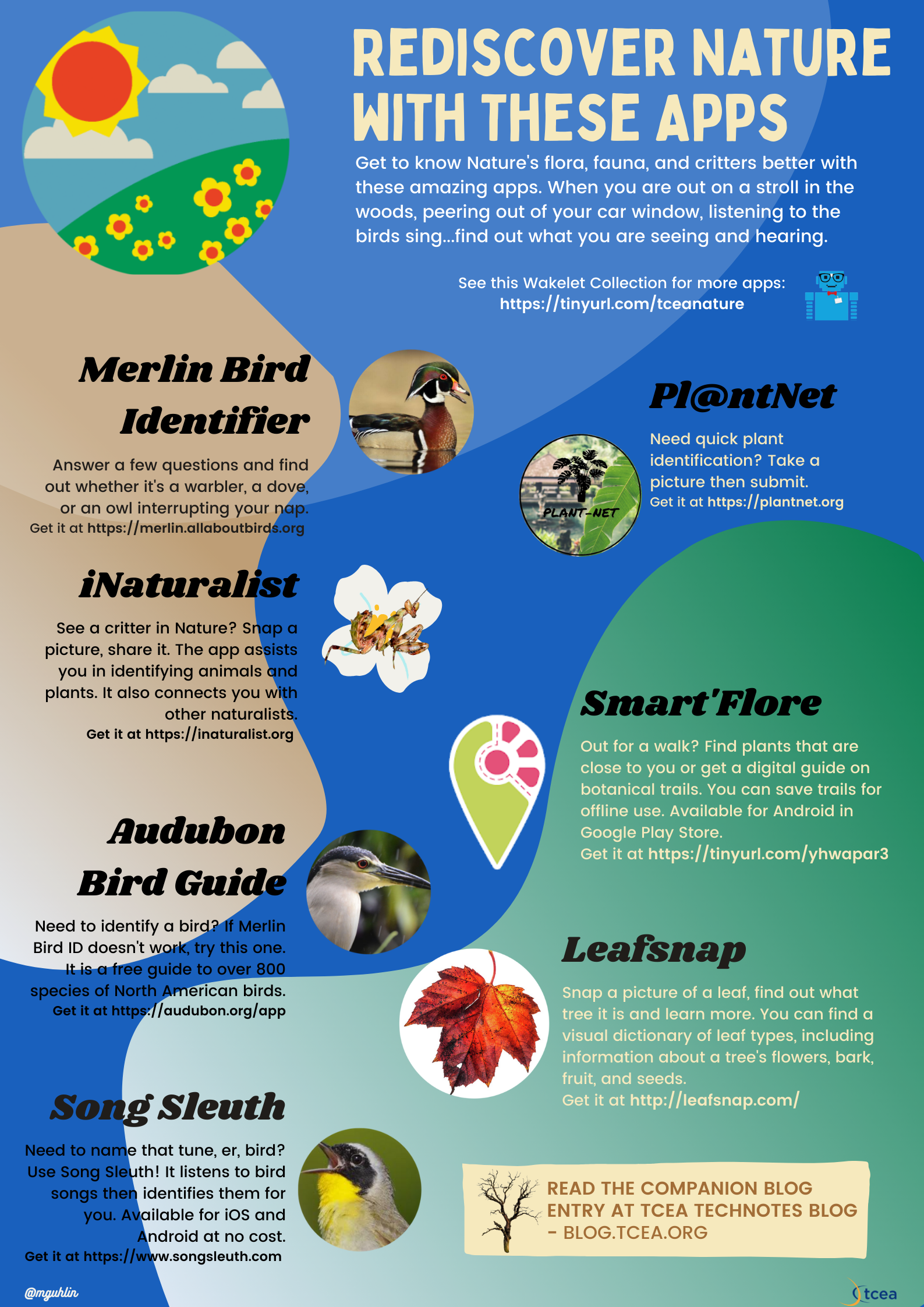




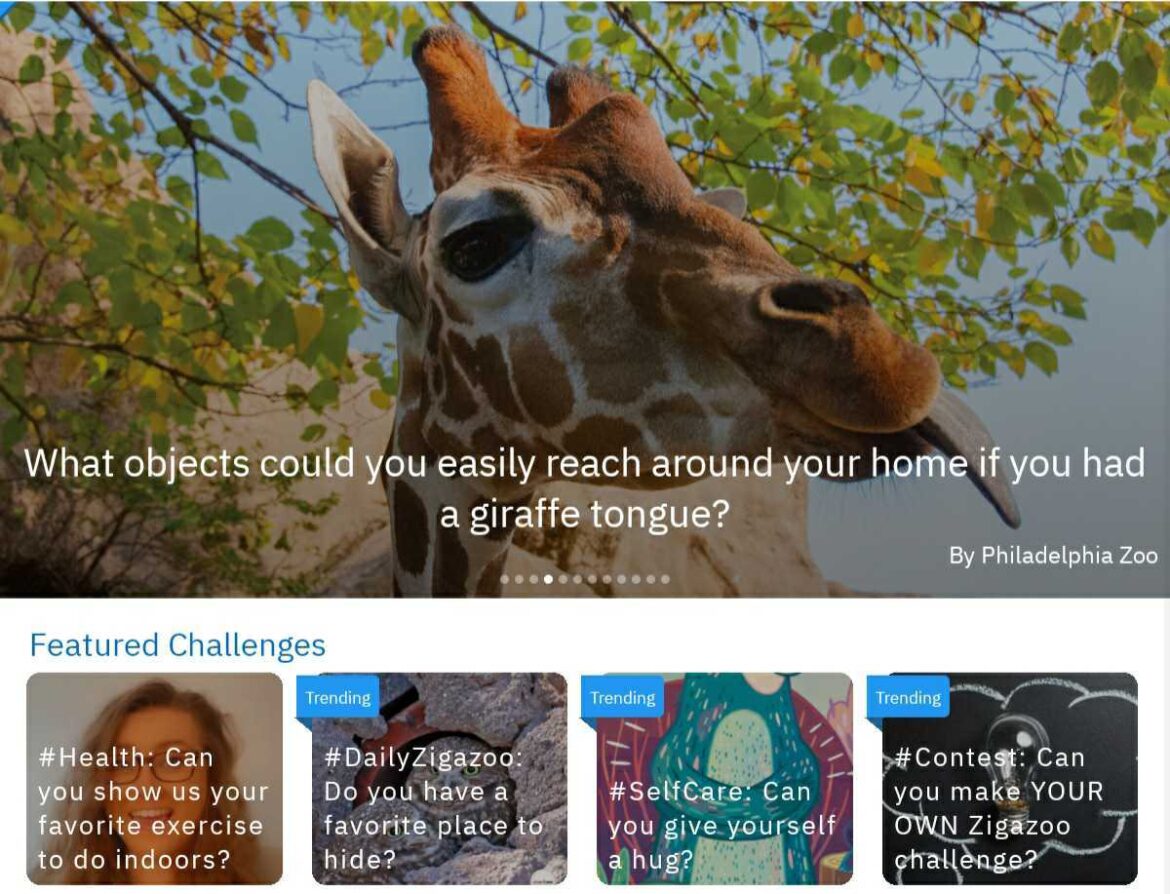
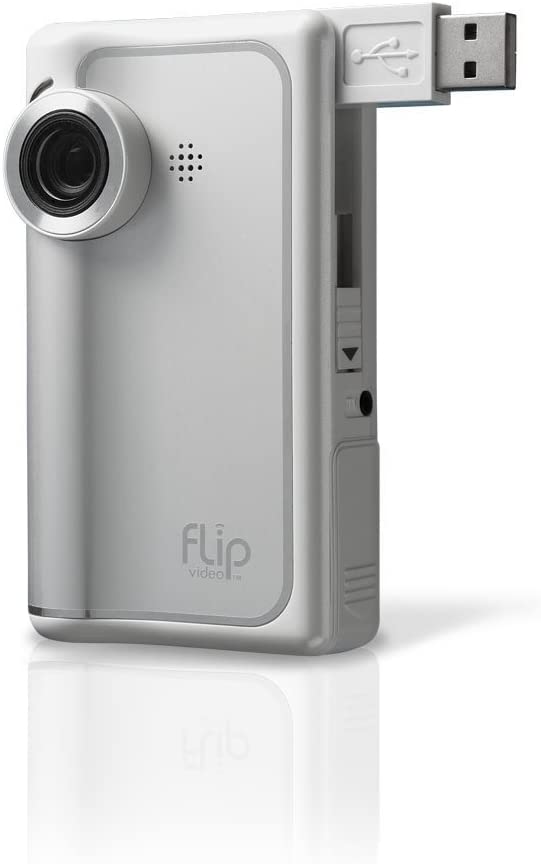 When I first started working with video, I remember the joy of the old Flip camera. It was so easy to record a video and then save it to a computer. Prior to that, video recording was so difficult as to be impractical. But that didn’t stop enterprising educators from making student-created videos available. Now, video creation tools abound, but the question has become one of, “Now that we can record videos and share them, should we?” Student safety has become a critical consideration. A new tool promises to close the gap between student-created videos and student safety.

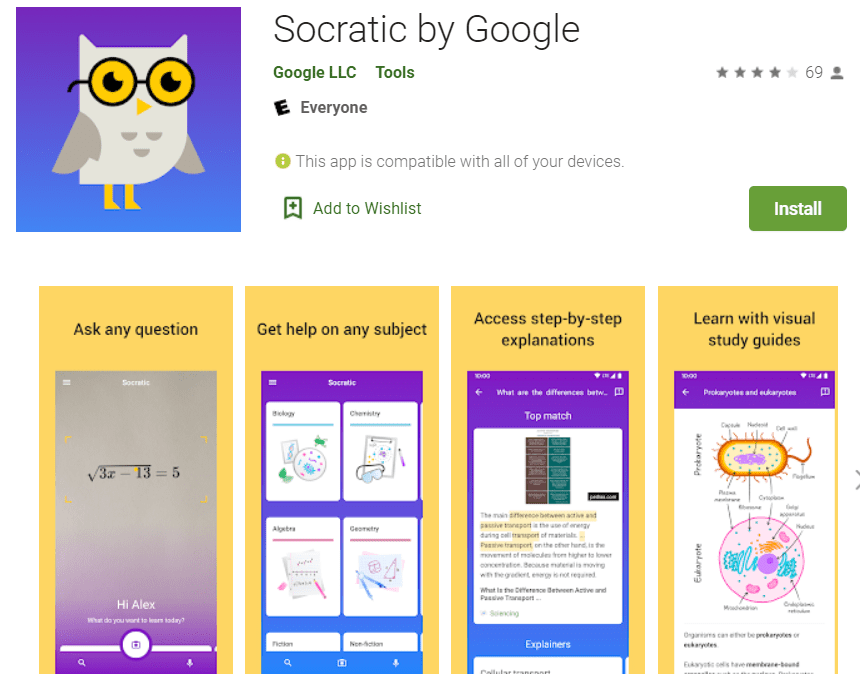
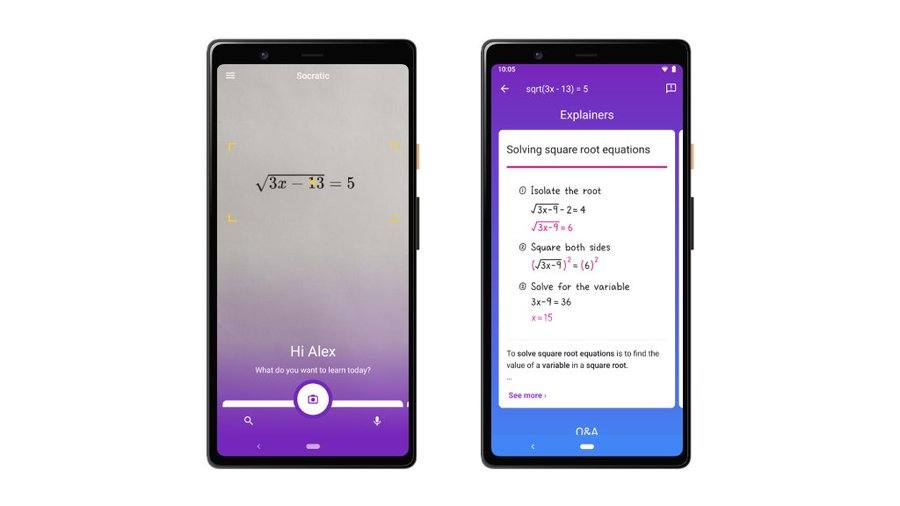
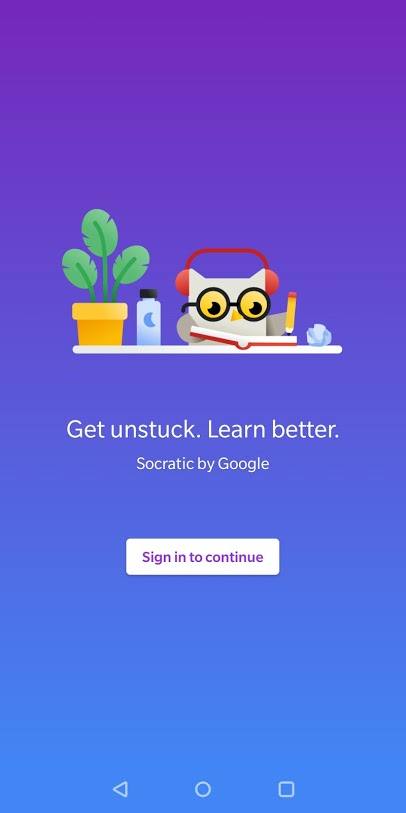
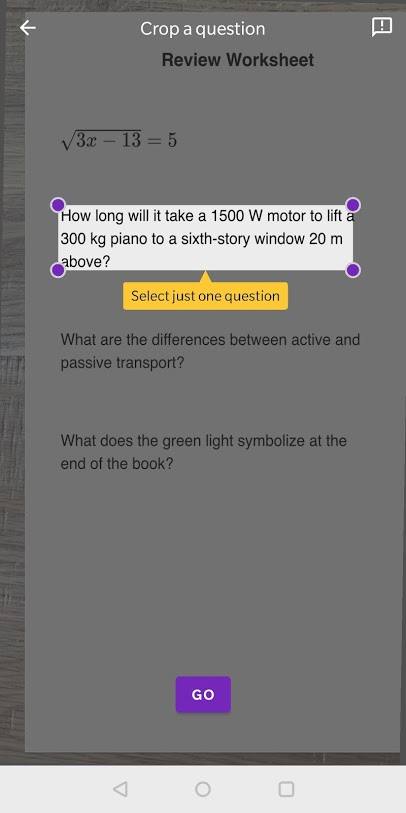
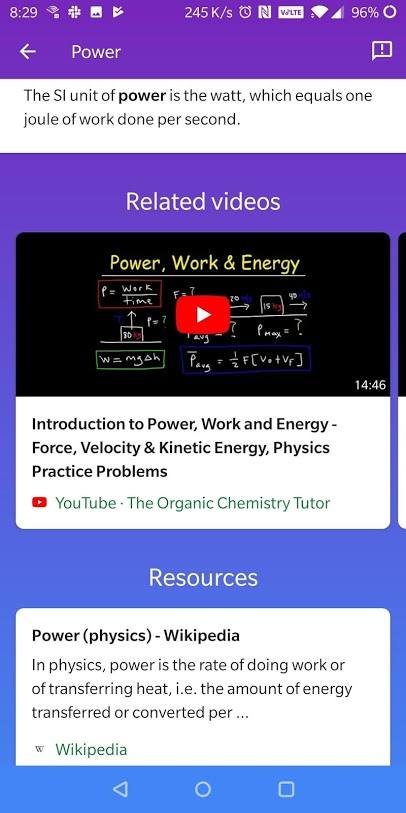
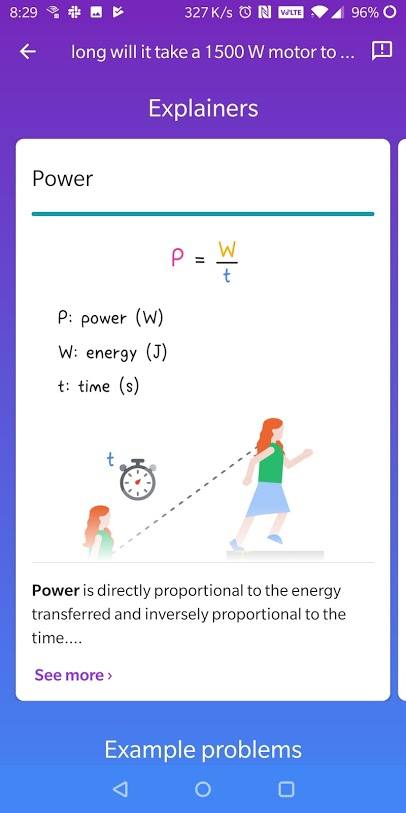 Socratic makes over one thousand high school and college-level subject guides available, relying on artificial intelligence to find and simplify answers to questions. The questions answered come from subjects like Algebra, Biology, Chemistry, Geometry, History, and Literature. Believe it or not, it can also answer questions about Physics and Trigonometry.
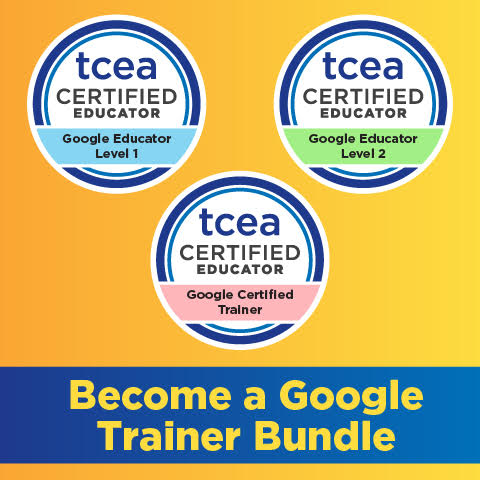 Sign up for one of our Google Certified Educator certifications. You’ll learn about more than Google Meet, as well as earn 12 CPE hours per course. Use these courses to get Google Educator certified.