We asked our TCEA members to share their favorite reading and writing websites, apps, or tools to use for student learning and would like to share that great list with you. Feel free to add your favorite ELA resources at the bottom!
- ReadWriteThink – Free website for grades K-12 that focuses on all things dealing with literacy and ELA and includes lessons, interactives, calendar activities, and more
- Newsela and ReadWorks – While only some of the content provided is free, they both provide Lexile levels, word counts, and vocabulary.
- Epic! for Educators – Thousands of books to read; free for teachers and librarians
- Wonderopolis – Features Daily Wonders with short summaries and videos for students
- Book Creator – Online creation and publishing tool that works on web-based devices (including Chromebooks) or as an app on iPad; not free
- NoRedInk – Builds stronger writers through interest-based curriculum, adaptive exercises, and actionable data; can group by grade bands K-3, 4-6, 7-9 , 10-12
- Actively Learn – Digital reading platform with ability to scaffold; free and premium plans
- Literator – This app for iOS and Google helps teachers track their students’ reading success; this is basically a digital binder for guided reading groups and conferring.
- Automatic Readability Checker – Great to use with students who paste their written text in and receive the number of sentences, words, syllables, and characters in their sample. The program then takes the output of these numbers and plugs them into seven popular readability formulas that let them know the reading level and grade level of the text.
- WriteReader – Designed for K-2 students with an easy interface, an uncomplicated student login process, and space for both students and teachers to create/edit work
- The Literacy Shed – A great site full of short films and images that connect to so many literary elements taught in ELA. Scarlett is one of my favorite new ones added in the Inspiration Shed. It has wonderful writing prompts too. This site also has the Mysteries of Harris Burdick with great lesson ideas in the Mystery Shed. My students also really liked Alma in the Ghostly Shed. Titanium in the Music Video has some great inference opportunities. You need to fully preview anything from the Literacy Shed as some can be pretty out there. The Lighthouse is a shed by itself, but great for teaching plot.
- Storybird – The vibrancy of the images and the simplicity of static font sizes and styles makes the product publisher ready.
- Phonics Hero – Builds from sounds to single words and then sentences, with children making daily leaps toward conquering reading and spelling; 7-day free trial
- Flipgrid – Great for book talks
- Pear Deck Addon for Google Slides – If you haven’t used it, it is similar to Nearpod and its drawing feature allows students to annotate text and respond to readings all in the same presentation; free and premium plans
- The Writing Center – Perfect for secondary students who need additional writing help; includes handouts and videos for virtually every writing issue your students could come across
- Crash Course – These YouTube videos are engaging and great for teaching literary themes and important works.
- Big List of Websites for Elementary Teachers – Check out all of the resources for ELA for elementary teachers.


 What Is Flip?
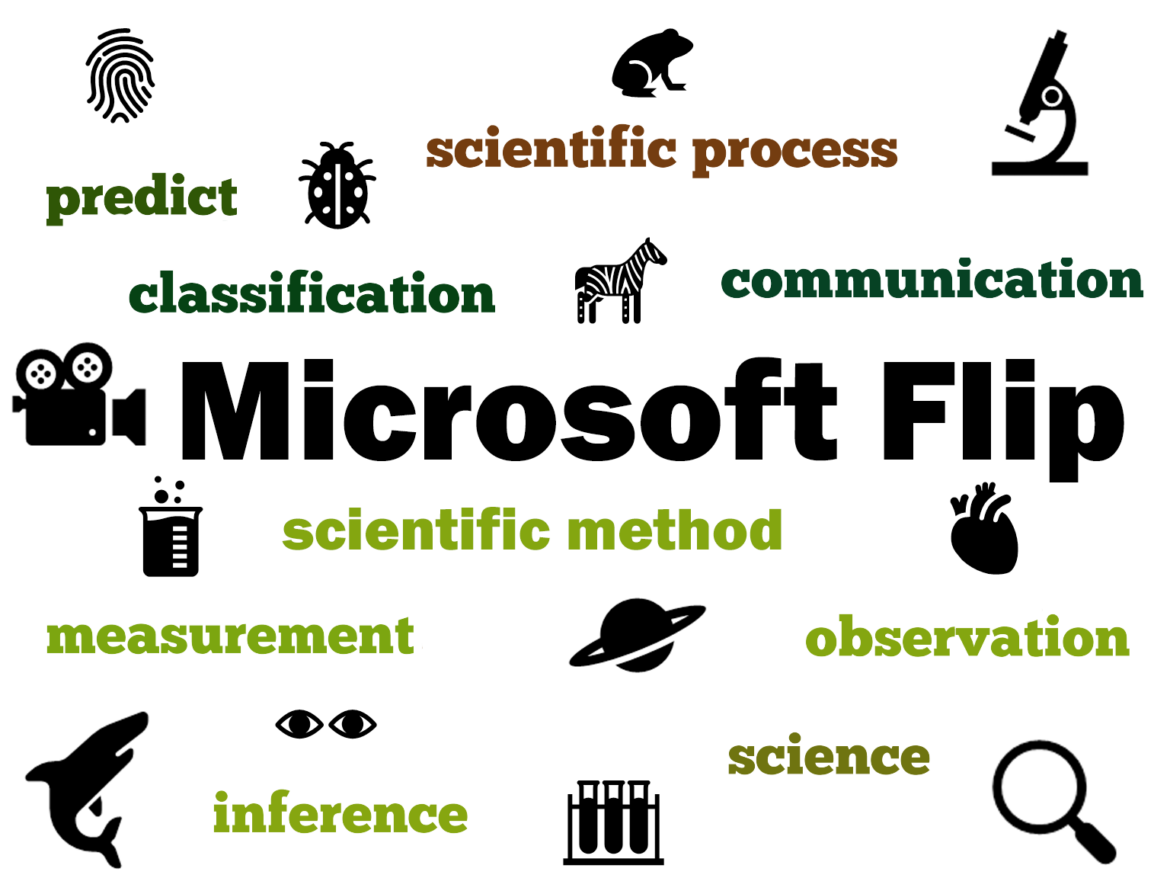
 Students begin learning observational skills in science starting in kindergarten. Though the skill is not as robust or refined as what a high school student may demonstrate, there is still great value in having them engage in observing the world around them to start taking notice of how things work. Observation is a foundational science skill that leads to communication, classification, measurement, inferencing, and predictions.
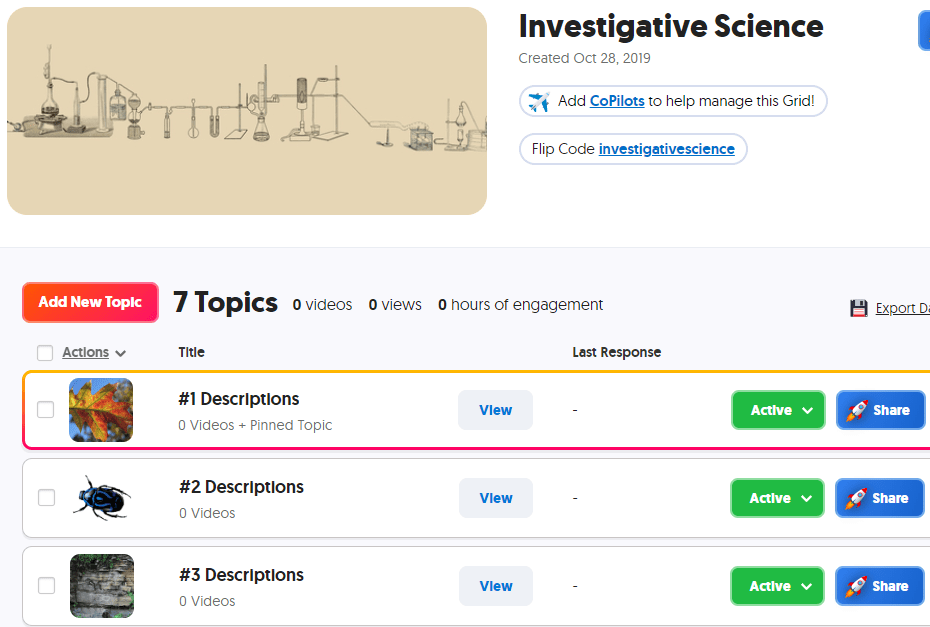 In Flip, create a grid for observations. Each topic in this grid will show a photo or video that the student is to observe and describe. Depending on the level of skill, you can require students to use previously learned vocabulary in their responses. If you want students to use words from a given word bank that you have developed for them, create the document and add it as a topic attachment to the topic. You can reference this word bank in multiple topics by adding the link to each topic. If you have a rubric to guide the students in their work, add the rubric as another topic attachment; for younger students, you may need to record a video showing the rubric while you are reading it aloud.
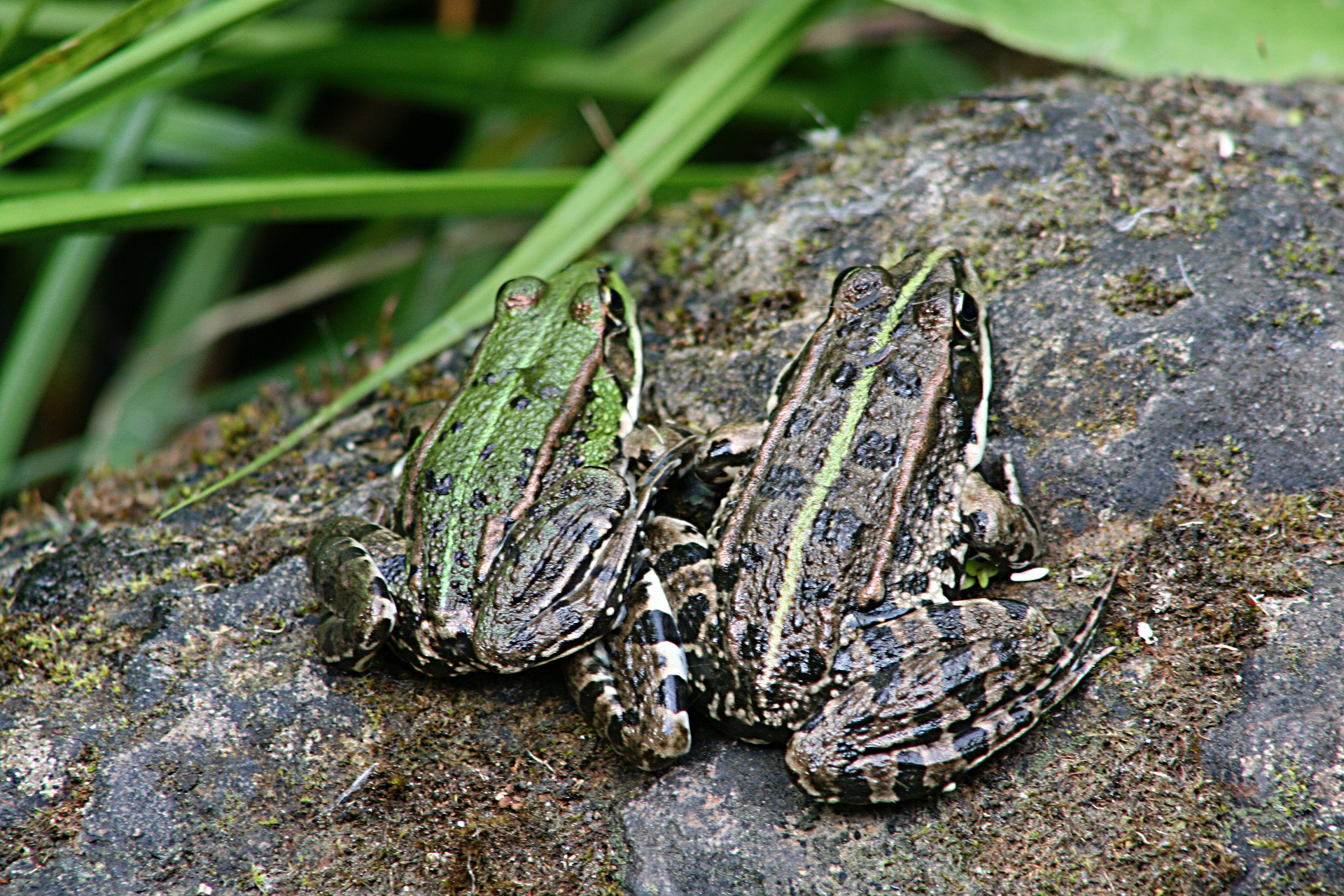 Go to
Go to 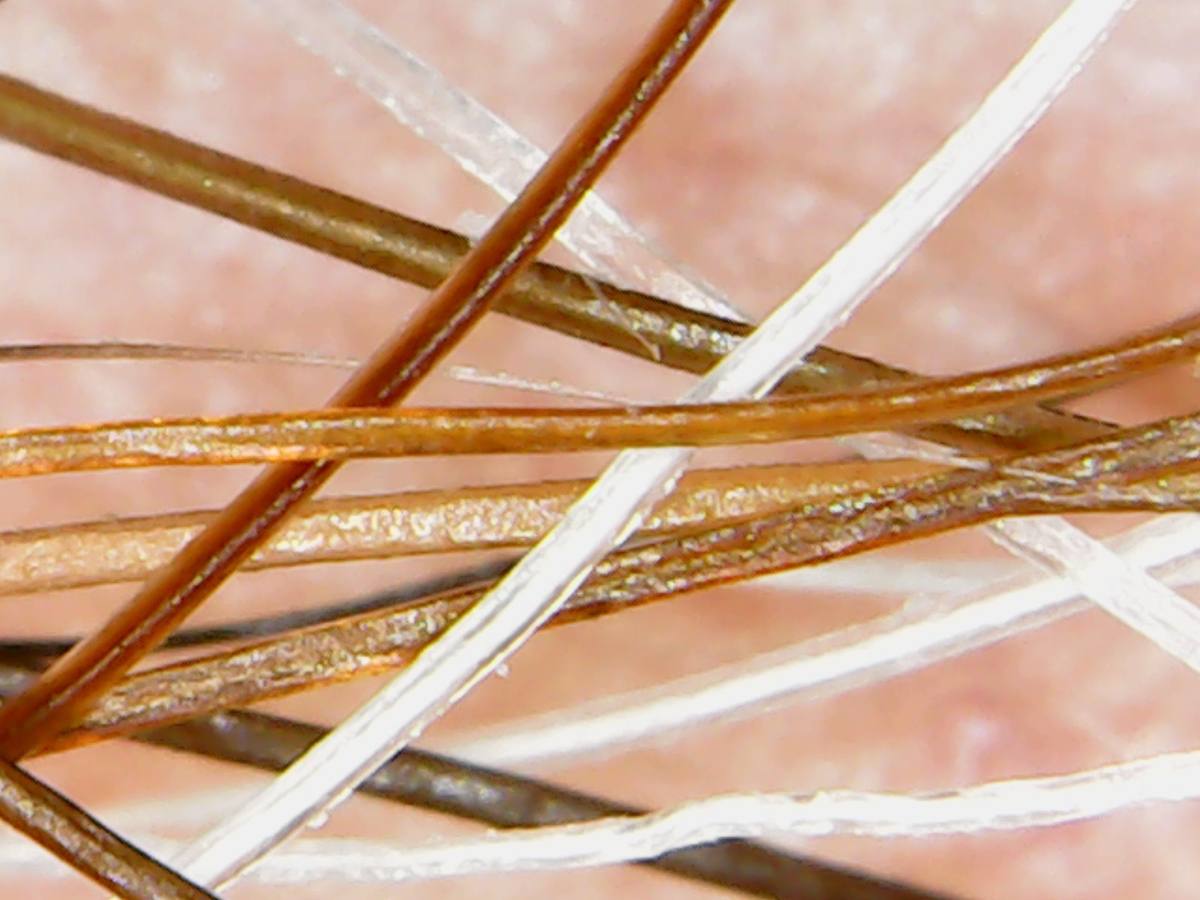 Begin by creating a grid to hold your inferencing topics. As done above, create a standard set of instructions for your students. You can go to ,
 Pixabay -(
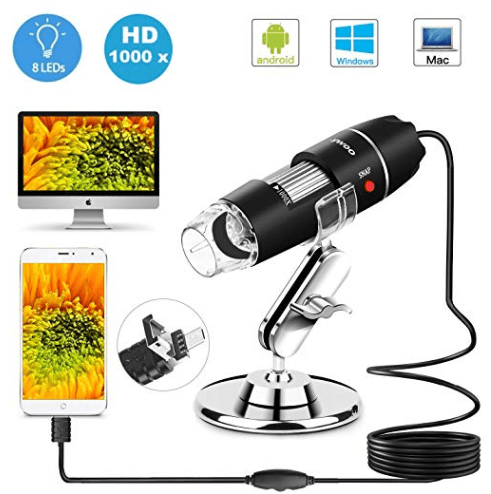 USB Microscope – Consider purchasing a USB microscope that you can connect to your device in order to take photos and videos of actual materials in your classroom…or on fieldtrips! Read the details carefully as some microscopes will work with some devices but not all…such as Android phones/tables, PC computers, and Mac computers but not iPhones or iPads. If you need a microscope that connects with your iPhone or iPad, be sure that it explicitly states that it connects. Likewise if you are wanting to connect the microscope to a Chromebook. If it is not clearly stated, look for a link in which you can ask the seller or locate that microscope on another seller’s website to see what information they provide.

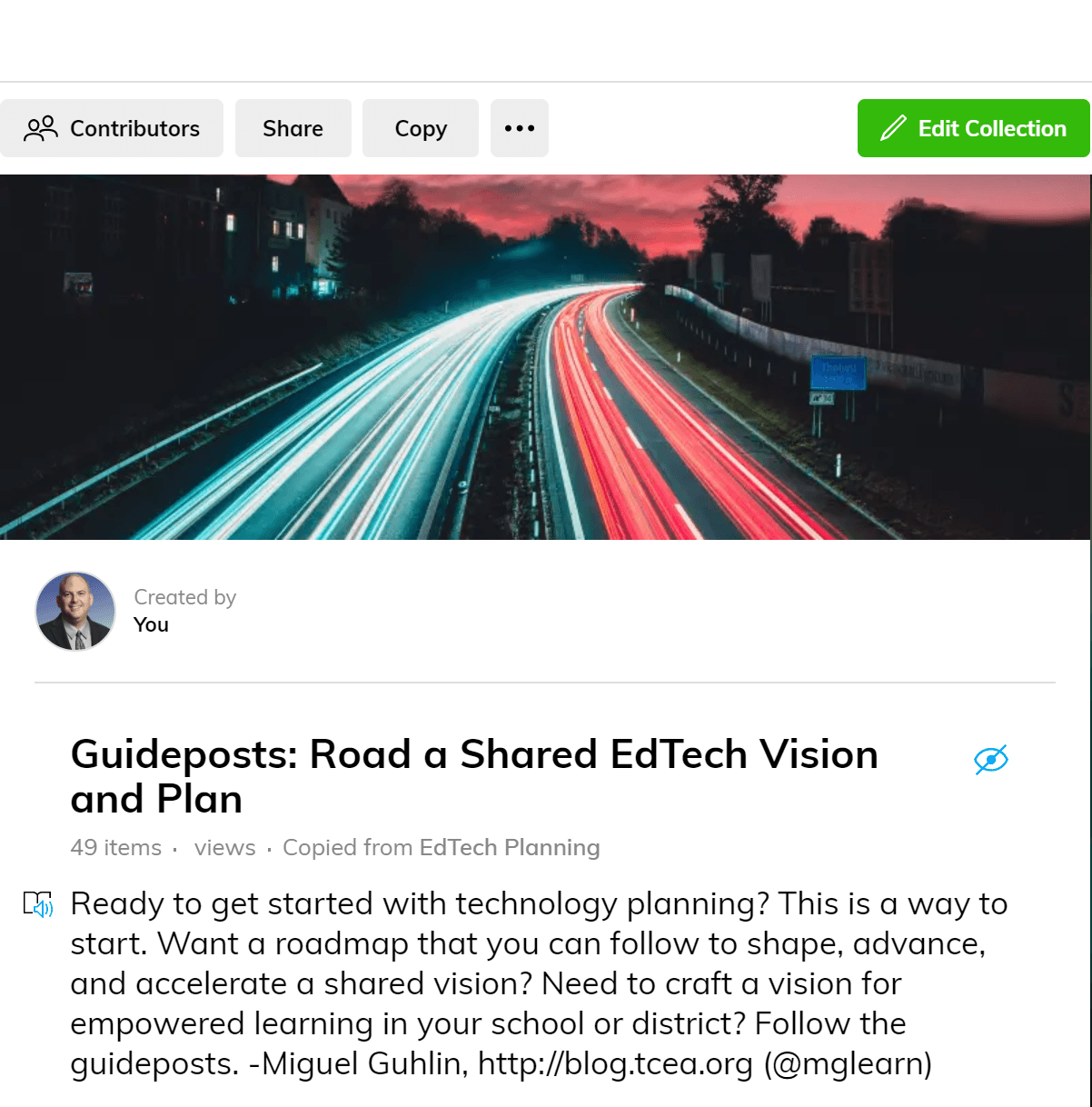 As you might imagine, navigating the guideposts may be difficult. But it can be easier if you remember what your role in shaping an ed tech vision and plan can be. Rather than advocating for unproven innovations, empower people to see a way ahead that research supports. In that way, you make possible a learning journey for all stakeholders.