
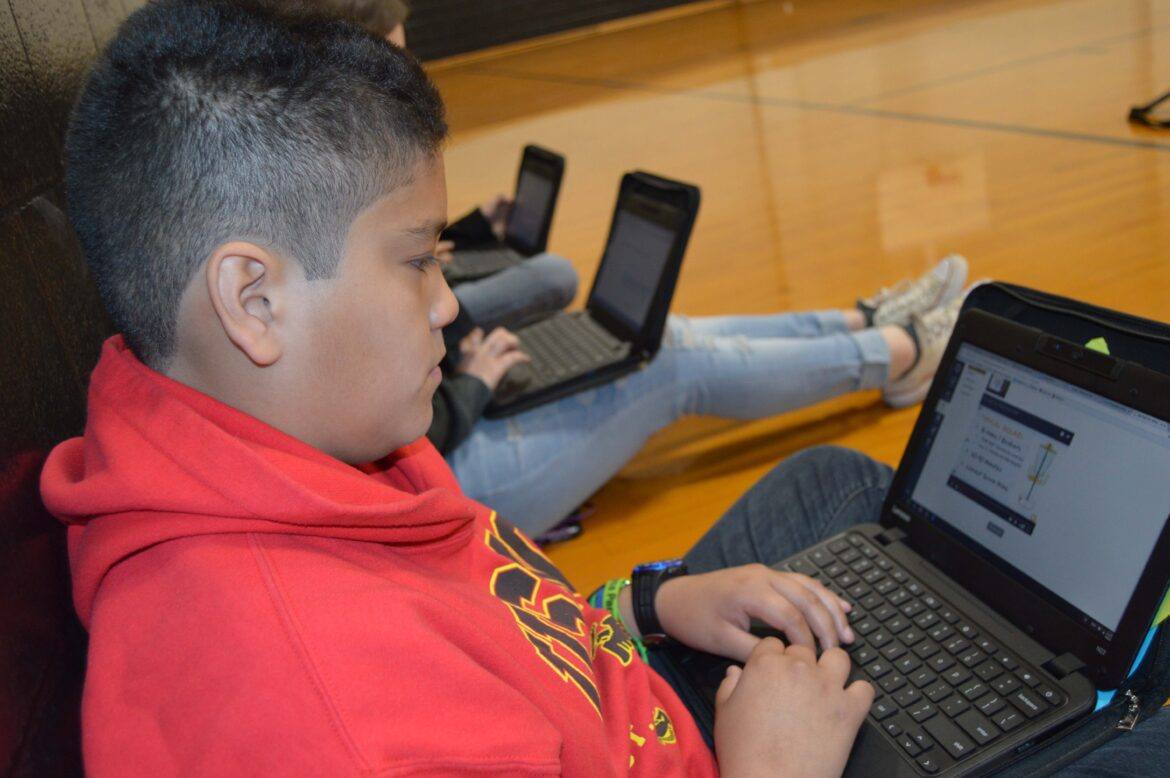
Cleburne Independent School District had its first Chromebook deployment to secondary students January 2017. In preparation for this, teachers were trained during the summer of 2016. This training continued monthly during the 2016-2017 school year. A large component of the technology training was centered around Canvas, a Learning Management System (LMS). The usage of Canvas has become very popular. Currently, it is second worldwide only to Blackboard.
Why Canvas?
One of the key features within Canvas, which is added as an LTI (Learning Tools Interoperability), is Grade Passback. It allows teachers to send grades from Canvas straight to the SIS (Student Information System) with just the click of a button. As an instructional technologist, I knew this would be an important factor that would promote the usage of Canvas. During our technology training sessions, I would regularly ask teachers if they were using Grade Passback and to share their experiences about it. Tres White, one of the high school PE coaches, raised his hand during a training session to talk about what he had encountered. His testimony encouraged me and validated that the efforts invested into the technology training were paying off.
After speaking to Tres more, it was evident to me that he had taken the implementation of technology, specifically Canvas, to another dimension. Find out next why he chose to take hold of this new way of teaching within a subject area, PE, that is largely kinesthetic.
Using Canvas and Chromebooks with PE Students
Technology surrounds us. Wearable technology, such as fitness trackers and smartwatches, are very popular. Many of these devices have a personal health app pre-installed that can track steps, distance, and a person’s heart rate. I asked myself, “Why not incorporate the technology that students already have in their hands into my PE classes to keep them engaged?” With so many free fitness apps available, I can reach a wide range of fitness and interest levels.

Coach Tres White
This school year, the students on my campus received Chromebooks. This provided even more opportunities to integrate technology. Since students were using technology in their other classes, it was easy to incorporate this into PE. Canvas, an online classroom, is the program most teachers were using to facilitate their instruction and track student progress. This program allows me to assign work to my students, which they can complete and submit online. Canvas has been easy to use, and I can customize it to fit the needs of my students. I can create quizzes and post notes and handouts for the current sport or activity. Students can even collaborate with each other on projects outside of the school day.
Canvas also allows me to have a paperless classroom, which is nice since I am either in the gym or outside. The PE environment does not consist of the things normally found within a traditional classroom; therefore, Canvas makes learning more convenient for me and my students.
Lastly, for those who are not proficient or interested in traditional sports, PE can be a source of anxiety. Integrating technology might be the method to make physical fitness more appealing. I am excited about the positive responses I have received from my students and look forward to what is next. I am confident this partnership of the virtual and physical world will help young people look at personal fitness in a new way.
This is a guest blog from Tracy Perez Shea and Coach Tres White. Shea is the secondary instructional technology and district multimedia specialist at Cleburne ISD , and Tres White serves as a physical education teacher and assistant basketball and track coach at Cleburne High School.






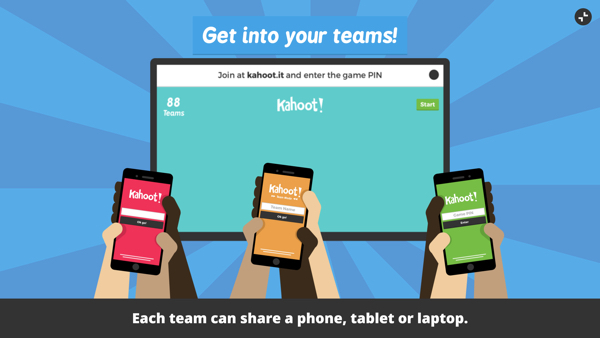 Kahoot has upped its game by adding a Team Mode. Students get into teams with just one device between them. The teacher opens up a Kahoot! and now has the choice of selecting between Classic and Team Mode. Team captains (kids holding the devices) enter their team’s name and their players’ nicknames. Then they begin the game. This will be great for helping kids learn to work together or for those classrooms where devices are limited.
 At the ISTE conference in San Antonio, Kahoot! unveiled a new mobile app for the game. What’s great about the app is that now both the questions and the answers will appear on the student screens. (Before, students had to look at the projected image in the classroom to see the question and then answer it on their own devices.) It also includes Challenges that can be issued by the teacher or by students to each. You can preview the new app (available in both Android and iOS) by signing up to be a