
I love working in the brick and mortar building of TCEA HQ, but it is also invigorating to get out on the road. The best part of workshops is connecting with teachers. I love hearing what their students are learning and what technology they are using to get the learning accomplished.
This past week I was in Amarillo, Texas delivering the Google for Education Educator Level 1. We kicked off the three days with a sharing activity of favorite tools. I overheard Jodi Stary and Krissy Clark from Canyon ISD talking about a VERY COOL iPad activity with their second graders. When you hear a great idea, it just needs to be shared with the world.
PicPlayPost is a free app to create collages with photos, videos, GIFs, and music.Here are the steps Jodi and Krissy wrote on the board for their Shapes Project.
- Choose your favorite app to write your shape name and take a screenshot. (Suggestions: a Chalkboard app, Doodle Buddy, Notes or ABC Magnetic Lite or use your favorite drawing or painting app.)
- Use the camera to take a photo of the shape found in the real world.
- Use the camera to shoot a video of the child explaining how many vertices and faces are on the shape.
- Open up the PicPlayPost app.
- Choose the #3 frame. (You can add up to nine videos or images per project.)
- Insert the pictures and videos.
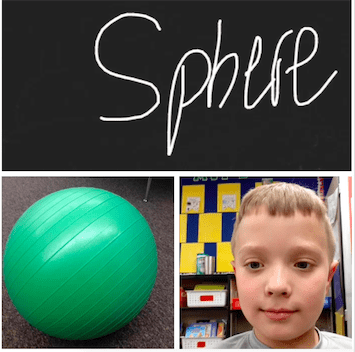
I also asked Jodi and Krissy to share one of their student’s shape. Take a look at this wonderful example by second grader Tayden.
This is a perfect app for kindergarten, first, and second grade students. It could also be used for vocabulary words, life cycles, or math story problems for third and fourth graders. Please comment below and share how you would use PicPlayPost in your classroom.
Featured Image: Screenshot by author

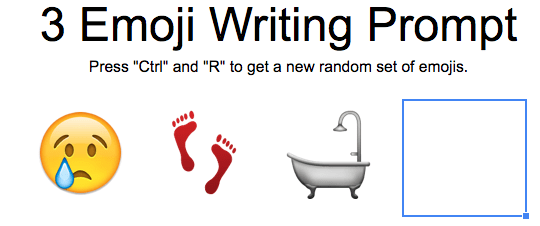




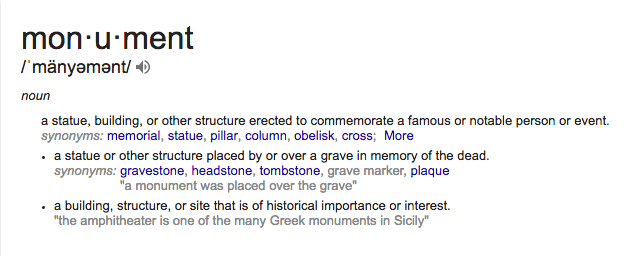
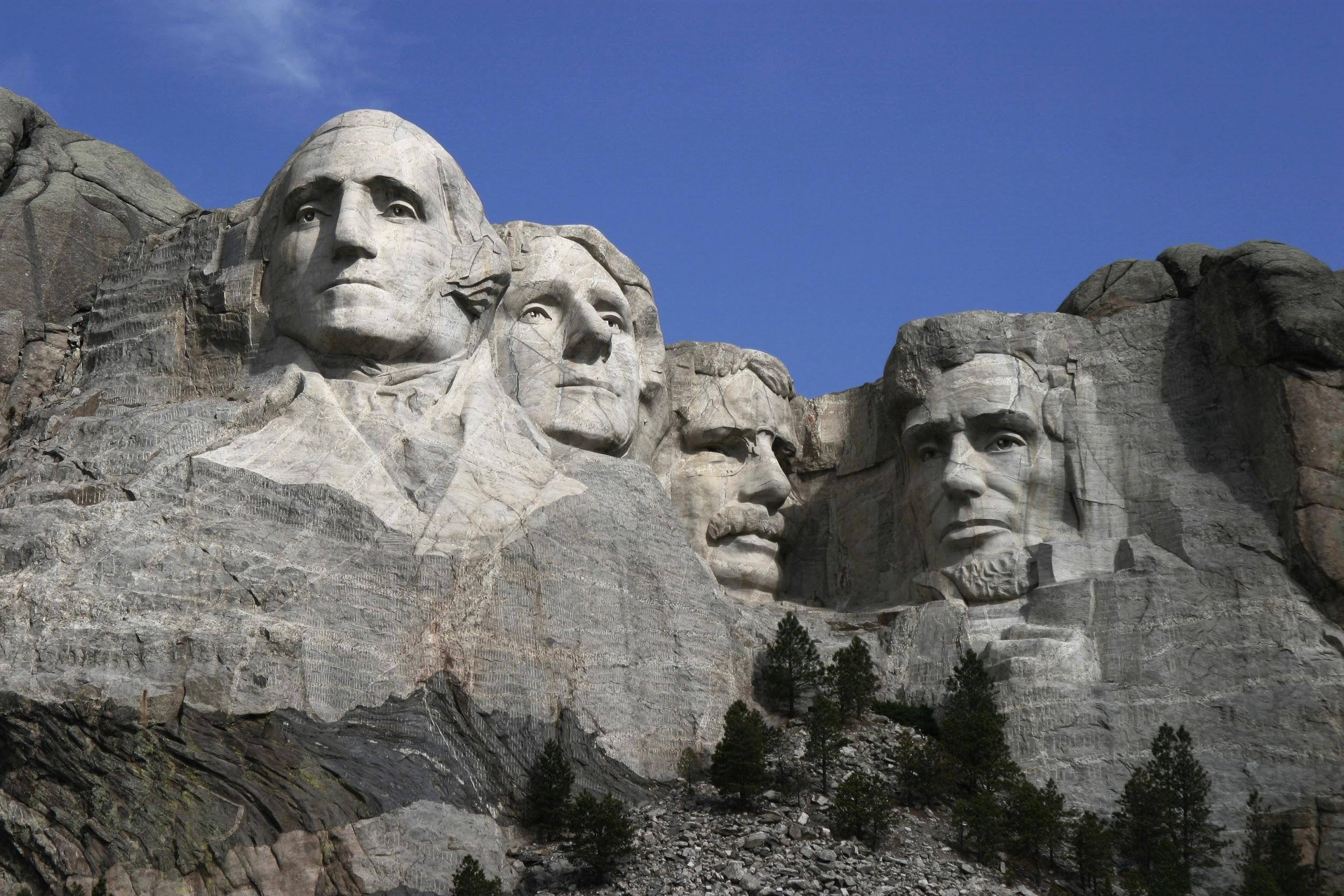
 engine to search for websites that have all three of these words. After the search, click on the word Images at the top of the page. This will produce a page full of images of U.S. monuments.
 Prior to the class, select a group of YouTube videos about different U.S. and Texas monuments. Create a playlist and have your students watch the videos. Here is a
  responses as a group activity. Instead of creating a Slide presentation, have the students draw images illustrating what they learned about the monument on a storyboard. This helps the students make critical decisions about what images best represent their learning and the order the images should be placed to communicate their ideas to an audience. These are necessary skills that will help them when they are older and are able to create a Slide presentation. Learning what to include and exclude is important to know. You could also take photos of their pictures and put them in a Slide presentation.
 Virtual FieldTrips and More with Sherrie Berry and Shelley Kozma (Lampasas ISD)
 Coding in the Language Arts Classroom with Kelly Hong
 Digital Learning Centers with Crystal Flores and Jeanine Freeman
 (
(