On April 7, 2017, Google announced something that I never thought we would need. They are now providing a way to “certify” that news returned from a Google search has (or has not) been checked for accuracy and truth. This is what our media has come to — an outside group must now check to see if what is reported is true or not.
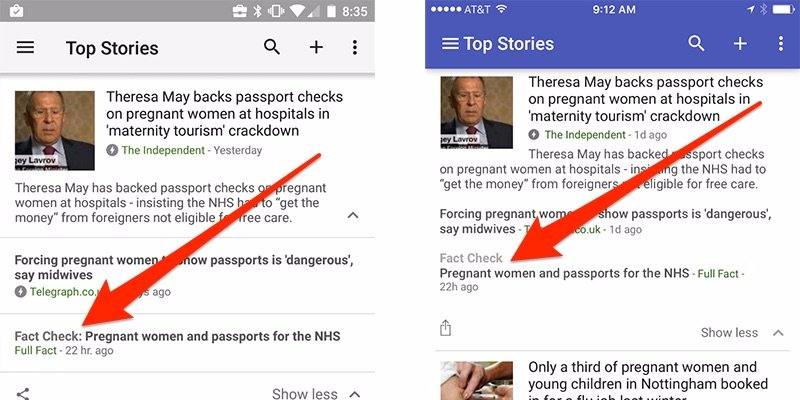
Publishers are now able to show a “Fact Check” tag in Google News for news stories. According to Google, “This label identifies articles that include information fact checked by news publishers and fact-checking organizations… For the first time, when you conduct a search on Google that returns an authoritative result containing fact checks for one or more public claims, you will see that information clearly on the search results page. The snippet will display information on the claim, who made the claim, and the fact check of that particular claim.”
While the information will not be available for every returned search, it will be for many of them. In addition, some searches may return contradictory information, which may result in different conclusions being presented on the same topic. That will mean that readers will need to review and assess both sides of the argument to determine what they believe is true. Critical judgment is still required.
I applaud Google for adding this critical tool for today’s digital citizen. However, I lament the fact that it has become necessary. Regardless, it is imperative that we show this tool to our students and teach them what it means and how best to use it. So how will you use the Fact Check feature with your students and staff?
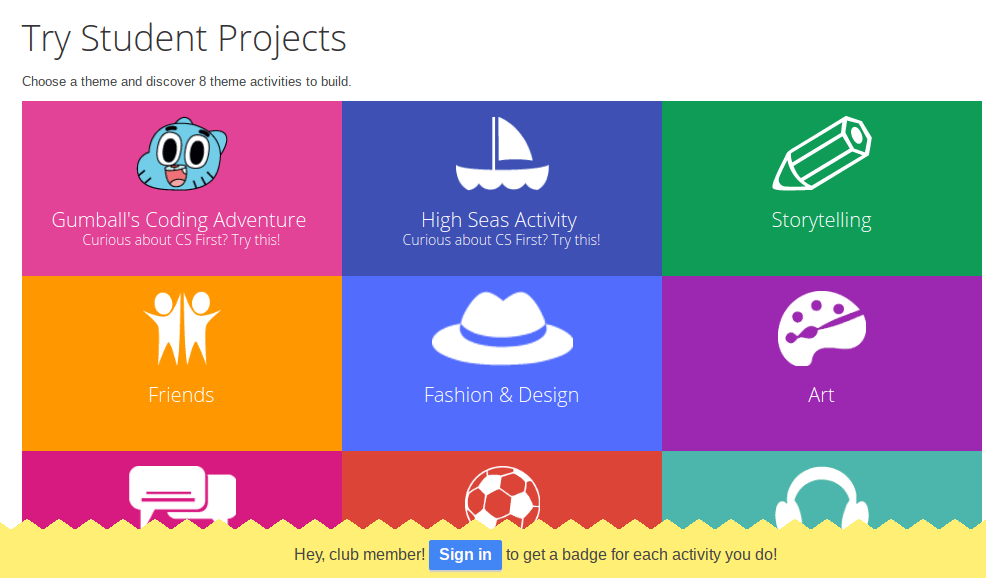
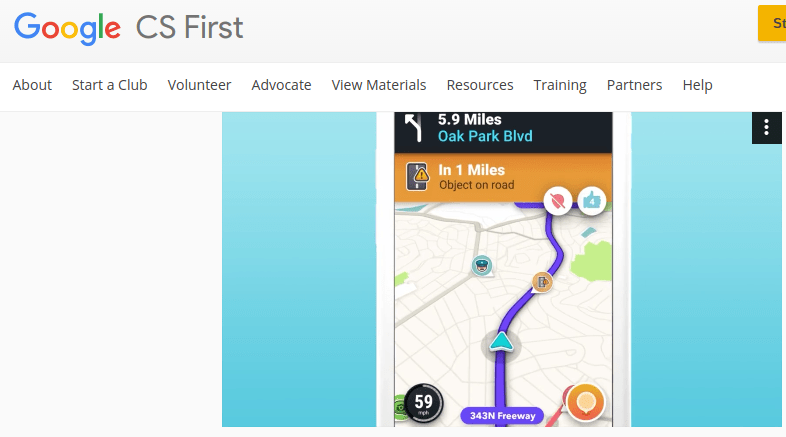 tools. Some of the creative projects include If/Then Adventures, which are reminiscent of the Choose Your Own Adventure print stories many of us grew up seeing on bookshelves. The If/Then Adventures video provides great examples that highlight coding connections. They also emphasize real-life connections to apps many of us may be familiar with, such as the
  Relying on activities that feature communication, collaboration, and research, students are able to work on projects and create together. This collaboration provides rich opportunities for joint and independent communication and research. What’s more, students are able to earn badges for activities they engage in.
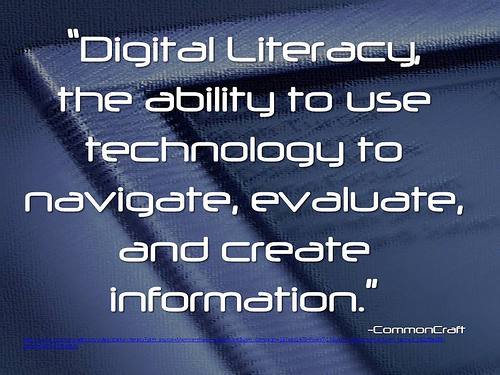 important piece of the puzzle because it not only identifies that the problem is far more than just access and equity of hardware and Internet, but also brings to the forefront the issue of “digital readiness” and further provides clarity of the lack of digital literacy skills as the “main barrier to drawing people to resources for learning.” Doesn’t it make sense that the same students who do not have access to the Internet at home would also not have access to digital literacy education, those skills necessary to succeed in school, work, and college?
 conduct their research as they normally would. But as they collect information that they need, they are now able to highlight the data, drop it onto a “Candy card” with automatic site location and citation, and then organize the ideas into a “Storyline” to reveal connections and find answers. Candy cards can be dragged and dropped into different orders, which is fabulous for organizing the final draft, and the contents of each card are searchable. Once the research is complete, the Storyline can be exported as a text file with just one click.
 Information and quotes from any source can be Candyed, including websites, social media, videos, images, and more. When you’re ready to insert the Candy cards into a document, the original source comes with it, making citation simple, complete, and automatic. To help students throughout the project, a teacher can ask that the Storyline in digest format be emailed to her to look over. Candys can also be shared via email and social media and inserted into blog posts, which is great for student blogs.