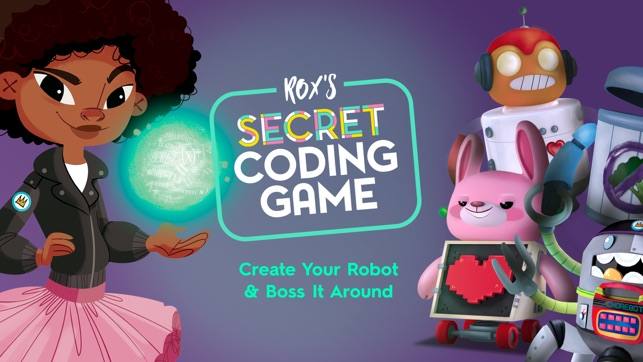
Anytime you can combine augmented reality, cute robots, and coding fun, you are guaranteed student engagement. And that’s exactly what the Rox’s Secret Code app does. Available free for both Android and iOS, the app was designed to work with the book by the same name and teach coding to both girls and boys ages 4 to 8.
The book is the story of a code whiz who originally creates a “Chorebot” to help her clean her room, but is forced to readjust the code when the robot begins to act out on its own. Although the launch page of the app asks if the students already own the book, purchasing it isn’t necessary to enjoy the app.
How Rox’s Secret Code Works
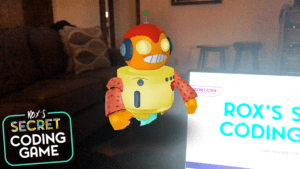
Students first must design their own robot, building it from a variety of pieces that are available. The robot appears in AR immediately and is fun to see. My first robot is to the left. You can see it appearing over my laptop in my living room. The next step is to give the robot a name. Then you can take a photo of the robot itself or a selfie with you and your robot.
Introducing Coding
Your bot is now ready to begin learning to code. Students play with coding blocks and learn coding principles by making it pick up toys. The coding skills in the learn mode are put into action in the play mode, where they drag the “move action” blocks, which include move, rotate, and grab, to the code line. Once kids complete the code line, they activate their robot and watch it follow their directions. Rox informs players when there’s code missing or when the move action block does not match the robot’s path towards the finish line. The game becomes a bit more challenging, prompting for more move action blocks, when kids consistently code correctly.
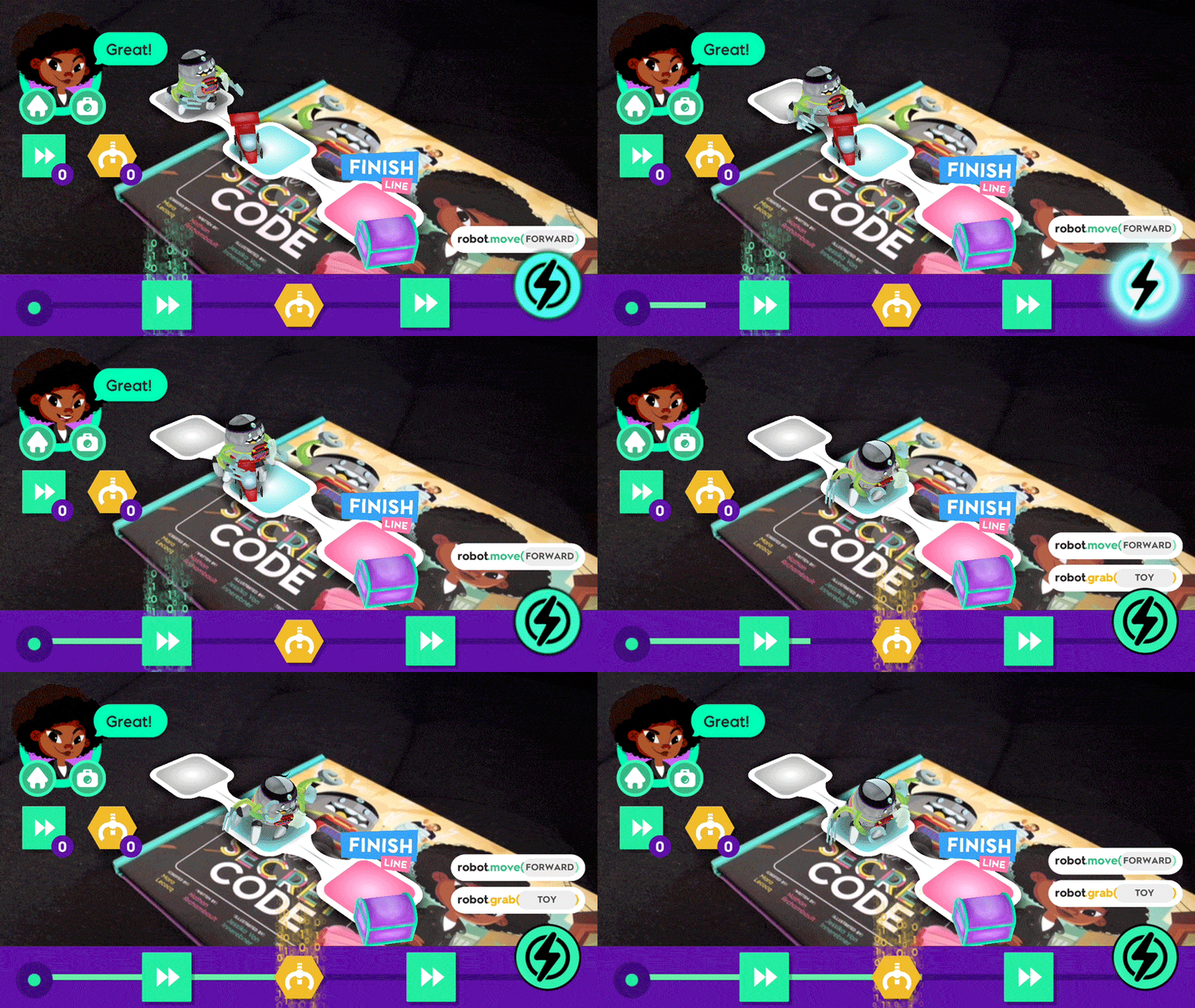
While playing, students develop organization, planning, and sequencing skills, which transcend the world of coding. The graphics are colorful and appealing and Rox is available to talk the students through the activities. It’s especially wonderful that the app is available free. If you teach young students, I encourage you to take a look at it.

 We had some huge wins in the area of computer science and computational thinking this session. Our six-year goal of providing weighted funding for the 9-12 Technology Application courses has finally been achieved. In HB 3, the school finance legislation, the weighted funding for CTE was changed from grades nine through twelve to grades seven through twelve. In addition, the
  There are two pieces of legislation that are going to impact educational broadband. The first is HB 1960 which creates a Governor’s Broadband Council that will advise the governor on issues related to broadband access to unserved areas. This is progress, but not as much as we hoped for. There are few, if any, areas of Texas that are unserved. The original bill included underserved areas, but heavy lobbying by the large telecommunication companies eliminated that language from the bill. However, we consider this progress because we finally have some entity at the state level that will look at the state’s needs for broadband from a strategic perspective. For too long, all state entities have tried to provide affordable, scalable broadband for their own purposes when it would be much more cost efficient to survey the needs across agencies and entities and design a plan to meet all the needs. HB 1960 at least establishes a council that could do this in the future, if given the authority.
 There are several opportunities in the bills mentioned above that will provide professional development in digital learning. The Blended Learning Grants are largely designed to provide professional development for educators in blended learning, not to mention the funding provided to UTeach to continue to provide this type of training to Texas teachers. Also, this is a good chance to remind districts that the TIMA may be used to provide professional development on the use of technology. In addition to these bills, the legislature passed HB 2424 that requires the SBEC to establish rules to create microcredentials in fields of study related to an educator certification class. This was one of TCEA’s legislative priorities, so we are excited to see this bill pass.
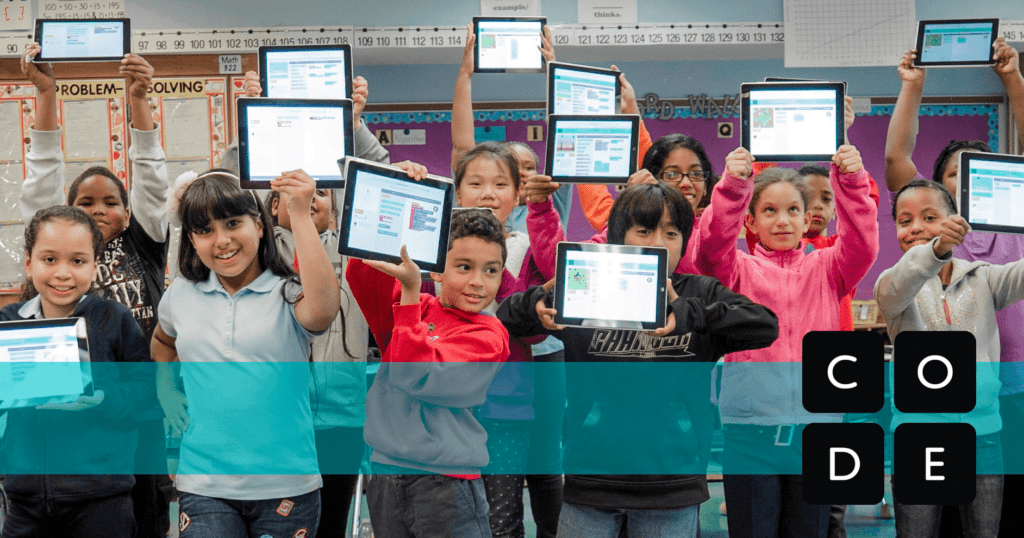
 activities are self-guided so you don’t have to know how. You can learn to code at the same time as your participants! All you have to do is select a
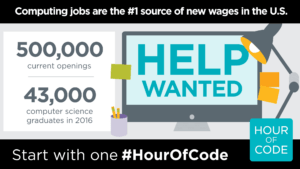 Now that you are all jazzed about hosting an Hour of Code, you want to make sure others know about it. Hour of Code has all types of




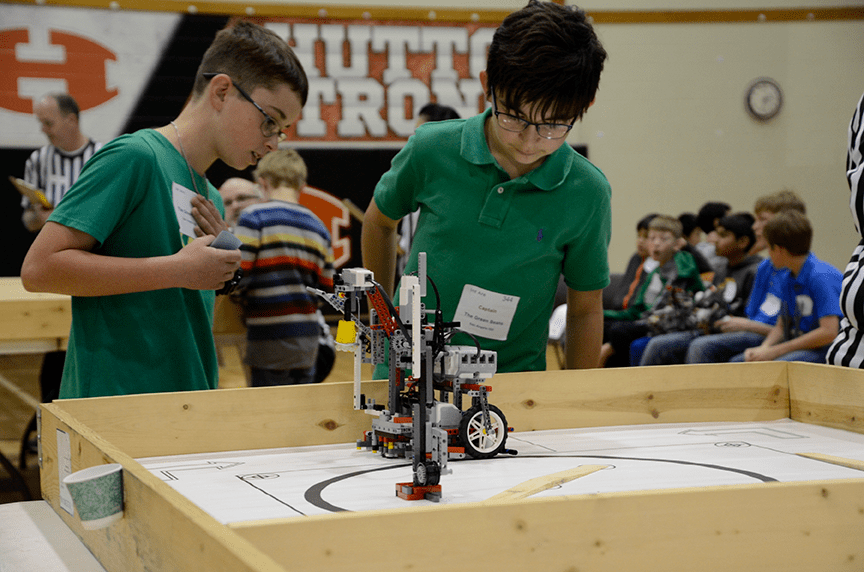
 This year’s challenge, Mastering Mars, allowed students the opportunity to task their robots to prepare the Martian environment for human settlement and iron mining. Each team’s robot had to complete as many tasks as they could within the two-minute time frame. Teams were allowed to use one LEGO Mindstorms programmable processing unit, LEGO-branded motors and sensors, other LEGO-branded devices, and non-LEGO parts not to exceed the five dollar limit.
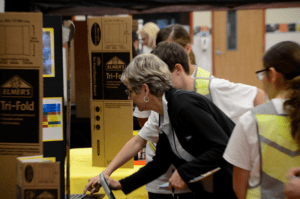 As Arena contestants battled it out for the top spot, Invention participants exercised their creative-thinking skills by designing a robot to solve a real-world problem of their own choosing. From iPotty toilet assistance for the elderly to oil pipe sealing robots, students of all ages let their imaginations run free to create exciting solutions to make the world a better place. Other solutions offered to save lives, assist entomologists to gather insect specimens, and collect dangerous metal objects, among others.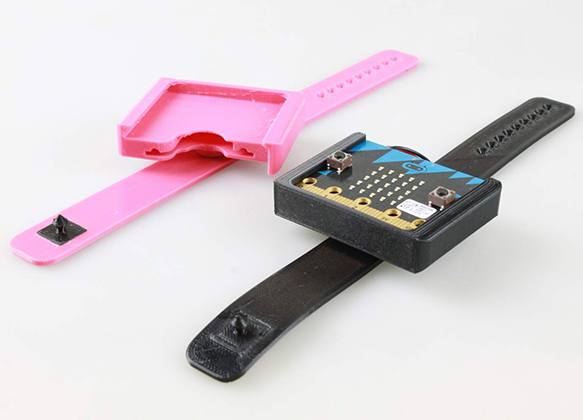
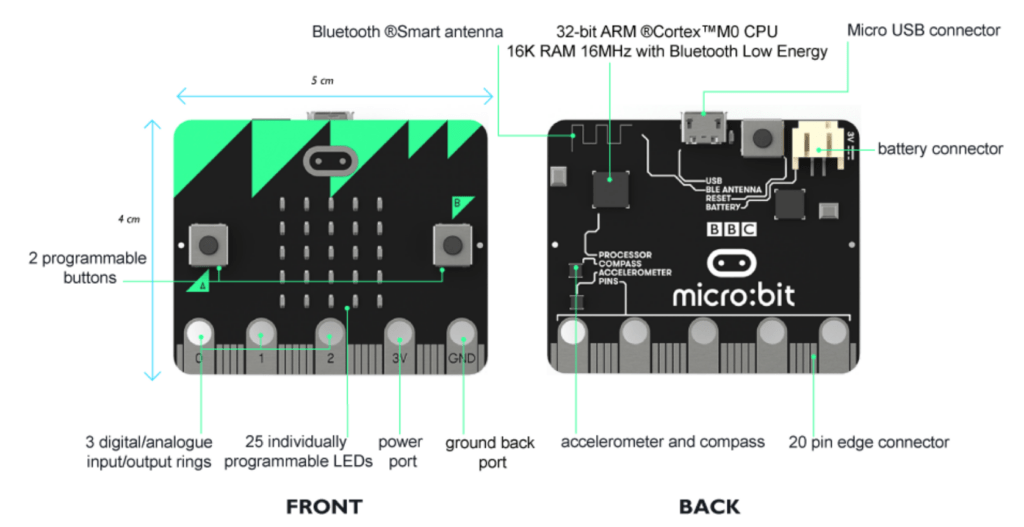
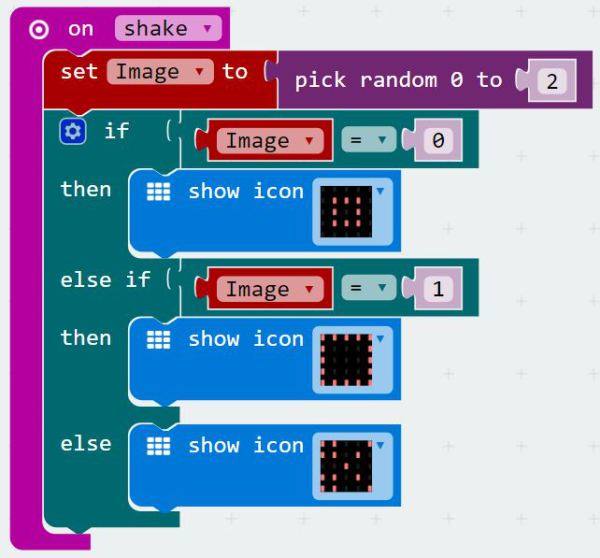
 Step 1 : Print your egg timer