
If you enjoyed our original roundup of Google Easter Eggs, you’re not alone. It was one of our more popular blogs. So we went back and discovered even more Google surprises worth exploring. Some are playful, some are useful, and a few make excellent brain breaks or lesson hooks. Let’s dig in.
What Are Google Easter Eggs?
Google Easter eggs are hidden features, games, animations, or responses tucked inside Google Search and other Google tools. While many are just for fun, several can be repurposed for learning and classroom engagement.
Interactive Google Easter Eggs
These are perfect for quick engagement or short brain breaks.
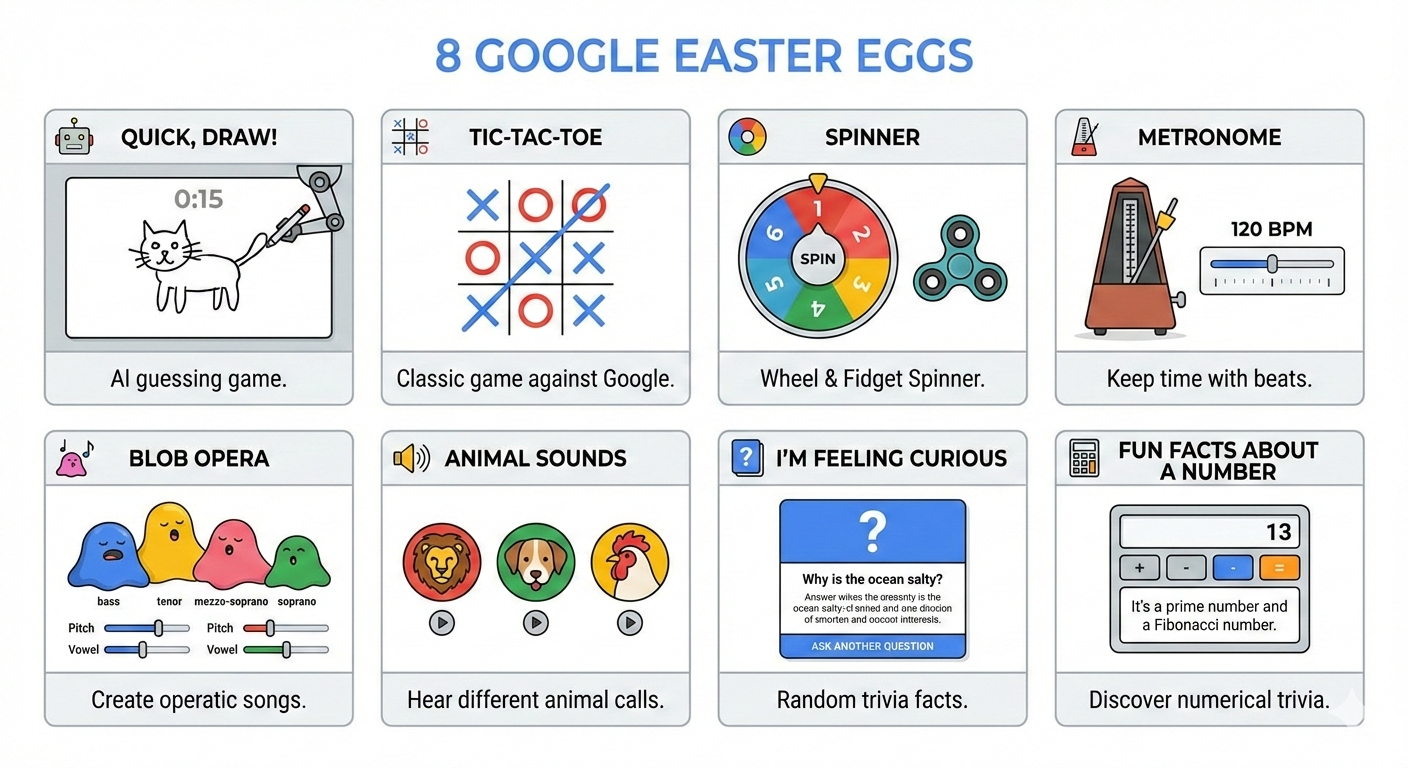
Quick, Draw!
Go to Quick, Draw! and you’ll be taken to a fast-paced drawing game powered by artificial intelligence. You draw simple objects, and Google tries to guess what you’re sketching. In the classroom, use this to talk about AI, pattern recognition, or even visual vocabulary.
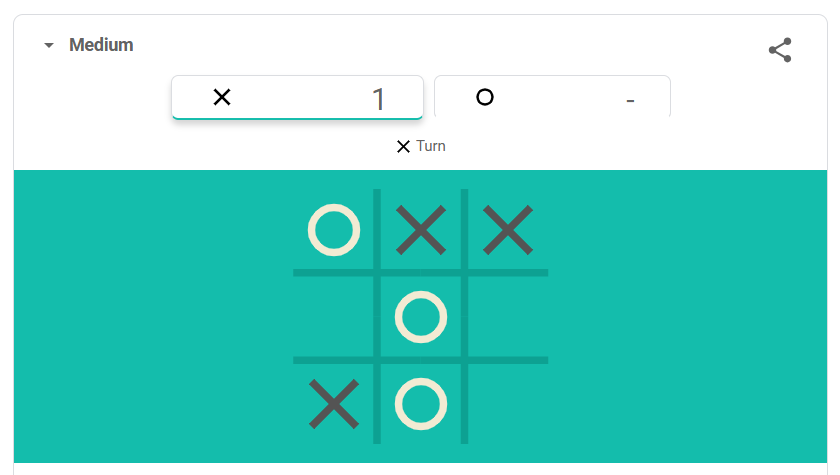
Tic-Tac-Toe
In Google, search “Tic Tac Toe”. Then select a difficulty level, such as Easy, Medium, or Impossible. You can also choose to play against a friend instead of Google. In the classroom, this is great for logic discussions, strategy talk, or even probability connections.
Spinner
Search “Spinner” and Google instantly launches a customizable spinner. You can switch between a fidget spinner and a numbered spinner, and even adjust how many numbers appear. In the classroom, this can be used to randomly select students or assign discussion questions.
Sound-Based Google Surprises
These Easter eggs add sound to the search.
Metronome
Search “Metronome” to access a working, adjustable metronome. This can be useful for music classes, pacing activities, or even helping students focus during independent work.
Blob Opera
Blob Opera is an interactive experiment from Google Arts & Culture. It lets you drag animated blobs that sing opera harmonies powered by AI. You can play four opera voices in real time. In the classroom, students can explore pitch, harmony, and artificial intelligence in music or STEM lessons.
Animal Sounds
Try searches like “What sound does a tiger make?” or search for “Lion sound”. The sound of the animal will appear. This is perfect for younger students, language development, or engagement hooks.
Curious and Surprisingly Helpful
Not every Google surprise spins your screen or launches a game. Some are quieter but just as powerful. These hidden features spark curiosity while giving teachers something practical to use right away.
I’m Feeling Curious
Search “I’m Feeling Curious for a random fact,” followed by deeper questions you can explore. In the classroom, use it as a bell ringer or inquiry starter. Have students write about what surprised them or what they want to investigate further.
Fun Facts about a Number
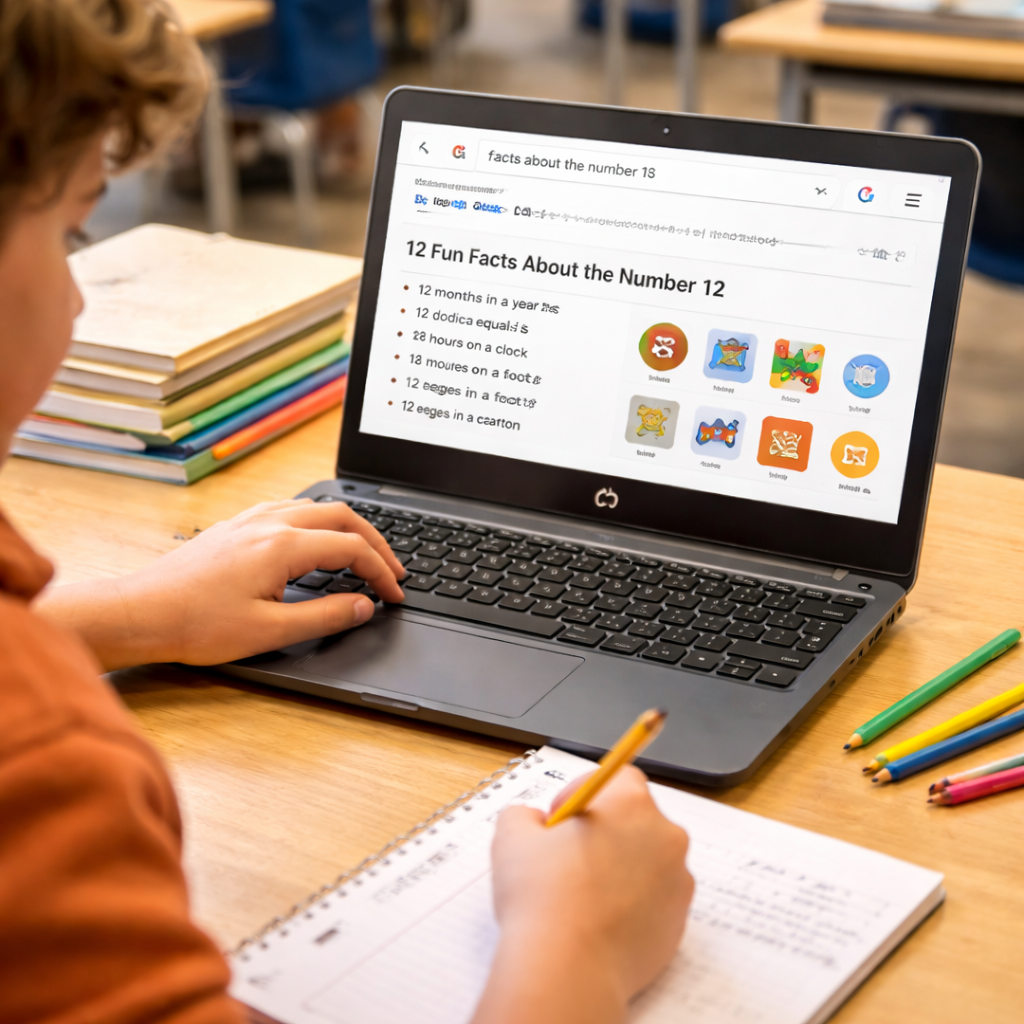
Search “fun facts about the number 12” (or any number). Google generates a collection of mathematical properties, trivia, and interesting connections related to that number. You might see whether it’s prime, how it’s used in real life, or surprising cultural references. It turns an ordinary number into something unexpectedly fascinating.
In the classroom, try assigning students a number connected to your lesson. It could be a year from history, a page number, a problem set number, or their birth date. Have them search for fun facts about that number or explain why it matters or how it connects to your content. It’s a quick way to spark curiosity and show students that even numbers have stories.
Bonus Easter Egg
6 7
6-7 is a viral internet meme and slang term that gained popularity in 2025. It was even named the word of the year by Dictionary.com. It is often paired with a hand gesture (moving hands up and down with palms up). So, type “6 7” in Google and see what happens.
Final Thoughts
Google continues to hide delightful surprises throughout its tools, and discovering them together can spark curiosity, creativity, and joy in learning. Whether you use these Easter eggs as a reward, a lesson hook, or a quick brain break, they’re a simple reminder that powerful learning moments don’t always require complicated tools. Try one this week and see how your students respond. And if you have a favorite Google Easter egg we missed, share it in the comments. There’s always room for one more surprise.
