Discover coding and computer science resources for educators. Explore tools, tips, and activities to inspire students and develop digital skills.

At the recent Elementary Technology Conference, one of my Code Building with Minecraft: Education Edition session participants asked, “Have you heard of CoSpaces?” I confessed that I had not. “It’s a way to introduce students to 3D printing design using block coding,” she responded. Intrigued, I made a mental note to explore this fascinating way to introduce students to coding and 3D printing design. In this blog entry, we’ll explore two tools, including one just released, that empower you and/or your students to use visual programming (a.k.a. “block code”) to create a 3D print design for printing.
Rapid Prototyping
As I mentioned in a previous blog entry, Design Thinking Learning, presenting students with problems can introduce them to block coding. What’s more, it can serve as a way to make a real-life connection. Augmented Reality (AR)/Virtual Reality (VR) and 3D printing are two more exciting ways to create rapid prototypes of solutions to human-centered problems.
“Rapid prototyping is a group of techniques used to quickly fabricate a scale model of a physical part or assembly using three-dimensional computer aided design data.” Wikipedia
Check out this image (3D Innovations) which highlights rapid prototyping in the K-12 Classroom:
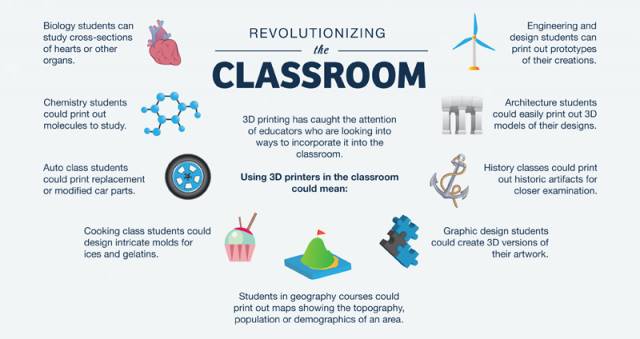
Image Source: 3D Innovations
Learn more about design thinking. Read this short overview.
Tool #1: Prototyping in AR/VR Space
Are you ready to code creations that manifest themselves in augmented reality or virtual reality space? Check out CoSpaces; get an overview in this PDF document. Browser-based CoSpaces works online, so no special software is required. You are able to create in 3D, using block coding to add animations. Enroll in their free online course to learn how to create in CoSpaces.
Watch this quick video:

UQkB92VQSliyTDaU7r3S_CoSpaced%20Sample.mp4
Want to learn more about what’s possible with CoSpaces in the classroom? Read this TCEA blog entry.
Tool #2: TinkerCAD CodeBlocks
You may already know about TinkerCAD as an amazing way to introduce students to 3D print design. Students are able to design in 3D using a beginner tool before they move on to something like Photoshop, SketchUp Pro, etc. This means students can design and fine0tune their designs in digital space before they hit the “PRINT” button. 3D printing has long been a rapid prototyping tool. But what about creating 3D print design using visual programming code?
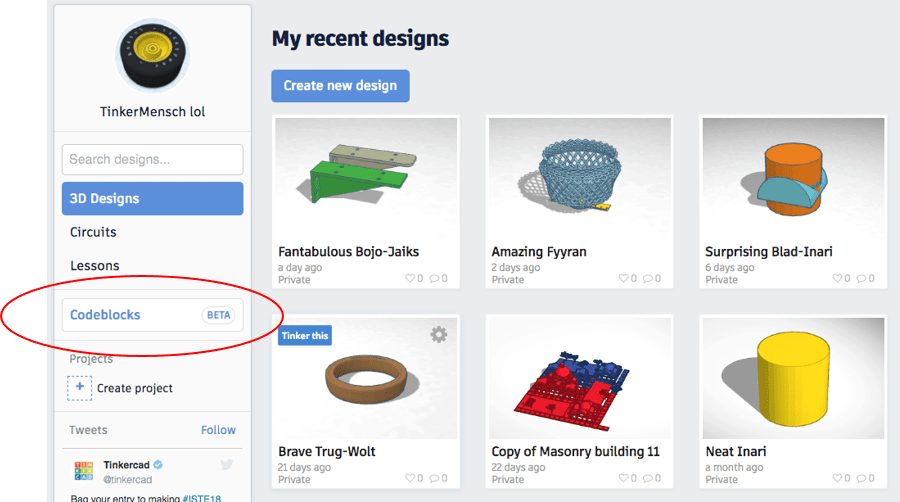
Released in June, 2018, TinkerCAD CodeBlocks describes itself as “a cool new way to build things in Tinkercad, using blocks of code to bring your imagination to life.”
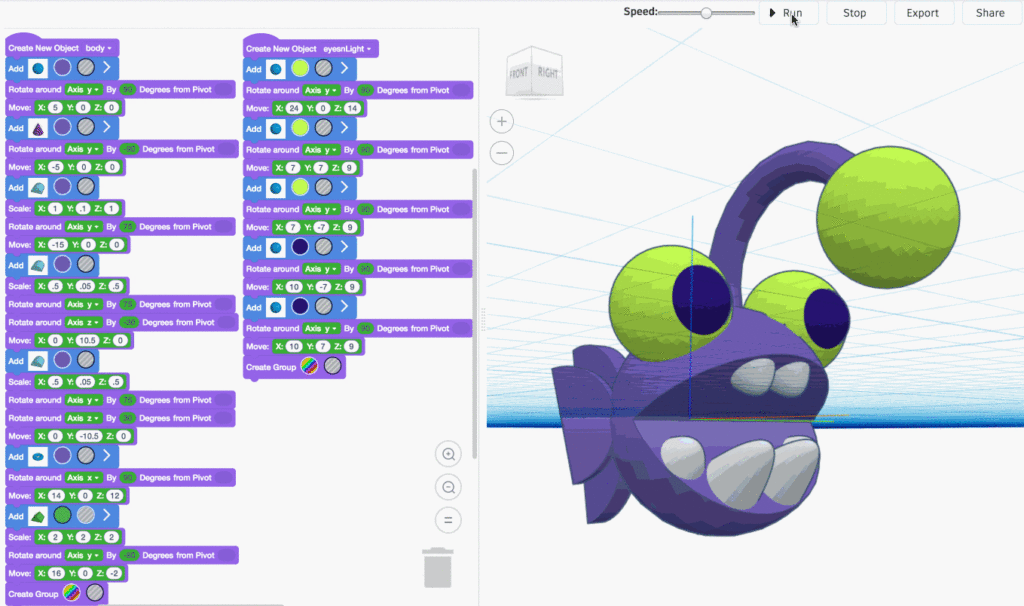
Image Source: TinkerCAD CodeBlocks
Once students have created their code, they can export their creation as a 3D-printable file.
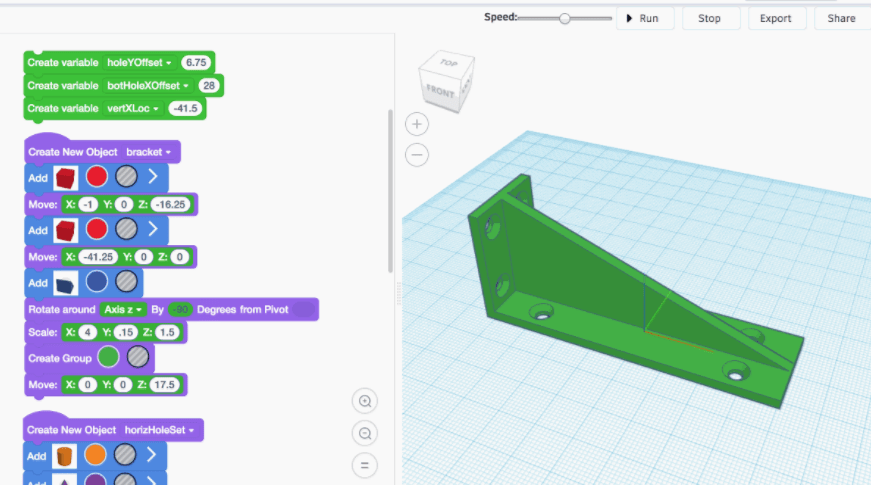
Isn’t that incredible? The interface, when you first jump into the beta CodeBlocker, looks like this:
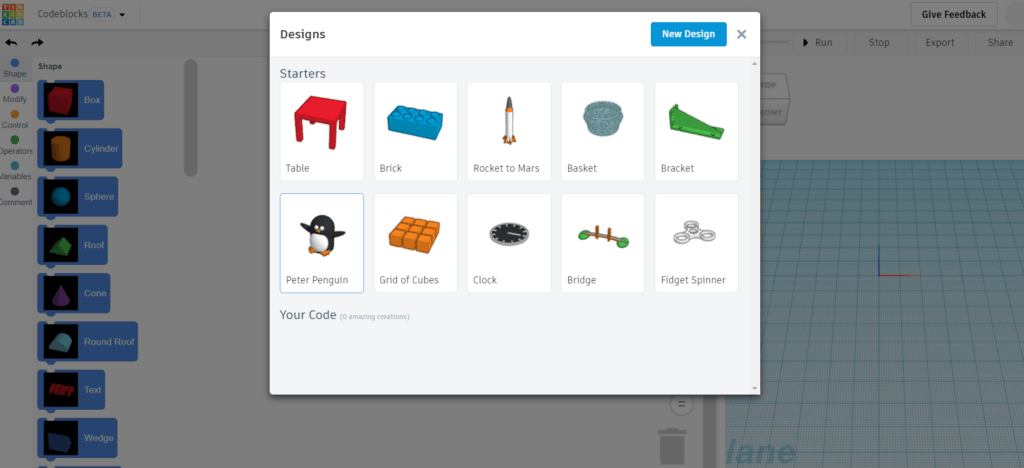
You can do more than just export your code-based 3D printing designs. You can also share them with others using the handy SHARE button.
Make Thinking Physical: Coding Your Creations
Whether students are coding to create in virtual/augmented reality or design in 3D, they are making important connections. One connection sure to engage them is that students see how code translates into physical creations. The coding process makes thinking visible. The visible creation (e.g. 3D printed design) strengthens student understanding that what’s digital can be made physical. Or, to put it another way, thinking made physical.


 These changes will give more options to districts as they decide which courses they can staff. Many districts offer Computer Science I, Computer Science II, and AP Computer Science A. However, because many districts
  In addition, the SBOE is requiring publishers who submit digital instructional materials for Proclamation 2019 to complete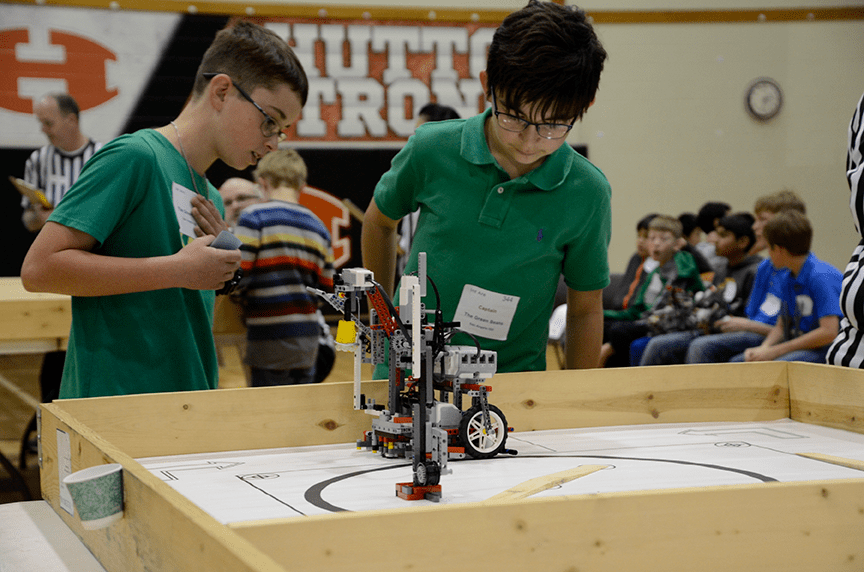
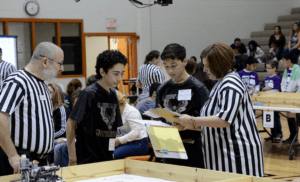 This year’s challenge, Mastering Mars, allowed students the opportunity to task their robots to prepare the Martian environment for human settlement and iron mining. Each team’s robot had to complete as many tasks as they could within the two-minute time frame. Teams were allowed to use one LEGO Mindstorms programmable processing unit, LEGO-branded motors and sensors, other LEGO-branded devices, and non-LEGO parts not to exceed the five dollar limit.
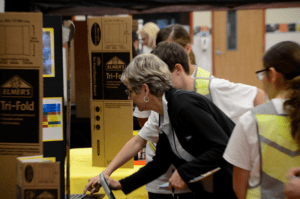 As Arena contestants battled it out for the top spot, Invention participants exercised their creative-thinking skills by designing a robot to solve a real-world problem of their own choosing. From iPotty toilet assistance for the elderly to oil pipe sealing robots, students of all ages let their imaginations run free to create exciting solutions to make the world a better place. Other solutions offered to save lives, assist entomologists to gather insect specimens, and collect dangerous metal objects, among others.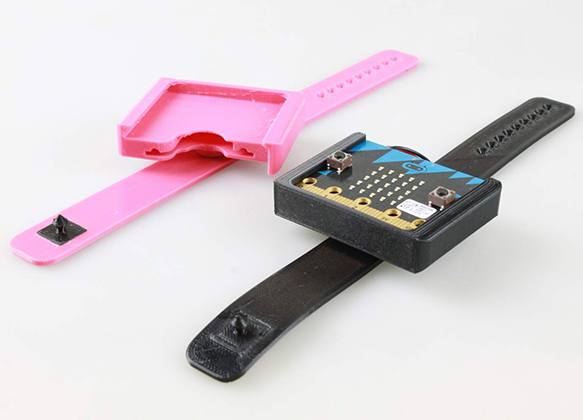
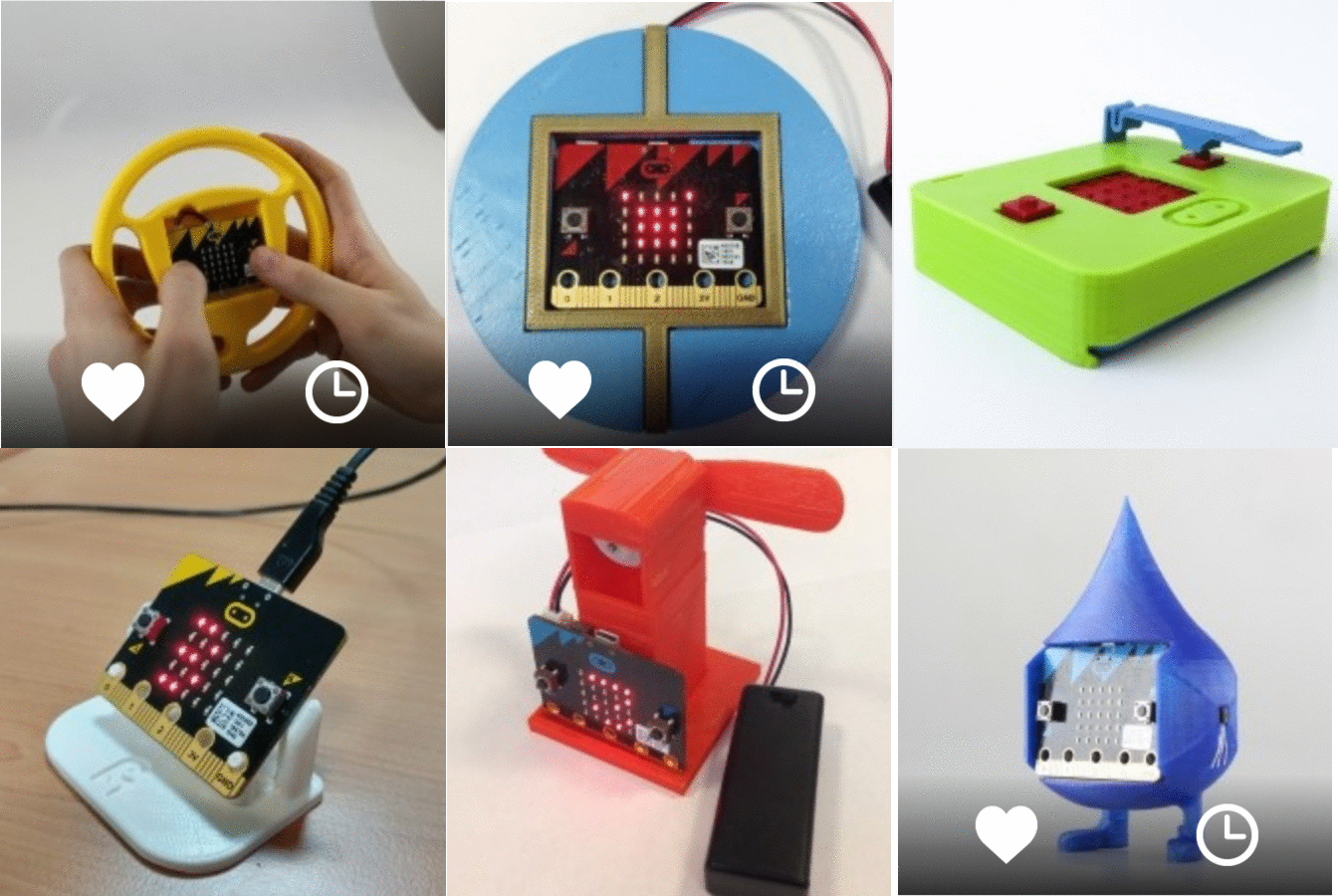
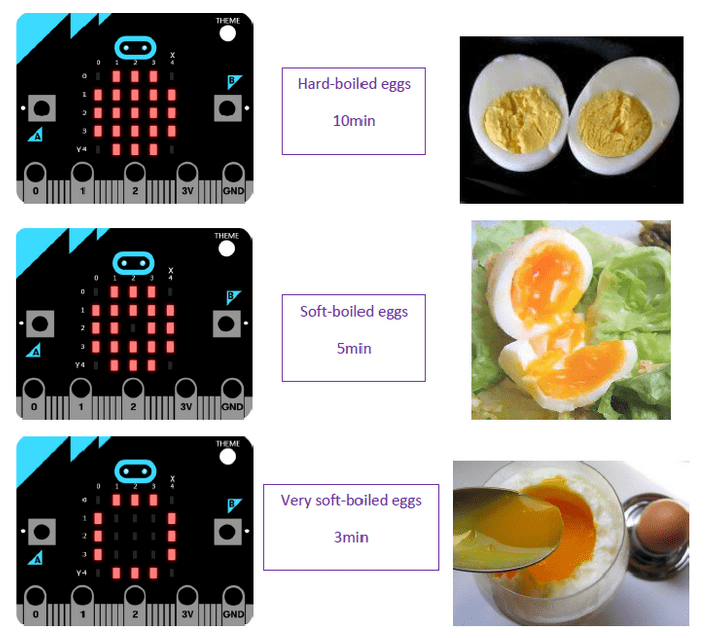 Step 1 : Print your egg timer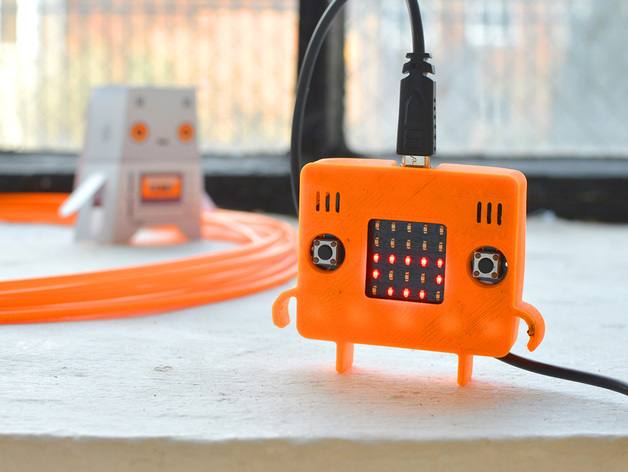
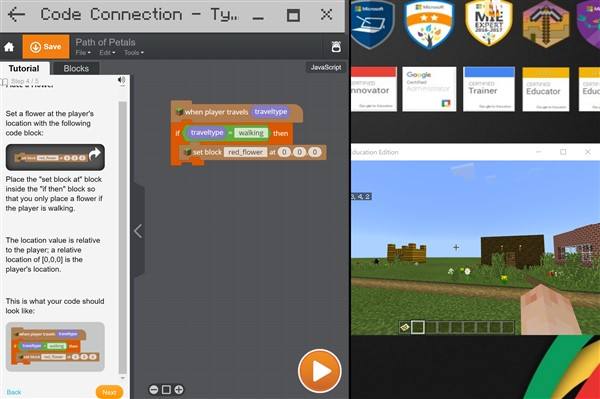
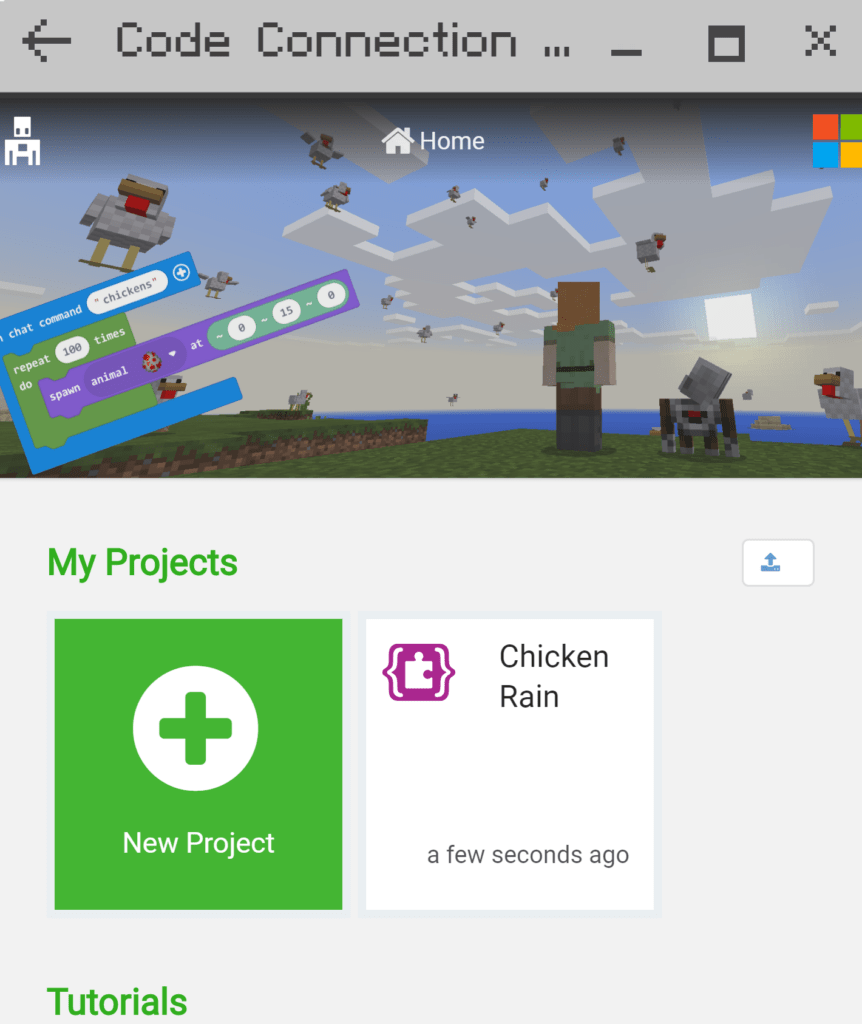
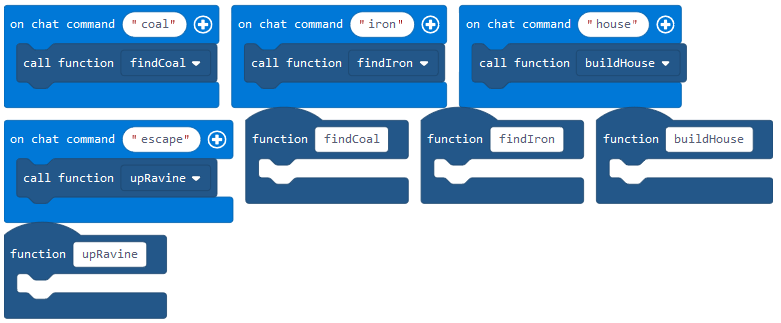


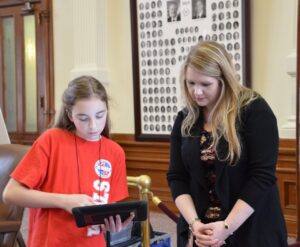
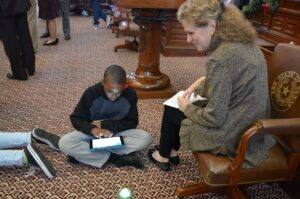
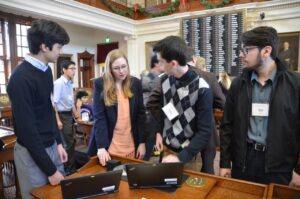 House of Representatives. Students from Richardson, San Antonio, Austin, Pflugerville, Spring Branch, Leander, Hays County, and Lufkin came to the Capitol to demonstrate the different ways students gain coding experience in their elementary, middle, and high schools. They also came to teach state legislators and their staff members how to write their first line of code.
 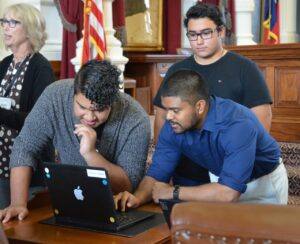 The
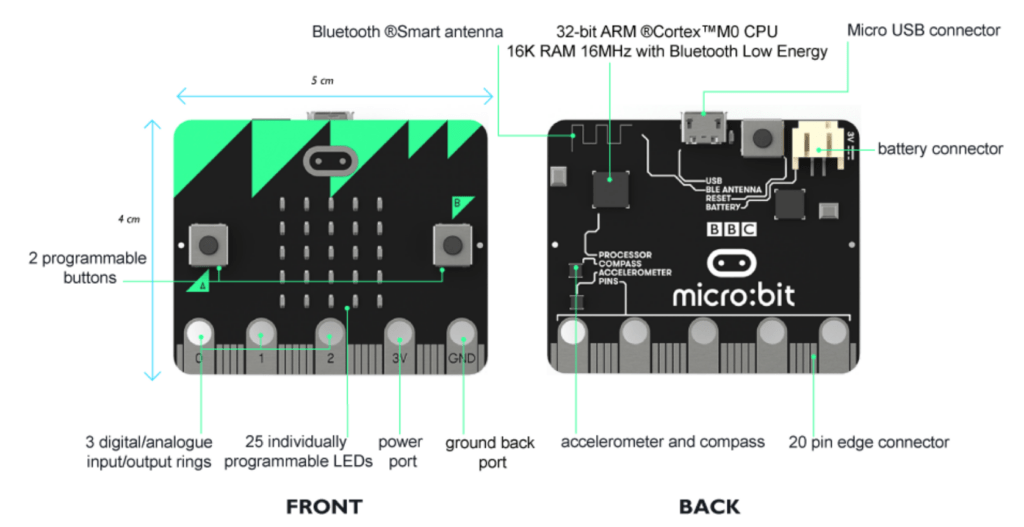
The 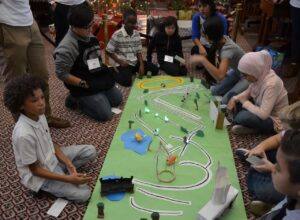 students and listened to some San Antonio elementary students read a story they wrote, as their pre-programmed robots acted out the plot line. In fact, there were a variety of different robots roaming about the floor of the chamber, including: Lego, Sphero, Dot and Dash, Makeblock, Mircobits, and Ozobots. One of the participant’s favorite activities was test driving the code written for a virtual reality experience by the Richardson ISD high school students.
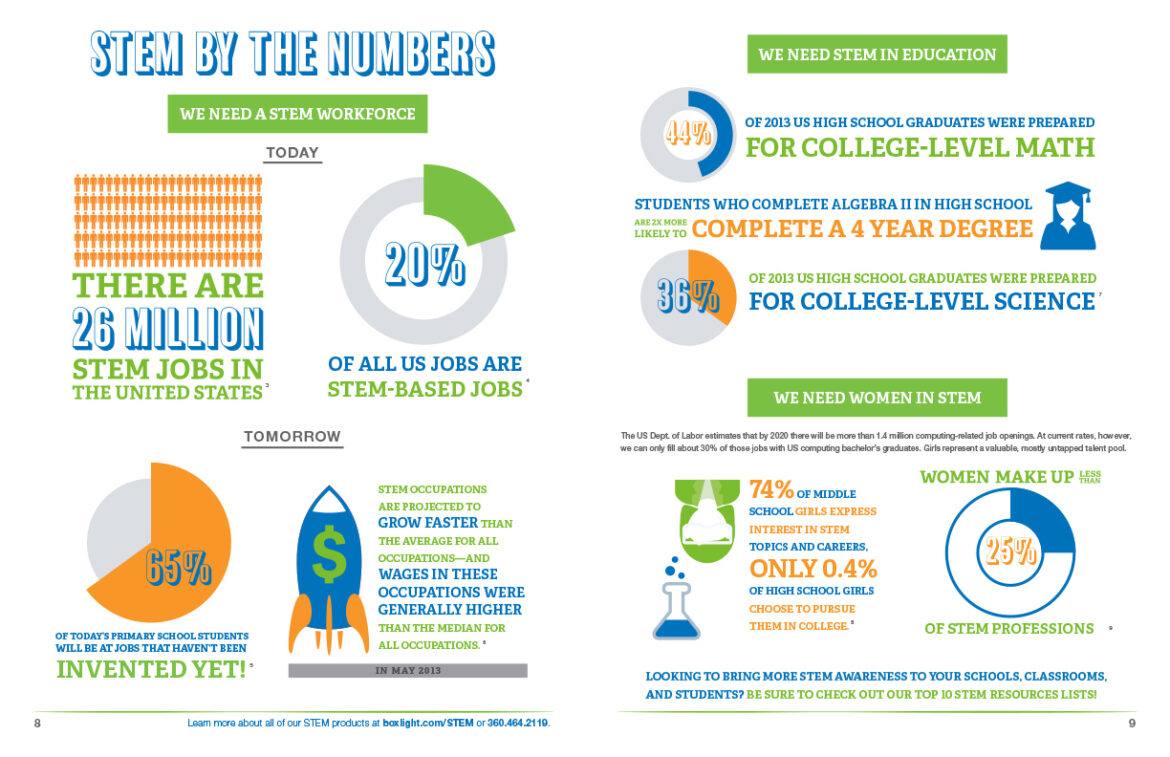
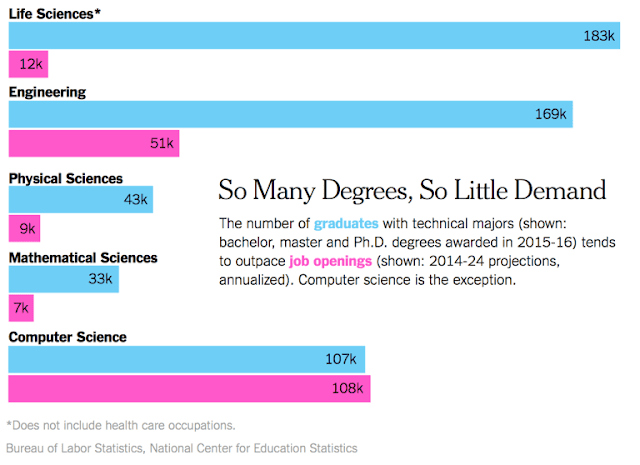
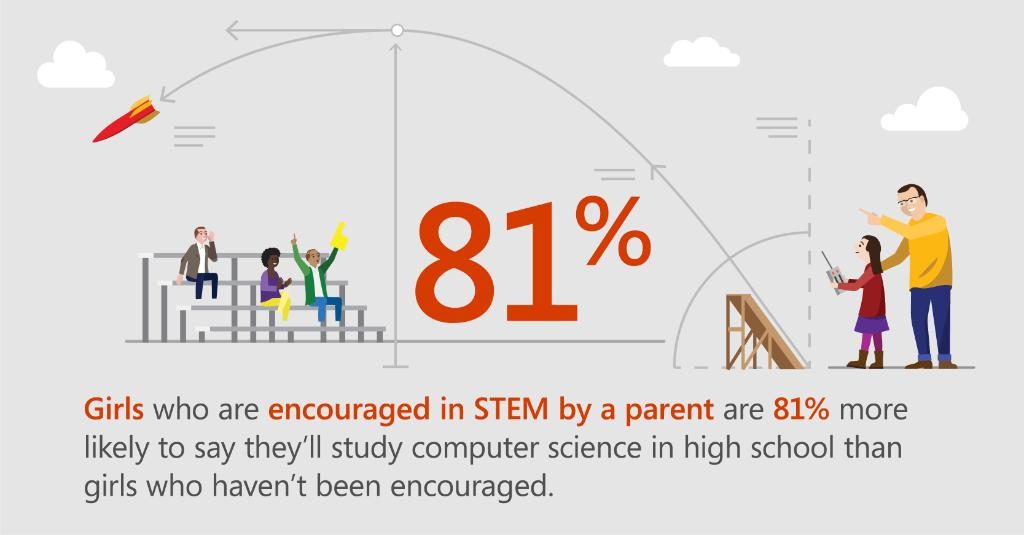
 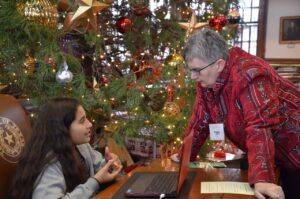 The students also got to hear what it takes to work at Facebook, Google, and Uber. Representatives from these companies spoke to the students over pizza and soft drinks. They highlighted the benefits of working in the tech industry and what it takes to land a job at one of these three companies. It won’t be long before these students will be polishing their resumes and knocking on their doors. The likelihood of these students getting jobs is strong since there are currently over 40,000 unfilled high-tech jobs in Texas. And yet, only 3 percent of high school students took a computer science course last school year.
 This is why this day was so important. Educating policy makers on the benefits of computer science is critical to enacting policies that can effectively change the dismal statistics. Some of the strategies to increase the opportunities for students to gain computer science skills are: