Stay updated with the latest TCEA announcements. Find news, event updates, and important information for educators and tech enthusiasts.
“If you are going to achieve excellence in big things,” General Colin Powell once observed, “you develop the habit in little matters. Excellence is not an exception, it is a prevailing attitude.”
Each year, TCEA recognizes and promotes excellence in teachers and administrators from across the country for their dedication to the integration of technology in the classroom. Winners for 2017 were announced at a ceremony and reception on Tuesday, February 7 during the 2017 convention. Award recipients received a $1,000 prize, and two finalists in each category received $500 prizes. We are pleased to congratulate these educators in the following categories.
Award Recipients
The Technical Support Person of the Year award recognizes exemplary support personnel who make significant contributions by providing technical support to facilitate the successful use of technology on a campus or at the district level.
- Sandra Urista, Canutillo ISD (Finalist)
- Betty Weddle, Temple ISD (Finalist)
- Jonathan Rowe, Schertz-Cibolo-Universal City ISD (Recipient)
The Library Media Specialist of the Year award recognizes a Texas-certified librarian who actively promotes the integration of technology in the library media center and works collaboratively to promote and support the integration of technology throughout the curriculum.
- Shirley Dalby, Burleson ISD (Finalist)
- Kimberly LaMarre, Pflugerville ISD (Finalist)
- Suzanne Ross, Keller ISD (Recipient)
The High Impact Teacher of the Year award is presented to a teacher who exhibits exemplary use of technology in the classroom. This award recipient will also be entered into ISTE’s Outstanding Teacher of the Year contest.
- Katie Chirhart, Caddo Parish School Board (Finalist)
- Amanda Kinney, Texarkana ISD (Finalist)
- Marisa Vickery, Dripping Springs ISD (Recipient)
The Instructional Technology Specialist of the Year award recognizes exemplary personnel who work with one or more campuses in technology planning and curriculum integration.
- Vanessa Jones, Austin ISD (Finalist)
- Melissa Motes, DeKalb ISD (Finalist)
- Brianna Hodges, Stephenville ISD (Recipient)
The District or Campus Administrator of the Year award is presented to a district or campus administrator who recognizes the importance of technology in the teaching and learning process and actively promotes the use of technology on the campus or throughout the district.
- Joe Gordy, Graham ISD (Finalist)
- Meritte Threadgill, Klein ISD (Finalist)
- Herbert “Trey” Wright, McKinney ISD (Recipient)
The Technology Administrator of the Year award is presented to a technology administrator who exhibits exemplary vision and management of technology at the district level.
- Sherry Mitchell, Lubbock ISD (Finalist)
- Mark Simmons, Sabine Pass ISD (Finalist)
- Chris Nilsson, Lamar CISD (Recipient)
The School Board of the Year award is presented to a school board that recognizes the importance of technology in the teaching and learning process and actively promotes the use of technology throughout the district. The award this year goes to Denton ISD: Barbara Burns, Dorothy Martinez, Dr. Jim Alexander, Doug Chadwick, Mia Price, Dr. Jeanetta Smith, Charles Stafford, and Dr. Jamie Wilson.
At the awards ceremony, additional prestigious recognitions were also announced:
Making IT Happen
- Karla Burkholder, Schertz-Cibolo-U City ISD (Recipient)
- Candace Threadgill, Retired (Recipient)
Advocacy Award
- Mark Gabehart, Round Rock ISD (Recipient)
- Hal Speed, Dell (Recipient)
Friends of Education Award
Senator Larry Taylor (Recipient)
Scholarship Recipients
TCEA also awards scholarships to deserving teachers and students who want to further their knowledge of educational technology. Current and future educators were awarded in two scholarship categories:
Richard A Brown Student Scholarship
Sherry Yi, University of Illinois at Urbana-Champaign (Recipient)
Robert E. Knight Professional Scholarship
Valeri Michna, University of North Texas, Fort Sam Houston ISD (Recipient)
2018 Nomination Process
Do you know an educator who demonstrates excellence? Each September, TCEA accepts award nominations. Learn more about the online nomination process here.

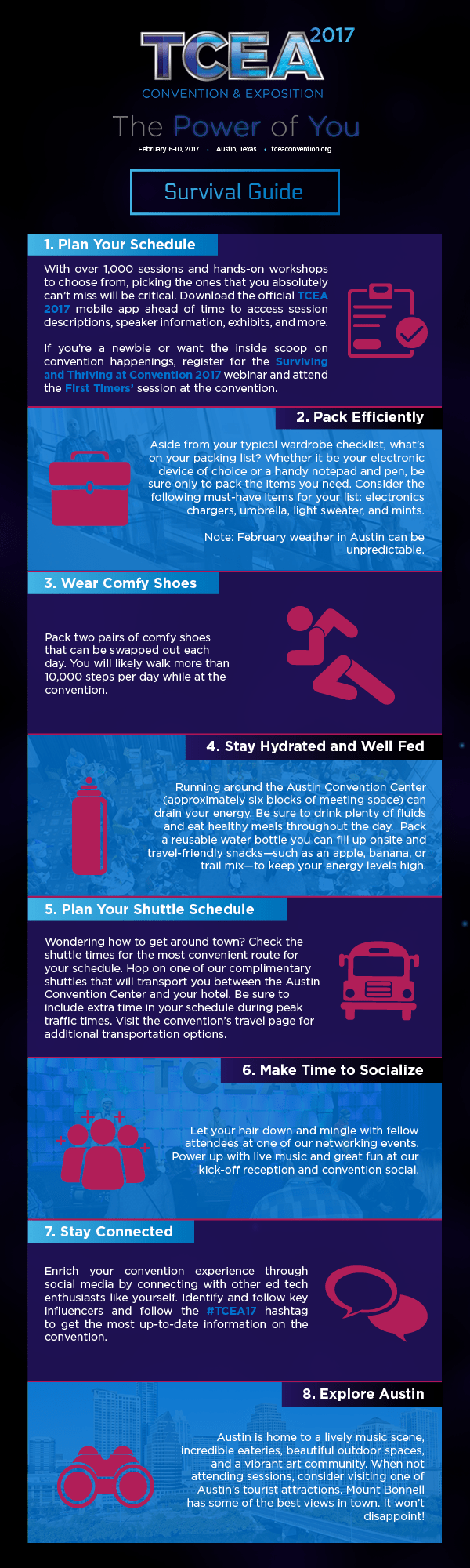
 Once you have your focus planned, then it’s time to do some research. The TCEA convention offers in-depth learning opportunities on almost any topic in the edtech world that you might be interested in. But you have to know how to search out exactly what you need. To do that, you’ll need your computer and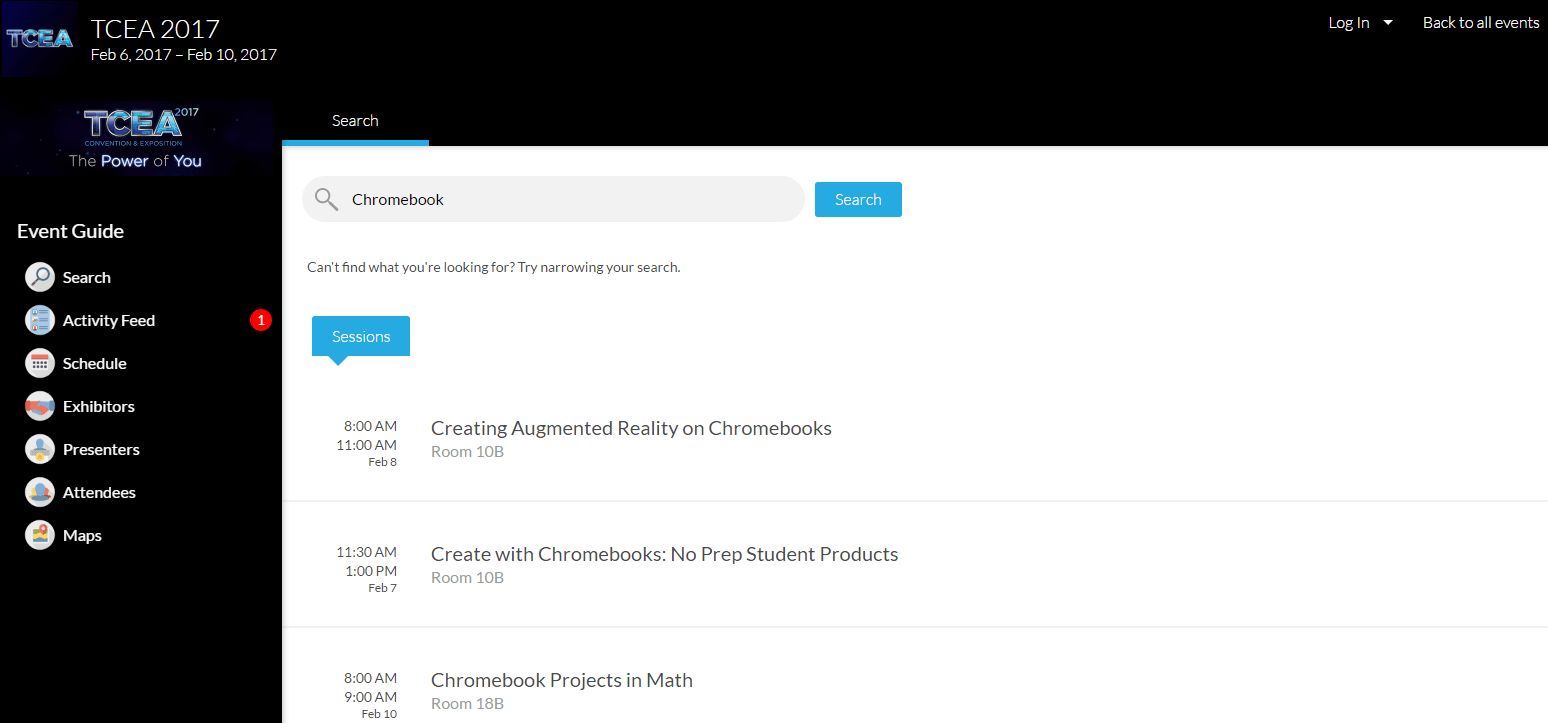


 I Love You So Much
 Mount Bonnell
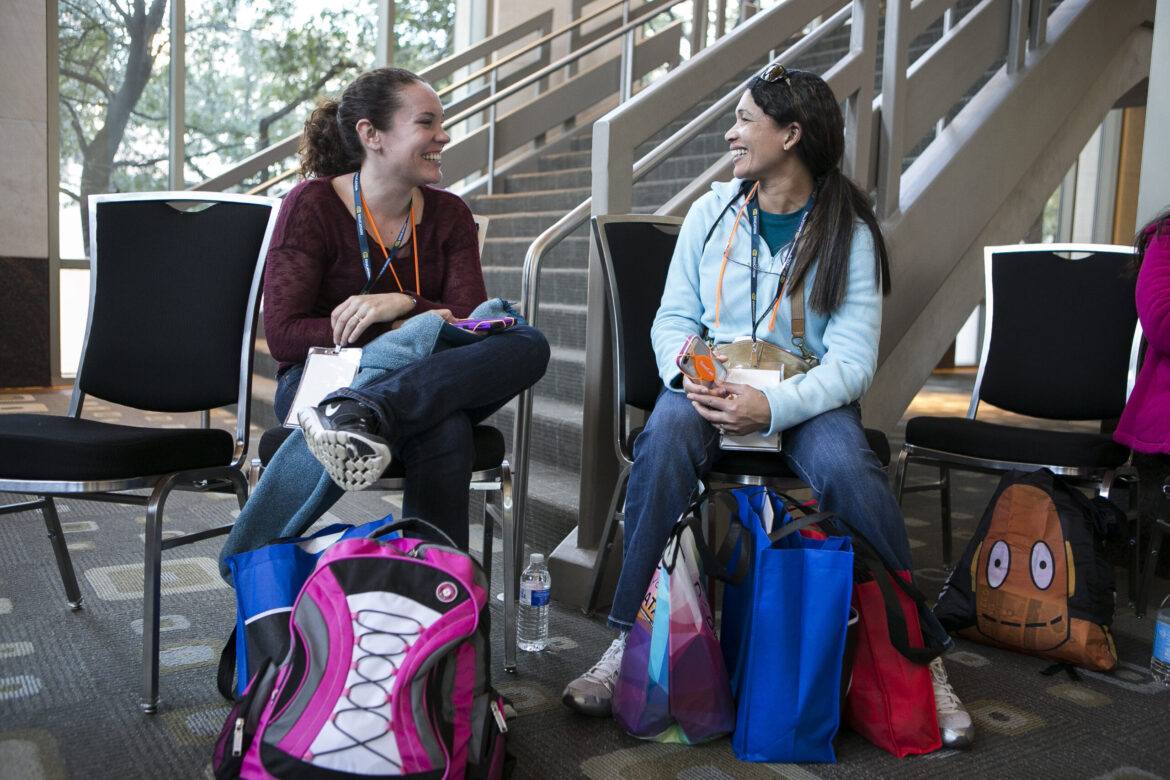
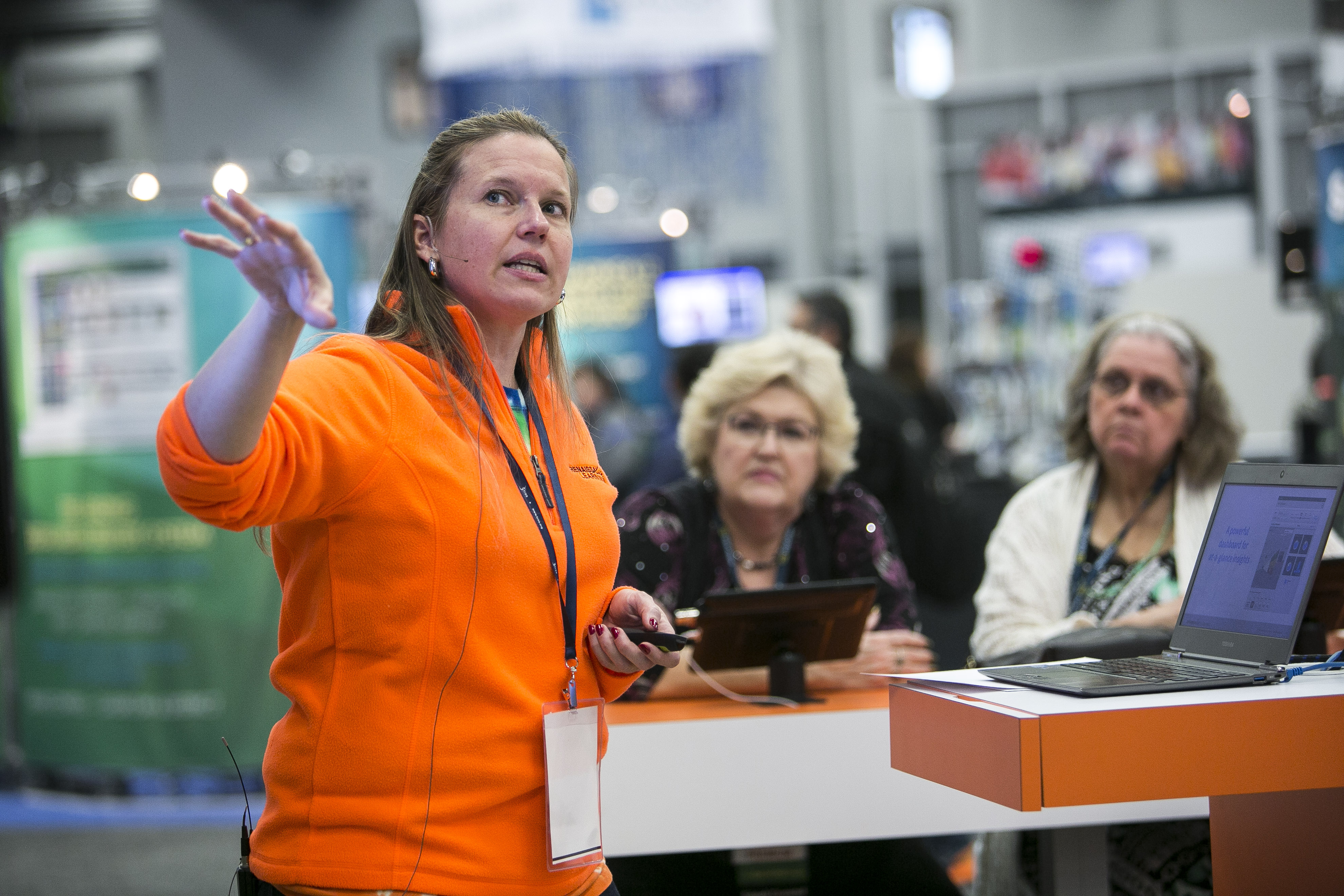 Enjoy the excitement and energy of the exhibit hall in a whole new way this year. Tuesday’s Opening Reception is the ideal way to kick off your convention experience. Dedicate some time for exploration and inquiry, discover the latest and greatest in edtech solutions, and pick up great schwag from over 450 education and technology vendors.
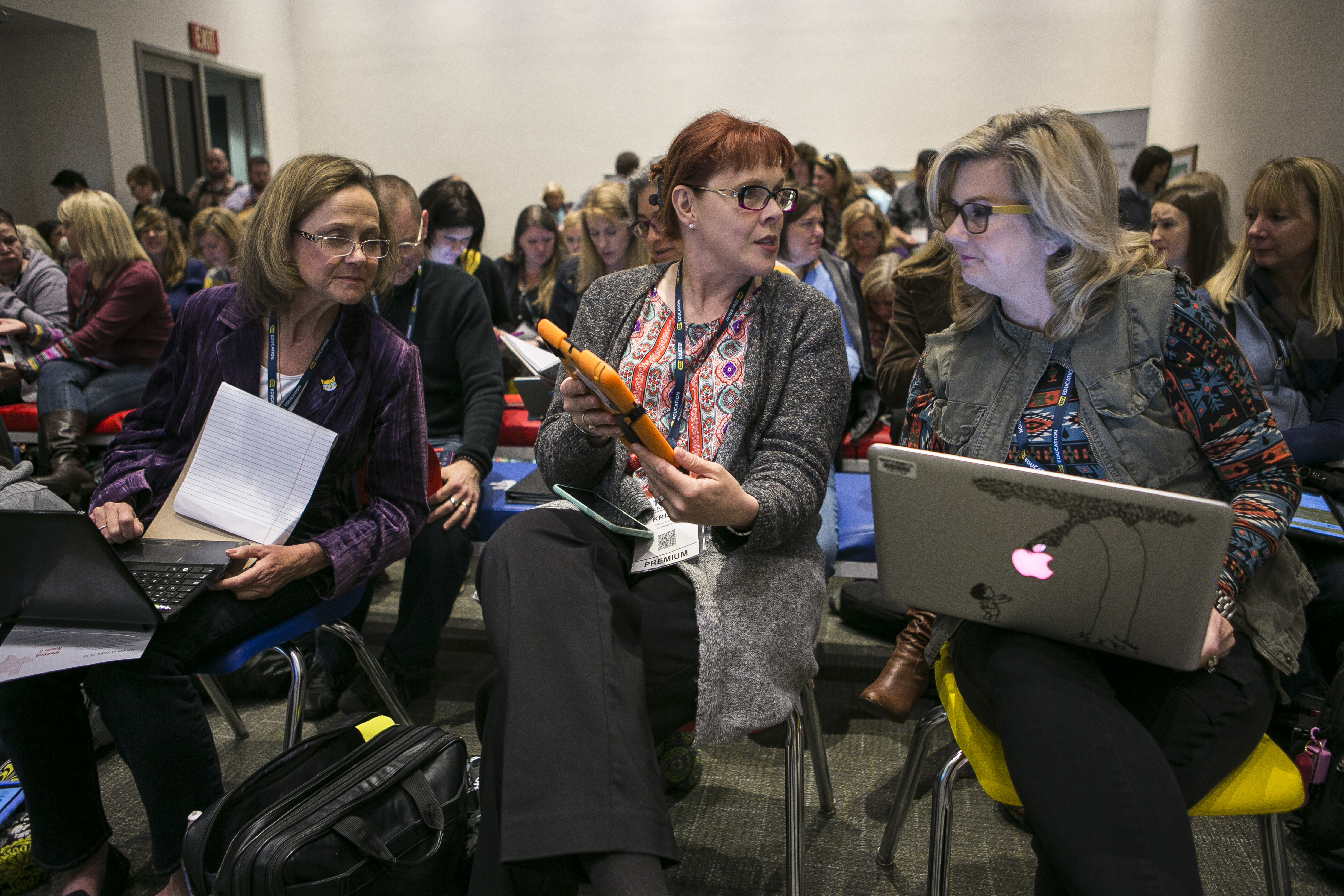 Explore the Power of You in this interactive learning area. Spend lots of hands-on time exploring makerspaces, breakout rooms, and programming. Discover activities and approaches that enhance learning by sharing in this peer-to-peer, network-rich presentation area.
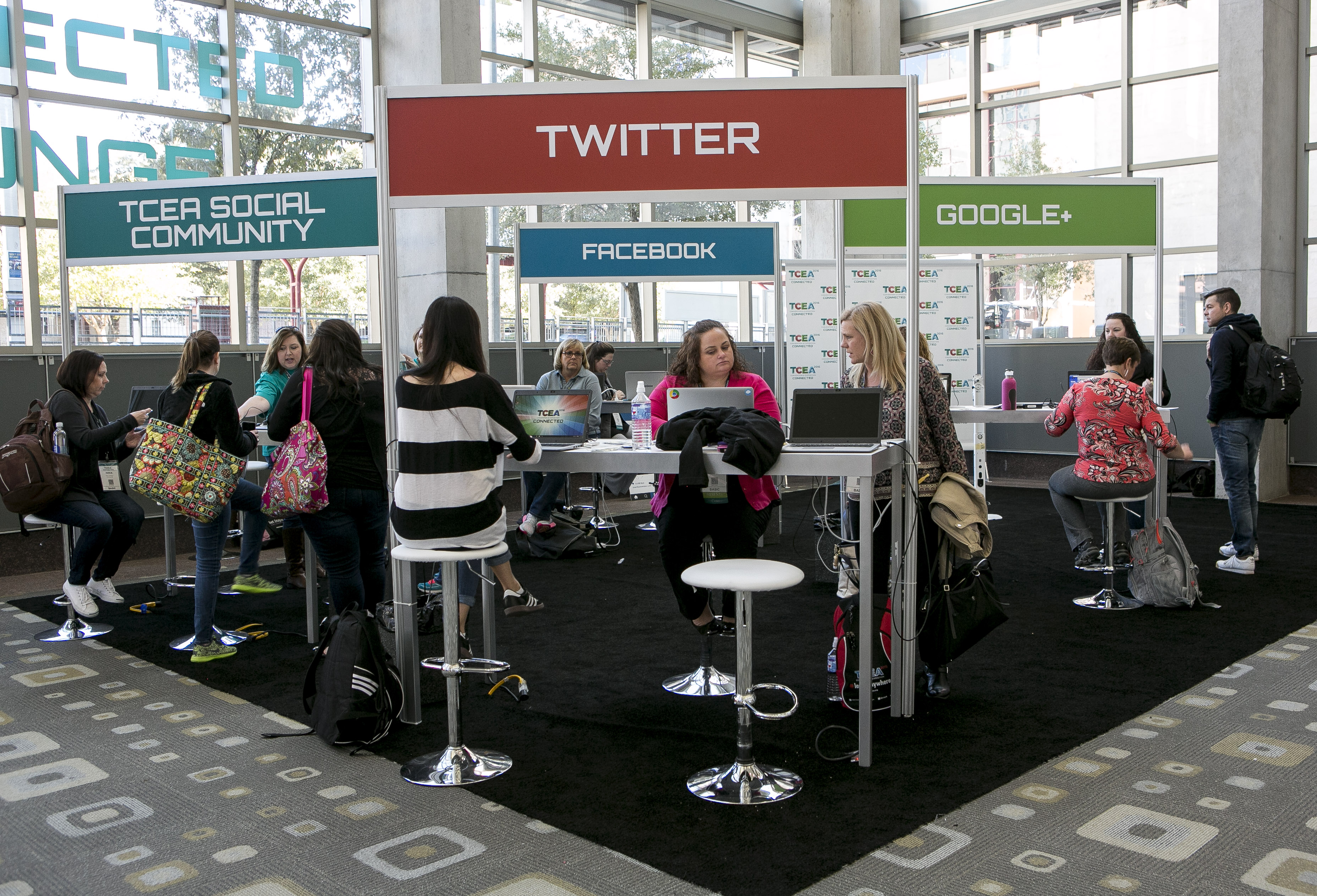 Meet other edtech enthusiasts in the social media and connection Hub of TCEA 2017. Featured presenters and edtech experts are scheduled throughout the week to share their favorites tools, techniques, tips, and tricks. Whether you’re new to social media or have more followers than Justin Bieber, this is the spot for integrating social media into your repertoire.
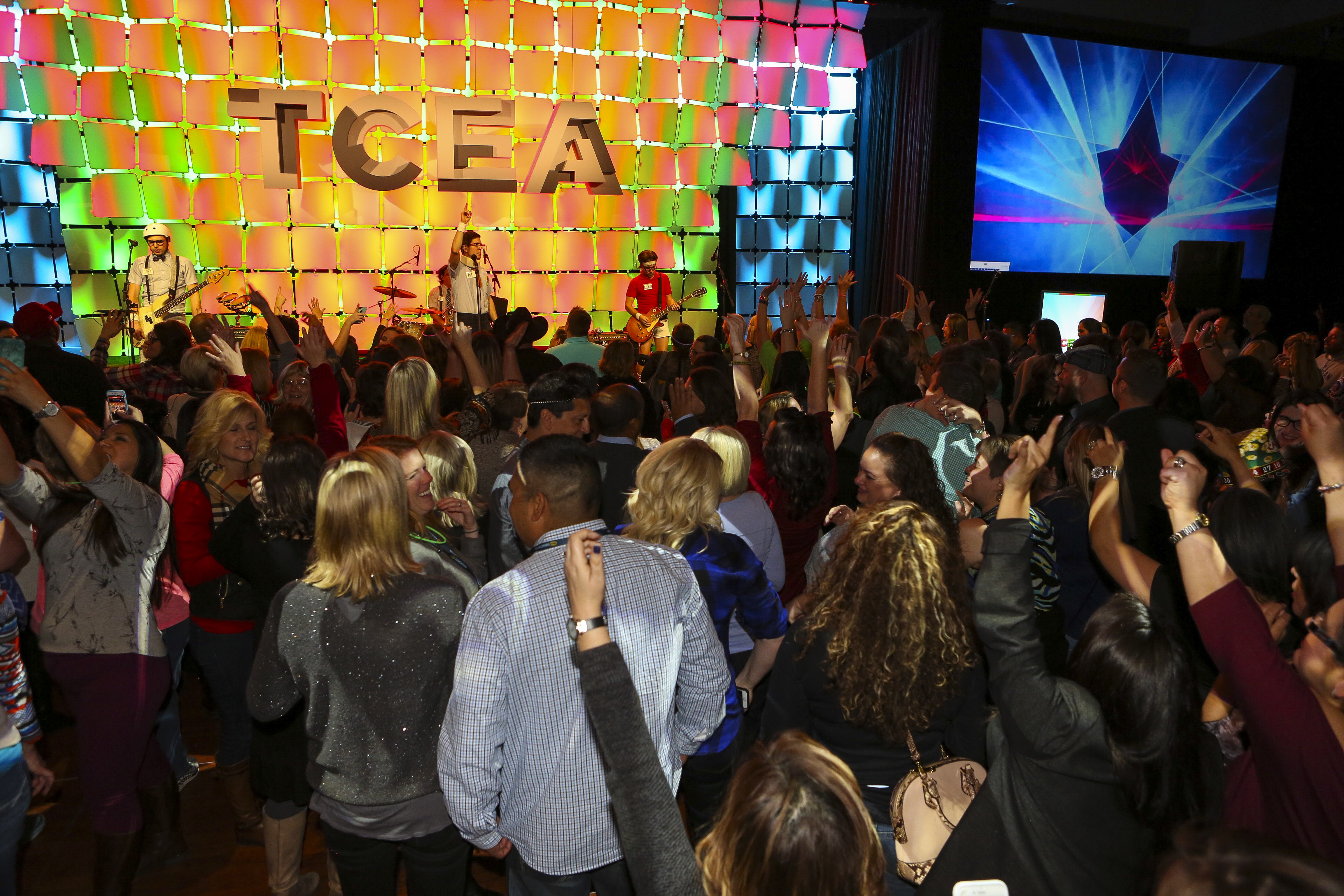 The Thursday social is the must-attend event at the convention, and this year we’ve moved it to a new, more convenient time. Let your hair down and power up with live music, great fun, and fabulous door prizes. There will be games, contests, and energetic tunes, all from the Live Music Capital of the World – Austin, Texas.