Though the term “artificial intelligence” (AI) can be traced back to the 1950’s, it really didn’t start getting much traction until recently. Before we talk about ways that you can teach students about AI, let’s define what artificial intelligence is.
Though there’s not 100% agreement on what artificial intelligence is and isn’t, according to Lexico it is, “The theory and development of computer systems able to perform tasks normally requiring human intelligence, such as visual perception, speech recognition, decision-making, and translation between languages.” Siw Grinaker gives several clear examples of artificial intelligence in real life on her blog post. And, though more narrative than definitive, Josh Worth, via his post Stop Calling it Artificial Intelligence, tries to bring more clarity as to what it is not.
All that being said, AI is something that is impacting jobs right now and will have a greater impact on our students’ lives. As such, it is important to help them understand more about artificial intelligence so they can better prepare for the job market – regardless of whether they will be working on the back end of designing/supporting artificial intelligence or on the front end of deploying and making use of AI. Here are a few resources that I gathered for you to get you started in having a more intentional discussion about artificial intelligence with your students.
Bingo Game to Learn about Artificial Intelligence
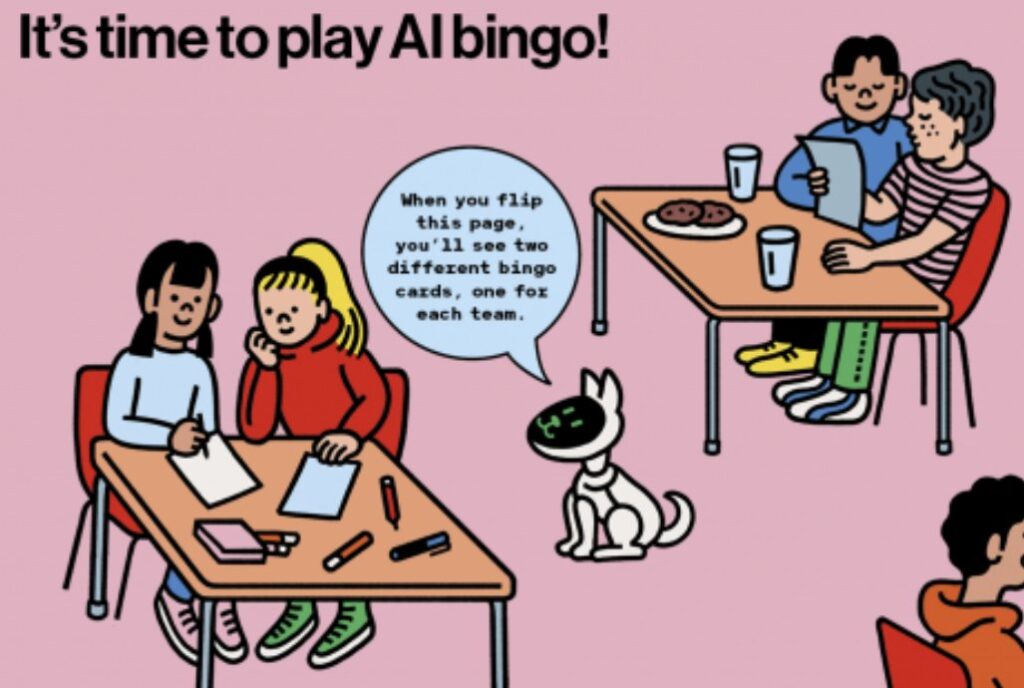
Blakeley H. Payne created a bingo game to help students learn more about artificial intelligence. Reading from the answer sheet, the teacher reads a data set and a prediction while the students try to find the task that is performed on their bingo sheet; students then write down the data set and prediction in the box corresponding to the task they believe is referenced.
You can broaden the information by using the curriculum that has been created and provided by MIT: An Ethics of Artificial Intelligence Curriculum for Middle School Students.
Three Unplugged Activities for Teaching about Artificial Intelligence
ISTE provides three activities for helping students to learn about AI using offline means. The first activity references students’ knowledge of playing Tic-Tac-Toe, the second activity includes mimicking the Turing Machine in which students determine if a given answer to a question is a computer or person, and the third activity focuses on facial recognition. You can find the activities here.
Google AI Experiments
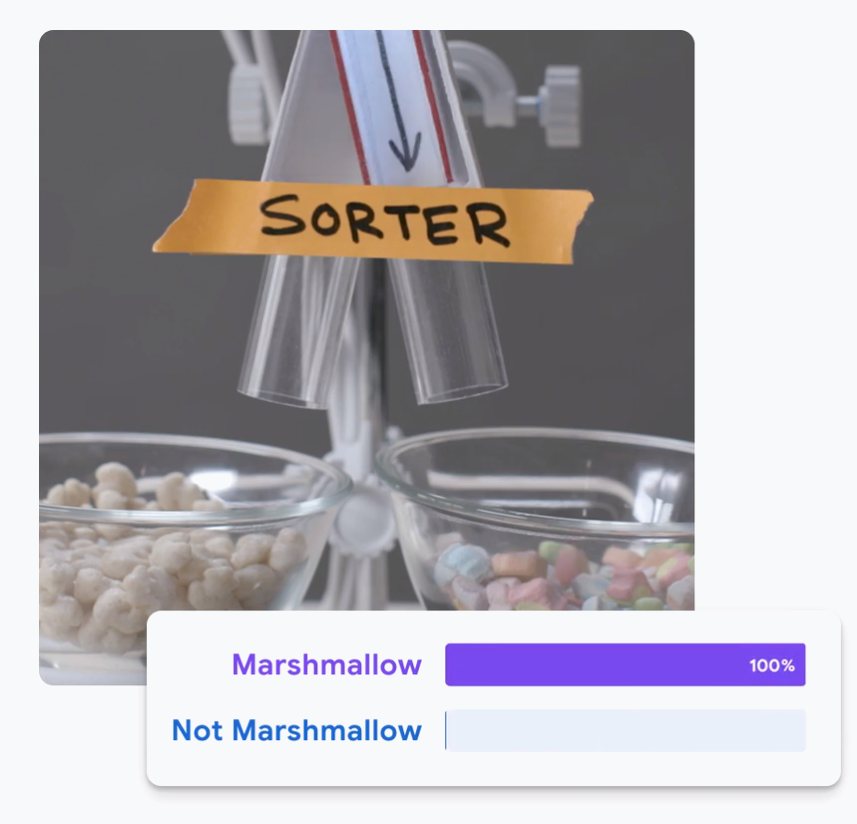
Google AI Experiments has a wide variety of interesting tests that you can read about and participate in. Here are few that I recommend you share with your students as you discuss how AI is involved and what it is doing on the back end:
- Teachable Machine – A fast, easy way to create machine learning models – no coding required.
- Quick, Draw! – A game where a neural net tries to guess what you’re drawing.
- Semi-Conductor – Conduct your own orchestra in the browser by moving your arms.
- Shadow Art – Try your hands at the ancient art of shadow puppetry with a little help from AI.
Akinator
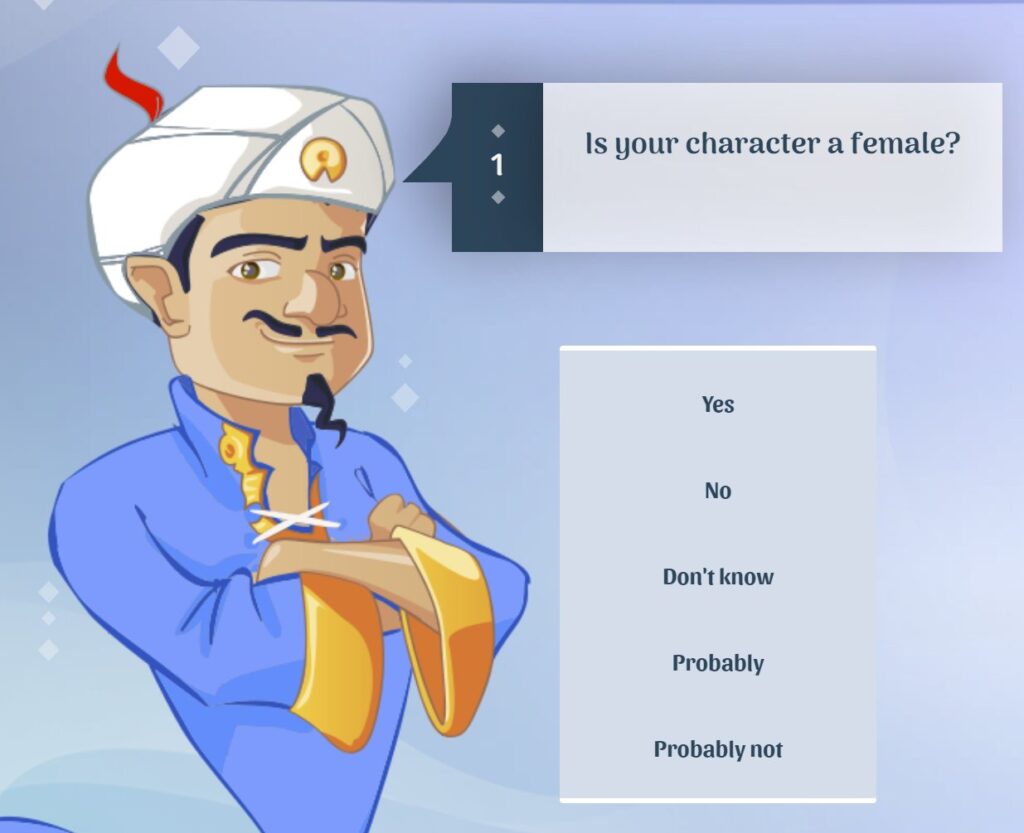
This online version of 20 Questions is a fun game for students to play to see if they can stump the computer. After choosing a character, object, or animal, students being answering questions with Yes, No, I don’t know, Probably, and Probably not. After 20 questions, Akinator will guess what you were thinking of.
There are plenty more lessons and activities scattered across the Internet. If we didn’t include an activity you’ve used with your students, be sure to share it with us in the comments below!


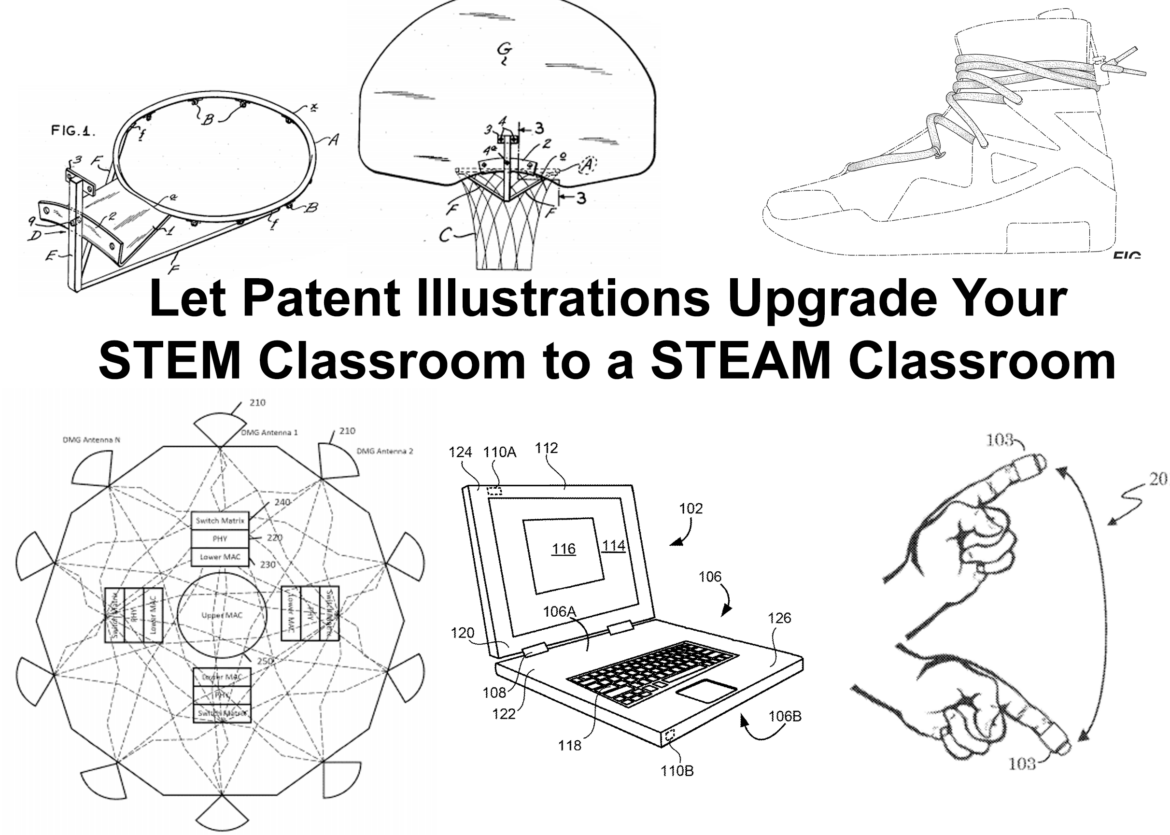
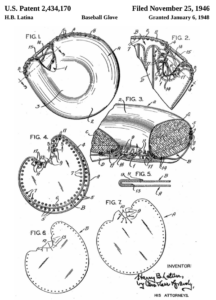
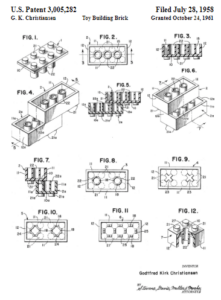
 The first patent in the United States was issued on
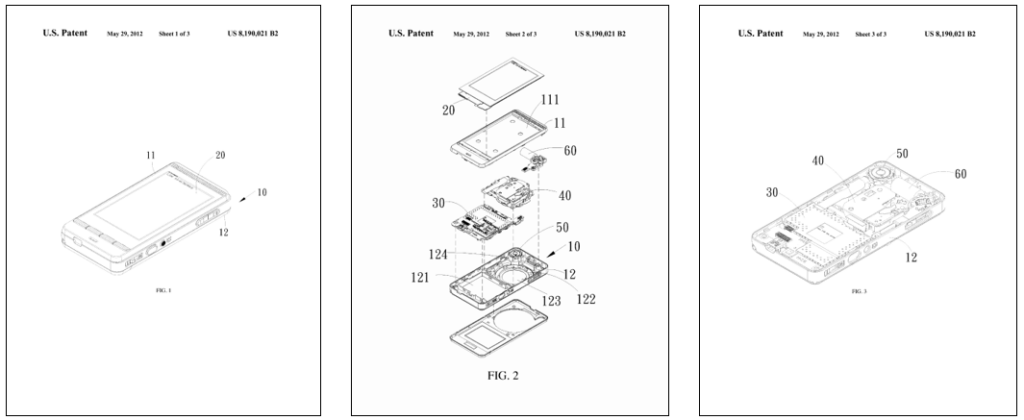
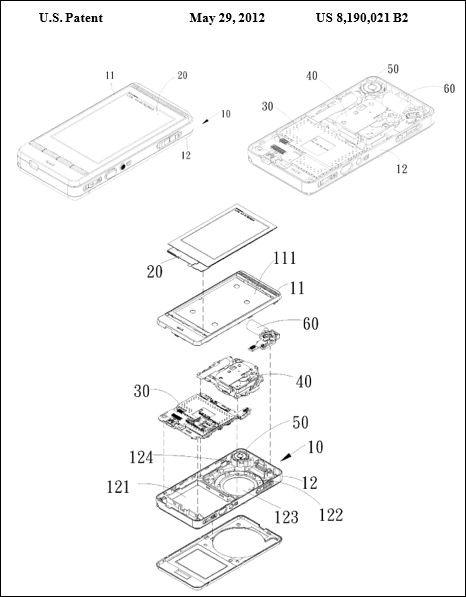
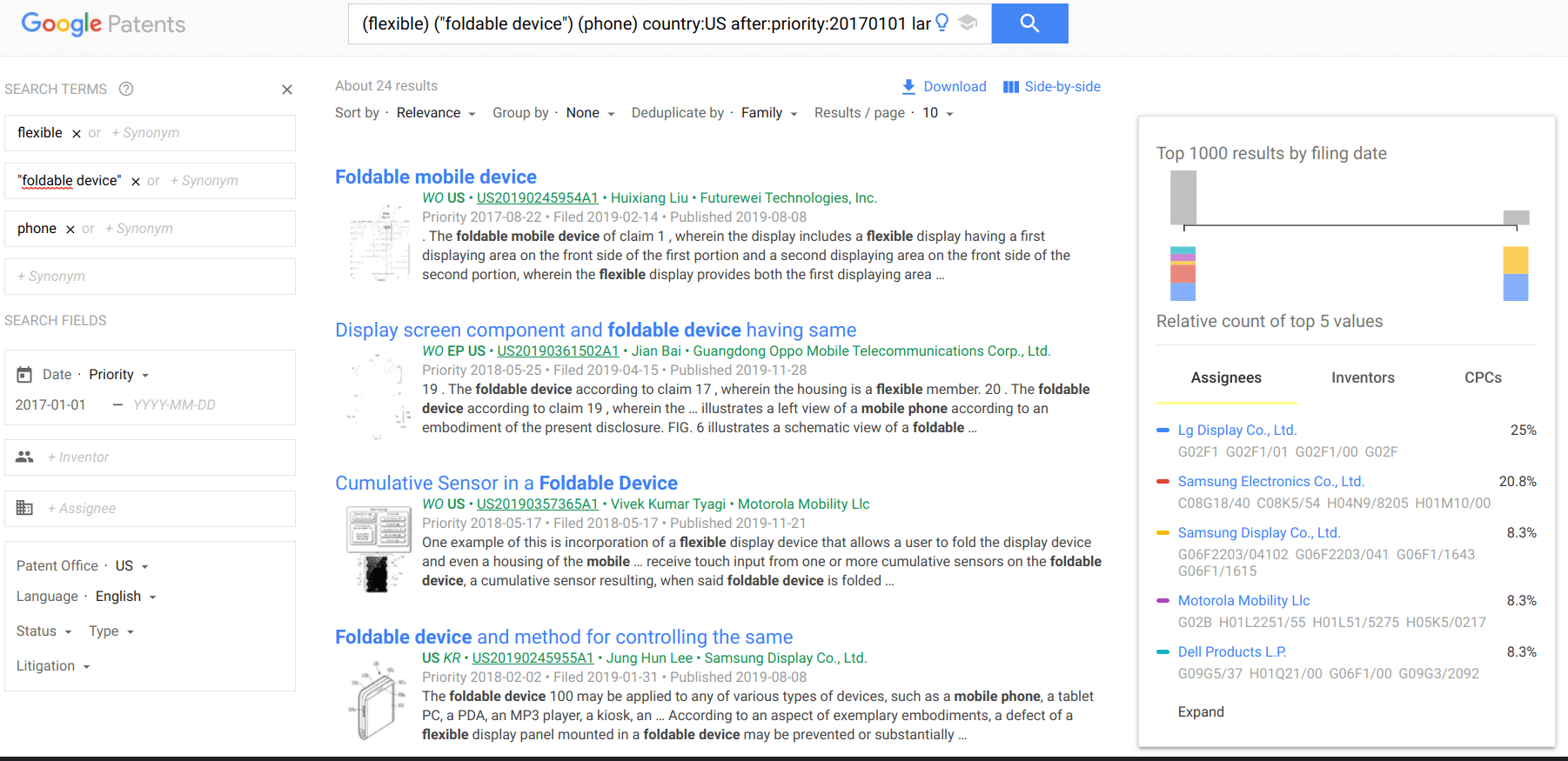
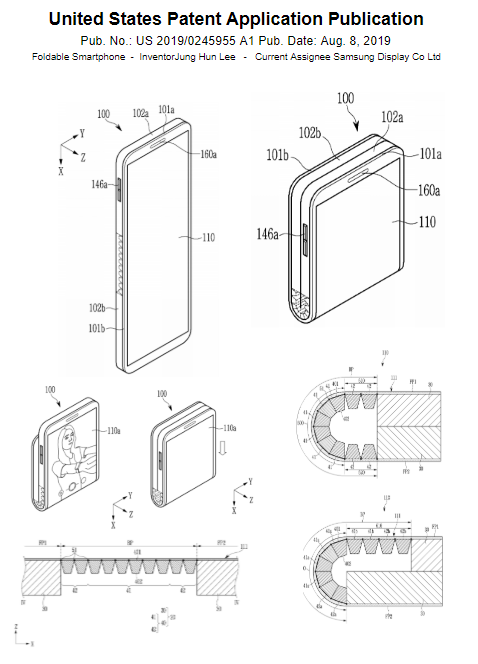
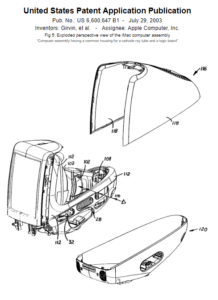
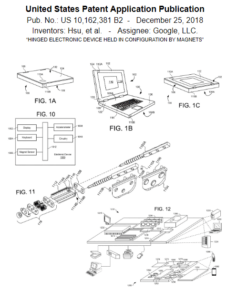
  Finding patent illustrations online can be easy and complicated at the same time. For example, if I want to find patent diagrams for an iPhone, the logical idea would be to search for iPhone in the patent title. If I use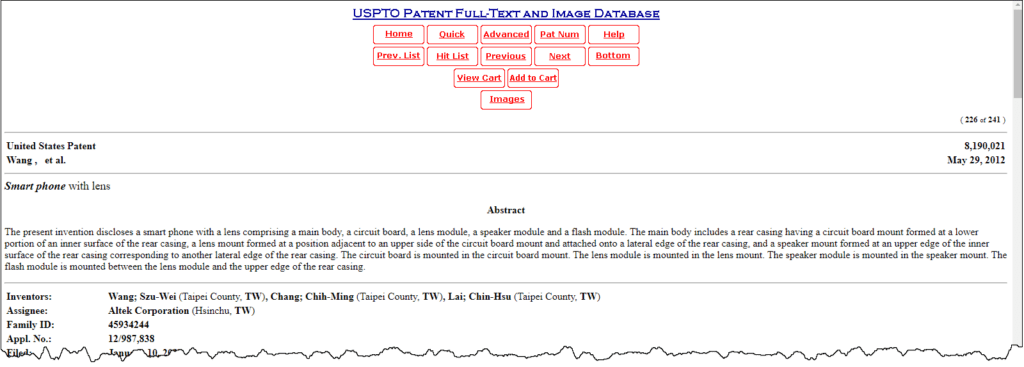


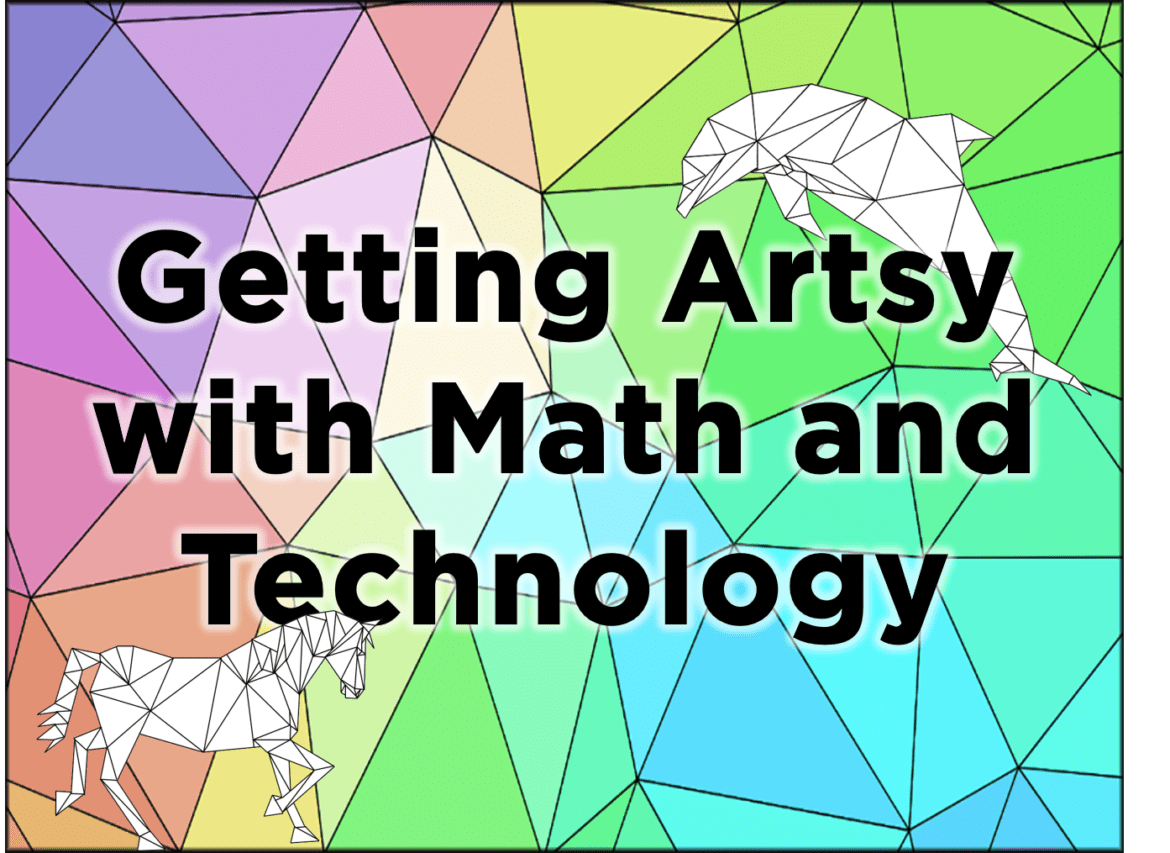
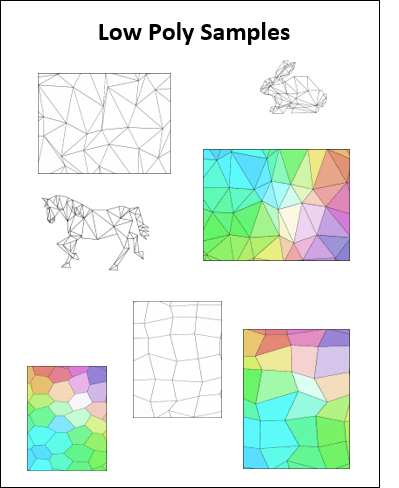
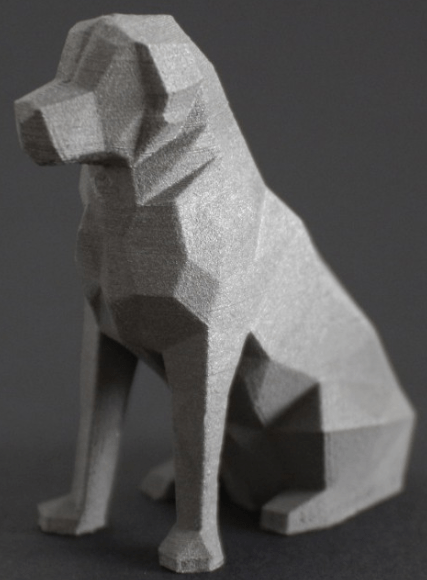
 Low poly has been around for decades in the computer industry. As early game designers needed a way to generate images (and later animation) that did not exceed the available memory, they found they could reduce the file size by reducing the amount of information contained in the picture itself. This was achieved by connecting a mesh of dots to form polygons that are filled with a single color. The most popular shape to use is a triangle. This method allowed designers to easily reduce an image to mathematical terms instead of every pixel having its own color. You may have noticed that even current gaming systems are making use of the retro look of low poly. News sites may apply a low poly filter when interviewing a witness that wants to remain anonymous so that their physical features are less likely to be identified.



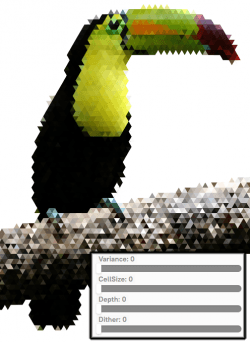
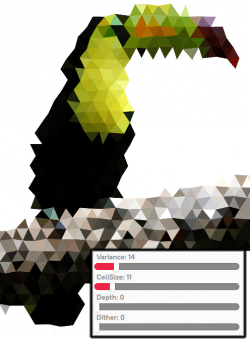



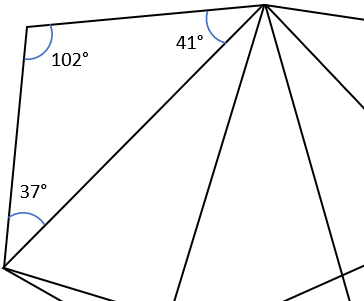 Identifying Angles – Because low poly can be made using only triangles, give students a page from the Low Poly Samples pdf file (link below) and have them identify whether each angle is a right, acute, or obtuse angle by writing r, a, or o in the angle respectively. For older students, have them use a protractor to identify the exact angle and have them write the measurement in each angle. Students can easily check their work by calculating the sum of the angles in the shape. The sum of the angles in a triangle will equal 180°, while the sum of the angles in a polygon with four or more sides is equal to 360°.
 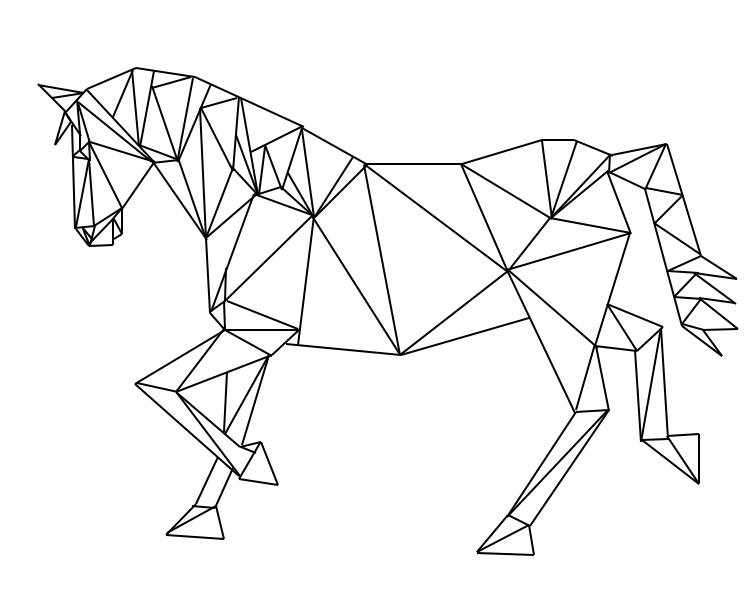 Low Poly Animals – Provide animal shapes for students to use as patterns. Laying a sheet of blank paper over the pattern, students trace the image using only straight lines and fill the image in with line segments to create triangles, squares, pentagons, etc. but no curved lines. The image to the right is my work using this method.