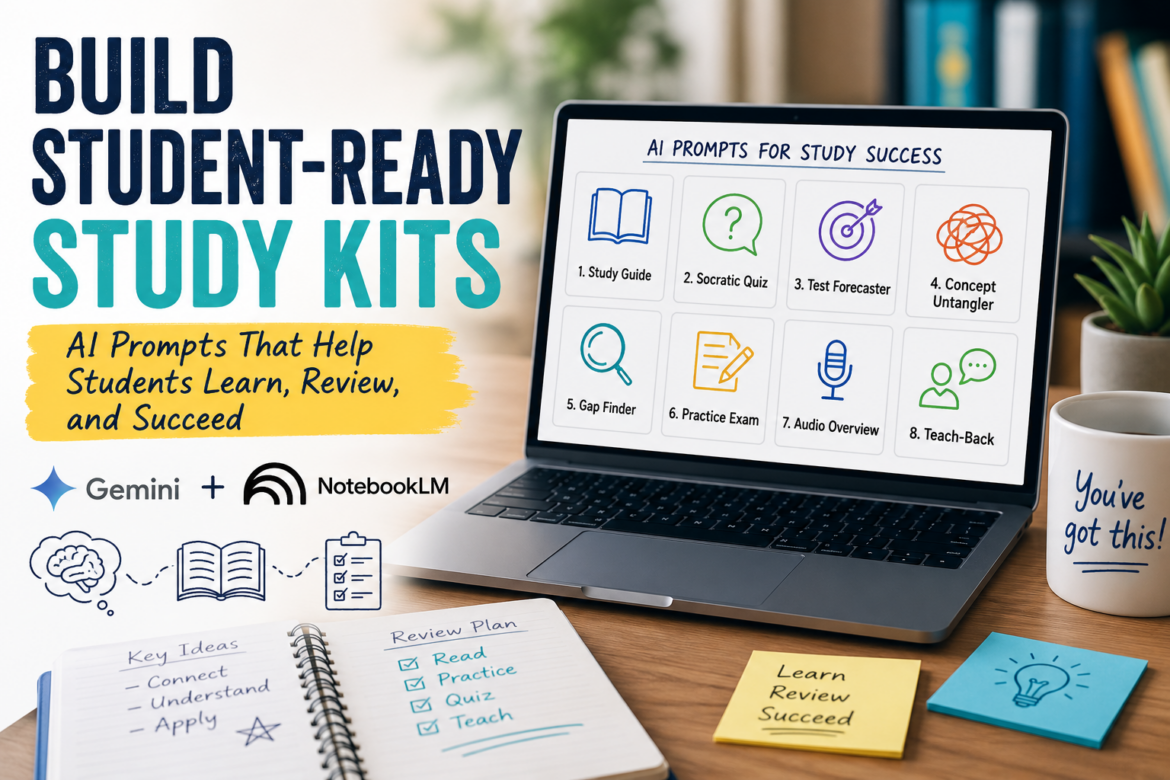
Have students who need a little extra help? Give creating study kits for students a try. You can use the prompts in this blog entry to create student-ready study kits. Do it by building on the power of Google Gemini and NotebookLM.
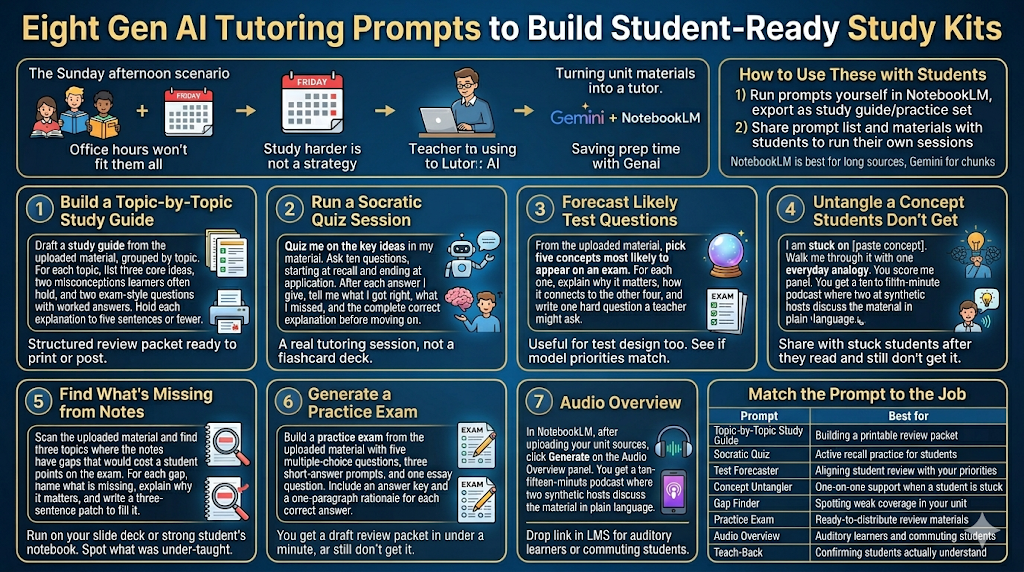
Gemini paired with NotebookLM can turn your unit materials into a tutor your students can run themselves. The eight prompts below let you build the resource once and hand it out as many times as you need to. I keep this set in a shared Google Doc and pull from it whenever a colleague and/or parent asks me how to use AI to help students review at home. I often point to the ACE framework (Articulate it, Connect it, Extend it) to get them thinking how their child can make connections to information. Encouraging outlining and organizing, concept mapping are also at the top of my list to suggest.
Become a CyberSmart Educator with a practical, self-paced course designed to help you protect sensitive data, secure accounts and devices, recognize social engineering attacks, respond appropriately to cybersecurity incidents, and build stronger digital safety habits. Or, learn AI Essentials for Educators. Each course is $49 at full price or $34 at the discounted rate. Register online through TCEA Courses.
How to Use These with Students
You can do these one of two ways. The first is to run the prompts yourself in NotebookLM after uploading your unit slides, readings, and notes. When that’s done, export the output as a study guide or practice set.
The second, depending on the age of your students, is to share the prompt list directly with students, along with your unit materials, and let them run their own sessions. NotebookLM works best when sources are long; Gemini handles a copy-paste chunk just fine.
Match the Prompt to the Job
Before going into the details of each prompt, take a moment to explore them. You may want to jump straight to the one that catches your eye.
| Prompt | Best for |
|---|---|
| Topic-by-Topic Study Guide | Building a printable review packet |
| Socratic Quiz | Active recall practice for students |
| Test Forecaster | Aligning student review with your priorities |
| Concept Untangler | One-on-one support when a student is stuck |
| Gap Finder | Spotting weak coverage in your unit |
| Practice Exam | Ready-to-distribute review materials |
| Audio Overview | Auditory learners and commuting students |
| Teach-Back | Confirming students actually understand |
1. Build a Topic-by-Topic Study Guide
Draft a study guide from the uploaded material, grouped by topic. For each topic, list three core ideas, two misconceptions learners often hold, and two exam-style questions with worked answers. Hold each explanation to five sentences or fewer.Run this and you will get a structured review packet ready to print or post in your LMS.
2. Run a Socratic Quiz Session
Quiz me on the key ideas in my material. Ask ten questions, starting at recall and ending at application. After each answer I give, tell me what I got right, what I missed, and the complete correct explanation before moving on.Hand this prompt to a student and they get a real session, not a flashcard deck.
3. Forecast Likely Test Questions
From the uploaded material, pick five concepts most likely to appear on an exam. For each one, explain why it matters, how it connects to the other four, and write one hard question a teacher might ask.Useful for your own test design too. Run it before you finalize the assessment to see whether the model’s priorities match what you actually want to measure.
4. Untangle a Concept Students Don’t Get
I am stuck on [paste concept]. Walk me through it with one everyday analogy, one concrete example, and the most common beginner mistake. Then ask me a question to check whether it stuck.This is the prompt I share most often with the learner who emails saying “I read it three times and still don’t get it.” Yes, that may be me three out of five times. I also like to pair that prompt with a request for either a Mermaid diagram or an MXStudio Graph diagram picking up key points from the material.
5. Find What’s Missing from Notes
Scan the uploaded material and find three topics where the notes have gaps that would cost a student points on the exam. For each gap, name what is missing, explain why it matters, and write a three-sentence patch to fill it.Run it on a strong student’s notebook with permission, or on your own slide deck. Either way, you find out what got under-taught.
6. Generate a Practice Exam
Build a practice exam from the uploaded material with five multiple-choice questions, three short-answer prompts, and one essay question. Include an answer key and a one-paragraph rationale for each correct answer.You get a draft review packet in under a minute. Edit the items that miss the mark and post the rest.
7. Turn Reading into a Walking Podcast
This one is a feature, not a prompt. In NotebookLM, after uploading your unit sources, click Generate on the Audio Overview panel. You get a ten- to fifteen-minute podcast where two synthetic hosts discuss the material in plain language. Drop the link in your LMS for students who learn better through audio or who commute on a bus.
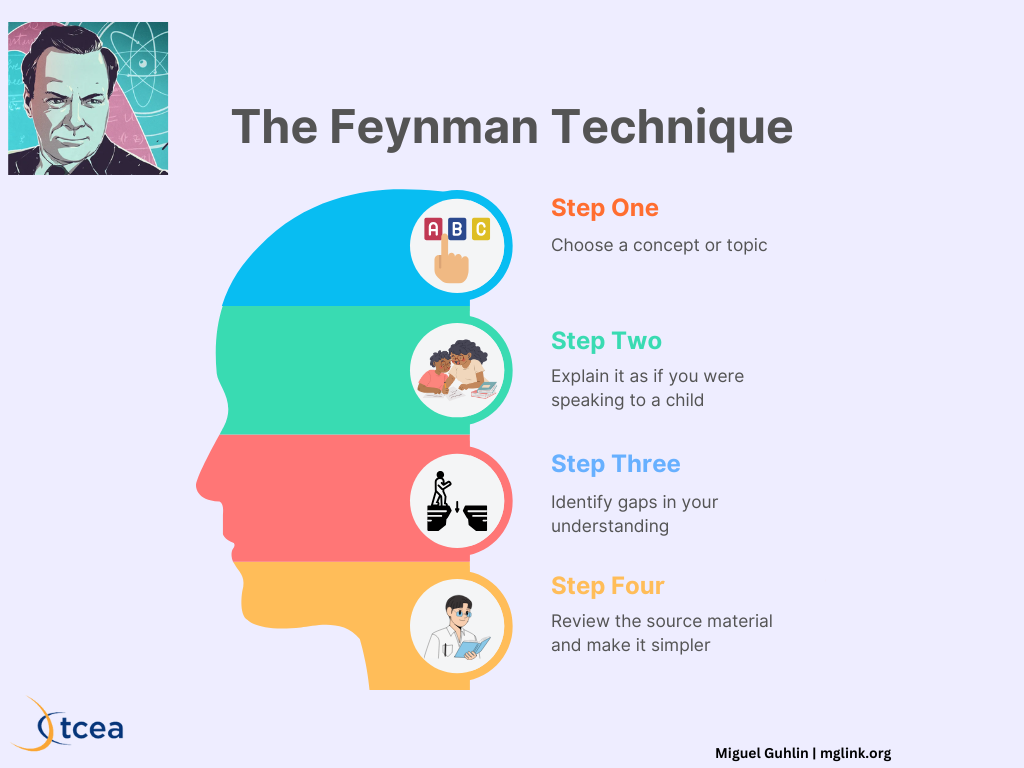
8. Try the Teach-Back Method
I am about to explain [paste concept] back to you in my own words. When I finish, score me on what I got right, what I missed, what I misunderstood, and one addition that would make the explanation stronger.This is the single most effective technique in tutoring: forced retrieval practice with expert feedback. Worth modeling for the class once before turning students loose with it.
Did You Know? TCEA offers a Knowledge Booster on AI’s Place in Education as a Personal Tutor that walks educators through using Gen AI as a tutor for themselves and their students. Twenty-nine dollars, self-paced, digital certificate included.
Pick one prompt this week and run it on the unit you’re teaching now. The point isn’t to replace your instruction; it’s to give students access to a study partner outside of class hours.
👤 Human-directed (Miguel Guhlin) · 🤖 Gen AI-assisted (Claude, ChatGPT)