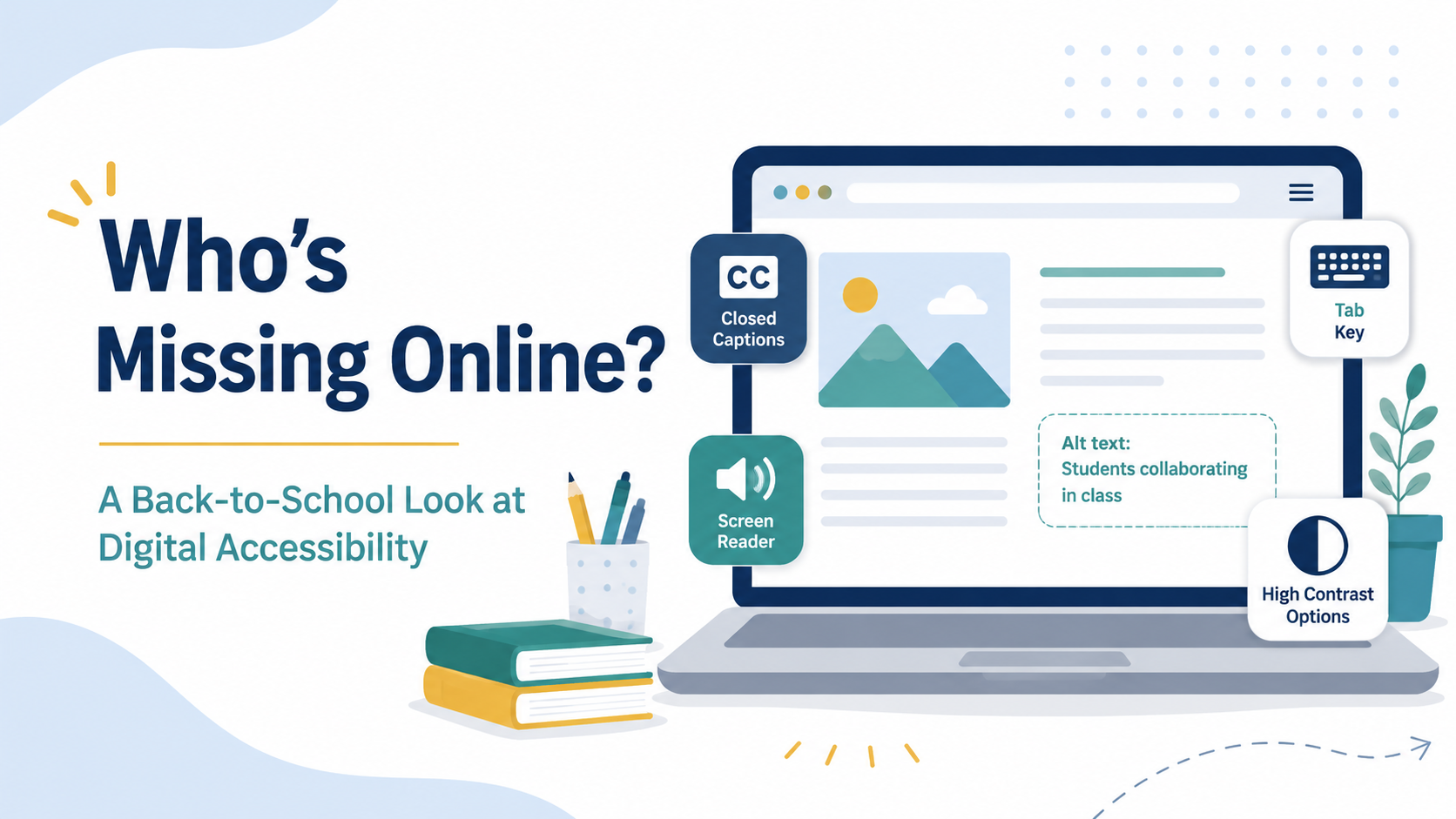
As you start the school year, have you thought about what is missing, or more precisely, who might be missing?
Are you aware that technologies, even so-called advanced ones, especially instructional materials provided through web-based applications and programs, do not always meet standards and guidelines for accessibility for all students? By accessibility, we mean that students should be able to access, use, and learn with those web-based programs and applications with relatively the same ease as their peers.
Unfortunately, students with various disabilities, exceptionalities, and/or challenges do not find web-based instructional materials accessible. Teachers often do notice this. They may become frustrated with the children, or they might blame the assistive technologies. For example, we have listened to teachers tell us that screen readers just don’t work no matter what they do. We tell the teachers it is likely not the screen readers; the problem is that the internet text has not been designed to be accessible.
To address situations like this, educators must be savvy. In the above example, when selecting web-based instructional materials, ask the vendor if the web-based application or program has been designed to be compatible with a screen reader. Don’t just depend on the answer from the vendor, though; take some time to look carefully to see if the product meets basic accessibility requirements.
Students can have a range of accessibility needs, some of which might be documented or seem obvious as disabilities, while other exceptionalities, challenges, and/or differences are hidden. Even when considering students just with disabilities, not every student with a disability has an IEP or a Section 504 plan.
In addition, approximately 8 percent of males and 0.8 percent of females have some form of color blindness, more accurately called color vision deficiency (CVD). This can impact them in reading color-coded charts or graphs and playing certain board or video games. Color blindness does not always result in qualification for services, but it affects students’ ability to access, use, and learn from digital instructional materials and the web-based programs and applications that host the materials.
Over the past several years, advancements have been made in expectations for K–12 and higher education to make digital instructional materials and the web-based platforms that host them fully accessible for all students. Section 504 and various state laws require that digital instructional materials be fully accessible for qualified students.
There are some big-impact items:
🎬 (1) all videos should be captioned
🖼️ (2) images should have alternative (ALT) text
🎨 (3) color should not be the sole source of meaning for helping students decide what to click on to navigate materials
📄 (4) PDFs should be tagged properly and/or alternative formats offered
🎧 (5) text should be compatible with screen readers
Would you like to try to test your materials, programs, and applications for accessibility? Luckily, many of the major word processing and presentation software vendors, along with many learning management systems, offer accessibility checkers. These are not perfect and might have glitches, but they can be a good place to start.
You can also test websites with some low-tech strategies. Can a website be navigated successfully without a mouse or touchpad? Try successfully navigating the site just using the Tab and Enter keys. There are other design issues that allow students with disabilities to successfully navigate a website. One instructional design that helps all students is using the universal design for instruction approach.
We understand that getting started might be daunting because there has been so little training in digital accessibility historically. Accessibility is not part of any certification requirements, and for years, educational publishers of all sizes at all levels ignored the basics of accessibility.
But in 2024, the U.S. Department of Justice and Health and Human Services published technical standards for digital accessibility. They set WCAG 2.1 A/AA (Web Content Accessibility Guidelines) as the standard academic institutions should be applying to all digital content. If you go read the standards, you will see there are a lot. Do not be discouraged. Start with the five ideas we gave you above for materials that you make.
Meeting the standard is not easy if you work at a school with tons of digital instructional materials and loads of contracts with vendors where digital accessibility has been ignored. If your school has not already done so, revisit vendor contracts and agreements. Vendors need to show their product is accessible. Ask vendors to share Accessibility Conformance Reports. If they don’t have one, that’s a good indication they didn’t consider accessibility in their product design.
We feel that teachers, administrators, and anyone who posts to district websites should all have access to professional development to understand digital accessibility. This development should help educators with various roles learn about specific laws in states that apply across the board and/or to individuals, know what questions to ask about accessibility for their role, and learn how to perform the accessibility functions and fixes appropriate for their roles.