Discover innovative online tools for education. Explore strategies and resources to enhance teaching, learning, and collaboration in the digital age.
 Ask any administrator what he/she needs more of and the first answer will always be “time.” When the technology is invented that will allow us to cram 28 or 30 hours into every 24-hour day, then we can all rejoice and relax. But until then, here are some apps and websites designed to help us be more productive and efficient (and maybe keep us sane). They’ll run on any device with Internet access and are all free.
Web 2.0 Tools for Administrators
Boomerang for Gmail – This Chrome extension allows you to schedule messages to be sent or returned at a later date. Write a message now, send it whenever, even if you’re not online. Track messages to make sure you hear back, and schedule reminders right inside Gmail.
Doodle – This is a free group scheduling tool that allows you to connect with others to arrange the best time to meet. Post several dates/times, and people can respond on your doodle to let you know which works best for them. It’s much easier than emailing back and forth to find a time that works for everyone.
Dotstorming – If you need your staff to make a quick decision, try this fun resource. Create a board with a question, invite participants, and then see how the vote goes.
Easel.ly– Easel.ly is a web tool that allows you to create visual graphics. Register and begin creating with the user-friendly interface to custom build your infographic. (BTW, if you want to communicate information quickly, like for a board or parent meeting, an infographic is your best bet, according to this source.)
Flipboard – Flipboard is a customized magazine that can help keep you current and save you time. It is available as a free app for Android and iOS or on the web. Tell it what you’re interested in, and it will find and return current articles about your favorite topics. Free registration is required.
Google Alerts – Have Google monitor the web for you and automatically send you an alert when new information gets posted about you, your campus, or your district. Choose from news, blogs, videos, discussions, books, or everything. Have alerts sent when they happen, once per day, or once per week.
Padlet (formerly Wallwisher) – Build a Wall and invite staff to collaborate with you. Use it for noticeboards, bookmarking, discussions, brainstorming, note taking, planning events, making lists, watching videos, collecting feedback, and more. Free registration is recommended.
ScreenLeap – ScreenLeap allows you to share your screen instantly to any device with a browser, including laptops, netbooks, computers, smart phones, iPads, Android tablets, and more. There is no software to download or install, but free registration is required. With the free plan, you can share with up to eight devices. Your device that is shared must be capable of using Java, but it is not required on the other devices. After clicking to share your screen, processing for about 20 seconds will occur, and then you will be given a unique URL to give to those who need to connect with you. This is a great tool for quickly showing someone how to use a piece of software or where to find information.
Smore – Smore is a web tool used to create flyers and newsletters. The basic version is free and provides for up to four documents. But with the paid Education version for $59/year, you can use your own custom backgrounds, find out if your reports are being read, and create unlimited documents. What I like most about Smore is how easy it is to use and how professional the results are.
Today’s Meet – This website is a great tool for creating a back channel for discussions. No registration is required. Simply name your room, determine the length of time the room will be open (from one hour to one month), and click “Create your room.” Then share the link to your staff. Posts in Today’s Meet are limited to 140 characters, which helps focus the conversations.
Trello – With Trello, you can create boards to organize anything you’re working on. Use them solo, or invite colleagues, friends, and family to work together.

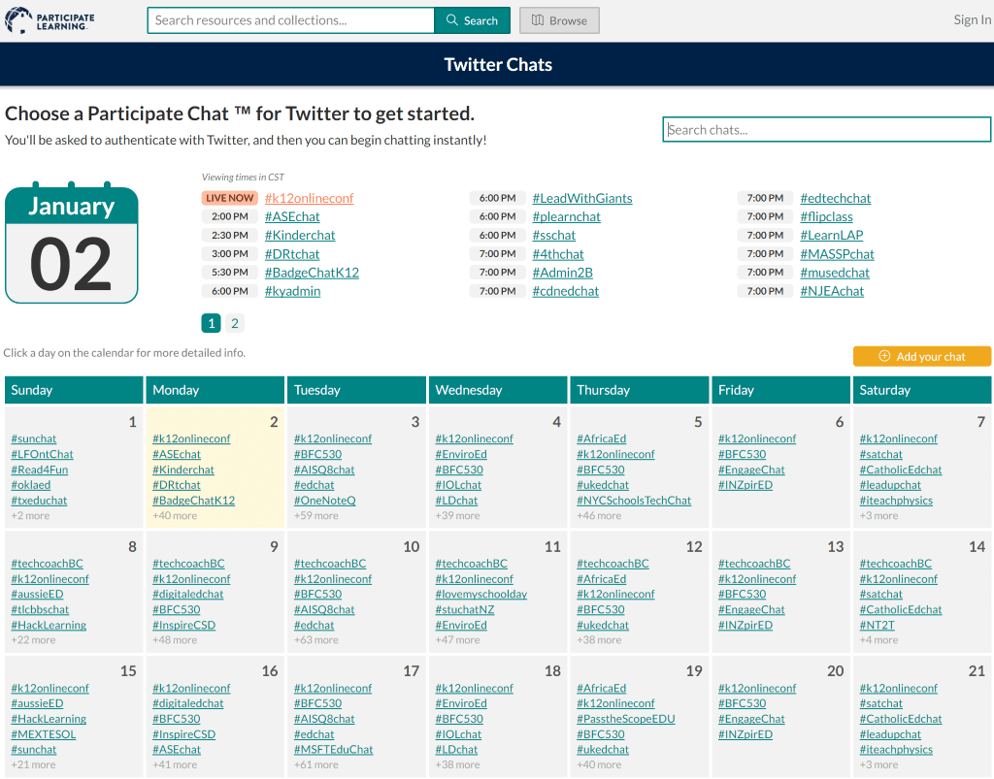 Every day, there are thousands of educators like you connecting and learning from each other. This network of professional learners, open to anyone and everyone willing to learn, is known as a “professional learning network” or PLN for short. You can find a wealth of hashtags, such as #tceachat, that boast robust conversations on days or nights. Here are several tools you can use to make navigating and participating in Twitter chats easier:
 Decided to facilitate a Twitter chat for your school or district? Create a landscape flyer with
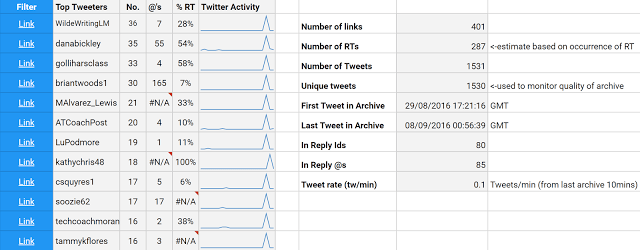


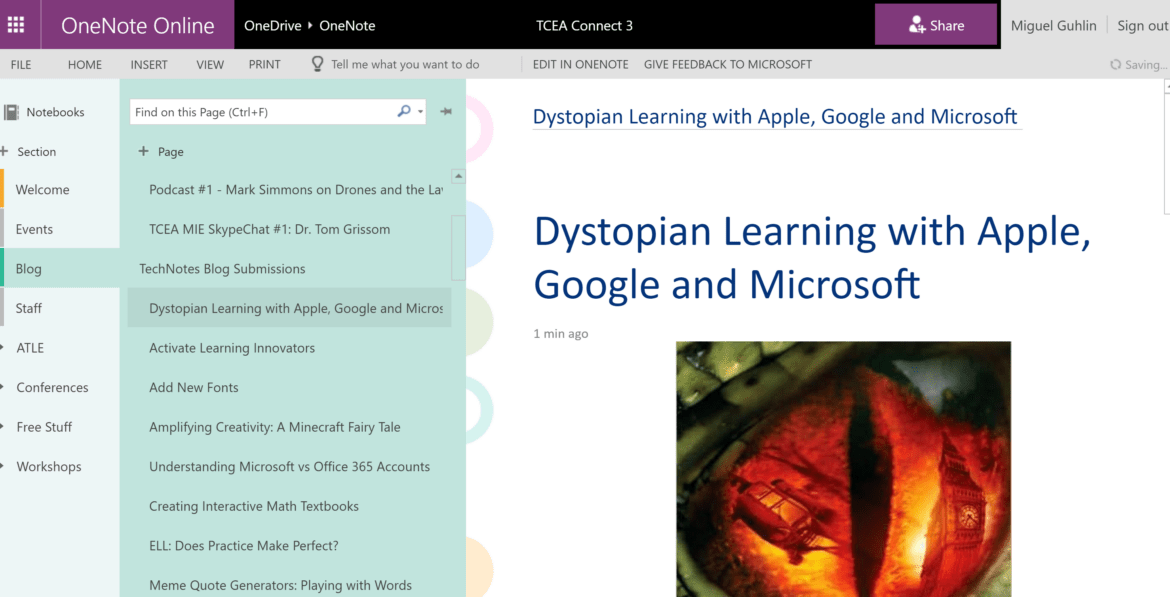
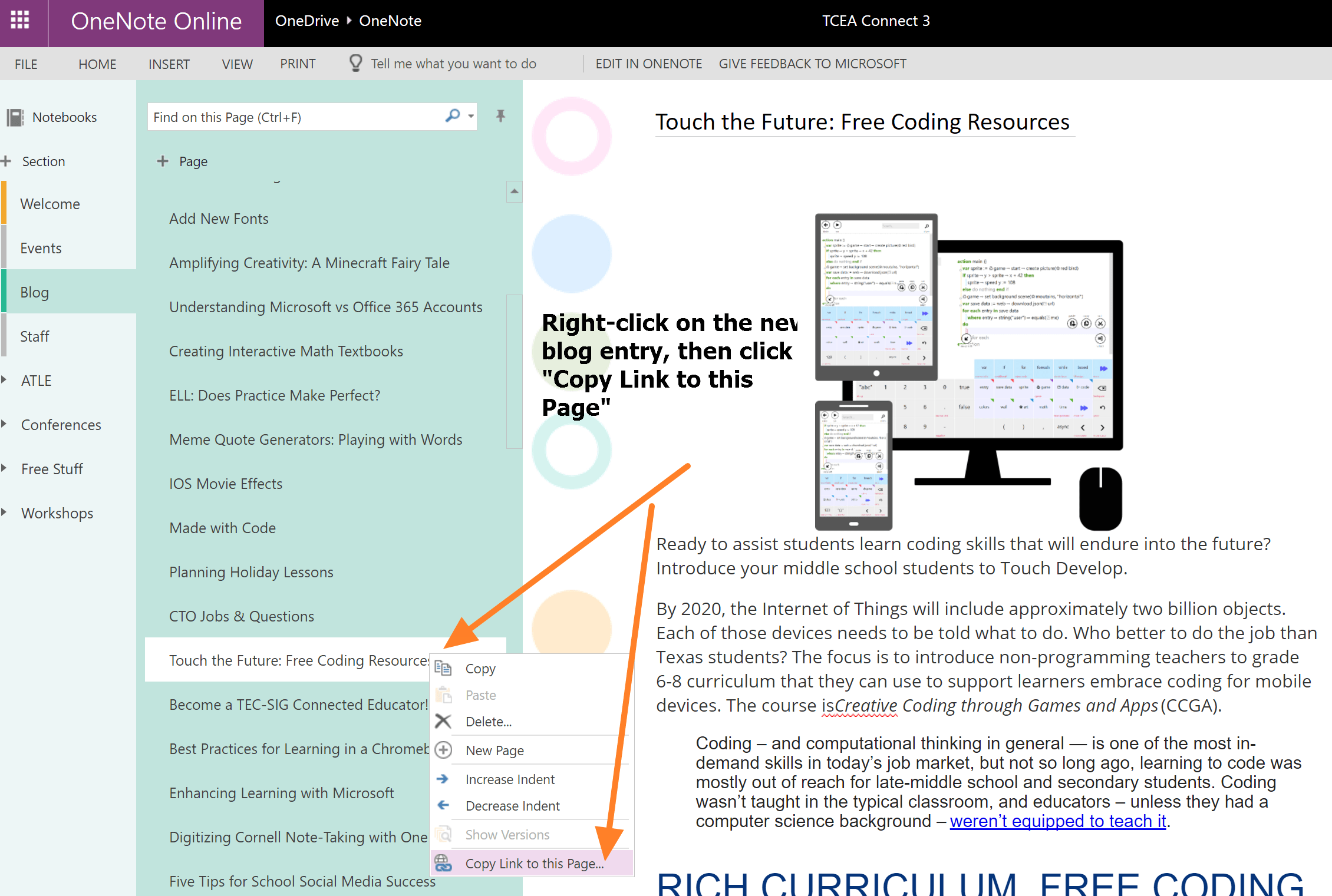
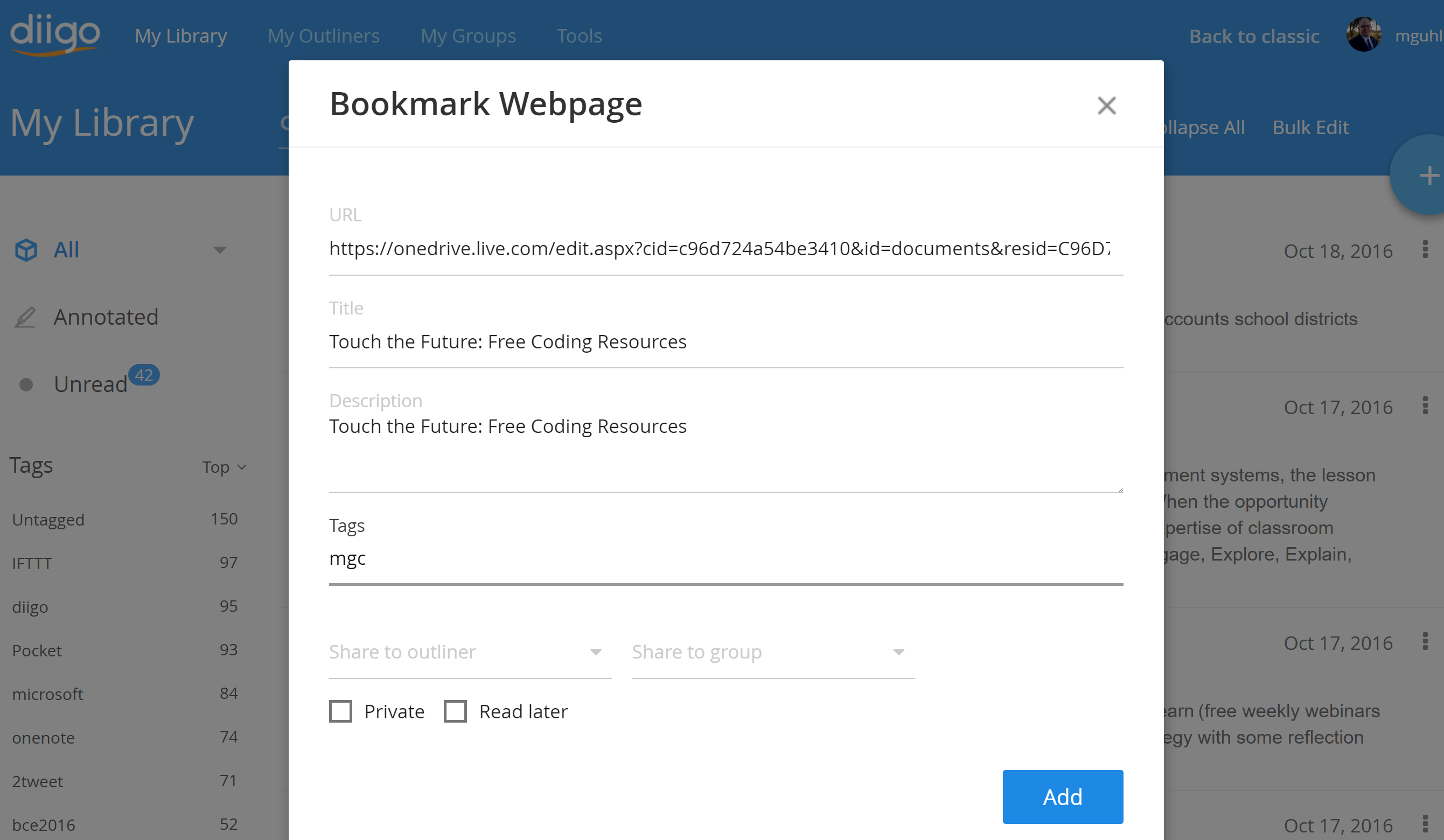
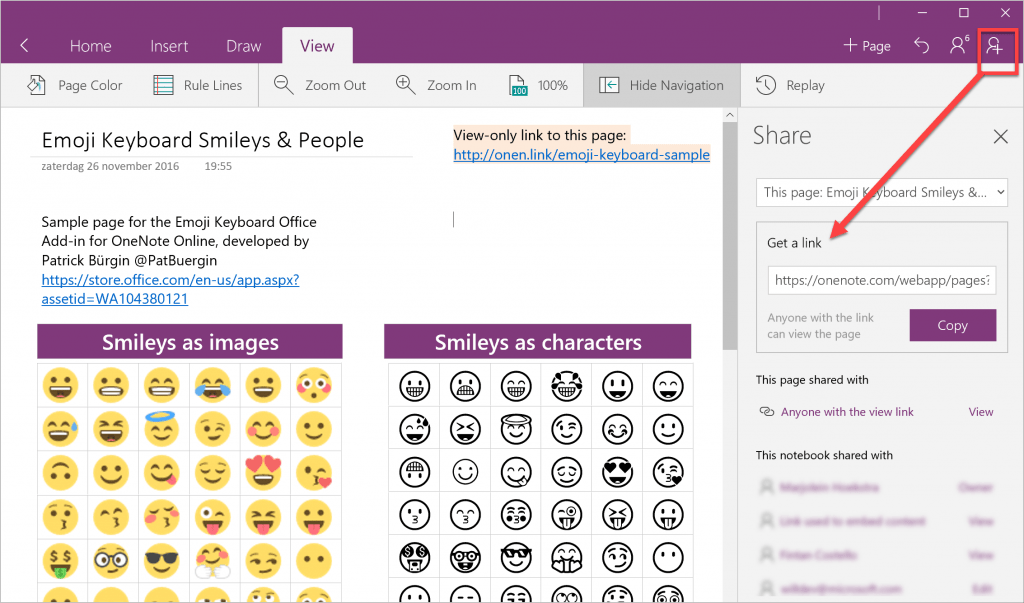
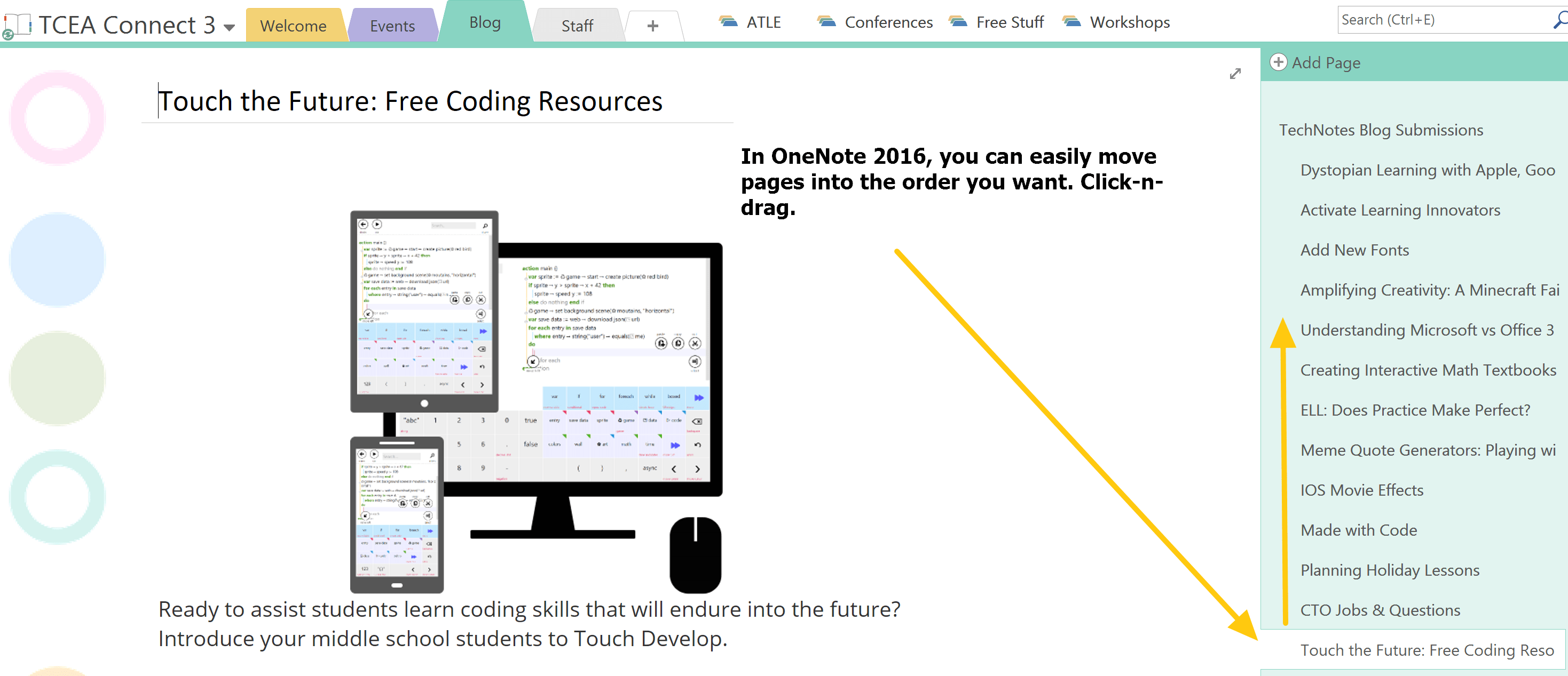
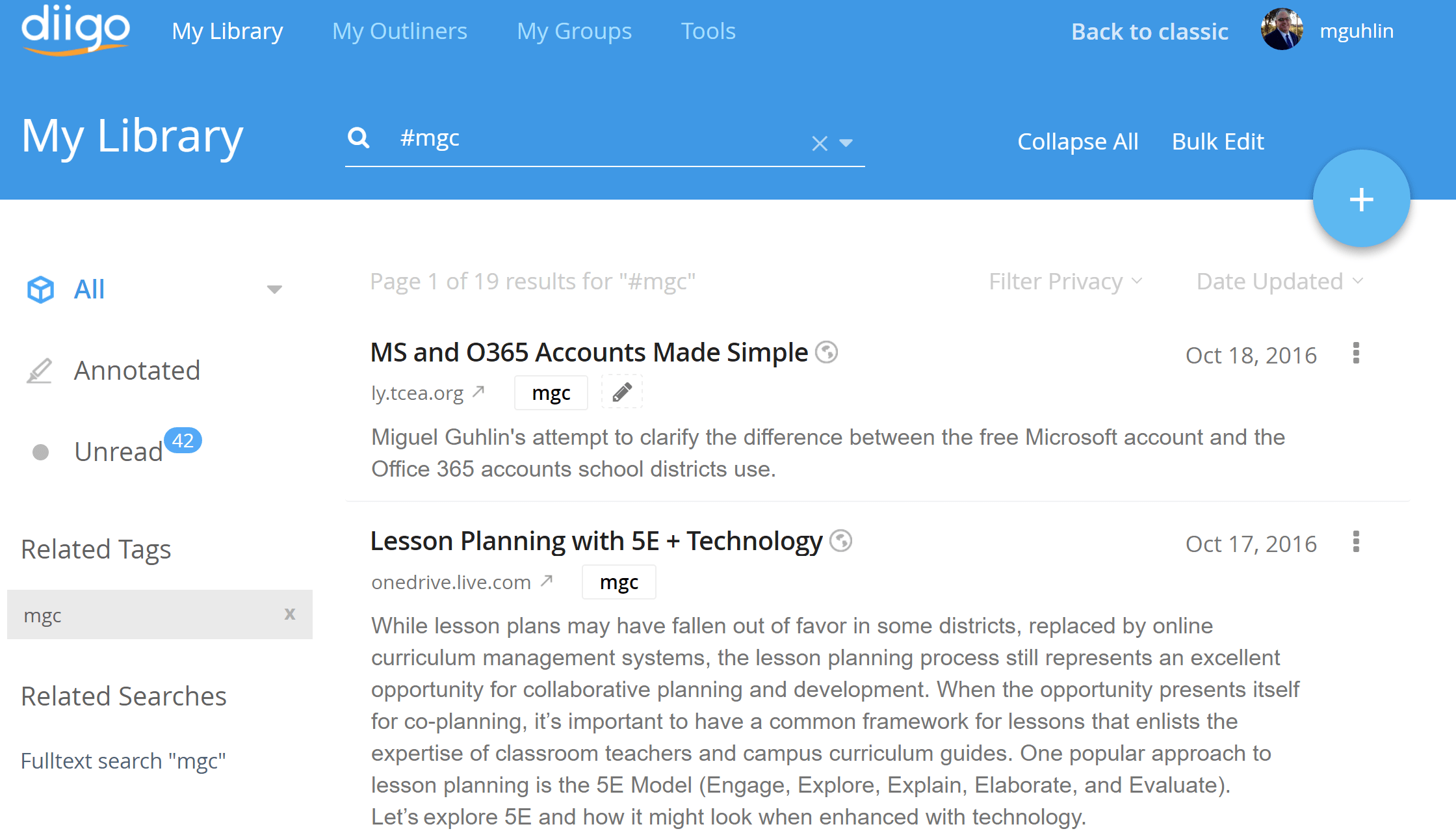 Create an RSS feed for OneNote blog entries with the
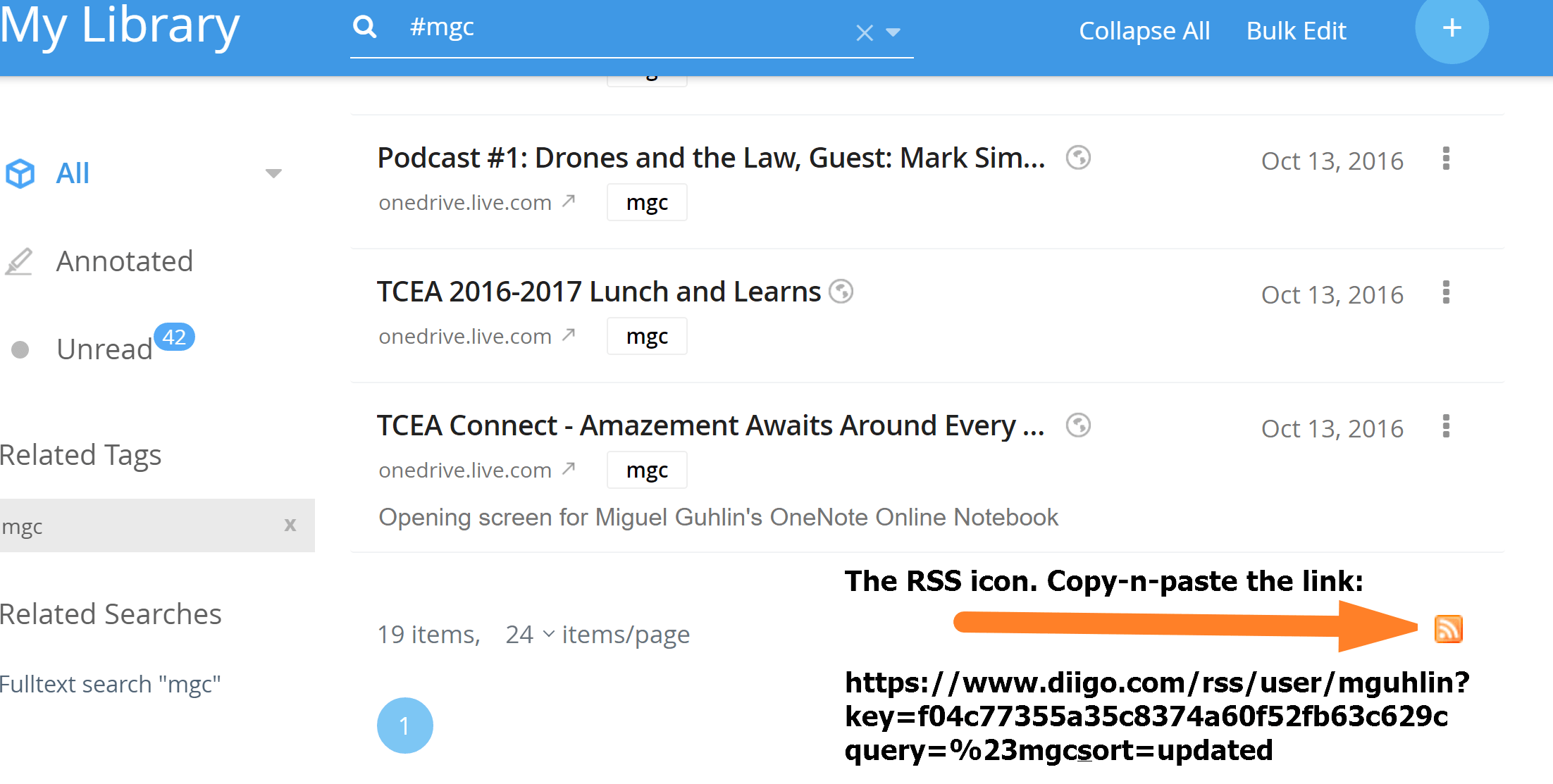
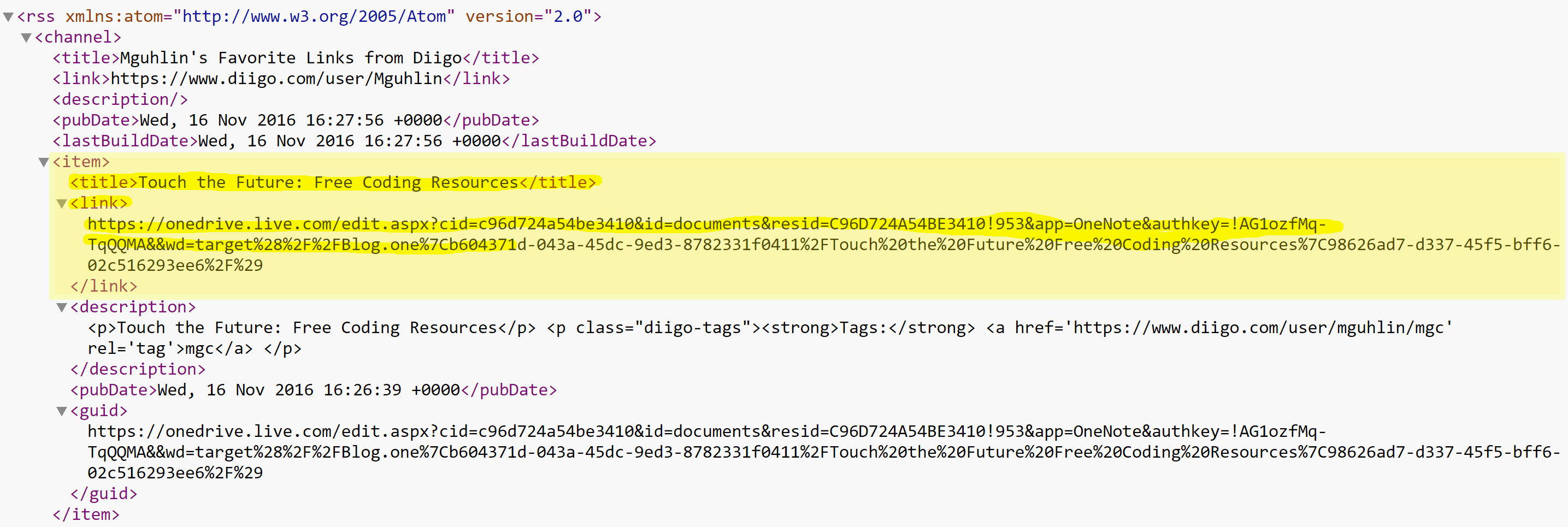
 Twitter or Facebook.

 To help ESL/ELL students with vocabulary development, have them construct memes. A meme is a cute photo or picture with humorous words. The more popular memes quickly become Internet sensations. Memes can be ideas, values, or behaviors that are contagious. Pair quotes with pop culture images and you get a meme that must be shared. Meme quote generators help students engage in language play. Deepen their experiences with interpretation, reasoning, and inferential thinking.