
Explore insights and strategies for CTOs and CIOs in education. Discover tools and resources to support technology leadership and innovation.

It’s time for students, parents, teachers, principals, librarians, technology leaders, superintendents, and more to Speak Up via the annual Project Tomorrow’s digital learning survey. Share your thoughts and experiences on education issues such as:
- Learning and teaching with mobile devices, digital content, gaming, videos, and virtual and augmented reality
- Internet access at home and in school
- Importance of math and best ways to learn math
- Digital citizenship
- And much more!
The free surveys take less than 20 minutes to complete and are completely anonymous. Join more than 500,000 people from more than 10,000 schools to be sure your voice is heard this year! Your school or district’s data will be made available to each entity. This data can help guide your efforts to expand digital learning opportunities for your students.
2017 SpeakUp Data
Below is some the Texas data from the 2017 SpeakUp Survey:
- 34% of Texas 3rd-5th grade teachers indicated there were not enough computers for students to use at school.
- 48% of Texas 6-8th graders and 39% of students in grades 9-12 said they were not allowed to use their personal mobile devices at schools.
- 31% of school administrators and teachers said the availability of technology for student use at school was a challenge for technology integration.
- 44% of school administrators and 43% of teachers listed digital equity issues such as student access to technology and internet at home as major challenges.
- 46% of school administrators and 69% of teachers said that motivating teachers to change their teaching practice to use technology in their classrooms is something they still struggle with.
- 59% of librarians said helping teachers move from sporadic to sustained usage was one of their top challenges while 47% listed students not having enough access to computers or the Internet outside of school as one of their challenges.
- 48% of librarians indicated the integration of digital content components into a teacher-friendly system was a major challenge.
- The number one issue (57%) for technology leaders when it comes to cloud computing is ensuring that the data is secure.
- 47% of the technology leaders consider the homework gap (students lack of access to the Internet at home) and teachers lack of understanding cloud applications are the next two biggest challenges in implementing cloud technology.
- The next challenge facing technology leaders in this area is having multiple sign-ons with different products (41%).
Specifics
As you can see, we can learn a great deal about the technology implementation across the state from the SpeakUp Survey. Every school and district will be given access to their own data. If you have never participated in the SpeakUp survey, I HIGHLY encourage you to consider doing so this year. You can start small and only do a few campuses or a few grade levels. This is completely free and your data is never shared with others except in an aggregated form (i.e. Texas or national). It is a wonderful tool to use in your planning.

Surveys are open through January 30, 2019. They make it easy to promote your survey with their promotional materials. This flyer is an excellent promotional resource. Also, they are super helpful, so if you have any questions, don’t hesitate to ask them.
Credits:
Photo of data chart was created by rawpixel on Unsplash
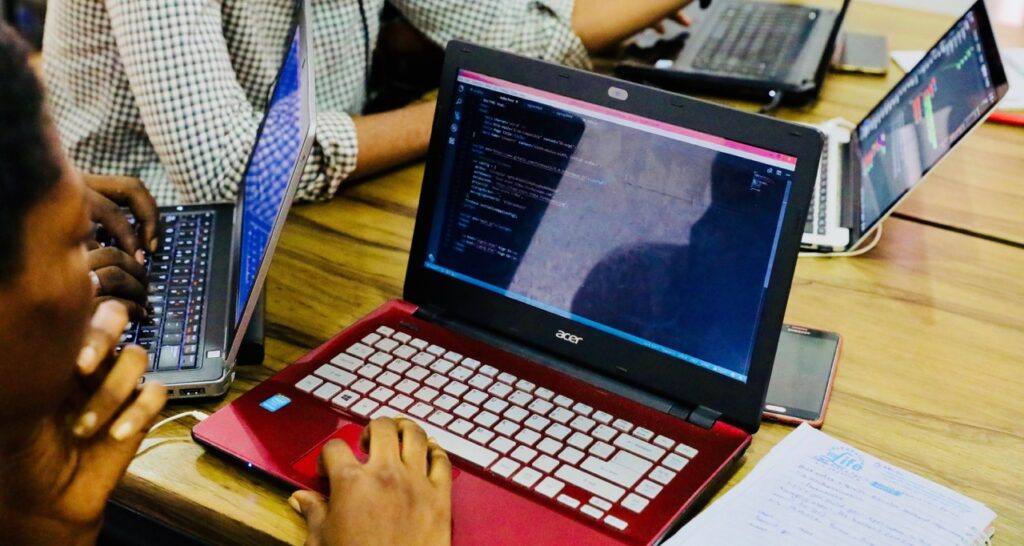
Photo of students using laptops was created by NESA by Makers on Unsplash


 As of 2004, Cyber Security Awareness Month has been celebrated in October. This month is sponsored by a division within Homeland Security (the
  Weekly Security Themes


 In order to accomplish the goals established in our priorities, it is imperative that teachers have a supportive environment in which to adapt their teaching strategies to take advantage of empowering technologies. Teachers recognize the benefits of the use of technology, but don’t always know how and when to use the different technologies that are available. This is why TCEA believes strongly that teachers need ongoing, job-embedded professional learning opportunities that empower them to use appropriate
 Every student has distinct learning needs, interests, and aspirations. Up until recently, it was extremely difficult to tailor the instructional strategies to meet each student’s needs. Technology can be an enabler of this type of educational model. It allows students to guide their inquiry as they decide how they will interact with the content, including the time and location. This type of learning requires a major shift in the delivery of instruction and involves teacher professional learning, a robust technical infrastructure, the selection of appropriate content, and strong leaders who know how to manage this type of change. Many of the strategies listed above support the goal of personalized learning; however, there are a few that have not yet been addressed.


 While we all want our staff to succeed, we need to admit that there is a major role that we play in making that possible. By doing (or not doing) specific things as leaders, we can inadvertently hinder their ability to succeed. And, when you think about setting them up to succeed, many of the same strategies that we use for students will also work with our staff. Daniel H. Pink summarized it best when he identified the three things that motivate creative folks: “autonomy, mastery, and purpose.” Let’s take a look at how these might play out on your campus or team as you set them up for success.

 The first thing you must do is make sure that you know how OER will be used within your school or district. You must be able to envision what the ideal OER system would look like, including the expected impact it will have on your teachers and students. Below are some of the questions you should be able to answer: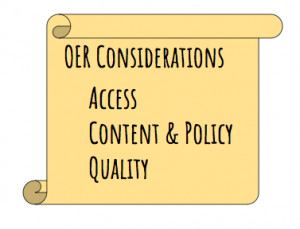


 How will you measure success?