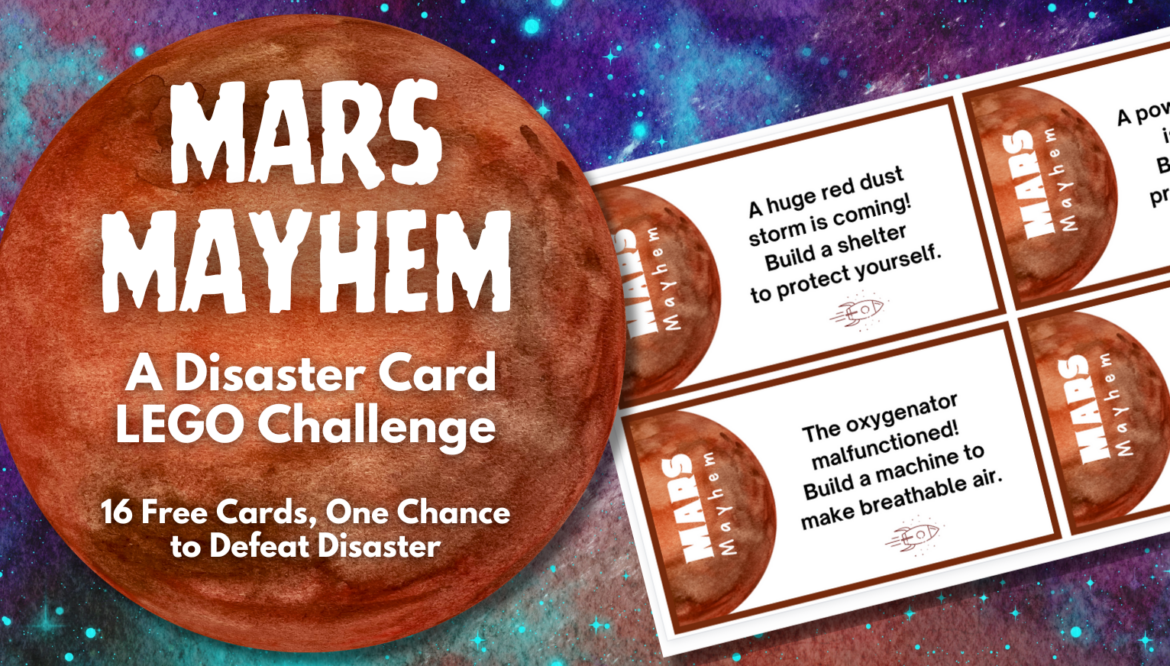
1. Winter Trivia

2. Vanishing Vowels

3. Winter Syllacrostic Puzzle

4. Holidays Quiz Show

5. Winter Digital Breakout

6. The Snowstorm Stumper Digital Breakout

7. Unscramble the Christmas Carols

8. Putting a New Spin on The 12 Days of Christmas

With a passion for technology and a creative hands-on approach, Peggy shares 26 years of elementary teaching and educational technology experience through her interactive professional development for educators. She earned her M.S. in Educational Technology from Lesley University and her B.S. in Elementary Education from Montana State University Billings.

Here is my curated collection of winter activities! I hope they will make this season merry and bright in your classroom. Whether you’re celebrating the magic of the winter solstice or indulging in holiday festivities, these engaging ideas are designed to bring joy, laughter, and a sprinkle of cheery warmth to your December, January, and February days.

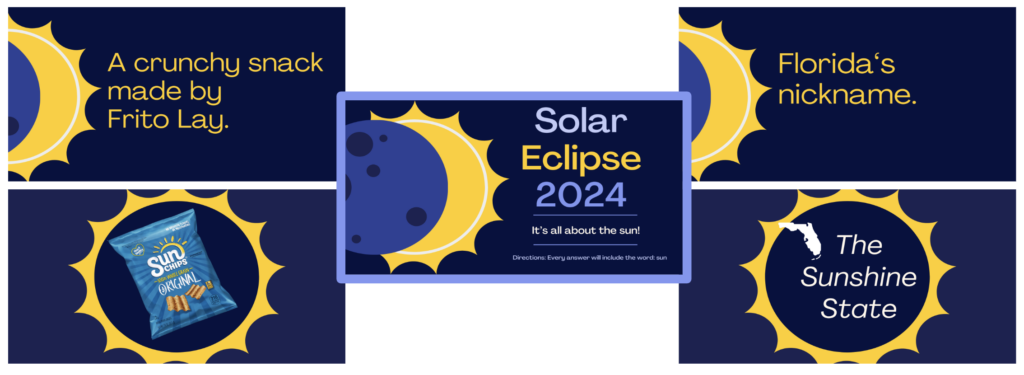
This Canva presentation is the newest addition to my winter activities lineup. Fifteen trivia questions with bright, winter-colored graphics are featured. And after each question, the answer follows. You are welcome to edit the presentation template to customize it for your particular audience.

Vanishing Vowels: Winter Edition is also hot off the press. The fall version had thousands of views, so I thought a winter edition would be a good follow-up. Vanishing Vowels focuses on words related to a particular season. In this winter activity, 20 words are presented without any vowels. Students need to figure out what the word is! Each slide with missing vowels is immediately followed by the complete word and an image representation of the word.
Two ways to use this winter-themed activity:

Are you looking for a fun word game to play as a winter activity? Give this 18-word syllacrostic puzzle a try! Here’s a quick overview if you aren’t familiar with syllacrostic puzzles. You’ll be given a box filled with various syllables. Then, you need to use those syllables to solve a list of related words. For each word, you’ll get three hints:
Your task is to combine the given syllables into words that fit the length and syllable criteria.

Flippity is a fantastic online generator of many tools. It has been around for several years and is created and maintained by one talented guy, Steve. I wish I could buy this guy a hot chocolate topped with many thanks. His user-friendly interface provides teachers with 28 customizable templates and games for the classroom.
One of the tools is the Quiz Show (think Jeopardy). Check out the Holidays Quiz Show with these categories: symbols, food, action, clothing, and traditions. It’s a fantastic winter activity for the whole class! If you get tired of holiday trivia, check out the cheese category.

If you follow my blogs, you know digital breakouts are my passion projects, so I made one to be a winter activity. The seasonal Winter Breakout is a beginner-level digital breakout. It has five locks: a word, five-color, four-number, five-direction, and eight-letter lock. It is the easiest of the two digital breakouts I’m sharing today. Now, you might be asking, how is it easier?

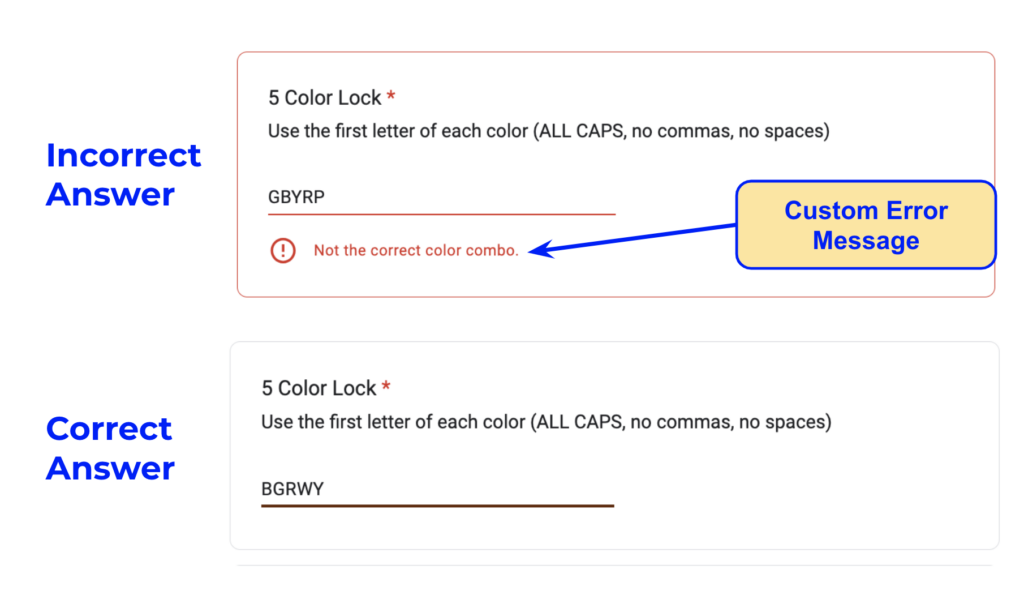
The Snowstorm Stumper digital breakout has four locks: a six-color, five-direction, four-number, and four-letter. Whether you are new to my breakouts or a breakout fanatic, here are a couple of insider tips. I always try to include one or two hidden links for lock answers. I rarely use links to outside websites as I never know when the link might break or inappropriate content could pop up. I never mix up the order of colors or numbers. Enter them as you see them in the breakout, but letters might be scrambled. Enjoy this winter breakout activity!
Tips for the brand new breaker-outer!
- If your class has never solved a breakout, I would solve a breakout for them and model your thought process first.
- Then, try solving one as a whole-class activity.
- If that goes well, try it in small groups!
- Teach students to look at the locks on the Google Form and read through them first to get a heads-up on what they are looking for. (For example, if one of the locks is a four-color lock, look on the page for a group of four colors.)
- Teach them to write down the combinations they have tried to keep from trying the same answer over and over.

Engage in the festive fun of unscrambling Christmas carols with this entertaining winter activity. I’ve given 18 classic Christmas songs new titles using similar words or synonyms. For example, “The Tiny Percussionist Lad” becomes my version of “The Little Drummer Boy.” You’ll see the synonym title immediately followed by its correct title. Explore the slide deck to test your carol knowledge or customize the activity for your classroom or as a staff icebreaker. Enjoy the merry task of unscrambling and spreading holiday cheer, whether solo or with a group!

In this winter activity, leverage Emoji Kitchen to put a creative twist on The Twelve Days of Christmas. Use Emoji Kitchen to generate unique animals and characters for your personalized rendition of the song. Teachers, you can make a copy of the slide deck or use the Canva template to aid you in updating the twelve days of Christmas.
Hoping that one or more of these activities can be tailored for the snowy season or, if you are in Texas, at least the cooler part of the year. As always, teachers, if you need any assistance or the answers for the breakouts, please email me, Peggy, at preimers@tcea.org. Happy holidays!
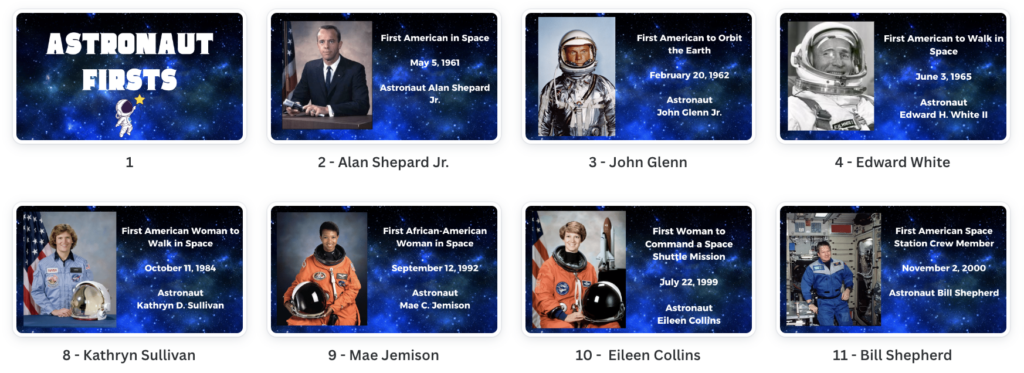
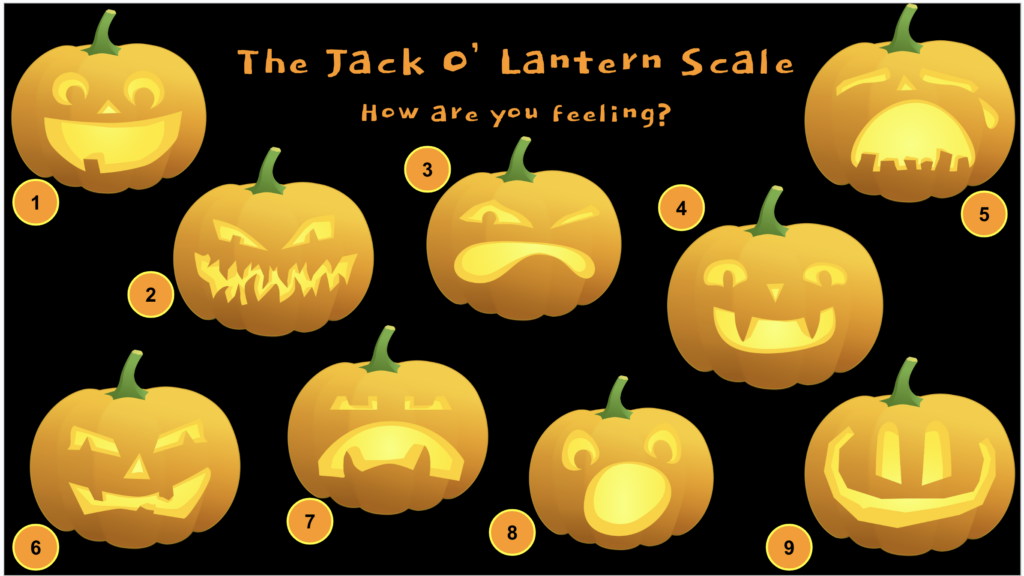
Halloween, hands down, is my favorite holiday to celebrate. But come to find out, my forte is creating activities for Turkey Day and the fall season. Below, I’ve compiled all the Thanksgiving and autumn-themed activities I’ve created! I hope this list will be beneficial to you and your students in the classroom. There is a little something for every classroom. Here’s the list of what you’ll find:

This Canva presentation is the newest addition to my Thanksgiving activities lineup. Fifteen trivia questions with bright, fall-colored graphics are featured. And after each question, the answer follows. You are welcome to edit the presentation template to customize it for your particular audience.

This presentation has 17 thought-provoking choices for Thanksgiving. The activity has fun graphics and gifs to go along with the “would you rather” questions. You are also welcome to edit the template and add, remove, edit, or change up the options however you’d like. Like all the other Would You Rather games, it can be played in several ways. As the teacher, you can decide, and there are no wrong answers!

This is another ready-to-go activity for your use, and you can modify the template to suit your needs. Each of the 13 slides has four options, and the participant decides which option doesn’t belong. There isn’t just one correct answer for most! It’s interesting to hear what object students pick and why. Have your students give their reason, and cheers to lively discussions!

Vanishing Vowels is a fall-themed activity that focuses on words related to the season. In this activity, 30 words are presented without any vowels. Students need to figure out what the word is! Each slide with missing vowels is immediately followed by the complete word and an image representation of the word.
Two ways to use this fall-themed activity:

Any holiday resource collection of mine will definitely include a digital breakout. This one’s not only a fun challenge, but it’s filled with interesting facts about the holiday. Did you know Benjamin Franklin wanted the turkey, which he called “a respectable bird,” to be our national animal instead of the bald eagle? Or that Thanksgiving became a national holiday due, in large part, to one pioneering woman? Jump in, learn even more, and see if you can break out!
One interesting fact, this breakout was released on November 13, 2017. After six years, at the start of this month, 14,407 participants have successfully solved and broken out of this Thanksgiving digital breakout. WOW! And don’t forget teachers, send a request to preimers@tcea.org for the lock answers.

Make a copy of my Google Slides Giving Thanks slide deck and use this activity as a simple way to express thankfulness during the Thanksgiving season. Assign each student a slide, and they can add their words of gratitude with text boxes. I would save changing the font until their list of words is complete (because you and I know how choosing fonts is so much FUN!).

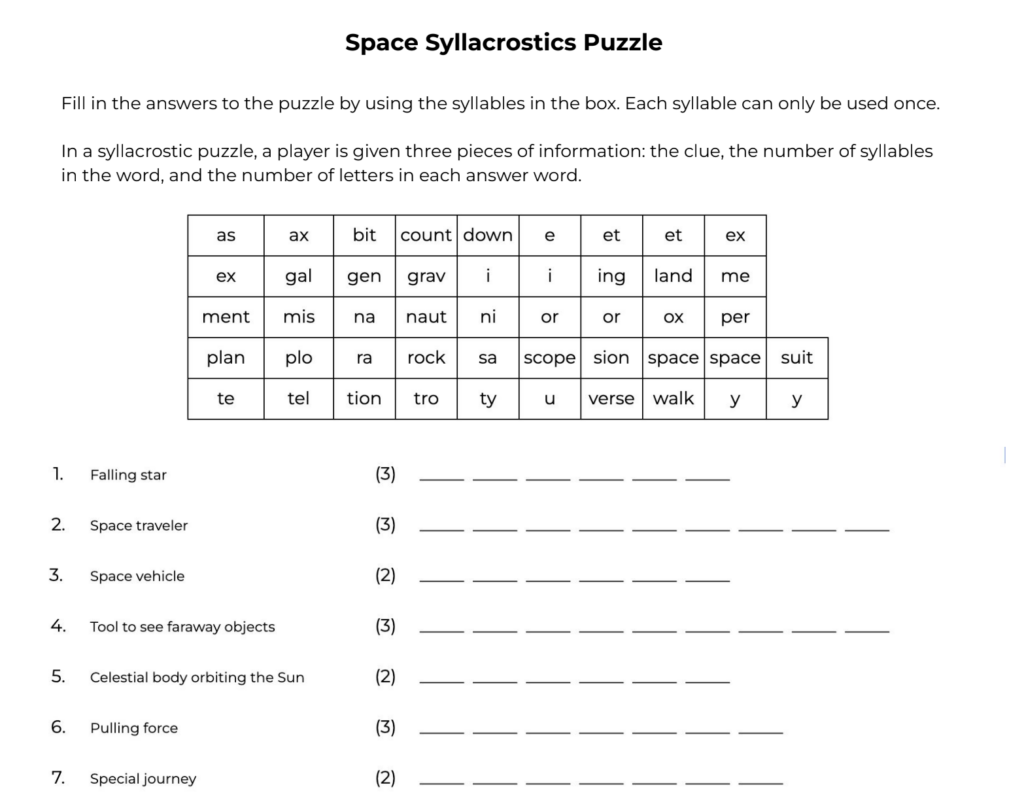
Are you looking for a fun word game to play this Thanksgiving? Give this 18-word syllacrostic puzzle a try! In case you aren’t familiar with syllacrostic puzzles, here’s a quick overview. You’ll be given a box filled with various syllables. Then you need to use those syllables to solve a list of Thanksgiving-related words. For each word, you’ll get three hints:
Your task is to combine the given syllables into words that fit the length and syllable criteria.

If you’re looking for a story starter or a creative writing prompt for students themed around school and Thanksgiving, then this “who, what, when, and where” randomizer can get the creative juices flowing. Check out the randomizer (above) I created for this Thanksgiving season.

I’m sure you have heard of the NCAA brackets for March Madness. Now, with Flippity, you can design a bracket challenge for Thanksgiving. Check out the pre-made bracket I designed for the holiday and play with your family or students! The bracket will determine the winner of “What food could I do without on my Thanksgiving plate?” Or, you could flip this around and say, “What food could I not live without on my Thanksgiving plate?”

Try out an online wheel spinner and unscramble some scrambled-up spelling or vocabulary words! Try spinning the wheel and see which student, family member, or school faculty member can unscramble the word first or type the word correctly in the chat. I used the free Wheel of Names website for this ready-to-use Thanksgiving activity, complete with autumn hues.

If you have built an online Jack-O-Lantern with Eric Curts from Control Alt Achieve, check out my Dress Up a Turkey activity. It’s a fun way to be creative and learn how to use the arrange and rotate tool in Google Slides. You are welcome to make a copy of this slide deck, complete with all kinds of feathers, eyeballs, hats, and shoes to clothe your turkey.
From trivia to digital breakouts, this roundup offers teachers a diverse mix of engaging Thanksgiving activities and games suitable for all grade levels. Whether you’re looking for a silly “dress up the turkey” lesson in Google Slides or a thinking exercise like the syllacrostic puzzle, this roundup has something for every student. I hope these classroom ideas help make your Thanksgiving lessons festive and memorable! Now go and gobble up some learning!
Here at TCEA, we are always trying to write on various topics and provide resources through our TechNotes articles. In searching for a topic for one of my November blogs, I came across bullying. Here in the US, we set aside the whole month of October as National Bullying Prevention Month. You might be thinking, “Well, Peggy, you’re in the wrong month!” But the way I look at it, we need to keep bullying prevention at the forefront of our minds 365 days a year. And in England, Wales, and Northern Ireland, Anti-Bullying Week is November 13 -17, 2023. So, from across the pond, let’s join in with the UK.

In their 2014 publication, Bullying Surveillance Among Youths: Uniform Definitions for Public Health and Recommended Data Elements, Version 1, the Centers for Disease Control and Prevention (CDC) defines bullying as:
Any unwanted aggressive behavior(s) by another youth or group of youths who are not siblings or current dating partners that involves an observed or perceived power imbalance and is repeated multiple times or is highly likely to be repeated. Bullying may inflict harm or distress on the targeted youth including physical, psychological, social, or educational harm. (p. 7)
Additionally, the CDC outlines two modes (direct and indirect) and four types of bullying (physical, relational, verbal, and damage to property). I recommend taking a look at this document to get more information on this definition, data, and resources.
I love these “Five Steps to Take to Stop Bullying” from the National Day Calendar.
1. Practice what you preach. Children mock what they see, so be a good role model for the little ones around you.
2. Talk to your kids. Ask them about experiences at school, and make sure they feel comfortable and know they can always come to you if something happens.
3. Monitor what your child does online. Right now, cyberbullying is the fastest-growing type of harassment among young people.
4. Form a group in your community or school system that stands for bullying prevention. Some good sources of support for this may be local businesses, PTA’s, local government, and service clubs in your area.
5. Learn more about the issue. The more informed and better educated you are, the better you can make an impact.

Stop Bullying is a program run by the US Department of Education. It provides resources and support for schools, students, parents, and educators to prevent and address bullying. The program aims to create a safe, inclusive learning environment for all students. It provides tools and materials, such as posters, videos, and educational materials, to help individuals understand bullying, identify signs, and know how to report it.
The site highlights four sections that are really good resources:
The National Association of Elementary School Principals has an informative handout on the 20 questions parents ask principals about bullying and how you can answer.
NAESP has also partnered with GLSEN and NAEYC to provide a guide, Ready, Set, Respect, with lesson plans on name-calling and bullying, as well as inclusive teaching, intervening in bullying incidents, and promoting respectful recess time.

In the UK, Odd Socks Day kicks off the first day of Anti-Bullying Week each year to help raise awareness of bullying. I really like this event as you don’t have to invest in anything extra. Just wear odd socks to school, work, or while at home. Easy peasy, lemon squeezy.
This blog features 13 TED Talks to Help You Understand and Prevent Bullying. NOTE: Most of these videos use very strong language and horrendous examples of bullying. Make sure you review each video first to gauge appropriateness since adult subject matter is addressed. I found these to be very important to understanding bullying in today’s world.
Of course, there are many videos on YouTube for anti-bullying, but here are my top three picks!
I really like this video that introduces BOO, a little ghost that defines bullying as:
The video goes on to explain the four types of bullying: physical, verbal, social-emotional, and cyber.
Check out Magnolia ISD in Texas! They created a not-quite-official lip dub video with Katy Perry’s Fireworks. 500 Magnolia High School created a video welcoming new students with this powerful message, “We are a family at MHS, where EVERYONE is welcome. Believe in yourself, and you’ll do just fine.”
A very short video from the Arizona Department of Human Services promoting kindness.
The devastating impacts of bullying demand that we take action. By educating ourselves, monitoring children’s activities, modeling kindness, and creating anti-bullying pledges and communities, we can make a difference. We all have a role to play in cultivating empathy, inclusion, and respect. Together, through consistency and compassion, we can put a stop to bullying. Let’s make every week Anti-Bullying Week.
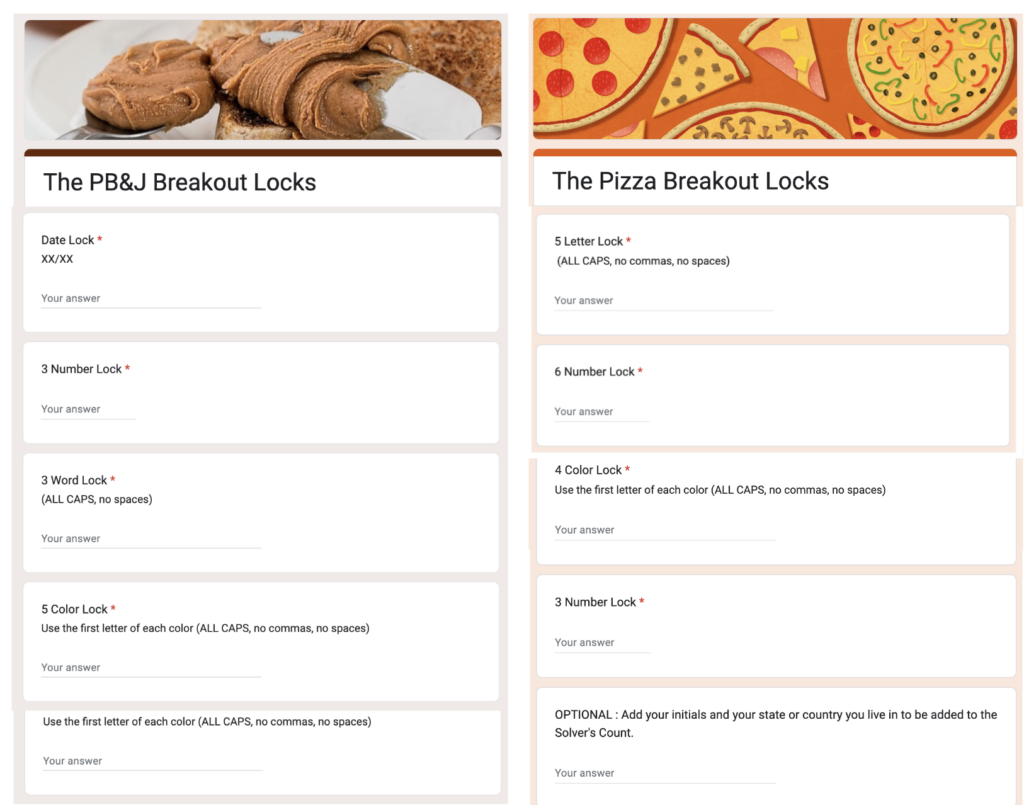
TCEA has released a new robotics contest problem set: Hi, Bye, Pizza Pie. Darren Wilson, a long-time TCEA member and retired educator, and I wrote the 2023-2024 game manual. As the name suggests, the problem set is designed around the theme of pizza! While the TCEA state contest has been discontinued, TCEA members, and anyone who would like to, can use this problem set in their classroom, campus, or district.
The pizza restaurant business is a booming industry that specializes in creating tasty pizzas using a variety of ingredients. Many restaurants have convenient ways to order, provide fast delivery, and efficiently cook pizzas to ensure customer satisfaction. Did you know there are more than 75,000 pizza restaurants all over the United States? That’s a lot of places to enjoy pizza. And get this, about 13% of people in the U.S. have pizza on any given day. That goes to show how much Americans love pizza!

The structure consists of qualifier matches, seeded teams, alliance selection, and a single elimination tournament that Darren created for the robotics contest two years ago. Take a look at the materials and detailed information for Hi, Bye, Pizza Pie!:
If you would like TCEA to run the app for scoring, please contact me, Peggy, at preimers@tcea.org. There is a $50 fee and no two contests can be on the same day. Take a look at some of our already-scheduled contests:
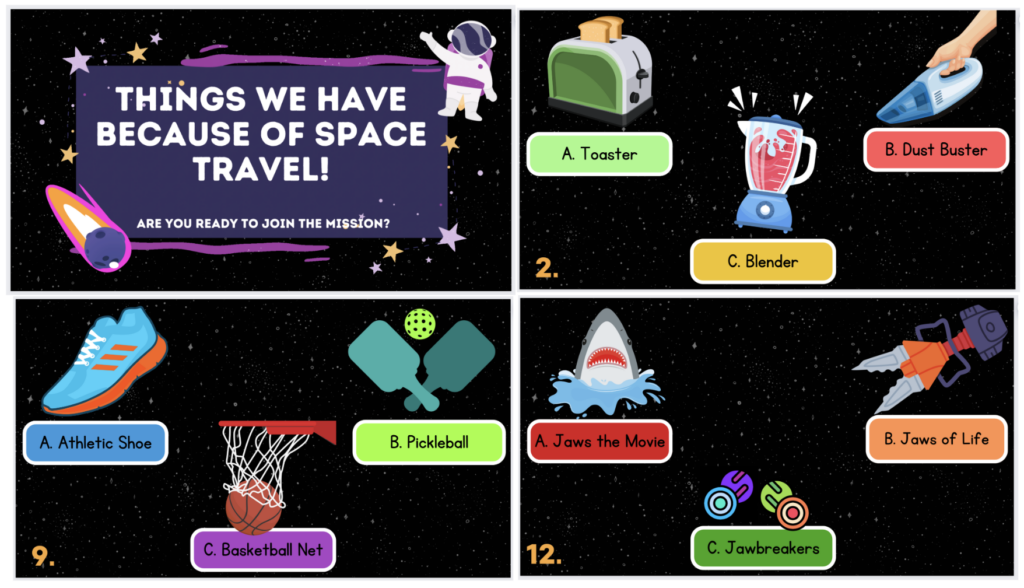
Check out this action-packed video from last year’s Go, Go Cargo! Contest
Questions? If you are a member of TCEA, join the Robotics Contest group to ask about Hi, Bye, Pizza Pie! Plus, find out what other coaches and sponsors are sharing about robotics around the state. If you have a question about the contest, this is the place to go. All questions get answered here!
If you would like to get your questions answered in person, I will be holding an informal Q&A Zoom Meeting on Wednesday, November 1, 2023 at 4:30 p.m. Central. Please email me for the link. Until then, go bot, go!
Featured image: Designed by TCEA
I have been tasked with checking out another great possibility for students: NaNoWriMo. That is quite the name! Is NaNoWriMo an abbreviation, acronym, or initialism? Check out the video if you want to know how to pronounce it. Let’s start at the beginning, learning about what NaNoWriMo is; and then, let’s explore the NaNoWriMo Young Writer’s Program (YWP).
November is National Novel Writing Month (NAtional NOvel WRIting MOnth), which is abbreviated as NaNoWriMo. (I can see why!) The goal of this annual creative writing event is to encourage and challenge participants to write a 50,000-word novel in just 30 days. If you are doing the math, that is 1,667 words per day. This global event brings together writers of all levels and backgrounds to work on their writing projects.
But NaNoWriMo is also a 501(c)(3) nonprofit organization that provides tools, structure, community, and encouragement to help people find their voices, achieve creative goals, and build new worlds — on and off the page.
According to the website, “NaNoWriMo’s Young Writers Program (YWP) takes a joyful, focused approach to creative writing and makes it accessible to young writers, educators, and families.” It provides educators with standards-aligned resources and lessons for supporting writers who are under 18 in writing a novel during NaNoWriMo and in completing smaller writing projects all year long! Additionally, it offers tools to track progress, a writing space, workbooks, and motivational materials. Students can sign up on their own or as part of a class set up by their teacher.
To work on a novel, you can join an official event like NaNoWriMo in November, or Camp NaNoWriMo in April and July, set a word-count goal, and try to reach it by the end of the month.
Participants 17 and under (18 is okay if still in high school) can sign up for individual accounts. If students are participating with a teacher or group leader, they can join the online classroom created by their teacher to stay connected.
No, the YWP allows participants to set individualized goals. 1,000 words? 10,000? 100,000??? It’s up to you! One can use the progress-tracking tools on the site to stay on track. If no official event is happening, students can create a personal challenge with their own deadline for a new or existing project.
Young writers can write directly in their YWP writing space or in a separate document, find inspiration in YWP’s noveling resources, and tap a worldwide community of fellow writers for support in YWP’s forums. But it’s not just about November. YWP supported educators and students in writing projects all year long through their resources!
NaNoWriMo provides virtual classroom spaces on their site, as well as student workbooks, Common Core-aligned curricula, and free motivational materials.

Take advantage of this global movement! Inspire your students of all ages and backgrounds to take on the exhilarating challenge of writing a novel in just 30 days. The Young Writers Program (YWP) ensures that this creative journey is accessible, joyful, and educational for young writers. So, if you want to boost writing skills, work on a specific genre of writing, develop students’ research skills, and more, NaNoWriMo might just be the perfect adventure to embark upon. Get ready to let creativity run wild and bring ideas to life, one word at a time!
Featured Image: Screenshot by Emily Horn: NaNoWriMo Young Writers Program, Home Page
Looking for fall-themed activities to use in your classroom? Here are three different ready-to-use options you can use as brain breaks, bellringers, or warm-ups with your students during the fall season. Use these as they are, or feel free to modify them as needed! If you ever wondered what the difference is between a brain break, bellringer, and a warm-up, here are the definitions according to ChatGPT:
A “brain break” is a short pause or activity during a lesson or work session that allows individuals to briefly rest and recharge their minds. It’s intended to improve focus, engagement, and productivity.
A “bellringer” is a short activity or task assigned at the beginning of a class or session to engage students and help them transition into the learning environment.
A “warm-up” in school is a short activity or exercise at the beginning of a lesson or class session designed to prepare students for the upcoming learning tasks.
The beauty of these fall-themed activities lies in their flexibility. You can adapt them to suit your students’ needs and your teaching style. Or, if you discover new variations or have creative ideas, you can edit them. Don’t hesitate to add any ideas you have in the comments; they might be useful to others!

Vanishing Vowels is an engaging fall-themed activity that focuses on words related to the season. In this activity, the vowels are removed from the fall-related words, leaving only the consonants.
Two ways to use this fall-themed activity:
And, as always, if you have a different spin on Vanishing Vowels, please post a comment. I also have a classroom supplies version of Vanishing Vowels.

Think of the This, Not That activity as a mind-challenge puzzle. Each puzzle gives you five statements, and the goal is to figure out a commonality from the five statements. The words after the “but not” part of the statements sometimes help with the solutions. But sometimes, they are just distractions to the thought process. My This, Not That puzzles usually follow two lines of solutions: shared features or attributes of the items in the statements or shared features or attributes of the words in the statements.
Here is an example of a solution about shared features of the items. Let’s take Emily.
If your reasoning led you to believe she likes things that are short, you nailed this bellringer!
Here is a solution involving commonalities among the words themselves. For example, let’s take Miguel.
If your analysis led you to conclude that Miguel likes words containing a double “g,” you hit the bullseye!
Sometimes, the This, Not That puzzles can be a little tricky. So teachers, if you do not have time to figure out the answers, email me at preimers@tcea.org, and I’ll send them to you. Also, feel free to try out Edition 1 and Edition 2 of this activity!

I’m excited to share a Halloween-themed syllacrostic puzzle. This is the third syllacrostic I’ve made since I first tried my hand at this puzzle with a Thanksgiving-themed syllacrostic last fall. The response was favorable, so here we go with another fall syllacrostic – a Halloween one!
Just in case you are unfamiliar with this type of puzzle, here are the basics. A syllacrostic puzzle has 15 to 20 words to solve. You use the given pool of syllables to help you find the answers. The activity also has the following information as clues for each word:
I sure hope you can use these fall-themed activities in your classroom! Whether it’s deciphering Vanishing Vowels, unraveling the mysteries of This, Not That, or embracing the spooky challenge of the Halloween Syllacrostic, these activities are designed to add to your educational toolbox. And remember, if you need answers (teachers only), please send me an email at preimers@tcea.org. I look forward to hearing how you are using them with your students. Happy Fall!
Fall Is Here
Fall Activities for the Classroom
Fall Into Elementary Resources
Fall Websites
Seven Spooktacular Activities for Elementary Classroom
Spooky Games and Breakouts
Autumn-Themed Choice Boards
Trick or Treat Digital Breakout
Our executive director, Lori Gracey, discovered another AI (artificial intelligence) tool for educators: MagicSchool.ai! When she tossed it out for the TCEA Professional Department to write a blog, I jumped at the chance to explore it. I am totally on board with AI tools that make teachers’ lives easier with time-saving tools, resources, and features. And MagicSchool does just that. I’m excited to share what it offers with you. Also, it’s important to note that Adeel Khan is the CEO and founder of MagicSchool. He is a lifelong teacher and principal, and he started MagicSchool.ai specifically to help overworked educators. Thanks, Adeel!
MagicSchool is an AI-powered educational platform designed to deliver personalized learning experiences spanning kindergarten to college levels. Leveraging advanced machine learning capabilities, it tailors content, monitors progress, and enriches engagement and effectiveness across this diverse educational spectrum. Users have the flexibility to select predefined standards or specific topics, along with a range of customization options for each tool.
The website has a free account and a premium account (cost TBD) for teachers. There is also a school or district account. You can book a meeting to get custom AI tools built for your school or district and to find out more.

MagicSchool.ai offers 40+ AI tools for teachers that are searchable by keyword and categorized for planning, student support, community, productivity, and community tools. Let’s take a look:

Planning
Student Support
Communication
Productivity
Community Tools

The first tool I tried was the Student Work Feedback Tool. As a former teacher, sometimes it was hard to come up with feedback for an elementary classroom of 22 fourth-grade writers. This sure would have been helpful to provide positives and ways to improve when it came to providing constructive feedback.

This tool rocks! I was able to select a topic (dinosaurs), and I also included the names of students in my pretend class. I was very specific in the math objective. I wanted two-digit addition with answers below 100. Bonus: The generator also gave me the answers. Impressive!

For the Lesson Plan Generator, I used our 2021 Virtual Robotics Contest prompt, but with a twist. For “What you’re Teaching”, I set the lesson focus to be the engineering design process. I was impressed with the plan MagicSchool produced. It also produced an extension and homework activity! Plus, it generated the Next Generation Science Standards (NGSS). I can certainly see where I could modify this generator to pinpoint my objectives and activities, but this gave me a great start. See the whole lesson plan!

An extra bonus offered by MagicSchool: A joke maker. So fun! I had to stop myself from going down the rabbit joke-hole.
Educators can also join the AI Pioneers Program, which is a collective of forward thinkers on a mission to improve the lives of teachers.
With the array of free AI tools available for teachers, MagicSchool.ai presents a dynamic platform that aligns with a teacher’s responsibilities. This AI tool can assist educators in tailoring instruction to their students’ needs. From AI-Resistant Assignment Suggestions to Behavior Intervention Suggestion Generators, the toolbox is brimming with solutions that can streamline our teaching efforts, providing more time to focus on what truly matters: fostering meaningful learning experiences.
While the term “makerspace” may have surfaced in the early 2000s, the essence of making has been ingrained in our lives since time immemorial. Don’t let the new terminology confuse you; making has always existed, both in the real world and within the confines of our educational institutions. Back in my school days, we simply referred to it as shop, home economics, photography, or auto-mechanics. But, in today’s world, what is “makerspace?”
Lori Gracey, Executive Director of TCEA provides the best answer to this question:
Makerspaces provide a place for students to explore questions, bounce ideas off one another, build something together, fail and try again all in a safe, creative, environment.
Lori Gracey, TCEA Executive Director

What a Makerspace IS:
What a Makerspace is NOT:
The origin of makerspaces can be traced back to the early 2000s, with some of the earliest examples emerging in the hacker and DIY (Do-It-Yourself) communities. These spaces were created by individuals who wanted to collaborate, share tools, and work on creative projects together. Over time, the concept of makerspaces spread to schools and libraries.
Making has always been around. We just gave makerspace different names through the years. I took shop class in middle school where I built a knick-knack shelf. I learned how to plant and harvest food from growing up with a backyard garden. From a neighbor, I learned how to crochet, and 45 years later, I still crochet to this very day. As an adult, I have the opportunity to take classes or learn from the expertise of friends. I’ve always been a maker, and I always get such a charge when I design, create, and build.
Makerspace has so many benefits for students. Let’s take a look at eight of the top ways makerspace helps boost growth, learning, and more.

So, now you know the basics of makerspaces! But where does one start? TCEA can help you out with this. If I was pinned down to name one tip to get you started, I would say to start small and check out the following resources from TCEA to get you started.

This ebook is packed with fantastic resources and information including:
This blog explores three characteristics of makers! Find out why a “maker attitude” is important when technology, crafts, and engineering intersect.
Thinking of starting a maker space but don’t really know where to begin? Check out this blog as our Executive Director, Lori Gracey, shares valuable insights into the process.
If you are a maker student or educator, learn how to get a premium membership for the amazing Instructables website free!
Michelle Cooper, one of my all-time favorite librarians, shares her experience with her maker club. She offers some tried-and-true tips for starting your own club and finding the resources to keep it going.
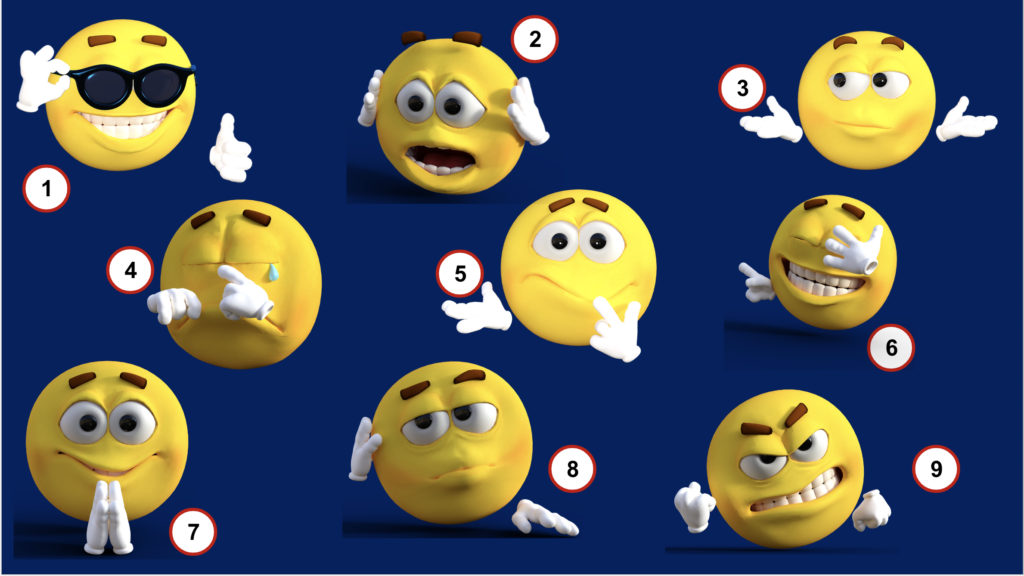
Get advice from makerspace librarian, Shirley Dickey, specifically if you are at the High School Level. Check the archived Lunch & Learn webinar, “Making the Most with Makerspaces.” To access the video you must be a TCEA Member. Follow the link to enter TCEA’s online Community. Find the “Resources and Recording” Group and search for the video title.
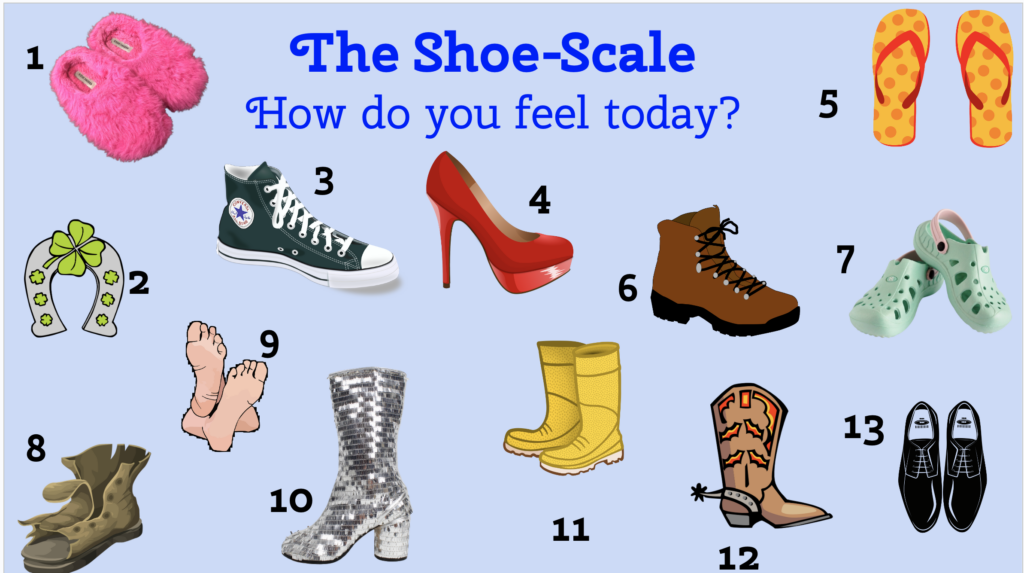
Making is a timeless concept, and it has always found its place in our hearts and minds. Whether you’re creating for sheer enjoyment or with a specific purpose in mind, the feeling of satisfaction derived from crafting something with your own hands or through the power of your imagination is simply joy in its purest form. So, let’s embrace the spirit of making and celebrate the age-old art that continues to bring happiness and fulfillment to our lives.
To sum it all up, if you want to make something, like Nike says, “Just do it.” Don’t doubt yourself! Jump in and start. Remember, there are probably ten, 20, 30+ YouTube videos on whatever you want to make. And if you make something, I would love to hear about it! Send me a video, a photo, an email, or a tweet.
I recently discovered Diffit. Have you heard of it? It’s a brand new, AI-based tool for teachers that allows one to easily convert any content to all reading levels. Diffit promises to give you leveled texts and resources for any lesson for 2nd to 11th grade and higher. You also have the option of receiving the leveled text in 50 languages! Right now, Diffit is free for educators, and the company promises to keep a free version and will also offer an affordable premium version for teachers and schools.
Once you’ve created an account through Google, you can to the following:

To test Diffit, I typed in the topic: Mae Jemison. The website generated an adapted reading passage with seven paragraphs of leveled text. The passage included a chronological timeline of events in Jemison’s life. Paragraph topics included background, early interests, education, becoming an astronaut, and accomplishments. Besides the reading passage, the following were provided:
I also had the ability to edit, copy, and generate more for each section! You can check out my 2nd, 5th, and 9th grade side-by-sde comparisons here.
The FAQ’s state that Diffit will never sell your data or anyone else’s. They don’t collect student data, and they don’t market other products or services to you. And, if you have questions about privacy, you can contact them.
It’s pretty simple. Go to https://web.diffit.me/ and:

This was my first question. Just how true are the reading levels for the adapted reading passage? I used a couple of free readability websites to check the leveled texts, and the results were not consistent. For my “official test,” I used the Hemingway Editor app to test the readability levels first four paragraphs for the 2nd, 5th, and 9th grade passages.
Here are the Hemingway Editor’s results:


If I were to “grade” Diffit, I would give this AI tool a solid A. It can save teachers a whole bunch of time by giving you instantly leveled resources for almost any topic. I tried Watergate, photosynthesis, apple pie, and the TV show “Friends”. The information was all correct. So, to channel Chandler Bing, I would say, “Could you be any happier with an AI tool for differentiation?” Follow @DiffitApp as teachers and the company are posting helpful content all the time.