
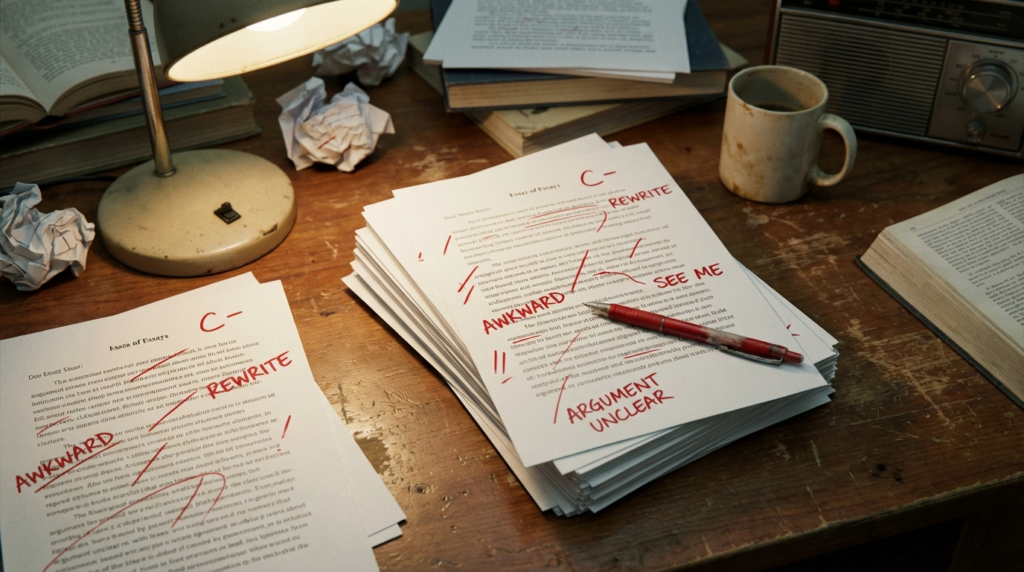
Remember the days of drowning in essays and other written assignments, each page a crimson battlefield of red pen corrections? Those days are over, my friends. Don’t get me wrong, written feedback is essential, but wouldn’t it be awesome to have a toolbox filled with ways to make learning a dynamic conversation? Let’s dive in with three tech tools – Stickity, Beep, and ScreenPal – that can transform your feedback from one-way lectures to engaging conversations that empower your students.
Why variety matters
Students learn best through an iterative process – trying things out, communicating what they learn, getting feedback, and refining their understanding. Think of learning like a hike. Students are constantly navigating new terrain, and effective feedback is the trail guide. It points out interesting landmarks (strengths!), helps them avoid pitfalls (weaknesses), and keeps them motivated to reach the summit (learning goals). But wouldn’t a boring old map get stale? Our feedback needs to be meaningful and cater to different learning styles. Imagine a student who thrives on visual cues versus one who responds better to hearing your voice. Tech tools can bridge these gaps and personalize the feedback experience.
Remember the days of drowning in essays and other written assignments, each page a crimson battlefield of red pen corrections? Those days are over, my friends. Don’t get me wrong, written feedback is essential, but wouldn’t it be awesome to have a toolbox filled with ways to make learning a dynamic conversation? Let’s dive in with three tech tools – Stickity, Beep, and ScreenPal – that can transform your feedback from one-way lectures to engaging conversations that empower your students.
Stickity: Fun Meets Focus
Imagine an engaging digital stickerchart on steroids designed with accessibility and inclusion in mind. That’s the magic of Stickity, a free Chrome extension (premium content also available).
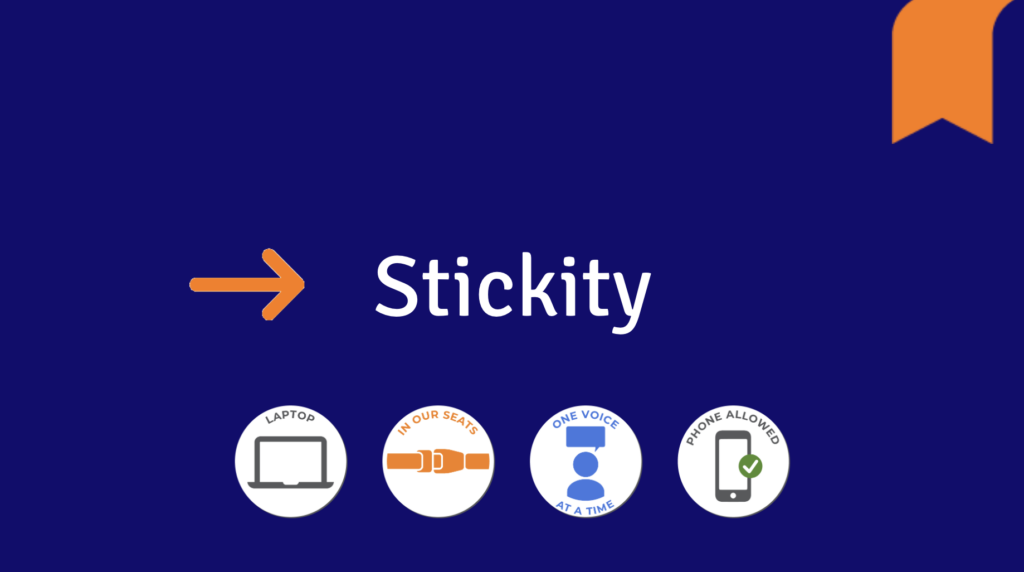
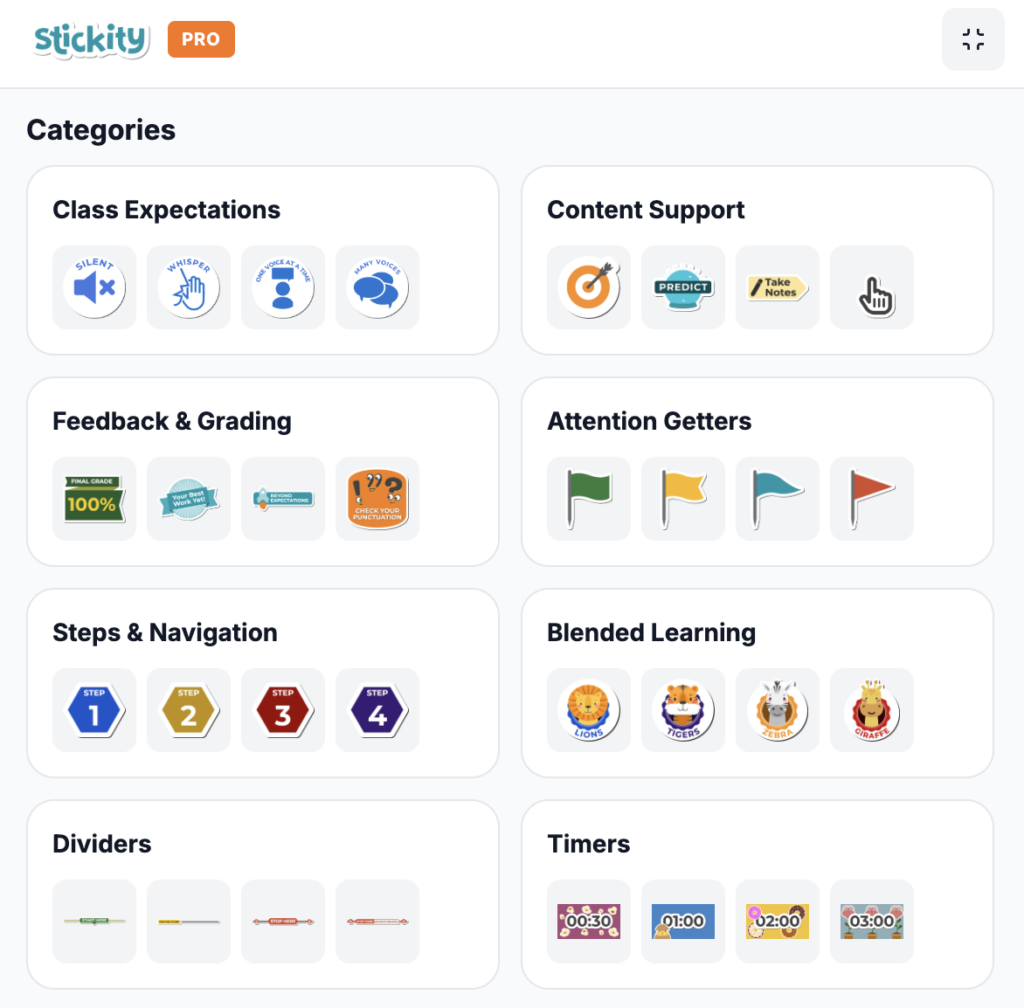
This tool bursts with attention-grabbing stickers for a variety of scenarios: content support, steps and navigation, differentiation levels, buttons, dividers, and more. From timers to highlighting expectations, Stickity injects a dose of fun while promoting accessibility for all learners. Students with different learning styles can benefit from the visual cues and graphics, and the premium option to translate text into 10 languages ensures nearly everyone’s included. Plus, it’s a great way to set clear expectations and create a consistent learning environment.
Teachers love it because:
- Clear expectations are easy to set with a plethora of pre-made stickers and gifs.
- Communication is reinforced, even if students don’t have the extension installed themselves.
- Students become more independent and self-monitor their work because information is visually chunked
Students love it because:
- Reminders come alive with bright colors and animations, making them impossible to miss.
- Timers visually show the passage of time with an alert at the end, helping students stay on track without feeling stressed or startled.
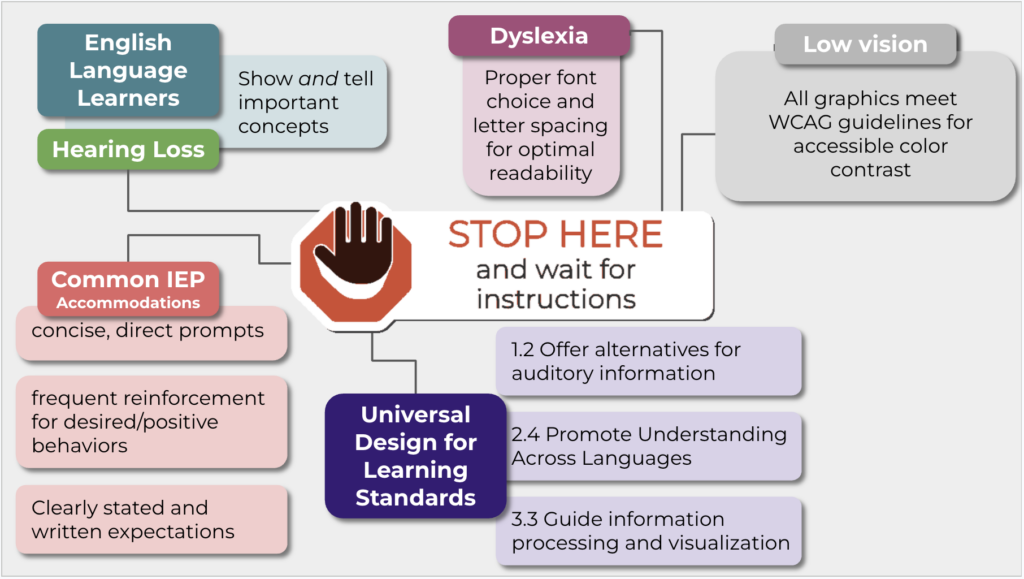
- Stickers are inclusive, meeting guidelines for accessible color-contrast and optimal text and spacing for dyslexic learners
Beep: The Power of Voice
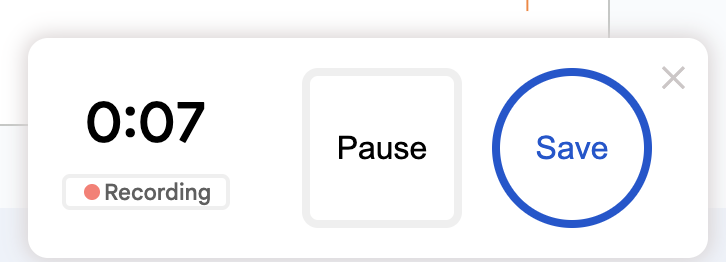
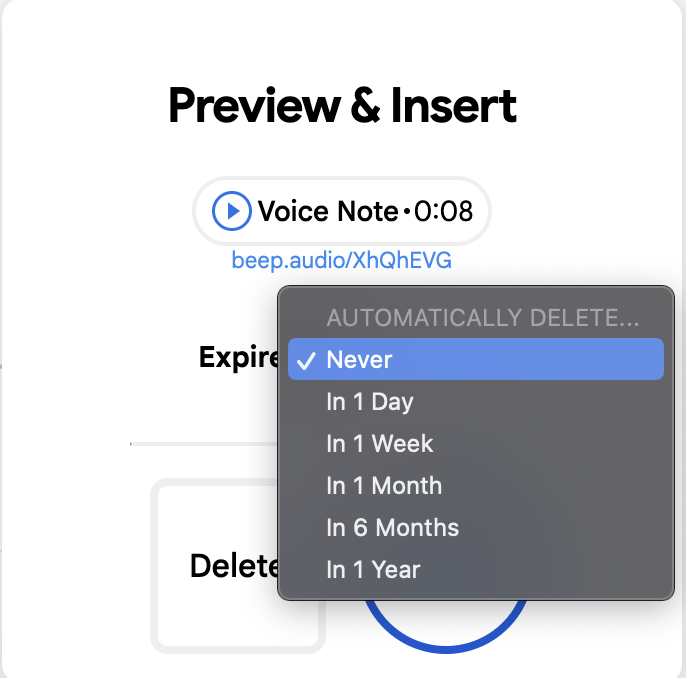
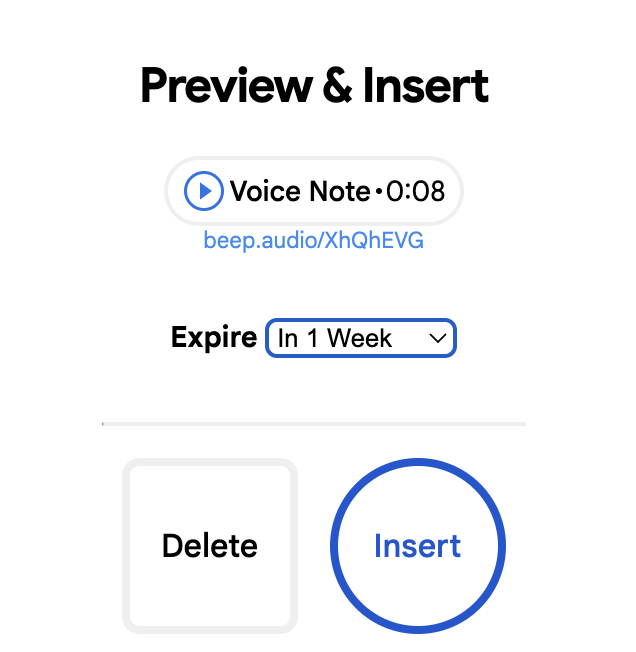
Sometimes, the written word just doesn’t capture the nuance you want to convey. Enter Beep, a Chrome extension that lets you leave voice notes directly in Google Classroom, Docs, or even Gmail. Use Beep to 24 voice recordings up to 1 minute (per month on the free plan) with an option to set a message to auto-delete or expire for added privacy.
What’s more, check out this Sample Audio Quiz Assignment to see how Beep can be used to create audio quiz questions in Google Forms, adding a whole new dimension to assessments. This tool is a lifesaver for students who might struggle to express themselves in writing, and it allows teachers to convey tone and inflection effectively.
Teachers love it because:
- Tone and intonation come through clearly, making encouragement and constructive feedback more impactful.
- Voice instructions cut down on content creation time
- Communication is streamlined. You can leave voice messages for other teachers, parents, or even admin.
Students love it because:
- Learning feels enriched. Hearing your voice explanation can make complex concepts click.
- They can express themselves differently. Students who struggle with writing can shine with audio explanations.
- They feel heard. Knowing their teacher is taking the time to listen can boost their confidence.
ScreenPal: The Personalized Touch
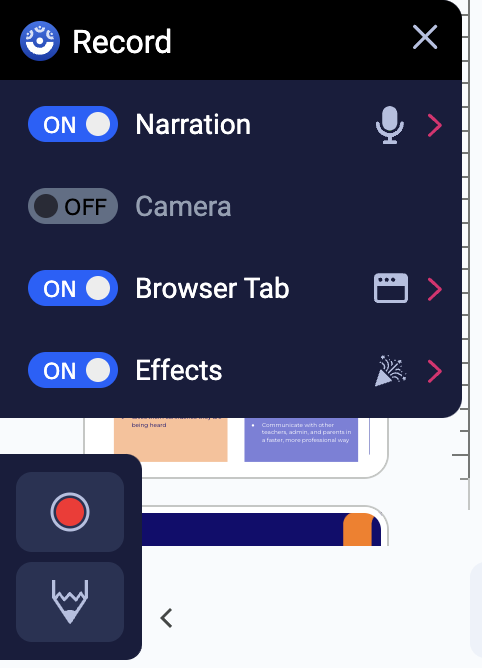
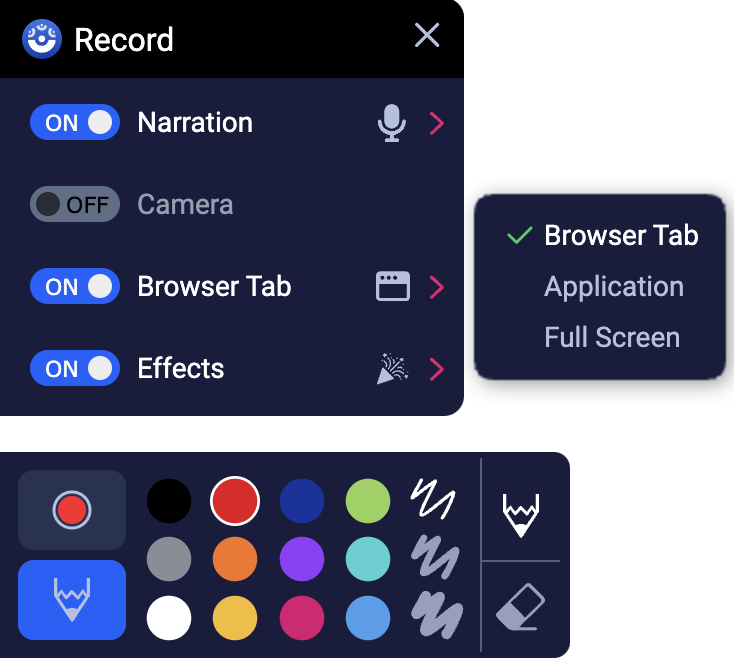
Let’s be honest, sometimes staring at text on a screen can feel impersonal. The ScreenPal Chrome extension for video messaging lets you quickly record your screen, camera, or both for personalized video feedback.
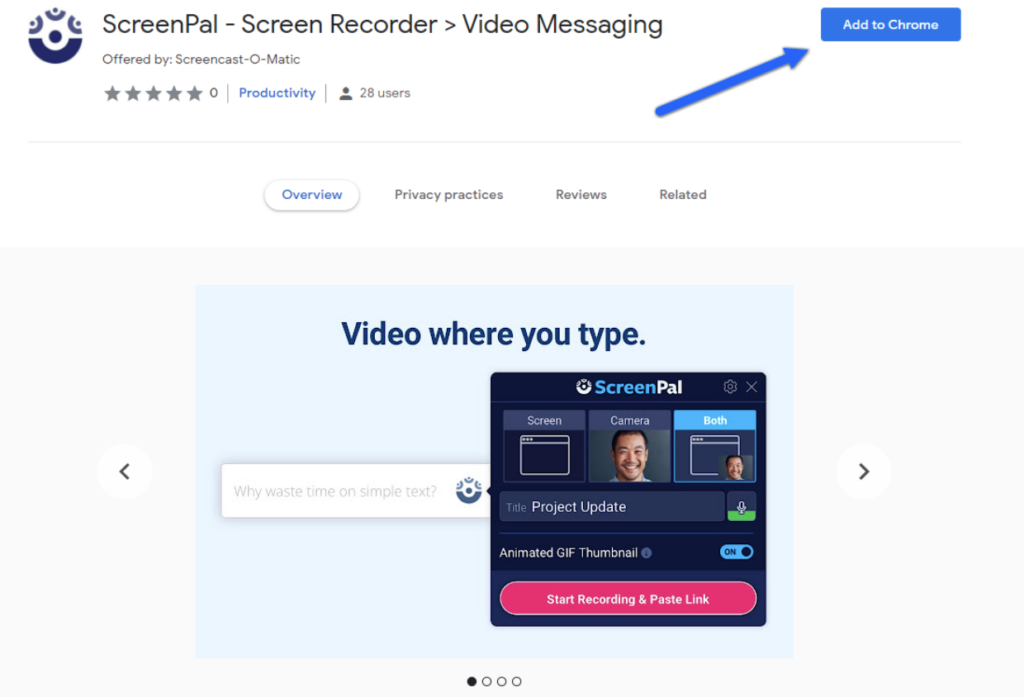
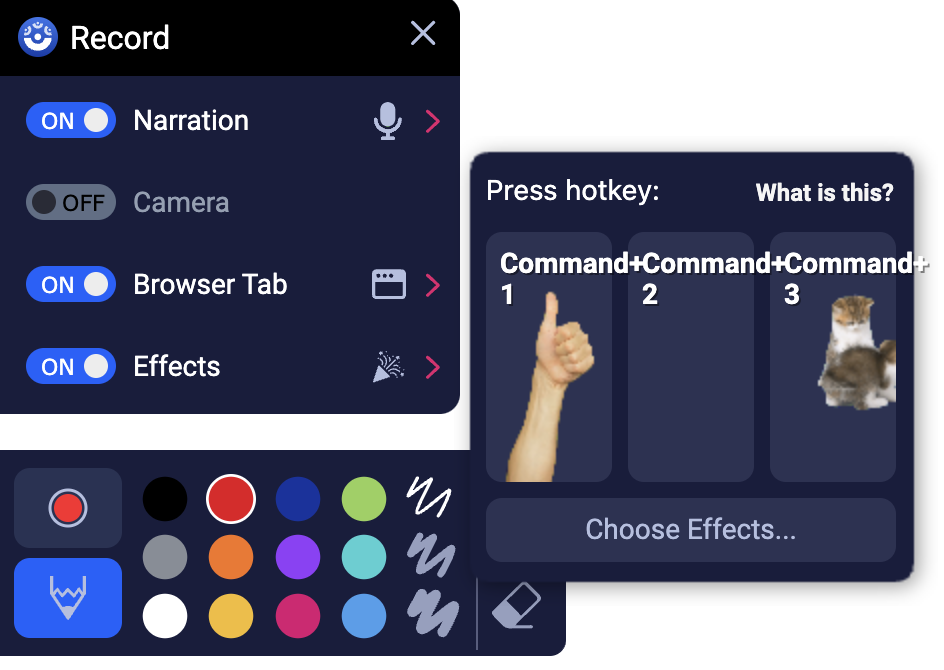
It’s free, allows you to record anywhere you can type, provides limited editing (trimming), and has a few fun gifs you can add as overlays. Sharing these quick recordings is a breeze with auto-upload and the link copied directly to your clipboard, and the “hover to play” option allows for video playback without having to leave the current window.
Teachers love it because:
- The power of body language: Facial expressions and tone can add valuable context to your feedback and quickly builds positive rapport with students.
- The learning curve is gentle. No fancy editing skills required, just hit record and go!
- On-camera anxiety melts away. Short, focused videos keep things stress-free.
Students love it because:
- Personalized learning: Seeing your face and hearing your voice fosters a stronger connection whether you’re explaining a concept or offering feedback.
- Reduced miscommunication: Nonverbal cues can clarify meaning beyond the written word.
- Projects come alive. They can use video to showcase their work and explain their thought process.
- Iterative communication: Students can respond in kind by sending a video through email or as a comment in a Google Doc, creating a true two-way feedback loop.
For more information, check out the author’s blog post and webinar on “Empowering Teachers with ScreenPal: Your Guide to Stress-free Video Creation”. If you’re ready to dive into the deep end, the full version of ScreenPal has both free and paid features for more in-depth video editing.
Summary
These tools are just a springboard! By incorporating Stickity, Beep, and ScreenPal into your classroom routine, you’re creating a two-way street for feedback. You can provide clear, personalized feedback, tailoring your approach to diverse individual learning styles and abilities, while students can use these same tools to ask questions and demonstrate their understanding, gaining the confidence to communicate in new ways and becoming more independent learners.
Ready to Take Action?
Check out the resources below to learn more about these amazing tools and discover even more ways to transform your feedback practices. Let’s move beyond the red pen and create a feedback revolution together.
Let us know in the comments below – what are your favorite tech tools for giving feedback?
Additional Resources
- Stickity’s YouTube Channel
- Stickity templates and resources/how-to’s
- Alice Keeler blog – Ten Best Google Docs Add-ons for Teachers
- Instructions for Beep’s Google Forms product
- From Beep’s founder:
- If you get any feedback or questions about the product, please feel free to let me know at jonathan@beepaudio.com (we’re very receptive to feedback and feature requests).
Google Classroom Extension – perfect for teachers and students. It’s much faster and allows you to record and play messages within Google Classroom, Google Docs, and Gmail with a single click.
Gmail Chrome Extension – it offers a better recording experience, more features, and the ability to insert a voice message player like the one you see above.
Docs Chrome Extension – it’s much faster and allows you to record and play messages within Docs with a single click.
- Eric Curts’ blog “EdTech Links of the Week” featuring Beep
- Eric Curts’ blog 150+ Excellent Extensions for Chrome
- Top 5 Tips for Stress-free Video Creation blog post
- Effective educational videos | Center for Teaching | Vanderbilt University – best practices for creating videos for self-paced learning
- ScreenPal Tutorials
- ScreenPal Help Center
Image Citations
About the Author

The author of this guest blog is Destiny Wagner, Chief Education Nerd at EdTech Nerds. She is an educator with over 20 years experience as both a classroom teacher (physics) and an instructional technology coach. With a proven record of creating and delivering professional development, presenting at numerous national conferences, and focusing on staff wellness, her goal is to leverage her expertise to help educators succeed in achieving their objectives while maintaining an effective work-life balance and to overcome the struggle with burnout that has become all too common in recent years.
She enjoys certification as a Google Certified Educator Levels 1&2, Campus Technology Specialist, TCEA Course Creator, Slytherin Prefect, Reality Based Self Defense Instructor, RYT-500 Yoga Teacher.
Social media links
