
Discover Android apps, tips, and tools for education. Enhance learning and productivity with strategies tailored for Android devices.

Need a quick way to synchronize your browser bookmarks or favorites across browsers? You may already know that several browser-based tools synchronize your bookmarks. But the ability to make a copy of your browser favorites is often limited to a type of browser. Let’s review some synchronization options and learn about one solution that works across various browsers. It can be a lifesaver when transitioning from one browser to another (e.g. Chrome to Firefox).
The Bookmarking Problem
While many take advantage of social bookmarking tools like Diigo, others do not. For example, a colleague of mine kept all her bookmarks in Internet Explorer. She clung to that browser longer than she needed to. The reason why? She didn’t want to lose her bookmarks. It’s understandable because it’s easy to lose your bookmarks!
Many of us switch browsers, often as we move from one computer to another. Google Chrome and Mozilla Firefox synchronize our bookmarks, thank goodness. But what happens when you deviate from security-poor browsers to more secure ones? You lose access to your bookmarks.
One scenario I find myself in often is relying on new browsers that maximize privacy. Some browsers, like Microsoft Chrome and Microsoft Edge, often fall short. Privacy Tests revealed study results that show how less-than-private your browser use is.
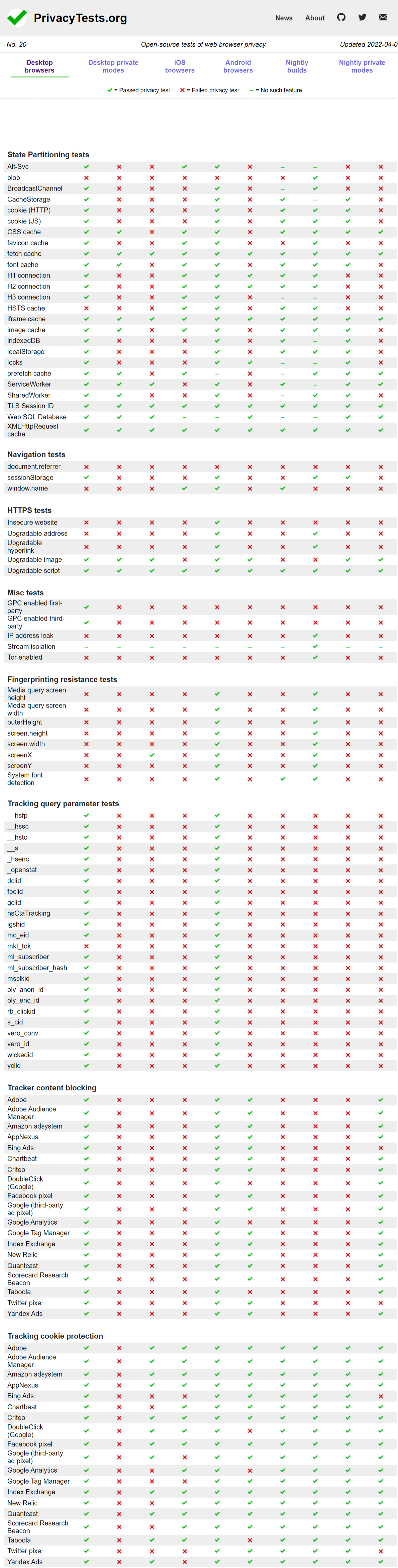
If you’re working on a different computer between home and work, you want to be able to bring in your home browser’s bookmarks to work and vice versa. I like to synchronize all my “work” bookmarks to a home browser so I can access links I update all day at work. If the browser I use at work differs from my Chromebook at home, then favorite bookmarks may not appear.
Bookmarking Solutions Abound
A quick solution to the problem? Use either Google Chrome or Mozilla Firefox in a consistent manner. Google Chrome offers synchronization of bookmarks, as does Mozilla Firefox. For the most part, synchronization even works with Chromium or Firefox derivative browsers.
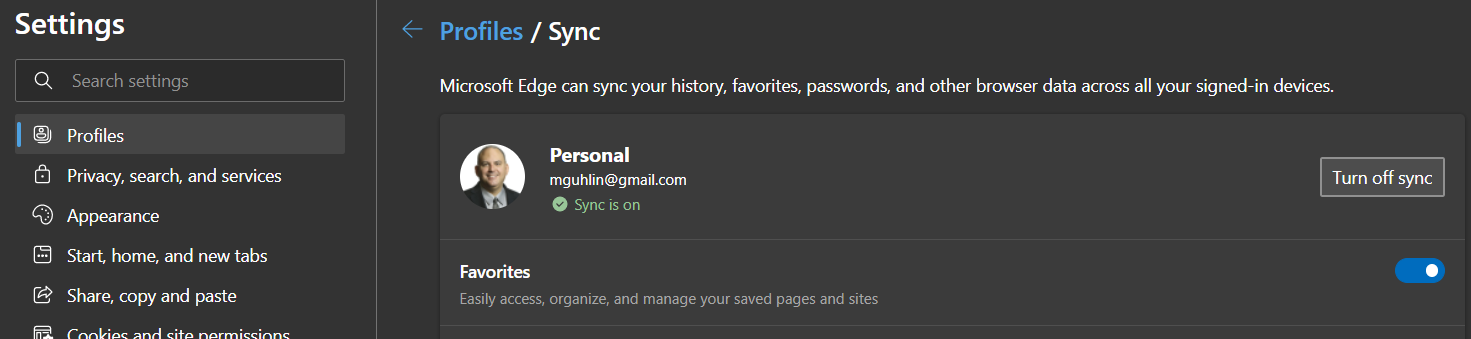
Here’s what sync settings look like across browsers:
In Microsoft Edge, a Chromium browser like Google Chrome:
In Librewolf, a Firefox browser derivative with a high privacy rating:
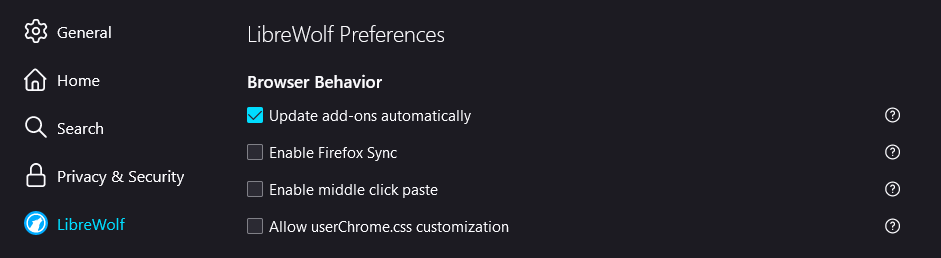
Security-conscious browsers like Librewolf turn off Firefox sync, remove all bookmarks, and save items when you close the browser. Learn how to turn on Sync in Google Chrome or activate Firefox Sync.
If jumping from one browser to another, you may find the export/import bookmarks options of use. That said, it’s an inelegant solution. Your version of bookmarks becomes obsolete once you add or remove a bookmark on a browser.
This brings us back to the question, How do you sync your bookmarks across browsers and devices? As I said before, there are many solutions available. I’m going to focus on one so you can see how it works. That said, I would be remiss in not pointing out other solutions, and you can find a list at the end of this article.
Introducing xBrowserSync
Skip browser synchronization options on Google or Firefox. Avoid the game of exporting and importing bookmarks. Give this solution a try and save yourself some trouble.
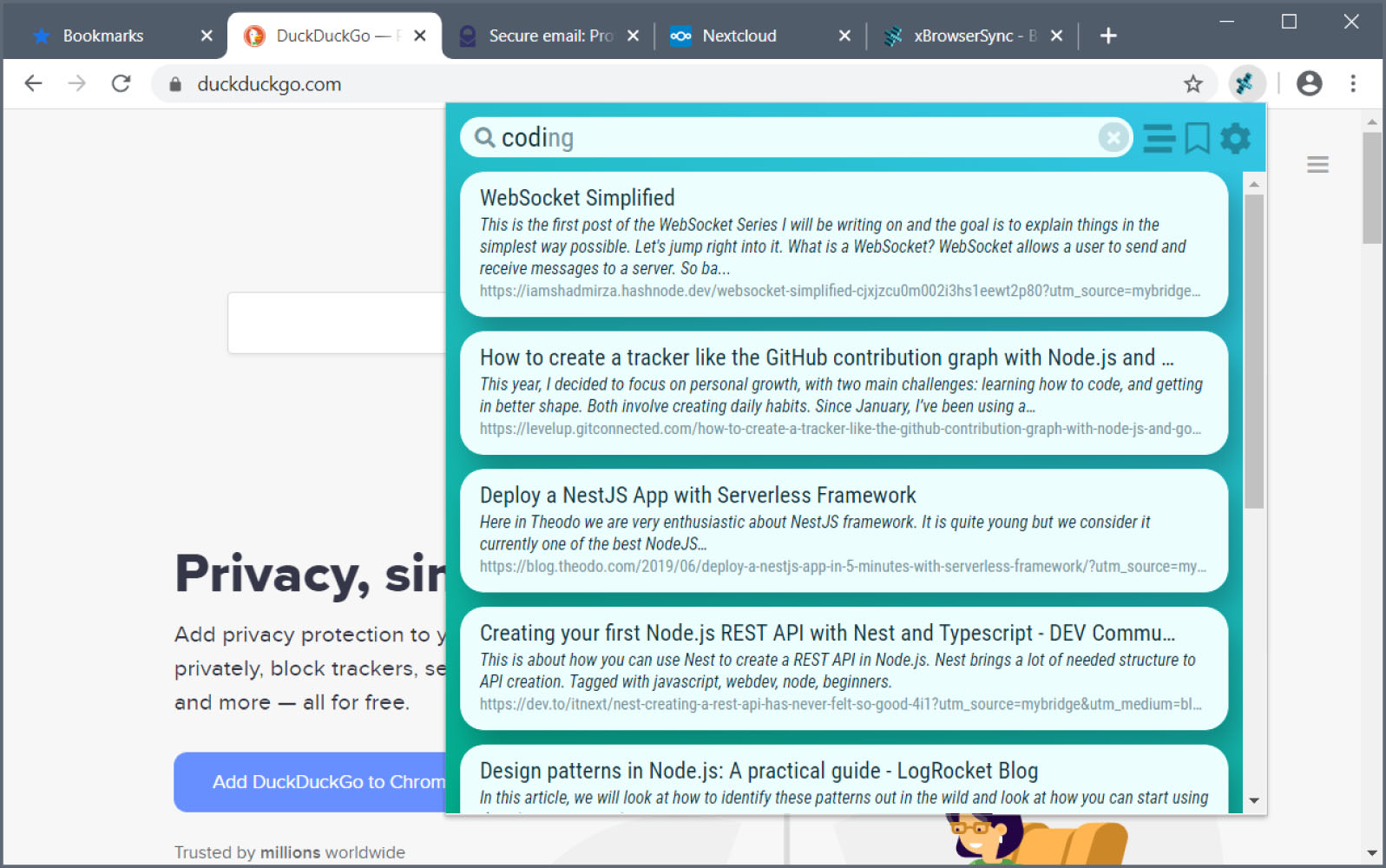
xBrowserSync offers a secure, anonymous, and free solution. Per its website:
xBrowserSync is a free and open-source alternative to browser syncing tools. No sign up is required and no personal data is ever collected. To start syncing, download xBrowserSync for your desktop browser. Enter an encryption password and click Create New Sync. You’ll receive an anonymous sync ID. This identifies your data and you use it to access your data on other browsers and devices.
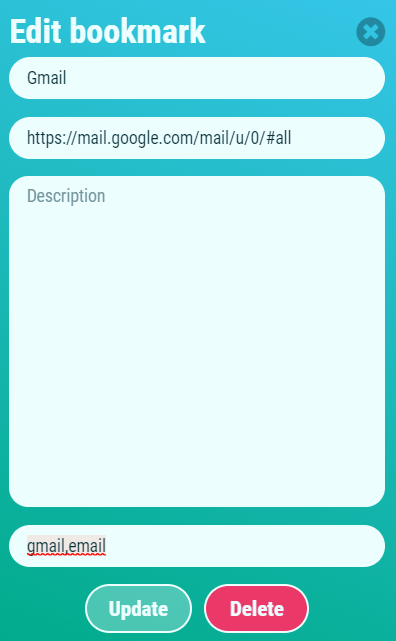
What’s more, xBrowserSync offers a search interface that simplifies finding and sharing bookmarks. You can use it to add descriptions and tags to bookmarks. You can get it as an add-on for Chrome/Chromium and/or Firefox browsers (or derivatives). Google Android users can also take advantage of it.
xBrowserSync in Action
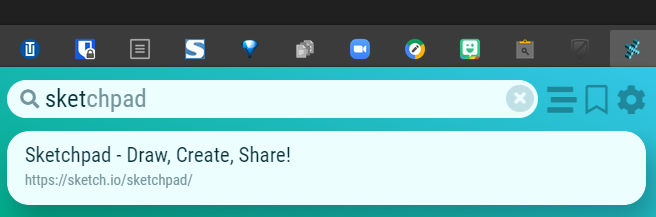
Here are a few screenshots of xBrowserSync in action:
Search for a Bookmark:
Edit Bookmark to Add Title or Descriptive Tags:
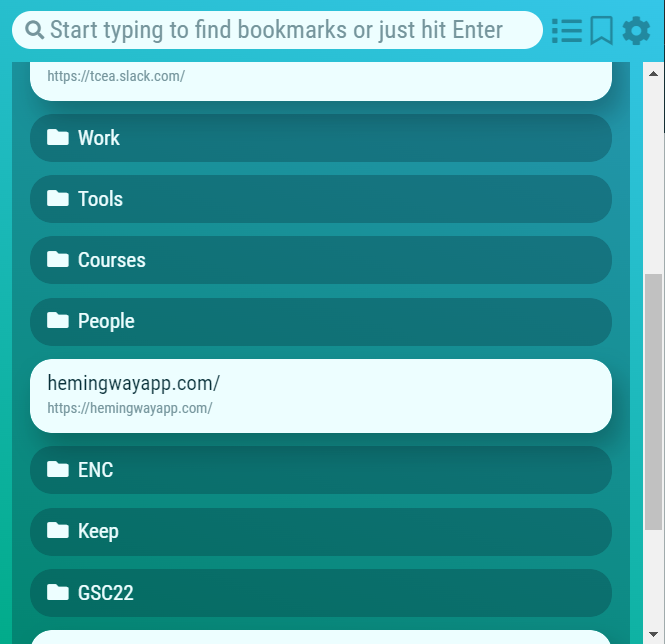
Browse your xBrowserSync Bookmarks:
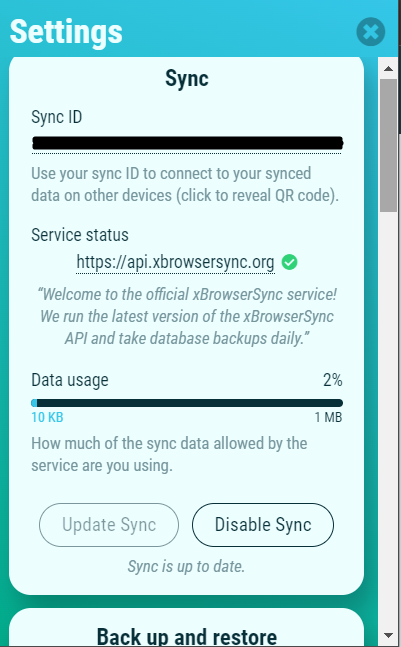
Settings Sync:
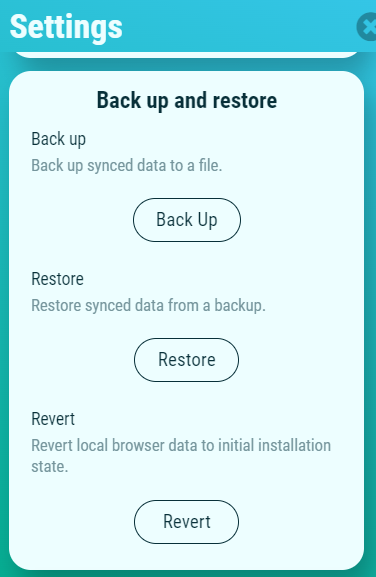
Settings Backup and Restore:
Avoid Browser Lock
There are many ways to keep track of your bookmarks now. But it is easy to get “browser locked.” Don’t get locked into any one browser. Find the browser that works best for you, then use xBrowserSync to sync your content.
Here are some additional solutions that are similar to xBrowserSync that you can explore:
Be sure to read the fine print for privacy and cost details for each of these solutions. What’s for sure– you now have a way to avoid switching browsers!











 Android Apps in the Google Play Store:


 #2 – Audobon Bird Guide
 Need to name that tune, er, bird? Use Song Sleuth! It listens to bird songs and then identifies them for you. And it’s available for iOS and Android at no cost.
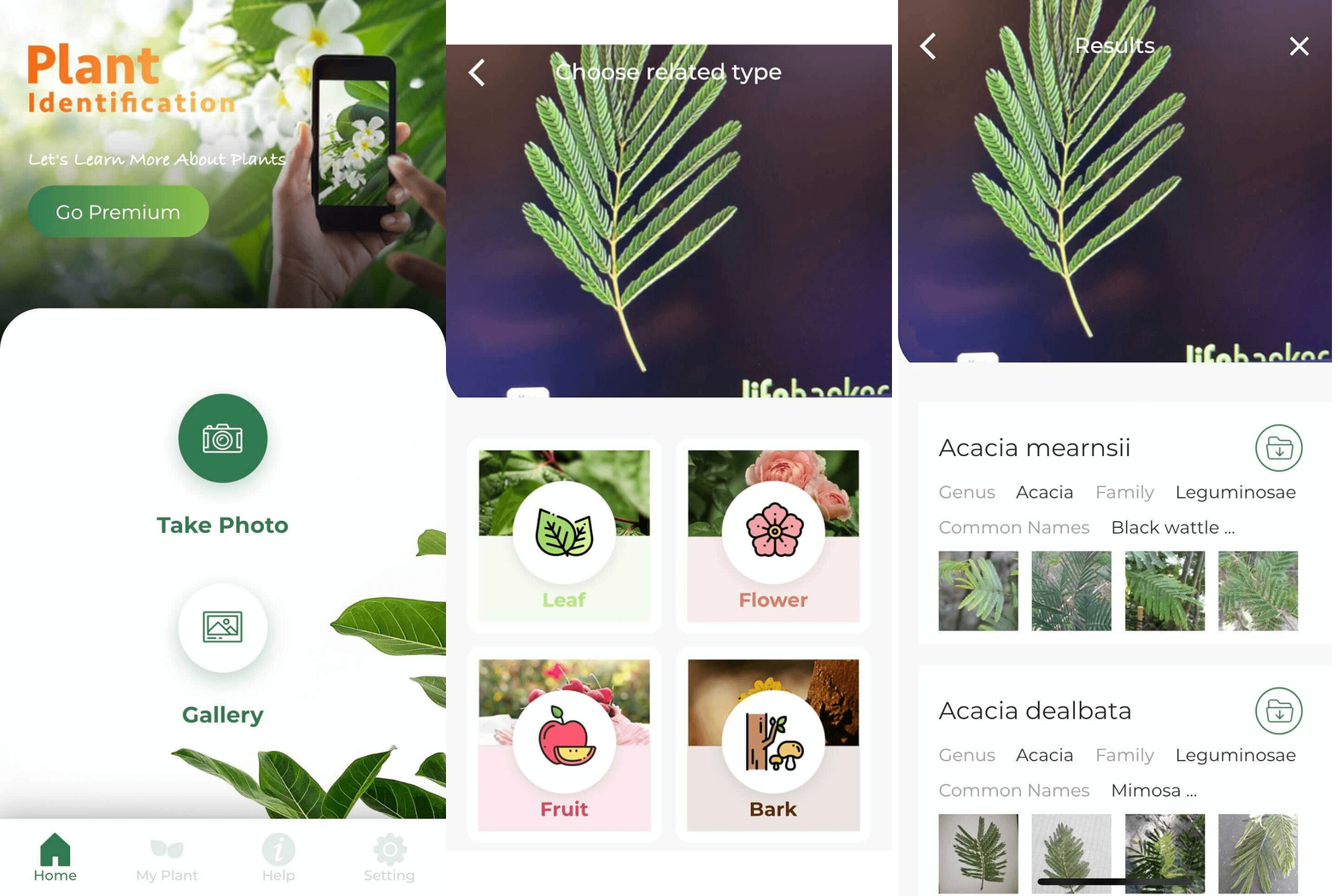 Need a quick way to identify trees? Take a close look at their leaves, snap a picture, then let LeafSnap do the rest. LeafSnap offers a handy interface to identifying plant life around you.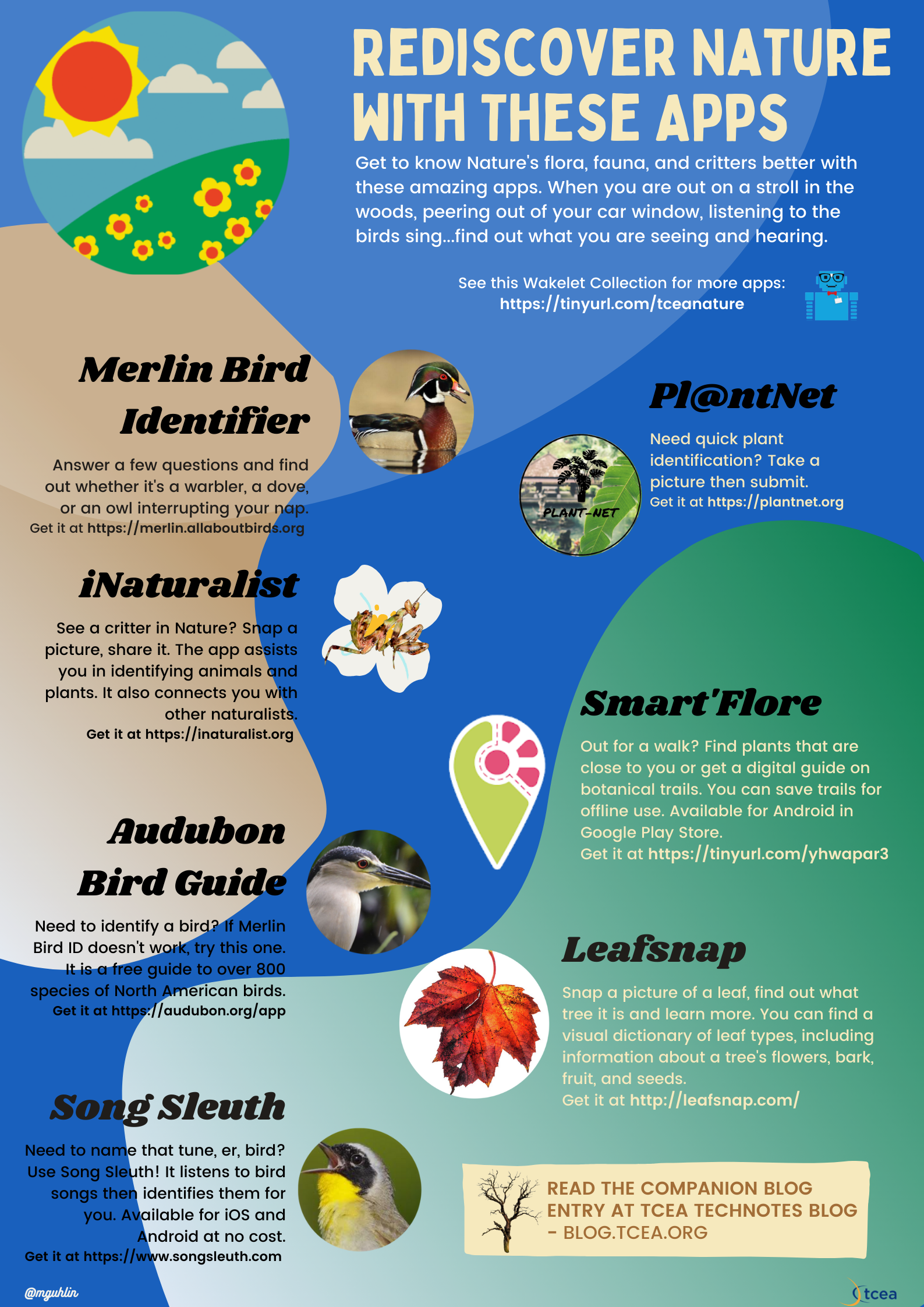



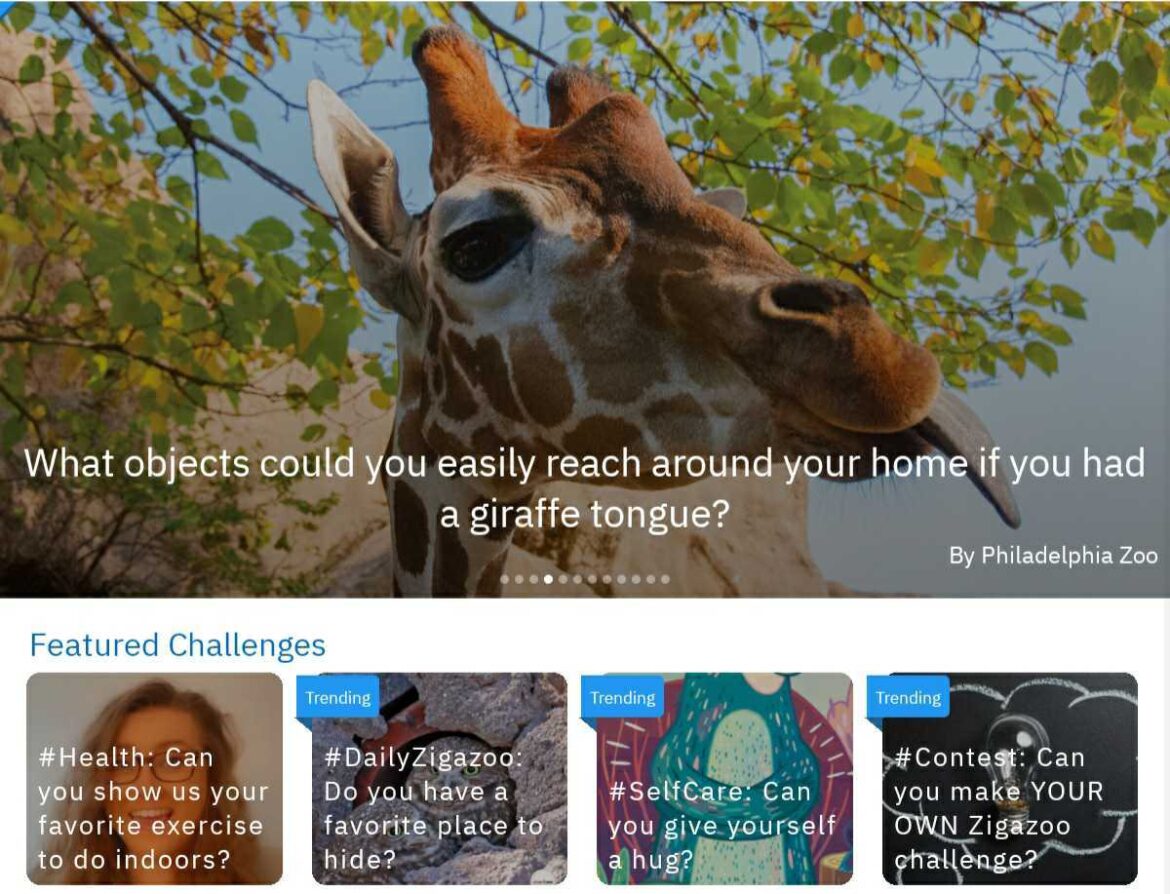
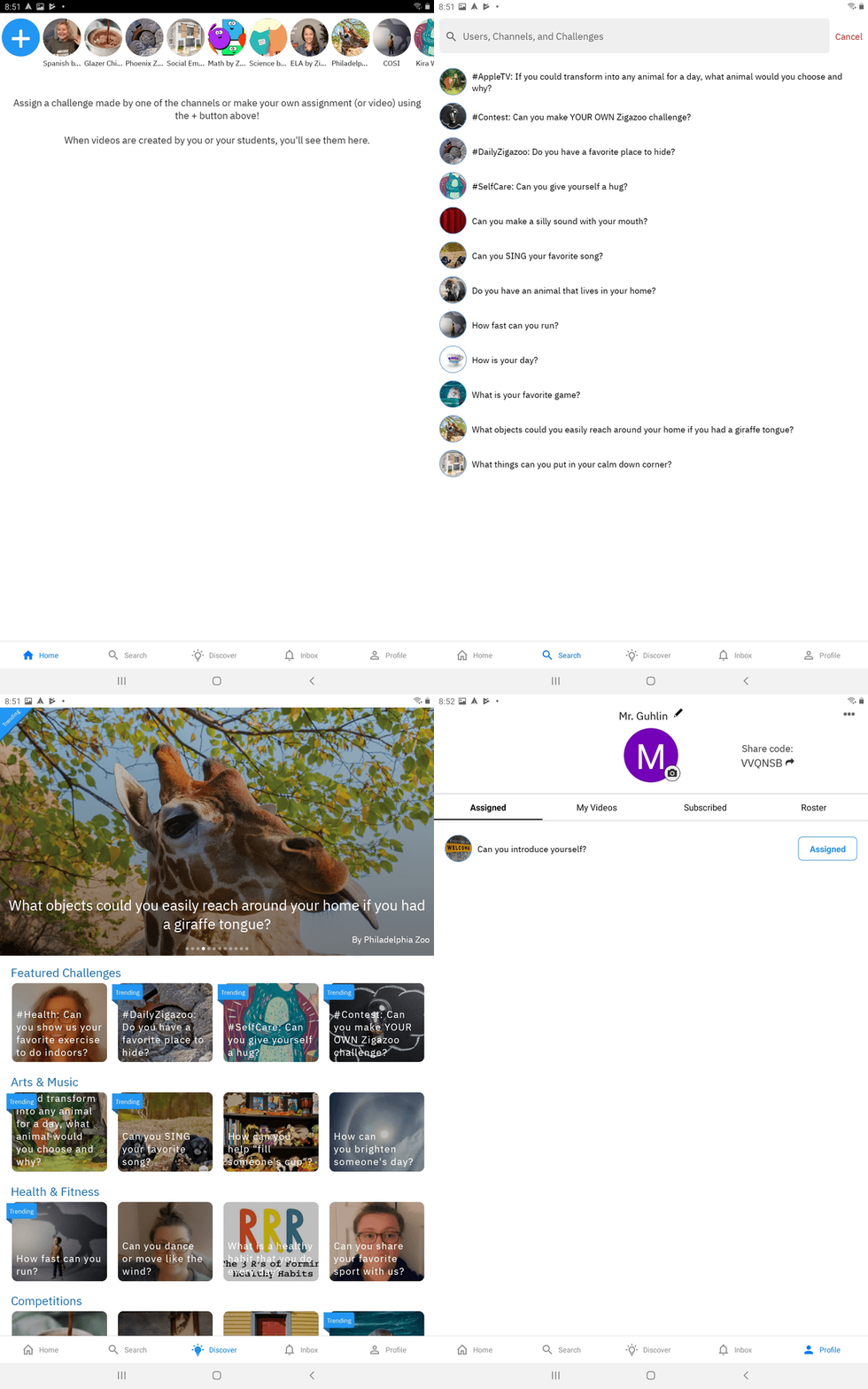
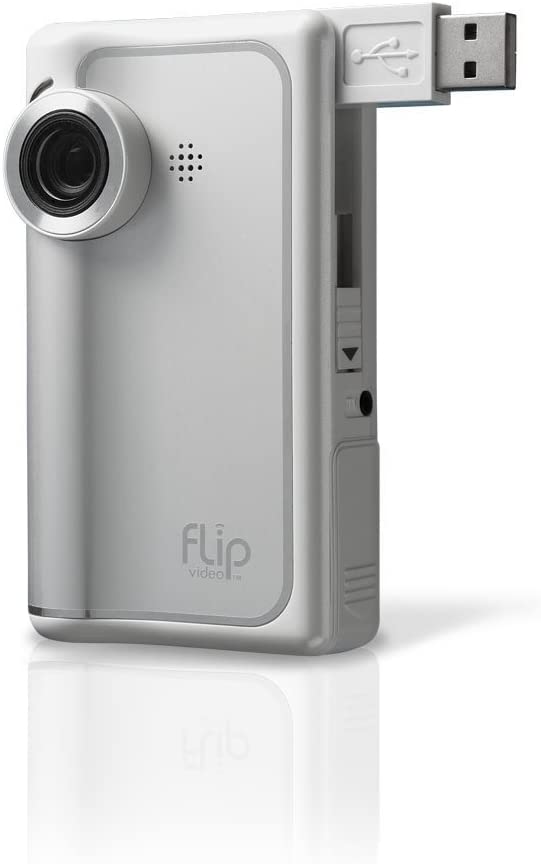 When I first started working with video, I remember the joy of the old Flip camera. It was so easy to record a video and then save it to a computer. Prior to that, video recording was so difficult as to be impractical. But that didn’t stop enterprising educators from making student-created videos available. Now, video creation tools abound, but the question has become one of, “Now that we can record videos and share them, should we?” Student safety has become a critical consideration. A new tool promises to close the gap between student-created videos and student safety.

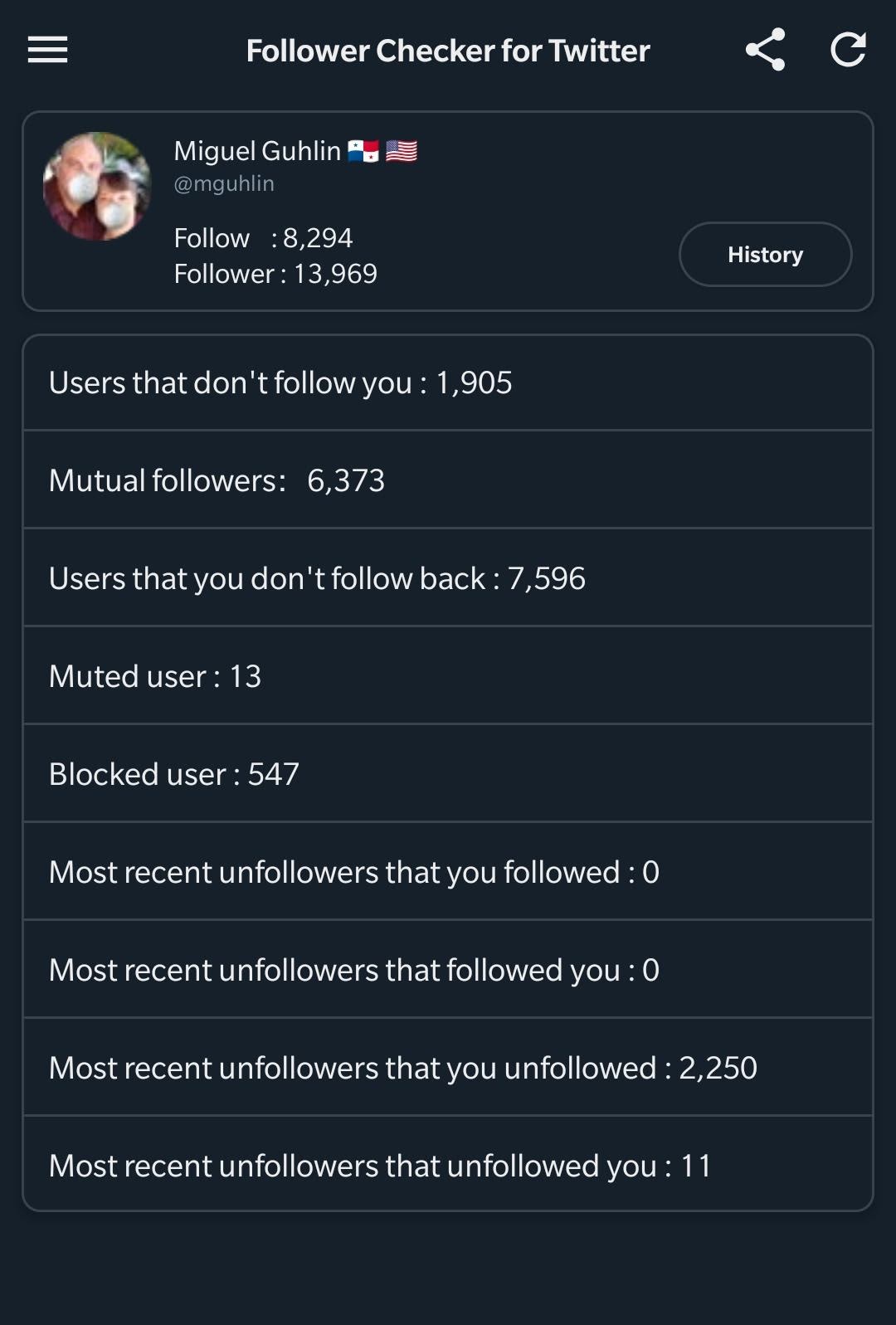
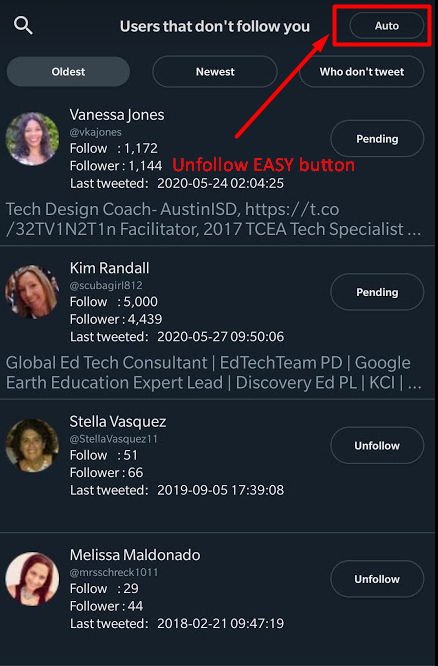
 Follow Back is another tool that does the exact same thing as Follow Checker. The interface is a bit different and you have to suffer through boring ads (which you can turn off after three seconds). Aside from that, the app works in a similar manner. In spite of the ads, I found Follow Back to be a bit more endearing. One of its distinguishing characteristics is the timer.
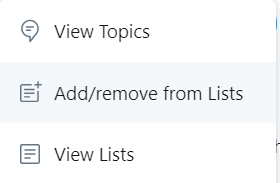 Earlier, I mentioned that there are people you want to follow who will NEVER follow you back. Those could be news organizations, magazines, non-profit organizations, and others. Instead of following them, add them to a Twitter List. Here’s