TCEA has you covered when it comes to wheel spinners, coin flippers, and other virtual resources. And now, we present you with free virtual dice! Not only can you use dice for math activities, games, and more, but you can also use them for icebreakers and debriefs. As an added bonus and follow-up to this blog, my colleague Miguel Guhlin will post an article about Dice Icebreakers and Debriefs tomorrow. So be on the lookout! Now, let’s explore some virtual dice options for you to try.
1. Roll Dice by diceapp.io
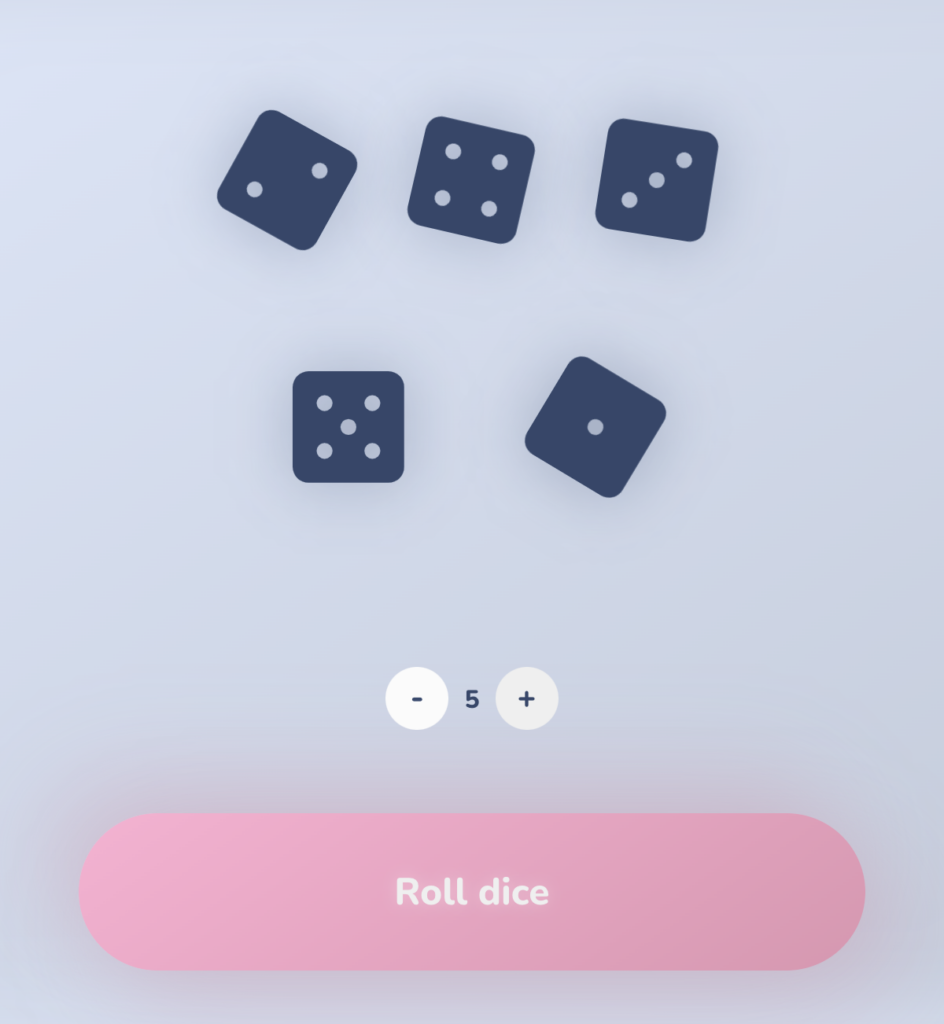
Features:
- Dark blue dice with light-colored pips
- Can use between one and nine dice at a time
Additional Information:
- Blue background with a pink button to roll the dice
- Ads run along the right side of the website
- Simple and easy to use
2. Virtual Dice Roller by calculator.net
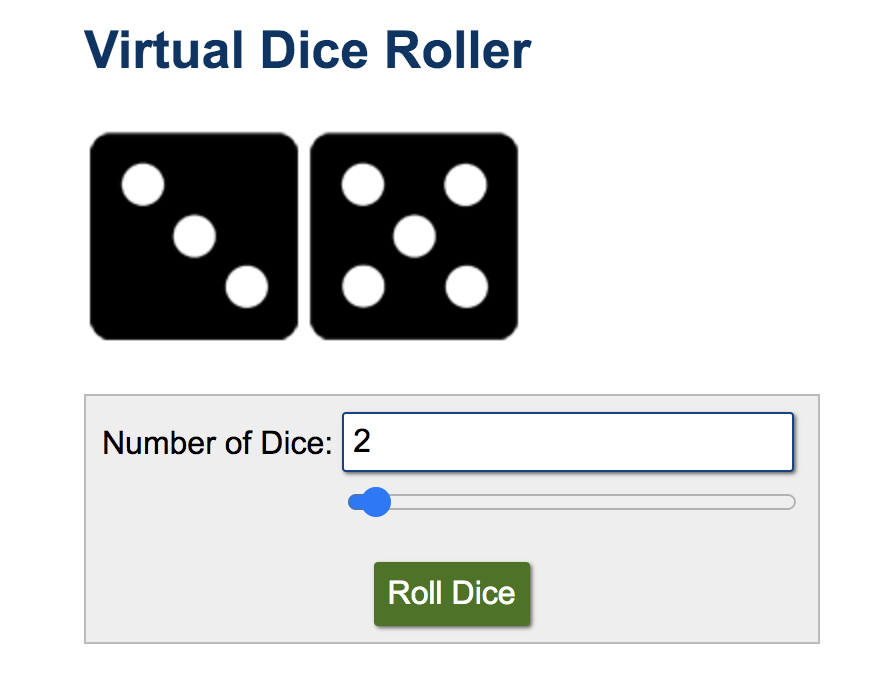
Features:
- Black dice with white pips
- Text-only website
- When you roll, the sum and product of the dice pops up on the screen.
- Use between one and 100 dice at a time
Additional Information:
- The site will ask you to choose your cookie preference.
- Advertisements run along the right side of the website.
- To choose a different number of dice, use the slider bar.
- The site also includes a Non-Conventional Dice Roller.
3. Random Dice! by online-stopwatch.com
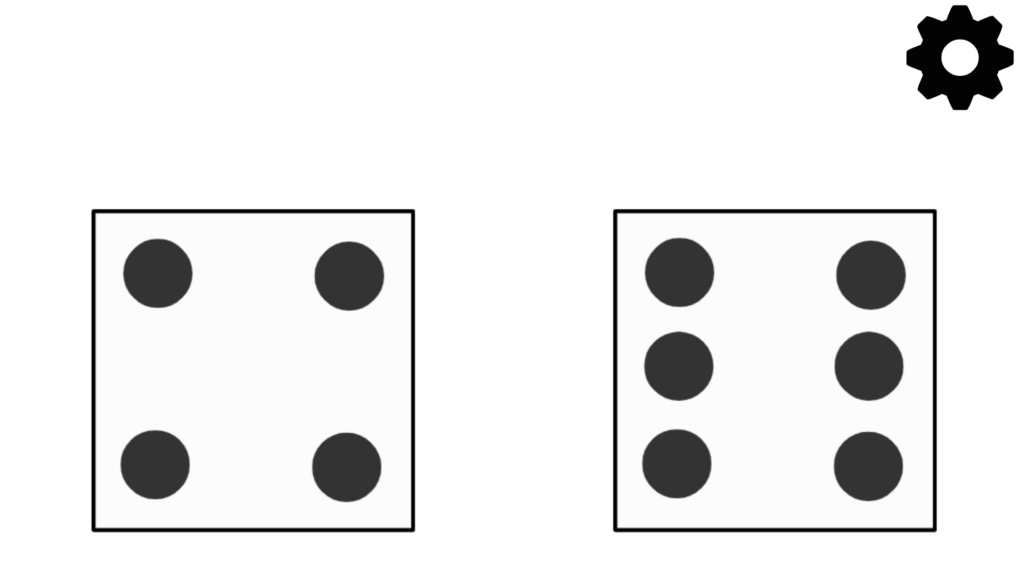
Features:
- White dice with black pips
- Use between one and 10 dice at a time
- Use the gearicon to change the number of dice
Additional Information:
- The web page has many ads, but you have the option of Dice Full Screen which will get rid of some of the ads or Super Full Screen which displays only the dice.
4. Google’s Roll Dice by Google
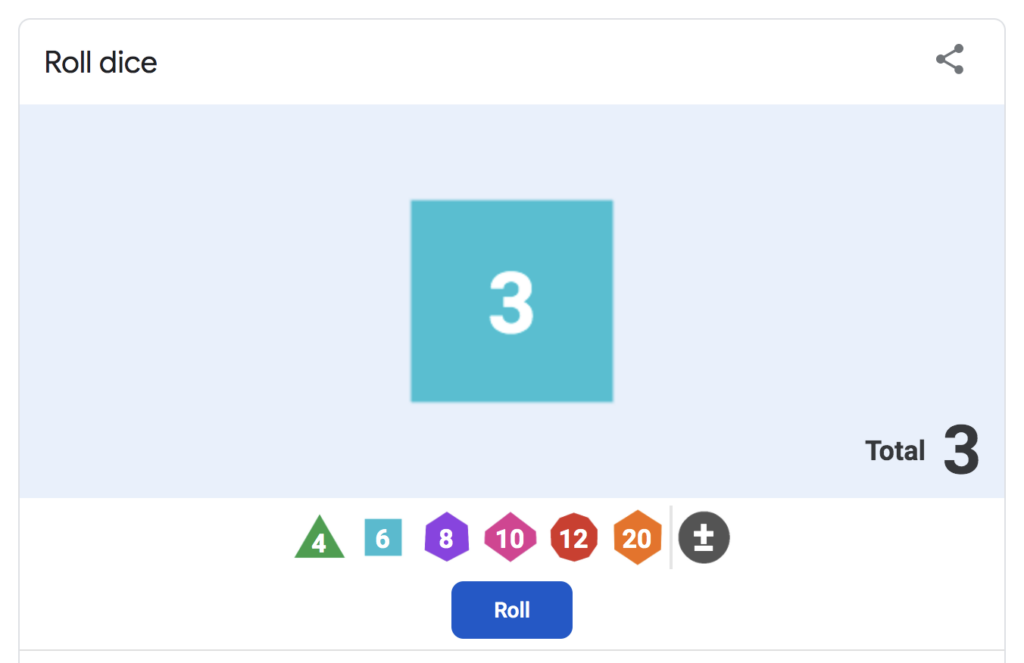
Features:
- Dice are colorful
- Six dice types with four, six, eight, 10, 12, or 20 sides
- Add a modifier to your roll total
Additional Information:
- To reset, refresh the page.
5. Free Online Dice Roller by RoomRecess.com
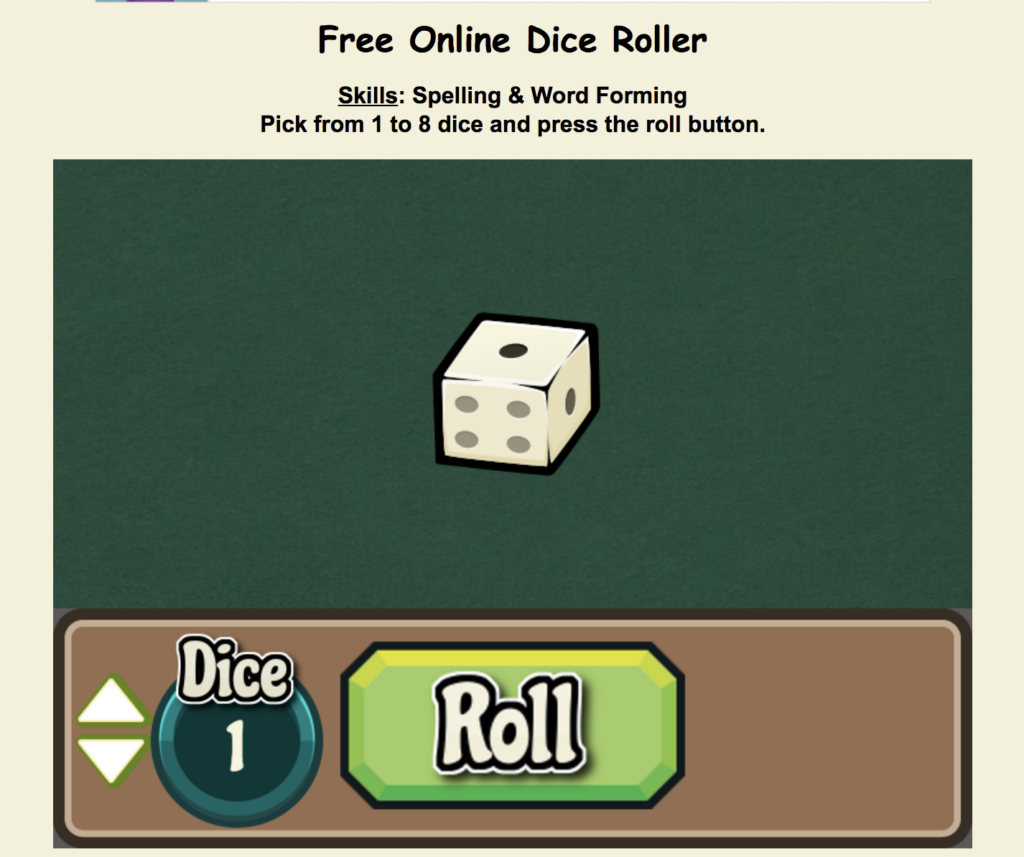
Features:
- Cream-colored dice with black pips
- Use between one and 10 dice at a time
- Use arrows to change the number of dice
- Includes a large green “roll” button
- Sound effects included
Additional Information:
- Ads are placed on the side and top of page
I hope you enjoy these five lucky resources to help you and your students get your “game on” in the classroom. Stay tuned for Miguel’s follow-up article tomorrow with activities you can use with these dice tools.
Featured image: Designed by TCEA staff




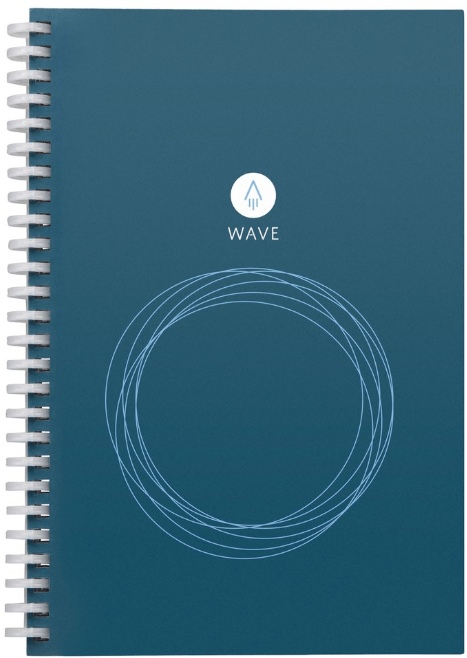 Though many folks use digital tools to take notes (such as OneNote, Google Keep, etc.), you may prefer to take notes the old fashioned way with paper and pen. If this you, then check out the
 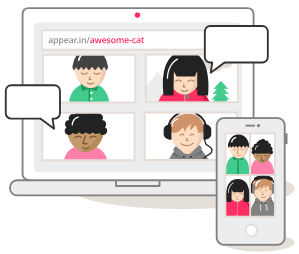 Video conferencing doesn’t get any easier than
  Noisli

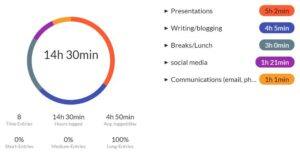 Before you can address some of your habits, you may have to identify them and discover which ones are taking up more time than you realize. In doing so, I highly recommend
 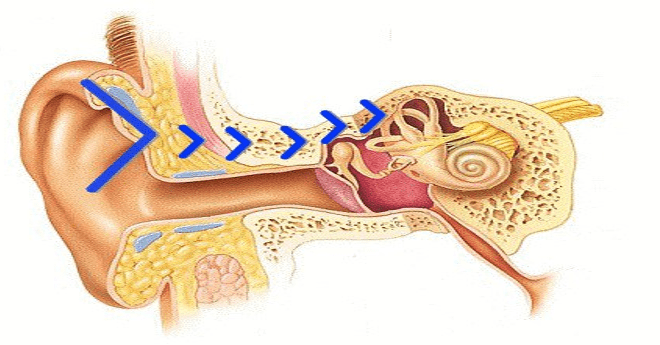 Bone conduction works on a similar premise as how you normally hear. Normally, sound waves (vibrations) enter your ear and are translated by your inner ear. With bone conduction, though, sound travels through your bone (skull) to reach your inner ear. While this process sounds like something from science fiction, it works very well. You actually don’t feel anything unless you have your music turned up on high.