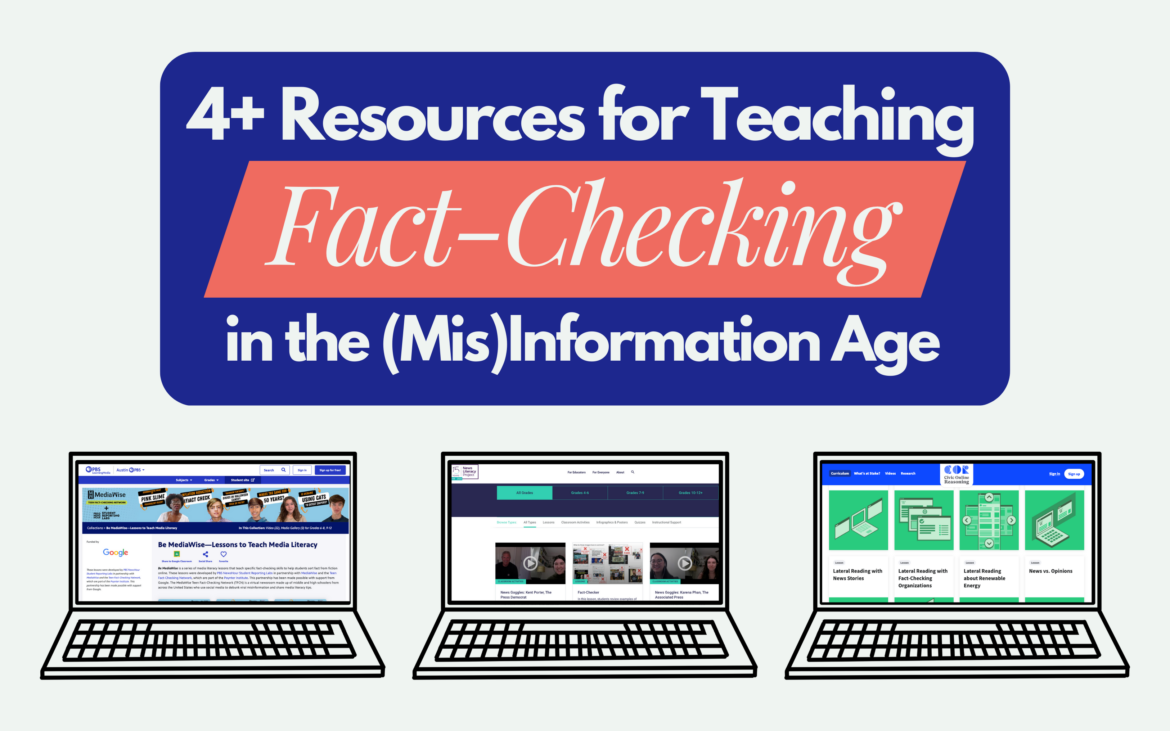
Students navigate an endless stream of information and misinformation online, and AI has only muddied the waters further. To make sense of it all, news literacy is not optional — it’s an essential skill that students will depend on throughout their lives.
The News Literacy Project, a nonpartisan education nonprofit, supports educators of all subjects with free resources to develop students’ foundational news literacy skills. By teaching news literacy, you empower students to make informed decisions with immediate and lasting impact — from health to friendships to civics and beyond.
Get started or find fresh ideas for the 2026-27 school year with these free tools:
Your new best friend: Checkology®
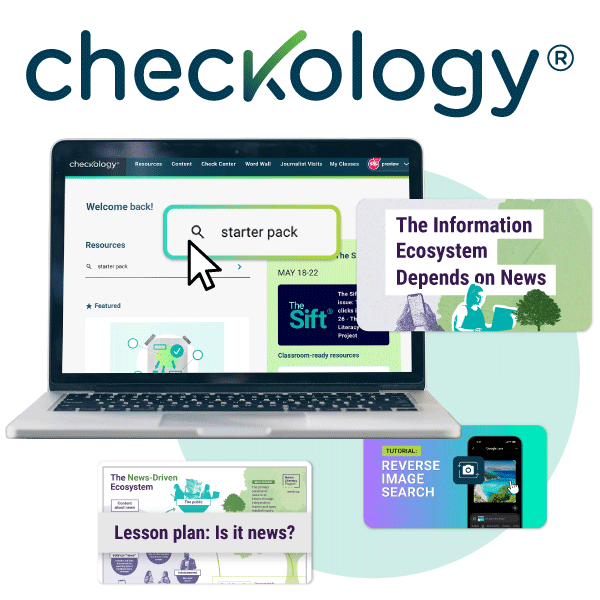
First things first — Unlock 250+ free teaching resources by setting up your educator account on NLP’s news literacy learning hub, Checkology. You’ll gain access to quizzes, posters, downloadable lessons and classroom slides. You’ll also gain access to our digital classroom, where you can assign students interactive lessons about topics like AI, misinformation, press freedom and more. (It’s completely free – no credit card required — and there’s secure single sign-on via Microsoft, Google or Clever.) Click here to register.
Want a deeper walkthrough of Checkology? Check out the Checkology Quick Start Guide.
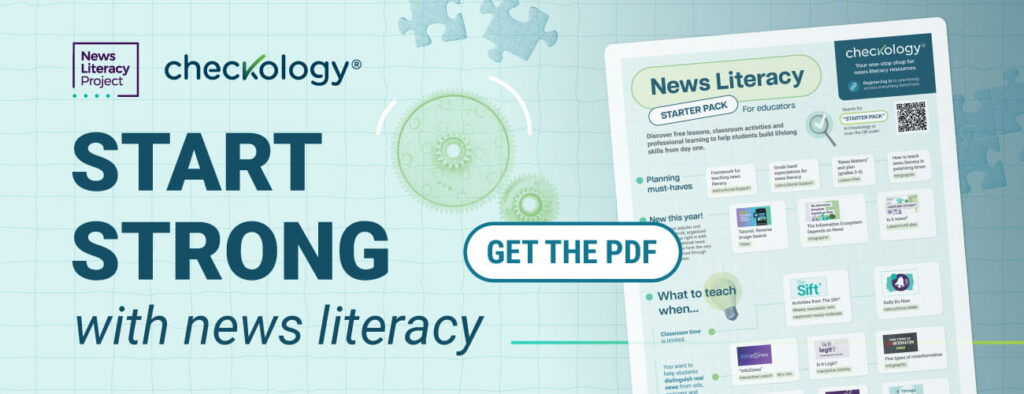
Your go-to guide: the News Literacy Starter Pack
Get focused for back-to-school season with the News Literacy Starter Pack, a collection of classroom-ready teaching tools to help you kick off the year with news literacy.
The Starter Pack points you to a curated handful of resources to fit your needs — whether your district asks you to address AI or you only have 5 minutes of classroom time to spare.
| Head’s up! You’ll need to be logged into Checkology to access all the resources listed in the Starter Pack. Once you’re logged in, search “starter pack” to see the back-to-school resources in one place. |
- Don’t miss these NEW resources for 2026-27:
- The Information Ecosystem Depends on News: A wall poster that uses the rich analogy of an ecosystem to help students understand today’s information landscape. The poster comes with supplementary materials, including a reading guide and student handout.
- Is it news?: An activity where students consider the role of news in today’s online environment.
- Tutorial: Reverse Image Search: One of several tutorials from Checkology’s Check Center that walks students through useful fact-checking tools.
Your AI hub: Lessons, videos and more
Students deserve more than an AI solution. They need the skills to understand how the technologies work so they can make informed decisions about what to trust, share and act on.
Begin with these resources in the News Literacy Starter Pack to empower students with a deeper understanding of AI and algorithms.
- Introduction to Algorithms: An interactive lesson giving students a comprehensive and eye-opening look at how algorithms and AI shape social media feeds.
- AI or not?: A lesson plan with slides and extension activities to boost students’ ability to detect AI-generated content.
- 6 things to know about AI: An infographic sharing important context and tips about AI.
- Two Truths and AI™: A YouTube playlist of short social media videos designed to help students sharpen their critical thinking around AI.
- Teaching about AI resource hub: More tools for teaching about AI, including slide decks and explainer videos from social media.
Your curriculum companion: Planning must-haves
Make news literacy a nonnegotiable part of your curriculum. Use these instructional supports to determine how the News Literacy Project’s standards-aligned resources can best serve your students’ needs:
- Framework for Teaching News Literacy: Explore common standards, essential questions, and knowledge/skills objectives, along with suggested performance tasks and learning activities. The framework can be used for integrating news literacy into existing curriculum, or as the basis for creating stand-alone courses or units.
- Grade Band Expectations for News Literacy: Reference this guide with scaffolded skills, content knowledge and dispositions for schools and districts seeking to implement news literacy curriculums. It’s designed to foster cross-curricular connections and complement already established benchmark requirements.
Your key to easy access: Bring Checkology to Your District
Are you an administrator or district tech leader? Help your educators get off to a glitch-free start teaching news literacy. Checkology is available on Clever, a free, seamless edtech solution that improves data security and gives educators and students secure single sign-on access. Dive into this guide to learn about your options to connect your district to Checkology.
Need more direct help getting your district set up on Clever? Email the News Literacy Project at checkologyhelp@newslit.org, or complete this form and they’ll reach out to your district administrator(s). Let’s make this school year your strongest one yet — with impactful news literacy instruction.