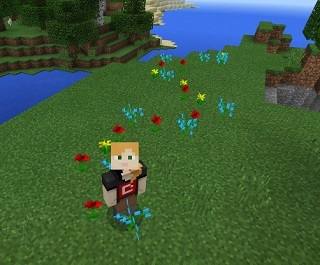
Ready to leave a path of petals in your wake? Do you like chickens flying from the sky? Then you may be experiencing Minecraft coding goodness. Teachers in TCEA Area 2 (Corpus Christi, Texas) laughed as they learned to code. How did they make coding possible? They relied on Minecraft: Education Edition‘s built-in support for coding tools. Let’s take a quick look at those and see what’s available.
Check Your Readiness
Let’s review the checklist of what is needed to begin.
- Windows 10 computer?
- Minecraft: Education Edition license?
- External mouse?
- Ready to have fun coding?
Getting started with coding need not be impossible. Microsoft’s Minecraft revision makes it easier to create with code. Participants in my session embraced frustration. They accepted failure as an opportunity to grow and learn. Now that you have checked your fixed mindset about failure being bad at the door, so to speak, we are ready to go.
Code Connection for Minecraft
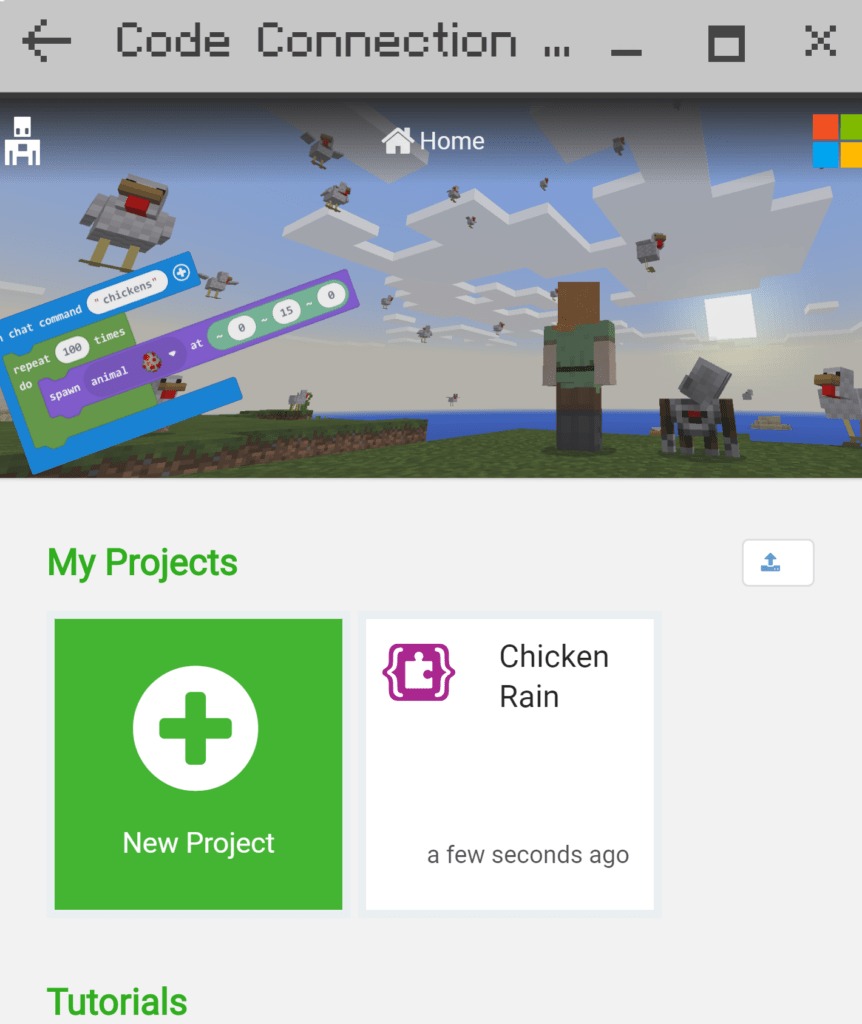
A final component needed is Code Connection for Minecraft, a free download. Code Connection makes it easy to transfer your code from the tool (e.g. Tynker, Scratch) to Minecraft. Here’s a visual walkthrough of how to get connected.
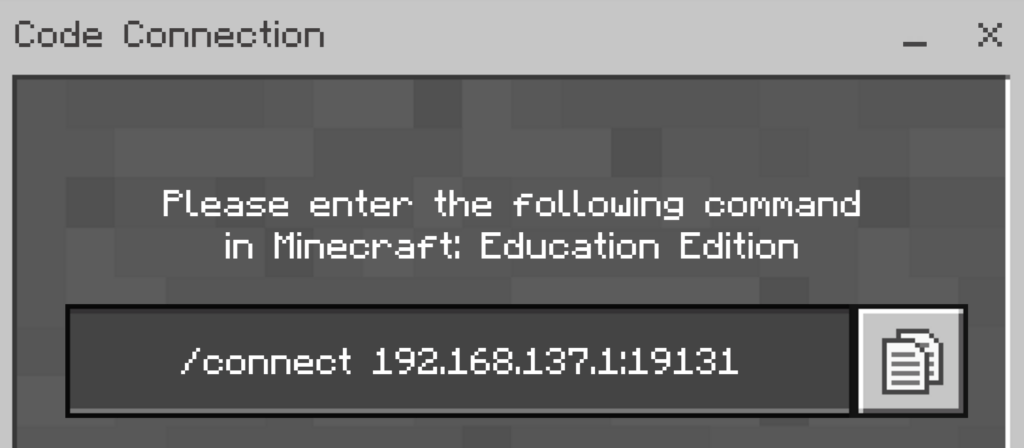
Once you have copied the connect code to put into Minecraft, switch to Minecraft:
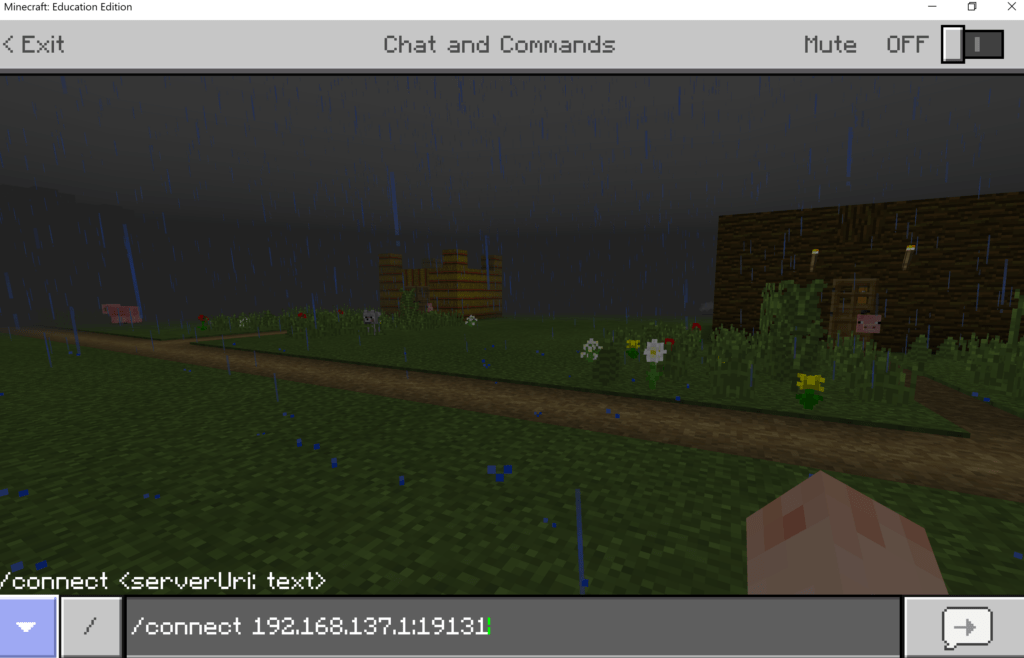
To establish the connection, press [ENTER] on your keyboard or click the button with the right arrow on it shown on screen.
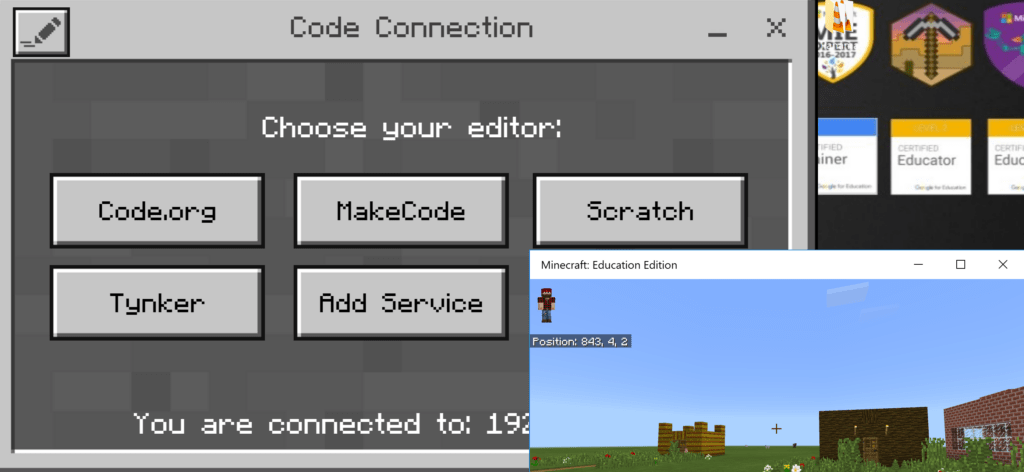
Once you have success in the connection to the Code Connection, you will see the various editors available (e.g. Code.org, Make Code, Scratch, Tynker). You may want to minimize your Minecraft: Education Edition window so you can see both of them on the screen. Note that you can switch between the two programs using Alt-Tab on your Windows 10 device.
I Create with Code, So I Codeate
A portmanteau of the words “code” and “create,” students and teachers can now create in virtual space. Instead of arcane characters typed into a text window, students can now realize their vision through graphics. Let’s explore various ways to create with code. Ideas appear with short website excerpts below.
Minecraft: Education Edition offers several ways to begin coding. Let’s take a look at two to start with.
Tool #1: Tynker
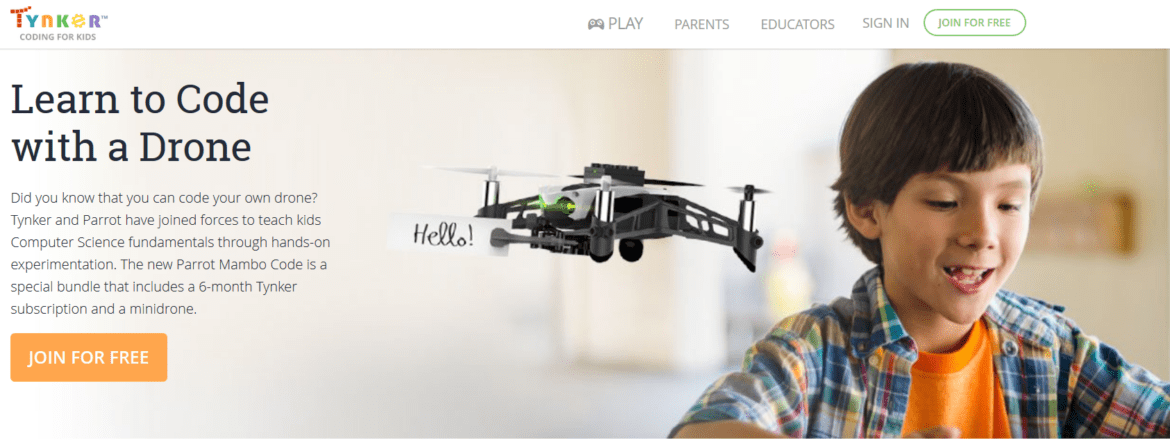
With Tynker, you have access to a rich variety of tutorials. These tutorials help you, step by step, to achieve success. Tynker relies on block coding, an approachable tool to use for beginners. This serves as an easy entry point for teachers learning to use coding in their classroom.
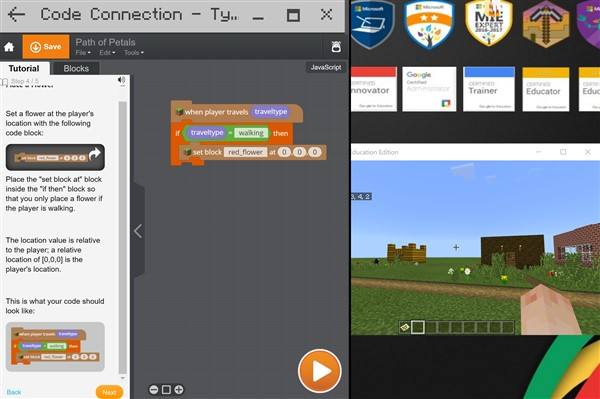
Tynker does the heavy lifting, keeping the fun in the creative process. The goal is to introduce students to Minecraft mod creation with Tynker. A variety of tutorials keeps learning fresh and exciting.
Tool #2: MakeCode
Ready to embark on deeper learning? Microsoft has provided a MakeCode curriculum appropriate for grades 6-8 that offers projects and tutorials specifically designed for students.. MakeCode works in a variety of settings and relies on both block and text editors, so what students learn is usable beyond Minecraft. This makes it ideal for learners at different levels. And, like Creative Coding Through Games and Apps (CCGA), it is a course written for teachers new to computer science or those who have never taught it.
The curriculum includes access to materials two formats. The first is the universal HTML (web page). The second, more valuable, is the OneNote Notebook format. Here, students learn about events, coordinates, variables, iteration, conditionals, functions, arrays, and more.
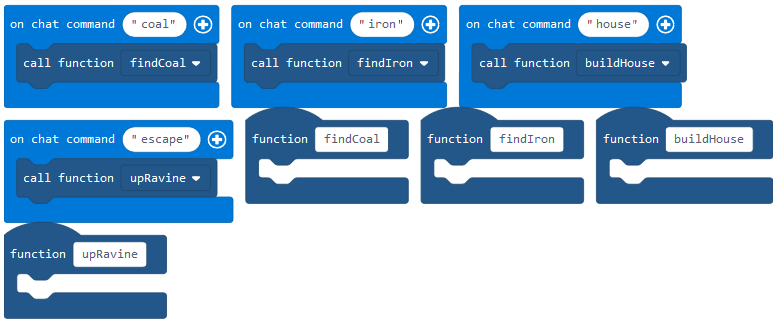
There is a final project that looks something like this:
You and your Agent are setting off on an adventure. You can only program four tools to take with you. What would you take? Create a backpack of tools that any Minecraft adventure would need.
MakeCode and Micro:bit
Microsoft’s commitment to MakeCode means that you not only see MakeCode working on Minecraft, but also with the Micro:bit. You’ll want to read this blog entry about 3D Printing and the Micro:bit to see more resources, but one announcement worth sharing now is that you can find an entire curriculum for Micro:bit available for free.
Codeate for Success
Ready to start on your own great Minecraft coding journey? Become Minecraft: Education Edition certified through this online course. You can also request an onsite workshop.
Update: This blog was updated with additional resources on 4/5/2018.

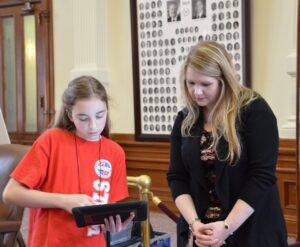
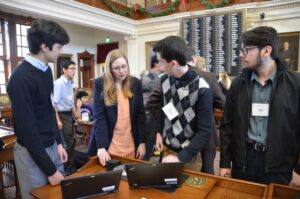 House of Representatives. Students from Richardson, San Antonio, Austin, Pflugerville, Spring Branch, Leander, Hays County, and Lufkin came to the Capitol to demonstrate the different ways students gain coding experience in their elementary, middle, and high schools. They also came to teach state legislators and their staff members how to write their first line of code.
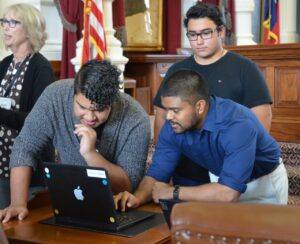 The
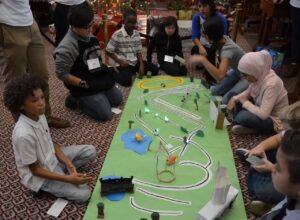 students and listened to some San Antonio elementary students read a story they wrote, as their pre-programmed robots acted out the plot line. In fact, there were a variety of different robots roaming about the floor of the chamber, including: Lego, Sphero, Dot and Dash, Makeblock, Mircobits, and Ozobots. One of the participant’s favorite activities was test driving the code written for a virtual reality experience by the Richardson ISD high school students.
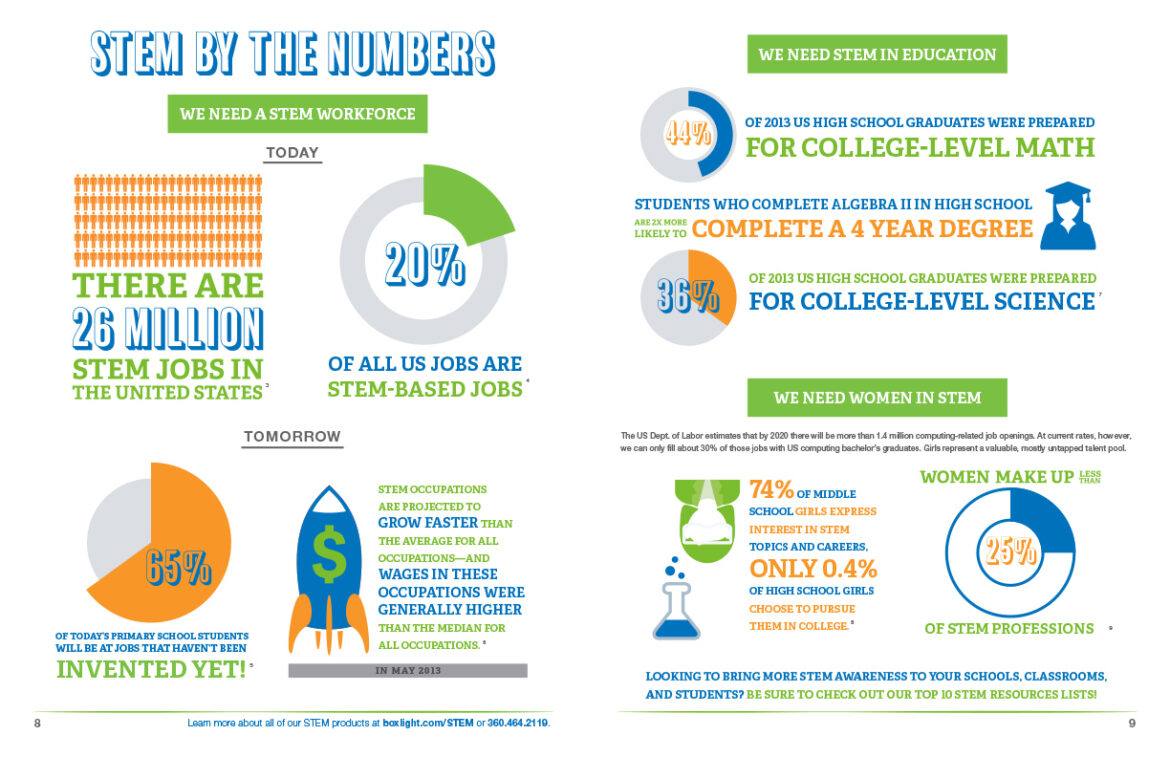
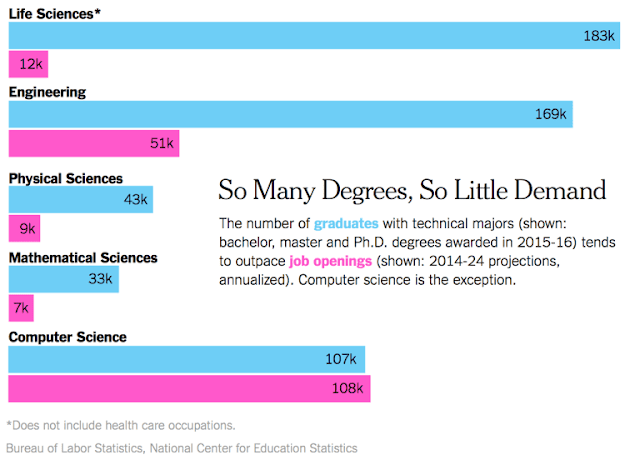
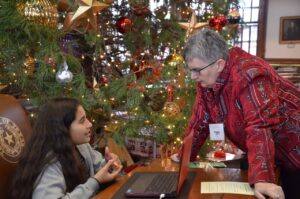 The students also got to hear what it takes to work at Facebook, Google, and Uber. Representatives from these companies spoke to the students over pizza and soft drinks. They highlighted the benefits of working in the tech industry and what it takes to land a job at one of these three companies. It won’t be long before these students will be polishing their resumes and knocking on their doors. The likelihood of these students getting jobs is strong since there are currently over 40,000 unfilled high-tech jobs in Texas. And yet, only 3 percent of high school students took a computer science course last school year.
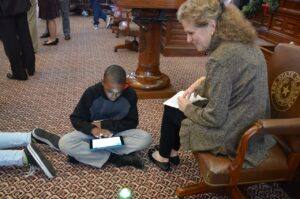 This is why this day was so important. Educating policy makers on the benefits of computer science is critical to enacting policies that can effectively change the dismal statistics. Some of the strategies to increase the opportunities for students to gain computer science skills are:



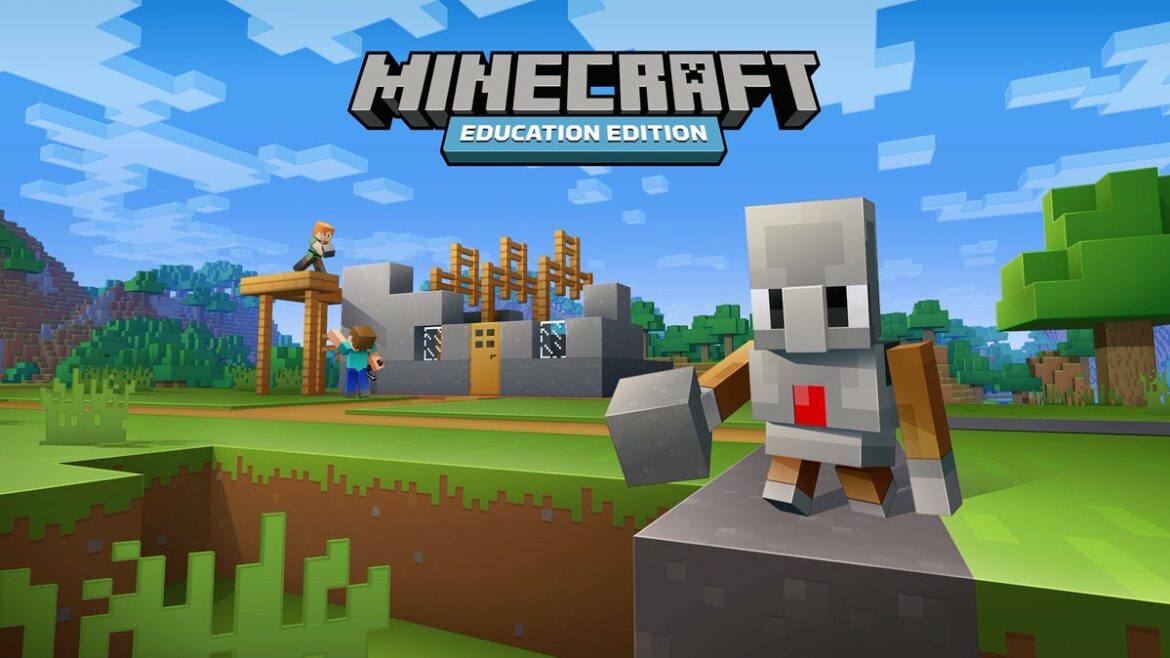
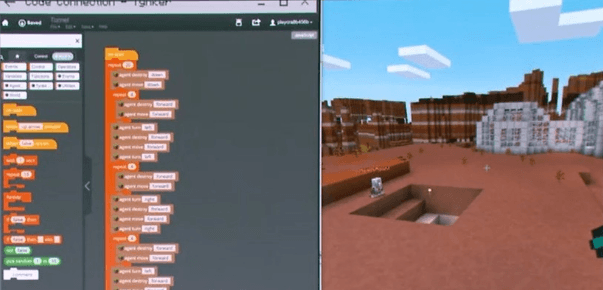 Wish you had a digital assistant to help you build a virtual world? Now you do. Minecraft: Education Edition (also known as MCEE and in use in 100 countries) now has a mod known as