
Every piece of technology was once new, exciting, and impressive.
Floppy disks made it possible to save and move computer files. Ditto machines created purple-inked copies for an entire class. Dial-up internet connected homes to a whole new online world, even if it came with plenty of screeching, static, and beeping first.
(And yes, I am old enough to have experienced every one of those technologies.)
Then something faster, smaller, or easier came along. That is how technology works. One invention solves a problem, and eventually another solves it a little better. But what happens to those devices after we stop using them?
What Is International E-Waste Day?
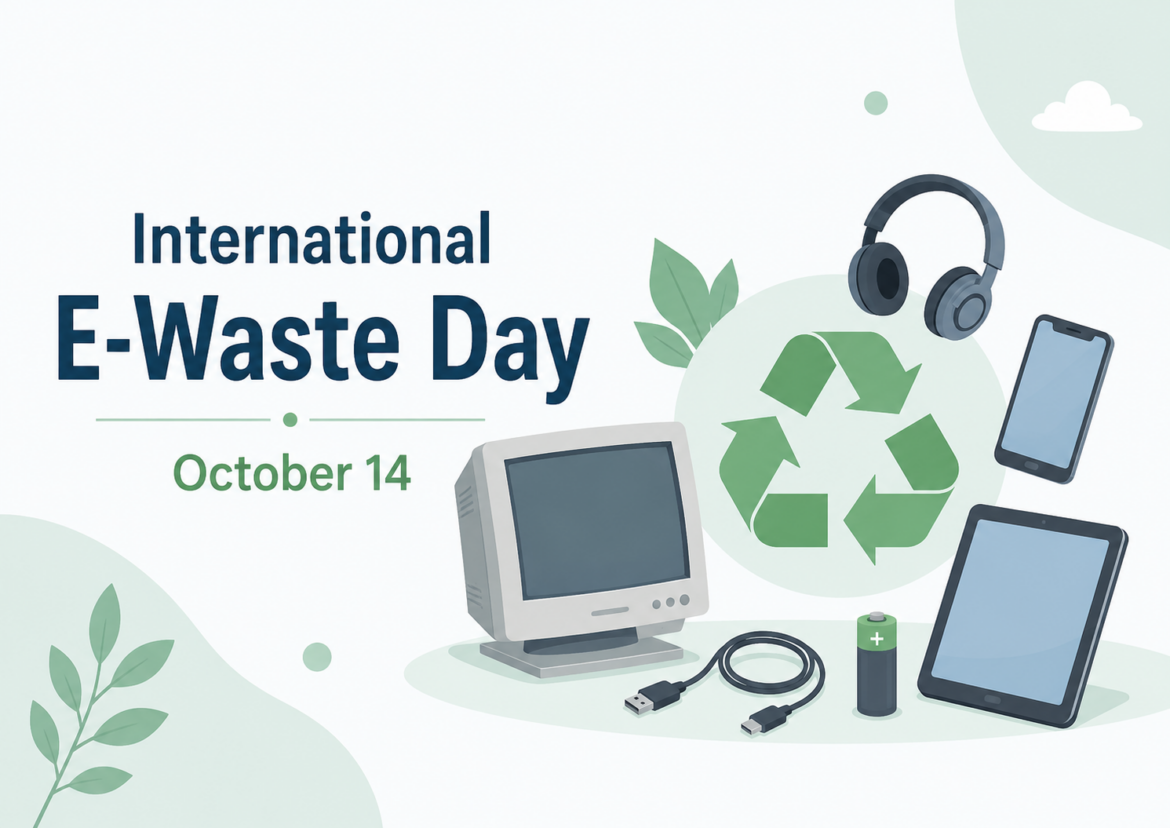
International E-Waste Day takes place each year on October 14. It brings attention to electronic waste, or e-waste, and encourages people to repair, reuse, donate, and responsibly recycle old electronics.
E-waste includes computers, phones, printers, tablets, chargers, batteries, cables, cameras, and other electronic devices. Some can still be used, while others contain parts and materials that can be recycled. Too many end up sitting in drawers, packed into closets, stored in school cabinets, or tossed into the trash.
International E-Waste Day gives educators an opportunity to help students think about the entire life cycle of technology, not just what a device can do when it is new.
How Teachers and Students Can Help
Reducing e-waste does not require a major schoolwide project. Small actions can make a difference.
Teachers and students can:
- Take care of devices so they last longer.
- Repair equipment when it is safe and practical.
- Find new uses for older devices that still work.
- Donate working electronics after removing personal or school information.
- Check with the district technology department before disposing of school equipment.
- Use an approved local recycling program for electronics that can no longer be used.
Students can conduct a simple e-waste audit at home or school and identify old phones, chargers, keyboards, cameras, cables, headphones, or other forgotten electronics. They should not take devices apart or handle damaged batteries. Instead, they can determine which items might be reused, donated, repaired, or recycled. They can also create posters, announcements, videos, or infographics to spread the word.
Apple offers a free recycling program for devices that are no longer being used. Old Apple products can be brought to an Apple Store or sent in for recycling, and some may qualify for trade-in credit. Granted, the credit may not be tremendous, but I like knowing the device will be reused or responsibly recycled instead of ending up in a landfill.
Enter the Technology Graveyard
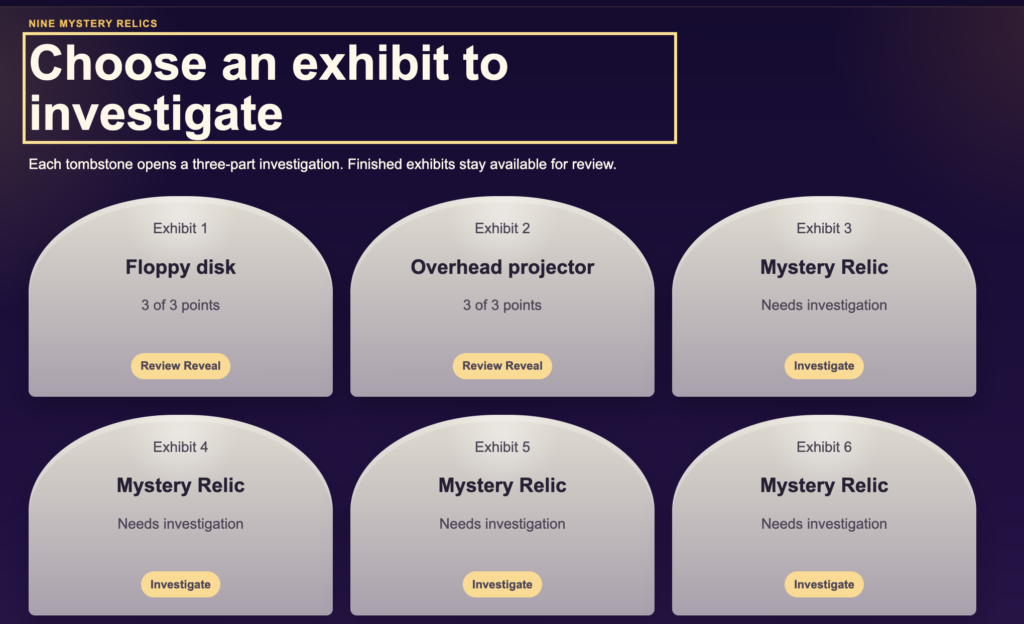
Once students understand the e-waste problem, invite them to take a trip through technology history with the Technology Graveyard.
In this interactive, vibe-coded activity, students investigate nine technology relics:
- 35 mm film
- Cassette tape
- CD-ROM encyclopedia
- Dial-up internet
- Dot-matrix printer
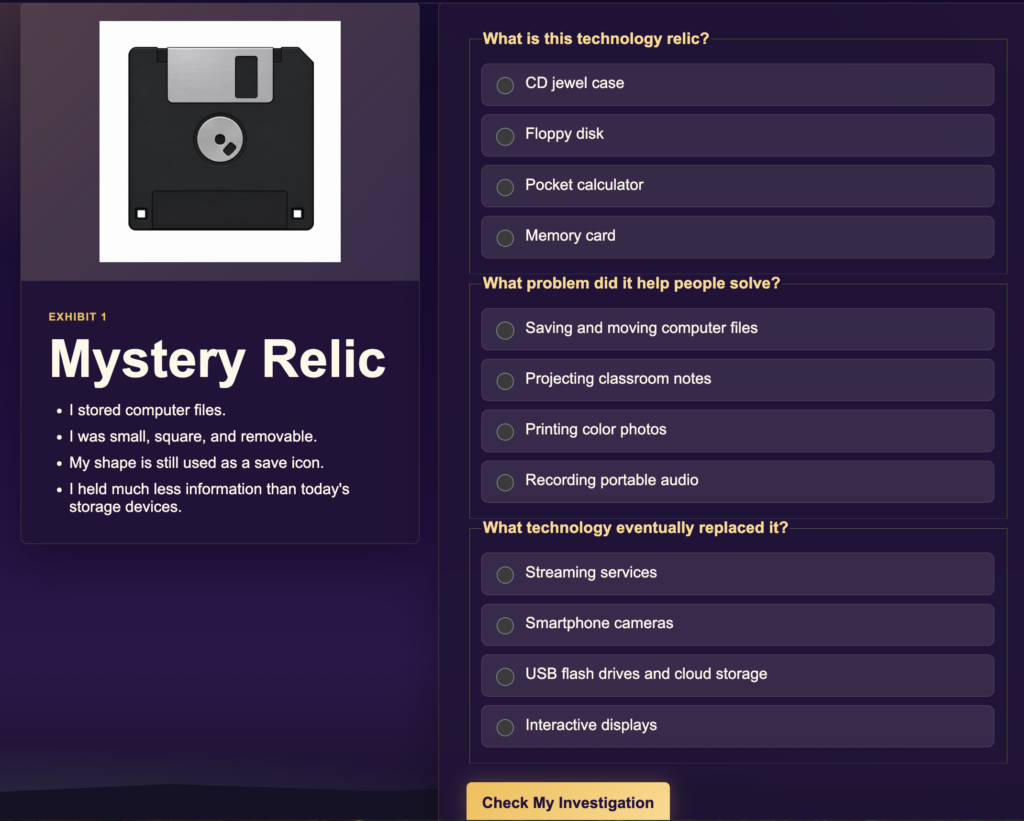
- Floppy disk
- Overhead projector
- PalmPilot
- Spirit duplicator, also called a ditto machine
The challenge is not simply to identify each item. Students must also determine what problem it solved and what eventually replaced it. Each relic offers a small lesson in problem-solving, innovation, and change.
Connect the Past to the Present
After students explore the Technology Graveyard, ask what may have happened to those outdated devices. Some may have been donated, recycled, collected, or passed along. Others may still be hiding in cabinets, closets, attics, and storage rooms.
This connects technology history to the e-waste problem. Every new device eventually becomes an old one, and every upgrade leaves something behind.
Students can discuss:
- Why do people replace technology?
- When should a device be repaired instead of replaced?
- What makes technology obsolete?
- Who decides what happens to an old device?
- How could companies design products that create less waste?
What Will Enter the Graveyard Next?
Technology is always changing, which means some tools students use today may become tomorrow’s tech relics. After students complete the activity, ask:
Which piece of technology you use today is most likely to enter the Technology Graveyard next, and what might replace it?
Their answers may surprise you. After all, every item in the Technology Graveyard was once considered the latest and greatest.
Complete the Technology Detective Reflection
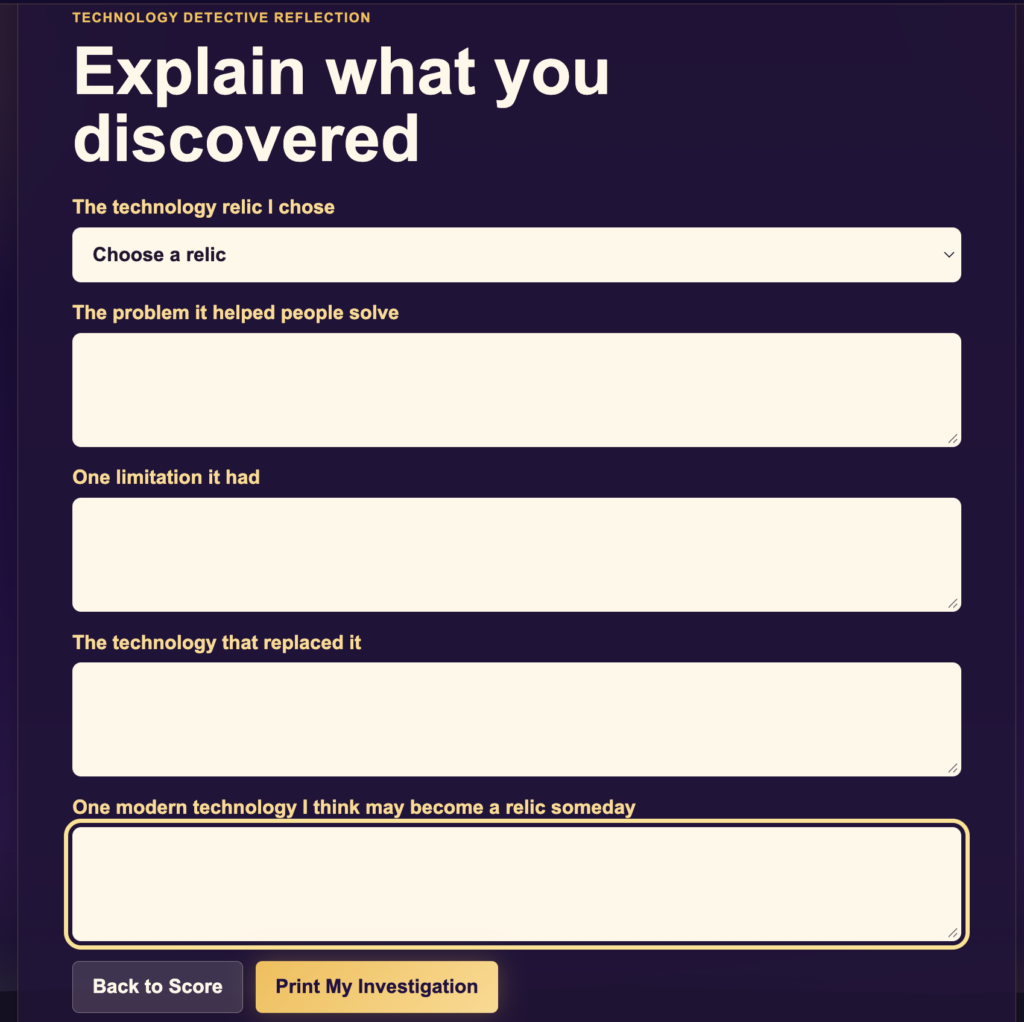
At the end of the activity, students view their score and complete a Technology Detective Reflection. The printable report includes their score out of 27, a result level such as Technology Time Traveler or Digital Detective, and answers to these questions:
- Which technology relic did you choose?
- What problem did it help people solve?
- What was one limitation it had?
- What technology eventually replaced it?
- What modern technology do you think may become a relic someday?
Students can type their answers and click Print My Investigation to generate a report.
P. S. Yay for Pixar!
Toy Story 5 offers a timely connection to International E-Waste Day. While Lilypad represents the latest technology, the movie also introduces older electronic toys forgotten in a shed or tucked into junk drawers. Smarty Pants, Snappy, and Atlas may be outdated, but they are not useless. With fresh batteries and a new opportunity, they find ways to help again. That is an important e-waste lesson. New technology does not mean older devices automatically belong in the trash. They may be repaired, reused, donated, or given a new purpose.
I am lucky to live in Austin, where I can take old electronics and batteries to Austin Resource Recovery, and I am proud to report I have used Apple’s recycling services. Now it is your turn. Drop a comment and proudly share your e-waste accomplishments!